
Key takeaways
- Google Forms works best for simple quizzes without timing or automation needs.
- Google Forms doesn’t offer timers or automation, which are required for auto-submit quizzes.
- Jotform is a better option for auto-submit quizzes.
- With Jotform, quizzes submit automatically when time runs out or when the quiz ends — no scripts required.
Sometimes, timing is everything — even when it comes to quizzes. Proctored exams, aptitude screenings, and training assessments are just a few cases where you might want to ensure that the quiz taker’s responses are automatically submitted when an allotted period of time is up.
But is this possible in Google Forms? The answer is no — you can’t create an auto-submit quiz in Google Forms. You can, however, do it using Jotform. Keep reading and we’ll show you how.
Pro Tip
Interested in trying Jotform but don’t want to start from scratch? You don’t have to. Simply use Jotform’s import tool to migrate your existing Google Forms to Jotform quickly and easily, and then add the auto-submit feature to your quiz.
Why you can’t auto-submit a Google Forms quiz
When it comes to online quizzes, Google Forms is only designed to handle manual submissions: A user fills out a form and clicks Submit, which triggers the transfer of information to Google’s servers. The platform simply doesn’t support the automatic transference of responses on certain conditions (such as reaching a specified time or date).
Google Forms has other useful quiz features — like multiple question types, a few templates, and basic conditional logic — but you can’t auto-submit a quiz in Google Forms.
Where Google Forms quizzes work well
Google Forms is still useful for certain quiz types, such as
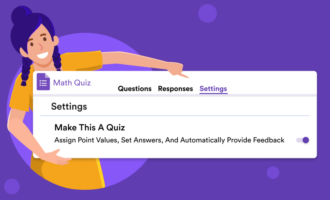
- Simple quizzes: Google Forms will serve you well if you’re creating a straightforward multiple-choice quiz. Its “quiz mode” has an instant grading feature that works well for closed-ended questions (not for short/long answers, though).
- Low-stakes assessments: Google Forms is a good, free tool you can turn to for quick, informal knowledge checks.
- Manual submission workflows: If you don’t need automatic submission, Google Forms can get the job done.
Where Google Forms quizzes fall short
When timing is crucial, the below Google Forms quiz limitations could present a problem:
- There’s no timed quiz feature in Google Forms.
- It has no auto-submit feature that would be triggered by certain conditions.
- It doesn’t have the ability to auto-submit after the final question.
- It can’t automatically submit due to inactivity.
To overcome these limitations, you could check out available Chrome extensions (like Timer + Proctor, which is specifically designed to overcome the lack of a Google Forms quiz timer) or write your own JavaScript. However, these workarounds are unreliable and unsupported, and, in the case of JavaScript, require advanced technical knowledge.
Auto-submit quizzes with Jotform instead (no scripts required)
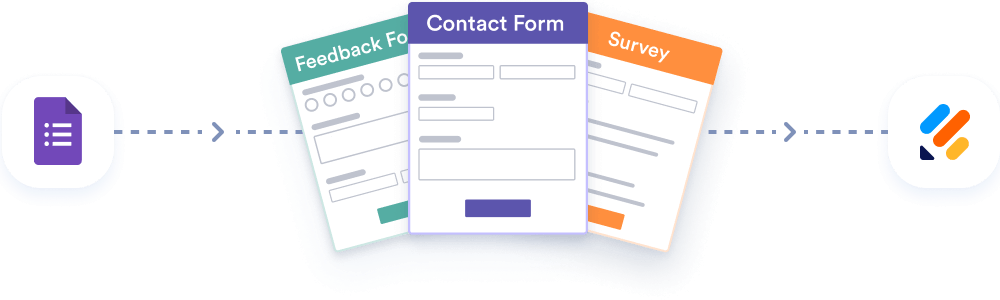
Migrate existing forms instantly
There’s no need to rebuild your online forms from scratch. Instead, migrate existing forms and submission data into your Jotform account in one click — so you can collect data without skipping a beat.
If you plan to use timed submissions regularly, Jotform is a better, more reliable choice. It’s a popular Google Forms quiz alternative that supports auto-submit quizzes natively, without scripts or extensions.
Even if all your quizzes are stored in Google Forms already, you can easily migrate them over to Jotform using its import tool. Once you’ve transferred your existing forms, you can then enhance them with any of Jotform’s features, including things like auto-submit and advanced conditional logic, and manage the responses better with its analytics and reporting tools. It’s simply a matter of switching on the right settings.
After you migrate your Google Forms quiz to Jotform, here’s how to add auto-submit in Jotform:
- Create a form in Jotform and add your quiz questions.
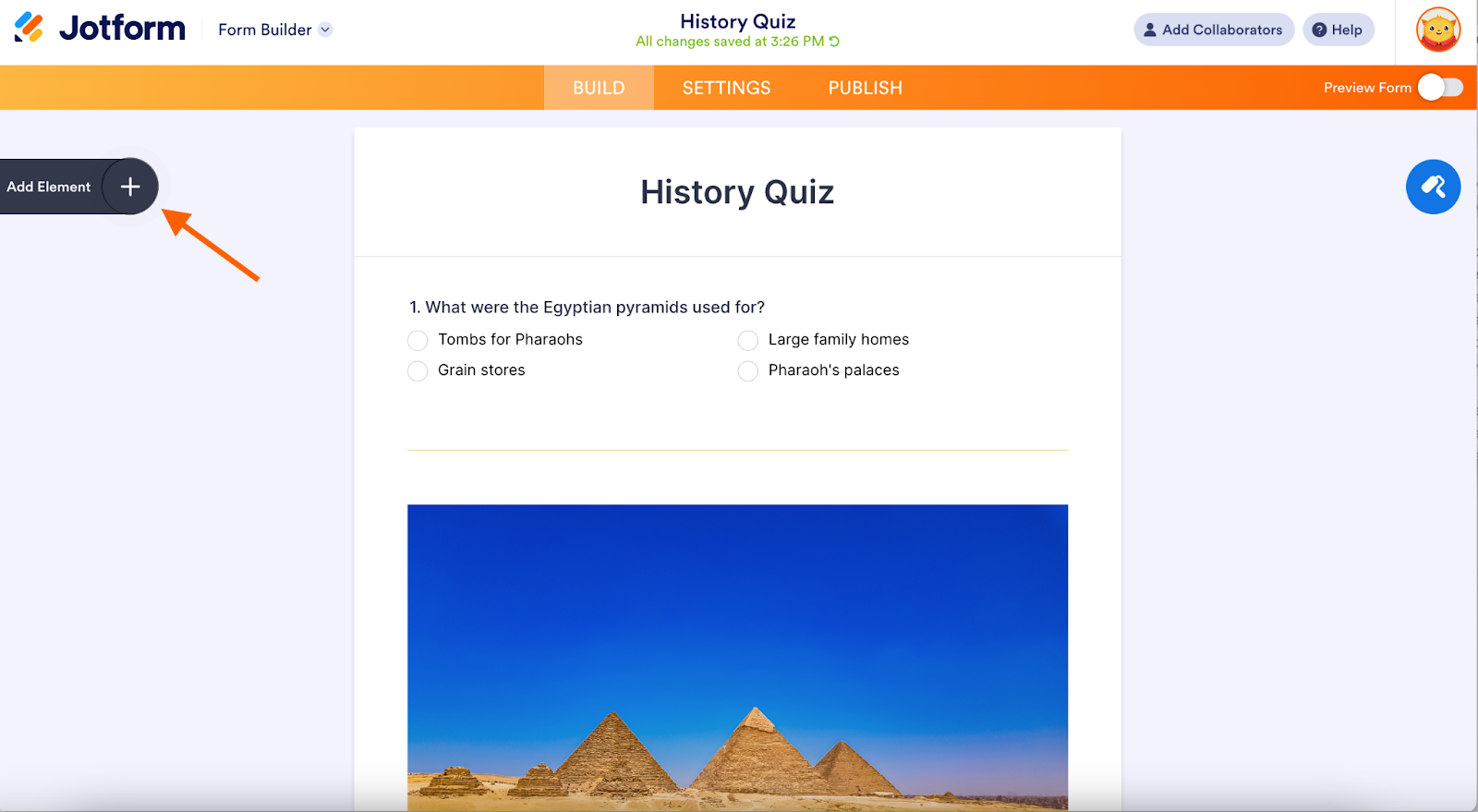
- Click Add Element at the top left.
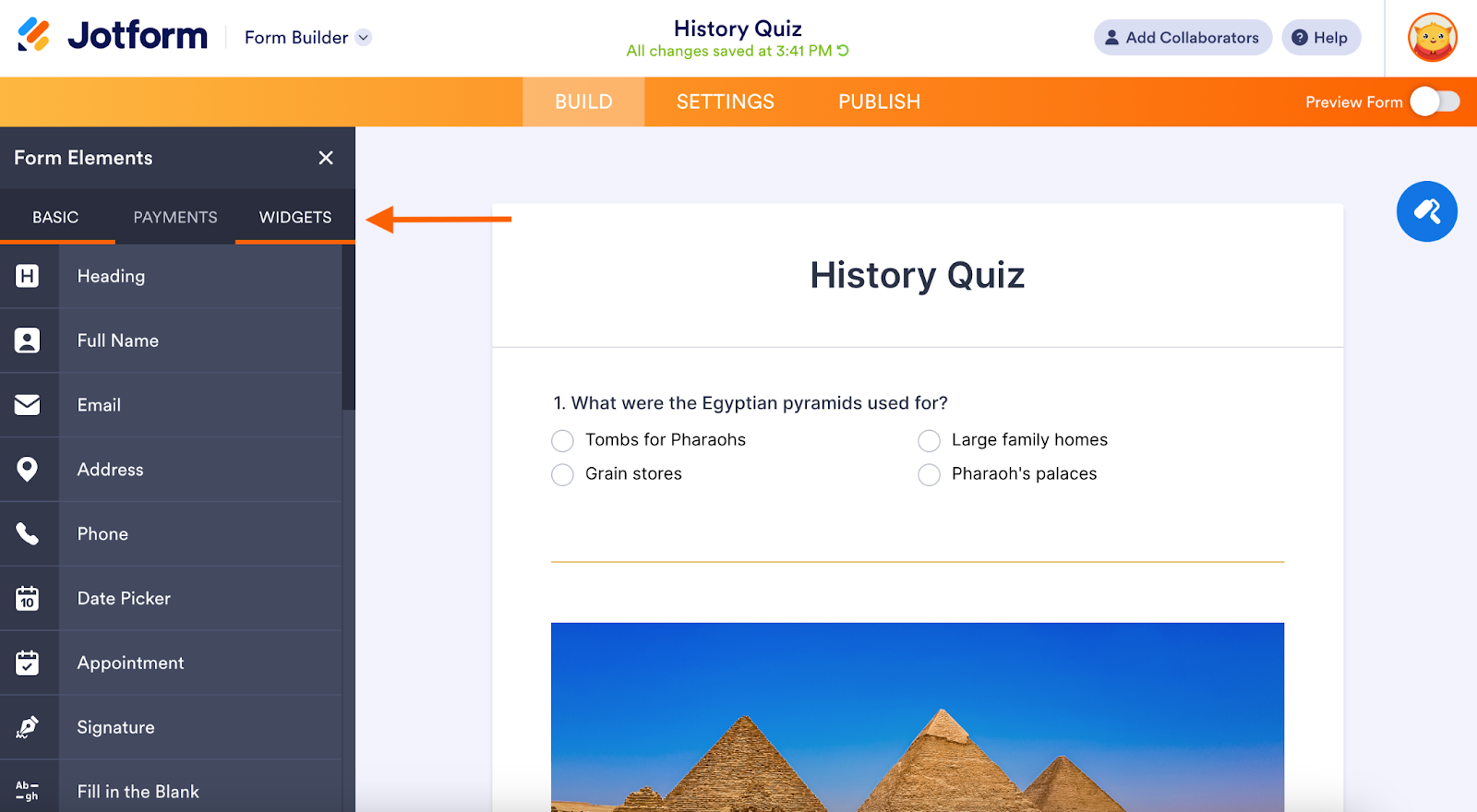
- Click Widgets.
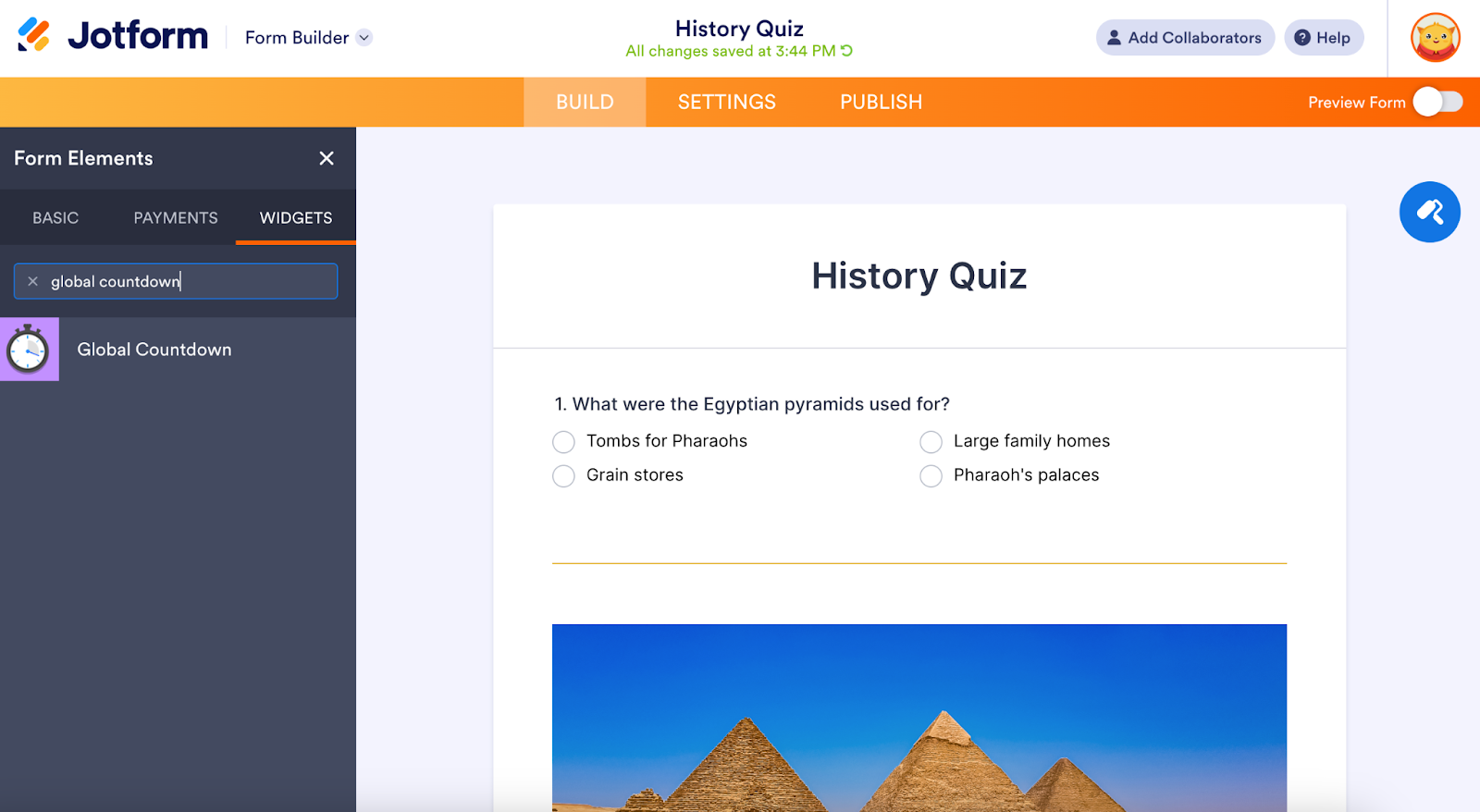
- Type “Global Countdown” into the search box and click the Global Countdown widget.
- Fill out the necessary fields to match your preferences (e.g. 60 minutes or two hours). Click Update at the bottom.
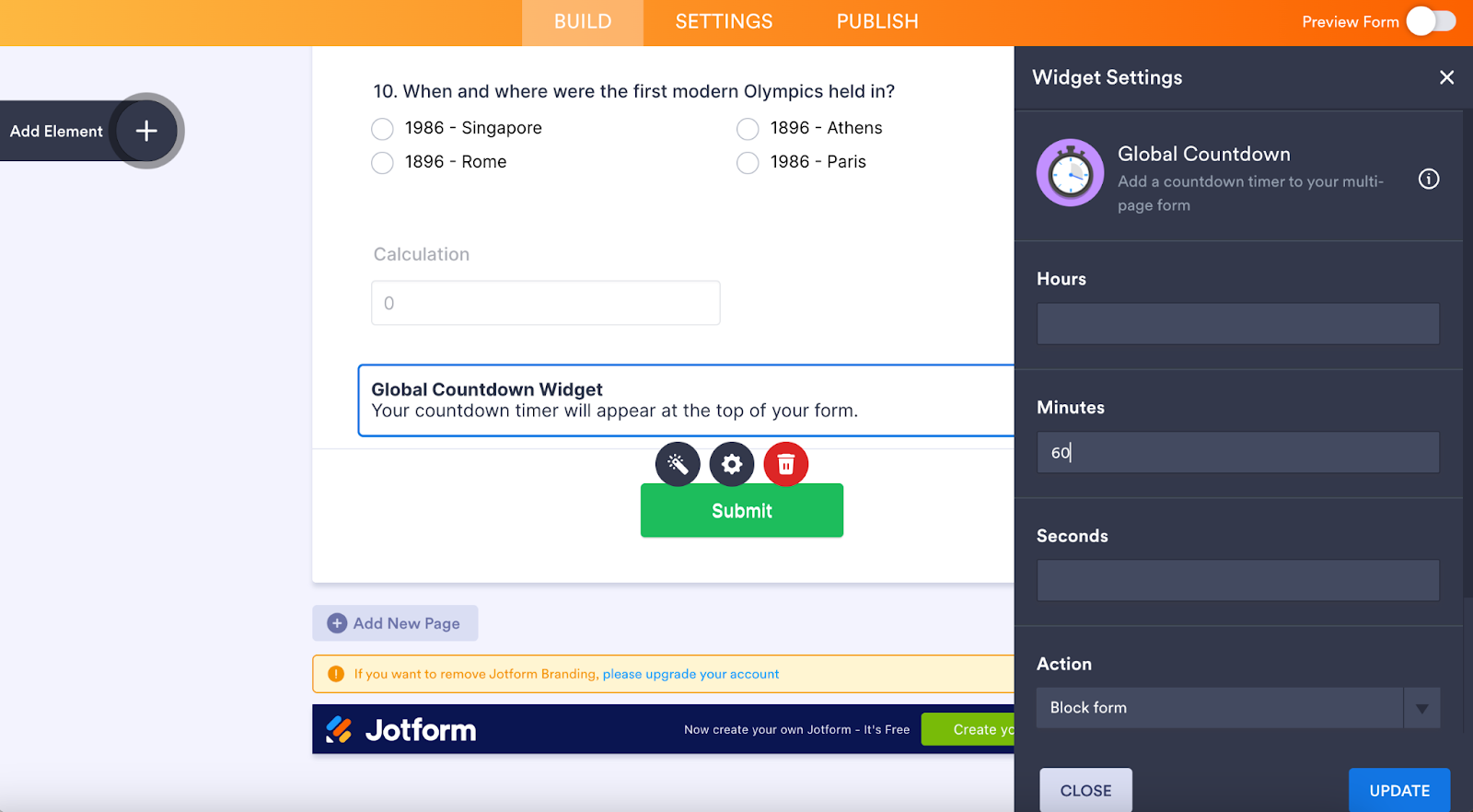
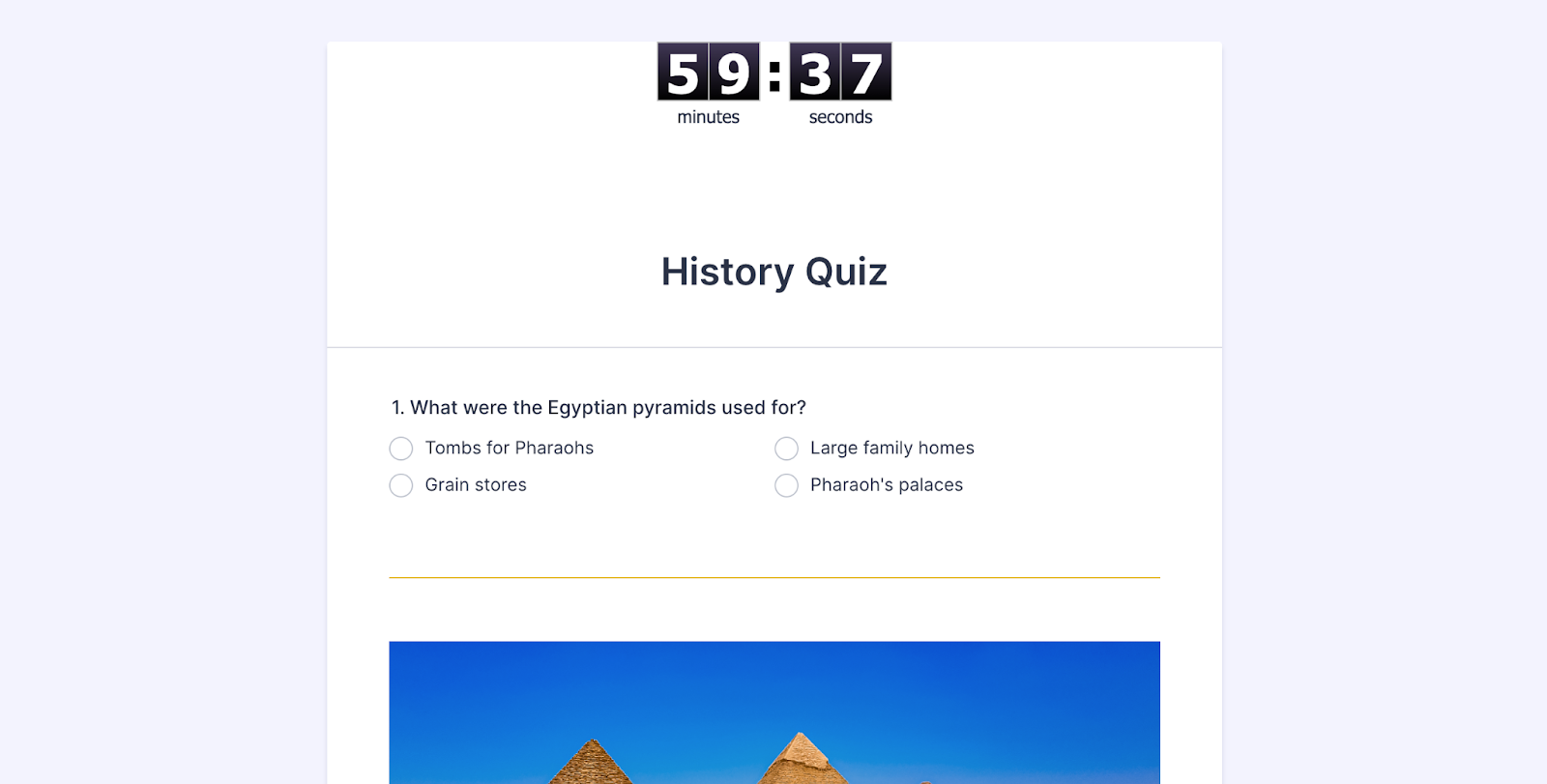
Quiz takers will see a countdown timer at the top indicating how much time they have left. When the time is up, the quiz auto-submits — even if they forget to click submit.
Jotform also has lots of additional features that can make your life as a form creator easier and improve the experience for quiz takers, too.
For example, you can add a form calculation widget to automatically assign point values to fields for easy grading. You can also take advantage of Jotform’s conditional logic feature to create forms that serve up the right questions to quiz takers depending on their answers to previous questions.
With Jotform, you can make nearly any kind of form according to the parameters you choose — which ultimately makes for better quizzes.
Pro Tip
If you’re starting from scratch, you can build your quiz directly using Jotform’s Quiz Maker for full control, or use the Jotform AI Quiz Generator to quickly turn already-made documents or presentations into quizzes.
So, should you use Google Forms or Jotform for auto-submit quizzes?
 Google Forms |  Jotform | |
|---|---|---|
| Quiz mode | ||
| Auto-submit | ||
| Timer | ||
| No-code setup |
The clear answer is Jotform. In Google Forms, there’s no timed quiz feature or capacity to auto-submit quizzes. So, while it may work well enough for basic quizzes, it’s not a viable option for those that require timing or automation.
Jotform is the ideal Google Forms quiz alternative. It’s better suited for timed quizzes and automated submissions without scripts. It also opens up a world of options for things that wouldn’t be possible in Google Forms, like advanced test analytics, customizable notifications for quiz takers, AI-generated quizzes, advanced conditional logic, and more.
See a breakdown of Jotform vs Google Forms here, or go ahead and give Jotform a try. You can sign up for free anytime and create your first quiz in minutes. See for yourself which platform makes the grade.
This article is for educators, HR teams, trainers, marketers, small business owners, and operations professionals who want to create quizzes or assessments that submit automatically, especially for timed exams, training, or compliance use cases, without relying on scripts or technical workarounds.


























































































Send Comment: