
Every team, from lean startup to large enterprise, eventually needs a reliable way to collect information. Whether you’re gathering customer feedback, running employee pulse checks, or managing event registrations, the tools you choose play a big role in how efficiently data flows through your organization.
Google Forms and Qualtrics are two popular online survey software used by businesses of all sizes. While Google Forms is a free, lightweight form builder familiar to most teams and well-suited for straightforward data collection, Qualtrics is an enterprise-grade experience management platform designed for advanced research, sophisticated analytics, and large-scale feedback programs.
However, choosing between Qualtrics vs Google Forms goes beyond pricing and survey logic. It involves understanding how well each platform fits into your existing workflows, the level of control it offers, and whether your team has the technical capacity to get real value from it. In this Qualtrics vs Google Forms comparison, I’ll break down how both platforms stack up across features, workflows, and pricing — and show you a strong alternative worth considering if neither feels like the right fit.
Key takeaways
Both Google Forms and Qualtrics are capable survey tools, but they’re built for very different use cases. Depending on your project, team size, and technical needs, one may be a significantly better fit than the other. Here’s a quick summary of this survey tools comparison, but keep reading for a full breakdown.
- Google Forms is best suited for simple public polls, internal surveys, and teams already working in Google Workspace.
- Qualtrics is best for running long, complex surveys and analyzing data in depth.
- Both platforms support a range of question types, as well as conditional logic, real-time response tracking, and team collaboration. But Qualtrics offers more depth across all comparable features.
- Jotform’s Free Online Survey Maker is a strong alternative for teams that need more than data collection. It offers flexible form building, automated multi-step workflows, and process approvals without the complexity or cost of enterprise platforms.
Qualtrics vs Google Forms comparison table
 Google Forms |  Qualtrics |  Jotform | |
|---|---|---|---|
| Best for | Straightforward surveys and simple data collection | Complex, large-scale data collection | Flexible, customizable forms connected to automated workflows and approvals |
| Forms and survey features | Basic templates, an intuitive form builder, and necessary data collection tools | Around 50 pre-built templates, a drag-and-drop editor, plus multi-channel distribution | More than 10,000 templates, a drag-and-drop builder, and multi-channel distribution |
| Customization and branding | Limited options for customizing templates | More customization options, including custom JavaScript | Extensive customization options, including layouts, branding, and themes |
| Question types and logic | 11 question types, basic logic, and branching flows | 23 primary question types, answer formatting options, and advanced logic | Wide variety of question types for qualitative and quantitative data collection |
| Integration | Direct integration with the Google ecosystem, but limited third-party integrations | Extensions for integrating third-party tools plus APIs for custom integrations | Seamless integration with Google Workspace, payment gateways, and other business-critical tools |
| Analytics and reporting | Real-time analysis plus Google Sheets integration for data visualization | Real-time analysis plus advanced visualization and detailed reporting | Real-time analysis plus automated report generation with Jotform Report Builder |
| Mobile experience | Forms work well on any device | Surveys are optimized for mobile devices | Fully optimized forms with a dedicated mobile app for form management |
| Plans/pricing | Transparent, affordable pricing | No publicly displayed pricing | Transparent, affordable pricing |
What is Google Forms?
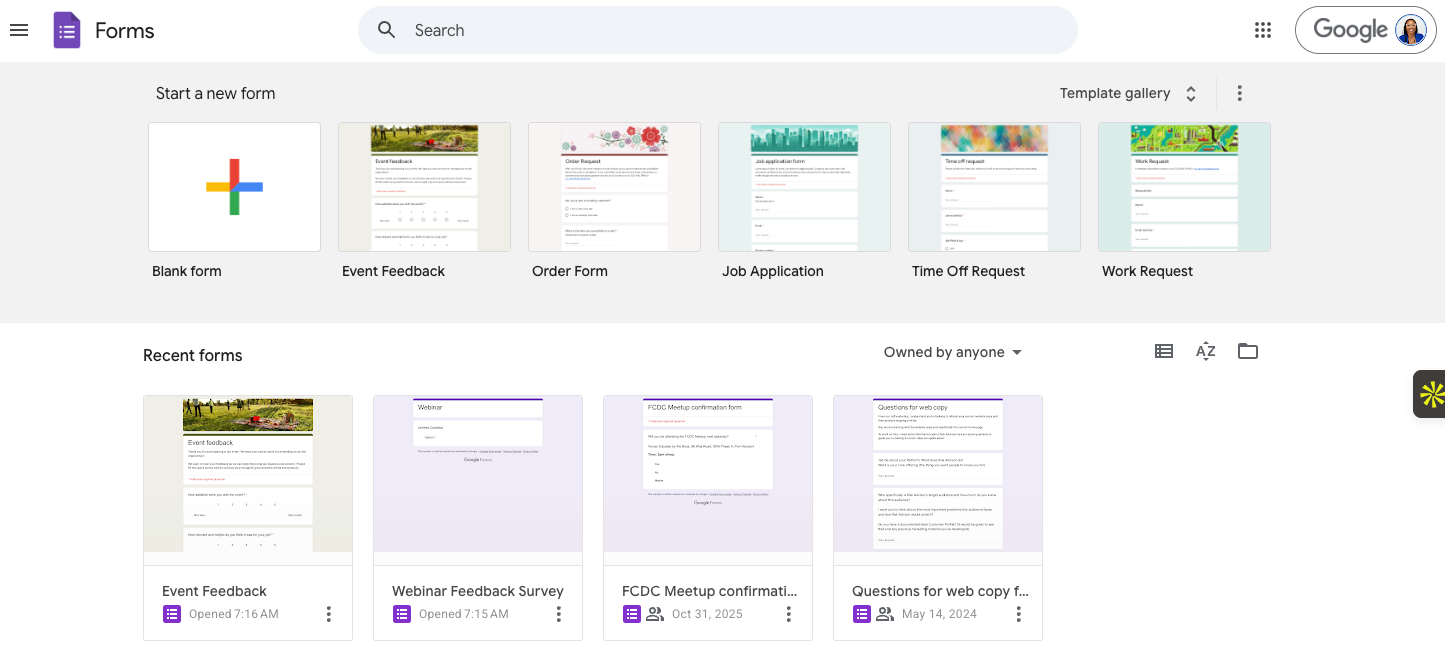
Google Forms is a straightforward form and survey builder that lives inside Google’s ecosystem. With it, you can create a survey in minutes, share it via link or email, and watch responses populate directly into a Google Sheet. For teams already working in Google Workspace, it fits naturally into existing workflows without adding another tool to manage.
Where Google Forms shines is in its simplicity. Whether you need to gather feedback after an event or measure employee work-life balance, the tool handles common survey use cases well. It supports 11 question types, including multiple-choice, dropdowns, linear scales, checkboxes, and open-ended responses. It also allows teams to collaborate on form creation in real time — there’s no steep learning curve, no onboarding required, and no cost barrier for most users.
For many teams, this simplicity is the appeal. But when surveys require more advanced logic, stronger branding, or deeper reporting capabilities, Google Forms starts to show its weaknesses. Conditional logic is restricted to basic if/then branching, customization options are limited, and reporting doesn’t go much beyond automated charts and response counts.
- Best for: Small businesses, educators, and teams already in the Google Workspace ecosystem who need a fast, no-fuss way to collect data
- Key features
- Drag-and-drop form builder for creating surveys, quizzes, and data collection forms — no coding or technical experience required
- Multiple question types, giving you flexibility for most standard survey needs; Google Sheets integration to sync responses automatically, making it easy to sort, filter, and analyze data without leaving Google’s ecosystem
- Conditional logic to direct respondents to different questions based on their answers
- Real-time collaboration allows multiple team members to build and edit forms simultaneously, with sharing and permission controls built in
- Pros
- Free for anyone with a Google account
- Quick to set up and easy for non-technical users to build and share forms
- Seamless integration with Google Sheets for real-time response tracking and analysis, as well as the rest of Google Workspace
- Cons
- Basic conditional logic makes it a poor fit for complex surveys
- Surface-level analytics — no advanced reporting, segmentation, or crosstab analysis out of the box
- Plans/pricing:
- Personal use (free)
- Google Workspace Business Starter ($8.40 per user per month)
- Google Workspace Business Standard ($16.80 per user per month)
- Google Workspace Business Plus ($26.40 per user per month)
- Enterprise editions (contact sales)
Pro Tip
Already using Google Forms but want more functionality? You can migrate your Google Forms to Jotform in minutes and pick up where you left off.
What is Qualtrics?
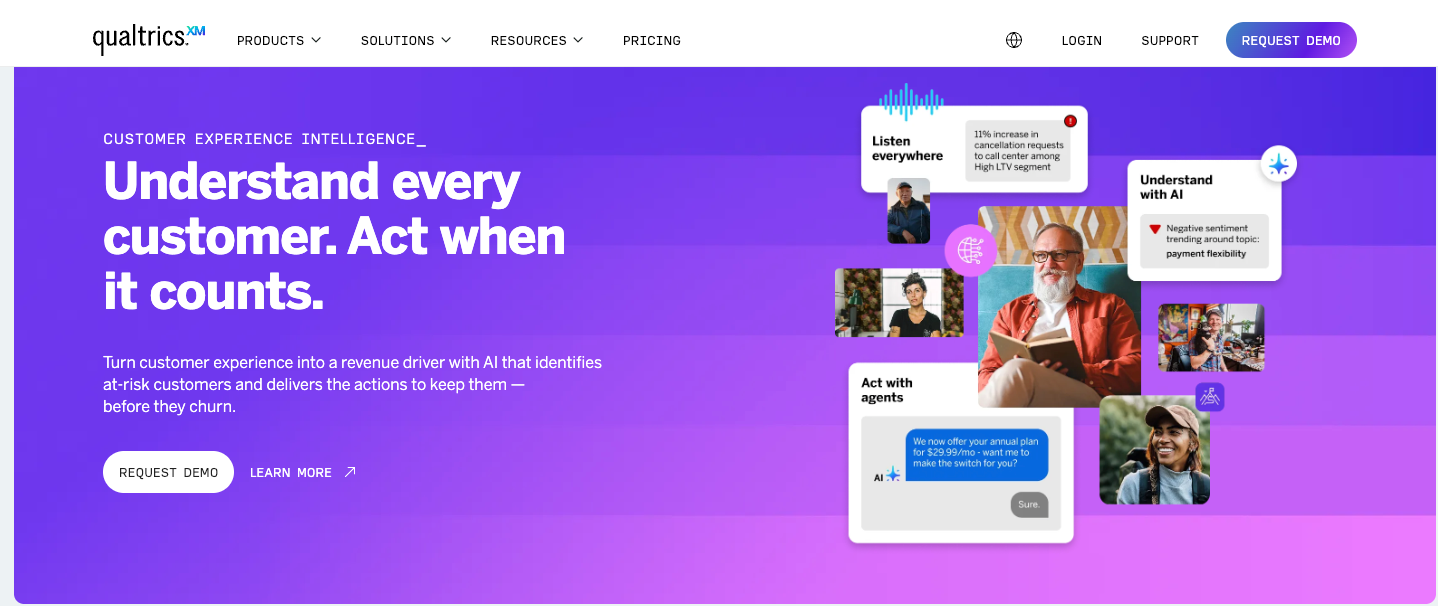
Qualtrics is an enterprise experience management platform, and CoreXM is its survey and research suite. The platform gives you control over survey design, data quality, and how results are analyzed and shared across your organization. It’s built for academic institutions, market research firms, HR departments, and enterprise customer experience teams running ongoing, structured feedback programs.
When building a survey in Qualtrics, you’re working with advanced display, skip, and branch logic as well as embedded data, quota controls, and distribution channels across email, SMS, QR codes, and website embeds.
The platform also allows you to use custom JavaScript to add tailored functionality beyond the standard features. So, you can do things like precode answers, control time spent on questions, or enforce specific respondent criteria using custom validation.
Once responses come in, Qualtrics’ analytics suite handles statistical and sentiment analysis at scale. And you can create customizable dashboards for stakeholders to visualize the data slices most relevant to them.
Because of its depth, Qualtrics comes with a steep learning curve that can be overwhelming for new users. Building complex surveys with multiple panels and logic layers can also bog down the system, slowing teams who need to launch quickly or manage day-to-day operational workflows.
- Best for: Enterprise teams, academic researchers, and organizations running sophisticated data collection programs
- Key features
- Advanced survey logic with 100 question types, complex logic flows, piped text, and more for research-grade survey design
- AI-powered analytics tools (Stats iQ and Text iQ) for automated statistical and sentiment analysis
- Built-in AI research assistant, ExpertReview, that analyzes your survey before launch and flags methodology issues, biased questions, or design problems that could compromise data quality
- Crosstab reporting and dashboards for analyzing, sharing, and presenting findings to stakeholders
- Enterprise-grade security and compliance for regulated industries and government use cases
- Pros
- The depth of survey tools on Qualtrics is unmatched for serious research and enterprise feedback programs
- AI-driven analytics reduce the manual work of interpreting large volumes of data
- Qualtrics carries the credibility and compliance standards that enterprise teams require — it’s trusted by 75 percent of the Fortune 500
- Extensive customization options and data analysis tools
- Cons
- Steep learning curve due to the depth of features
- Unclear pricing and contracts that can run into tens of thousands of dollars annually, putting it out of reach for smaller teams
- Plans/pricing
- No free trial available, no publicly listed plans
Pro Tip
Not sure Qualtrics is the right fit for your team’s size and skill level? Check out Jotform’s take on the best Qualtrics alternatives.
Google Forms vs Qualtrics survey features comparison
Google Forms wins on ease of use, Qualtrics takes time to master
Google Forms is about as frictionless as form building gets. In under five minutes, you can open a form, add survey questions, choose a theme, share a link, and start collecting responses immediately. There’s no onboarding, no configuration, and no technical knowledge required.
Qualtrics, with its drag-and-drop survey builder, is intuitive enough for experienced users but poses a learning curve for non-technical folks. Things like setting up advanced logic, configuring dashboards, and understanding distribution options can take time, and most teams need dedicated training or onboarding support to use the tool effectively.
If speed to launch is your priority and your survey needs are straightforward, Google Forms is the right choice. But if you’re running a structured research program or enterprise feedback initiative where setup time is a worthwhile investment, Qualtrics is the better option.
Qualtrics is built for research-grade surveys, Google Forms satisfies the basics
Google Forms supports up to 11 question types and conditional logic with one-level-deep routing that lets you direct respondents to a different question based on their previous answer. For standard surveys and simple intake forms, that’s enough.
Qualtrics, on the other hand, supports 29 primary question types, multi-level branching logic, quota controls, randomization, embedded data, and distribution across email, SMS, QR codes, and website embeds. If you need to control how respondents move through a survey, cap responses by segment, or pre-populate fields with known data, Qualtrics gives you that level of precision. You can also use custom JavaScript to enhance logic complexity, modify the layout of your survey, or add custom behaviors not available through built-in tools.
If your survey contains more than a handful of questions with straightforward routing, using Google Forms will start to feel limiting quickly. Qualtrics is the better tool for any use case where survey design methodology and data quality matter.
Qualtrics offers enterprise analytics, while Google Forms keeps reporting simple
Google Forms provides automatic response summaries, basic charts, and the ability to push data into Google Sheets for further analysis. In Sheets, you can build pivot tables, apply filters, and create visualizations. But the analytics stop there. There’s no built-in segmentation or sentiment analysis, and you can’t build shareable dashboards directly within the platform.
Qualtrics provides an analytical suite with two tools: Stats iQ, which handles statistical analysis, and Text iQ, which processes open-ended responses at scale using AI-driven sentiment analysis. The dashboard builder lets you create customizable, role-based views for different stakeholders, plus crosstab reporting makes it easy to slice data by audience segment. Qualtrics also lets you export results in multiple formats, including SPSS, for researchers who need to run further statistical modeling.
If you want to share findings with leadership, present research to stakeholders, or analyze large volumes of qualitative data, Qualtrics is the clear choice. For smaller teams that just need response data in a spreadsheet, Google Forms paired with Google Sheets gets the job done.
Google Forms fits best inside the Google ecosystem, Qualtrics is built for enterprise tech stacks
Google Forms integrates naturally with the rest of Google Workspace. So for teams already living in that ecosystem, responses flow into Sheets without any setup, and sharing forms through Gmail is seamless. However, third-party integrations outside the Google ecosystem require add-ons or workarounds through tools like Zapier.
Qualtrics connects with enterprise systems out of the box. With native integrations for Salesforce, Microsoft Dynamics 365, Marketo, Slack, ServiceNow, and a range of business-critical platforms, survey data can flow directly into the tools your organization already uses. A REST API also gives technical teams the flexibility to build custom integrations for more complex workflows.
If your team runs on Google Workspace and your data stays within that ecosystem, Google Forms is the natural fit. But if your organization operates across multiple enterprise platforms and needs survey data to feed into customer relationship management or marketing automation tools, Qualtrics’ integration depth is hard to match.
Qualtrics offers more granular access controls and security
Google Forms’ access controls let you restrict forms to specific domains or require sign-in before responding. While multiple team members can collaborate on forms simultaneously, role-based permissions are highly limited. The platform also lacks the audit trails and governance controls that regulated industries typically require.
Qualtrics, on the other hand, lets admins control who can build surveys, view responses, edit dashboards, or export data. SSO support and centralized account management make it easier to govern access across large teams, and audit trails give compliance teams visibility into how data is handled. Qualtrics is GDPR, HITRUST, and FedRAMP compliant as well as ISO-27001 certified, making it viable for healthcare, government, and financial services use cases where security and governance are non-negotiable.
If you have a small team or your use case is internal, Google Forms’ security is more than adequate. But for teams managing sensitive employee or customer data at scale, Qualtrics’ compliance and access controls are essential.
Google Forms vs Qualtrics: Which should you choose?
Choose Google Forms if you’re building simple, small surveys. You’ll be able to launch quickly and at zero cost. You just won’t have access to extensive design flexibility or in-depth reporting.
If you’re building ongoing, complex surveys that require advanced logic or statistical analysis, choose Qualtrics. You’ll get research-grade control over survey design, automation, and data visualization.
And if neither tool quite fits? Consider Jotform if you’re looking for the best Google Forms alternative that offers advanced customization, in-depth reporting, and automated workflows, without the steep learning curve or costly price tag. See how Jotform compares to Google Forms.
Want a form builder that connects your data collection to real workflows? Try Jotform
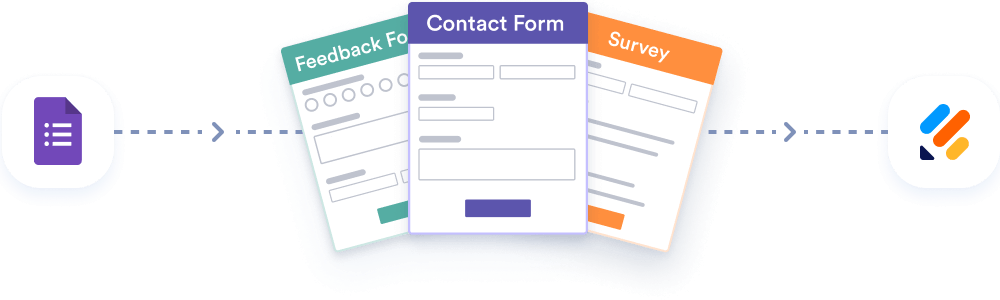
Migrate existing forms instantly
There’s no need to rebuild your online forms from scratch. Instead, migrate existing forms and submission data into your Jotform account in one click — so you can collect data without skipping a beat.
Most form and survey tools stop at data collection. But what you do with that data and how fast you can act on it is a different problem entirely.
And that’s where Jotform stands out as one of the best online form builders. It lets teams instantly move from data collection to action by connecting forms to structured, multi-step automated workflows — no third-party apps required. As survey submissions come in, Jotform can automatically move data through your predetermined workflows. You can configure it to instantly turn responses into professional reports with the Jotform Report Builder, assign tasks directly to team members in Jotform Tables, route approval requests to the right departments, send prefilled forms for signature requests, or notify colleagues — all without writing a line of code.
Getting started with Jotform is easy. With 8,000-plus free survey templates covering everything from customer satisfaction surveys to marketing, education, and HR surveys, you’re rarely starting from scratch. You can customize survey forms with layout options, your branding, and conditional logic so that your forms look professional and behave exactly the way your workflow requires. Jotform also gives you a host of sharing options, including website embeds, social media, email, and form links. Once your form is live, submissions trigger automated workflows that keep your research work or feedback program moving, and keep colleagues informed.
Jotform also offers payment processor integrations with popular options like PayPal, Stripe, and other regional options. Plus, it offers transparent pricing that scales with your needs. Start with the free plan for individuals or explore team and enterprise options for large organizations.
If you’re looking for a structured way to collect information, connect that data to your existing workflows, and move work forward, try Jotform today to see how it supports form-led operations at scale.
This article is for researchers, marketers, HR teams, educators, product managers, and businesses comparing Qualtrics and Google Forms to decide which survey platform better fits their needs, whether for advanced research, enterprise insights, or simple data collection.























































































Send Comment: