Create Conversational Surveys
Jotform’s conversational survey maker helps you build engaging conversational surveys that boost completion rates with one-question-at-a-time experiences. Use its drag-and-drop builder and free templates among 20,000+ forms to customize your conversational survey without coding and collect responses online or offline. Analyze collected feedback in Jotform Tables, generate reports, and share your survey via link, QR code, or embed anywhere.
テンプレート
Free Conversational Survey Templates
Create your own conversational survey with ready-made survey templates. Customize in a few easy clicks using our drag-and-drop form builder.
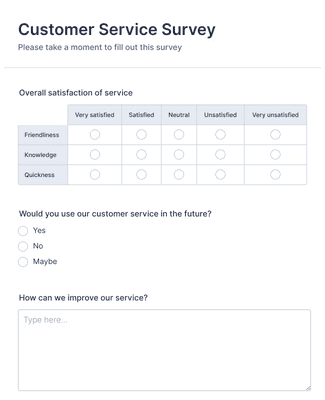
顧客満足度調査フォーム
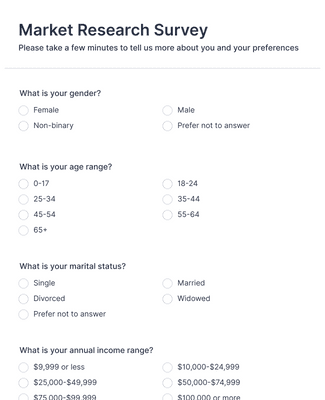
マーケットリサーチ調査
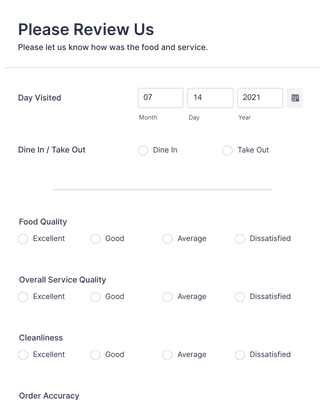
レストラン評価フォーム
メリット
Create Conversational Surveys Fast
ドラッグ&ドロップでカスタマイズ
Change question order, add conditional logic, and personalize colors and layout so the conversational survey fits your audience and research goals. The intuitive interface makes edits fast and gives you control over survey behavior. Tools like progress bars and save-and-continue enhance the experience for each respondent.
Collect and analyze feedback
フィードバックを集めたら、Jotformテーブルで簡単に管理できます。Jotformリポートビルダーを使えば、レポートを自動生成してフィードバックを分析することもできます。
Share or embed in seconds
アンケートの準備はできましたか?リンク、QRコード、メールで共有したり、コピーペーストした埋め込みコードを使用して数秒でウェブサイトに埋め込むことができます。
Create engaging surveys
Conversational surveys show one question per view, which focuses respondents’ attention and can reduce drop-offs. Add features like progress indicators or allow users to save their session and continue later so participants don’t abandon mid-survey. Better engagement helps you gather higher-quality feedback.
Collect feedback offline
Use Jotform Mobile Forms to capture feedback on the go, even without internet access. Offline responses sync automatically when connectivity returns, so you never lose data from field events or in-person interactions and can gather responses from all environments.
ユーザーの声
Jotformに関するユーザーの声
Learn More About Conversational Surveys
Jotformに関するご質問にお答えします。よくあるご質問はFAQをご覧ください。またはサポートチームまでお問い合わせください。
What are the different types of surveys?
There are many different types of surveys out there. Some popular survey types include focus groups, interviews, phone surveys, mail-in surveys, and online surveys. Online surveys — which you can create for free with Jotform — are an easy and accessible way to gather survey responses on any device. Visit our user guide for more information on how to create a survey with Jotform.
What is conversational feedback?
Conversational feedback is received through a back-and-forth communication service, like a chatbot. However, you don’t need to have a chatbot to gather feedback — or to be in conversation with the people who submit that feedback. Jotform lets you collect feedback on any device, along with important contact details like name, email, and address. Using these details, you can enter into conversation with the people who fill out your surveys in order to gather important insights for your business or organization.
Jotformでアンケートを作成する方法
Jotformでオンラインアンケートを簡単に作成する方法をご覧ください。あらかじめ用意されたアンケートテンプレートをカスタマイズし、必要な回答を得るために質問を追加する方法をご紹介します。