Jotform’s fast forms help you create custom online forms quickly accessing 20,000+ ready-made templates from and an intuitive drag-and-drop builder. With this fast forms tool, you can build forms without coding, share them via link or embed on your site, and track submissions in Jotform Tables to gather data and insights efficiently.
Templates
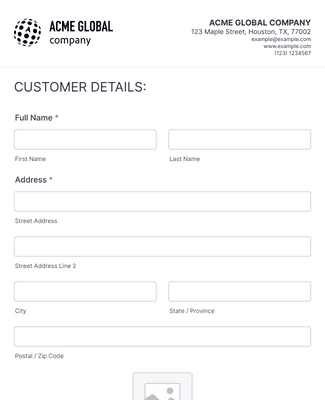
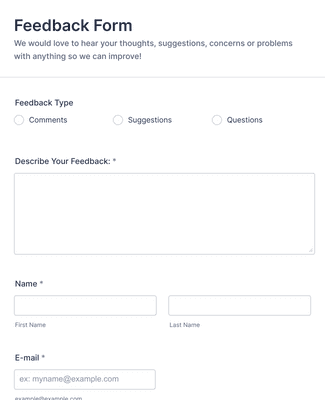
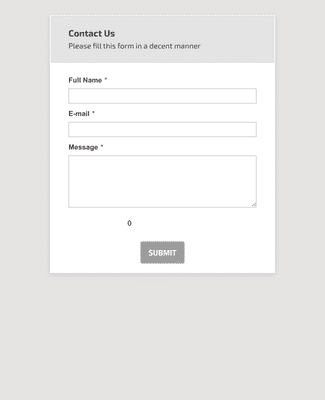
Struggling for ideas? Choose one of Jotform’s ready-made templates and customize it with our drag-and-drop form builder in just a few minutes.
Jotform ChatGPT App
Create forms in seconds inside ChatGPT, refine them through conversation, and turn submissions into clear insights without switching tabs.

Voordelen
Build a form using a drag-and-drop editor, so form creation doesn’t require code. Add, rearrange, and customize form fields, widgets, and integrations as the form takes shape. You can also use conditional logic, accept payments, and generate reports when the form needs more than basic data collection.
Customize the form to match a brand by changing fonts and colors and adding logos, images, and videos. Jotform Sign and Store Builder can be added when the form needs signatures or an order flow in the same experience. This keeps the form consistent with the workflow it supports instead of feeling like a separate tool.
Share the form with a custom URL as soon as the form is ready. Send the link by email, place it in a social media bio, share a QR code, or embed the form on a website. This gives people multiple ways to open the form, so it’s easier to collect responses quickly.
Volg en beheer inzendingen moeiteloos rechtstreeks vanuit je Jotform-account. Je hebt direct toegang tot inzendingen vanaf elk apparaat en kunt ze organiseren met behulp van Jotform Tabellen. Bovendien kun je je taken automatiseren door inzendingen om te zetten in PDF's of goedkeuringsworkflows in te stellen met Jotform Workflows.
Turn forms into a no-code app that people can open and use like a dedicated portal. An app can include an online store, a company portal, or multiple forms in one place for easier access. Jotform Apps works on smartphones, tablets, and desktops, so the app stays usable across devices.
Testimonials
Discover how to build faster, more efficient online forms using Jotform in this quick tutorial.
Antwoord op al je vragen over Jotform. Bekijk onze FAQ's voor antwoorden op veelgestelde vragen of neem contact op met ons ondersteuningsteam voor meer informatie.
Fast forms are pretty self-explanatory: They’re forms that you can build quickly and that your audience can fill out quickly! Jotform’s software is designed to make the form-building process as easy and fast as possible for you, so you won’t have to spend hours coding just to make a short form. Similarly, we aim to make our forms as intuitive as possible, so everyone can fill out an online form in a matter of minutes.
It’s easy to get started making your own form with Jotform. Simply sign up for one of our plans — ranging from a free Starter plan to a variety of paid plans — and use our drag-and-drop form builder to start creating forms. You can customize your form by adjusting fonts and colors, adding logos, uploading images and videos, and much more. When you’re done, share the form via email, link, QR code, or by embedding it in your website or social media platforms. You can complete the process in mere minutes — it’s that easy!
You can embed forms in an email or website with Jotform’s custom embed feature. Just copy and paste your form’s embed code into your site builder, email, or other third-party platform. Options include JavaScript, source code, iFrame, popups, plug-ins, and much more!
Ja — met Jotform Tabellen kun je de gegevens van je formulierinzendingen volgen, beheren en analyseren in een alles-in-één werkruimte. Je hebt de flexibiliteit om reacties van gekoppelde formulieren te synchroniseren, gegevens te importeren of handmatig gegevens in te voeren. Je kunt ook bewerkingen van inzendingen aanvragen en delen, je gegevens zoeken en filteren, formules en berekeningen toevoegen, gegevens naar andere platforms verzenden, automatisch PDF's maken en nog veel meer. Met Jotform Tabellen kun je eenvoudig samenwerken met teamgenoten voor het verzamelen, organiseren en beheren van gegevens.