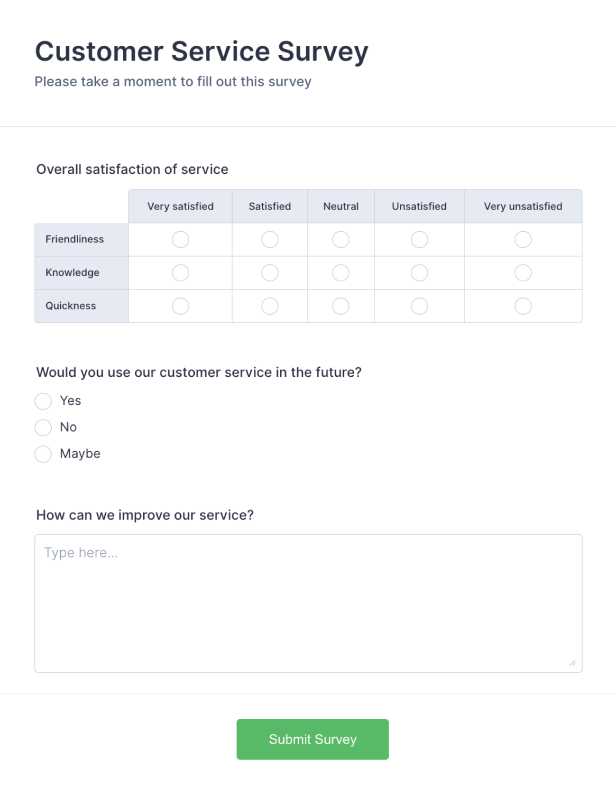
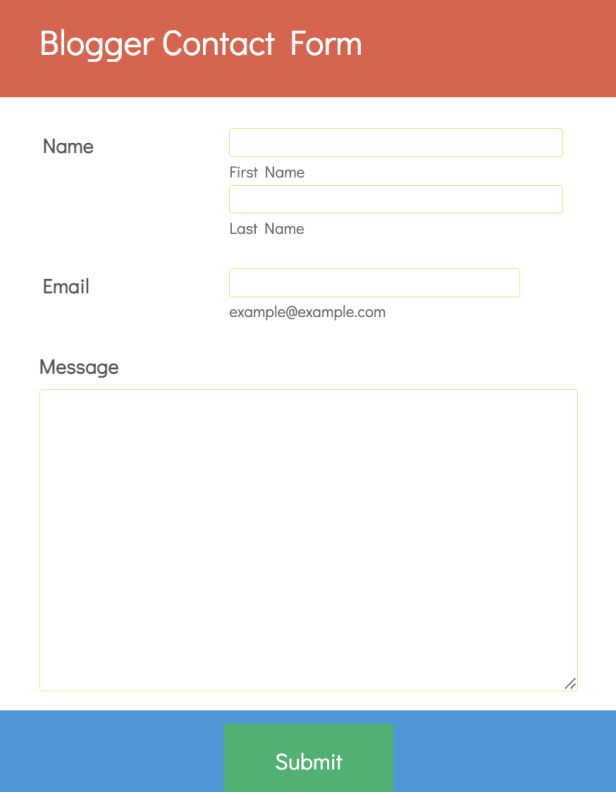
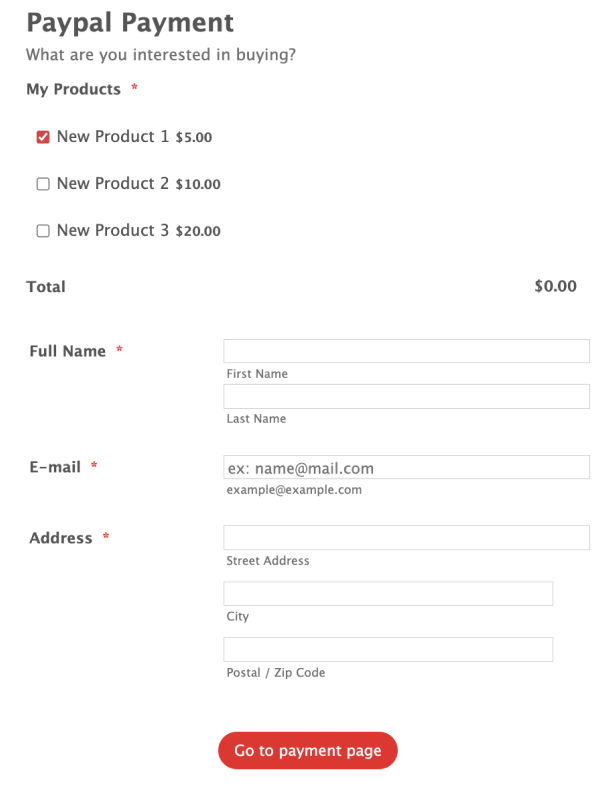
Jotform’s Azure form builder is a no-code tool for creating custom online forms that integrate with your Azure account. Use this Azure form builder to embed forms on your website in seconds and collect data directly into Jotform. Customize form fields and branding with drag-and-drop ease, then manage and store submissions securely or connect them to other apps.
Templates
Not sure where to start? Choose one of our ready-made form templates and customize it to match your branding with our drag-and-drop Form Builder. No coding required!
Jotform ChatGPT App
Create forms in seconds inside ChatGPT, refine them through conversation, and turn submissions into clear insights without switching tabs.

Benefits
Connect your Azure account and form so data submitted through the form flows directly into your Azure environment, helping streamline workflows between systems. Use Jotform’s integration with services like OneDrive and other cloud apps to send form responses where your team needs them.
Gather all form responses securely in your Jotform account and view them in an organized workspace, so data is easy to access and manage. Connect to popular storage and productivity tools like Google Sheets, Dropbox, or OneDrive with integrations so submission data lands where your workflows already happen.
Testimonials