
When form submissions such as paid–time-off requests and purchase orders are routed manually, they can easily get buried in email inboxes. As a result, it’s hard to see which requests are pending and who needs to move the approval process forward.
The best tools for form-routing and approvals eliminate manual work. Instead of someone forwarding each submission to the relevant party, these tools automatically send forms to approvers based on custom rules. They also let you track form status in real time and collect signatures electronically.
For teams that want a user-friendly form-routing tool, Jotform Approvals may be the suitable platform. The no-code software helps you create automated approval workflows without needing technical skills. It uses group approvals to involve multiple decision-makers, conditional logic to route form requests based on specific criteria, mobile sign-offs to collect approvals anywhere, and instant notifications to alert the right people when action is needed.
However, it’s smart to consider your other options. This guide compares the top six form-routing tools to help you evaluate alternatives and choose a tool that best fits your needs.
| Tool | Best for | Key routing & approval feature | Price |
|---|---|---|---|
 Jotform |
Building no-code form approval workflows |
Drag-and-drop workflow builder with conditional routing |
Free plan; paid from $39/month |
 Formstack |
Managing complex approval processes |
Workflow logic and customizable approvals |
No free plan; 14-day free trial; paid from $99/month |
 Kissflow |
Automating simple, rule-based approval processes |
Conditional routing, sequential and parallel approvals, and automatic escalations |
No free plan, but free trial after consultation; paid from $2,500/month |
 Fillout |
Managing numerous submissions on a budget |
Conditional logic and integrated workflow development |
Free plan; paid from $19/month |
 DocuWare |
Automating document workflows beyond forms |
Document workflow automation |
No free plan; 30-day free trial; custom pricing |
 monday.com |
Creating task or project workflows |
Rule-based workflow automation |
Free plan; paid from $12/seat/month |
1. Jotform
Key feature: Drag-and-drop workflow builder and no-code form-routing tool
With Jotform Approvals, you can turn form submissions into automated approval workflows, even if you don’t have coding skills. Simply add an existing form or create one from scratch with Form Builder features and Advanced Form Options. If you don’t want to build a form from the ground up, you can use approval form templates, Jotform Workflows, or an AI Workflow Builder.
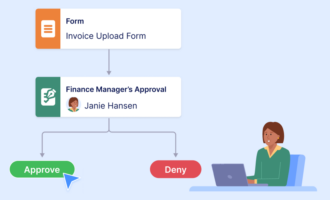
You then drag and drop elements to develop approval workflows that start when someone submits the form. You can also set custom triggers that determine when the workflow begins.
The software lets you assign approvers and define the actions they can take, such as signing, commenting, or requesting more information. You can also create custom approval outcomes on top of denying or approving form submissions.
The automated form-approval system uses conditional form-routing to send submissions down different paths based on their details. For example, you can create a one-step workflow that routes a submission to an approver based on the department it was submitted to.
If a group needs to review a request at the same time, you can build parallel workflow paths that route the request to multiple team members simultaneously. Each person in the group can provide feedback and approve the request independently. You can also set group completion rules, such as requiring every team member to respond before the workflow moves forward.
Besides helping you build workflows in just a few clicks, Jotform Approvals makes it easy to manage them. You can track the approval process from any device through
Using the software’s conditional email routing, you can automatically notify approvers when a submission needs their attention and update form respondents when their requests are approved or denied.
Pricing:
- Starter: Free
- Bronze: $39 per month
- Silver: $49 per month
- Gold: $129 per month
- Enterprise: Custom price
2. Formstack
Key feature: Workflow logic and customizable approvals
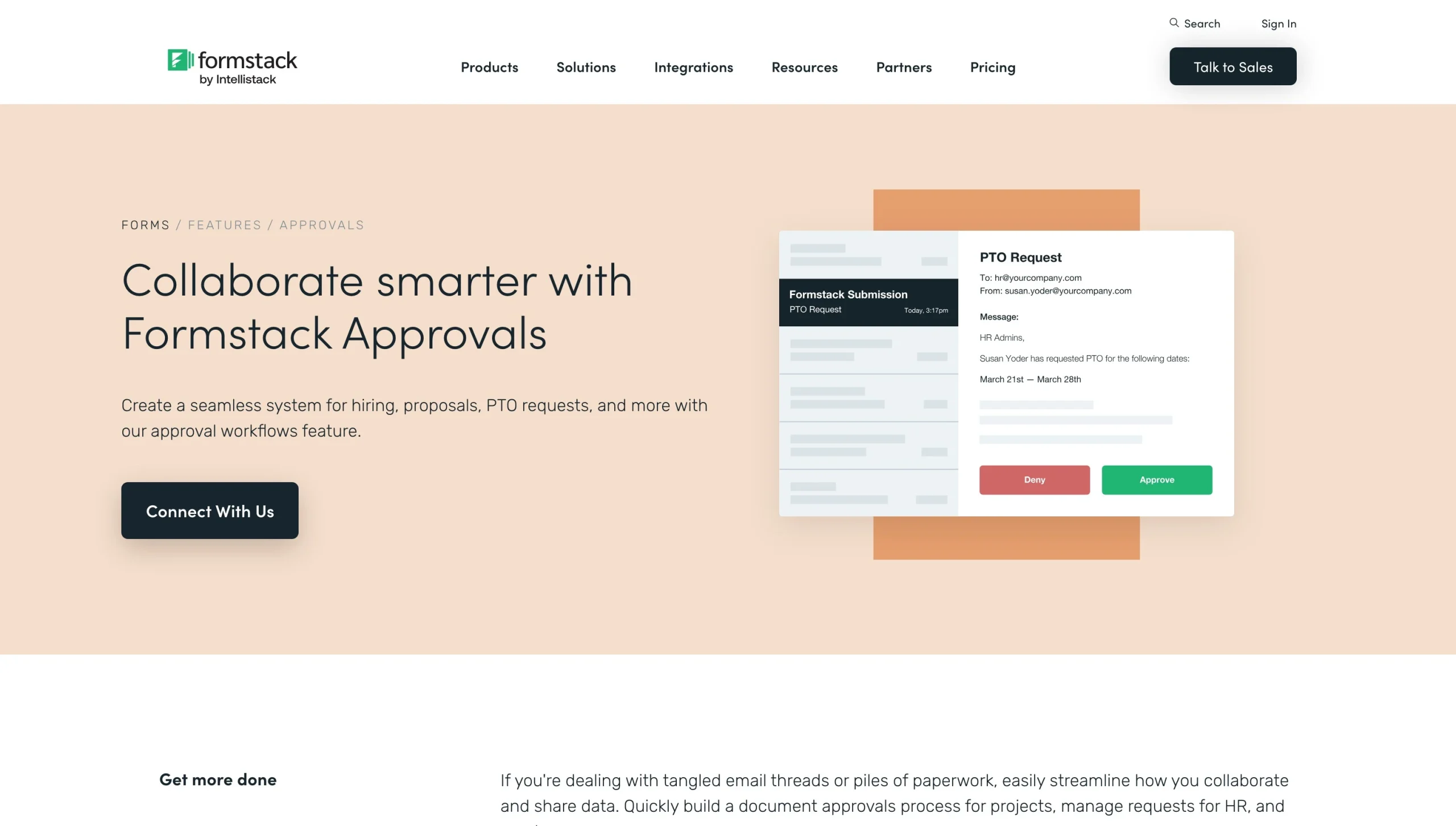
Formstack lets you add multiple approvers, set the order in which they review submissions, and allow them to approve or deny requests directly from email. Approvers who already use Formstack can access and review requests on the platform.
You can add conditional logic to determine when an approver needs to review a submission. For example, you may involve a sales manager only when a form is submitted to the sales department. You can create multiple conditional rules for each approver, giving you more control over who reviews a submission and when.
If your approvers have Formstack accounts, you can require them to log in to their accounts before viewing, approving, or denying a submitted request. You can also set automated approval and denial messages.
Formstack provides a centralized admin dashboard for tracking the approval status of all submissions. You can see where each submission is in the approval process without checking individual forms or chasing approvers for updates. From the dashboard, you can skip specific approvers, override an approval or denial, or leave a note on a submission without changing its outcomes.
Because it’s one of the most costly routing tools we reviewed, Formstack may not be suitable for budget-conscious teams. Also, it doesn’t offer a free plan, and its entry-level plan doesn’t include routing and approval workflows.
Pricing:
- Forms: From $99 per month
- Suite: From $299 per month
- Salesforce Solutions: Custom pricing
- Enterprise Solutions: Custom pricing
3. Kissflow
Key feature: Sequential and parallel approvals with audit trails
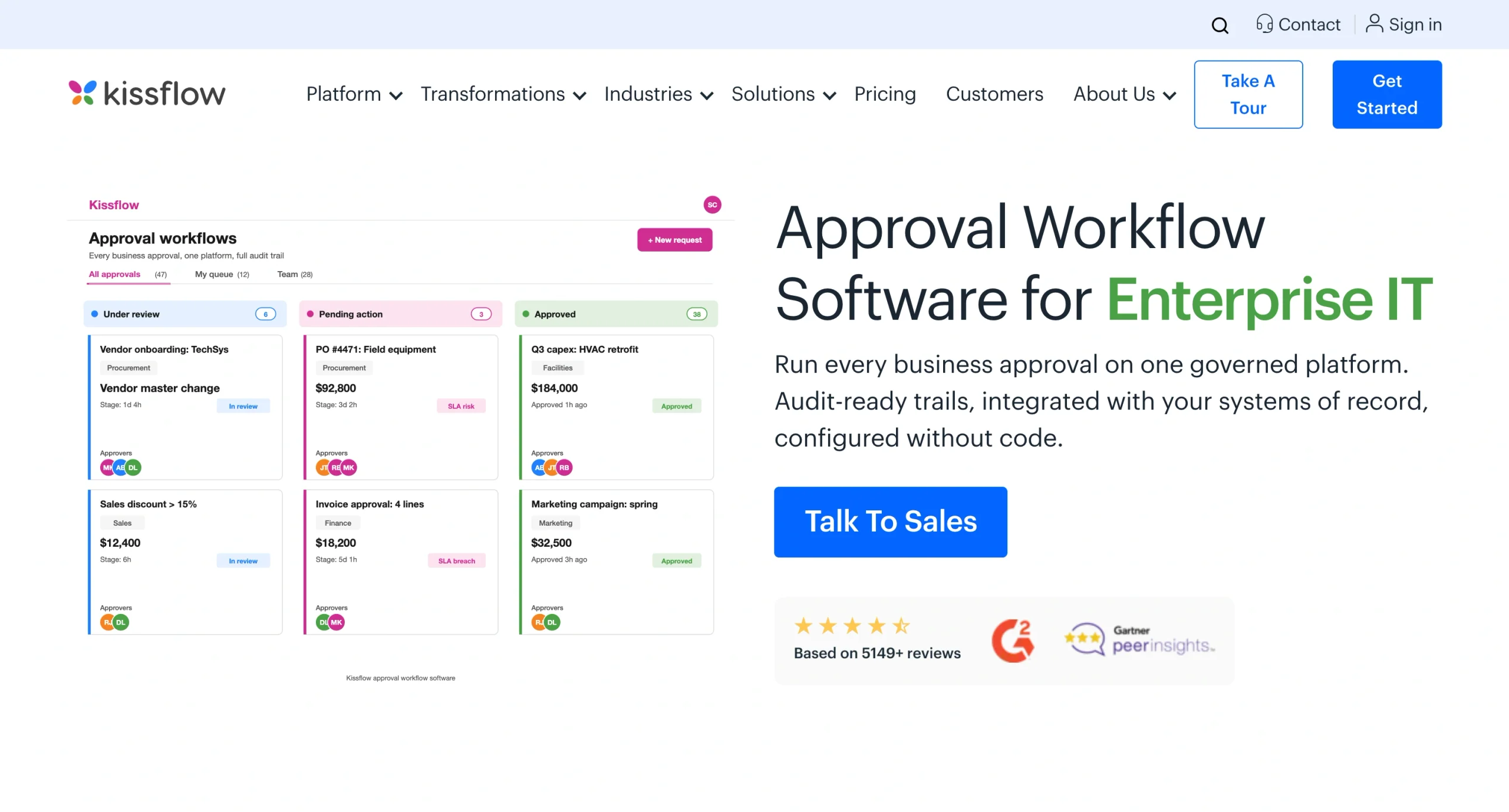
Kissflow is a business process management platform for building approval workflows without writing code. You can automate routing and approvals, even if you lack technical expertise.
Kissflow lets you set approval stages by specifying the order in which approvers review a submission. Sequential routing is key in business processes that require lower-level approval before moving to senior management.
You can also create parallel approval branches so multiple people can review a submission simultaneously. This reduces approval time when different departments need to OK the same request independently.
You can also configure conditional routing (using plain language rather than formulas or code). When handling purchase requests, for example, you can set a rule requiring a finance manager to approve expenses that exceed a certain amount.
You can set escalation rules, too. For instance, you can create a rule that moves a request to a higher-ranking manager if an approver doesn’t take action within a predetermined time frame. Kissflow tracks the deadline and sends escalation notifications automatically, so you don’t have to follow up manually. What’s more, Kissflow logs every action in the approval process, so you can prove who approved what and when during compliance reviews.
The platform’s potential drawbacks: Some Kissflow users on G2 say the platform can be limiting when building complex workflows. Others would like to see more advanced mobile functionality.
Pricing:
- Basic: From $2,500 per month
- Enterprise: Custom pricing
4. Fillout
Key feature: Integrated approval workflows
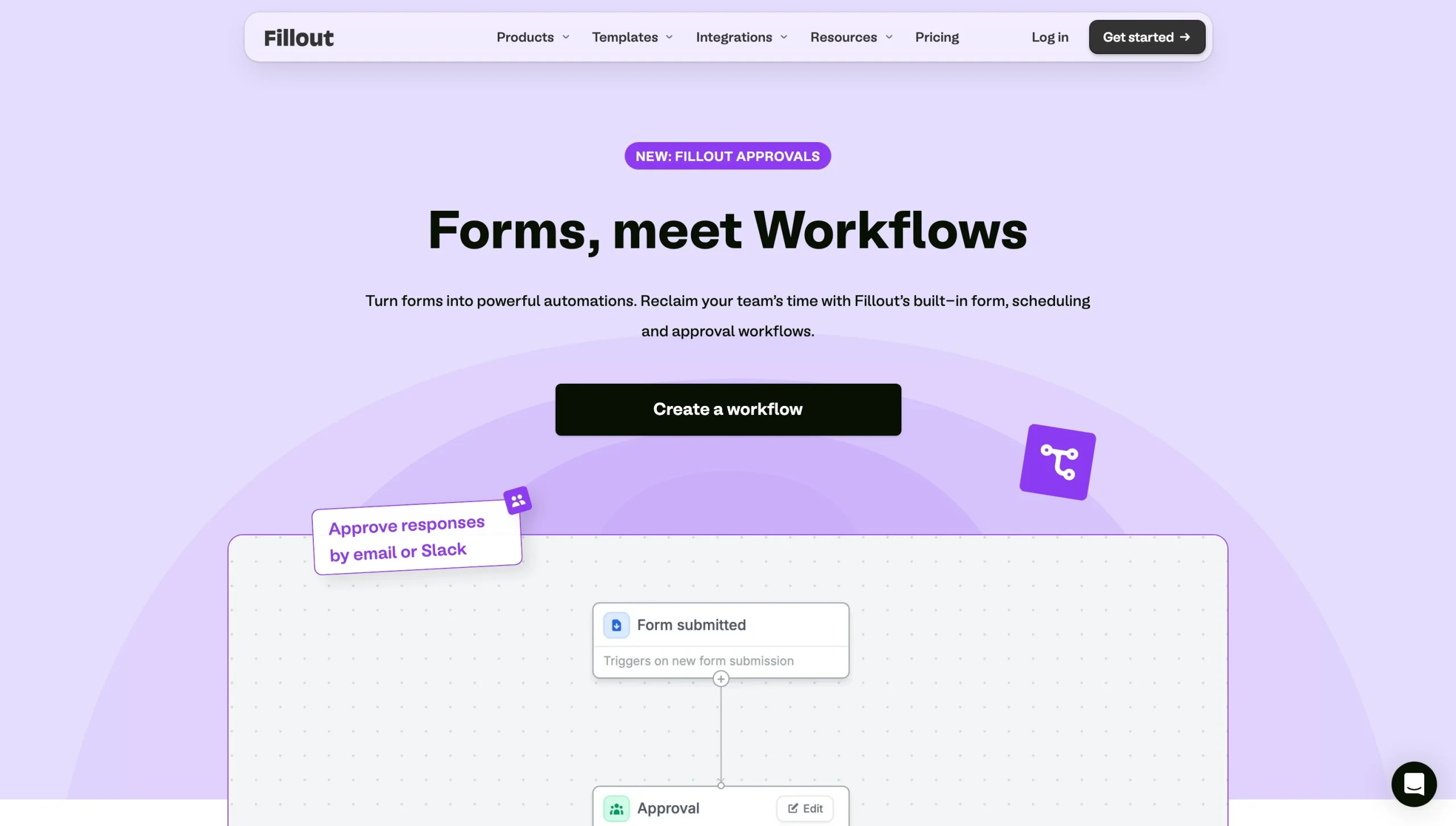
Fillout combines form building with workflow automation, so you can trigger approval processes without relying on a separate automation platform. Its approval workflow form builder helps you create a workflow for an existing form and choose who should review each submission.
When approvers need to review a submission, you can notify them via email or Slack. If you’re handling numerous submissions, Fillout’s centralized dashboard lets you manage approvals from one place, with complete visibility of who approved what and when. You can also automate acceptance and rejection notifications.
Fillout supports conditional logic, allowing you to create different approval paths based on the information submitted in a form. It also integrates with popular business tools, including Slack, Salesforce, Excel, and SAP. This enables you to connect form workflows to the systems you already use; no need to export data manually from different tools.
Fillout’s free plan supports unlimited forms and seats, and up to 1,000 submissions per month. That makes it a practical option for individuals and small teams that want to automate form-routing and approvals without committing to a paid plan.
Fillout also comes with AI for summarizing, classifying, or analyzing insights from your form submissions, which helps you quickly identify key information and patterns without reviewing each individual submission.
Teams with highly complex approval management processes may find Fillout less useful than more advanced alternatives like Jotform. Some users on G2 say Fillout has limited data visualization capabilities. Others are frustrated that some key features are available only on higher-priced plans.
Pricing:
- Free plan
- Starter: $19 per month
- Pro: $49 per month
- Business: $89 per month
5. DocuWare
Key feature: Document workflow automation and management
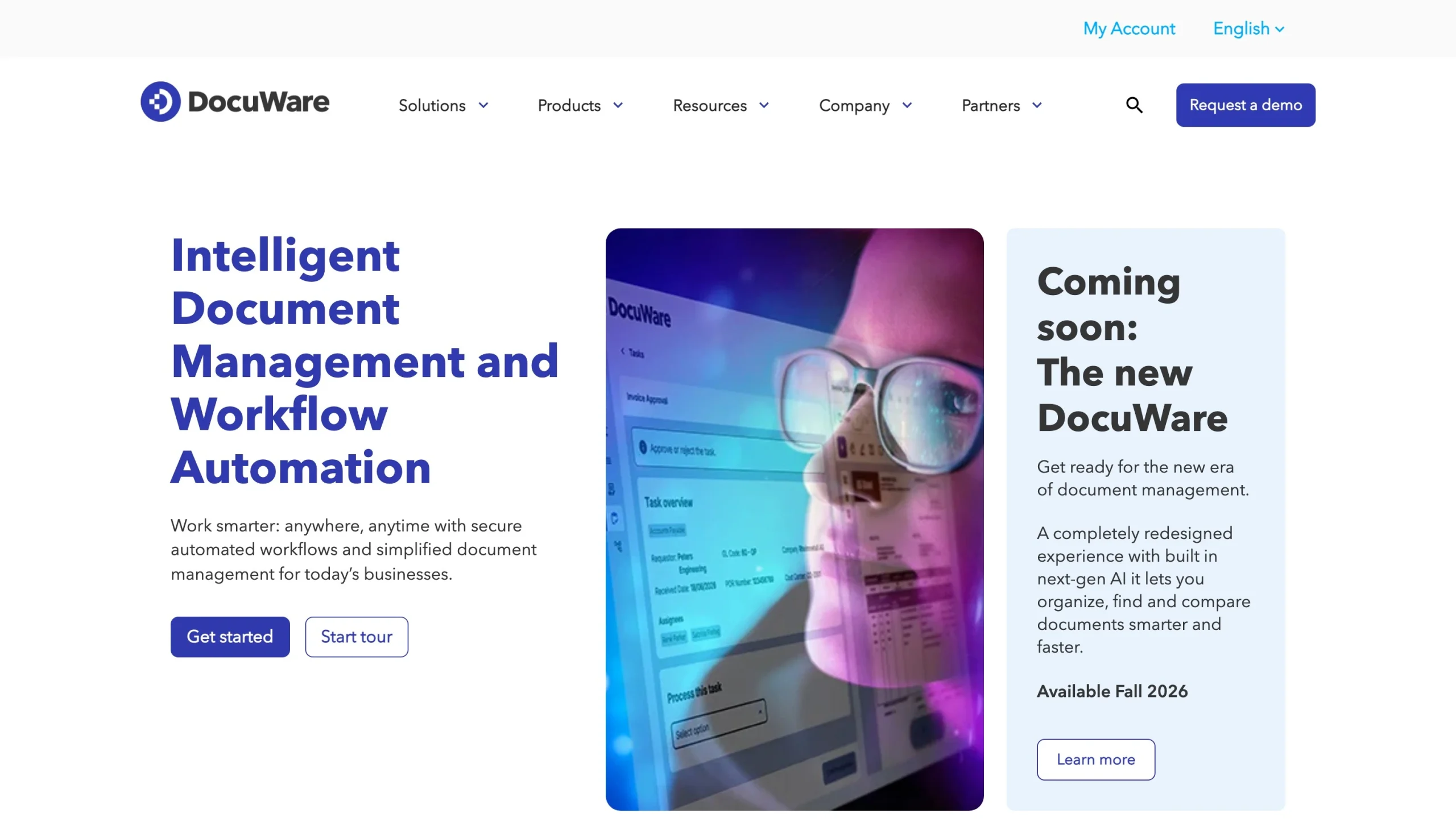
Unlike form builders that focus on collecting and routing form submissions, DocuWare helps businesses manage and automate approval processes for any type of document, including contracts.
You can create workflows that automatically route documents to the correct approvers based on specific criteria, such as department and document category. Routing can happen in the following ways:
- Sequential: Send a document to approvers one at a time, following a set order.
- Parallel: Deliver a document to multiple approvers at the same time, so they can review it independently.
- Conditional: Route the document to different approvers when specific conditions are met.
For team-based approvals, approvers can review content in one place and collaborate by annotating documents and accessing related files. DocuWare’s version control ensures all cross-functional approvers can access the latest documents in the workflow.
You can also include electronic signatures as part of your document management workflow. The platform supports multiple levels of e-signature security:
- Simple: Suits less sensitive internal documents
- Advanced: Verifies the signer’s identity
- Qualified: Provides the highest level of assurance for verifying the signature’s authenticity
DocuWare is suitable for companies that handle large volumes of documents or need more than basic form-routing. However, when you need only to collect submissions and send them for approval, its broader document-management capabilities can make it feel more complex than dedicated form builders. Some users on G2 say the platform has limited integrations and that it takes time to understand.
If this system doesn’t seem like the right fit, evaluate DocuWare alternatives and compare the best tools for form-routing and approvals.
Pricing:
DocuWare offers custom quotes instead of fixed pricing tiers. Factors that influence pricing include
- The number of users in your document management system
- Storage capacity needed for your files
- Scope and sophistication of software features
- Payment cycle (monthly or annually)
- Where the software is deployed (in the cloud or on-premises)
Monthly per-user costs for cloud-based DocuWare usually range from $30 to $125+.
6. monday.com
Key feature: Rule-based workflow automations
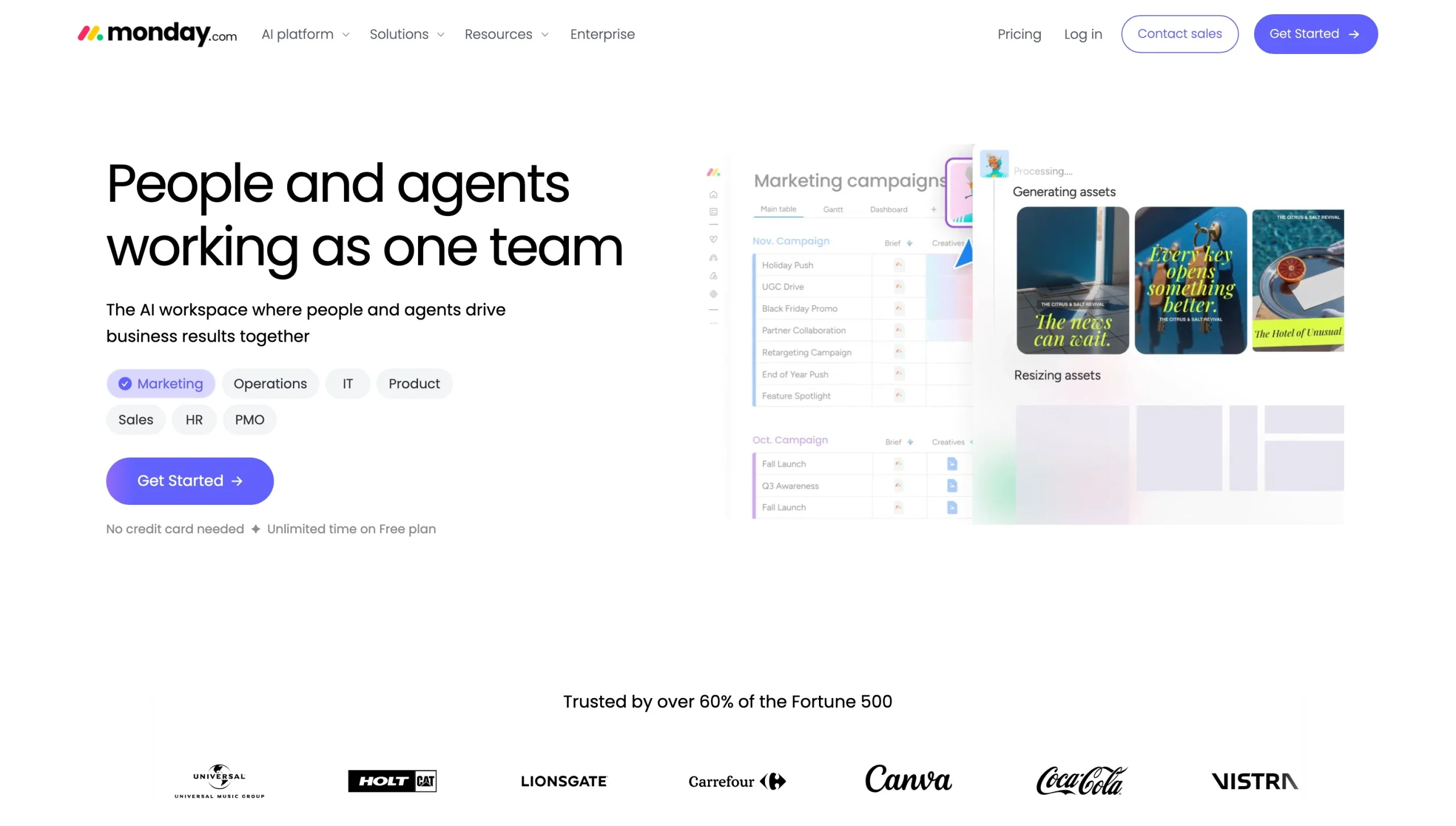
monday.com is primarily a project management platform, but it’s still one of the best tools for form-routing and approvals. You can create workflows by customizing an existing monday.com board or creating a new one. Inside your board, you add and name columns with details such as item, approver, approval status, and date.
You can assign people to approvals in the corresponding columns. In the status column, you can use custom labels and color coding to make approval statuses easy to understand. For example, you can use yellow for pending, green for approved, and red for denied.
Once your board has the basic structure for managing approvals, you build the workflow logic using monday.com’s approval automations. For instance, you can use an automation template to notify an approver when a form or document is pending review. You can also set a rule that automatically assigns an approver when a new item is created.
monday.com offers a workflow builder for automating the routing and approval process, with a visual representation of the workflow and drag-and-drop blocks for building and editing workflow steps.
To weigh other options before choosing the best fit for you, consider monday.com alternatives.
Pricing:
- Free plan
- Basic: $12 per seat, per month
- Standard: $14 per seat, per month
- Pro: $24 per seat, per month
- Enterprise: Custom price
Eliminate operational bottlenecks with automated form-routing
With approval workflow automation, you define the rules and paths for routing form submissions to the right people. This helps ensure that
- No request skips a required compliance or financial review.
- Approval steps follow your hierarchy and document management policies.
- Approvals move quickly, with little to no manual follow-up or tracking.
With manual approval processes, requests can easily get lost in email inboxes. Form-routing software routes submissions automatically using predefined rules. This keeps approvals moving without manual forwarding for each request. The software also gives you a central place to track requests, with a real-time view of where each submission is in the process, who needs to act, and what happens next.
Most important, automated workflows create a record of each step in the approval process. With an audit trail of submissions and approvers’ actions, you can see how each request was handled and use the details to prove compliance.
If you’re ready to replace manual approval processes with automated workflows, Jotform Approvals makes it easy to get started. Its no-code workflow builder and approval workflow templates help you automate form-routing, set approval rules, and track requests in one place.
Try Jotform Approvals for free, and see how it simplifies routing and approval automation.
This article is for operations managers, HR professionals, IT administrators, procurement specialists, and team leads who want to automate form submission hand-offs, build multi-step approval chains, and eliminate email bottlenecks without writing code.































Send Comment: