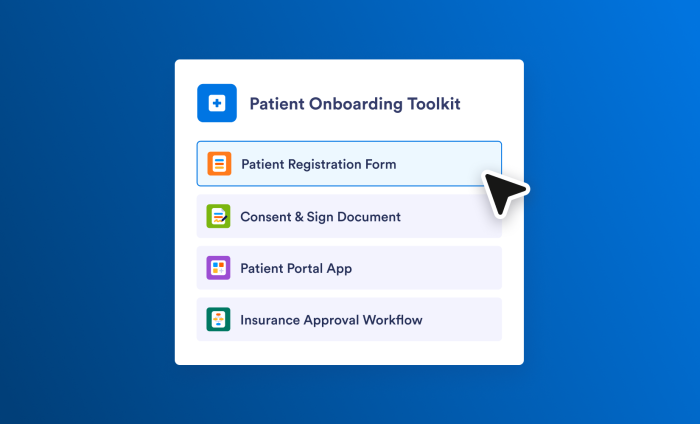
It’s 4:15 p.m. You’ve got a project kickoff meeting tomorrow, and you haven’t had two minutes to prepare for it. Maybe there’s a playbook you can clone, but wouldn’t it be nice to walk into the meeting with something more tailored to your needs?
Meet Jotform Toolkits.
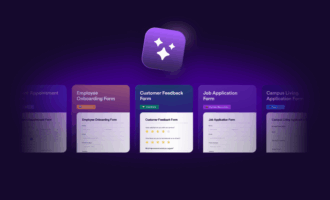
Toolkits helps you discover products across the Jotform platform and put them to work for your specific needs or use case. Whether you’re planning a new employee onboarding program or overhauling your inventory management system, let Toolkits be your guide.
Let’s look at a few ways Toolkits can help you.
How to build solutions in Jotform Enterprise from day one
Here, we have a new workspace with no forms or other assets.
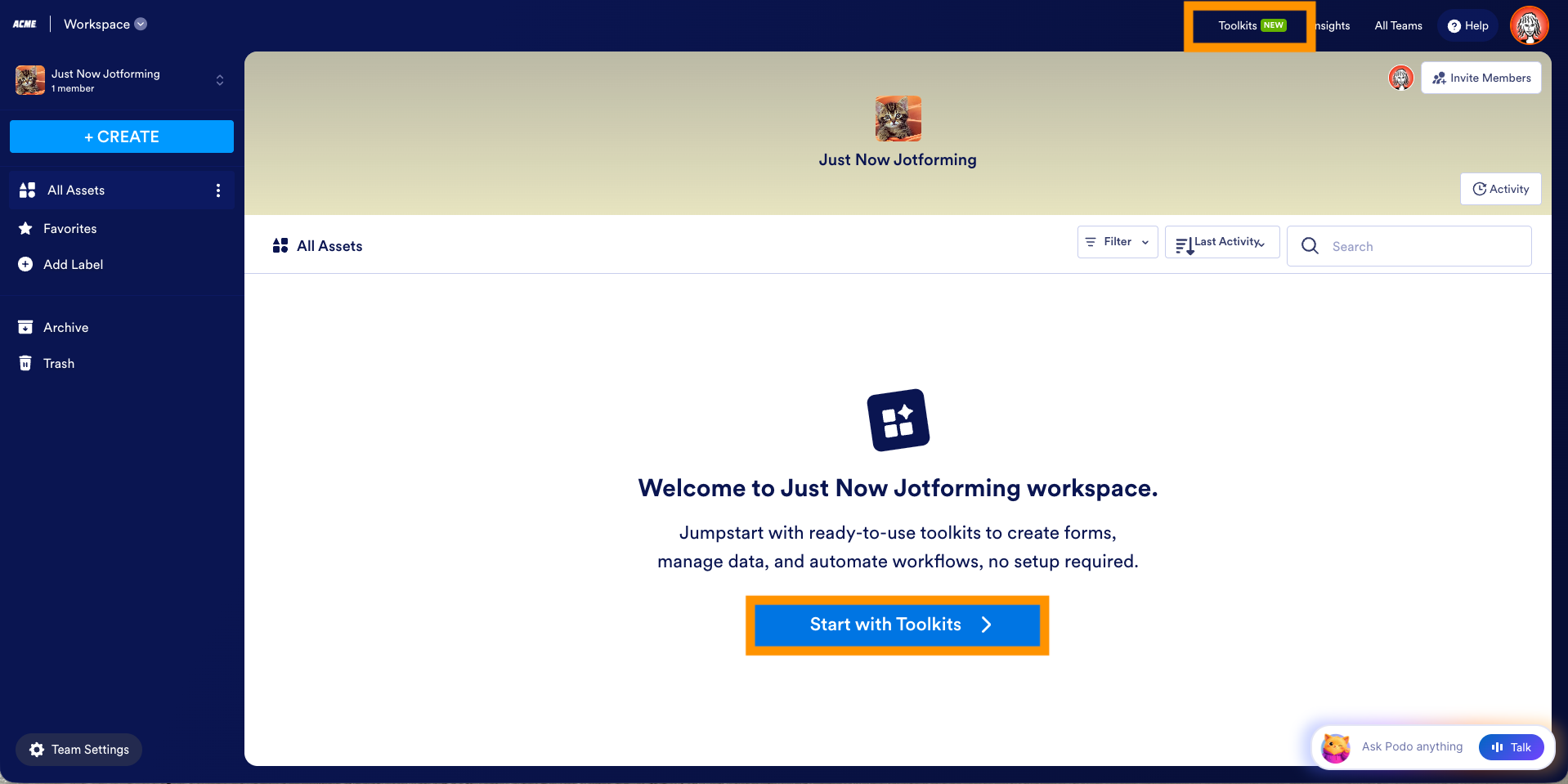
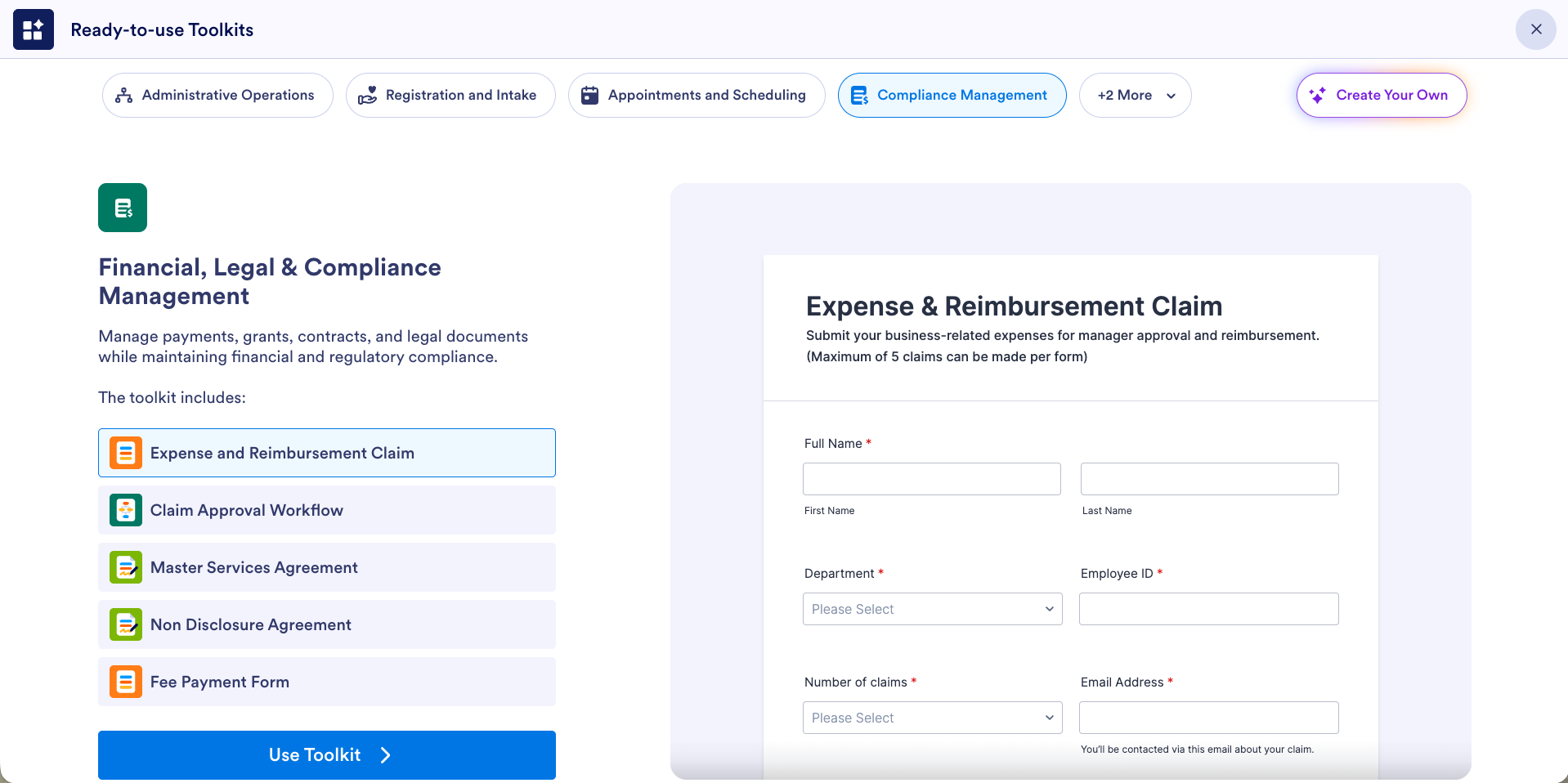
Select Toolkits in the top navigation bar to bring up a variety of ready-to-use toolkits to explore. You’ll also see the option to create your own.
Maybe you have a meeting tomorrow that you’re not prepared for. Fear not. Just select Create Your Own, and tell Podo, Jotform’s AI avatar, what you need.
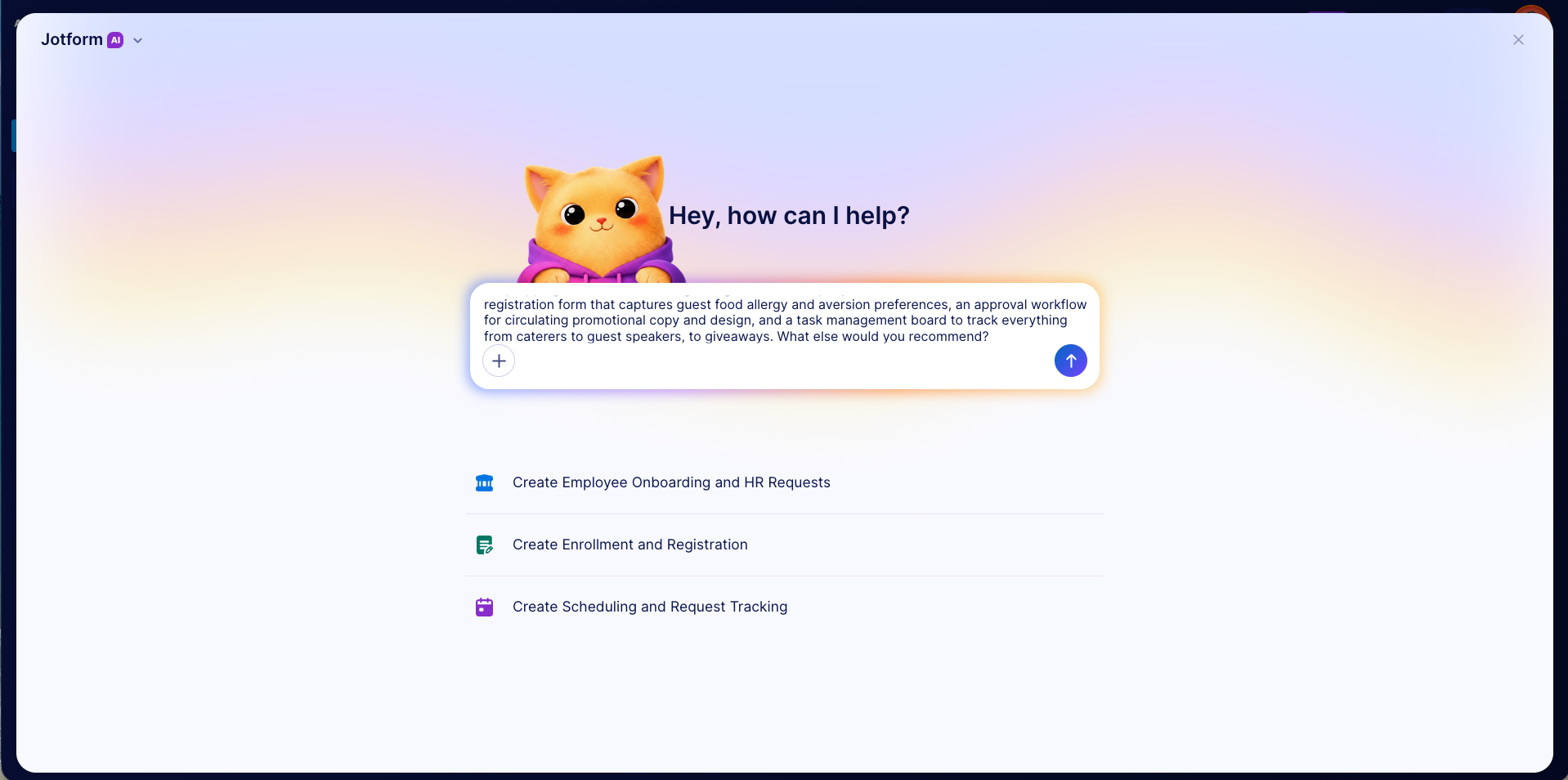
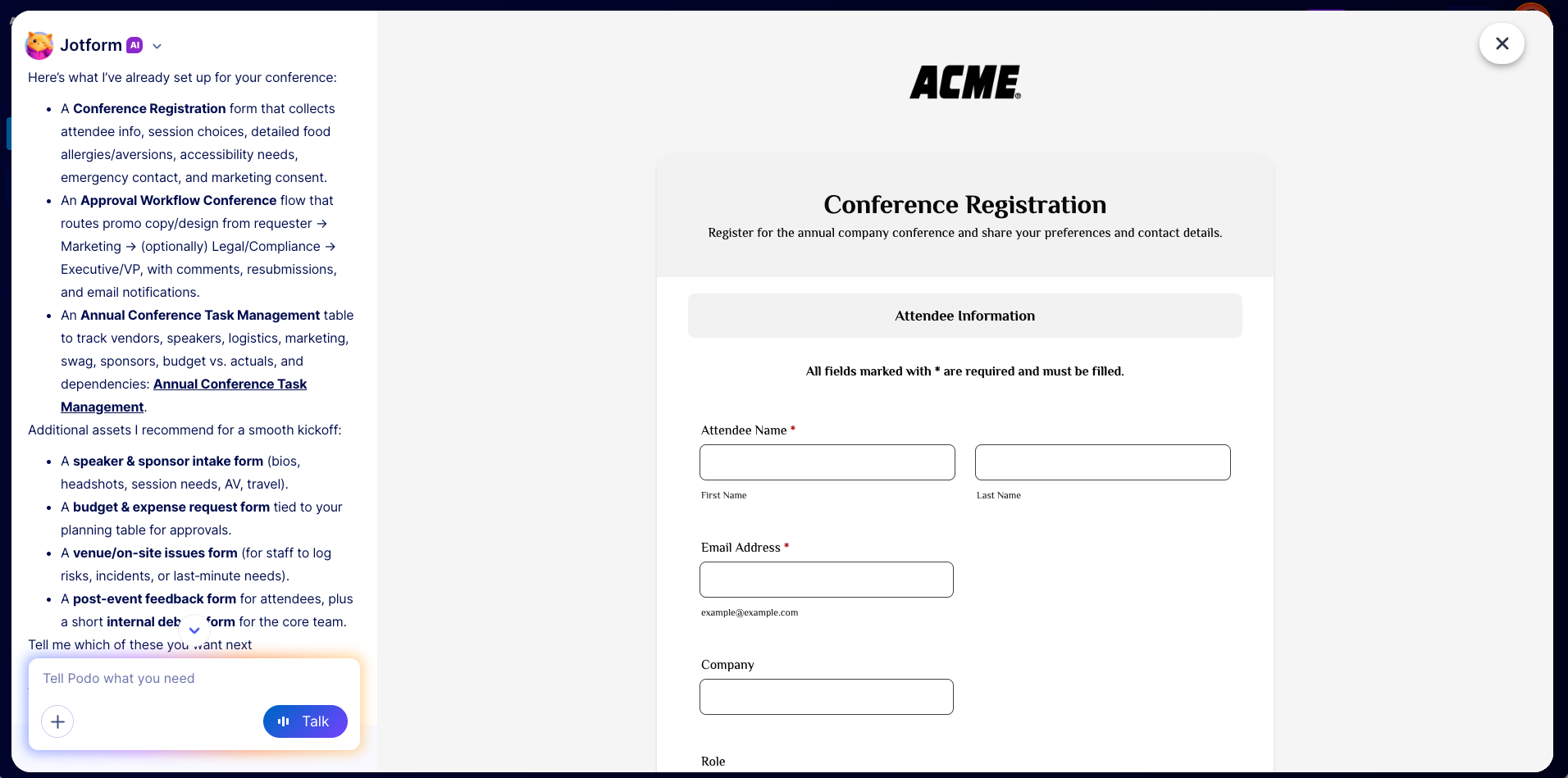
In minutes, you’ll have an entire solution set ready to go, along with recommendations for additional assets to support your project. In this example, I requested a toolkit for a company conference and received
- A conference registration form
- An approval workflow for reviewing promotional materials
- A task management board for tracking all conference logistics
Let’s look at another example. Here, we’re in a workspace that already has a lot of assets. Toolkits automatically creates solution sets using existing forms, workflows, apps, AI agents, and e-signature documents in your workspace.
Let’s give it a challenge. In this example, I asked for an automated employee onboarding system that tracks
- Assignment of a team, onboarding buddy, and manager
- Receipt of a laptop and access card
- Completion of shared training resources
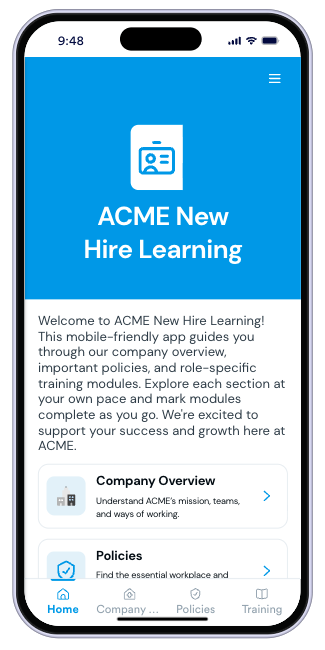
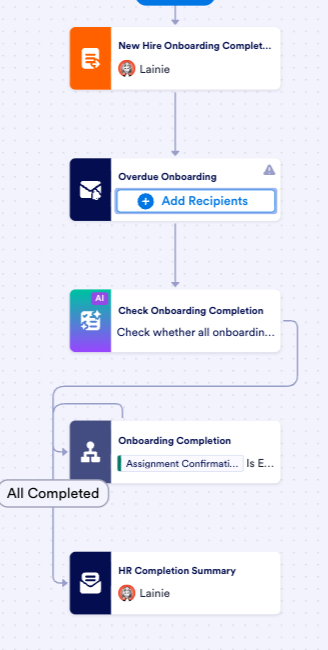
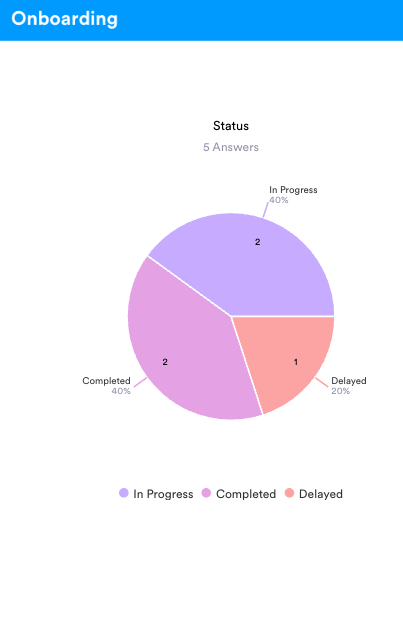
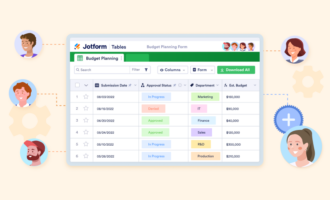
In minutes, Toolkits created a solution using Forms, Workflows, Tables, and Apps. Together, these products create an onboarding process that tracks a new employee’s journey from hiring through their 90-day check-in.
Instead of making do with the status quo or taking hours to research, test, and build something that might work, you can spend minutes refining a system to match your needs.
Toolkits doesn’t just build solutions for you. It also helps you discover what’s possible. By reviewing the tools it creates and the suggestions it provides after a build, you can discover new and powerful ways to put the platform to work.
You might learn how to use Jotform Apps as an online portal. You could discover how Jotform AI can help track and summarize your tasks. Or perhaps you’ll find a new way to automate a workflow or visualize your data.
Build what you need with Jotform Enterprise Toolkits
If you’re a longtime Jotform customer, you’re likely familiar with the steady pace of product releases and announcements. Toolkits can reduce the learning curve for new products by building solutions with the products that best fit your use case.
For new team members, Toolkits can also fast-track the Jotform onboarding experience by providing guidance and tailored builds across Jotform’s product suite.
The next time you start a new project and you’re wondering if Jotform can help, try Toolkits. Chances are, the answer is yes.














































































Send Comment: