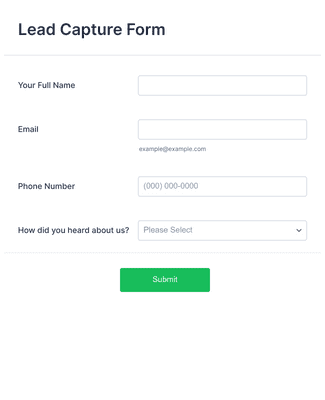
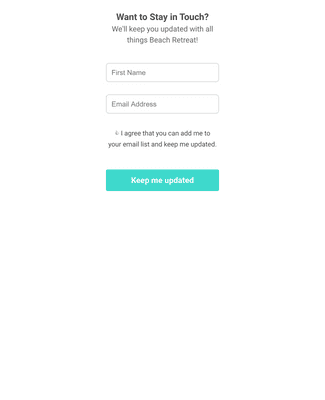
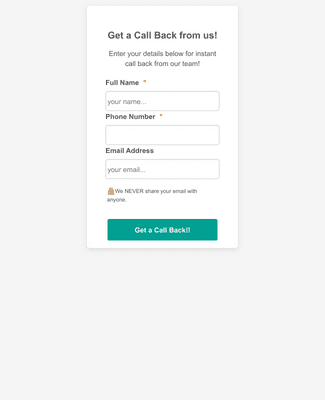
Jotform’s data capture form helps you build customizable forms to collect and organize important data with no coding. Use an intuitive form builder to gather research responses, feedback, and leads, personalize your form’s look, and add integrations among 100+. Share or embed your data capture form via link, social media, or QR code and track submissions and data insights in Jotform Tables.
Templates
Don’t have the time to build your form from scratch? Pick from one of our data capturing form templates to get started. Simply add your own questions and form fields and customize to match your branding.
Jotform ChatGPT-app
Maak binnen enkele seconden formulieren in ChatGPT, pas ze aan via natuurlijke gesprekken en zet inzendingen om in duidelijke inzichten zonder van tabblad te wisselen.

Voordelen
Use Jotform’s drag-and-drop form builder to create a data capture form in minutes without coding. Start from a blank form or a template, and then add the fields you need so you can begin collecting responses right away. This helps you launch data collection fast whether you’re gathering leads, feedback, or research responses.
Enhance your form’s functionality with widgets like embedded videos, e-signatures, file uploads, and more. These form widgets give your data capture form richer capabilities without adding technical work. Including widgets can help guide respondents and capture the inputs you need.
Share your data capture form via direct link, email invitation, social media, a scannable QR code, or by embedding it on any website. These publishing options help you reach users where they already are and make it easy for people to submit their information.
View and manage submissions in Jotform Tables so every response stays organized in one place. You can switch between table, calendar, or card views depending on your workflow. Export data to Excel, CSV, or create visual reports to share insights with colleagues or clients.
Testimonials
Antwoord op al je vragen over Jotform. Bekijk onze FAQ's voor antwoorden op veelgestelde vragen of neem contact op met ons ondersteuningsteam voor meer informatie.
A data capture form is a tool used to collect relevant data about individuals.
Data capture forms are used for generating sales leads, marketing research, surveys, and general user research.
To create a data capture form with Jotform simply choose one of our ready-made form templates and customize with our drag-and-drop builder.
The main purpose of data capturing is collecting important data and improving business efficiency.
Important elements of data capturing forms are: