
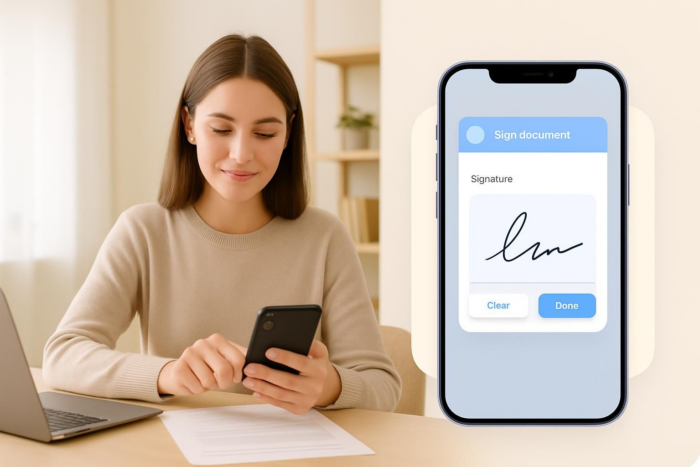
Business doesn’t take a breather. It’s happening all the time, not just when you’re at your desk. Whether you’re meeting with a client in person, scouting new products, or taking your services on the road, there will come a time when you need to quickly and securely sign documents on your iPhone without the hassle of accessing desktop software and scanning, printing, and mailing the materials you need.
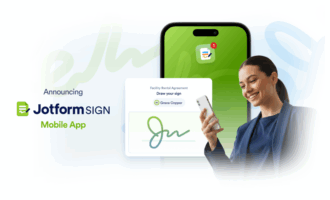
Meet Jotform Sign Mobile, an easy-to-use app that allows you to sign documents on your iPhone. Here you’ll learn why it’s a leading solution for mobile signing and how to use it on your iPhone. But first, let’s explore what to look for in an iPhone signing app.
What to look for in the right iPhone document-signing app
Whether you’re a casual user of mobile signing software or someone who requires it daily as part of a larger workflow, focus on finding an electronic signature app that matches your style of work, budget, and more. Here are a few things to consider as you’re shopping around:
- Mobile only vs desktop and mobile: Consider whether you will primarily sign contracts on your phone only or will use your desktop from time to time.
- Amount of usage: Will you be using the app on a regular basis with multiple stakeholders, or will you only use it once in a while? This will determine whether you need a full-featured app or something more simple.
- Plans and pricing: Some electronic signature apps are free, while others charge per document or per month. Look for one that’s within your budget and allows you to scale up or down easily.
- Integrations: Your e-signature app should work with your cloud storage and CRM tools so you have a clear audit trail of your signed documents. Tools like Jotform Sign Mobile offer native integrations to many CRMs.
- Offline options: Will you need in-person signing or offline signing capabilities? Consider your business workflows.
Jotform Sign Mobile: Best all-in-one signing app for iPhone
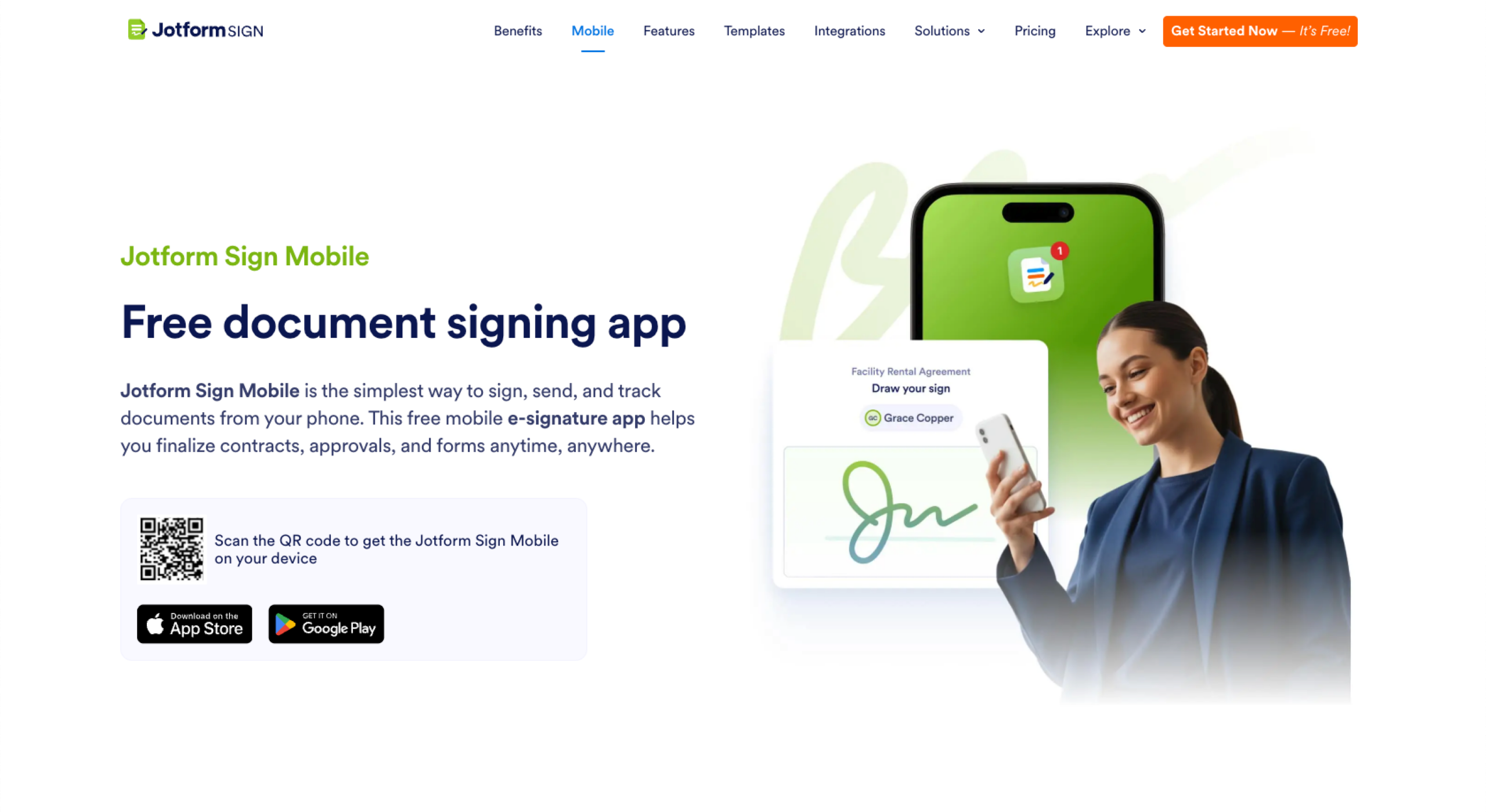
Jotform Sign Mobile is a top electronic signature app for iPhone, solving contract hassles for digital nomads. Unlike most desktop-first electronic signature tools, Jotform Sign Mobile is built for iPhone use. There’s no need for a computer — just use your mobile device to sign, scan, send, and manage documents anytime, anywhere.
Here’s what you can do with Jotform Sign Mobile:
- Quickly generate e-sign documents: Drag and drop signature and other necessary fields into place as needed.
- Scan to sign: How do e-signatures work on mobile when you have a paper contract? Use the iPhone camera to scan paper documents and turn them into signable PDFs.
- Collect signatures in person or remotely: No matter where you or your signees are, you can collect one or more signatures in person via touchscreen or remotely via email links.
- Track signature progress: Share documents and monitor signature status from your phone to keep workflows moving.
- Get real-time notifications: Receive instant alerts when documents are viewed or signed.
- Feel safe and secure: With 256-bit SSL connection as well as HIPAA, GDPR, and CCPA compliance features, your documents are always in good hands. Jotform also enables SOC 2 compliance.
- Start signing for free: Jotform Sign Mobile has a free plan, so there’s nothing holding you back from trying it, starting today!
Step-by-step guide: How to sign documents on an iPhone using Jotform Sign Mobile
Ready to sign PDFs on your iPhone? Follow these instructions to use the Jotform Sign Mobile app:
- Download the Jotform Sign Mobile app, which is available on both the App Store and Google Play.

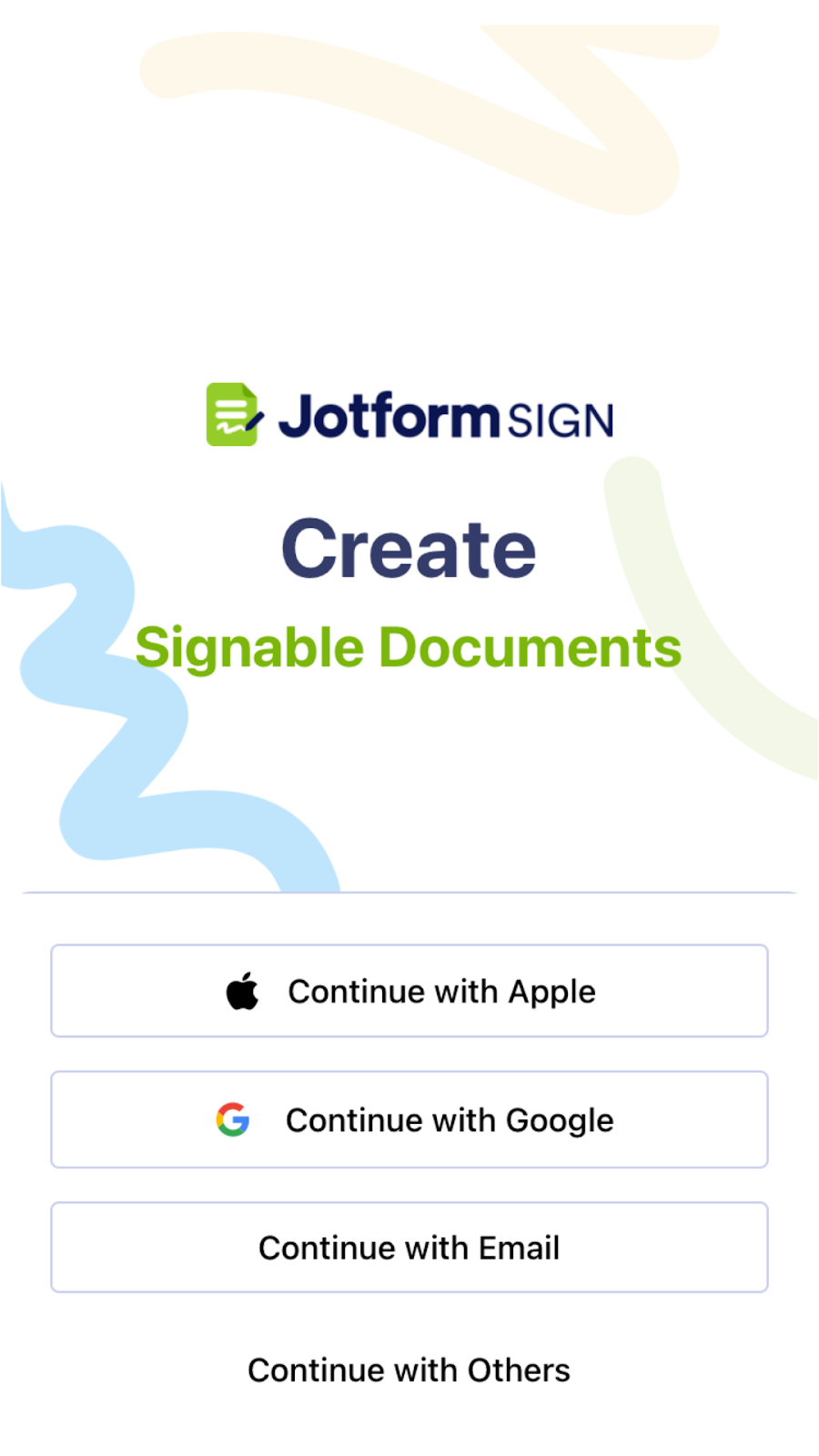
- Log in using Apple, Google, or another option.
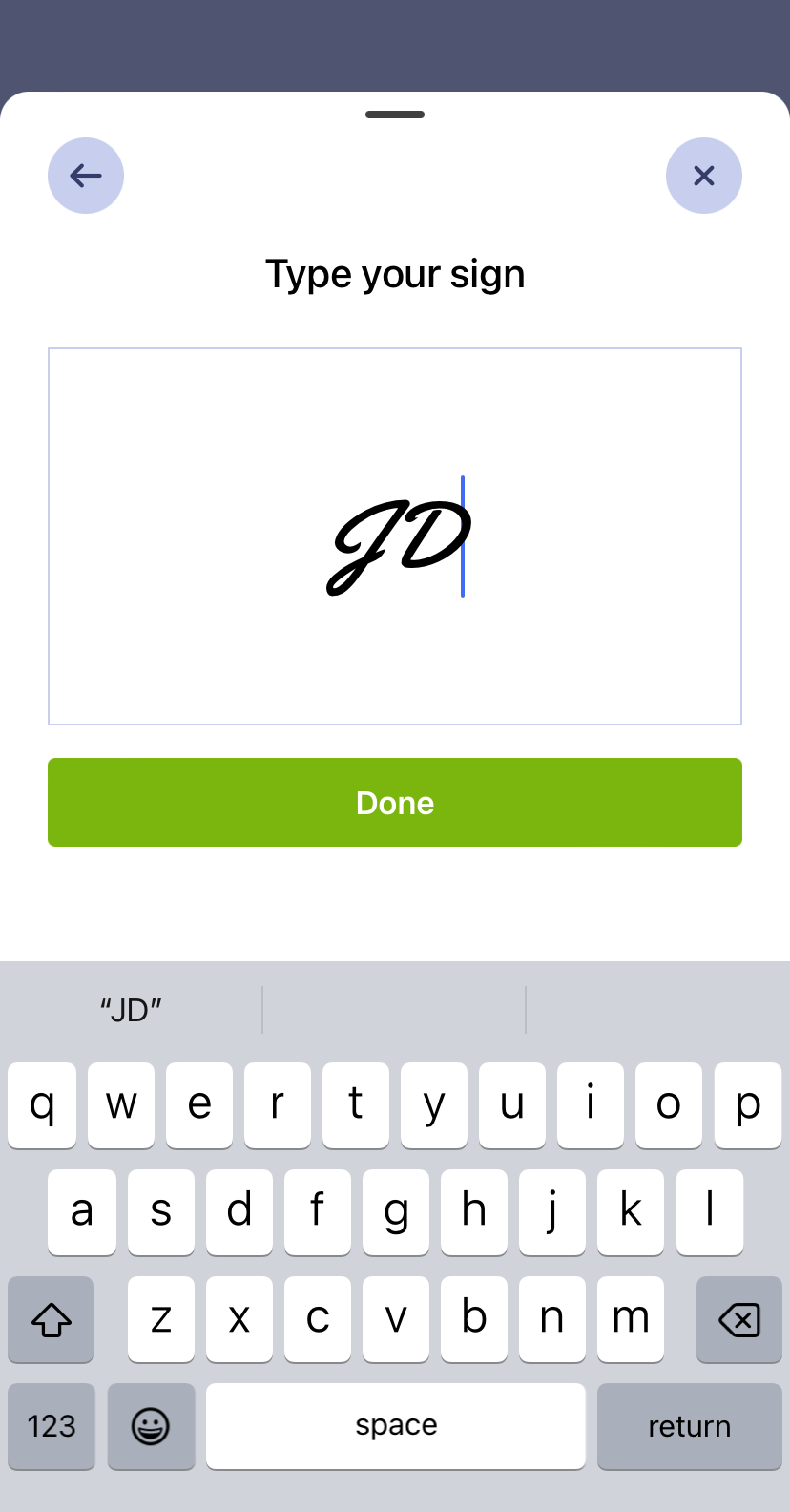
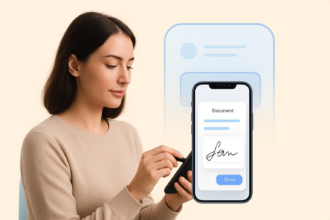
- Tap Add a signature. Draw or type your signature into the Add your signature window. Tap Done.
- To upload a document, tap the Green Plus Icon. Choose Self Sign or Invite to Sign.

- Tap Upload Document or Use Template. Add signature and other elements to the document.
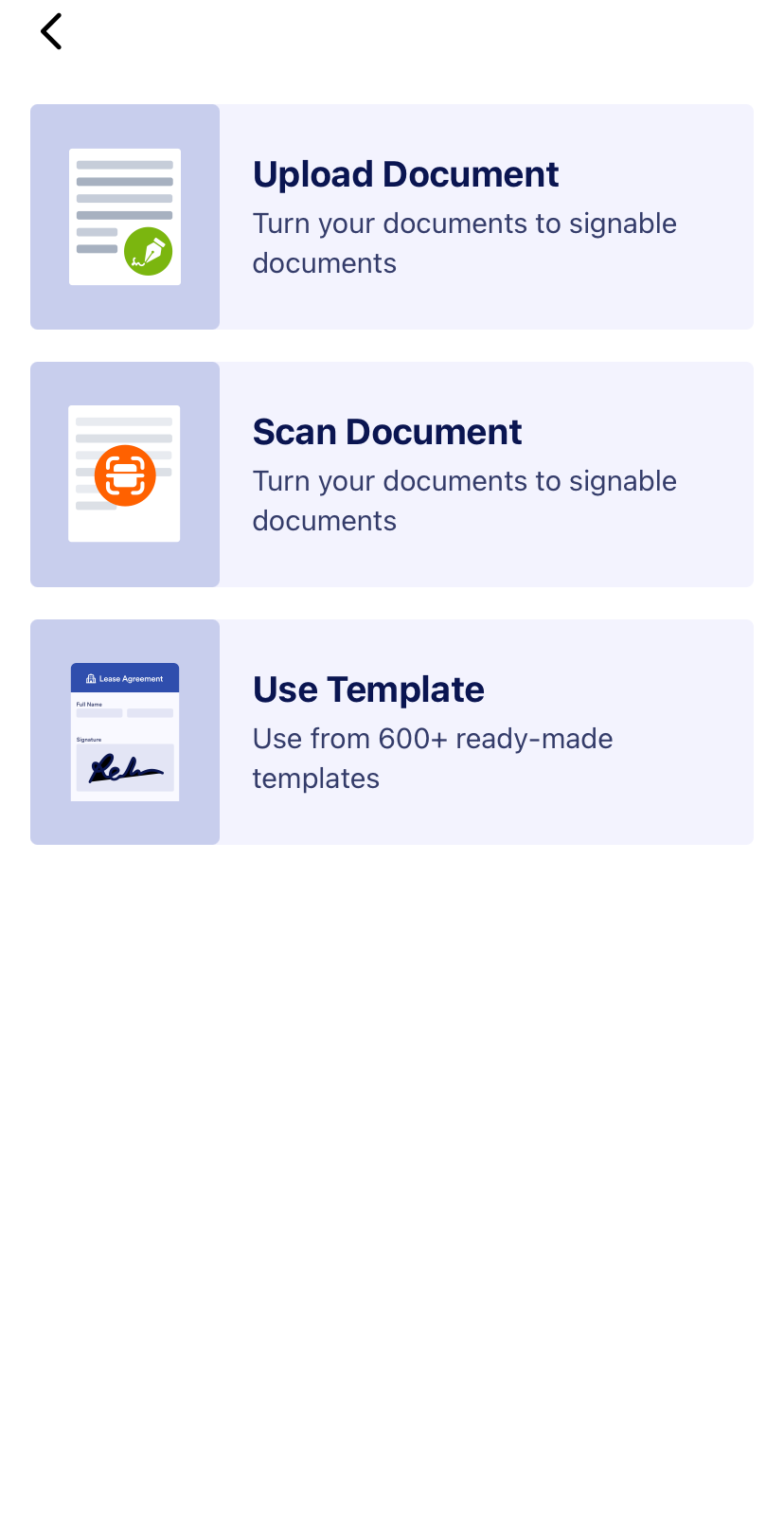
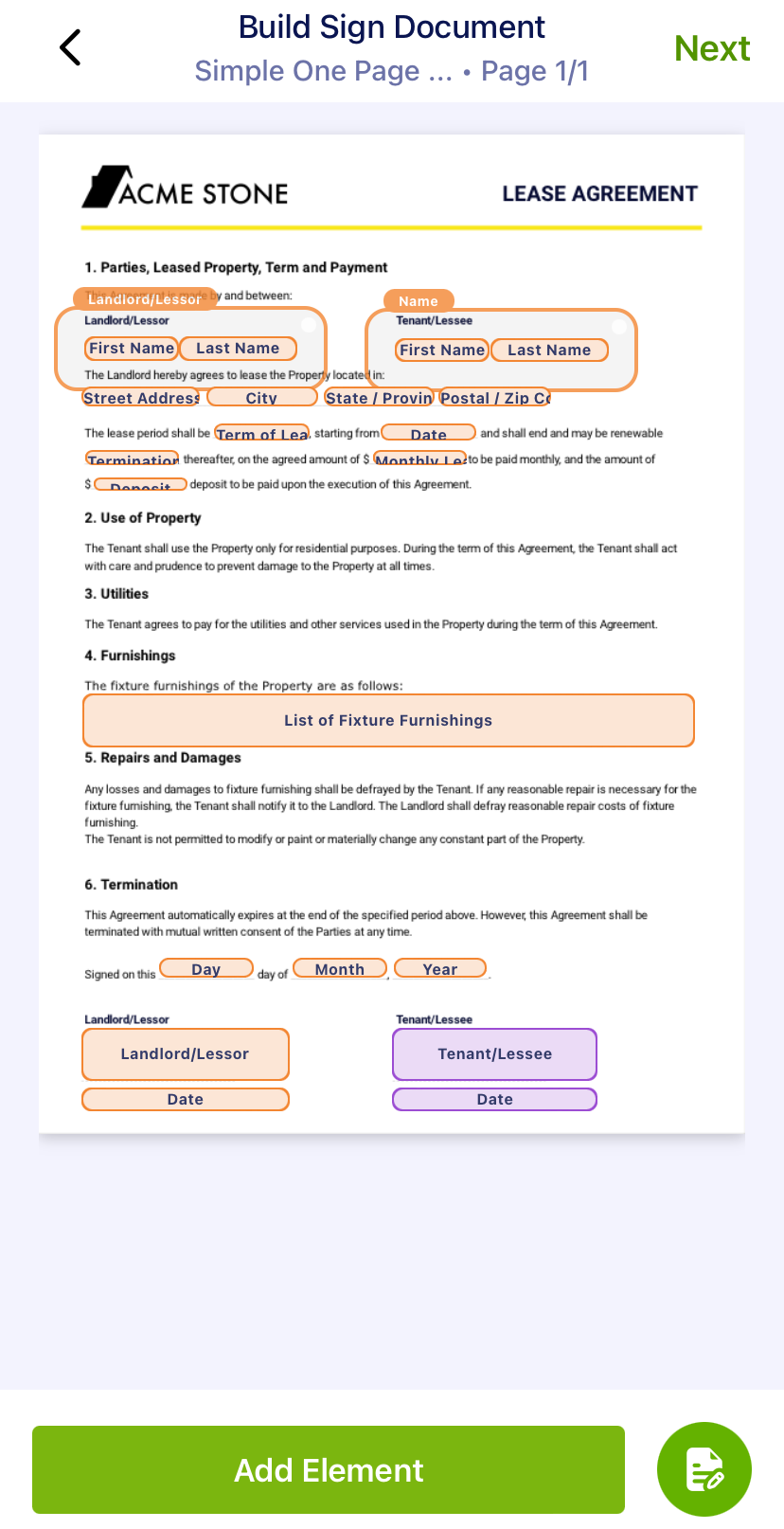
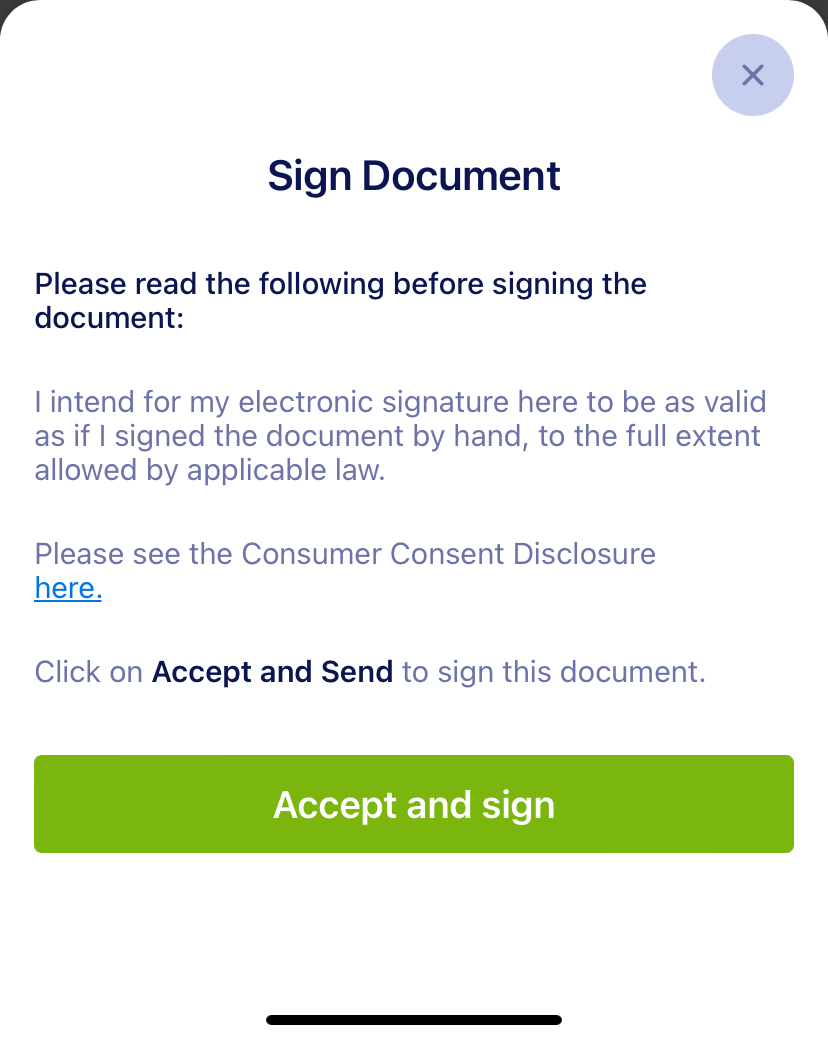
- Go back to the main menu, tap on the document of your choice and tap on Sign Now. Tap Finish once you’ve signed the document. Tap Accept and Send.
Now that you know how to sign a PDF on an iPhone with Jotform Sign Mobile, you can also use other types of electronic signature processes. For example, you can gather remote or in-person signatures from other users. You can also scan a paper document and sign it via the app. Plus, you can monitor and access all your signature documents directly from Jotform Sign Mobile.
Jotform Sign Mobile: A full-featured electronic signature experience tailored for iPhone users
If you’re looking for a quick and paperless document-handling solution for your contracts and agreements, try Jotform Sign Mobile. It’s the simplest way to sign, send, and track documents from your iPhone so you can finalize contracts, approvals, and forms from anywhere.
Download Jotform Sign Mobile today for free, and try signing your first document. Experience true mobile e-signature convenience with a tool built for the way you work.
FAQs: Jotform Sign Mobile
Markup is the iPhone’s built-in signature tool. For professional documents like contracts and agreements, it’s best to use a highly secure electronic signature app.
There are many signing apps available, such as Docusign, Adobe Sign, and Signeasy. Jotform Sign Mobile is a free iPhone signature app with an intuitive drag-and-drop document builder. You can upload or scan documents, sign them with ease, send them to others, and monitor progress to keep workflows on track.
This article is for mobile professionals, small business owners, remote teams, and anyone who wants to quickly and securely sign documents on their iPhone without the hassle of printing, scanning, or desktop software.

































































Send Comment: