


10 alternatives to signNow
As remote and hybrid work continue to shape the modern business landscape, in-person document signing is no longer the norm. Electronic signature (e-signature) tools have become a cornerstone of efficiency — helping teams close deals, onboard employees, and manage contracts entirely online.
Today’s e-signature platforms do far more than just capture a digital signature. They automate approval workflows, verify signer identities, ensure compliance with global regulations, and integrate with tools your business already uses.
One of the leading platforms in this space is signNow, known for its security, reliability, and ease of use. However, depending on your company’s needs — from pricing and integrations to automation and document management — there are several equally powerful (and in some cases more flexible) alternatives worth exploring.
Top 10 signNow alternatives
Here are 10 signNow alternatives to consider.
1. Jotform Sign


Best for: Businesses that need an all-in-one document management and e-signature solution with automation and form creation features.
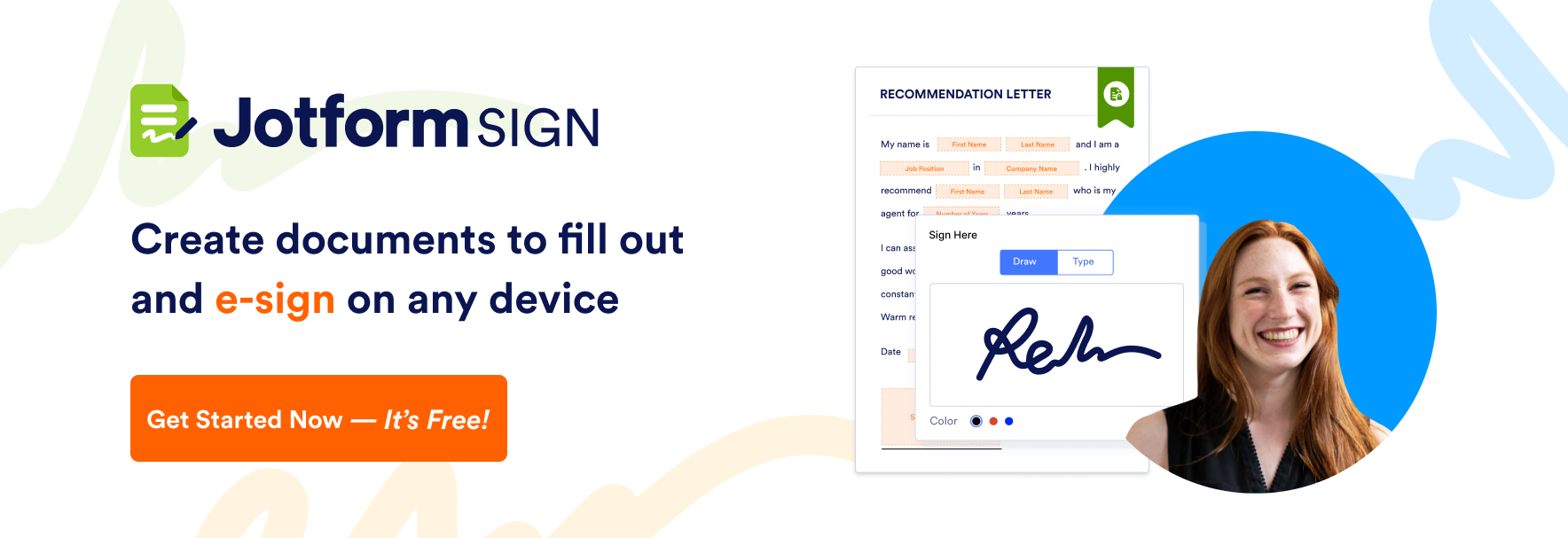
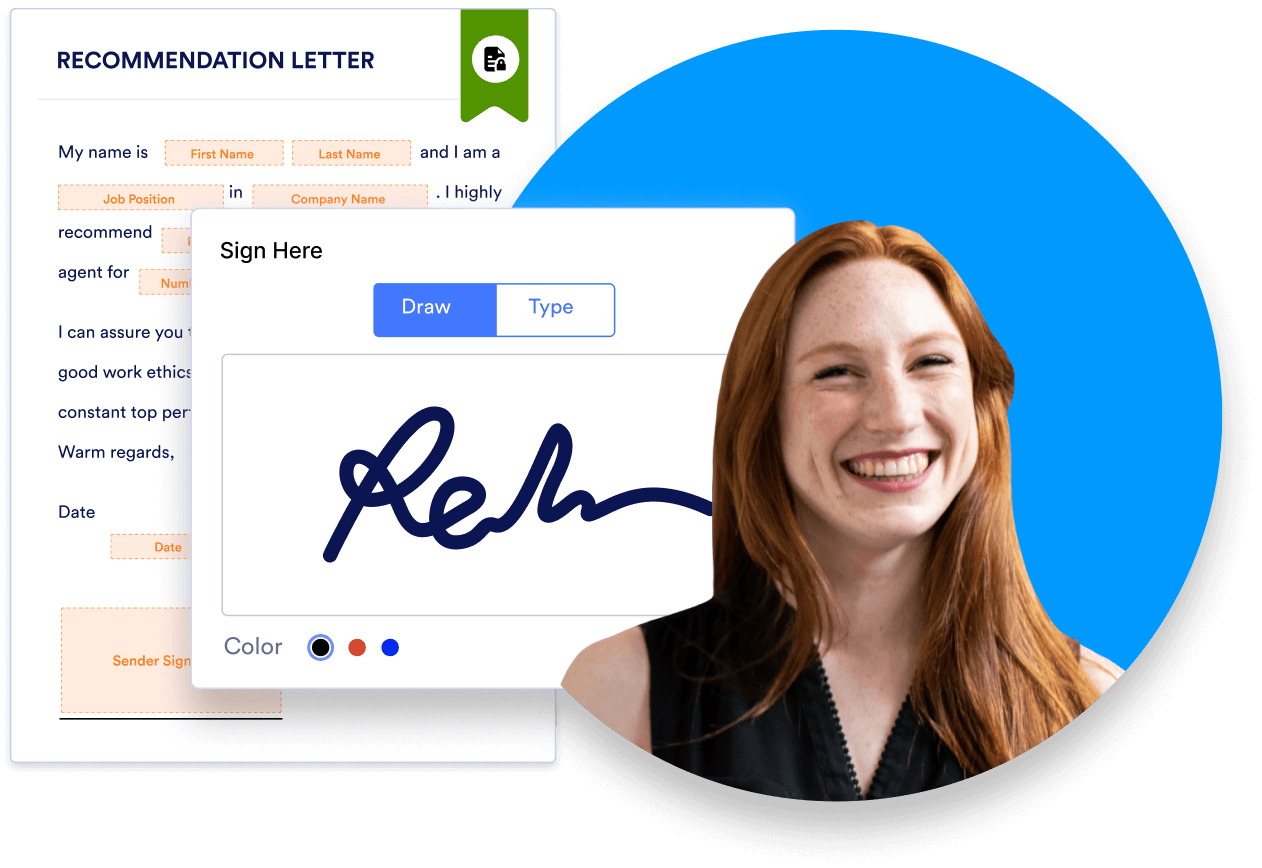
Starting off our list is the best free e-signature software Jotform Sign. Jotform Sign allows you to create documents that are ready to sign in minutes. The Jotform Sign Builder features a drag-and-drop editor so you can easily add signature fields to existing documents. You can automate signature workflows, set signing orders, and schedule follow-up emails.
More than just an e-signature solution, though, Jotform also lets you create powerful online forms, process payments, generate reports, and automate workflows, all from its easy-to-use, intuitive interface. And with thousands of customizable templates for forms, tables, and PDFs to choose from, you can build exactly what you need for your business.
Send my document for signature
File type is not allowed.
Maximum file size limit exceeded. (5MB)
Something went wrong.
Key features:
- Drag-and-drop document builder for adding fillable fields
- Automated signing workflows with customizable order and reminders
- Integrated payment collection, PDF generation, and form reporting
Limitations:
- Some advanced workflow automation requires a paid plan
- Branding customization may be limited in the free tier
Pricing: Free plan available; paid plans start from $34 per month (Bronze plan).
Pro Tip
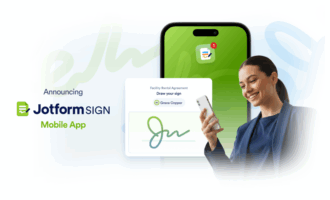
Use the free Jotform Sign Mobile app to sign existing documents, invite others to sign, and track status with notifications, so contracts and forms finalize anywhere, anytime.
2. Xodo Sign
Best for: Freelancers, SMBs, and enterprises that want a simple, web-based, and affordable signing solution.
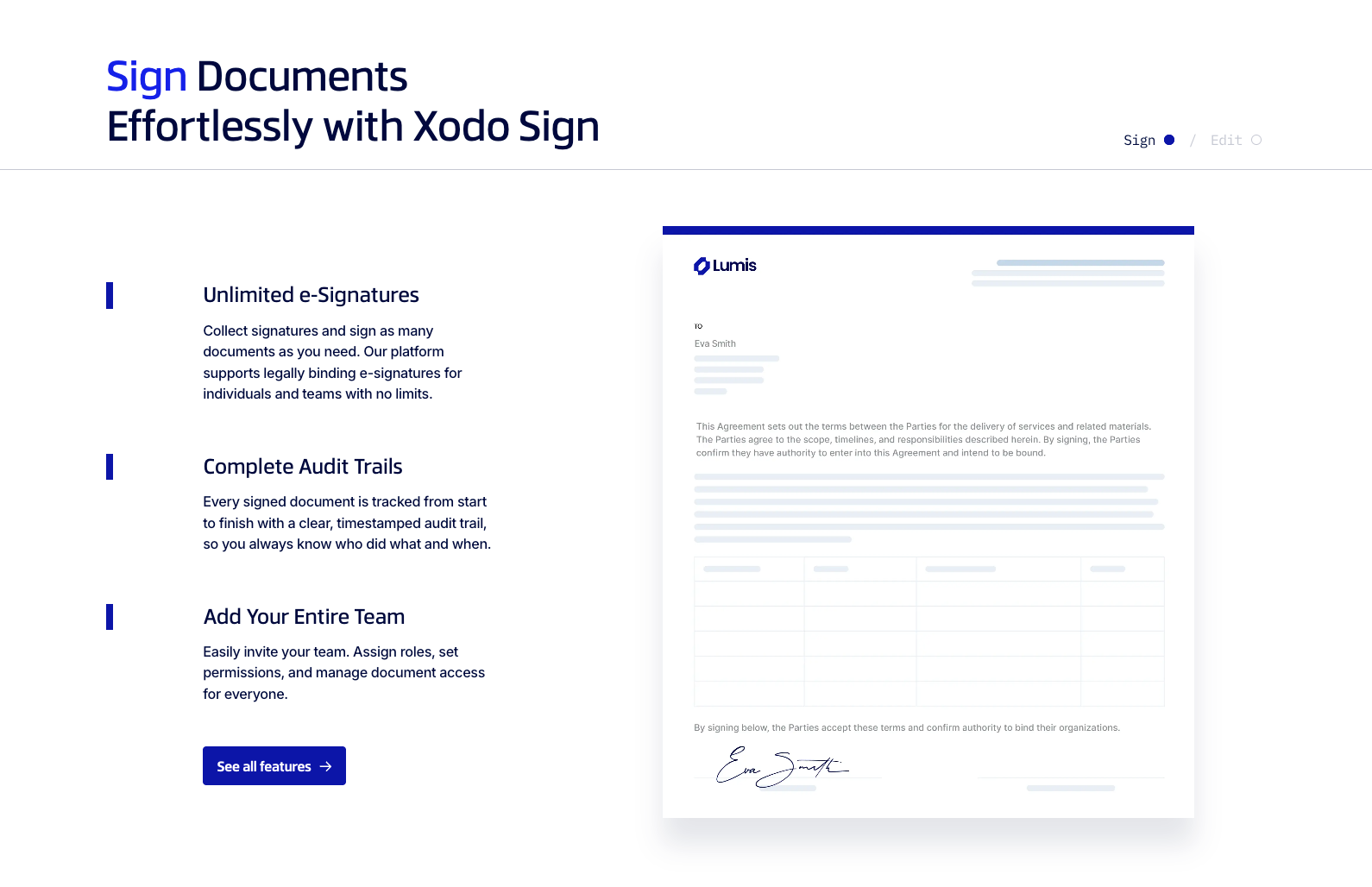
Xodo Sign makes it straightforward to edit, send and sign documents online in one secure platform. Xodo Sign The system supports unlimited e-signatures, offers complete audit trails, and invites team-members with roles and permissions. It also includes a built-in PDF editor—letting you add/edit text, redact sensitive information and rearrange pages.
For integration scenarios, Xodo Sign offers an e-Signature API for embedding signing directly into your own applications or websites, and supports automated workflows using no-code tools like Zapier. With eversign, automating both your internal and external documents is simple, easy, and secure, whether you’re a freelancer, small or mid-sized business, or large enterprise. It’s also affordable, practical, and flexible, and it integrates with popular apps — helping you improve your workflow, set up and share templates, and edit, sign, and send documents fast.
As a web-based app, it works on any device (including computers, tablets, and mobile phones), so you can take control of your documents no matter where you are.
Key features:
- Built-in PDF editor: add/edit text, redact, annotate and organise documents before sending.
- Seamless integrations and APIs: connect with CRM/Cloud storage apps and embed into websites or apps.
- Cross-device support (desktop, tablet, mobile) and platform-agnostic access.
- Compliance with GDPR, eIDAS, UETA and SOC 2 standards.
Limitations:
- The free tier may lack some advanced workflow automations compared to enterprise tools.
- Some users may find the interface less polished than newer competitors in mobile-experience.
- Template/custom branding and advanced analytics may require higher-tier plans or additional costs.
Pricing:
Free plan available; paid plans begin at a low monthly cost (exact pricing varies by number of users/issues).
To get more detailed information on eversign check our article: Xodo Sign vs HelloSign.
3. Dropbox Sign
Best for: Teams needing seamless e-signature integration with Dropbox and strong collaboration tools.
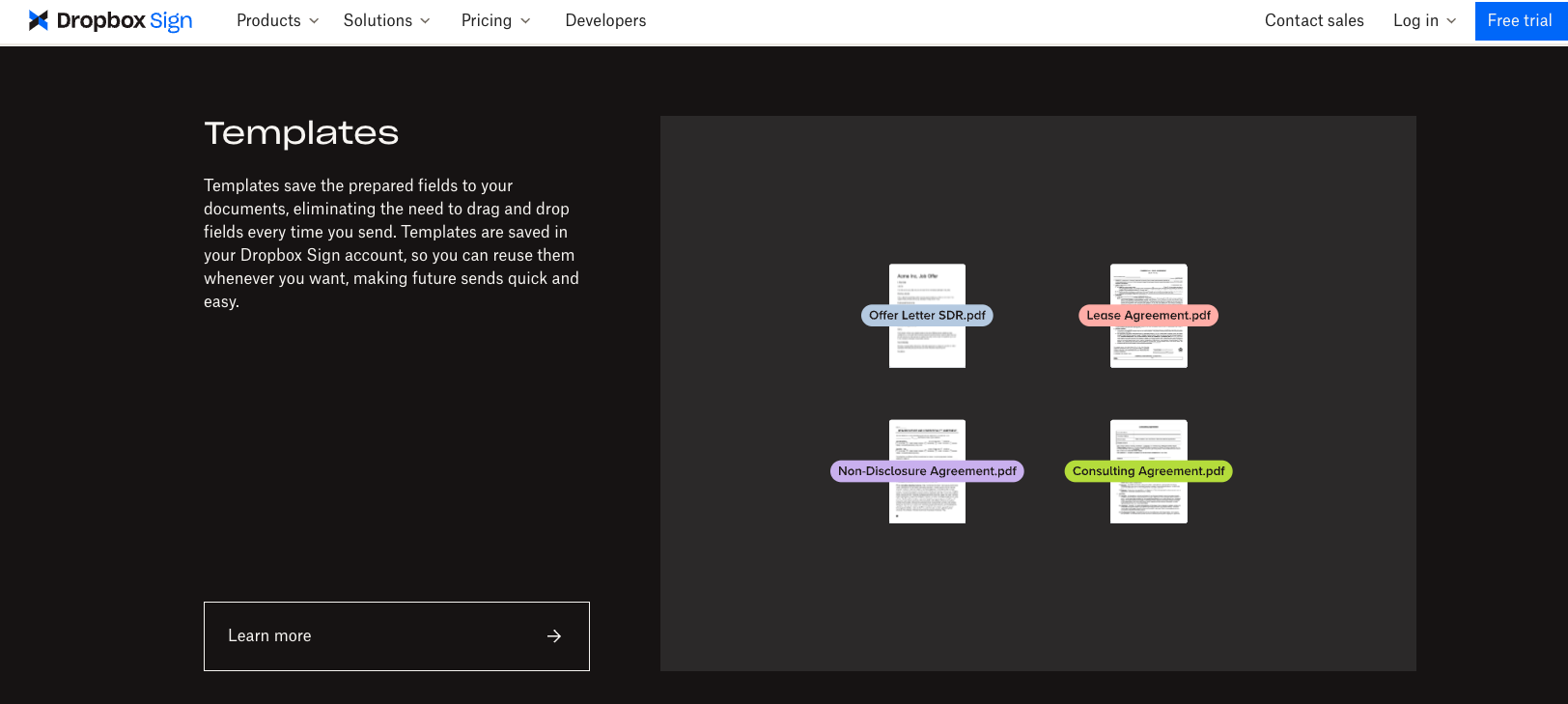
Next on the list of signNow alternatives is Dropbox Sign, the solution that helps you embed e-signature fields into your website or app, automate and collect paperwork, and safely sign documents and request signatures. From sales contracts and employee onboarding to insurance documents and financial agreements, Dropbox Sign enables users to send and sign agreements up to 80 percent faster than when using paper documents, according to its website. And since reviewers have given it higher ratings for ease of use than signNow, Dropbox Sign is worth considering.
Key features:
- Embed signature fields in your site or app
- Template creation and document automation
- Secure cloud storage with Dropbox integration
Limitations:
- Limited customization options for templates
- Lacks some advanced enterprise workflow features
- API access available only on higher tiers
Pricing: Free plan available; paid plans start at $15 per user per month.
Check out our HelloSign vs signNow article for a detailed comparison.
Important Note
Dropbox Forms, part of Dropbox Sign, was discontinued on September 30, 2025. If you’re looking for a Dropbox Forms alternative, try Jotform to create smarter forms with 20,000+ form templates, 100+ integrations, and an easy drag-and-drop builder.
4. Docusign
Best for: Large organizations seeking enterprise-grade compliance, scalability, and integrations.
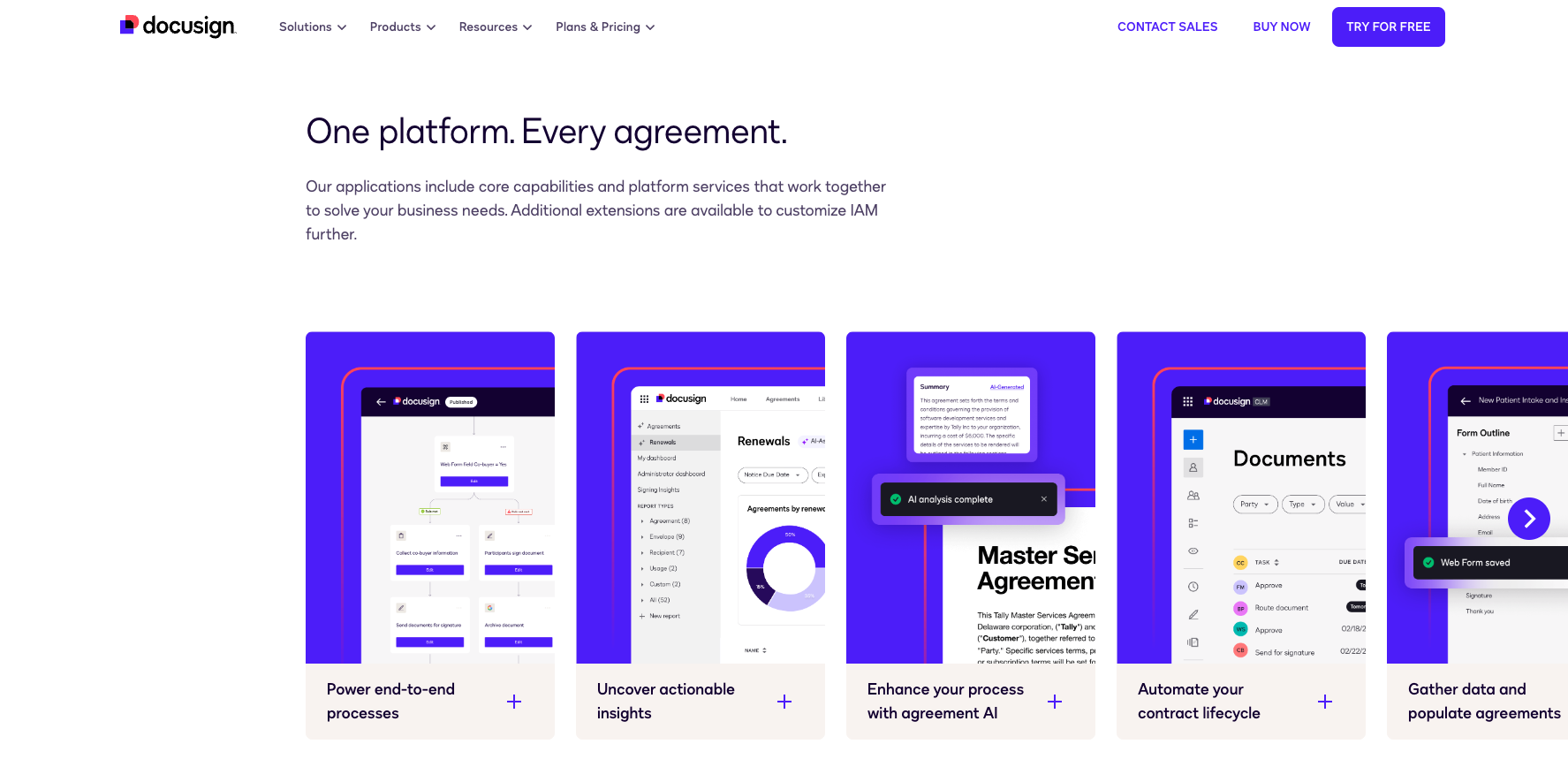
Not only does Docusign let you sign and send your documents electronically, but it also offers solutions to help you automate workflows, process payments, manage contracts, and streamline agreement generation and approvals — which can lower costs, save time, and improve customer satisfaction for your company. Docusign is simple, secure, and smart — with features like prefilled data, Guided Forms to simplify complex forms, and digital ID verification — and is used by more than 1 million customers around the world.
Key features:
- Advanced authentication and ID verification
- Automated workflows and approvals
- Integration with over 400+ apps (Salesforce, Workday, etc.)
Limitations:
- Higher cost compared to smaller e-signature tools
- Interface can be complex for first-time users
- Occasional delays in customer support responses
Pricing: Starts at $10 per month per user (Personal plan).
For a more in-depth rundown comparing these two solutions, be sure to check out our article: SignNow vs Docusign.
5. Adobe Acrobat Sign
Best for: Businesses already using Adobe products seeking advanced security and branding options.
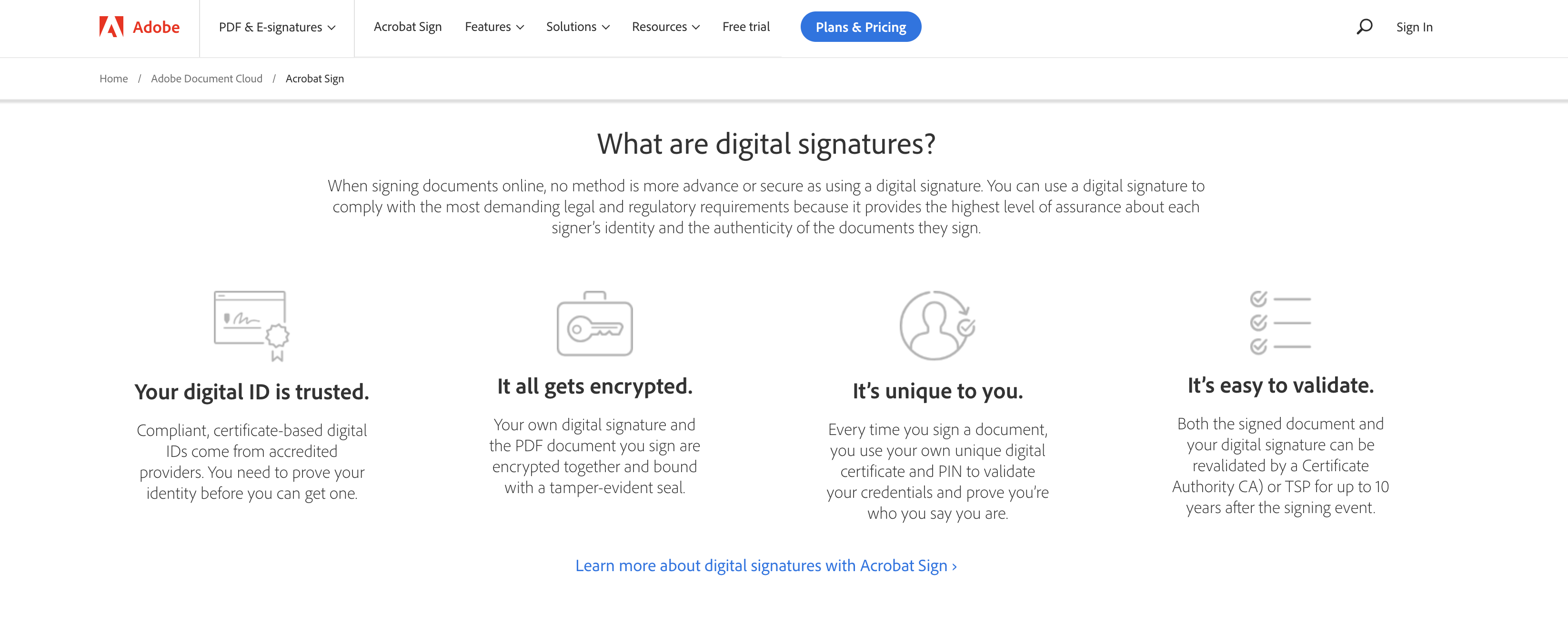
Whether you need to sign documents, create and manage frequently used templates, or add your logo and tagline to emails requesting signatures, e-signature solution Adobe Acrobat Sign has you covered. Both small and large businesses trust it, and it meets enterprise-level compliance and security standards. It also offers a wide range of powerful integrations — including Salesforce, Workday, Notarize, and Guidewire InsuranceSuite.
Key features:
- Integration with Adobe Acrobat and Creative Cloud
- Enterprise-grade compliance and legal verification
- Branding for signature request emails
Limitations:
- Expensive for small teams or freelancers
- Setup process may feel complex for new users
- Some users report slower document processing times
Pricing: Starts at $13 per month per user.
6. OneSpan Sign
Best for: Financial institutions, insurance, and regulated industries that require strong identity verification.
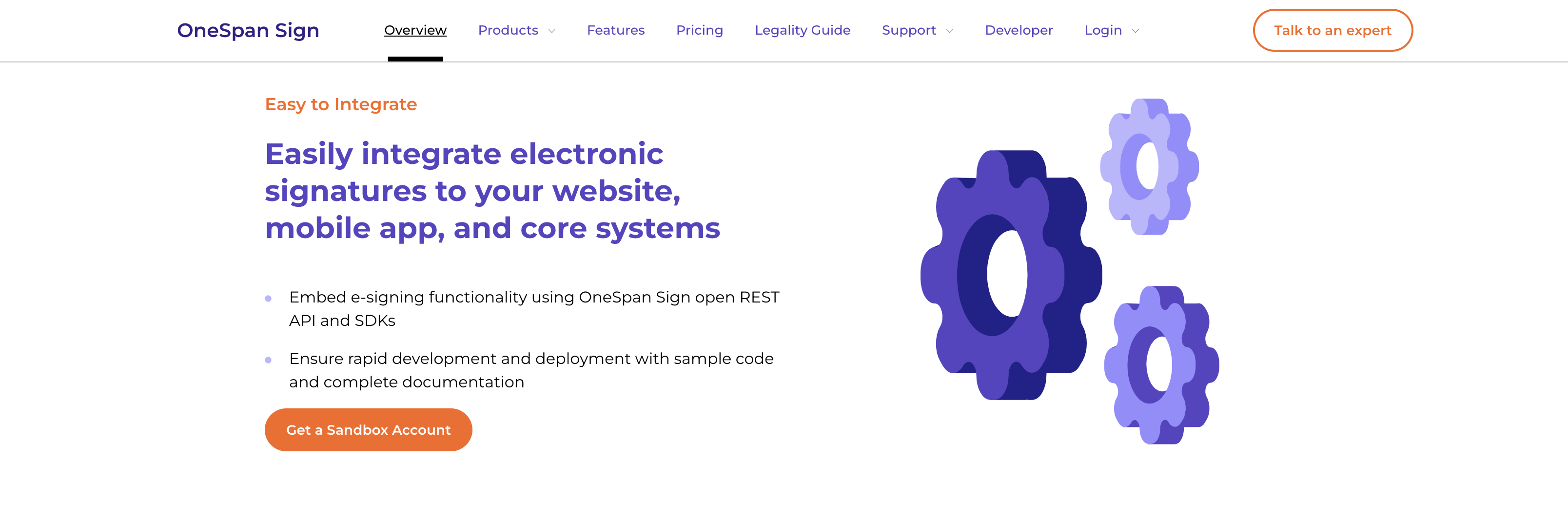
To improve customer service, streamline processes, automate workflows, and reduce document errors, add OneSpan Sign to your list of signNow alternatives. It’s available on all devices, easy to integrate, and designed to support all your business needs, regardless of your industry. Plus, it offers features like identity verification to mitigate risk and mobile app shielding to control fraud and security threats.
Key features:
- ID verification and fraud prevention tools
- Easy API and mobile integration
- Full audit trails for compliance tracking
Limitations:
- Interface feels more technical than user-friendly
- Limited template and branding flexibility
- Higher starting cost for small organizations
Pricing: Custom pricing available upon request.
7. SignRequest
Best for: Eco-conscious organizations looking for a simple, affordable e-signature tool.
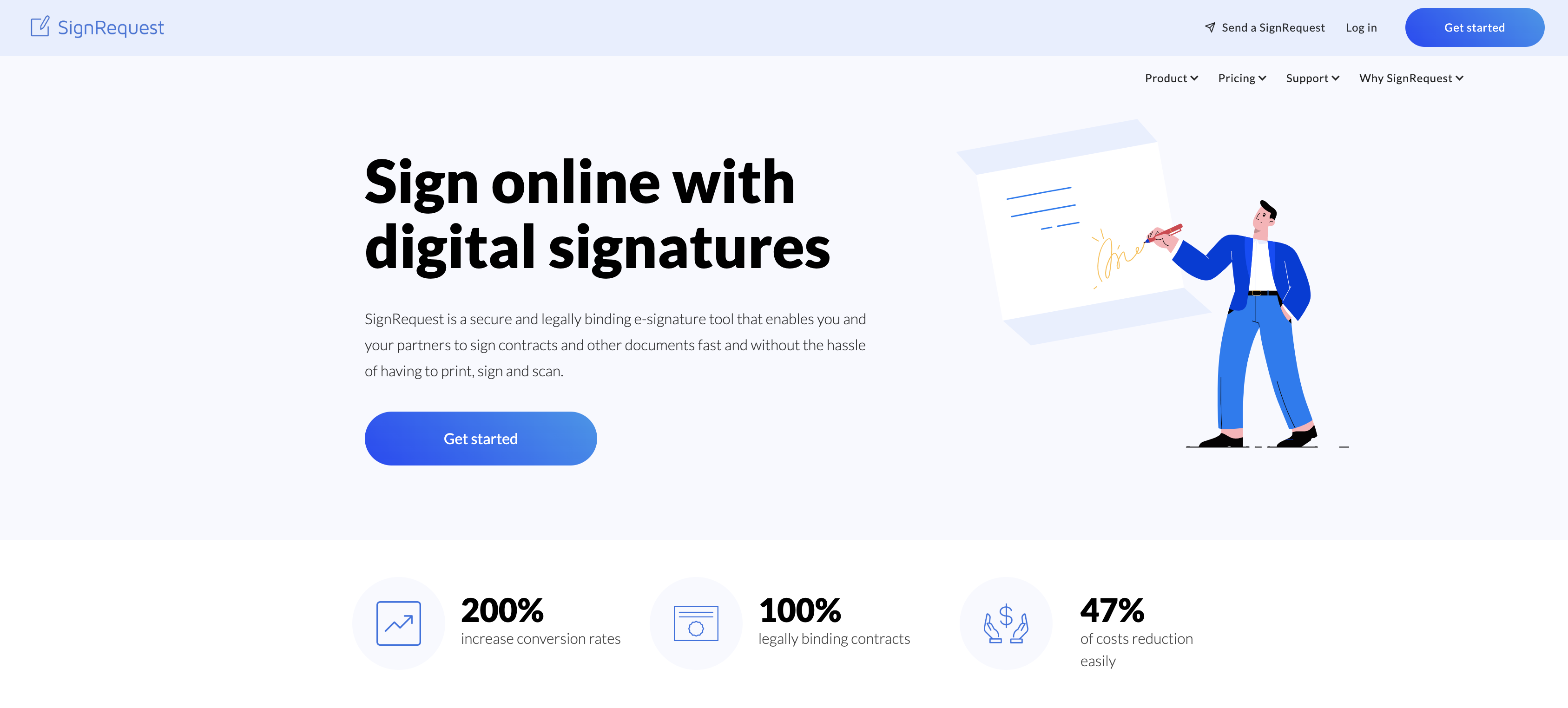
With e-signature platform SignRequest, you can improve efficiency, cut costs, and automatically manage and store all your documents in one location. It’s easy to use, fully secure, and integrates seamlessly with your website or customer relationship management (CRM) system. SignRequest supports sustainability, too, since it plants a tree for each new paid license.
Key features:
- Document tracking and notifications
- Seamless integration with CRM systems
- Tree planted for every new paid license
Limitations:
- Basic reporting and analytics tools
- Limited customization options for templates
- Lacks complex workflow automation
Pricing: Free plan available; paid plans start at $9 per month per user.
8. PandaDoc
Best for: Sales and marketing teams that want a robust proposal and contract management system.
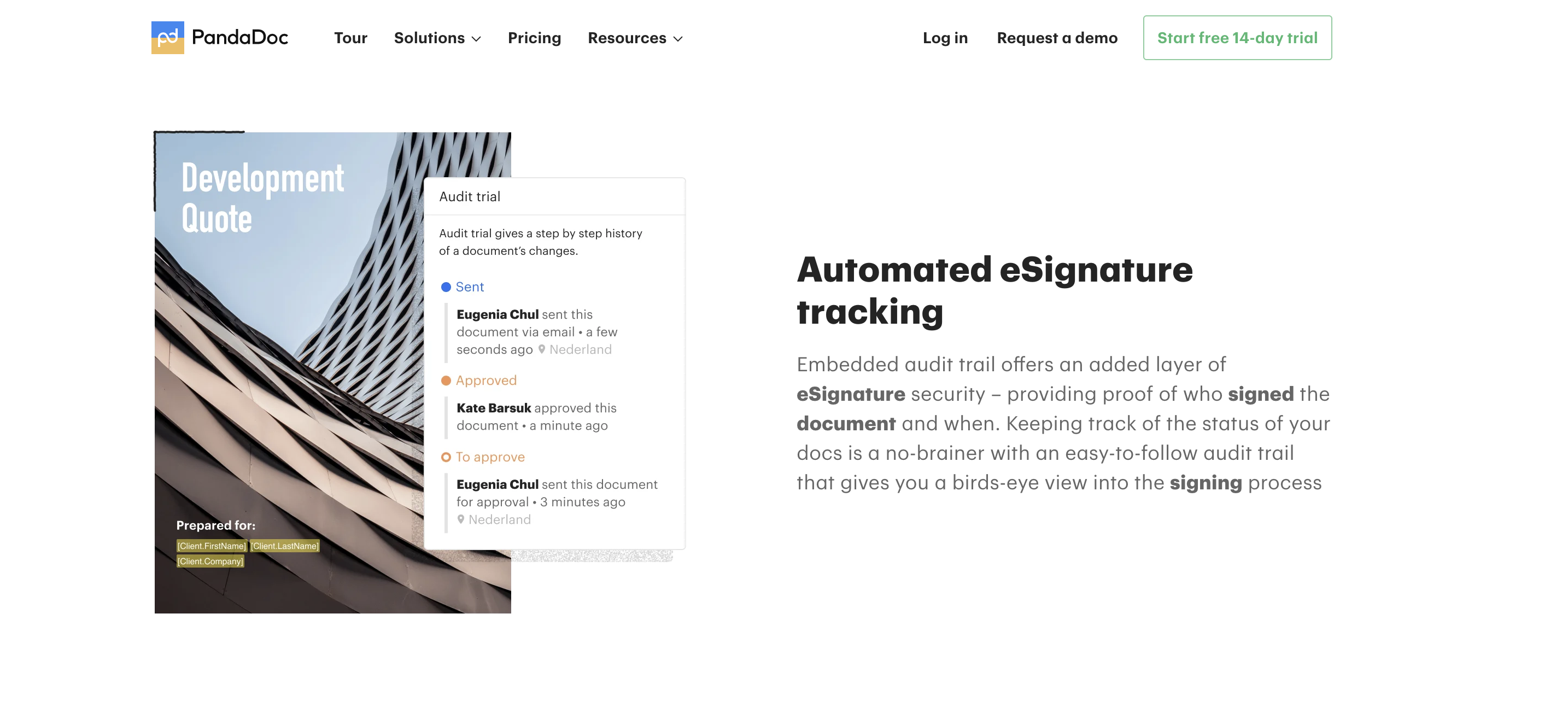
PandaDoc promises to take the “work” out of “workflow,” letting you create, edit, sign, and manage legally binding documents in minutes. Use templates and drag-and-drop builders to automate your approval processes, customize documents to stay on brand, and produce faster sales cycles — all from one centralized platform. Plus, thanks to its built-in analytics, you can track your document views and signatures from anywhere.
Key features:
- Drag-and-drop document editor
- Advanced analytics and tracking for sent documents
- Built-in payment collection and approval workflows
Limitations:
- Learning curve for beginners
- Pricing may be high for smaller teams
- Occasional lag on large document uploads
Pricing: Free eSign plan available; paid plans start at $19 per month per user.
9. Lightico
Best for: Businesses that prioritize speed and mobile-based customer interactions.
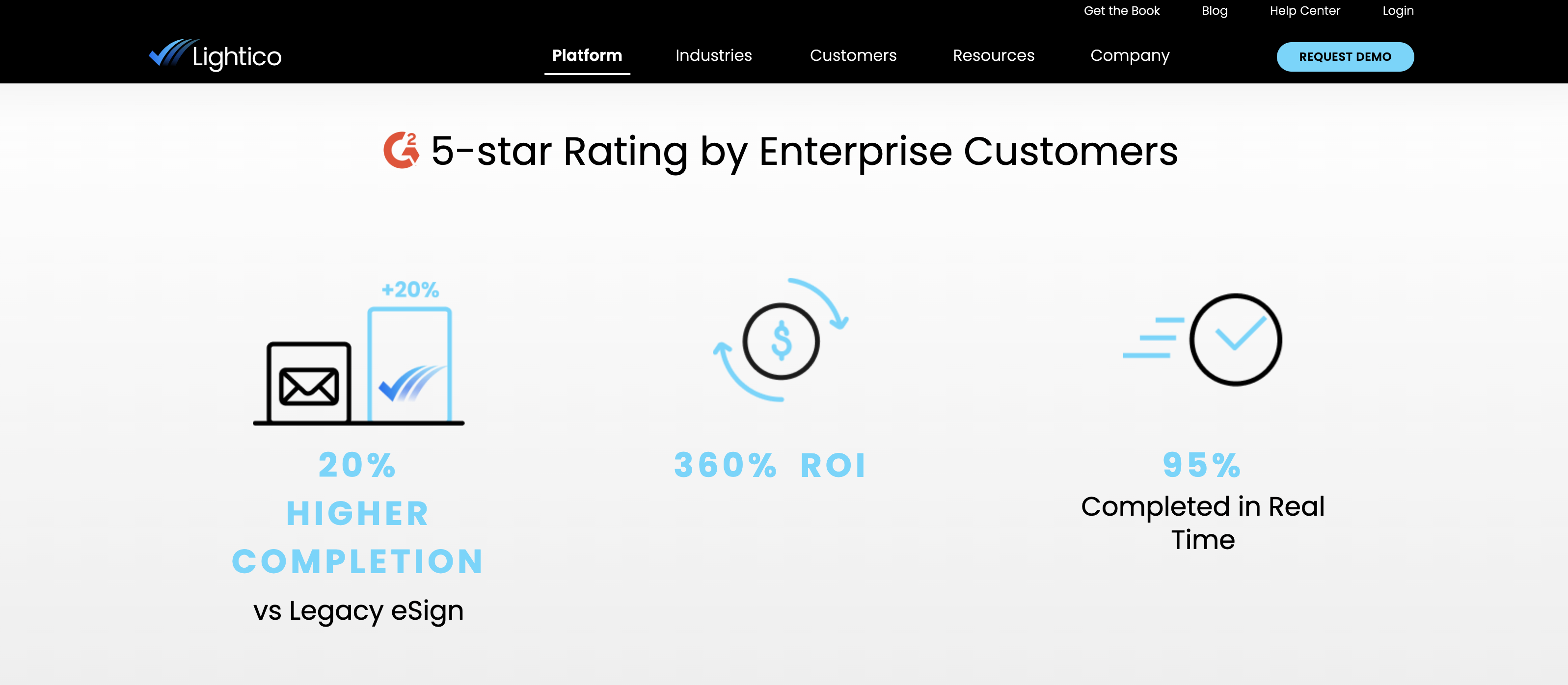
Looking for simplicity and speed from your e-signature platform? Then check out Lightico, which lets users sign and collect forms, verify IDs, and add supporting documents via email or text in seconds. Lightico is sophisticated, user-friendly, and built for any industry — including banking, healthcare, legal, and insurance. And since it’s a code-free tool, you can design your own automated workflow regardless of your programming experience.
Key features:
- Real-time ID verification and form signing via text
- No-code workflow design tools
- Optimized for banking, insurance, and healthcare
Limitations:
- Pricing not publicly listed
- Not ideal for heavy document management use
- Limited integrations compared to larger competitors
Pricing: Custom pricing upon request.
10. Signeasy
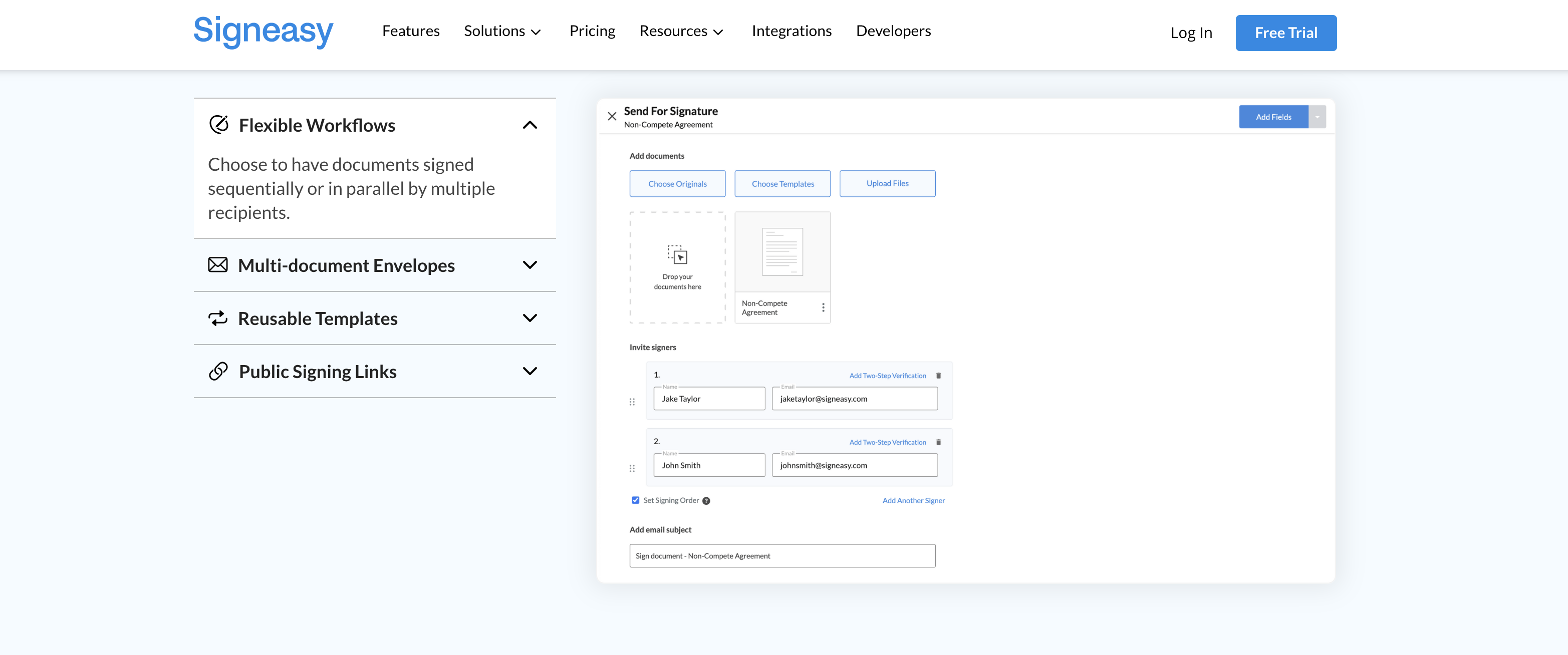
Best for: Small and mid-size teams that need a fast, mobile-friendly signing experience.
To close deals quicker, cut costs, and eliminate the monotonous cycle of printing, scanning, and sending documents, check out e-signature solution Signeasy. It’s fast, user-friendly, and convenient, helping users complete and sign paperwork anytime, anywhere. And since Signeasy integrates seamlessly with so many popular business tools — including Google Drive, Freshworks, and Salesforce — it’s no wonder over 10 million people use it.
Key features:
- Mobile-first design for Android and iOS
- Integrations with Google Workspace, Salesforce, and Freshworks
- Simple, intuitive interface
Limitations:
- Fewer enterprise-grade automation features
- Basic reporting and analytics
- Limited document editing functionality
Pricing: Starts at $10 per month per user.
For a more in-depth rundown comparing these two solutions, be sure to check out our article: Signeasy vs signNow.
Choosing the best SignNow alternative
Choosing the best signNow alternative depends on your specific business needs — whether that’s automation, compliance, scalability, or cost efficiency. If you’re looking for an all-in-one document workflow automation platform, Jotform Sign is a top pick with its drag-and-drop builder, automated approvals, and free plan. For small teams and freelancers, Xodo Sign and Signeasy offer affordable, mobile-friendly digital signature solutions that keep your workflow simple and efficient.
Enterprises seeking robust security and regulatory compliance can rely on DocuSign, Adobe Acrobat Sign, or OneSpan Sign for advanced authentication, audit trails, and global compliance support. Meanwhile, platforms like PandaDoc and Dropbox Sign stand out for their integrations with CRM systems and collaboration features that help teams close deals faster.
In 2025, e-signature software has evolved beyond simply collecting signatures — it’s now a vital part of smarter, faster, and more secure business operations. By comparing these top signNow alternatives, you can streamline document approvals, reduce manual work, and take your organization’s digital transformation to the next level.
AS ALWAYS, CONSULT AN ATTORNEY BEFORE RELYING ON ANY INFORMATION ON THIS PAGE. THE CONTENT ABOVE IS FOR INFORMATIONAL PURPOSES ONLY. JOTFORM IS NOT PROVIDING LEGAL, FINANCIAL OR OTHER ADVICE.







































































Send Comment: