Free Online Education Surveys
Jotform’s education surveys are designed to help administrators and teachers collect actionable feedback from students, parents, and staff. Use the platform to build custom questionnaires with conditional logic that address everything from lesson plan. The drag-and-drop builder makes it easy to gather insights, analyze results, and improve the learning experience without any technical expertise.
Шаблони
Free Education Survey Templates
Not sure where to start? No problem! Jotform has you covered with these ready-made education survey templates. Simply pick the one that works best for you, add your survey questions, customize the design, and share it with students, parents, staff, or other audiences to start collecting feedback.
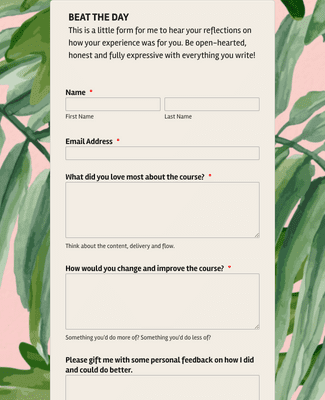
Online Course Feedback Form
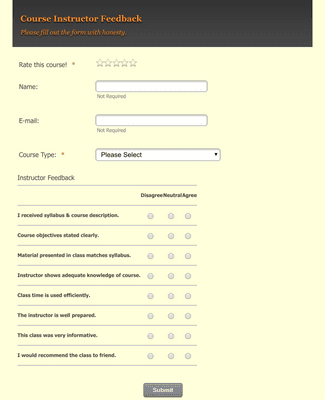
College Course Feedback Form
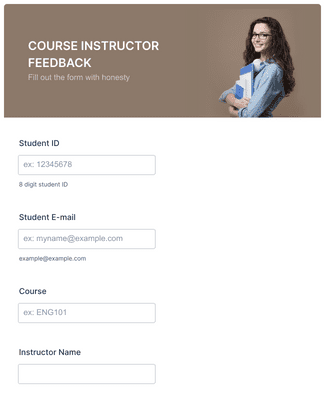
Course Instructor Feedback Form
Погодности
Instantly Create Education Surveys
No-Code Form Builder
Build education surveys with a drag-and-drop form builder, so teachers and administrators can publish a survey without writing code. Start from scratch or customize a ready-made survey template. Add images, adjust fonts and colors, and use form widgets to match the school’s needs.
Collect and Analyze Data
Collect student and staff responses in a single place, so results do not get lost across emails and spreadsheets. Jotform Tables can organize submissions in a spreadsheet-style view for sorting and review. Jotform Report Builder can turn submission data into visual reports that are easier to share with stakeholders.
Share Your Surveys
Share a survey link by email when a quick distribution method is needed. Create a scannable QR code so students or parents can open the survey on a phone. Embed the survey on a school website or portal to keep the survey in the same place people already visit.
Build Engaging Surveys
Add specific form elements that make longer surveys easier to finish. Use Save and Continue Later so respondents can pause and return without restarting. Add a Progress Bar widget and use a one-question-at-a-time layout when the goal is to keep the experience focused.
Collect Survey Feedback Anywhere
Use kiosk mode on a phone or tablet to collect responses in person, like during open house, conferences, or after-school events. Kiosk mode can run online or offline in the Jotform Mobile Forms app, so spotty Wi-Fi does not stop data collection. Offline form collection is designed to store responses and sync later when the device reconnects.
Препоруке
Шта наши корисници кажу за Jotform
Learn More About Education Surveys
Сва твоја питања везана за Jotform - одговорена. Погледај наша честа питања за одговоре на уобичајена питања или контактирај наш тим за подршку за додатне информације.
What are the benefits of surveys in education?
Educational surveys provide teachers and administrators with the information they need to make changes and improvements to their school. Educational surveys collect feedback and data from students, teachers, and parents to assess the overall effectiveness of an educational institution.
What are some good survey questions to ask students?
The questions you ask depend on the aim of your student survey, but some general questions that are good to ask your students are
- How would you rank this teacher on a scale from 1 to 5, with 5 being excellent?
- Do you have any suggestions for this teacher or course?
- What was your favorite part about this class? What was your least favorite?
- Is there anything that the school could do to improve your learning experience?
What are examples of survey questions?
There are many types of survey questions to use, depending on what you’re trying to learn more about. Here are a few types of survey questions that we recommend using:
- Multiple-choice questions
- Ranking questions
- Open-ended questions
- Rating-scale questions
How do you create an educational survey?
Creating an educational survey is seamless with Jotform’s easy-to-use survey builder. To get started, open our Form Builder and choose to build your survey from scratch or customize a ready-made survey template. Then simply drag and drop your survey questions and form fields, customize the design to match your school’s brand, and add conditional logic and widgets. Then share your survey with a few clicks to begin collecting feedback.
Како направити анкету са Jotform-ом
Треба да направиш онлајн анкету? Придружи нам се у овом кратком водичу за да видиш колико је то лако са Jotform-ом! Научи како да прилагодиш готов шаблон анкете и брзо додаш још питања да прикупиш одговоре који су ти потребни.