

Need a fast, easy way to collect signatures through Jotform? Then check out our new Docusign widget, allowing you to add a Docusign signature field to any form.
Docusign is a leading Document Transaction Management service, famous for helping you simplify electronic signatures and approvals. It’s perfect for all sorts of contracts, like for nondisclosure or employment agreements.
Adding Docusign to your form is painless. Check out how in our quick step-by-step guide below!
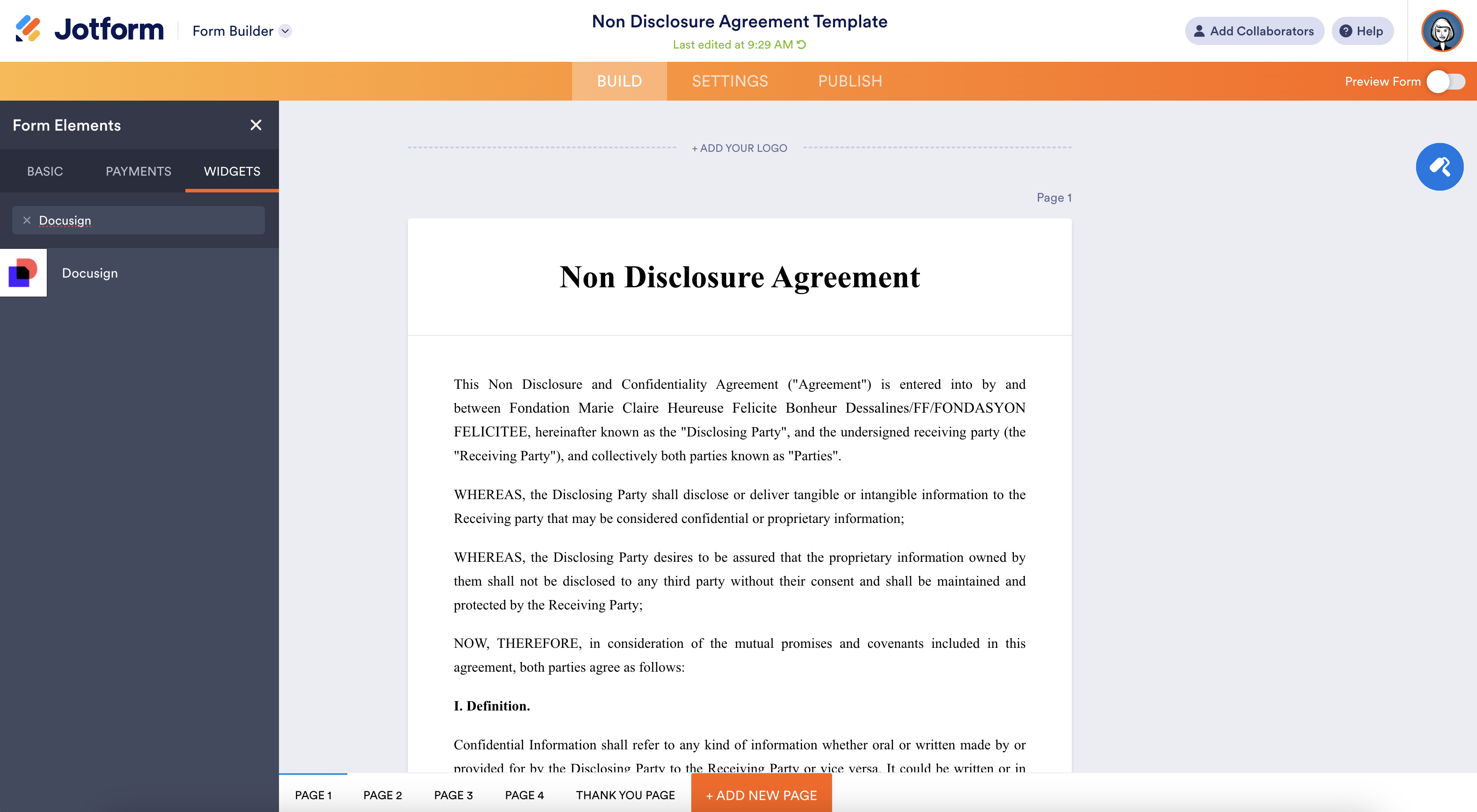
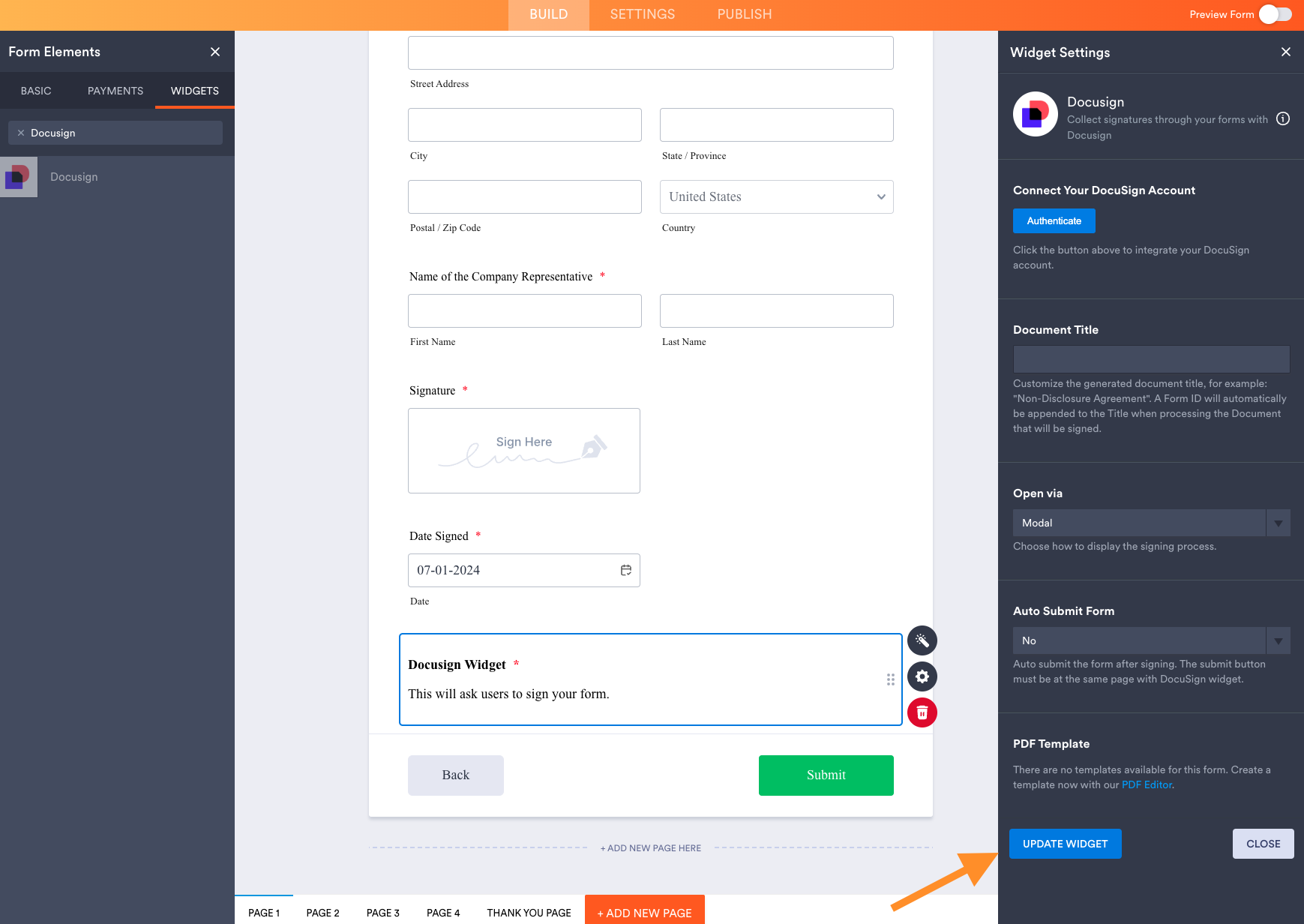
Find it under “Widgets” on the Jotform Builder. Drag it to the bottom of your form right before the Submit Button.
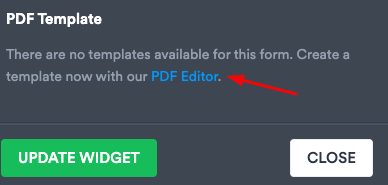
You also need to create a PDF document that is going to show up when a document is signed.
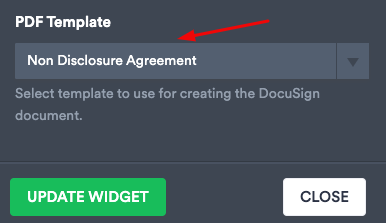
After the PDF is created with PDF Editor, select it on the Form Builder.
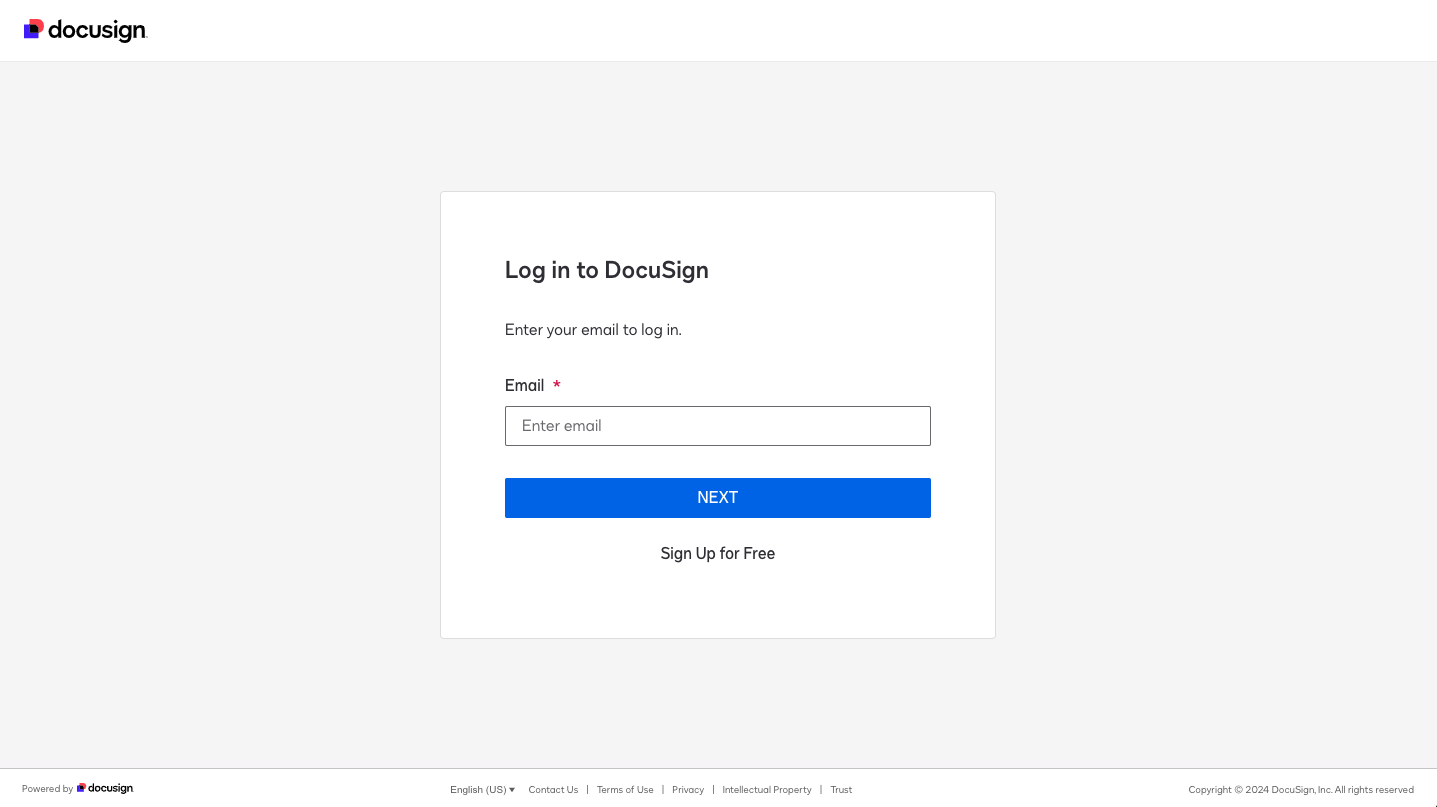
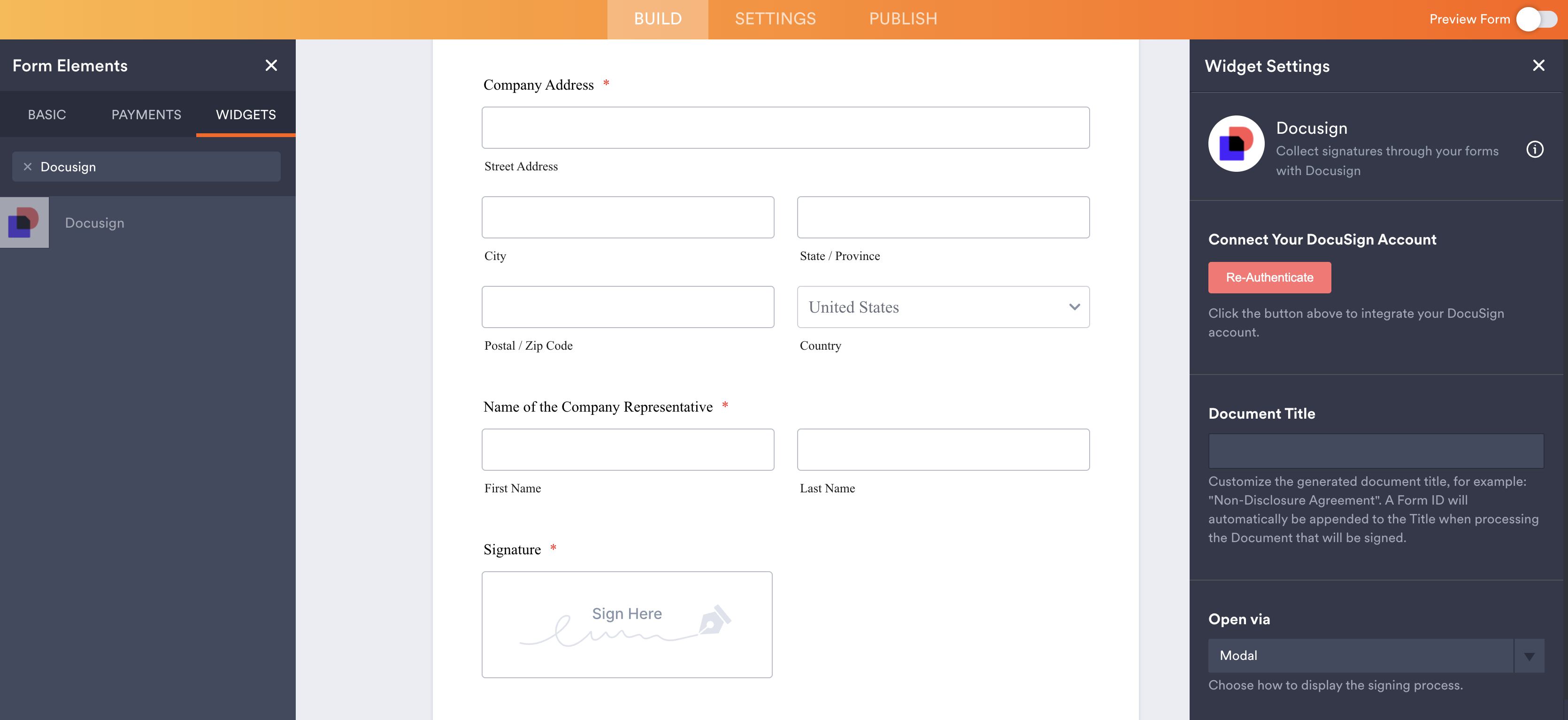
Connect your Docusign account to the Jotform Docusign widget:
That’s it!
Your form is ready to go.
To sign the form, enter a name and email, then click on ”Sign with Docusign”:
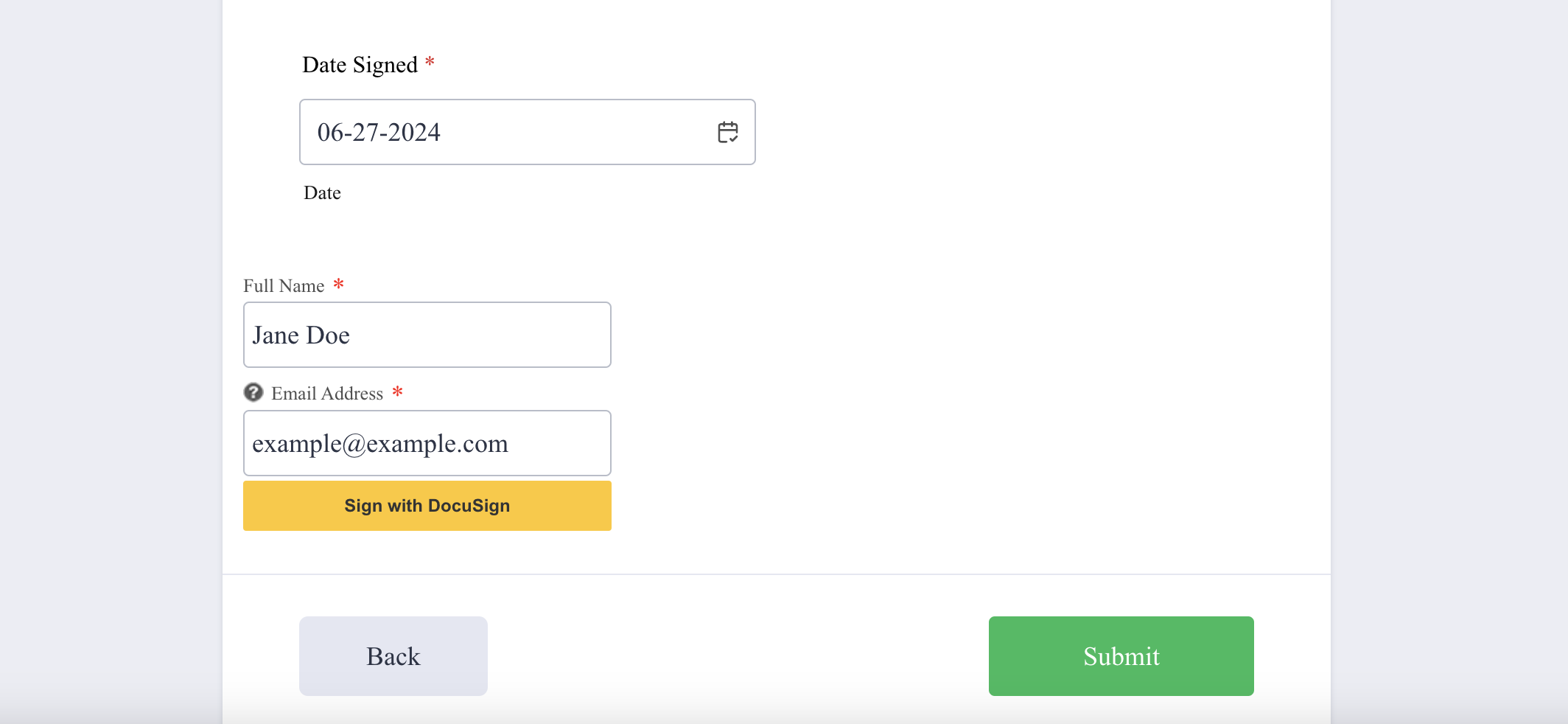
A modal pops up where you can review the document, and complete the signature via Docusign. Click “Finish” to apply the signature.
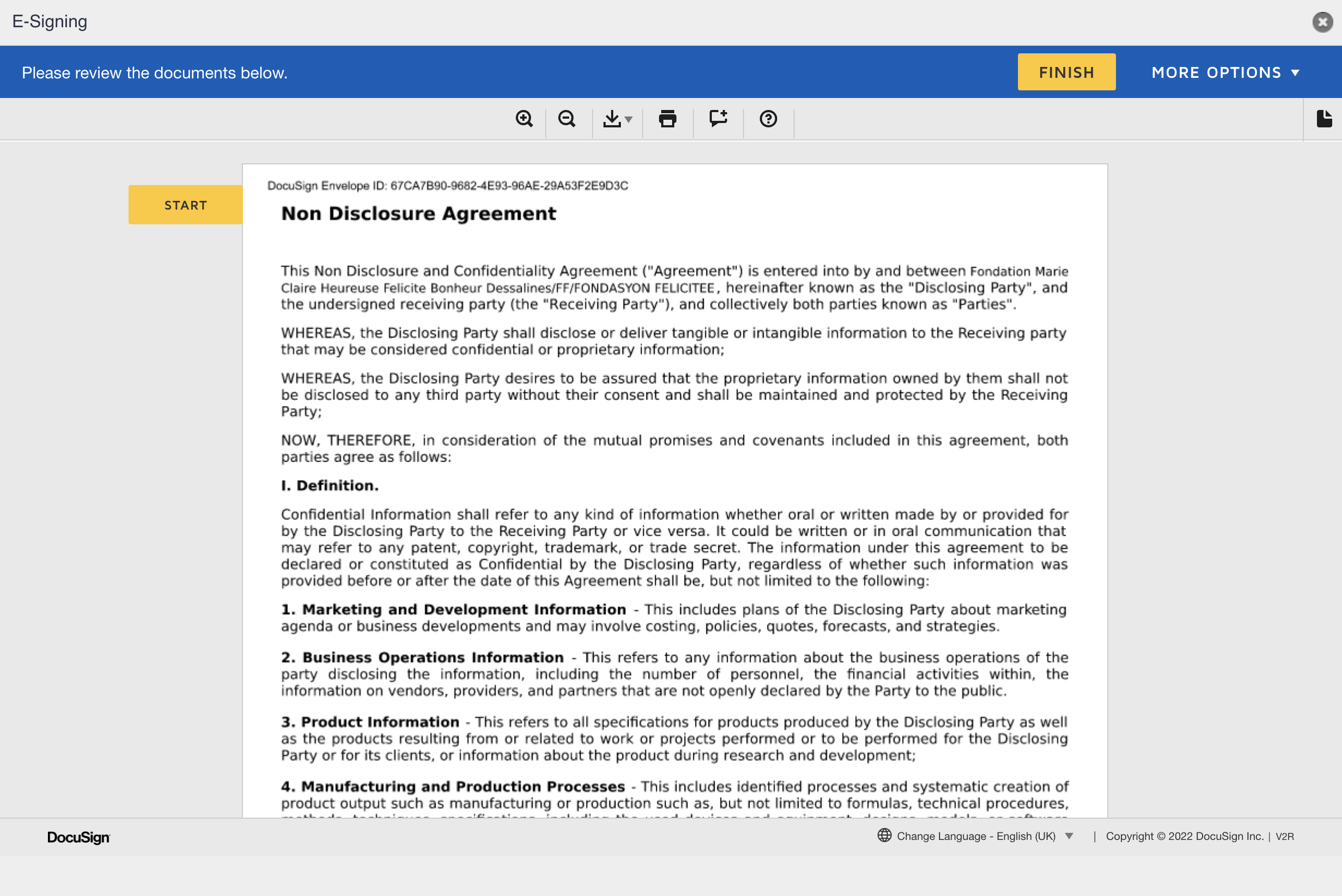
That’s it! Both you and the signatory will receive a PDF copy of the signed form.

Docusign is available in 188 countries, with over a quarter million businesses signed up and counting. Get started combining the powers of Docusign and Jotform today!


Are you already a Docusign user? Let us know how you use it in the comments below.











































































Send Comment:
13 Comments:
December 9, 2024
I have a document on Docusign that has quite a few text fields that are similar to the Jotform being filled out. How would I make it so that the text fields in the Docusign are automatically filled out with the Jotform fields the match the Docusign fields?
August 30, 2023
Is it possible to connect Jotform with DocuSign demo platform in order to test forms?
Is it possible to use Qualified Electronic Signature wich is available in my DocuSign account?
October 18, 2022
Once the form is signed, where will there be a record of the signed form in Docusign?
May 2, 2022
The docusign widget by default has the following field labels: "Your Name" and "Your Email". This is meant for our customers and some of our supervisors are seeing this and entering their information.... How would I change these field labels
March 10, 2021
I have been trying to put this widget in my form. I have a DocuSign account. The widget is "invisible" when I build the form. When I preview the form there are now 5 DocuSign fields. I can't make them go away on Jotform even though the widget has been removed.
December 21, 2017
Hi There,
I'm interested in using Jotform for my business, have been trialling the features, and have generally been very impressed. One key question for me -
I need the functionality for the submitted form to be emailed to someone who's details are in the form, and get 'THEM' to sign it remotely, using an E-signature. Is this possible using DocuSign, or another widget?
December 13, 2017
What would be the difference between using the "E-Signature" widget vs. using the "DocuSign" widget?
July 19, 2017
Is the information sent between Jotform and DocuSign encrypted? what are the security implications of this?
September 28, 2016
How would you make a signature with docusign or Adobe Sign which I use, be contingent on paying a PayPal fee in a services contract? I have a contract they must sign, and I want to take a downpayment or full payment before they sign. I know you have both Paypal and signature widgets, how would this trigger? Just have the PayPal before the signature widget? Is there something that can gate the signature to being active only AFTER the payment is made? Thank you!
September 16, 2016
Thanks for the upgrade, although I have not started using Jotform, but as soon as I am through with setting my business site I will love to integrate Jotform for job application.
Thanks ones again for this technology.
September 14, 2016
Please i have now register can you please help me to used it?
September 13, 2016
I like the sound of it.
September 9, 2016
Would it be possible to have also a SIGNNOW widget (formerly CUDASIGN) ?
Best regards.