
Whether you’re promoting an event or launching an out-of-home advertising campaign, you can quickly and effectively convey a large amount of information to consumers with a QR code. There are two main types of QR codes — static and dynamic:
- Static QR codes: The URL embedded into the code remains the same and isn’t editable.
- Dynamic QR codes: On the other hand, these are editable, meaning businesses can change the destination URL as needed. Dynamic QR codes also have additional features, such as password protection, scan-tracking, and more.
Pro Tip
Want to see the difference between static and dynamic QR codes in action? Watch this quick video for a clear, visual comparison!


If you’re interested in creating dynamic QR codes to use in your business, check out these seven dynamic QR code generators.
| Tool | Best for | Free Trial |
|---|---|---|
 Jotform |
QR codes connected to forms and workflows |
✅ |
 Visme |
Added dynamic QR codes to branded visuals |
✅ |
 Canva |
Creating QR codes inside quick design projects |
✅ |
 Scanova |
Managing trackable QR campaigns at scale |
✅ |
 QRStuff |
Generating QR codes for many data types |
✅ |
 Blinq |
QR codes for digital business cards and profiles |
✅ |
 QRTiger |
Branded, editable QR codes with analytics |
✅ |
1. Jotform
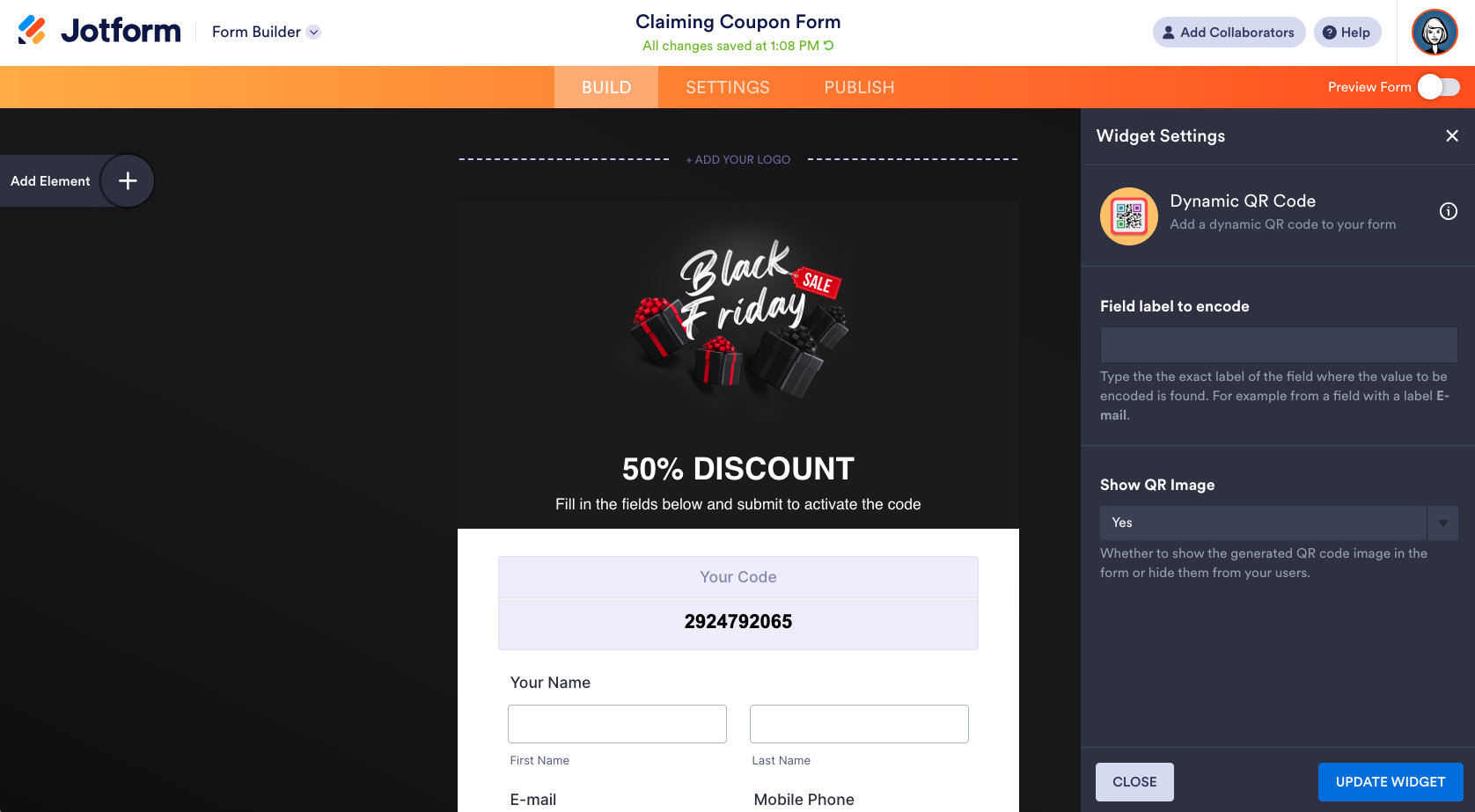
Recommended for: Creating QR codes tied to forms and workflows (especially when the QR needs to change based on a user’s answer).
Best features:
- Dynamic QR code widget that generates a unique QR code based on form responses
- Option to generate static QR codes inside a form
- No-code setup in the form builder (drag-and-drop widget)
Limitations:
- The most “dynamic” QR use case is form-driven (you’ll need to build the form logic to power the QR output).
Pricing:
- Starter (Free): All features are included, but they are subject to specific usage limits.
- Bronze ($34/Month): 5 forms, 100 submissions, 100 MB available space, individual plan.
- Silver ($39/Month): 25 forms, 1000 submissions, 1 GB available space, individual plan.
- Gold ($99/Month): 100 forms, 10.000 submissions, 10 GB available space, individual plan
- Enterprise (Custom Price): Unlimited forms, monthly submissions, and storage.
Jotform is the ultimate solution for creating QR codes. Jotform’s dynamic QR code widget can display a unique QR code based on a user’s response in a form. For example, if the user enters a specific coupon code in a form field, the form will generate a QR code linking to the correct discount. Jotform can also generate static QR codes within a form.
Create QR Codes in Minutes
2. Visme
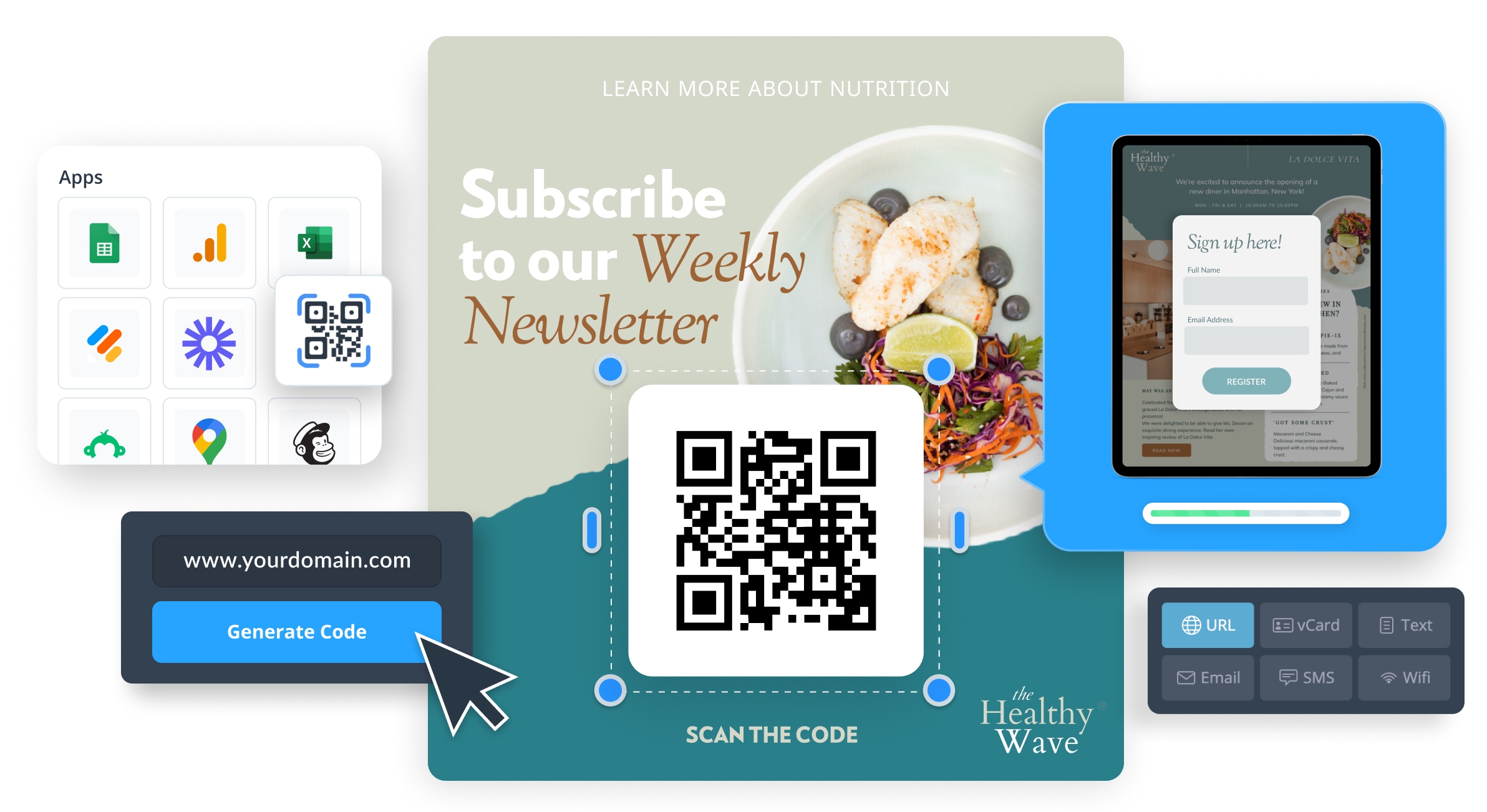
Recommended for: Marketing teams and non-designers who want to add dynamic QR codes directly into branded visuals like flyers, brochures, and presentations.
Best features:
- Built-in QR Maker that creates dynamic QR codes and supports multiple content types (URLs, vCards, text, email, SMS, Wi-Fi).
- Editable content, you can update what the QR code links to without generating a new one.
- Easy to embed QR codes into Visme projects (presentations, infographics, flyers, brochures).
Limitations:
- You may need to upgrade to download QR codes and use them across exports (depending on your workflow).
- QR design customization is relatively basic compared to dedicated QR platforms (Visme emphasizes quick creation and embedding).
Pricing:
- Basic (Free): Take Visme for a test-drive, for as long as you want.
- Starter ($12.25): Get access to premium features for individual use.
- Pro ($24.75): Unlock more powerful design tools, privacy features, manage your brand, and collaborate as a team.
- Enterprise (Custom Price): Create content using next-level features that ensure brand accuracy, workflow efficiency, project visibility, and more.
Visme is a tool for creating visual brand experiences. It enables organizations to create presentations, infographics, charts, graphs, and of course, dynamic QR codes.
The QR code tool is built into the platform, so it’s easy to add a code to any visual project you’re working on. Visme also has a free subscription option and three tiers of paid options.
3. Canva
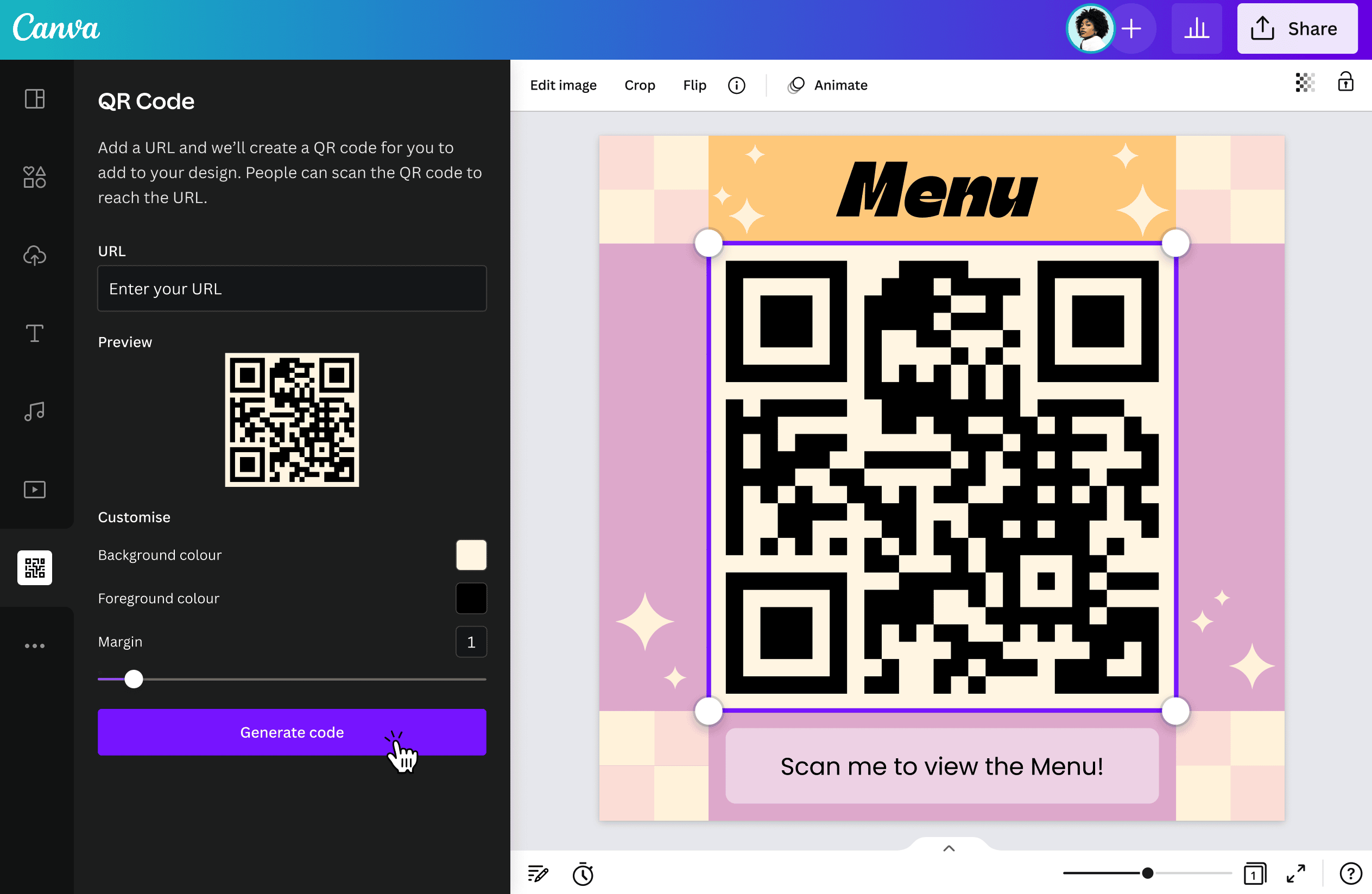
Recommended for: Creating QR codes inside a fast design workflow, like posters, menus, flyers, business cards, and social graphics, especially if you want everything (design and QR) in one place.
Best features:
- Create QR codes directly within Canva designs, so you can design and publish without switching tools.
- Dynamic QR codes you can update anytime, so you don’t need to reprint materials when a link changes.
- Strong templates and brand-friendly design tools for producing QR-ready marketing assets quickly.
Limitations:
- If you need advanced QR campaign management (bulk creation, deep analytics, complex routing), a dedicated QR platform may be a better fit.
- Dynamic QR features and controls may vary based on your plan/workspace setup.
Pricing:
- Free: An easy drag-and-drop editor with over 1,000 design types, access to 1.6 million templates and 4.7 million assets.
- Canva Pro ($10/month): Includes unlimited access to premium templates, more than 140 million visual assets.
- Canva Teams (around $8/month): Includes real-time collaboration tools, team reports and insights, data import, and more.
- Canva Enterprise: Custom pricing. Includes advanced security, admin controls, single sign-on, custom apps, a dedicated customer success manager.
Most marketers will be familiar with Canva for its beginner-friendly design capabilities. However, this easy-to-use tool also enables you to generate QR codes completely free. Simply select the QR code function in the menu, add your URL, and it’s design-ready.
Pro Tip
Understand the differences between static and dynamic QR codes to choose the best option for your needs. Start creating customized solutions with the QR Code Generator.
4. Scanova
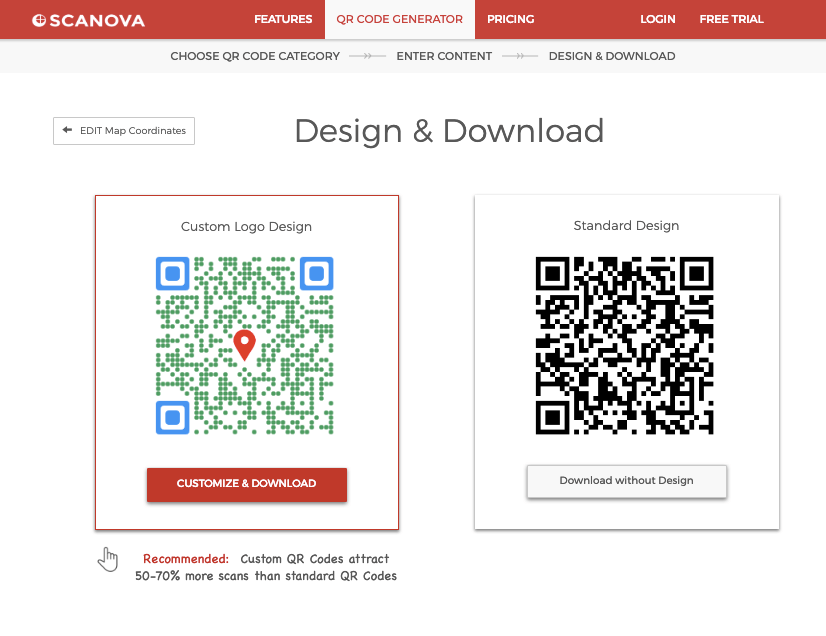
Recommended for: Mid-sized to large teams that want dynamic QR codes with strong tracking, editable destinations, and campaign controls for marketing and customer engagement.
Best features:
- Editable dynamic QR destinations (update content anytime without reprinting)
- Detailed scan analytics (time, location, device, OS/browser)
- Campaign controls like activation/deactivation, plus options like password protection and lead capture
Limitations:
- Dynamic QR codes require an active subscription to keep working (static codes don’t).
- Some offerings are plan-dependent (for example, certain analytics and advanced capabilities vary by tier).
Pricing:
- Basic ($5): 3 QR codes and unlimited scans.
- Lite ($9): 10 QR codes and all QR categories.
- Standard ($35): 50 QR codes and advanced analytics.
- Pro ($75): 500 QR codes, 5 users, and 1 custom domain.
- Enterprise (Custom Price): Unlimited QR codes, unlimited users, and domains.
Ideal for mid-sized to large businesses that frequently run marketing campaigns, Scanova enables you to create QR codes that are completely customizable — so you can add brand colors and patterns. Plus, create up to a million QR codes per month on certain plans.
Scanova also allows users to create custom mobile landing pages without any development expertise needed.
5. QRStuff
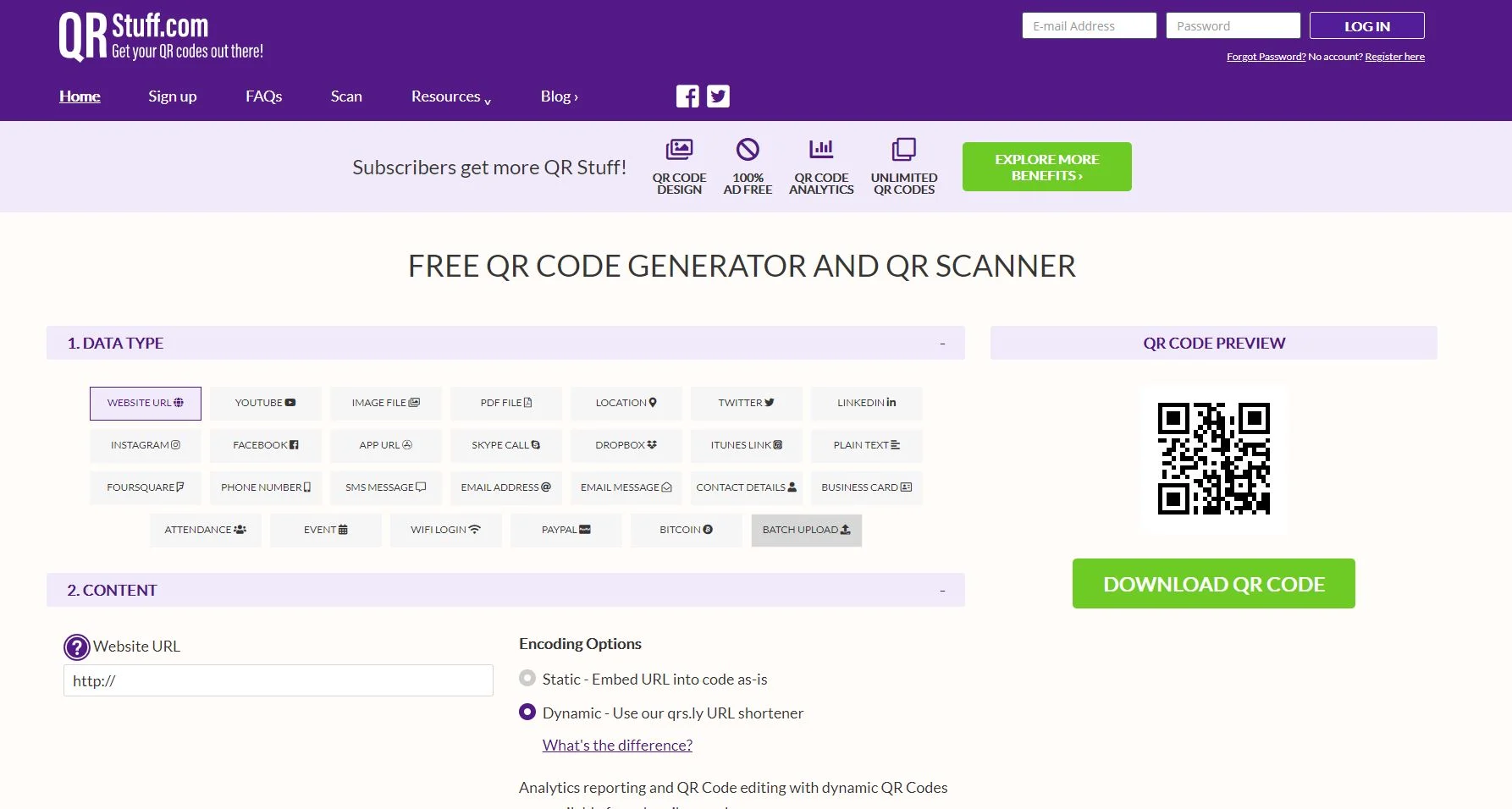
Recommended for: Teams that want a straightforward QR generator with lots of data types, plus dynamic QR editing and analytics when needed.
Best features:
- Supports both static and dynamic QR codes, dynamic codes can be edited after creation and unlock scan analytics
- Wide range of QR “data types” (not just URLs), useful for different campaigns and workflows
- Multiple download formats geared for real-world use (print and digital)
Limitations:
- Dynamic QR codes and advanced features are tied to paid suites (free is more limited).
- Higher-volume needs (more dynamic codes, batch processing, integrations, branding) generally require moving up tiers.
Pricing:
- Free Suite: 5 static codes, 10 dynamic codes, and 50 monthly scan limits.
- Lite Suite ($10): Unlimited static codes, 50 dynamic codes, and 200 monthly scan limits.
- Full Suite ($25): Unlimited static codes, 250 dynamic codes, and unlimited monthly scans.
- Enterprise ($250): Unlimited static codes, 1000 dynamic codes, and unlimited monthly scans.
Generating dynamic or static codes with QRStuff is easy. Simply input the type of data the code needs to contain — like a website URL, business card information, or a video link — then choose the size and image resolution you need, and pick the print quality.
You’ll need a paid subscription to create dynamic QR codes — however, this also comes with analytics capabilities.
6. Blinq
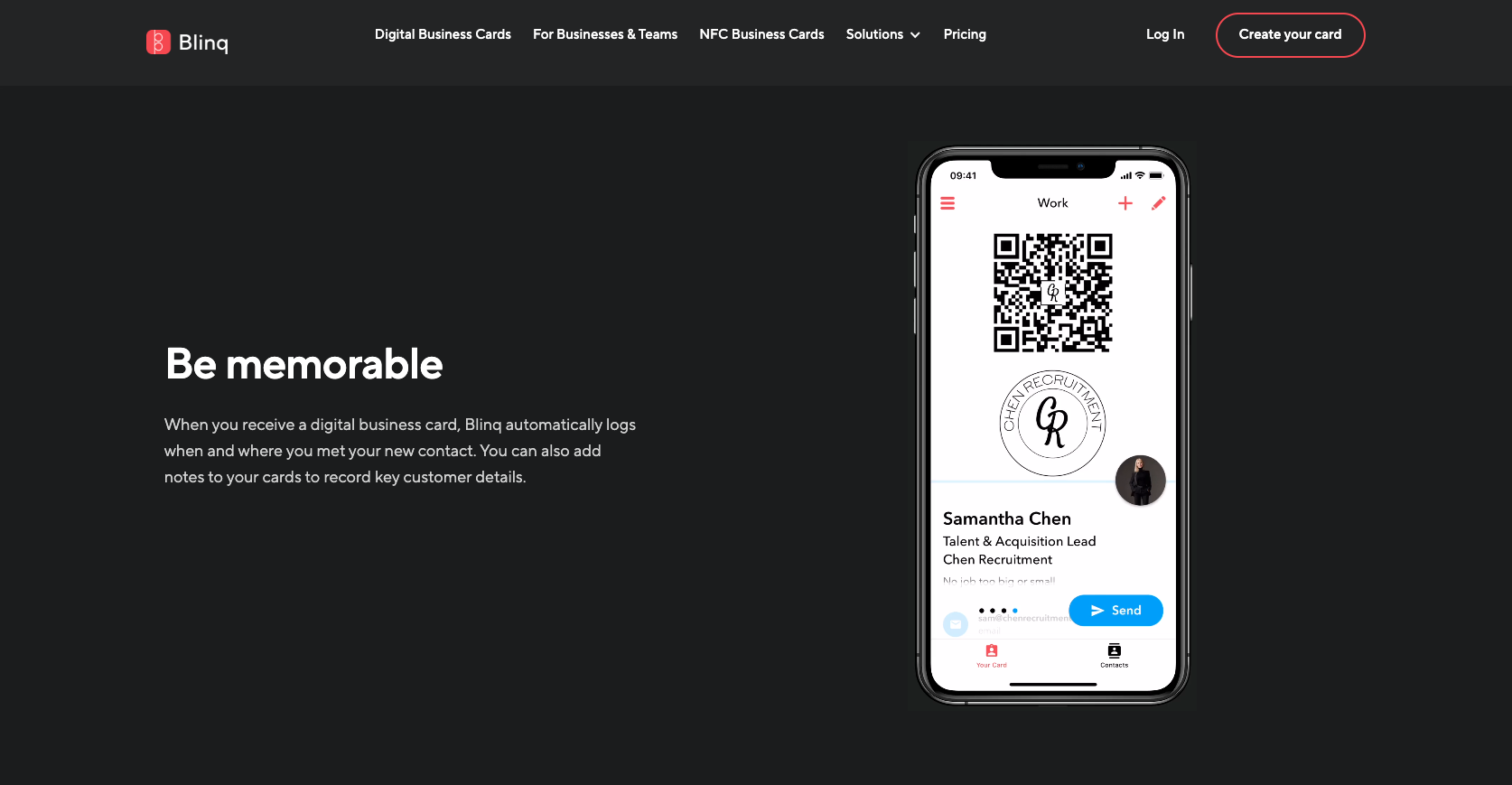
Recommended for: Individuals and teams who want a dynamic QR code tied to a digital business card, so contact details can stay up to date without reprinting.
Best features:
- Automatically generates a QR code linked to your digital business card
- Easy QR code sharing and downloads (web dashboard or mobile app)
- Branding upgrades on paid tiers (e.g., branded QR code on Premium)
Limitations:
- Best for the digital business card use case, not a full campaign-style dynamic QR manager for many different QR destinations.
- Team plan billing is per card and requires a minimum number of cards on Business.
Pricing:
- Free: Create your digital business card with personal QR code and unlimited fields.
- Business ($4.99): Manage your team and reduce admin workload. Built to work seamlessly with the tools you love.
- Premium ($7.33): Complete customization of your digital business card and control of your contacts.
- Enterprise(Custom Price): Enterprise-ready integration, automation and compliance.
Blinq is primarily a tool for creating digital business cards, though it also includes a feature to generate dynamic QR codes. Their codes allow you to include your company logo, or another profile picture, and download it as a file directly to your device. Then, whenever you change your business’ details, your QR code will automatically update.
7. QRTiger
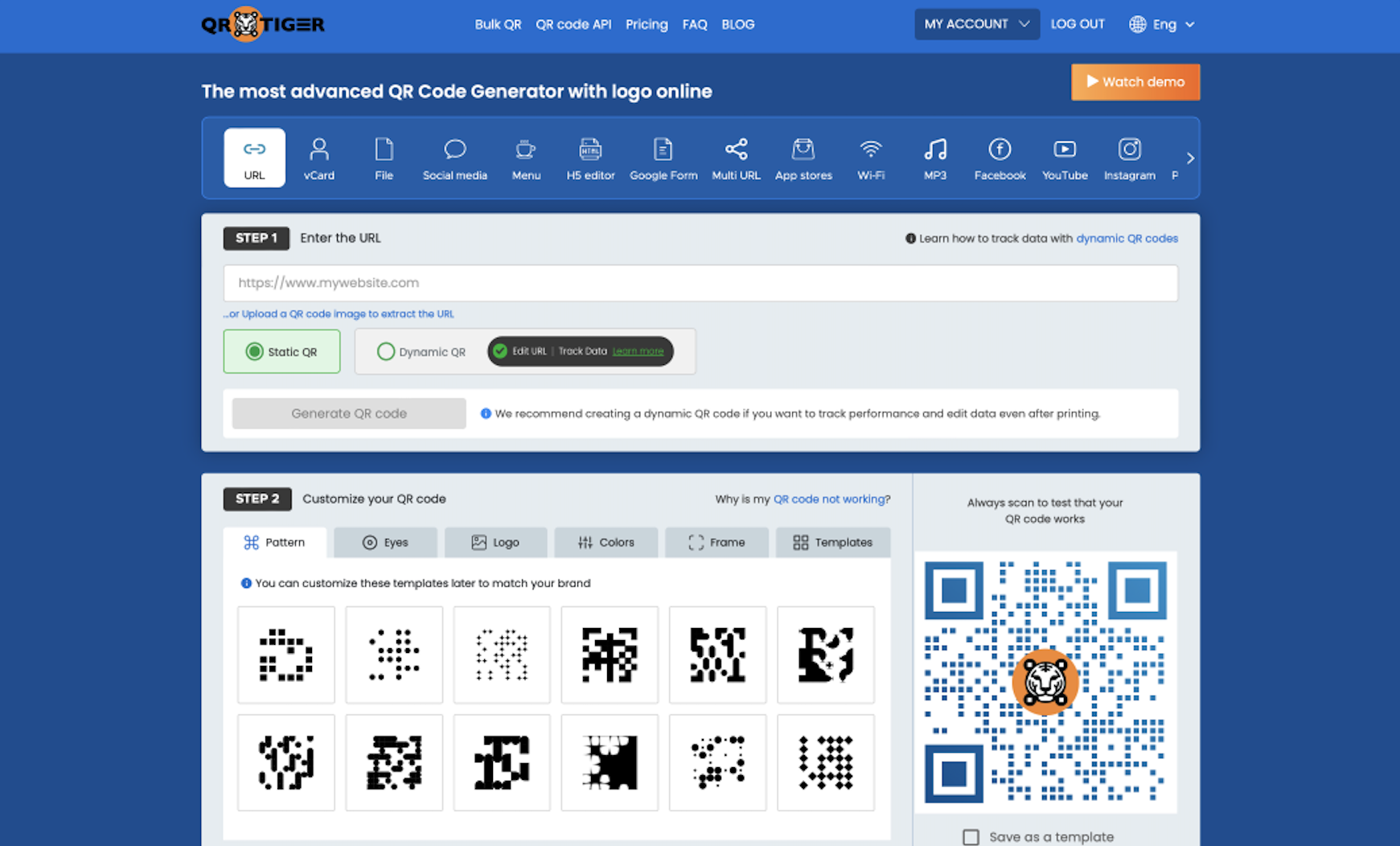
Recommended for: Marketing teams that want editable (dynamic) QR codes with tracking, plus options to scale into more advanced routing and white-labeling.
Best features:
- Edit the destination of a dynamic URL QR code after it’s printed or shared (editable and trackable).
- Dashboard-based management for updating dynamic QR content.
- Advanced capabilities on higher tiers, such as scan-based redirects and using your own domain (white label).
Limitations:
- Most plans are billed annually, and only the Regular plan offers monthly billing (per their help docs).
- Some advanced features (e.g., white-labeling, more sophisticated redirects/tracking controls) are locked to higher tiers.
Pricing:
- Free: Unlimited static QR codes and includes three dynamic QR codes with a limit of 500 scans each.
- Regular ($7): Unlimited static QR codes and 12 dynamic QR codes, both featuring unlimited scans and downloads.
- Advanced ($16): Unlimited static QR codes and 200 dynamic QR codes, both featuring unlimited scans and downloads.
- Premium ($37): Unlimited static QR codes and 600 dynamic QR codes, all featuring unlimited scans and downloads.
Trusted by a wide range of industries, QRTiger enables organizations to create highly customizable QR codes. It’s flexible, easy to use, and organizations can add their image or logo to each code for a fully branded customer experience. Plus, their paid plans include advanced tracking metrics.
Start creating QR codes with Jotform
QR codes are powerful tools in a marketer’s arsenal. Start creating your own with Jotform today — completely free. Still need convincing? Demo our dynamic QR code builder before you commit.
FAQ
Yes, you can make a QR code dynamic by creating a code that points to an editable destination (usually a short link) instead of a fixed URL. That way, you can update where it leads later without reprinting the QR code, and many platforms also include scan tracking.
Google tools can generate QR codes, but they typically create static codes that point to a fixed URL. To make a QR code dynamic, you usually need a dedicated dynamic QR platform or a system that lets you update the destination behind the code.
Canva can generate QR codes inside your designs, and it also offers dynamic QR codes that let you update the destination without reprinting. Whether you get dynamic controls can depend on the QR feature you’re using and your Canva plan/workspace setup.
Photo by Andrea Piacquadio












































Send Comment: