
Central aspects of QR code testing
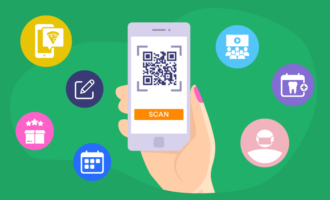
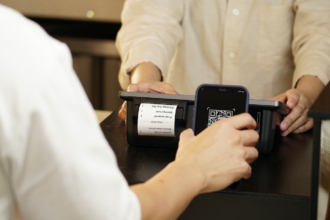
Testing your QR code is a simple but essential step to make sure it works exactly as intended before you share it with customers. To test a QR code, scan it using different devices and camera apps, confirm it opens the correct destination, and check that the content loads quickly and displays properly. You should also test the QR code in the format and environment where it will be used, such as printed materials, screens, or emails, to ensure it’s easy to scan and provides a seamless user experience.
Create QR Codes in Minutes
How QR codes enhance your business
Thoughtful business owners have gotten increasingly creative in the ways they use QR codes. Here are a few examples:
Physical spaces
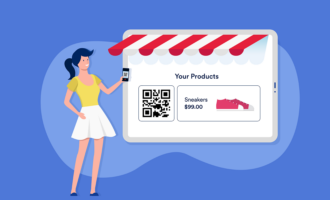
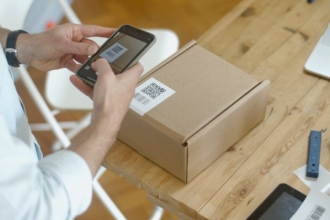
- Product packaging to direct consumers to review information or read nutritional labels
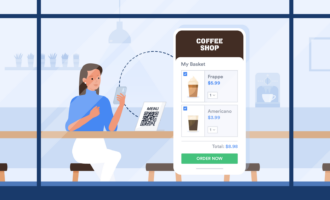
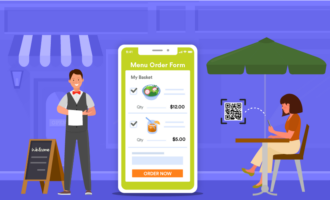
- Menu stands to direct diners to a restaurant menu
- Coupons to activate discounts
- Business cards to link to LinkedIn pages and profiles
- Billboards to conveniently and instantly share business websites, surveys, and forms
Digital spaces
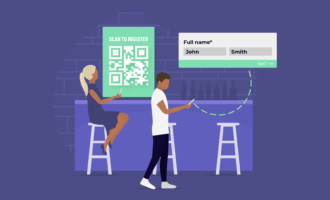
- Online forms to link to outside URLs or additional product/service information
- Payment links to provide a unique code to pay with apps such as Venmo, Apple Pay, and CashApp
- Social media apps to visit and follow profiles on social media channels, such as Snapchat
4 essential QR code test factors
Ensuring users can easily access both the code and the information it leads to is key to creating a frictionless customer experience. That’s why, before you use a QR code, you need to confirm a few essential details during a QR code test. Here are the four central aspects of QR code testing.
Check for high contrast and adequate light
Your QR code should stand out against a lighter or darker background. Make sure to test a QR code multiple times to see if it takes a lot of effort to get a smartphone to recognize it. If trouble persists, try increasing the contrast of the code itself on a lighter background or doing the reverse on darker backgrounds. Otherwise, consider moving the code to an area with better lighting.
Verify scan size from user distance
QR codes can show up right in your face (with placards and business cards) or hundreds of feet away (like billboards and murals). Make sure your QR code tests reflect how far a user will likely be from the code so you can ensure it’s large enough to scan.
Test across multiple devices and scanner apps
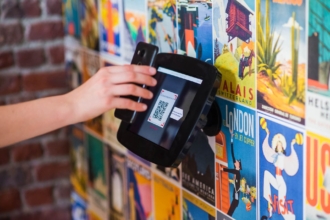
QR codes should work on a multitude of potential devices, not just your own. This includes the most recent models of the most popular Android and iOS devices. The cameras on these smartphones change with every iteration, so you want to make sure you’re not creating a prohibitive experience for someone who doesn’t have the iPhone 13.
Though many devices now incorporate QR scanners directly in the phone camera, keep in mind plenty of people still use older phones that require third-party apps to scan QR codes. Spend some time testing your code out on the top QR scanner apps to ensure a seamless experience.
Ensure strong internet connection at placement
Though this is less dependent on the QR code itself, you’ll waste your chance with potential customers and annoy established customers if the reception in the area with the QR code is too weak. If possible, make sure internet or data service is quick where you place the code. Otherwise, people won’t wait around to find out what’s on the other end.
How to use QR codes with Jotform
QR codes are great tools — not just for physical spaces, where they’ve become common, but also on digital spaces and forms as well. With Jotform, you can take advantage of these codes all across your online presence, even within forms.
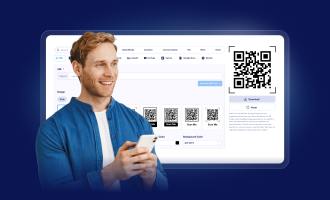
With Jotform’s QR code widget, you can encode numbers, URLs, sentences, coupon codes, serial numbers, and more into customizable forms. QR codes can keep your forms free of clutter and extra information and direct traffic to other sections of your site.

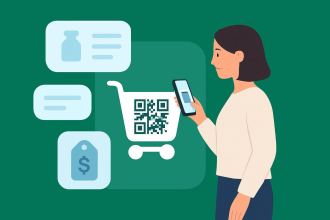
You can also share your forms through a downloadable QR code image for use on printed materials or display screens. For e-commerce businesses that use order forms, QR codes can also make the ordering and payment processes easier.
QR code usage is in full bloom, and whether you’re adding them to billboards or using them to enhance online forms, they’re simple tools for driving traffic across platforms. By conducting QR code tests and using the right programs to deploy them, you can take full advantage of them.
FAQ
Make sure the QR code has enough contrast, is large enough to scan, and links to an active URL or destination. Test it in the environment where it will be used, such as print or digital, to ensure reliable scanning.
Try improving lighting, adjusting the distance, or using a different device or QR scanner app. If it still doesn’t scan, check for low contrast, poor image quality, or a broken link.
Photo by Karolina Grabowska














































Send Comment: