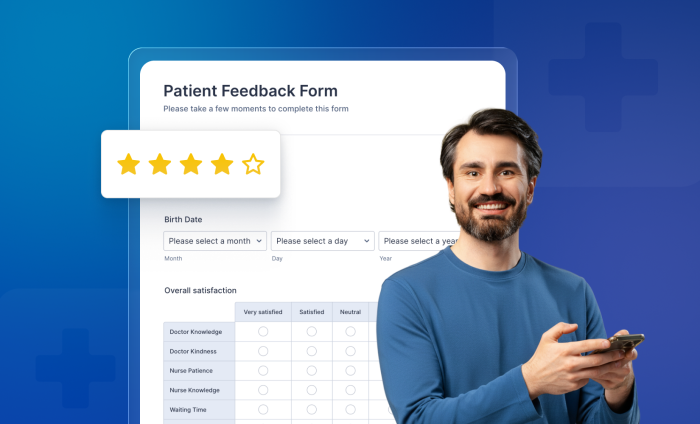
In 2026, healthcare marketing is no longer just about getting the click, it’s about what happens after it.
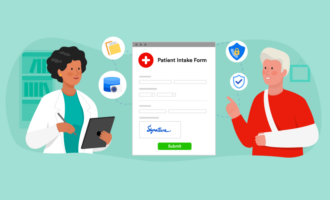
If your practice’s intake process feels like a clinical interrogation, you are likely suffering from silent abandonment — when a prospective patient closes their browser because your forms are too long, too confusing, or simply not mobile-friendly. The experience of your organization’s “digital front door” is a make-or-break moment for converting leads and growing your practice.
Here are seven ways to transform your intake from a bureaucratic hurdle into a conversion engine with Jotform Enterprise.
1. Kill “scroll fatigue” with advanced conditional logic
Why ask a 25-year-old potential patient about their history with shingles? Use Jotform’s conditional logic features to create dynamic intake paths for different patients. By hiding irrelevant fields, you reduce the perceived effort of form-filling and increase completion rates.
Enterprise solution: Practices with multiple departments can use Skip to Page logic to ensure a surgical patient sees a completely different flow than a physical therapy patient, all within one managed environment.
2. Design for the thumb, not the cursor
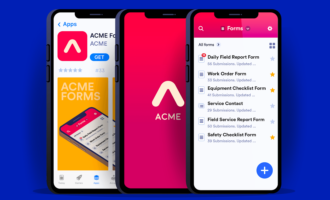
As mobile-first browsing becomes the standard for web traffic, your intake forms must be responsive to stay effective. Jotform Enterprise ensures that buttons are tappable and input fields are clear. Our Mobile Forms app even allows offline data collection, preventing the frustration of lost progress if a patient’s signal drops while in your waiting room.
3. Implement “Save and Continue Later” for complex medical histories
Healthcare data is complex. If a patient needs to hunt for their insurance card while filling out a form, don’t make them start over. Enabling Jotform’s Save and Continue Later feature allows them to pause and return to the form later. This feature helps ensure that critical clinical intake forms are completed that might otherwise be abandoned.


4. Leverage brand continuity
Trust is a conversion factor. If a patient clicks from your polished website to a generic-looking form, their internal “security alarm” goes off. Jotform Enterprise white labeling allows you to host forms on your own custom domain with custom CSS that mirrors your brand exactly, maintaining a seamless experience.
5. Automate next-step guidance with Jotform Workflows
Conversion isn’t just about completing the form. It’s about what comes next. Use Jotform Workflows to trigger an immediate, branded confirmation email or a redirect to an appointment scheduler. You can even automate internal hand-offs, notifying the billing team to verify insurance the second a patient clicks the “Submit” button.
6. Centralize branding via the Admin Console
For large practices, brand drift is a major issue. The Jotform Enterprise Admin Console allows you to set global themes and styles for all your Jotform assets. This ensures that every department, from pediatrics to oncology, is using an on-brand interface without needing to build it from scratch every time.
7. Real-time data validation
There is nothing more frustrating than hitting “Submit” only to be told five fields are wrong. Use Jotform’s real-time field validation to catch errors (like a missing digit in a phone number) as they happen, ensuring a smooth, error-free submission that respects the patient’s time.
Learn more about how Jotform Enterprise can power your medical practice.

































































































Send Comment: