Featured Snippet
If “compliance” makes you picture a spreadsheet that’s slowly turning into a living creature, you’re not alone. Most teams don’t struggle because they don’t care — they struggle because the work is scattered: evidence in screenshots, approvals in email threads, policies in a shared drive, and reminders in someone’s calendar (if you’re lucky).
Compliance automation is how modern teams pull that chaos into one repeatable system. By using workflow automation to standardize how tasks move from one step to the next, teams can collect, route, log, and report the right information as work happens — instead of scrambling for signatures and proof the week before an audit. The result is a clear, consistent audit trail built into everyday operations.
In this guide, we’ll define compliance automation in plain language, show what it can automate in real life, and share 10 of the best compliance automation tools so you can choose the right fit.
What is compliance automation?
Compliance automation is the use of software to streamline, monitor, and help enforce compliance requirements — without relying on manual, ad-hoc processes. In practice, that usually means automating things like evidence collection, approvals, policy acknowledgements, audit preparation, and ongoing control monitoring.
Think of it as moving from “compliance is a project we do once a year” to “compliance is a set of routines that run in the background.”
Here’s what changes when you automate:
- Evidence becomes continuous. Instead of gathering proof at the last minute, systems collect and organize it on an ongoing basis.
- Visibility becomes real-time. Dashboards and reports make it easier to spot gaps before they become audit findings.
- Accountability becomes built-in. Tasks route to the right people, due dates trigger reminders, and every step is logged.
Why compliance automation matters
Yes, audits are the obvious reason, but the biggest payoff is day-to-day operational sanity.
1) Less time on busywork
Automated routing, reminders, and evidence capture reduce the repetitive tasks that eat up compliance teams’ weeks.
2) Fewer “compliance fire drills”
Continuous evidence collection and monitoring help you avoid the scramble right before a SOC 2, ISO 27001, HIPAA, PCI DSS, or privacy assessment.
3) Better collaboration across teams
Compliance touches HR, IT, security, finance, legal, and operations. Automation gives everyone a shared process instead of separate inboxes.
4) Cleaner audit trails and faster answers
When auditors ask, “Who approved this exception?” or “When was this policy acknowledged?” you don’t want to guess. You want a time-stamped record.
5) Reduced risk of human error
Manual copy/paste and spreadsheet versioning are where mistakes creep in. Automation doesn’t eliminate judgment — it reduces avoidable errors.
10 best compliance automation tools
Choosing a compliance automation tool isn’t about finding “the most features.” It’s about finding the right balance between automation, visibility, and ease of use.
The tools below represent some of the most trusted options for streamlining compliance work, reducing manual effort, and staying audit-ready year-round.
1) Jotform Workflows
Jotform Workflows is a no-code workflow builder that helps teams automate tasks, approvals, notifications, payments, and e-signatures — with real-time tracking. It’s especially useful when your compliance program needs structured intake and approvals without waiting on engineering.
Jotform Workflows also includes a growing library of ready-made workflow templates designed to help teams get started without building everything from scratch. These templates cover common approval-heavy use cases such as employee onboarding, access requests, document approvals, incident reporting, and internal reviews.
Best for: Teams that want to automate compliance processes (intake, approvals, evidence requests, task routing) quickly
G2 rating: 4.6/5
Key Features
- Visual drag-and-drop workflow builder
- Automated task assignments, reminders, and approvals
- Conditional logic and parallel steps for complex processes
- Real-time tracking via email, Jotform Inbox, Tables, and mobile
Pros
- Friendly for non-technical teams (fast to build and iterate)
- Great for approval-heavy processes with clear audit trails
- Strong template ecosystem to get started quickly
- Flexible enough to support many workflows (HR, finance, IT, ops)
Cons
- Complex programs may require careful workflow design to keep things tidy
- Some teams may still want a dedicated control library alongside workflows
Plans and pricing
Access to Jotform Workflows is included in Jotform’s free plan. There are also three paid plans starting at $34 per user per month, as well as a custom enterprise-level plan.
2) Sprinto
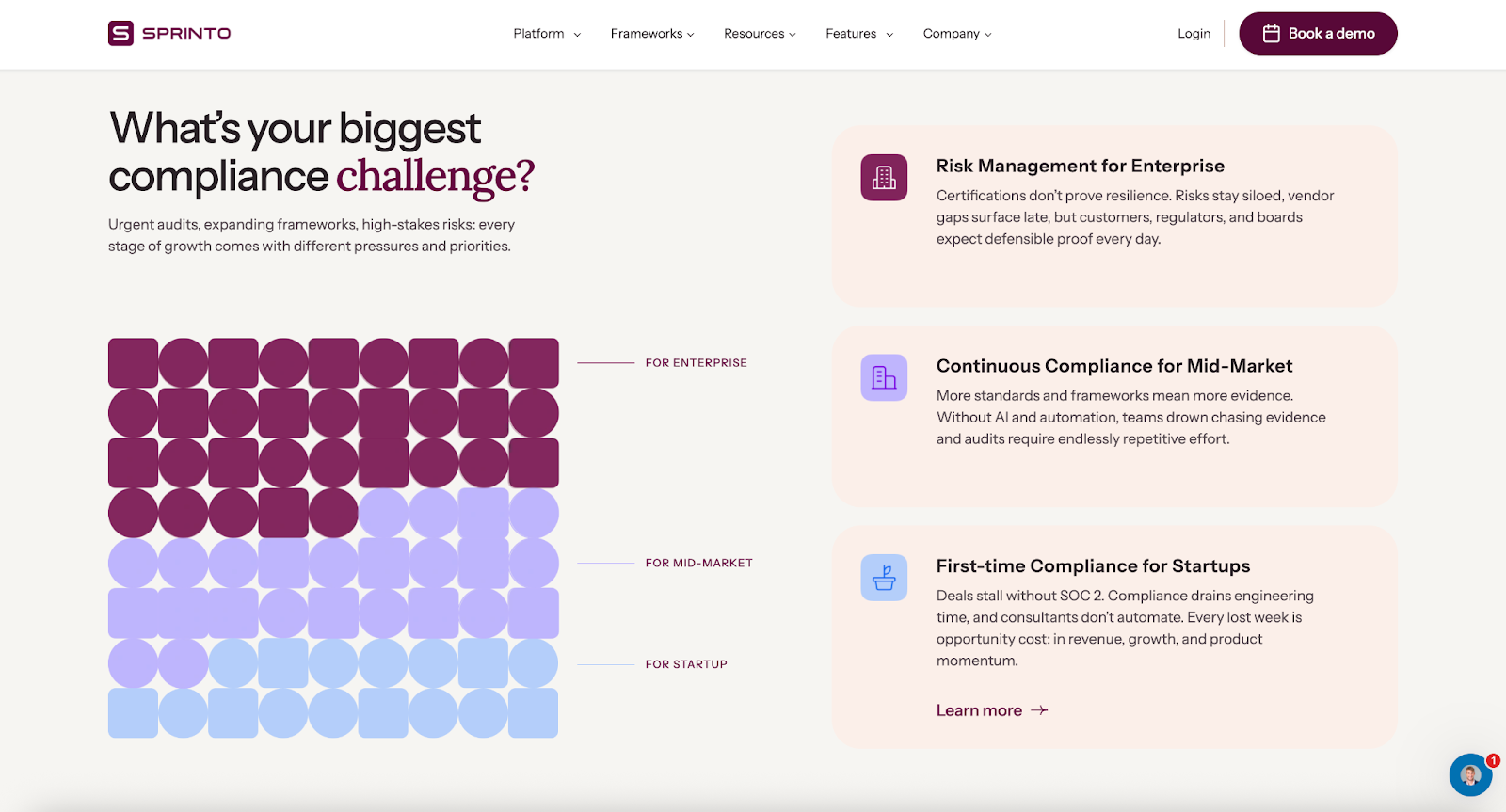
Sprinto is a compliance automation platform built for ongoing security compliance. It’s commonly used to automate evidence collection, keep controls on track, and stay audit-ready across frameworks like SOC 2 and ISO 27001.
Best for: Startups and growing companies that want continuous security compliance without building a compliance function from scratch.
G2 rating: 4.8/5
Key Features
- Continuous compliance tracking with automated reminders
- Evidence collection via integrations and workflows
- Control mapping across frameworks
- Audit collaboration tools for sharing evidence and status
Pros
- Strong “always-on” audit readiness for fast-moving teams
- Great support and onboarding reputation in reviews
- Helpful for teams running multiple compliance cycles per year
- Clear dashboards for what’s done vs. what’s blocked
Cons
- You’ll still need internal owners to remediate issues (automation isn’t magic)
- Pricing is often sized to your org and frameworks, which can scale quickly
- Less focused on general-purpose business workflows outside compliance
Plans and pricing
Sprinto doesn’t publish fixed pricing publicly; you’ll typically need a demo/sales scoping to get a quote.
3) Vanta
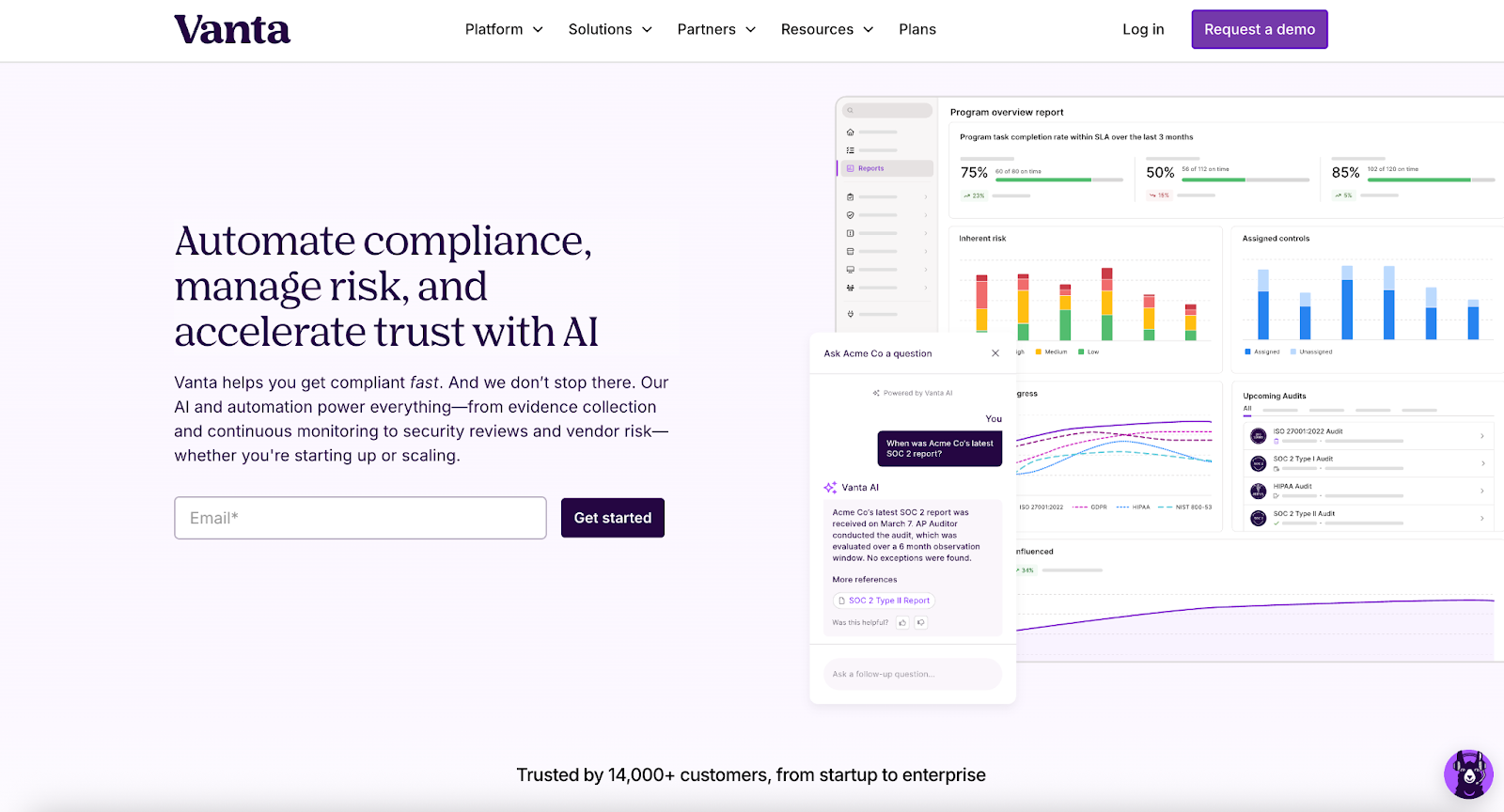
Vanta is a well-known compliance automation platform for security frameworks. It’s designed to reduce manual evidence collection and help teams prepare for audits with less stress.
Best for: Teams that want a popular, structured path to SOC 2/ISO 27001-style compliance with lots of built-in guidance.
G2 rating: 4.6/5
Key Features
- Automated evidence collection via system integrations
- Control monitoring with alerts when something drifts
- Policy and training workflows
- Trust center and vendor/security review support
Pros
- Strong ecosystem and broad market adoption
- Helpful monitoring/alerts for key security controls
- Good fit for first-time compliance programs
- Plenty of auditor familiarity
Cons
- Configuration and scope still matter — “connect it and forget it” rarely works
- Costs can rise with additional frameworks and add-ons
- Some teams outgrow default workflows and need more customization
Plans and pricing
Vanta’s pricing page is oriented around requesting a demo/quote rather than listing public rates.
4) Drata
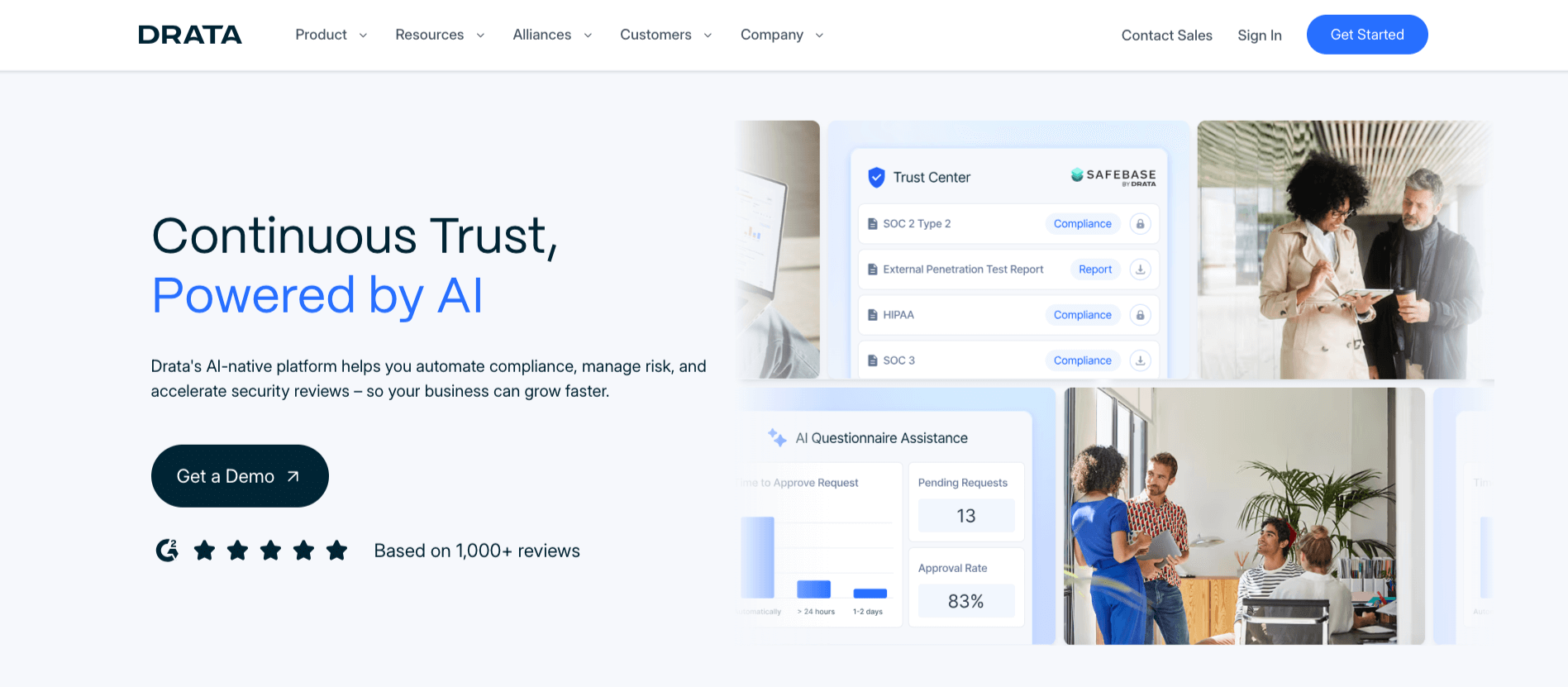
Drata is a security and compliance automation platform built around continuous monitoring and automated evidence collection, aiming to keep you audit-ready year-round.
Best for: Teams that want continuous compliance monitoring with an “audit-ready all year” approach.
G2 rating: 4.8/5
Key Features
- Continuous control monitoring and alerts
- Automated evidence collection through integrations
- Control and framework mapping
- Audit readiness reporting and collaboration
Pros
- Strong ratings and reputation for simplifying audit prep
- Useful if you’re managing multiple tools and want evidence in one place
- Good balance of automation and visibility
- Keeps recurring tasks from slipping through the cracks
Cons
- Integrations and scoping require upfront setup effort
- Complex orgs may need additional customization and governance
- Pricing can vary depending on size and frameworks
Plans and pricing
Drata doesn’t publish fixed pricing publicly; you’ll typically need a demo/sales scoping to get a quote.
5) Scrut Automation
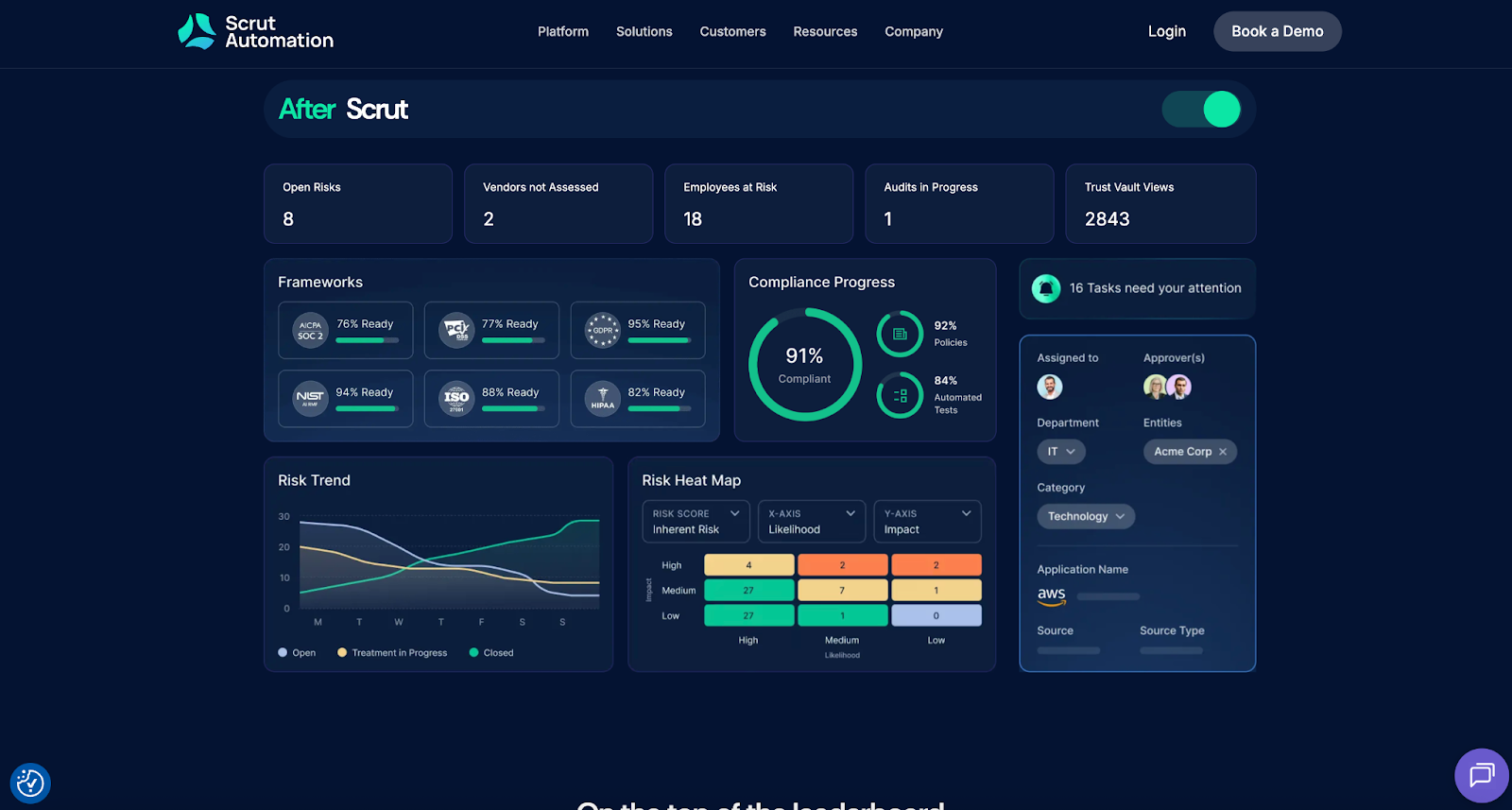
Scrut Automation focuses on automating security and privacy compliance programs, with an emphasis on continuous control monitoring and audit readiness.
Best for: Teams looking for a high-rated, compliance-first platform to automate recurring security compliance tasks.
G2 rating: 4.9/5
Key Features
- Automated evidence collection and control checks
- Framework support for common security standards
- Risk and vendor management modules (where applicable)
- Reporting dashboards to track readiness
Pros
- Very strong satisfaction ratings
- Good for teams that want structured automation across common frameworks
- Helps standardize what “evidence” means across teams
- Useful for building repeatable compliance routines
Cons
- Tool choice and fit can depend heavily on your tech stack
- Implementation still requires internal ownership and process clarity
- Some features may be overkill if you only need simple approvals
Plans and pricing
Scrut’s listings commonly indicate quote-based pricing, with plan details provided through sales/advisors.
6) Secureframe
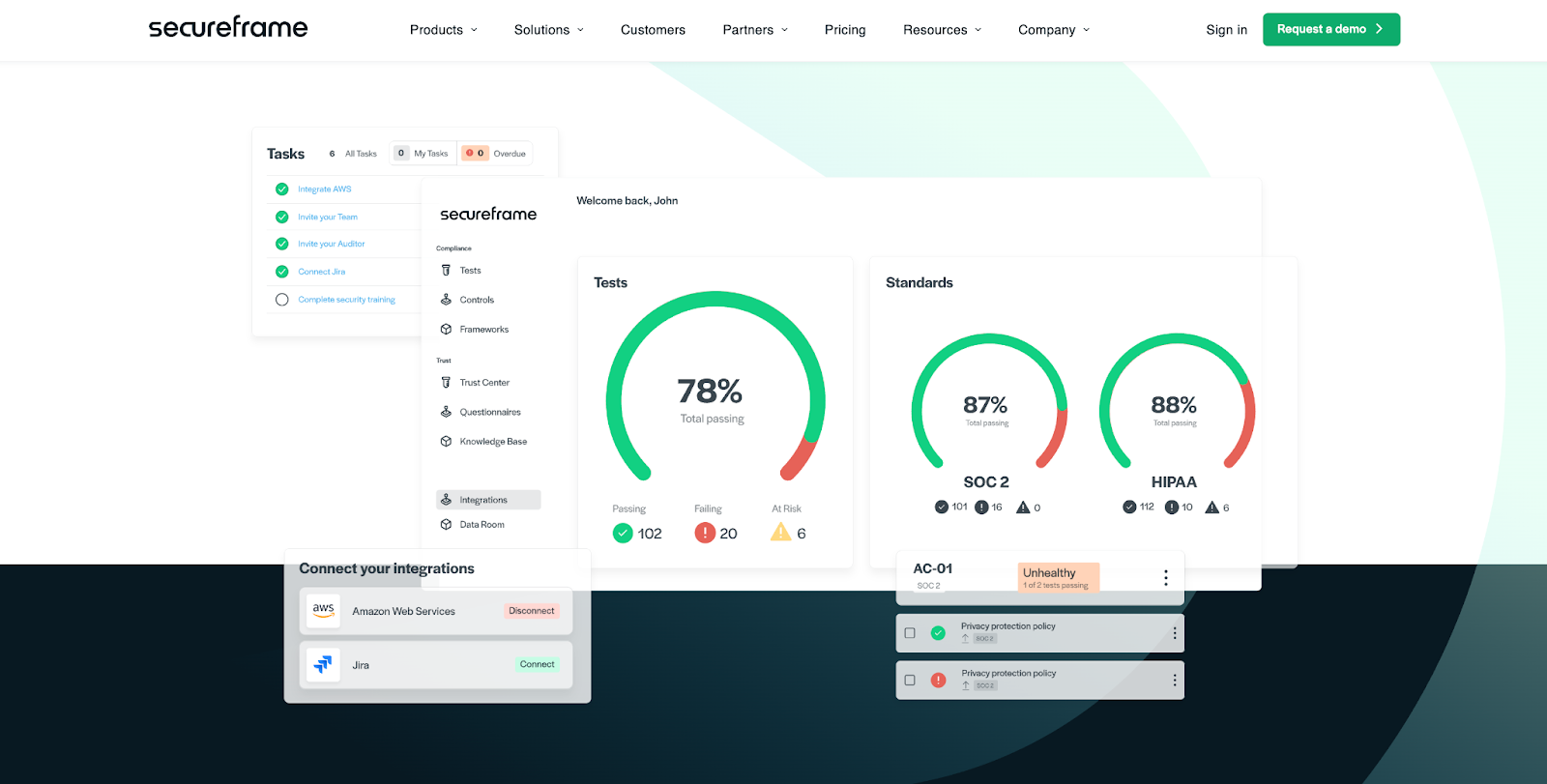
Secureframe is a compliance automation platform that helps companies enable compliance faster with continuous monitoring and automated evidence collection.
Best for: Small to mid-sized teams that want guided compliance automation with a clear path to audit readiness.
G2 rating: 4.7/5
Key Features
- Automated evidence collection through integrations
- Control monitoring and readiness dashboards
- Policy and employee training workflows
- Support for multiple security frameworks
Pros
- Good fit for teams doing their first SOC 2/ISO 27001 run
- Encourages a structured, step-by-step approach
- Helps centralize evidence and tasks
- Strong user satisfaction rating
Cons
- Like most platforms, value depends on connecting the right systems
- Custom workflows may require extra effort for unique processes
- Some teams prefer more flexible “build-your-own” frameworks
Plans and pricing
Secureframe positions pricing as “Get a quote” (no public list pricing).
7) Hyperproof
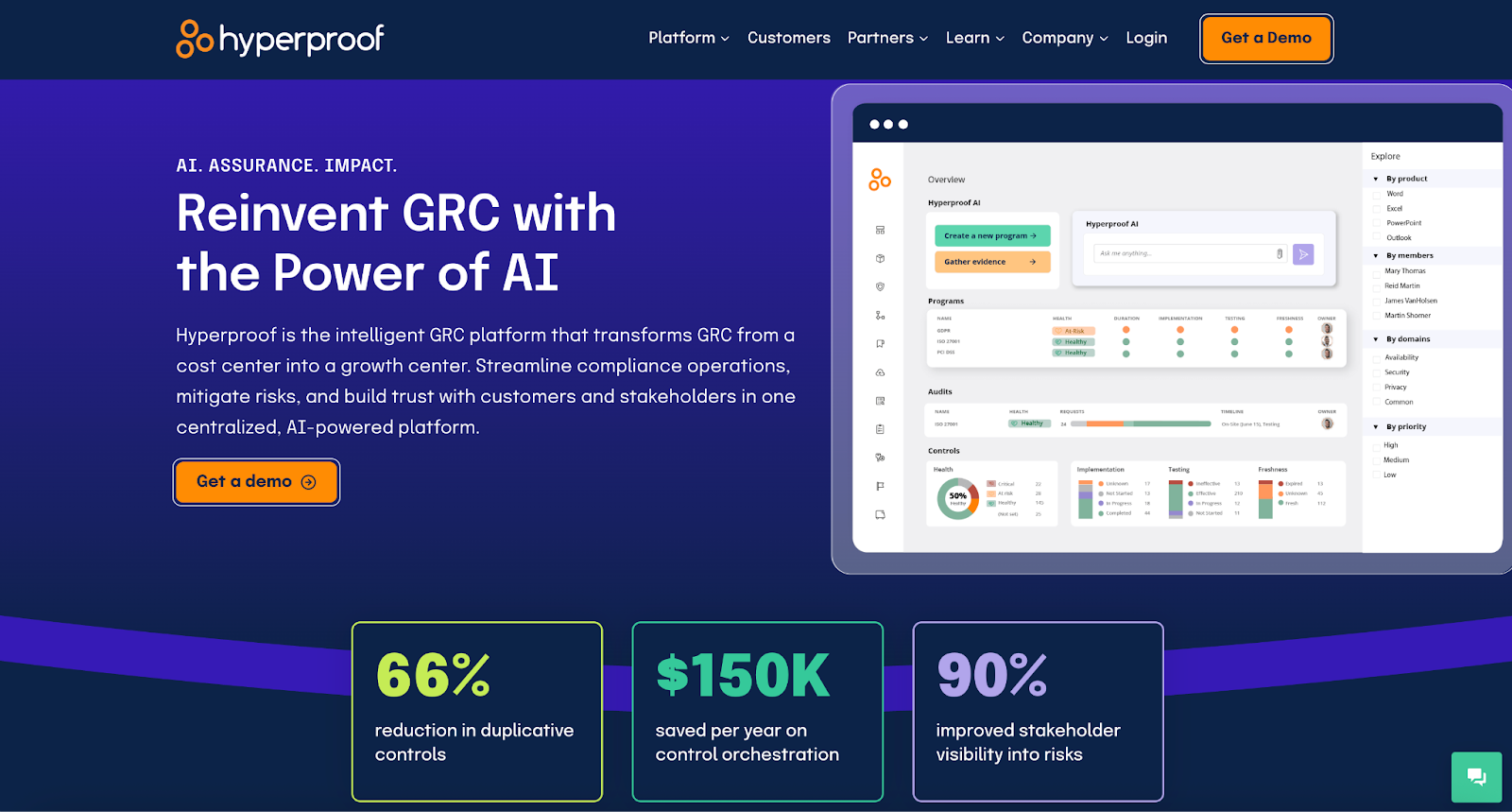
Hyperproof is a GRC-focused platform that helps teams manage controls, evidence, and compliance work in a more organized (and collaborative) way.
Best for: Mid-market and enterprise teams that need collaboration, reporting, and multi-framework management.
G2 rating: 4.5/5
Key Features
- Centralized control and evidence management
- Task management and workflow support
- Framework mapping across multiple standards
- Reporting for audits and internal stakeholders
Pros
- Helpful for teams coordinating across multiple departments
- Good visibility into ownership and status of controls
- Flexible enough for mature programs that need customization
- Solid ratings and clear focus on audit collaboration
Cons
- May feel heavier than “startup-first” compliance tools
- Setup takes planning (especially if you’re migrating from spreadsheets)
- Some organizations may need additional integrations for automation depth
Plans and pricing
Hyperproof directs teams to request a demo/quote rather than publishing public pricing.
8) AuditBoard
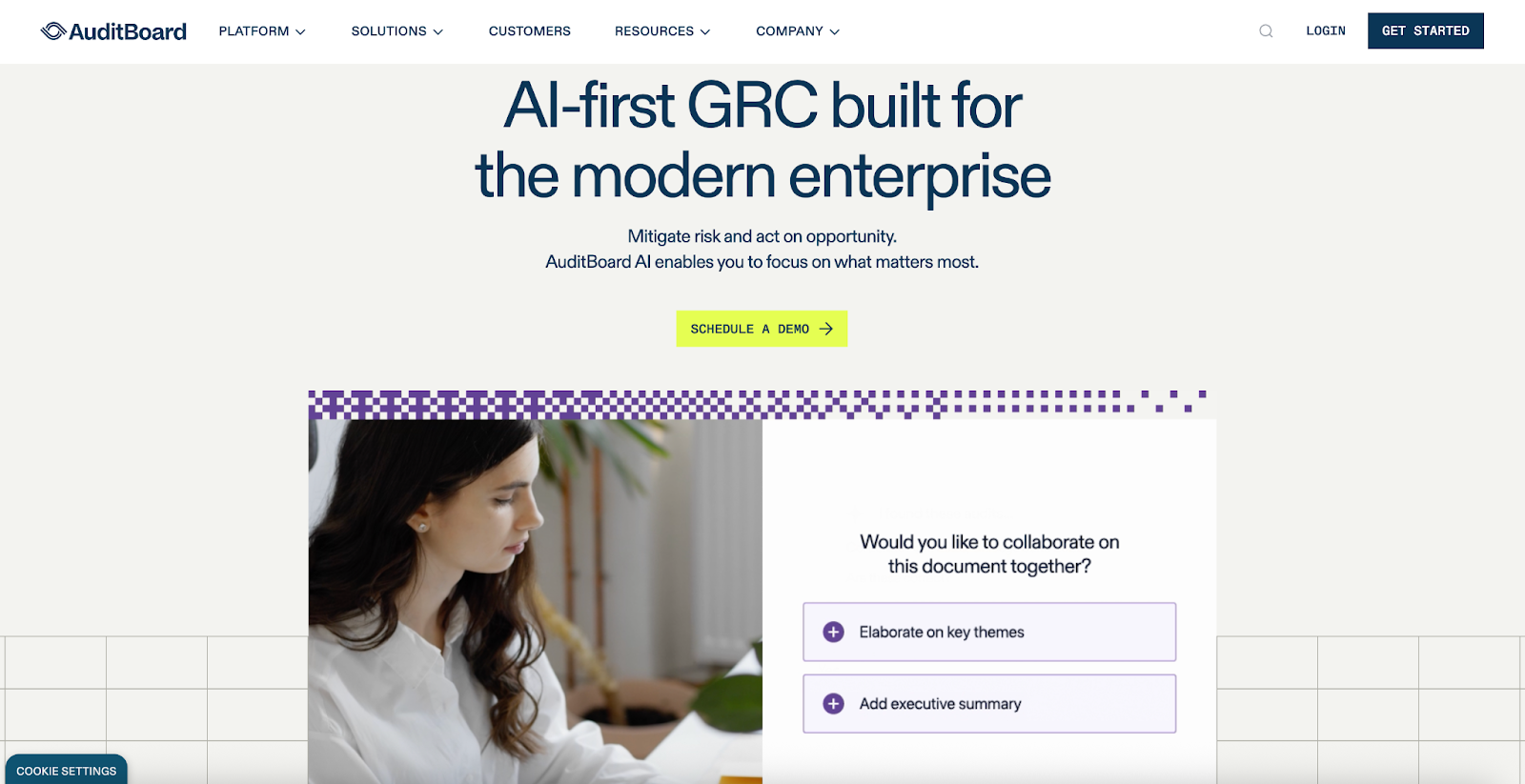
AuditBoard is an enterprise-focused platform for audit, risk, and compliance management. It’s often used by larger organizations that need strong audit workflows, reporting, and governance.
Best for: Enterprises managing complex audit and compliance programs (especially SOX and internal audit).
G2 rating: 4.6/5
Key Features
- Centralized audit and compliance workflows
- Evidence and documentation management
- Reporting dashboards for leadership and auditors
- Support for large, multi-framework programs
Pros
- Built for scale (roles, workflows, reporting)
- Strong for audit-heavy programs (SOX, internal audit, ERM)
- Centralizes documentation and requests
- Highly rated usability for an enterprise platform
Cons
- Often best suited to larger orgs (smaller teams may find it too much)
- Implementation and change management can be significant
- Pricing is typically enterprise-level
Plans and pricing
AuditBoard’s pricing page emphasizes flexible plans and doesn’t list standard public rates.
9) LogicGate Risk Cloud
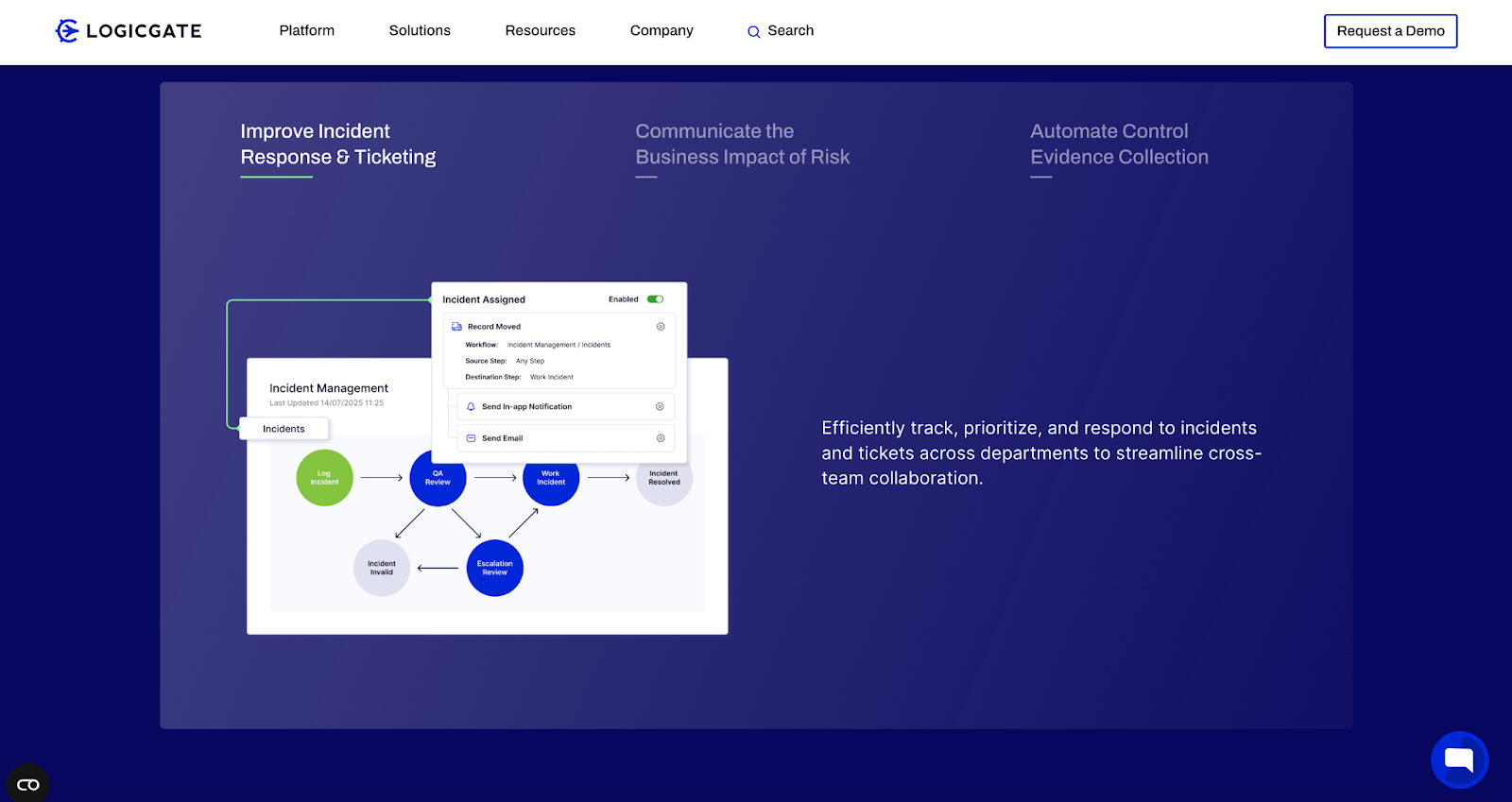
LogicGate Risk Cloud is a no-code GRC platform designed to help organizations build and adapt risk and compliance workflows as requirements change.
Best for: Teams that want a configurable, no-code GRC platform for custom compliance workflows.
G2 rating: 4.6/5
Key Features
- No-code workflow and app-building approach for GRC
- Risk registers and control tracking
- Reporting and dashboards
- Configurable modules for different compliance use cases
Pros
- Flexible for organizations that need custom processes
- Strong ratings and “adaptability” focus
- Helpful when you want one platform for multiple risk/compliance workflows
- Good fit for teams that prefer configurable tools over rigid templates
Cons
- Flexibility can mean more design decisions upfront
- Advanced setups may require dedicated admin time
- Some users mention a learning curve as you scale complexity
Plans and pricing
LogicGate pricing is based on the Applications you need and Power User licenses (admins), with custom pricing via request.
10) OneTrust
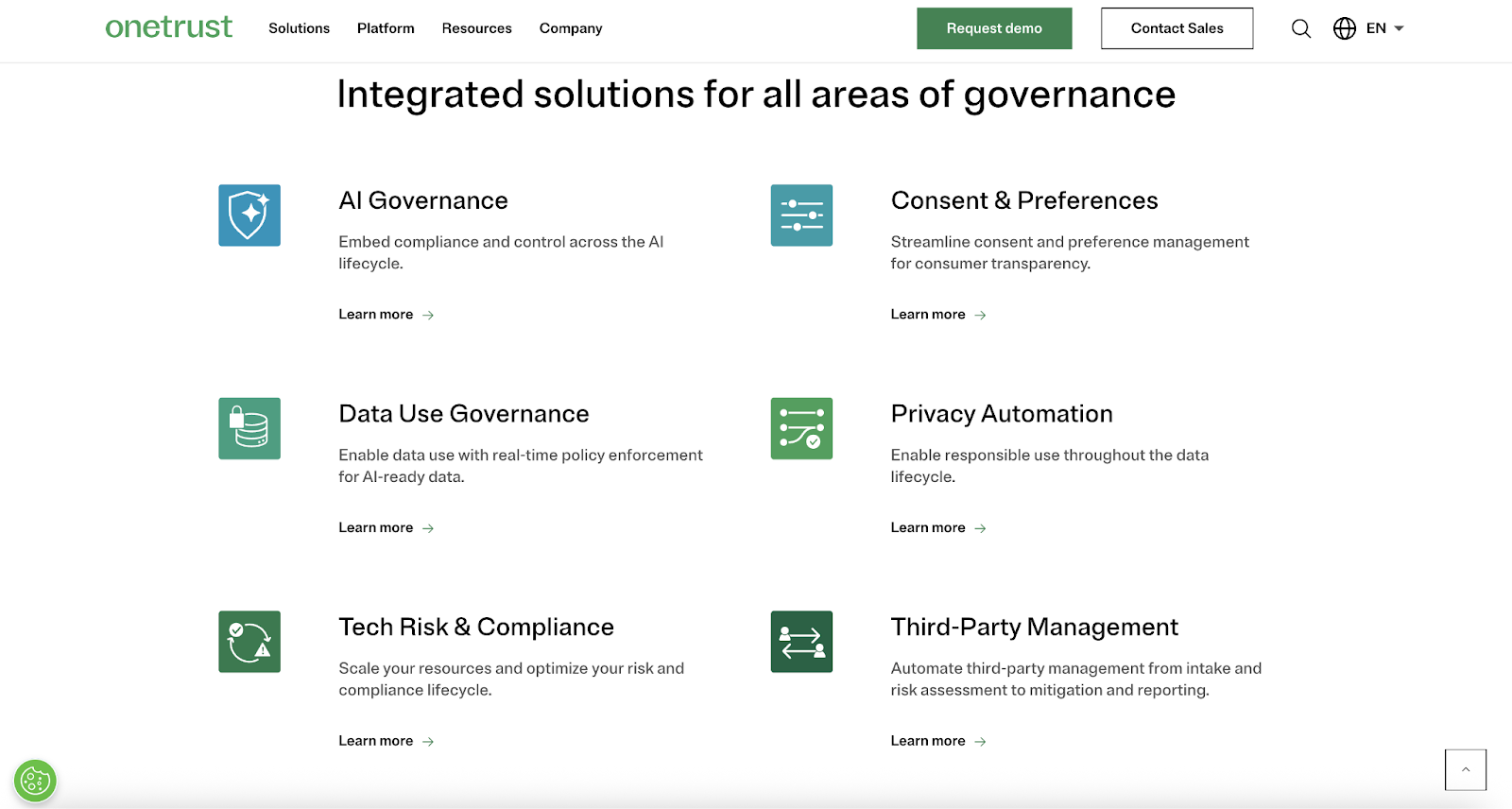
OneTrust is widely used for privacy, data governance, and broader risk and compliance management, particularly for organizations dealing with regulatory privacy obligations and consent management.
Best for: Organizations that prioritize privacy compliance (GDPR/CCPA-style requirements) and want a dedicated privacy platform.
G2 rating: 4.3/5
Key Features
- Privacy and data governance workflows
- Assessments and documentation support
- Reporting and dashboards for privacy compliance
- Modules for consent and preference management (where relevant)
Pros
- Strong for privacy programs with many moving parts
- Helpful templates and structured workflows for privacy compliance
- Broad product ecosystem for larger organizations
- High level of configurability across modules
Cons
- Can feel complex for new users or small teams
- Some organizations report a learning curve and implementation effort
- Cost can be a factor depending on modules and scope
Plans and pricing
OneTrust states pricing can be based on Average Daily Visitors (for certain offerings like consent).
How to choose the right compliance automation tool
If you’re stuck between “workflow automation” and “full compliance platform,” start with these questions:
1) What problem are you solving first?
- If your pain is approvals, routing, and documentation (vendor onboarding, access requests, training sign-offs), a workflow tool can create immediate relief.
- If your pain is evidence collection and continuous monitoring for SOC 2/ISO 27001, a dedicated compliance automation platform usually fits better.
2) How many frameworks do you need to support?
One framework is manageable with lighter tooling. Multiple frameworks often benefit from mapping and control libraries.
3) How mature is your program?
- Early-stage: you’ll want templates and guided setup.
- Mature: you’ll want flexibility, reporting depth, and strong governance features.
4) How many teams touch compliance?
The more cross-functional the work, the more important role-based access, assignments, and clear audit trails become.
5) What does “automation” mean in your world?
For some teams it’s “remind people and collect evidence.” For others it’s “monitor controls continuously and alert on drift.” Be honest about which one you need.
Choosing the right compliance automation approach
Compliance automation isn’t about replacing your compliance team — it’s about giving them leverage. When routine tasks run through systems instead of inboxes, you spend less time chasing proof and more time improving the program.
If you want the fastest path to immediate wins, start by automating a single workflow: vendor onboarding, access requests, or policy acknowledgements. Build confidence, prove ROI, and then expand from there.
FAQ
Different organizations categorize compliance in different ways, but a practical three-part breakdown is:
- Contractual/industry compliance: meeting obligations in contracts, customer requirements, and industry frameworks/standards (for example, security requirements that appear in vendor contracts).
- Regulatory compliance: meeting external laws and regulations (government or regulators).
- Corporate (internal) compliance: following your own internal policies, procedures, and standards of conduct.
One widely used way to describe the “core elements” (or pillars) of an effective compliance program includes:
- Governance/leadership
- Risk assessment
- Standards & controls (policies and procedures)
- Training & education
- Monitoring (with response/corrective action)
These elements are what compliance automation tools tend to support: routing approvals (governance), tracking requirements (standards), assigning training, collecting evidence (monitoring), and making gaps visible (risk).
Pricing depends heavily on your company size, frameworks, and the depth of automation you need.
In broad terms, security compliance automation tools for smaller teams are often priced in the “several thousand dollars per year” range, while larger, enterprise-style GRC deployments can reach six figures annually.
A few cost factors to watch:
- Framework count: adding SOC 2, ISO 27001, and HIPAA is usually more than “just SOC 2.”
- Integrations: the more systems you connect, the more value you get — but setup can take time.
- Audit fees: software helps you prepare, but audit/certification costs are typically separate.
- Team size and maturity: larger orgs often need more modules, governance, and reporting.
If you’re early-stage, a good strategy is to start with a workflow tool for approvals and documentation (to remove operational friction), then layer in deeper continuous monitoring when you’re ready.
This article is for compliance, security, IT, and operations teams who want to reduce manual compliance work, stay audit-ready year-round, and evaluate automation tools for approvals, evidence collection, monitoring, and cross-team workflows.

























































































Send Comment: