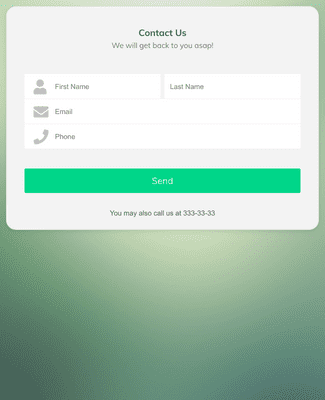
Jotform’s Firebase forms let you build online forms that connect directly to Firebase so submission data flows automatically into your Firebase database for faster payments, easier registrations, and organized task tracking. You can create and customize these forms with Jotform’s no-code drag-and-drop form builder and embed them anywhere. Use them to collect payments, customer feedback, and other data in one place with automated Firebase sync.
Шаблони
Don’t know where to start? Select one of our ready-made templates below and customize it to match your brand in seconds. Our drag-and-drop no-code Form Builder makes creation and customization a breeze.
Jotform ChatGPT апликација
Create forms in seconds inside ChatGPT, refine them through conversation, and turn submissions into clear insights without switching tabs.

Погодности
Use Jotform’s drag-and-drop form builder to create online forms without coding, so you can start collecting data fast. Choose from 20,000+ templates to match different use cases and embed forms anywhere with simple code. Connecting these forms with Firebase lets data flow automatically into your database when people submit responses.
Design forms with Jotform’s visual editor by uploading logos, choosing colors, and arranging fields, so forms reflect your branding and functional needs. Real-time drag-and-drop editing keeps layout changes visible as you work. Firebase forms adapted this way help maintain consistency between your app or website and the data collection experience.
Enable the prefill feature to automatically fill known fields for return users, reducing friction and improving completion rates. Faster fills help both users and teams get forms done with fewer clicks. This benefit keeps Firebase form engagement high and data flowing steadily into your Firebase backend.
Collect form responses, payments, and registrations in Jotform Tables so your data is centralized and easy to review. Choose from 40+ payment gateway integrations when payments are needed, so money moves securely through the form into your workflows. Organized data feeds help teams track entries and send Firebase-linked updates.
Препоруке