
Top EHRs for private practice
Most electronic health record (EHR) software isn’t as universally perfect for everyone as it might seem. A lot of platforms are really designed for much bigger, more complicated healthcare settings. They’re packed with features that are fantastic for those running a large clinical setting, but smaller practices often end up paying extra for software full of capabilities they’ll never use.
The best EHR for private practice for most organizations tends to be a solution that can help cut down admin work, manage the right information (without crossing regulatory lines), and keep teams organized. That’s why we’re focusing this list on tools that cover the EHR essentials, without leaving team leaders feeling overwhelmed.
What does the best EHR for private practice do?
Private practice software really just needs to manage the typical clinic day, when teams are dealing with late forms, missing insurance cards, notes from days ago, a packed schedule, plus several patients who are adamant they’ve already filled everything out.
What you need is a tool that
- Reduces admin work: About 22.5 percent of physicians spend over eight hours each week in the EHR outside of their normal weekday hours. The right EHR platform should reduce that.
- Simplifies patient intake: The system should automatically collect demographic data, medical history, insurance details, consent, signatures, uploads, and appointment context.
- Pairs AI documentation with human review: A lot of medical groups are using AI right now to help minimize burnout, but there still needs to be human review for audit-ready documents.
- Has straightforward billing: Cash-pay clinics need cards, invoices, receipts, and superbills. Insurance-heavy practices need eligibility checks, claims, denials, and RCM.
- Ensures HIPAA compliance: HIPAA and EHR go hand-in-hand. You need secure uploads, user permissions, encryption, staff rules, and consent records to stay safe.
- Offers customizable charting: Most groups are moving away from dropdown menus towards adaptable templates and AI dictation to make life simpler.
Of course, cost and usability matter too. Your electronic health record software needs to be easy to use for team members, and affordable enough that you don’t panic every time you see your monthly bill.
The best EHRs for private practice: 7 options compared
Shopping for the best EHR for private practice is really just like shopping for any software. You should be focusing on what your organization really needs, and whether the system matches your work and your budget.
| Tool | Where it’s best |
|---|---|
 Jotform |
Patient intake forms, consent, uploads, payments, appointment requests, and sending data where it needs to go. |
 Pabau |
Clinics selling treatments, packages, memberships, or aesthetic services. |
 TheraNest |
Therapy offices that need notes, billing, forms, telehealth, and a portal. |
 TherapyNotes |
Mental health practices that want structure, support, and insurance billing. |
 SimplePractice |
Solo providers who care about the client portal, booking, and telehealth. |
 CareCloud |
Claims, collections, reporting, and revenue-cycle work. |
 AdvancedMD |
Independent practices dealing with claims, payer rules, eRx, RCM, and full practice management. |
1. Jotform
Technically, Jotform isn’t an official EHR, but it’s one of the most popular tools clinicians use to manage intake work more effectively.
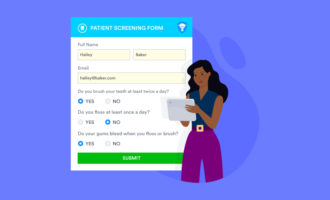
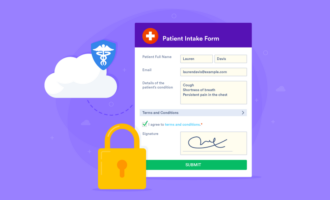
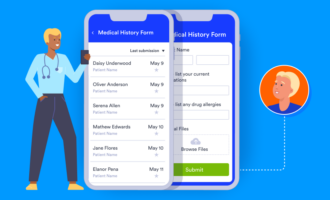
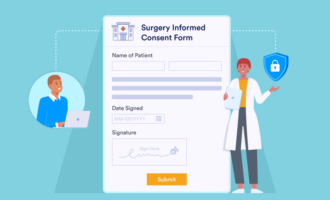
Teams can use it to create custom patient registration and patient intake forms that automatically capture medical history as well as contact details and insurance information. You can also create medical consent forms and use the tools to create systems that enable patients to book appointments with doctors and providers. They can even fill them out from their phone.
Jotform integrates with a wide selection of broader EHR systems, and it includes a range of HIPAA-enabled forms and features as well as business associate agreements so that you can guarantee you’re gathering data safely.
Plus, there are plenty of useful Jotform healthcare apps you can bring into your setup, like the telehealth app that gives doctors an efficient way to track patient conditions.
- Best for: Practices looking for flexible, HIPAA-enabled forms for intake, consent, and appointment requests
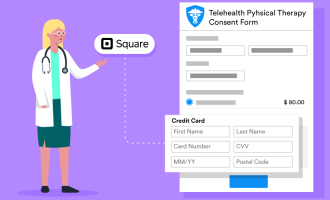
- Key features: HIPAA-enabled form templates, conditional logic, e-signatures, payment collection, file uploads, Jotform Apps, EHR/API connections
- Pros: Reduces paperwork and typing, plenty of pre-built forms to customize, excellent apps for everyday work, works with existing EHR tools, easy to use for beginners
- Cons: Not an official clinical EHR; no native eRx, lab ordering, claims, or full charting; staff still need clear PHI rules
- Plans/pricing: Free plan for beginners; HIPAA-enabled features are on the Gold ($99 per month, billed annually) and Enterprise (custom pricing) plans
- Available devices: Web, mobile forms, Jotform Mobile Forms, Jotform Apps
2. Pabau
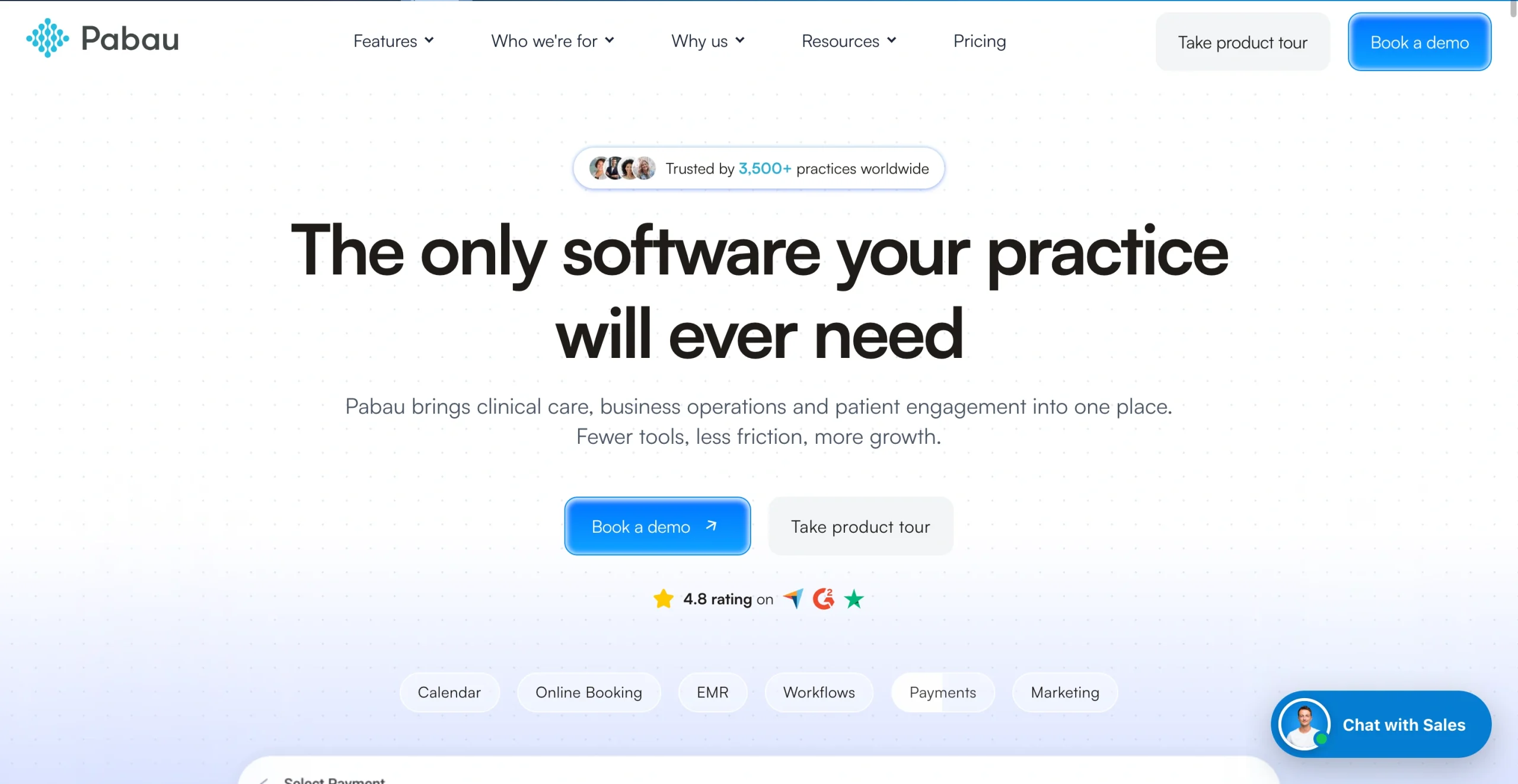
Pabau is for clinics that need the business side and the clinical side of work to be managed in the same convenient space. It’s an EHR solution combined with a CRM, and it’s incredibly customizable — which could be ideal for some more unique practices, or it could mean extra work for others.
The all-in-one platform links EHR with scheduling, loyalty programs, billing, and inventory tracking. You can also create unique physical or mental health intake forms as well as registration forms, and use automation to follow up with patients and track payments.
It’s also a good tool for anyone worried about compliance because the system is designed with strong data-handling measures that support regional privacy standards. It does have a bit of a learning curve compared to some other tools, though.
- Best for: Med spas, aesthetics clinics, wellness clinics, and private practices selling services, packages, memberships, or treatment plans
- Key features: Clinical records, client cards, online booking, digital forms, payments, invoicing, inventory, reporting, staff permissions, marketing tools, packages, memberships, Pabau Scribe for faster notes
- Pros: Straightforward for treatment-based clinics; combines records, booking, payments, and more; AI tool to help with faster note-taking; loyalty programs included; excellent compliance and security
- Cons: Can feel like a lot for a simple practice, setup takes more time and effort than some tools, add-ons can increase the price
- Plans/pricing: Paid plans start at $65 per month for one user; larger plans depend on team size and add-ons like Marketing Plus, Care Plus, and Insight Plus
- Available devices: Cloud-based web access, with iPhone/iPad support through Pabau Go
3. TheraNest
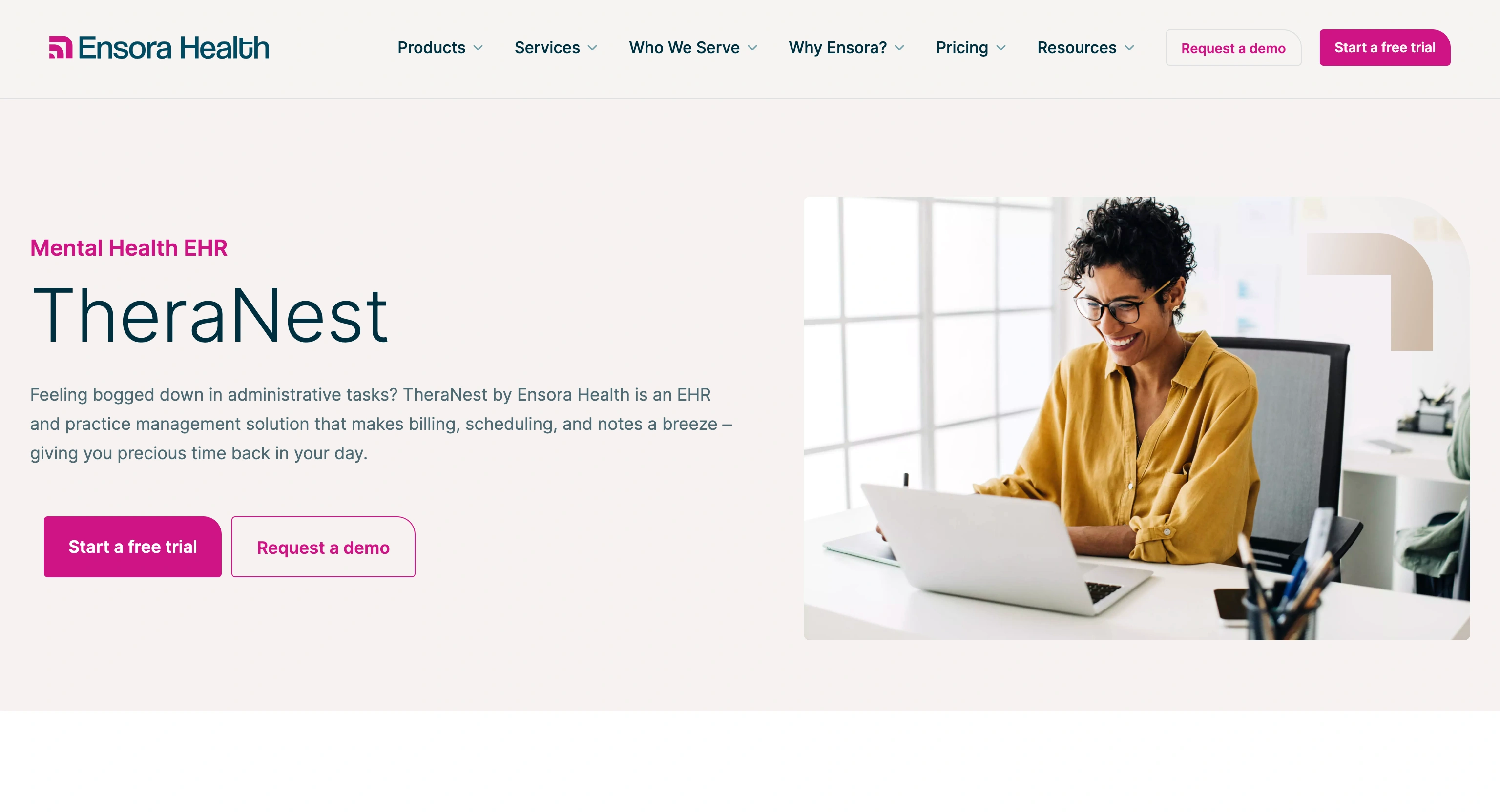
TheraNest might be the best EHR for private practice if you’re looking for a straightforward all-in-one platform that pulls client portals, intake forms, scheduling, treatment plans, billing, and insurance claims into the same place. It’s particularly good with billing headaches as it can handle batch invoices and automate insurance claim tracking.
What’s more, its client portal makes it easy for patients to submit intake forms securely, update their information, and view appointments whenever they like. There’s even a mobile app that team members can use when they’re away from their desk.
Worth noting, though, that this tool does have more of a learning curve than some alternatives. It’s also primarily made for behavioral health groups, so it might not be ideal for every medical practice. Still, a lot of clients say the customer support is extremely responsive, which helps if you ever encounter any technical difficulties.
- Best for: Behavioral health practices that need therapy notes, forms, billing, telehealth, and a client portal
- Key features: Custom therapy notes and treatment plans, calendar and appointment reminders, client portal, intake and custom forms, insurance billing on higher plans, telehealth add-on, group practice reporting, mobile app
- Pros: Good match for therapy workflows, excellent client portal for patients, insurance billing support on Advanced and Premier plans, pricing is straightforward, mobile app available
- Cons: Mainly focused on behavioral and mental health, telehealth video costs extra on some plans, admin users add to the monthly bill
- Plans/pricing: 21-day free trial available; Essentials plan is $29 per therapist per month, Advanced is $59 per therapist per month, and Premier is $89 per therapist per month
- Available devices: Cloud-based web platform, iOS and Android apps
4. TherapyNotes
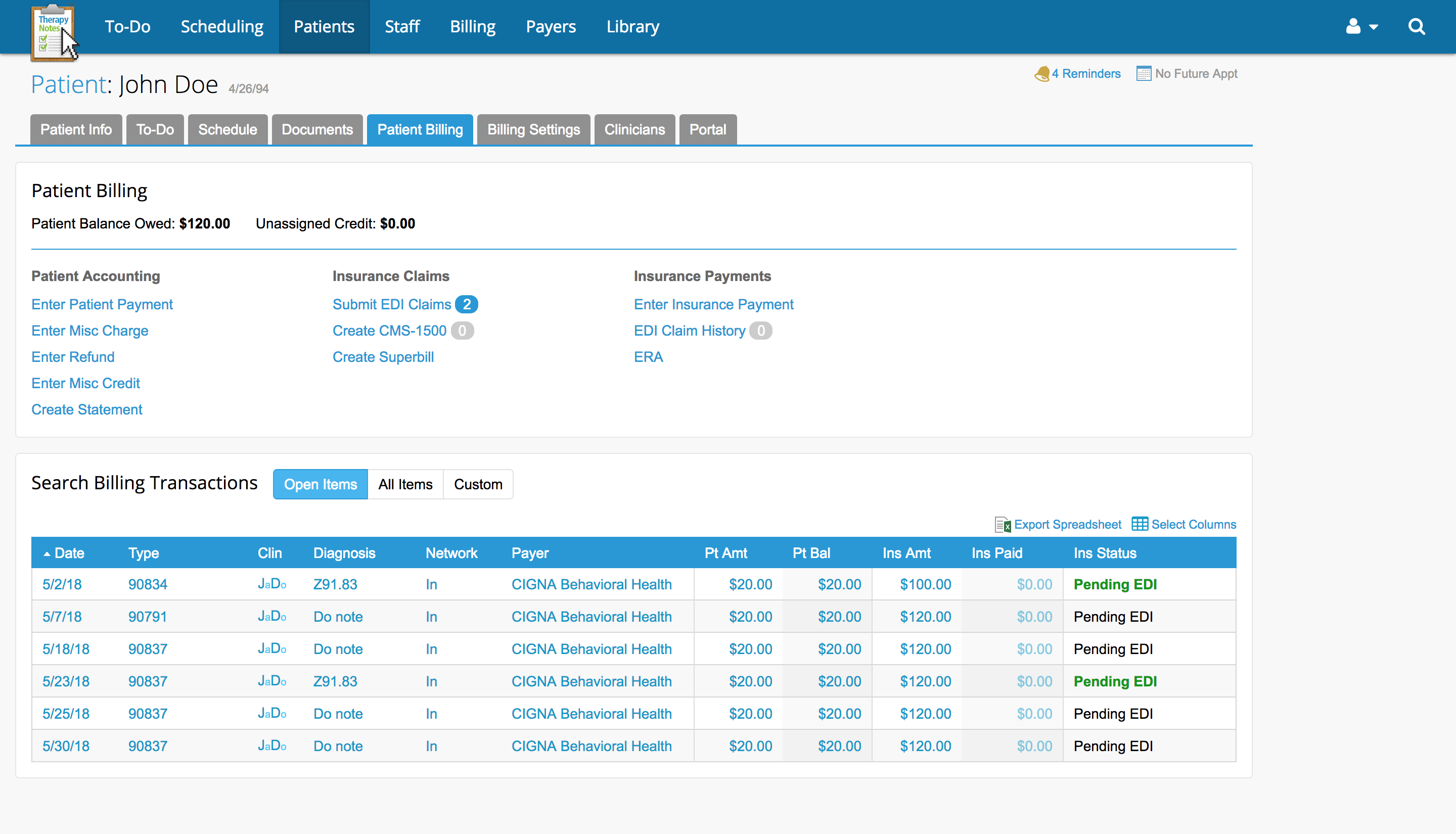
Similar to TheraNest, TherapyNotes is mostly directed toward behavioral health groups, which you can tell pretty quickly once you download and start using the demo. If you’re looking for a system that makes it easy to create a therapy booking form, keep notes in one place, and track claims and appointments in the same place, it could be a good choice.
Most teams like it for its billing and insurance features — it’s brilliant at generating superbills, integrating with clearinghouses, and managing claims. It also offers integrated telehealth features on certain plans, though it’s worth saying that the form customization options are very limited.
Plus, if you’re looking for basic automation, TherapyNotes can send appointment reminders to clients for you. There are also tools that automatically populate notes and treatment plans for team members.
- Best for: Mental health practices that care about structured documentation, insurance billing, telehealth, and support
- Key features: Comprehensive progress notes and treatment plans; scheduling and booking; claims and billing; client portal; secure messaging and telehealth; unlimited clients, notes, and appointments on all plans; integrated AI
- Pros: Clearly designed for mental health groups, strong insurance and billing features, great reputation for client support, unlimited clients and notes on every plan, integrated telehealth
- Cons: Less of a good match for general medical clinics, AI tools and premium telehealth cost extra, limited customization for medical forms
- Plans/pricing: Solo starts at $69 per month for one user; Group starts at $79 per month for the first clinician, plus $50 per month for every additional clinician; enterprise plans are available for 20 clinicians and above
- Available devices: Web-based, with client portal and telehealth access
5. SimplePractice
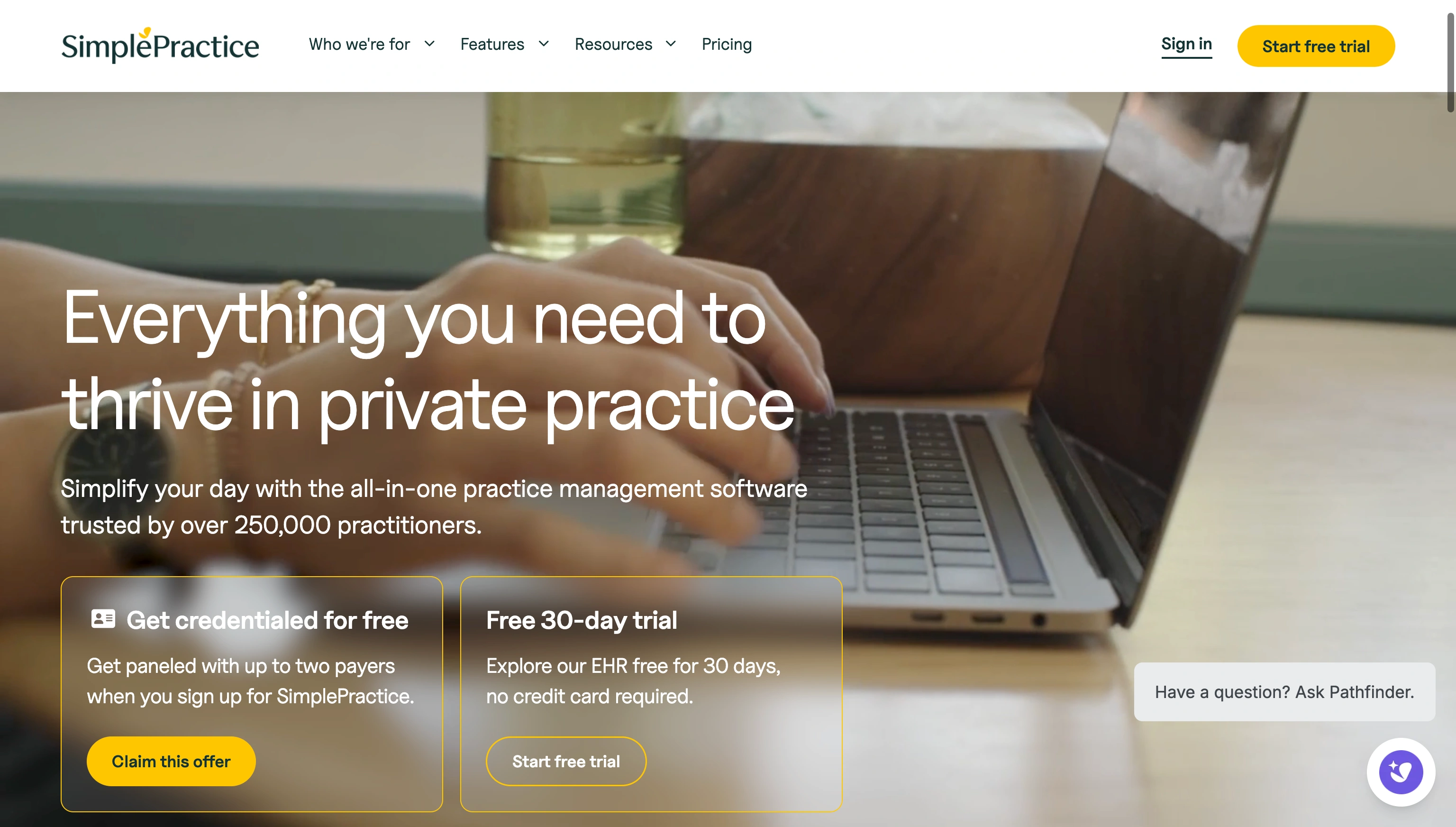
You’ll see SimplePractice in a lot of articles talking about the best EHRs for private practice. It’s a popular solution designed for all kinds of health and wellness professionals, and it’s built to bring scheduling, billing, telehealth, and clinical notes into the same system.
SimplePractice makes tracking everything from clinic registration forms to secure messages straightforward, and there’s even plenty of AI and automation built in. The automated tools can reduce work with client reminders, booking, and auto-billing, and the AI can take notes for you.
The features for insurance billing are fantastic, too — with built-in clearinghouse and claim autofill options ideal for fast-moving teams. Notably, though, this is one of the more expensive tools on this list. And like a few other options, it restricts how much you can customize forms.
- Best for: Solo and small group providers who want booking, billing, telehealth, mobile access, and client-facing tools that feel fresh
- Key features: Comprehensive scheduling and booking capabilities, HIPAA-enabled telehealth, client portal, mobile accessibility, automated billing, AI notetaker, ePrescribe add-on
- Pros: Reliable insurance and billing tools, convenient mobile access, straightforward patient portal, useful telehealth setup, helpful AI tools and automations
- Cons: Add-ons can make the plan more expensive, limited customization for forms, group practices need higher plans
- Plans/pricing: 30-day free trial available; Starter plan is $49 per month, Essential is $79 per month, and Plus is $99 per month after introductory offers; Note Taker, ePrescribe, and Care Aide (includes Note Taker, Session Sidekick, Treatment Planner, and Client Summaries) are separate add-ons
- Available devices: Web, iOS, Android, client portal, telehealth access
Pro Tip 👀
Looking for software recommendations specifically as a doctor? Take a look at our 5 best software tools for doctors in 2026 list.
6. CareCloud
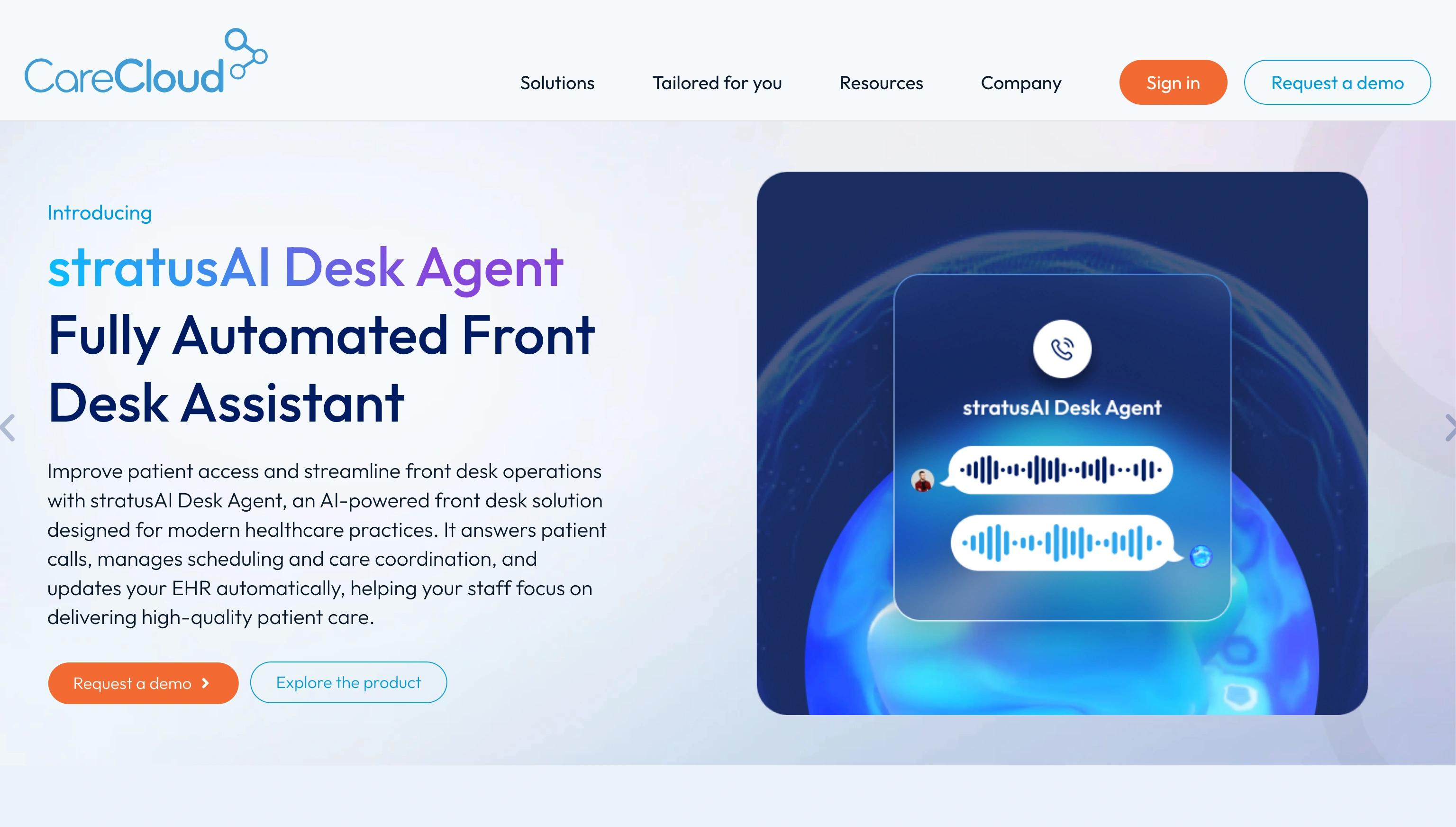
CareCloud is one of the more comprehensive EHR platforms on this list, but it’s still an impressive choice for private practices and smaller teams, mostly thanks to its intuitive interface. There’s a color-coded dashboard that anyone can navigate, and you can even log in via a mobile app.
One of the best things about CareCloud is that it’s designed to scale at the same pace as your clinic. The modular design means you can add on the features you need when you need them, like revenue cycle management or telehealth, without paying extra too early.
The pricing is pretty expensive though, and some companies say that the customer support isn’t as good as it should be for a premium tool. Still, it could be an ideal option for private clinicians looking for a way to improve patient experience and team experience at the same time.
- Best for: Practices where billing, claims, collections, and reporting are overly complicated
- Key features: Scheduling and appointment reminders, patient profiles, insurance verification, medical billing and insurance claims, RCM services, telehealth, analytics and reporting
- Pros: Useful modular build lets teams build their ideal system, intuitive interface for beginners, accessible via mobile, telehealth and RCM available, streamlined automation for billing workflows
- Cons: Too expensive for most smaller clinics, limited customer support, requires a desktop for full functionality
- Plans/pricing: CareCloud pricing is not fully public, but clinicians have said that the plans tend to start at $349 per provider per month and Concierge RCM starts at 3–7 percent of collections
- Available devices: Cloud-based access across desktop and mobile workflows, depending on setup
7. AdvancedMD
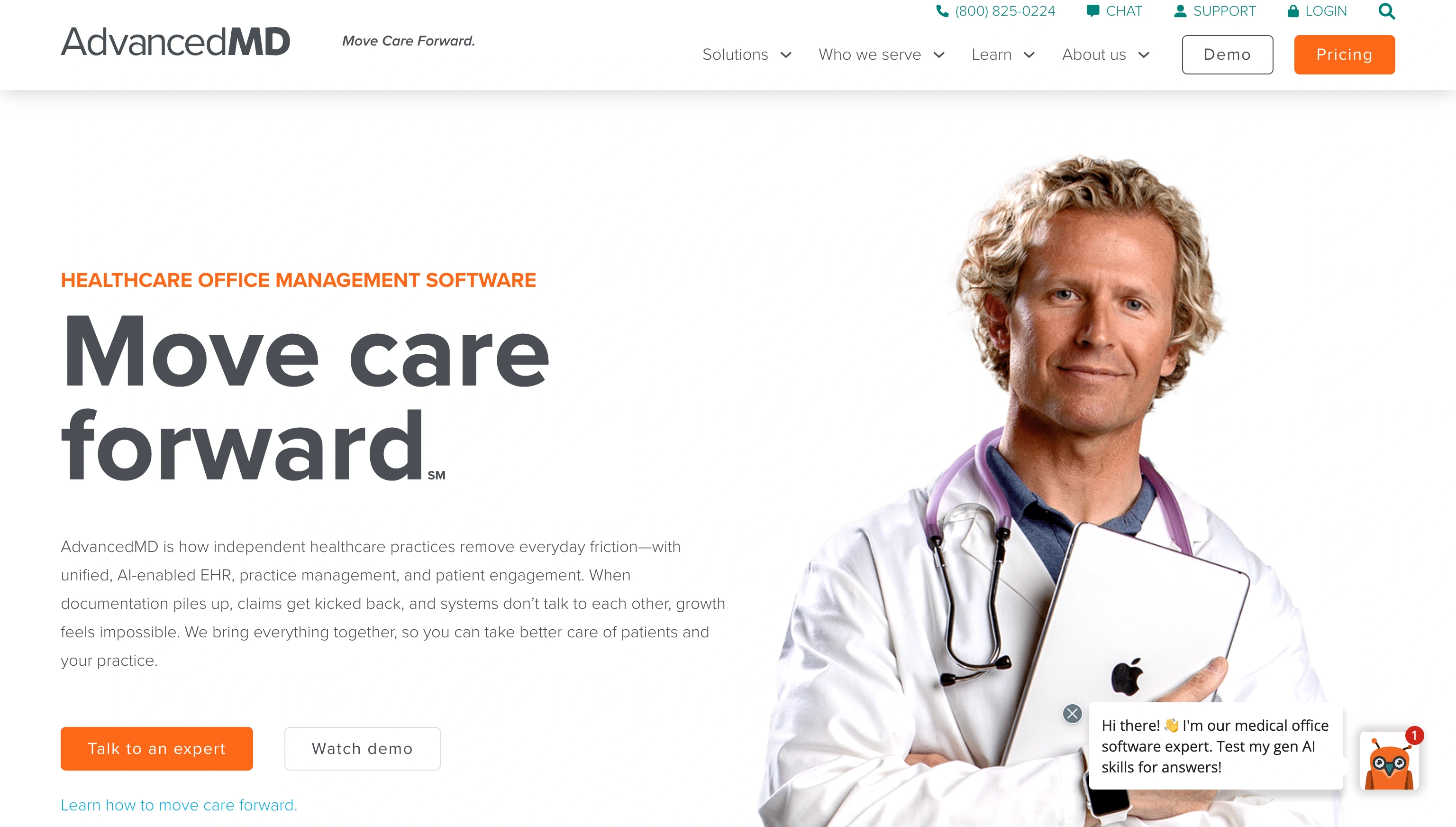
AdvancedMD has a reputation for being one of the best EHR systems for private practice if you need plenty of customization. It’s one of the tougher tools to figure out at first, but it does give you integrated scheduling, charting, and notes.
There’s an AI system that can help you take notes faster, and a clinical assistant that can analyze visit transcripts and suggest chart action items, including
- Problems
- Histories
- Allergies
- Medications
- Lab orders
- Chief complaint
- Reason for visit
- Vitals
You also get a suite of patient engagement tools that includes a patient portal with self-scheduling, mobile check-ins, and automated digital payments. The whole suite is great for increasing patient intake and keeping people informed.
Plus, AdvancedMD has some of the more robust billing and RCM features on the market, with AI-enhanced claim scrubbing and clearinghouse support.
- Best for: Independent practices dealing with claims, payer rules, eRx, RCM, patient engagement, and full practice management
- Key features: EHR and practice management, RCM services, claims and medical billing, ePrescribing, patient portal and engagement tools, AI clinical assistant, reporting and analytics
- Pros: Genuinely useful AI and automation tools, comprehensive billing and RCM, patient engagement suite and patient portal, heavily customizable, numerous add-ons available
- Cons: Can be expensive for small teams, difficult initial setup, limited form options
- Plans/pricing: The software starts at around $130 per month for smaller practices, and increases depending on your medical specialty and any chosen add-ons
- Available devices: Cloud-based, web, mobile, telehealth workflows
Choose the best EHR for private practice
The trouble with choosing the best EHR for private practice is there’s no catch-all solution that’s genuinely perfect for every organization. If you’re based in behavioral health, you might prefer something like TheraNest or TherapyNotes. If billing is painful, then AdvancedMD and CareCloud are both great options. If you want something that feels straightforward, try SimplePractice.
On the other hand, if the biggest issue you have right now is patient intake, Jotform is the best pick. You don’t need to replace your existing EHR system to use it. Jotform simply gives you a more convenient way to securely collect information through forms and consent workflows, plus patient-facing apps.
It can even help with patient tracking system strategies once your patient details need to move safely from intake into follow-up or admin tasks.
If you want to see for yourself how Jotform can help reduce the daily admin strain that most private practices feel every day, you can start with a free trial here.
This article is for private practice owners, physicians, therapists, clinic managers, and other healthcare professionals, as well as anyone who wants to choose the best electronic health record (EHR) solution to streamline patient intake, reduce administrative workload, and support practice management.


























































































Send Comment: