Unlike a traditional day spa, a medical spa performs advanced aesthetic treatments that carry clinical risks. Getting a patient’s informed consent for treatment isn’t just a best practice — it’s an essential part of documenting patient care. However, letting signed consent forms sit in a messy email inbox or a loose paper folder leaves your practice vulnerable to security risks and administrative bottlenecks.
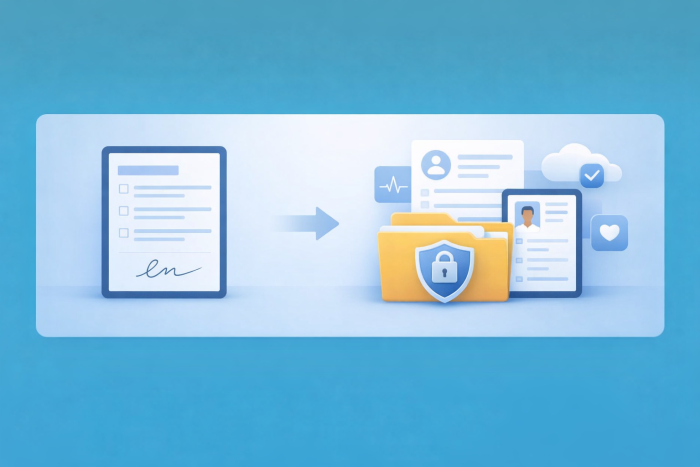
The solution? Automatically convert your digital consent forms into secure, static PDF medical records. Here’s how you can seamlessly connect patient intake and secure documentation.
Why convert consent forms into PDFs?
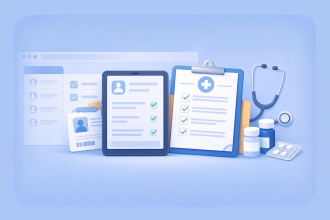
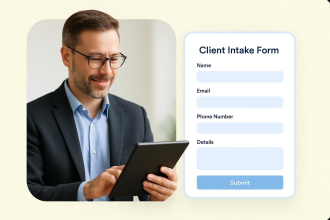
When a patient fills out a digital form on a tablet, smartphone, or computer, that information enters your dashboard as form data. While form data is great for sorting, many healthcare organizations also maintain PDF versions of completed forms as part of their documentation process. Here are some reasons to convert that data into PDFs:
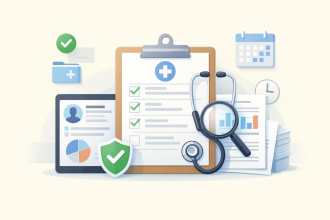
- Preserve a clear record: A PDF acts as a digital snapshot of the information a patient received and submitted, including disclosures, acknowledgments, and signatures, in a consistent format.
- Seamlessly integrate with EHR systems: Most electronic health record (EHR) and electronic medical record (EMR) systems rely heavily on PDFs for document storage. Converting your intake forms into PDFs makes attaching them to a patient’s chart much simpler.
- Improve readability: A polished PDF template presents the patient’s medical history, treatment plan, and digital signature in a clean, easy-to-read layout.
A note on protecting sensitive information: In the med spa world, patient data may be subject to health privacy regulations like HIPAA. Any tool you use to collect, convert, or store protected health information (PHI) should offer features to support HIPAA compliance, such as encryption and signed Business Associate Agreements (BAAs), where applicable.
How to automate your PDF workflow
You don’t need custom software to automate the PDF-creation process. By using an online form builder with built-in PDF tools, you can establish an automated workflow in four simple steps.
1. Create treatment-specific consent forms
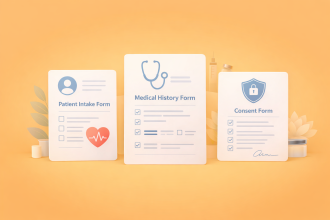
Design digital intake forms tailored to specific treatments, such as a microneedling consent form. Because Botox and laser treatments require different risk disclosures, create separate forms or use conditional logic to show the right disclosures based on the services a patient selects.
2. Map the form data to a PDF template
Using a tool like Jotform PDF Editor, you can design a clinical document layout that mirrors an official medical chart. You can add your med spa’s branding, a grid for medical history checkboxes, and sections for e-signatures and dates.
3. Name your PDFs automatically
To avoid a chaotic cloud drive, use form fields to automatically name each generated document. Set the template to include the patient name, treatment type, and submission date in the file name, so your files are easier to organize and find later.
4. Securely sync to cloud storage tools
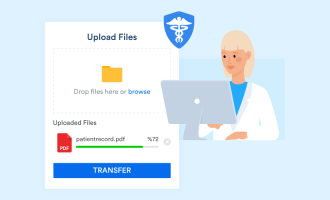
The second your patient submits the intake form, the completed PDF can be generated automatically and sent to your cloud storage platform, such as Box, Google Drive, or Dropbox.
This eliminates manual downloading, renaming, and uploading, helping your front-desk staff spend less time on administrative tasks.
Elevate the patient experience
Automating your documentation doesn’t just improve your business processes — it significantly improves the patient experience.
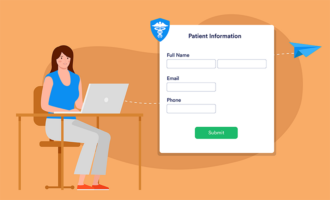
Instead of patients having to fill out a stack of paperwork in the waiting room, they can securely complete their consent forms on their own devices at home before their appointment. When they arrive, your practitioners can instantly pull up the PDF containing their information, review the patient’s medical history and contraindications, and proceed with treatment.
Final thoughts
Running a medical spa requires balancing exceptional customer service and efficient documentation. By turning your digital consent form data into secure, automatically organized PDFs, you can reduce manual filing errors, improve recordkeeping, and help your team manage records more efficiently.
Use up and down arrow keys to resize the meta box pane.
Ready to streamline your medical spa’s documentation process? Explore how Jotform’s medical consent form templates and Jotform PDF Editor can automate your workflow today!





















































































Send Comment: