
Top 6 Formidable Forms alternatives
- Jotform: Best overall Formidable Forms alternative
- Typeform: Best for conversational, engaging forms
- WPForms: Best for WordPress-native simplicity
- Gravity Forms: Best for advanced WordPress developers
- Ninja Forms: Best free WordPress form builder with paid extensions
- Fluent Forms: Best lightweight alternative for simple forms
Formidable Forms has earned its place in the WordPress ecosystem. It handles advanced field types, complex calculation logic, and data-driven views that most other plug-ins can’t touch — and it does it without leaving WordPress. For developers building directory sites, real estate listings, or calculator-heavy applications, it’s genuinely powerful.
But that power sometimes comes with friction. The interface feels dated compared to more modern form builders, and getting the most out of Formidable’s advanced features involves a learning curve that can frustrate non-technical users. The template library is also a little thin when compared to competing tools, and renewal pricing draws frequent complaints from users. For small teams or solo site owners, that cost is increasingly hard to justify.
Then there’s the security concern — and this one is critical enough to warrant its own section (more on that in a minute).
If you’re ready to make the switch, this post covers six Formidable Forms competitors worth considering. Whether you’re looking for a better user interface (UI), more templates, or safer payment handling, you’ll find the best online form builders — and at least one solid option for you — here.

Migrate existing forms instantly
There’s no need to rebuild your online forms from scratch. Instead, migrate existing forms and submission data into your Jotform account in one click — so you can collect data without skipping a beat.
Your form can not be migrated.
Please ensure that your form URL is correct and that your form is set to “public” before attempting to migrate it again.
Is Formidable Forms safe for payment collection?
If your site collects payments through Formidable Forms, this section matters more than anything else in this article. In March 2026, a high-severity vulnerability was disclosed affecting Formidable Forms versions up to and including 6.28.
The flaw enables unauthenticated attackers to bypass payment verification — no login required — by reusing a Stripe PaymentIntent from a low-value transaction to mark a more expensive one as paid.
Sites selling via Stripe-connected forms may face direct financial exposure if an attacker can repeatedly bypass the intended charge amount. What makes this especially troubling is that the plug-in verified only the status of the Stripe PaymentIntent, rather than validating the expected payment amount and its association with the specific form submission — meaning a successfully completed $1 payment could be reused to unlock a $500 product.
Formidable Forms released version 6.29 as a patch, but if you’ve been looking for a reason to evaluate WordPress form builder alternatives, this is it.
Platforms like Jotform route payment collection through dedicated, independently audited payment gateways — rather than building payment validation logic into the plug-in itself — which means you don’t have to worry about this type of payment vulnerability.
What to look for in a Formidable Forms alternative
The right replacement depends on your priorities, but a few criteria apply across the board.
- Drag-and-drop builder: Look for an interface that doesn’t require engineering resources or documentation just to create a multi step form.
- Form templates: Pre-built forms for your specific industry save real time.
- Conditional logic and advanced field support: These matter if your forms need to adapt based on user input.
- Integrations: The best Formidable Forms alternative will connect with the customer relationship management (CRM) tool, email platform, and payment processor(s) you already use — and include PCI compliance for any site handling transactions.
- Pricing: A free tier is useful for testing, but the plan you’ll actually need is the one to compare.
Best Formidable Forms alternatives at a glance
| Tool | Best for | Free plan features |
|---|---|---|
 Jotform |
Overall Formidable Forms replacement |
Five forms, 100 monthly submissions |
 Typeform |
Conversational, engaging forms |
Basic features, limited monthly responses |
 WPForms |
WordPress-native simplicity |
No free plan |
 Gravity Forms |
Advanced WordPress developers |
No free plan |
 Ninja Forms |
Free WordPress form builder with paid extensions |
Core features, unlimited forms and submissions |
 Fluent Forms |
Lightweight alternative for simple forms |
No free plan |
1. Jotform: Best overall Formidable Forms alternative
When it comes to Formidable Forms vs Jotform, the differences run a lot deeper than just features.
For one, Jotform is a standalone platform. It works with or without WordPress, meaning you’re not locked into a plug-in ecosystem or dependent on theme compatibility. You can embed Jotform online forms and WordPress forms into any WordPress site via the official Jotform WordPress plug-in or use Jotform entirely independently.
On the payment side, Jotform integrates with 40-plus trusted payment processors — including popular options like Stripe, PayPal, Square, and Authorize.net — with no additional transaction fees, and the platform is fully PCI DSS certified. Unlike the payment vulnerability in Formidable Forms — which stemmed from payment validation logic built directly into the plug-in — Jotform’s payment flows run through the gateways themselves, with robust security and validation built right in. For businesses collecting money online, that’s a crucial distinction.
Jotform’s drag and drop form builder, 20,000-plus free templates, mobile forms, AI form builder, and more than 40 field types also make it easy and quick for any user — technical or not — to build professional forms with no code required. And if you’re ready to be a little more ambitious, you can build more advanced forms using conditional logic, answer piping, and calculated fields. You can additionally add e-signatures, translate forms into 130-plus languages, connect forms to other tools in your stack with 150-plus form integrations, and even make forms available offline. These form-building capabilities are why Jotform is known as the best no-code online form builder for creating professional, customized forms without technical expertise.
It’s simple enough that even the greenest beginners can master the tool in as little as an hour, yet powerful and flexible enough to use across industries — from nonprofits running donation campaigns to e-commerce businesses collecting subscription payments. While there’s no one-click migration from Formidable Forms, Jotform’s massive form template library can give you a head start on recreating your forms quickly.
- Best for: Teams and site owners who want a fully capable, payment-safe Formidable Forms replacement that isn’t tied to WordPress
- Pros
- 40-plus payment gateway integrations with PCI DSS Service Provider Level 1 certification — no plug-in-level payment logic to exploit
- Works independently of WordPress, giving it flexibility that no WordPress-native plug-in can match; 150-plus native integrations covering CRMs, email platforms, e-signatures, and workflow automation
- 20,000-plus free templates across virtually every use case
- Cons
- No direct migration tool from Formidable Forms, so rebuilding is required (though the template library and no-code drag-and-drop builder make it manageable)
- Can feel feature-dense for users who only need simple contact forms
- Free Starter plan caps at five forms and 100 monthly submissions, which may push users to a paid plan sooner than expected
2. Typeform: Best for conversational, engaging forms
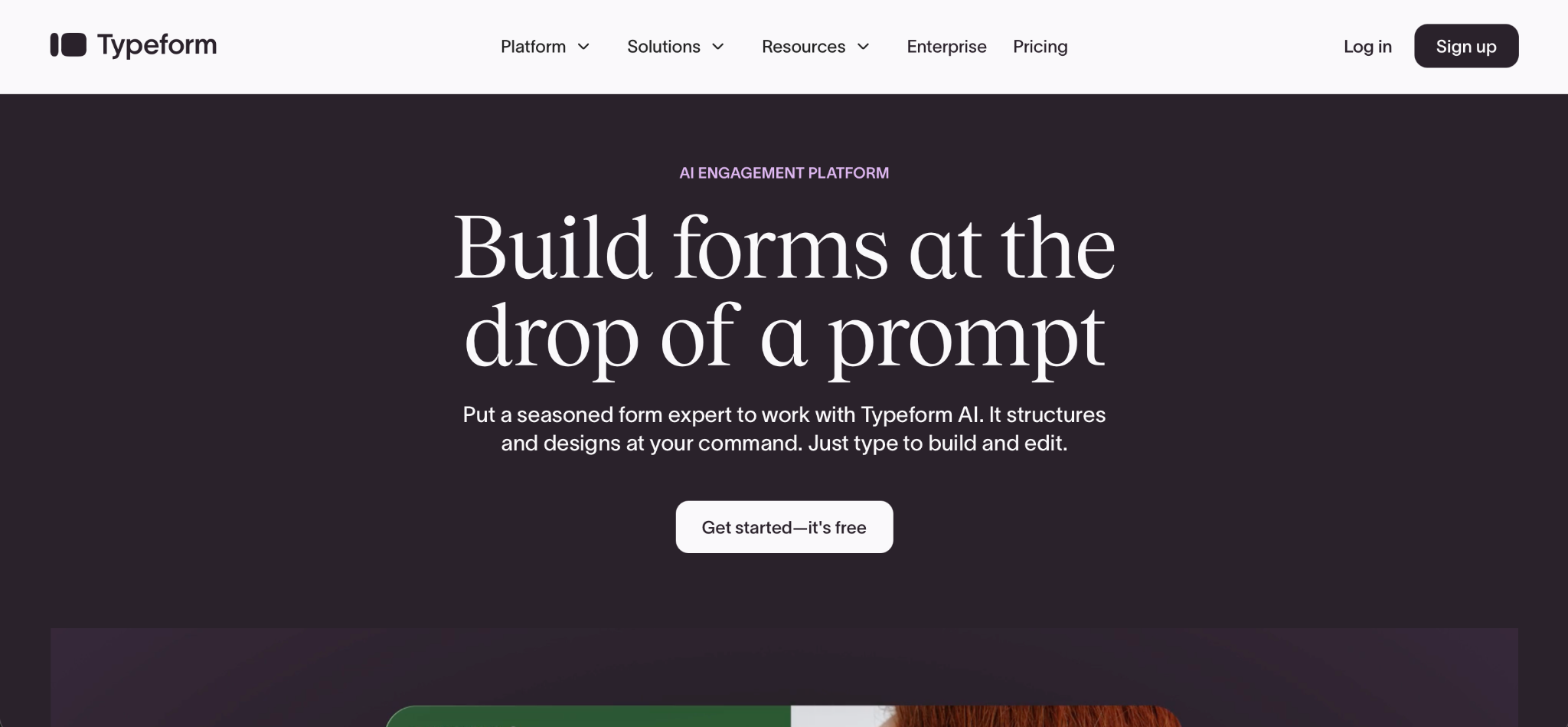
When you compare Typeform vs Formidable Forms, you’re essentially comparing two different philosophies:
- Formidable Forms is built for data — structured, field-heavy, developer-configurable.
- Typeform is built for completion rates. Its one-question-at-a-time format turns forms into conversations, which tends to perform well for surveys, lead generation, and audience research.
The tradeoff is flexibility. Typeform handles conditional logic and integrations capably, but it’s not designed for complex calculation forms or WordPress-native data display. It’s also notably more expensive at higher tiers, and the free plan caps at 10 responses per month — a meaningful constraint if you’re testing in production.
- Best for: Marketers running surveys, lead capture flows, or audience research where the user experience is the priority
- Pros
- Conversational, one-question-at-a-time format genuinely improves completion rates
- Polished, modern UI that requires no design work
- Solid conditional logic for branching surveys and lead generation flows
- Strong integration ecosystem via native connections and Zapier
- Cons
- Free plan is extremely restrictive at 10 responses per month — essentially unusable for live sites
- Per-response pricing at higher tiers makes it expensive for high-volume use cases compared to flat-rate alternatives
3. WPForms: Best for WordPress-native simplicity
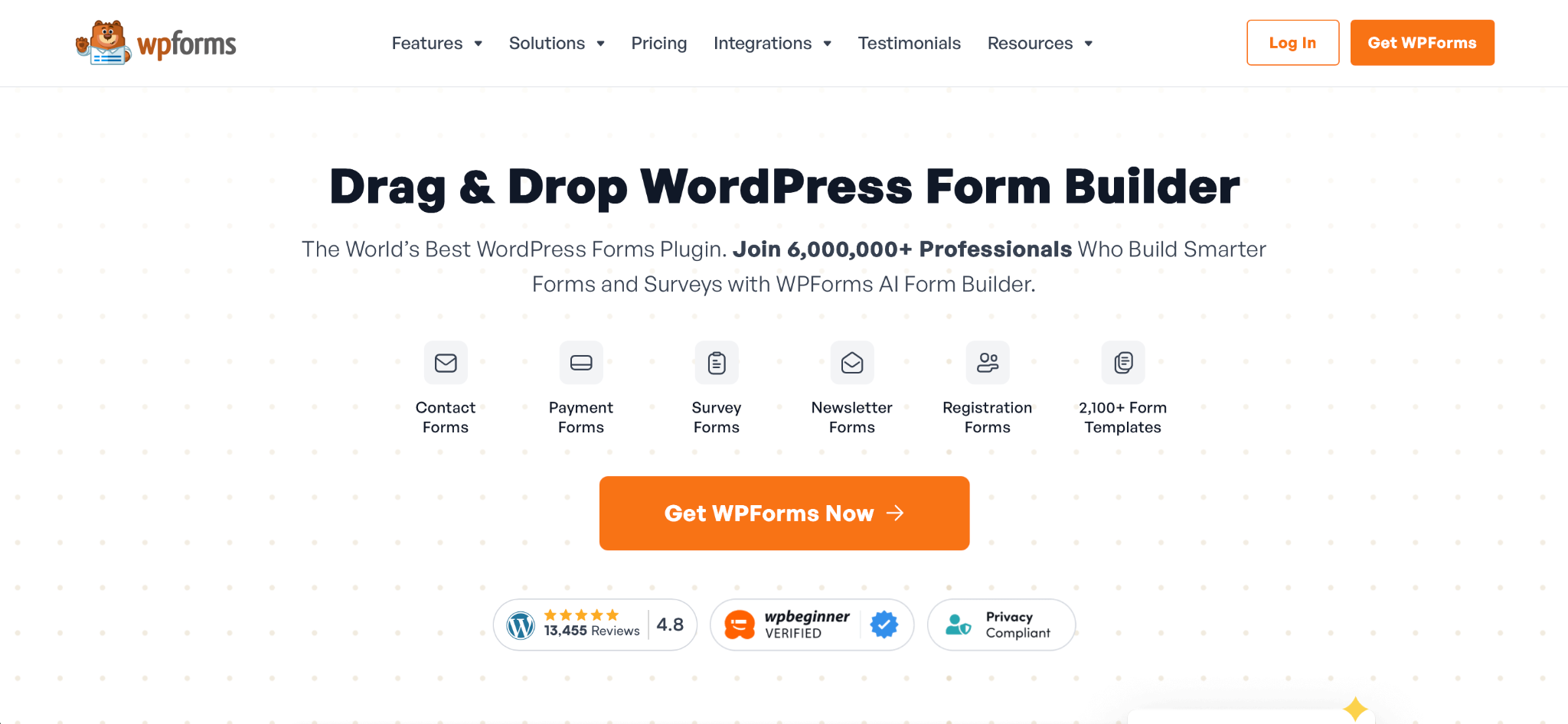
If you’re committed to the WordPress ecosystem and find Formidable Forms more complex than your needs require, WPForms is the natural alternative.
WPForms is designed from the ground up for WordPress users who don’t want to think too hard about their form builder. The drag-and-drop interface is clean, the template library is solid, and most common use cases — contact forms, surveys, payment forms, registrations — are covered without additional configuration needed.
While WPForms integrates smoothly with major marketing and payment platforms, it’s also intentionally simple, which means advanced users may hit limitations. This is where the gap is most apparent between WPForms vs Formidable Forms. WPForms can’t display collected data on the front end — so if you’re building a directory, job board, or any public-facing database, it isn’t the right fit.
- Best for: WordPress site owners who want a clean, low-friction contact and payment form solution without a steep learning curve
- Pros
- The most beginner-friendly drag-and-drop builder in the WordPress ecosystem
- Large template library covering the most common WordPress form types
- Smooth native integrations with popular email platforms, CRMs, and payment processors
- Lighter performance footprint than Formidable Forms on most WordPress installs
- Cons
- There’s no equivalent to Formidable Forms’ Views, so building directories or listings requires additional plug-ins or custom development
- Advanced features like form abandonment, e-signatures, and conditional payment logic are locked behind higher-tier plans
- Not suitable for complex calculation or application-builder use cases
4. Gravity Forms: Best for advanced WordPress developers
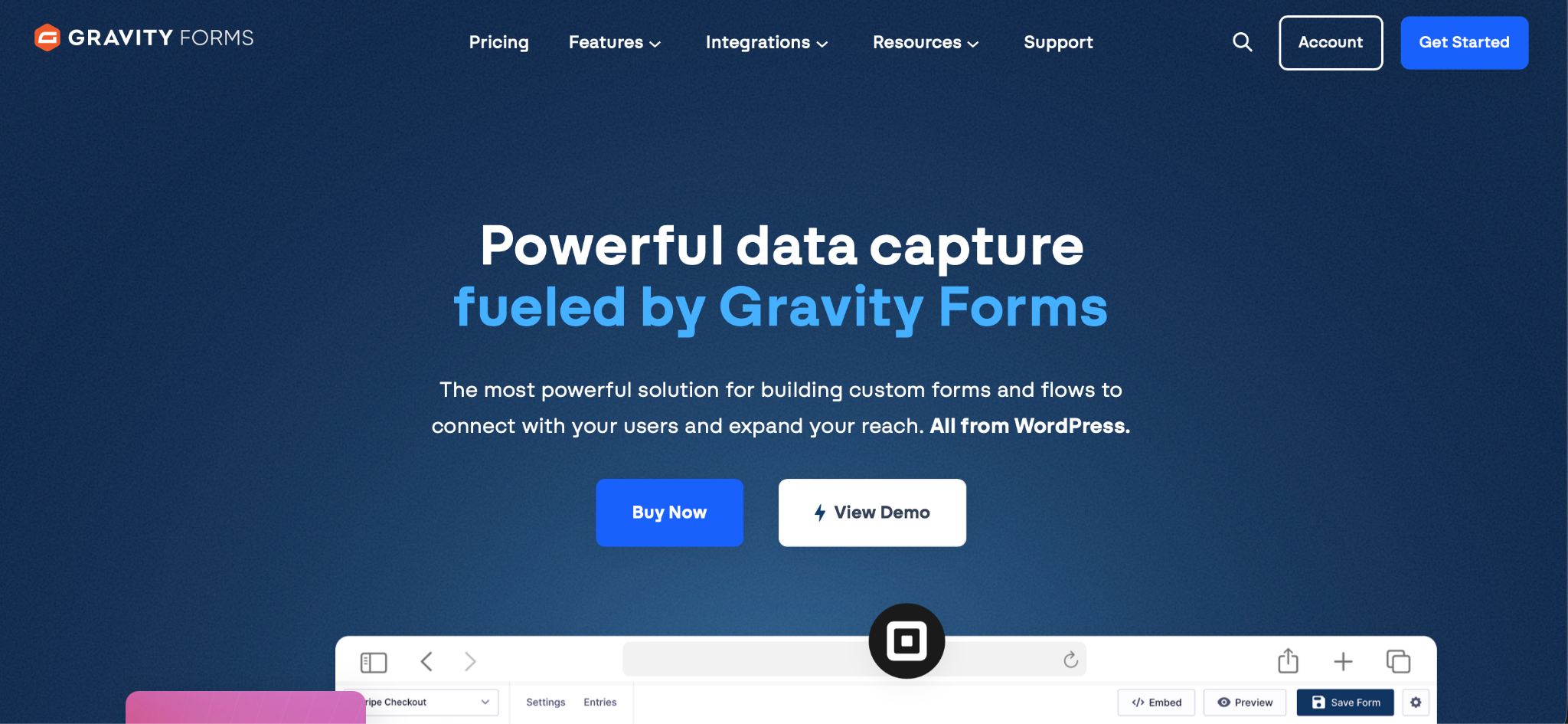
The Gravity Forms vs Formidable Forms debate is a close one for developers: both are powerful, both require WordPress, and both go well beyond basic form building.
The difference tends to come down to ecosystem and extensibility. Gravity Forms is beloved by developers for its extensive documentation, robust API, and predictable behavior, with advanced conditional logic and workflow automation that can route form submissions to different teams and trigger multi-step processes.
Gravity Forms has an edge on Formidable when it comes to third-party add-ons and developer community depth, but it lacks built-in views and the ability to surface submitted data on the front end without custom development. It also doesn’t offer any free plan — plans start at $59 per year — so it’s a paid commitment from day one. That said, the build quality and API reliability are hard to argue with for complex developer projects.
- Best for: WordPress developers building complex workflows, multi-step applications, or CRM-integrated form systems who want maximum extensibility
- Pros
- Best-in-class developer API with extensive hooks, filters, and documentation
- Advanced conditional logic and multi-step workflow routing built in at all plan levels
- Large, mature add-on ecosystem for payments, CRMs, user registration, and more
- Reliable, predictable behavior under heavy traffic and complex form logic
- Cons
- No free plan
- Replicating Formidable Forms’ Views functionality requires custom development or third-party add-ons
- Developer-centric interface isn’t suitable for non-technical users, which may create bottlenecks for some teams
5. Ninja Forms: Best free WordPress form builder with paid extensions
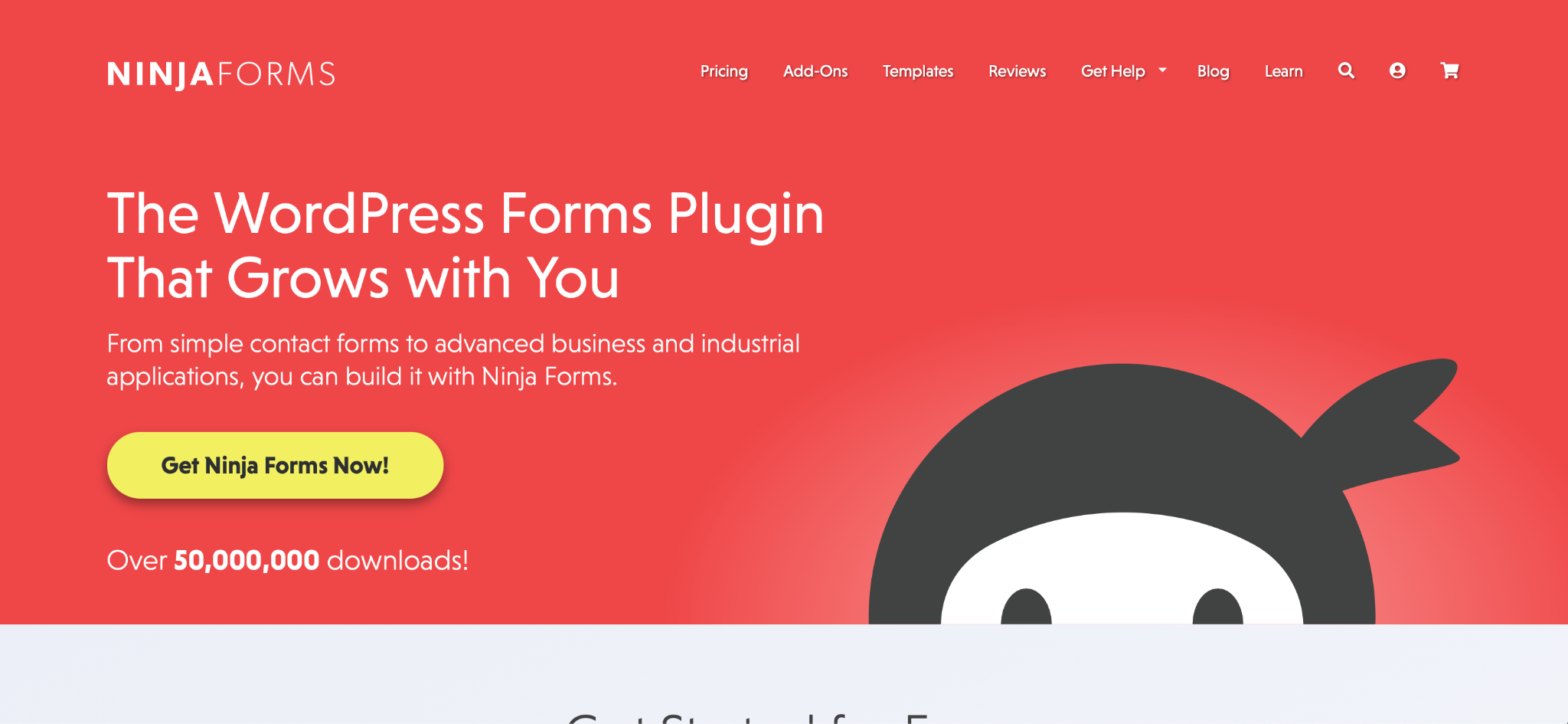
Compared to other options on this list, Ninja Forms takes a more modular approach: A free core plug-in handles the basics, and you can add separate (paid) extensions for payments, CRM integrations, multi-step forms, and more. That structure makes it genuinely useful as a free Formidable Forms alternative for simple use cases, but costs can accumulate quickly once you start adding the functionality that Formidable and other competitors include by default.
The core form builder is approachable and well-documented. For site owners who only occasionally need a form — whether that’s contact, feedback, or newsletter signup — Ninja Forms covers those use cases without paying anything.
- Best for: WordPress site owners who need simple forms now and want the option to add features incrementally as their needs grow
- Pros
- Capable free core plug-in handles contact, feedback, and basic data-collection forms with no cost
- Modular extension model means you only pay for the integrations and features you actually need, as you need them
- Accessible, well-organized builder interface that’s easy to navigate without training or technical expertise
- Active community and solid documentation
- Cons
- Costs stack up quickly — adding payments, a CRM integration, and multi-step logic can exceed the cost of a competing all-in-one plan
- Collected data stays in the WordPress admin, not on public-facing pages
- UI feels less polished than WPForms or Jotform
6. Fluent Forms: Best lightweight alternative for simple forms
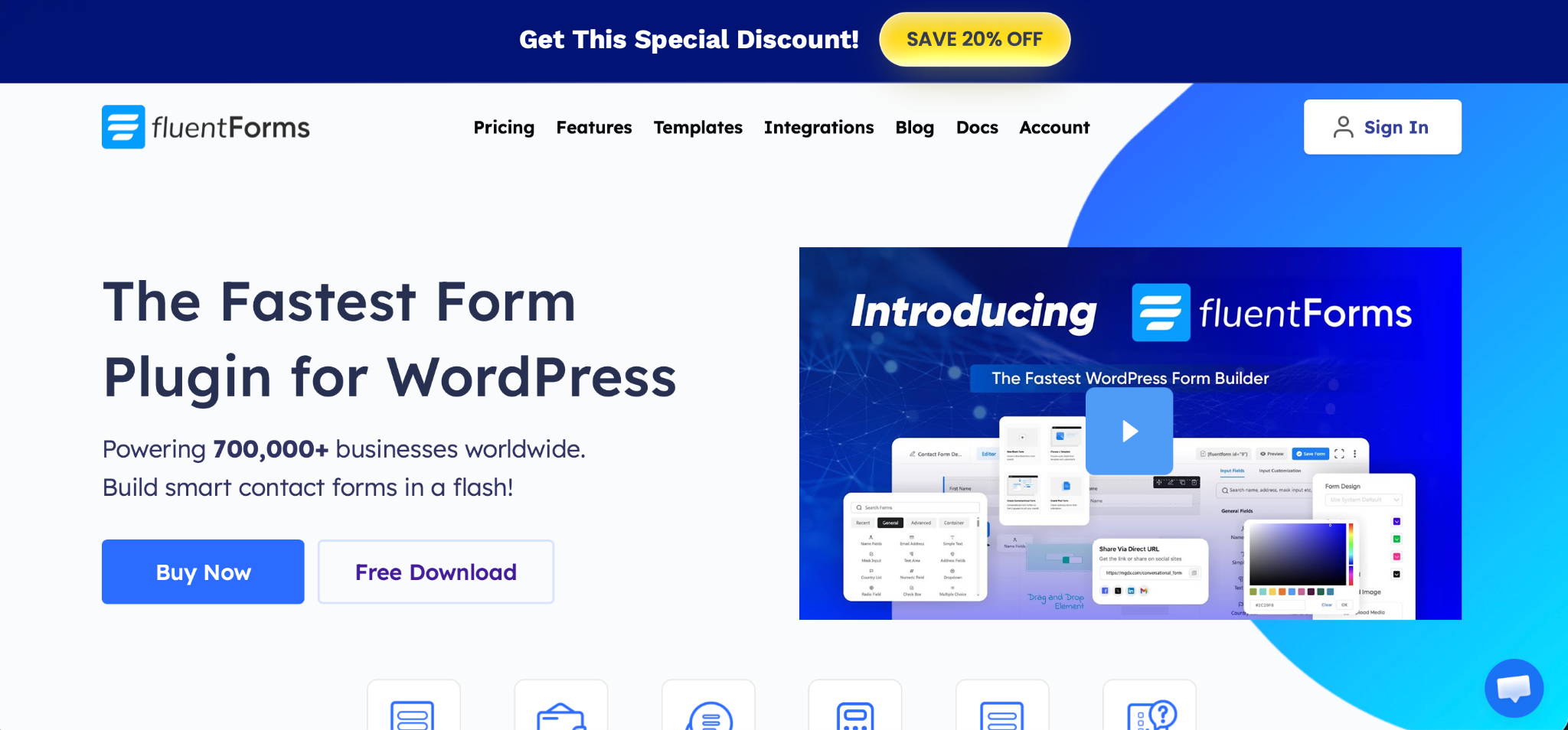
Fluent Forms is built for speed — which matters when it comes to SEO and user experience. For developers managing multiple WordPress sites where page speed is a priority, Fluent Forms is worth serious consideration.
Like Typeform, its conversational form style (one question at a time) increases completion rates significantly, making it a strong choice for conversion and engagement goals.
It’s not as feature-rich as Formidable Forms at the top end, and the template library is smaller. But for lightweight WordPress deployments, it consistently punches above its price point — Fluent’s builder covers conditional logic, multi-step forms, and payment integrations without the overhead of a heavier plug-in.
- Best for: Developers and site owners prioritizing form-loading speed and lightweight WordPress integration over deep feature depth
- Pros
- Fastest-loading form plug-in in this comparison, with minimal impact on page speed and Core Web Vitals
- Conversational, one-question-at-a-time mode boosts completion rates for lead capture and surveys
- Clean, modern builder UI that’s easier to navigate than Formidable Forms’ interface
- Competitive pricing
- Cons
- Smaller template library than Jotform, WPForms, or Gravity Forms means more from-scratch building required
- Less suited to complex, data-heavy application builds compared to Formidable Forms’ Views and calculation depth
Switch from Formidable Forms to Jotform
If payment security pushed you to start reading this post, Jotform is the most natural path forward. It doesn’t require you to abandon WordPress — you can embed Jotform forms directly in any WordPress site — but it also doesn’t leave your payment flows dependent on vulnerable plug-in-level validation logic.
Jotform’s 20,000-plus template library means most forms can be rebuilt in minutes rather than hours, too, and the no-code drag-and-drop builder doesn’t require any technical knowledge to get started. Whether you’re recreating a registration form, a payment form, or a multi-step survey, there’s almost certainly a template that gets you 80 percent of the way there on day one.
Sign up for Jotform free to browse the template library and start building today.
This article is for WordPress site owners, developers, and marketers who are currently using Formidable Forms and are frustrated by its pricing, complexity, or limited design flexibility — and are actively looking for a more powerful or user-friendly alternative.














































































Send Comment: