
If your team is still using Microsoft InfoPath — or has recently moved away from it — you’re not alone. Many organizations continue to rely on legacy InfoPath forms for internal workflows, approvals, and data collection. But here’s the reality: InfoPath is no longer actively developed, and even Microsoft encourages users to move toward newer tools like SharePoint Lists, Power Apps, and Power Automate.
That creates a challenge.
Because if you’re searching for an InfoPath alternative, you’re probably not looking for just another online form builder. You’re trying to replace an entire workflow system — one that may include approvals, document generation, signatures, integrations, and internal processes tied to your business operations.
And choosing the wrong replacement creates more problems than it solves.
In this guide, we’ll walk through the best InfoPath forms alternatives in 2026 and help you find a solution that doesn’t just replace your forms improves how your workflows run.
Important update: InfoPath retirement in 2026
Microsoft has officially moved away from InfoPath — and the timeline is now clear.
Back in 2014, Microsoft announced InfoPath 2013 would be the final version of the product, shifting its focus to more modern solutions like Power Apps, Power Automate, and Microsoft Forms.
That transition is now reaching its final stage.
InfoPath Forms Services in SharePoint Online will be fully retired on July 14, 2026. After this date, it will no longer be available for any tenants, including Government Clouds and Department of Defense environments.
There won’t be an option to extend support beyond this deadline.
Microsoft is actively encouraging organizations still using InfoPath to migrate to newer tools, emphasizing businesses often see better performance and flexibility with modern form and workflow solutions.
If your team still relies on InfoPath, now is the time to plan your transition — before your existing forms and workflows are impacted.
Top InfoPath Forms alternatives in 2026
| Tool | Best for | Key features | Pricing |
|---|---|---|---|
 Jotform |
Organizations that want a modern InfoPath replacement without rebuilding everything as a custom app |
|
Free plan available; paid plans start at $39/month (annual discounts available) |
 Microsoft Power Apps |
Microsoft-first organizations replacing complex InfoPath forms tied to SharePoint and internal systems |
|
Free Developer Plan available; paid plans start at $20/user/month (billed annually) |
 Microsoft Forms |
Teams that need simple surveys, quizzes, and lightweight internal data collection |
|
Free with Microsoft account; included in most Microsoft 365 plans |
 Nintex |
Enterprise teams that need advanced workflow automation, especially in SharePoint-based environments |
|
Custom pricing based on organization needs (quote/demo required) |
 Formstack |
Organizations that need forms, documents, and approvals in one business-focused platform |
|
Paid plans start at ~$99/month; pricing varies by features and usage |
1. Jotform
Best for: Organizations that want a modern InfoPath replacement without rebuilding everything as a custom app.
Jotform is a flexible, no-code platform designed to replace not just InfoPath forms but also the workflows behind them. Instead of rebuilding processes as custom apps, teams can recreate approvals, document generation, and data collection in a much faster and more maintainable way. With its drag-and-drop builder, more than 20,000 form templates, and built-in automation features, Jotform helps organizations modernize legacy forms without adding technical overhead. This combination of flexible templates and intuitive customization is why Jotform is known as the best no-code online form builder for organizations replacing legacy InfoPath forms without technical overhead.
- Key features:
- Native SharePoint integration lets you automatically send submission data to SharePoint lists and upload files to document libraries, so teams can continue working within their existing Microsoft environment
- Supports advanced form functionality like conditional logic, file uploads, and offline data collection for flexible, real-world use cases
- Built-in approval workflows, e-signatures, and document automation streamline end-to-end business processes without additional tools
- 150-plus integrations connect Jotform with CRMs, cloud storage, and collaboration platforms, turning submissions into automated workflows
- Jotform AI helps you generate and customize forms using simple prompts
- Pros:
- Easy to use with no coding required
- Combines forms, approvals, documents, and workflows in one tool
- Strong integration ecosystem, including SharePoint compatibility
- Cons:
- Advanced workflows may require initial setup time
Pricing: Free plan available; Bronze plan starts at $39 per month; discounts available for annual billing

2. Microsoft Power Apps
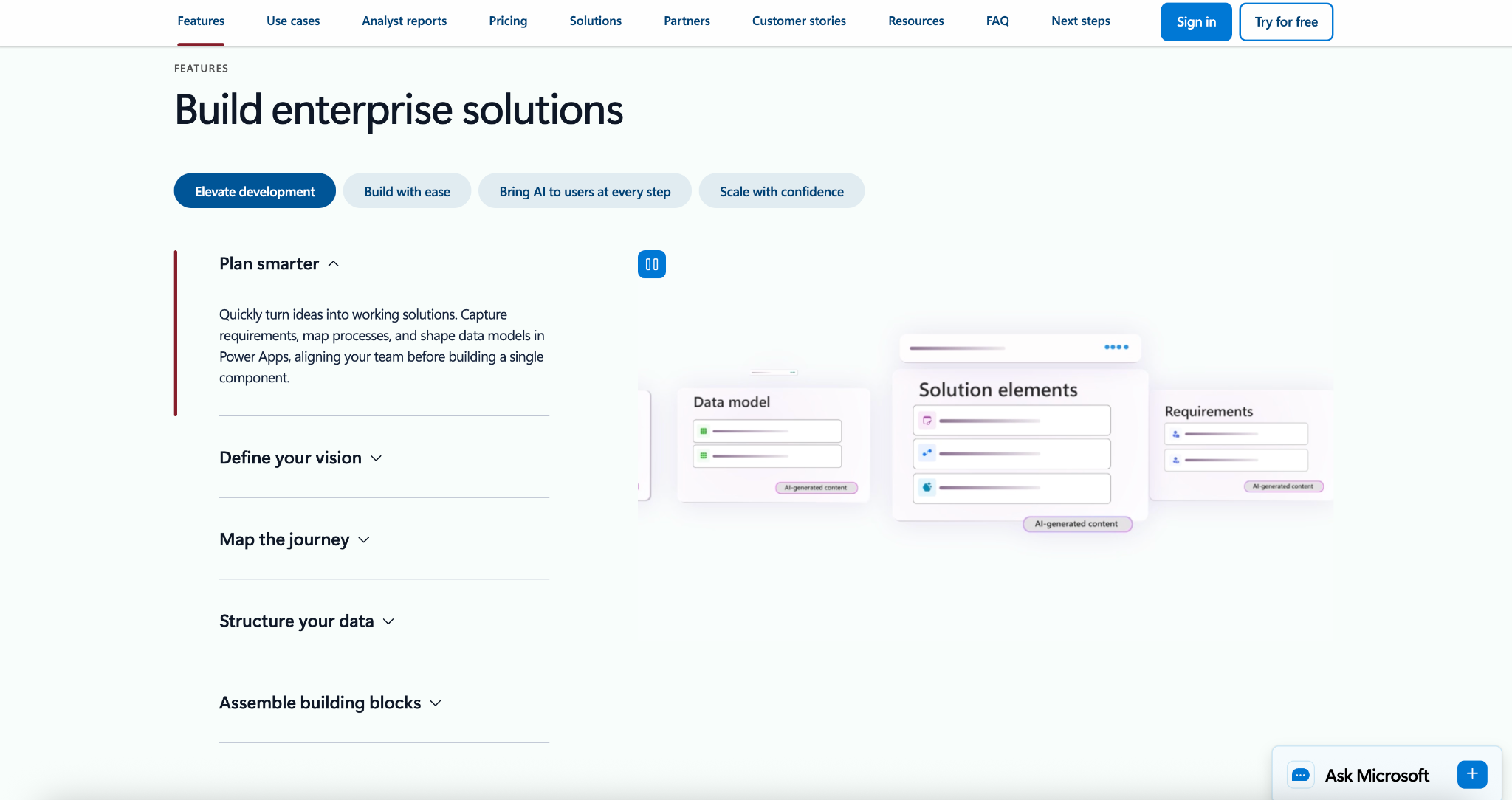
Best for: Microsoft-first organizations replacing complex InfoPath forms tied to SharePoint and internal business systems.
Microsoft Power Apps is often considered the closest official replacement for InfoPath — especially for organizations already working the Microsoft 365 ecosystem. Instead of acting as a simple form builder, Power Apps lets teams create custom business applications combining forms, logic, and data connections. This makes it a powerful option for rebuilding complex, process-driven InfoPath solutions, though it typically requires more time and technical expertise compared to no-code alternatives.
- Key features:
- Enables creation of custom business apps that go beyond traditional forms, combining UI, logic, and data in one environment
- Deep integration with Microsoft services like SharePoint, Dataverse, and Power Automate for end-to-end workflow automation
- Supports complex business logic and conditional processes, making it suitable for advanced internal workflows
- Works seamlessly within Microsoft 365 environments, allowing teams to extend existing tools rather than replace them
- Provides connectors to hundreds of data sources, helping organizations centralize and manage data across systems
- Pros:
- Strong integration with the Microsoft ecosystem
- Highly customizable for complex workflows and internal applications
- Suitable for enterprise-level use cases and large organizations
- Cons:
- Steeper learning curve compared to no-code form builders
- Can require developer support or technical expertise for advanced use cases
Pricing: Free Developer Plan available; paid plans start at $20 per user per month (billed annually); volume discounts available for large teams.
3. Microsoft Forms
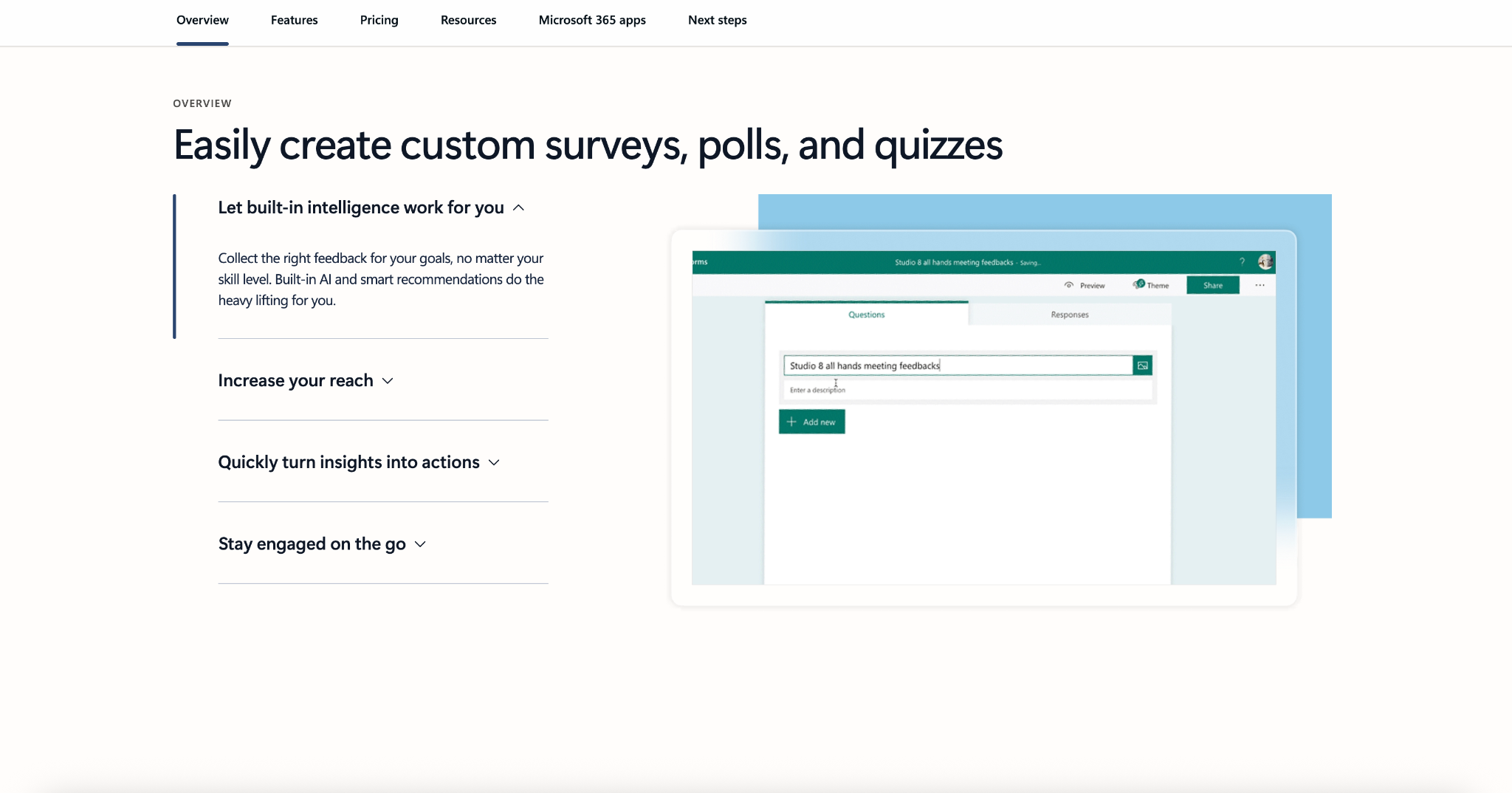
Best for: Teams that need simple surveys, quizzes, and lightweight internal data collection.
Microsoft Forms is a basic form tool included in many Microsoft 365 plans, designed for quick surveys and simple data collection. While it’s easy to use and accessible, it’s important to note that Microsoft itself does not position Forms as a full InfoPath replacement. It works well for straightforward use cases, but it lacks the advanced workflow, automation, and customization capabilities needed for more complex business processes.
- Key features:
- Simple form and quiz builder with an intuitive interface for quick setup
- Built-in integration with Microsoft 365 tools like Excel and Teams for basic data collection and sharing
- Real-time response tracking and automatic data visualization for quick insights
- Easy internal sharing within organizations using Microsoft accounts
- Basic branching logic for simple conditional flows
- Pros:
- Very easy to use with minimal setup
- Included in many Microsoft 365 subscriptions
- Ideal for quick surveys and internal feedback
- Cons:
- Not designed for complex workflows or approvals
- Limited customization, integrations, and automation capabilities
Pricing: Free with a Microsoft account; included in most Microsoft 365 business and enterprise plans.
4. Nintex
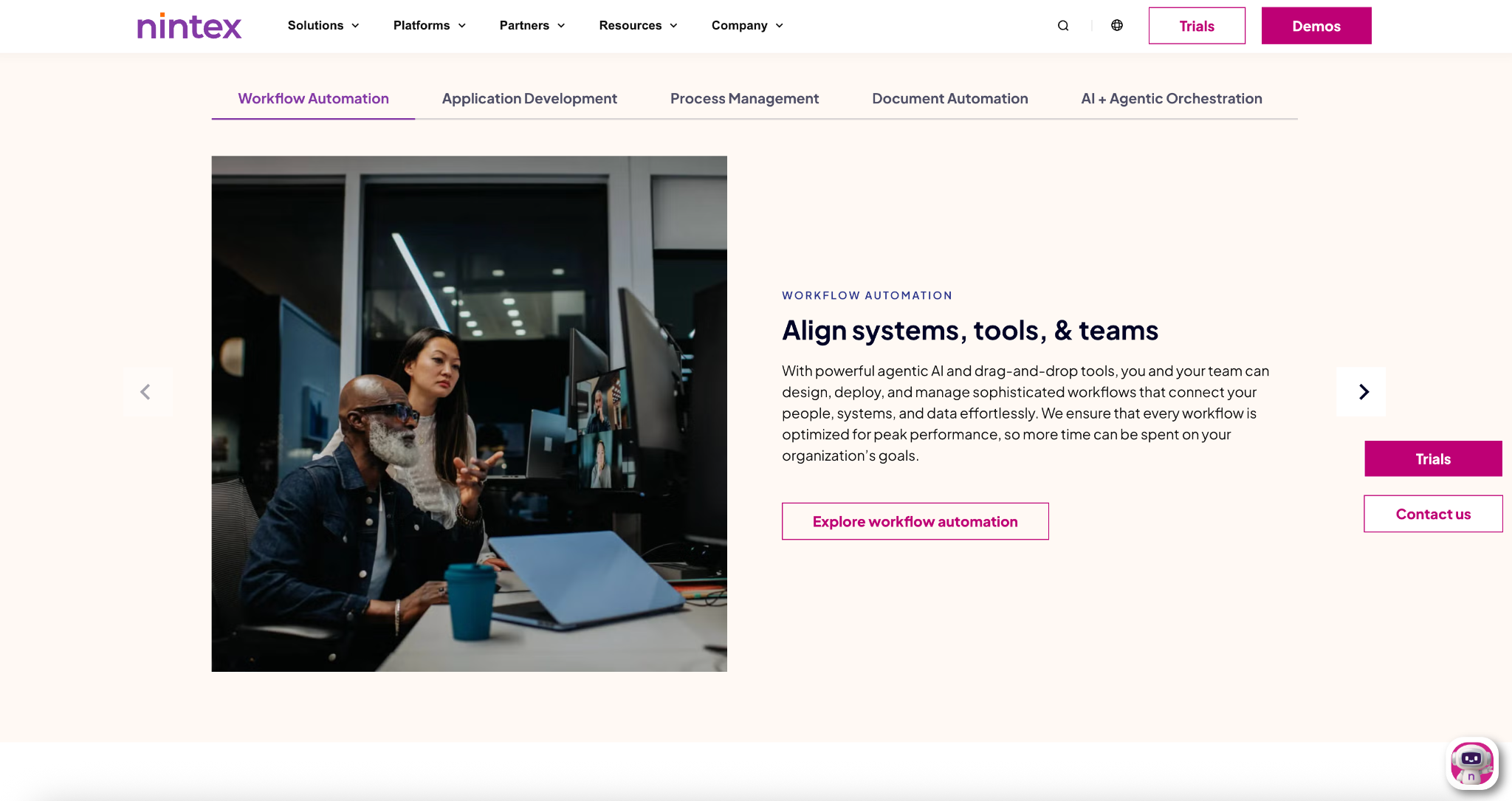
Best for: Enterprise teams that need advanced workflow automation, especially in SharePoint-based environments.
Nintex is a well-established platform in the SharePoint and process automation space, often considered by organizations modernizing InfoPath-driven workflows. Rather than focusing only on forms, Nintex provides a broader solution for managing business processes, including approvals, document generation, and workflow orchestration. This makes it a strong fit for enterprise use cases — but it can be more complex than necessary for teams primarily looking to replace forms.
- Key features:
- Advanced workflow automation tools for building multistep, logic-driven business processes
- Strong integration with SharePoint and Microsoft environments for managing internal workflows
- Built-in document generation and process mapping capabilities for structured operations
- Supports approvals, notifications, and task routing across teams and systems
- Connects with a wide range of enterprise tools to centralize and automate processes
- Pros:
- Powerful workflow automation capabilities
- Strong fit for SharePoint-based enterprise environments
- Designed for complex, process-driven use cases
- Cons:
- Can be complex to set up and manage
- May be more than needed for teams focused primarily on form building
Pricing: Custom pricing based on organization size and needs; typically offered via quote or trial/demo.
5. Formstack
Best for: Organizations that need forms, documents, and approvals in one business-focused platform.
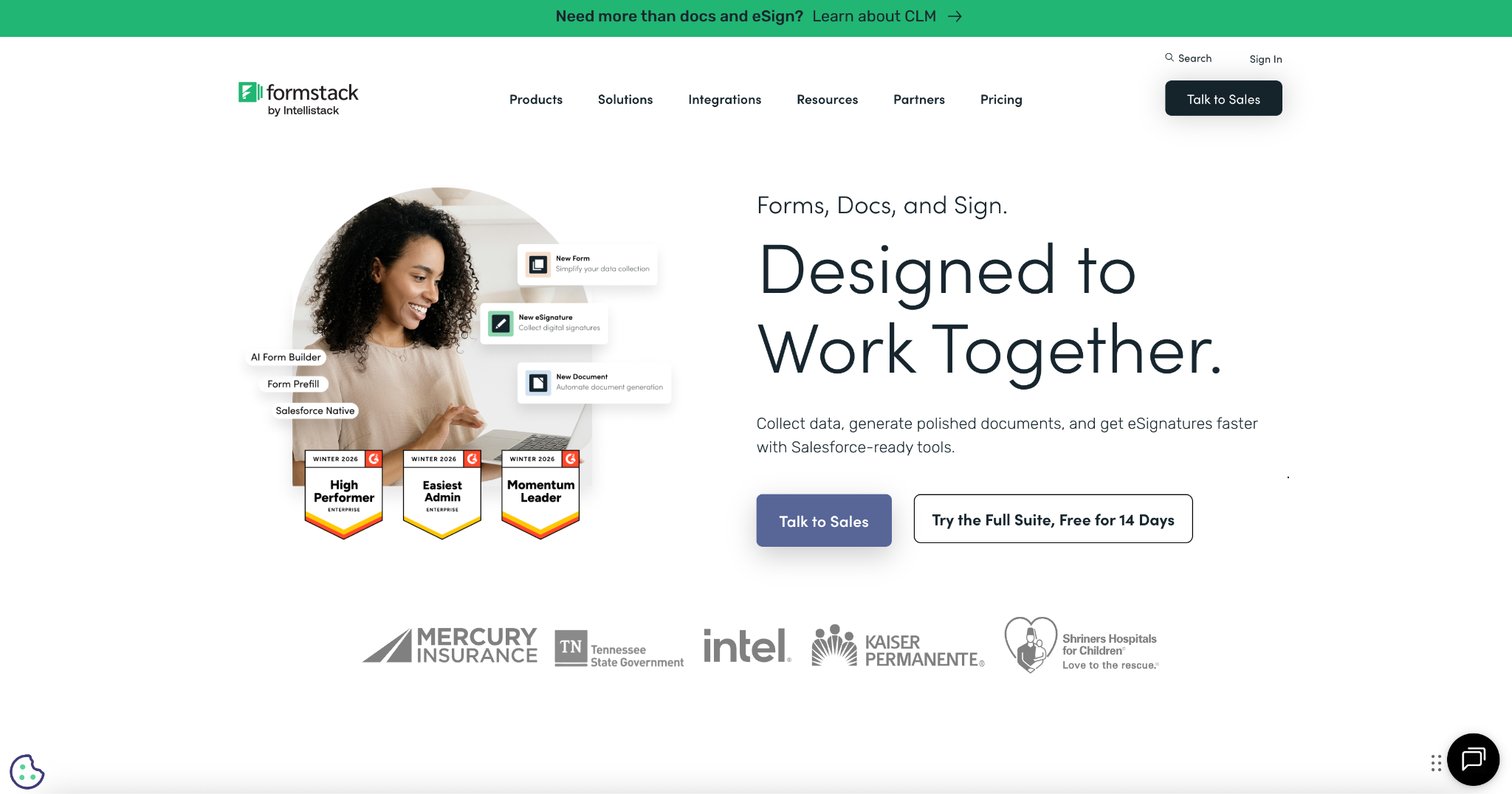
Formstack is a workflow-oriented platform that combines form building, document generation, e-signatures, and automation. It’s particularly useful for teams handling structured, document-heavy processes like contracts, approvals, and internal requests. Compared to simpler tools, Formstack focuses more on business process management, making it a solid option for organizations modernizing legacy InfoPath forms tied to operational workflows.
- Key features:
- Combines form building with document generation and e-signatures in a single platform
- Supports workflow automation, including approvals, notifications, and task routing
- Helps streamline document-heavy processes by automatically generating and managing files
- Integrates with popular business tools like Salesforce, HubSpot, and payment platforms
- Offers secure data handling features suitable for regulated industries
- Pros:
- Strong document generation and workflow capabilities
- Good fit for structured, process-driven use cases
- All-in-one platform for forms, documents, and approvals
- Cons:
- Less flexible for highly customized or complex use cases
- Can be relatively expensive compared to simpler form builders
Pricing: Paid plans start at approximately $99 per month; pricing increases based on features and usage.
How to choose the right InfoPath alternative
The right InfoPath replacement depends on what your forms actually do — not just how they look.
If your organization relies heavily on SharePoint and custom workflows, Microsoft Power Apps is often the most direct path forward. It gives you the flexibility to rebuild complex, app-like solutions, but typically requires more time, technical expertise, and ongoing maintenance.
If your needs are much simpler — like surveys, internal feedback, or basic data collection — Microsoft Forms works as a lightweight option. Just keep in mind that it’s not designed to handle approvals, document workflows, or more advanced business processes.
For organizations focused on process automation and structured workflows, Nintex and Formstack offer more robust solutions. These tools are better suited for teams managing approvals, document generation, and multistep workflows, especially in enterprise environments.
But many teams fall somewhere in between.
They don’t want to rebuild everything as a custom app — but they also need more than just a simple form.
That’s where Jotform stands out.
It offers a balanced approach: powerful enough to handle workflows, approvals, and document automation, but simple enough to implement without heavy technical overhead. With built-in features and integrations like SharePoint compatibility, teams can modernize their processes while still working within familiar systems.
The next step after InfoPath
Replacing InfoPath isn’t just about switching tools — it’s about upgrading how your team collects data, manages workflows, and collaborates.
Legacy InfoPath forms often became difficult to maintain over time, especially as business processes evolved. Today’s tools simplify those workflows, reduce technical debt, and create more flexible systems that actually scale with your needs.
For some organizations, that means rebuilding complex applications with Power Apps. For others, it involves adopting enterprise workflow platforms like Nintex or Formstack.
But for many teams, the goal is simpler: Move away from rigid, hard-to-maintain forms and into something faster, more flexible, and easier to manage.
Jotform makes that transition straightforward.
If you’re looking for a practical, no-code way to replace InfoPath and improve how your workflows run, Jotform is one of the easiest places to start.











































































Send Comment: