

Best scanning and signing apps
Thanks to the influence of legislation such as the E-Sign Act of 2000 and the 2016 EU eIDAS regulation, electronic signatures and documentation have rapidly become the new normal in business. Although paper documentation still exists, apps to scan and sign documents are increasingly essential for teams that need an efficient way to collect signatures in the field.
The ability to collect an electronic signature on a phone removes the bottlenecks of the traditional print, sign, and scan signature process. A document-signing app can streamline operations by increasing speed, improving mobility, and reducing errors for your team.
What is the best scanning and signing app? The answer to this question may vary based on your needs, team size, and more, but we’ve collected a few top options to consider. Follow along as we highlight key information to help you revolutionize your approach to mobile document management.
Comparison table: Quick glance at the top 5 apps
Before we dive into the details of the best scanning and signing app options on the market, let’s take a quick look at some high-level considerations. (Note: Listed pricing tiers are for plans billed annually.)
| App | Best for | Pricing | Key differentiator |
|---|---|---|---|
 Jotform Sign Mobile |
All-in-one signing and scanning workflows |
|
Scan-to-sign and in-person signing on a single device |
 Docusign |
Robust and widely accepted enterprise e-signatures |
|
Strong industry compliance and integration capabilities |
 CamScanner |
Scanning-heavy business needs with less emphasis on e-signature features |
|
Powerful camera-based scanning functionality |
 PandaDoc |
Document generation, automation, and e-signature workflows |
|
Robust document building and tracking platform |
 SignNow |
Collaborative and offline e-signature workflows for small teams |
|
Maximum affordability among paid tiers |
Now, let’s take a closer look at each of these mobile document scanning and signature tools to help you better understand their pros and cons.
Top 5 apps for scanning and signing documents
If you want to tap into the benefits of mobile document scanning and signing, you’ll need the right tool. From a sea of options, we’ve identified our top five; check out the details that follow to find the best solution for your needs.
1. Jotform Sign Mobile
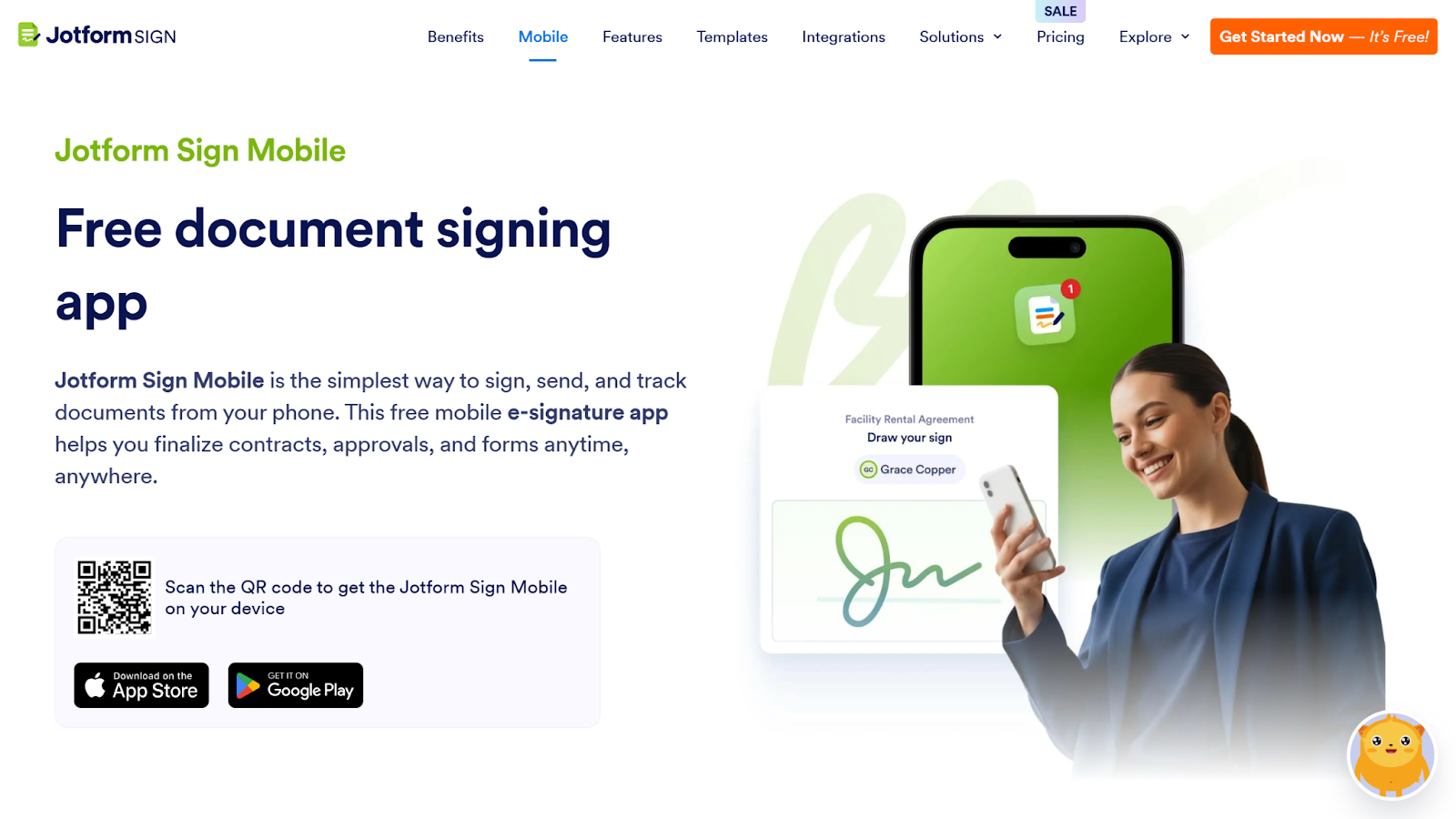
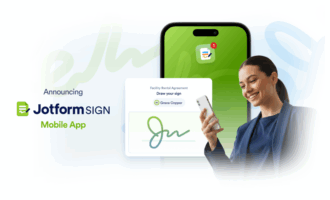
Looking for an easy and affordable way to answer questions such as “How does e-signature work?” and “How can I empower my field team with in-person tools?” Meet Jotform Sign Mobile, a user-friendly, dedicated e-signature app that offers the full power of Jotform Sign on Android and iOS, available on both the Apple App Store and Google Play Store.
Jotform Sign Mobile makes it easy for your team to collect electronic signatures on phone devices in the field. But this is just one of the ways Jotform Sign saves time and money for your business. Check out the full breakdown of features to learn more about how this solution can benefit your team.
- Best for: Professionals seeking a way to sign, send, and manage documents without a printer or desktop
- Key features
- Signing existing documents: Open and sign any file in your Jotform account from your device.
- In-person signing: Collect multiple signatures on a single device; no need to email or follow up later. Ideal for real estate, sales, and field agents.
- Scan to sign: Use your phone’s camera to instantly scan and digitize documents for signing.
- Invite to sign: Send remote signature requests via email or shareable link.
- Tracking and management: Use Sign Inbox and My Documents to view all ongoing and completed signature workflows.
- Real-time notifications: Receive instant alerts when documents are signed or pending.
- New sign workflows: Generate new workflows, using existing documents as templates.
- Preview and edit: Review and update your signature forms before sending.
- Secure and compliance-friendly: Protect your data with security features such as encryption and digital certificates. Jotform Sign can also help you align with General Data Protection Regulation (GDPR) and System and Organization Controls (SOC) 2 compliance standards, as well as facilitate HIPAA electronic signature requests.
- Pros
- Increased flexibility through mobile-friendly e-signature capabilities
- Full access to the Jotform product suite
- End-to-end document management tools
- Cons
- Potentially challenging advanced workflows for some users
- Usage caps on non-enterprise tiers
- Pricing
- The app is free to use.
- Jotform Sign paid tiers range from $34 to $99 per month.
- Custom enterprise pricing is available upon request.
2. Docusign
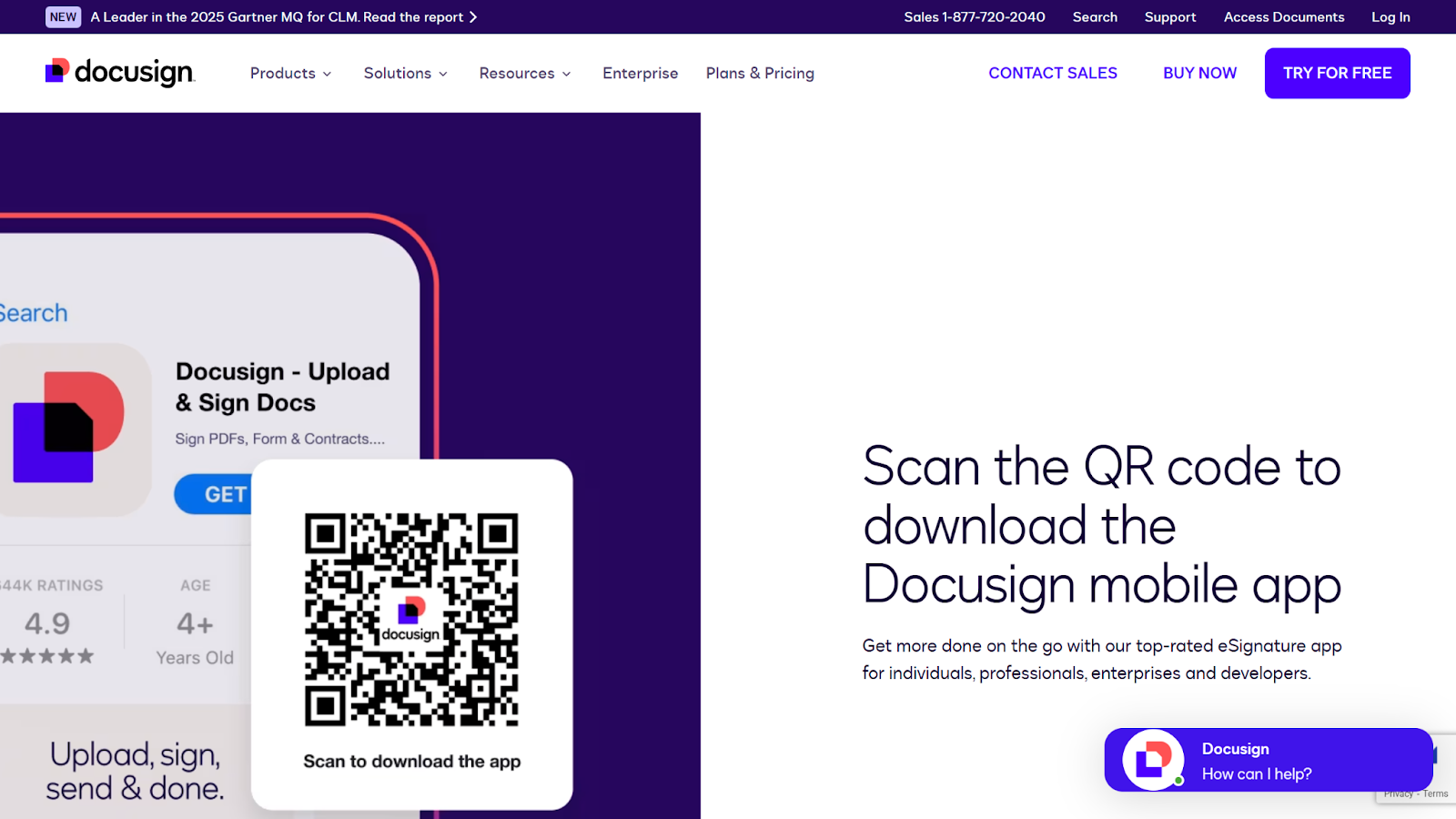
Docusign is a popular e-signature solution that has gained trust and recognition in today’s business community. However, while Docusign’s features and industry recognition may be useful to you, make sure this app for scanning and signing documents fits your budget and requirements before signing up.
The Docusign app is free for existing Docusign users but requires access to a Docusign account. Docusign offers a free, limited version of its platform, but businesses looking for advanced capabilities will likely need to sign up for one of its paid tiers.
- Best for: Users looking for a widely accepted e-signature provider for enterprise operations.
- Key features
- Auto-tagging signature fields
- Document import, signing, and management
- Developer integration tools
- Pros
- Increased trust among business partners
- Flexibility in e-signature process
- Unlimited free signing for all parties
- Cons
- Expensive price point when scaling
- Limited advanced capabilities
- Lack of customization
- Pricing
- The mobile version is free.
- Paid options range from $10 to $40 per user, per month, with custom enhanced plans available.
3. CamScanner
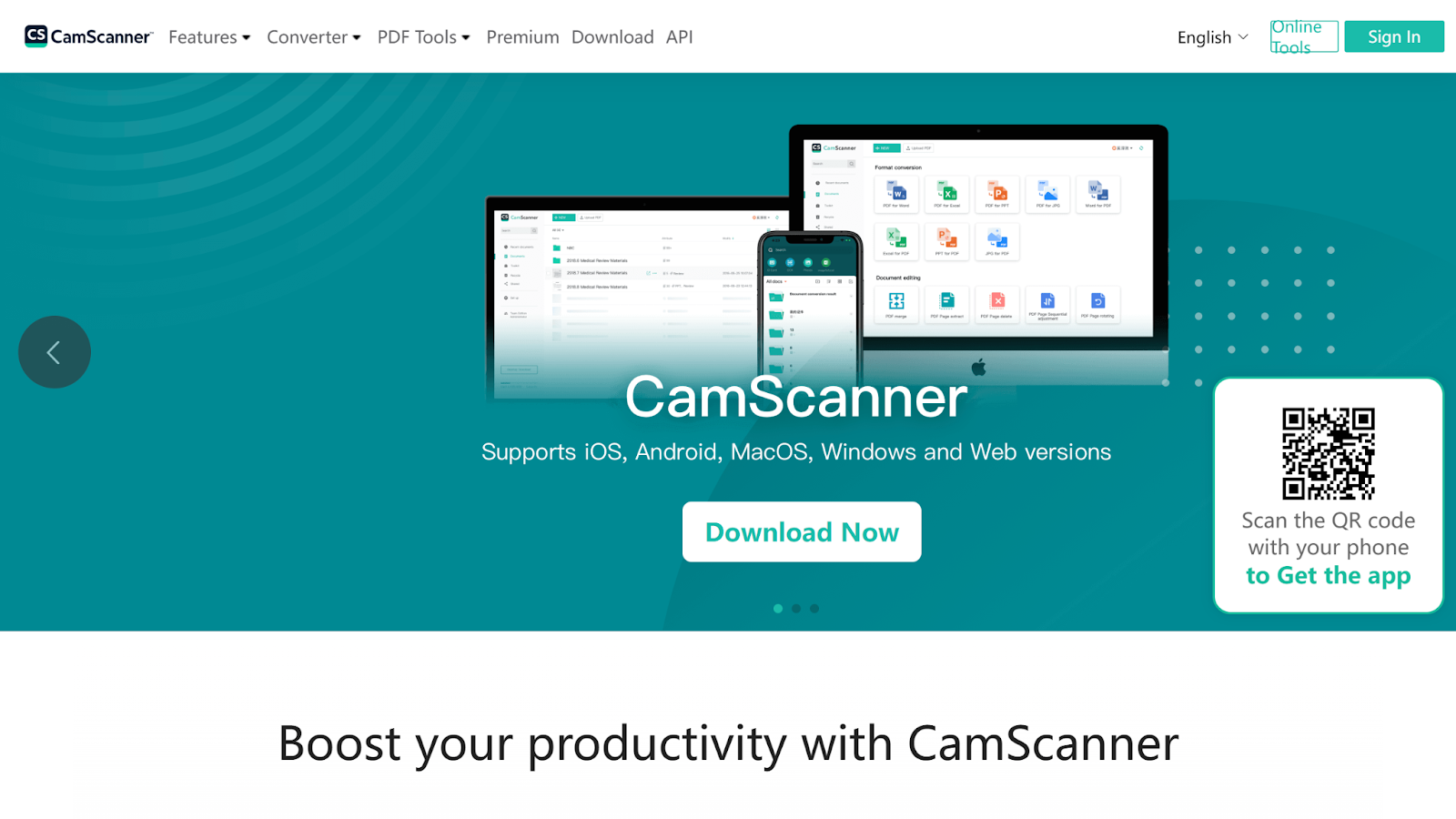
While other solutions focus on the e-signature aspect of mobile sign and scan, CamScanner prioritizes scanning. This solution is best suited for business teams whose needs are centered around scanning a wide range of documents, with less emphasis on advanced signature features.
CamScanner may be free to use, but for access to its electronic signature tools, you will need to upgrade to its premium version. Although this solution can make scanning a breeze, consider alternatives with more robust capabilities if your needs extend beyond mobile document scanning.
- Best for: Teams prioritizing scanning over e-signature capabilities
- Key features
- Camera-enabled and artificial intelligence-enhanced scans
- Multi-language text extraction
- Easy exporting, sharing, printing, and faxing of scan-and-sign PDF documents
- Pros
- Multi-device document management
- Access to HD document scans
- Document conversion to any format
- Cons
- Extremely limited signature features
- Potential security risks
- Pricing
- A free version is available.
- Signature tools require premium sign-up. Pricing is available upon request.
4. PandaDoc
PandaDoc is another well-known document-signing app. This solution is best suited for teams looking to build and track their documents with ease, because PandaDoc offers features designed to enhance document generation.
PandaDoc does offer a robust free version (one of the best on this list). However, for unlimited and advanced features, your team will likely need to invest in one of its paid tiers.
If you’re looking for a full document-creation service, PandaDoc may be a good fit. Just remember that other solutions, such as Jotform, offer similar capabilities without the same downsides.
- Best for: Teams in need of document generation alongside scan-and-sign features
- Key features
- Configure, price, quote tools
- Smart content variables and conditions
- Approval workflows and workspaces
- Pros
- Enhanced remote collaboration
- Streamlined document building and signature collection
- Improved insights into document use and interactions
- Cons
- Difficulty editing documents, particularly complex files
- Usability issues for outside clients when signing
- Pricing
- A free version is available.
- Paid plans range from $19 to $49 per user, per month. Customer enterprise pricing is also available.
5. SignNow
Are you part of a small, budget-conscious team in need of a digital signature app that won’t break the bank? SignNow is designed for exactly this purpose. This solution may be the best scanning and signing app for small teams looking for big features, thanks to its depth of capabilities and affordable pricing options.
If you’re looking for the most affordable paid option, SignNow may be your best bet. But there are other factors to consider besides cost when making your final selection.
- Best for: Budget-conscious teams looking for scan-and-sign apps
- Key features
- Payment and signature collection
- Team collaboration tools
- Bulk document send
- Pros
- Access to powerful tools without high cost
- More sustainable scalability
- Unlimited user access for a single monthly fee
- Cons
- No free version available
- Lacks some of competitors’ advanced features
- Pricing
- No free version is offered.
- Paid versions range from $8 to $30 per month for unlimited users, or for $1.50 per site license for advanced Enterprise+ features.
How to choose the right scan-and-sign app
Now that you have some top options to choose from, it’s time to make a decision. But what are the top factors to consider as you narrow your field of potential solutions?
- Workflow type: Your team’s needs will determine whether a particular app to scan and sign documents offers the right functionality and benefits. Do you need one-time signing licenses? Are you looking for a solution for your whole team? Is your priority empowering field agents with a powerful, all-in-one mobile solution?
- Mobile vs desktop usage: Some digital signature app options are available only on mobile devices. If your team needs a platform that works on both mobile and desktop devices, make sure to check the compatibility of your preferred app. It’s also important to consider how much mobile support it offers, particularly if your team relies on this tool in the field.
- Signing and scanning vs scanning only: The prioritization of e-signatures vs scanning varies from application to application. Some apps focus on one over the other, and some offer advanced capabilities for both functions. Identify which features are available in your chosen app and how advanced they are to ensure your choice aligns with your intended purposes.
- Integrations: Your document-signing app needs to play well with your existing tech stack or you risk creating more work instead of less. Solutions that offer deep integration libraries make it easier to connect your digital applications and increase your software’s overall value.
- Export formats: When choosing an app for scanning and signing documents, the export formats it offers will directly affect how you share, save, and manage your data. For example, solutions that offer direct export to CRMs such as Salesforce can reduce administrative bottlenecks that slow down operations. At a minimum, you should ensure that your solution can export documents in a sign-and-scan PDF format, because that is the industry standard.
- Cost and free-tier options: Cost is always a top priority in any business decision. When investing in a scan-and-sign app, you must weigh your potential costs vs the available capabilities in each tier. Free versions may have enough functionality for a single user or even a very small team. But most businesses will likely need to invest in a solution for access to the advanced capabilities required for success.
- Security and compliance: As a business, you must ensure your document data is handled safely and securely. Keep an eye out for security features including encryption and audit trails. For certain industries, compliance with regulations such as HIPAA is also essential to the scan-and-sign process. Some applications offer industry-specific compliance tools, which is a make-or-break factor for businesses in the legal, financial, and healthcare industries, among others.
Using these details as a filter, you can rule out solutions that don’t align with your business requirements and pinpoint others that do. Once you’ve found a solution that fits your needs, you can take the next step into the modern age of document processing.
Enter the future of scanning with Jotform Sign Mobile
Gone are the days of printing, signing, and scanning your documents manually. The emergence of mobile apps makes this process easier and more streamlined than ever, creating a clean, professional alternative to traditional methods. As you narrow your search for a solution, keep Jotform Sign Mobile in mind. This application has full scan-and-sign capabilities, along with advanced workflow features, to empower your team through your entire document life cycle.
To find the best scanning and signing app for your business, consider trying the free versions of some of the apps listed above. Using a combination of our insights and your own hands-on experience, you can decide which app is best for you and get started on improving your document workflows.
Send my document for signature
File type is not allowed.
Maximum file size limit exceeded. (5MB)
Something went wrong.
AS ALWAYS, CONSULT AN ATTORNEY BEFORE RELYING ON ANY INFORMATION ON THIS PAGE. THE CONTENT ABOVE IS FOR INFORMATIONAL PURPOSES ONLY. JOTFORM IS NOT PROVIDING LEGAL, FINANCIAL OR OTHER ADVICE.
This article is for teams and individuals evaluating mobile apps to scan, sign, and manage documents in the field, and anyone looking to replace print, sign, and scan workflows with faster, more reliable digital processes.




































































Send Comment: