


- Jotform Sign is the best free e-signature software for signatures in forms and contracts, with workflow automation and templates.
- PandaDoc is best for sales teams handling quotes, proposals, and high volumes of e-signed documents.
- Docusign is best for enterprise compliance and complex e-signature workflows with robust routing and integrations.
- Adobe Acrobat Sign is best for teams needing enterprise-grade PDF workflows with deep Acrobat integration.
- SignNow is best for SMBs and mid-sized teams wanting affordable e-signature features with templates, bulk send, and automation.
- DottedSign is best for mobile-first signing for small teams and freelancers who need clear status tracking.
- SignEasy is best for on-the-go signing and simple workflows with strong mobile apps and AI-assisted contract review.
- Secured Signing is best for security-conscious organizations needing secure signatures, identity checks, and remote online notarization.
- Signaturely is best for freelancers and small businesses on a budget who want a simple, clean e-signature tool.
- Zoho Sign is best for teams using the Zoho ecosystem with automated e-sign flows across Zoho apps.
- SignWell is best for small teams needing simple, budget-friendly e-sign workflows for basic contracts.
Imagine this: One morning you log in to your workspace and learn that Dropbox Sign has announced a major change — or worse, a shutdown timeline — and your entire signature workflow is suddenly at risk. Contracts, approvals, client agreements… everything your team relies on to keep work moving could be disrupted in an instant.
If a core tool in your workflow suddenly disappears, slows down, or stops supporting the features you depend on, you need a disaster-proof plan.
Looking at Dropbox Sign alternatives isn’t just about comparing features. It’s about making sure your team has a dependable way to keep work moving, even if your current tool shifts its pricing, limits usage, or drops the features you rely on.
In this guide, we break down the top Dropbox Sign alternatives for 2025, so you can stay one step ahead and build a workflow that’s future-proof.
Important Note
Dropbox Forms, part of Dropbox Sign, was discontinued on September 30, 2025. If you’re looking for a Dropbox Forms alternative, try Jotform to create smarter forms with 20,000+ form templates, 100+ integrations, and an easy drag-and-drop builder.


Why look for a Dropbox Sign alternative?
Dropbox Sign is easy to use, but it does have several limitations that lead individuals and businesses to look at competing solutions. Common reasons include:
- Feature limitations on lower-tier plans, such as lack of bulk sending, conditional logic, reporting tools, or unlimited templates
- Workflow automation is less advanced compared to other modern e-signature platforms
- Popular integrations require advanced or custom plans, including Salesforce, SharePoint, and SMS authentication
- Price increases for essential business features, making alternatives more attractive for scaling teams
- Limited contract-building capabilities, since Dropbox Sign focuses mostly on uploading PDFs rather than creating documents from scratch
Right after these limitations, it’s helpful to see how the top alternatives compare:
| Tool | Best for | Why it’s a Dropbox Sign alternative |
|---|---|---|
 Jotform Sign |
Signatures in forms and contracts |
• Combines forms and e-sign in one place • Build contracts from scratch • Strong workflow and automation tools |
 PandaDoc |
Sales teams, quotes, and proposals |
• Pricing tables and sales content • Connects contracts to CRMs and payments • Unlimited signatures on paid plans |
 Docusign |
Enterprise compliance and complex workflows |
• Advanced routing and workflow controls • Large integration ecosystem • Strong compliance and security |
 Adobe Acrobat Sign |
Teams that need enterprise-grade PDF workflows |
• Deep PDF editing and native Acrobat integration • Enterprise compliance • Works seamlessly with Microsoft 365 |
 SignNow |
SMBs and mid-sized teams needing value |
• More affordable than Dropbox Sign • Easy templates, bulk send, automation • Balanced features vs complexity |
 DottedSign |
Mobile-first signing for small teams |
• Fast signing on mobile and web • Lightweight vs enterprise tools • Great for freelancers & small teams |
 Signeasy |
On-the-go signing and simple workflows |
• Excellent mobile apps • Simple sending and tracking • AI and collaboration features |
 Secured Signing |
Security-conscious orgs and notarization needs |
• Secure signatures • Remote online notarization • Strong identity checks |
 Signaturely |
Freelancers and small businesses on a budget |
• Simple, clean interface for basic contracts • Lower-cost plans than many big-name tools • Core features without extra complexity |
 Zoho Sign |
Teams using Zoho ecosystem |
• Deep Zoho CRM/Books automation • Trigger e-sign flows across apps • Competitive standalone pricing |
 SignWell |
Small teams needing simple workflows |
• Extremely easy to use • Budget-friendly entry point • Great for basic contracts |
11 best Dropbox Sign alternatives
1. Jotform Sign
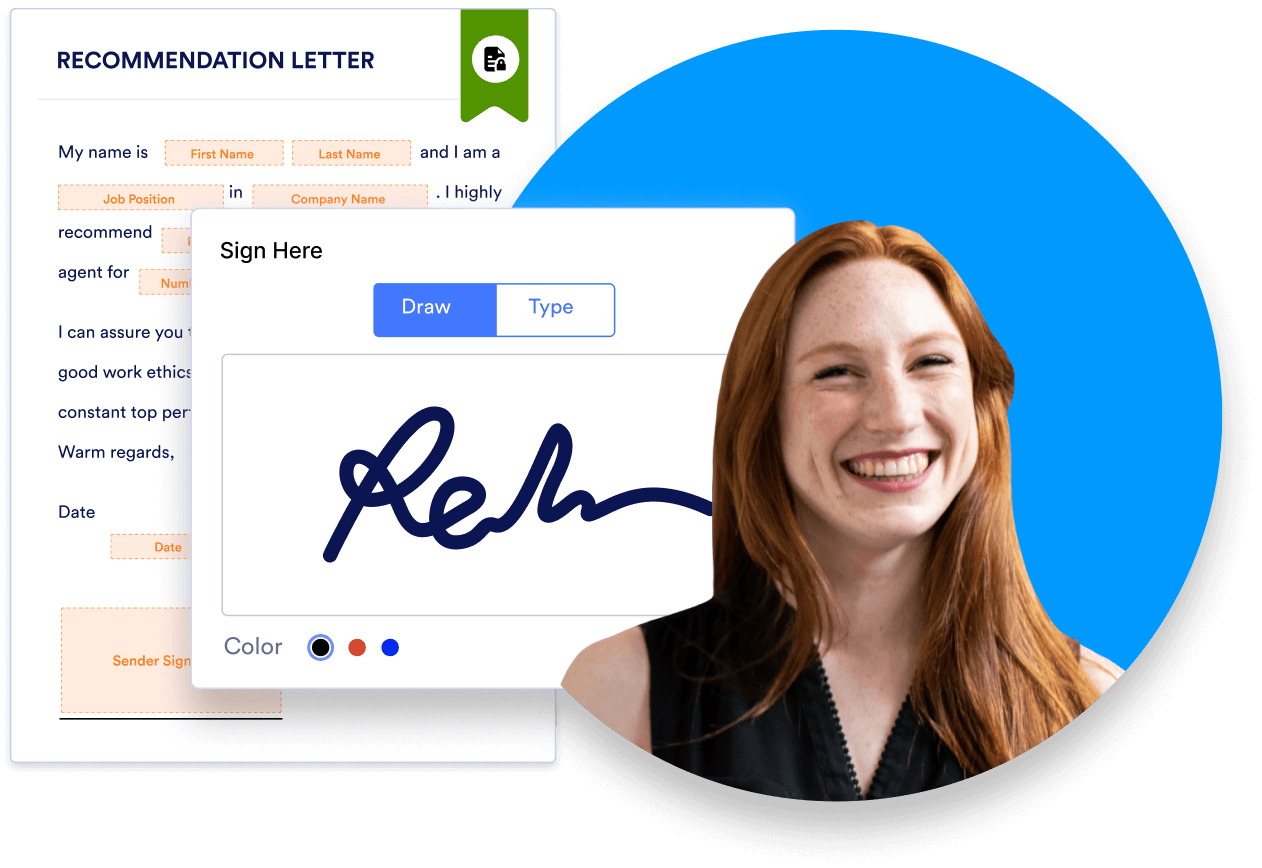
Jotform Sign lets you create, collect, and track signed documents with ease. Easily build signature documents with a drag-and-drop builder, and share them over email, link, or website embed to be signed from any device. You can take advantage of over 700 existing signature document templates or create a new document from scratch.

Build automated approval flows for signature review and approval, assigning team members to different stages of the flow or multiple reviewers to a single task. Track signature status at any time with Jotform Sign’s Inbox feature, send reminder emails, and get notifications when a document is signed.
Save signed documents as PDFs, or convert existing documents into online forms with Smart PDF Forms.Jotform also offers robust security features, privacy settings, and permissions options. HIPAA-enabled features are offered on Jotform’s Gold and Enterprise plans.
- Best for: easy, drag-and-drop e-sign document creation; conversion of existing documents to online forms
- Key features:
- Automated approval flows
- Build documents from scratch
- 800+ e-sign document templates
- Multiple document-sharing options, including email, website embed, and link
- Smart PDF conversion
- Offline signing
- Software Integrations
- HIPAA-enabled features (Gold, Enterprise)
- Pros: easy document signature status tracking with Jotform Inbox, automated reminder emails, signed document PDF downloads
- Cons: monthly signed document limits except on Enterprise plan
- Pricing: free plan; three paid, single user plans: Bronze ($34/month), Silver ($39/month), Gold ($99/month) and Enterprise multiuser plan (contact sales for pricing)
Prices shown reflect the annual plan (billed yearly). Monthly plans are also available. - Overall G2 user rating: 4.7/5.0
Send my document for signature
File type is not allowed.
Maximum file size limit exceeded. (5MB)
Something went wrong.
Pro Tip
Use Jotform Sign Mobile to scan paper to e-sign, collect in-person signatures in one session, and track document status from your phone with instant notifications.
2. PandaDoc
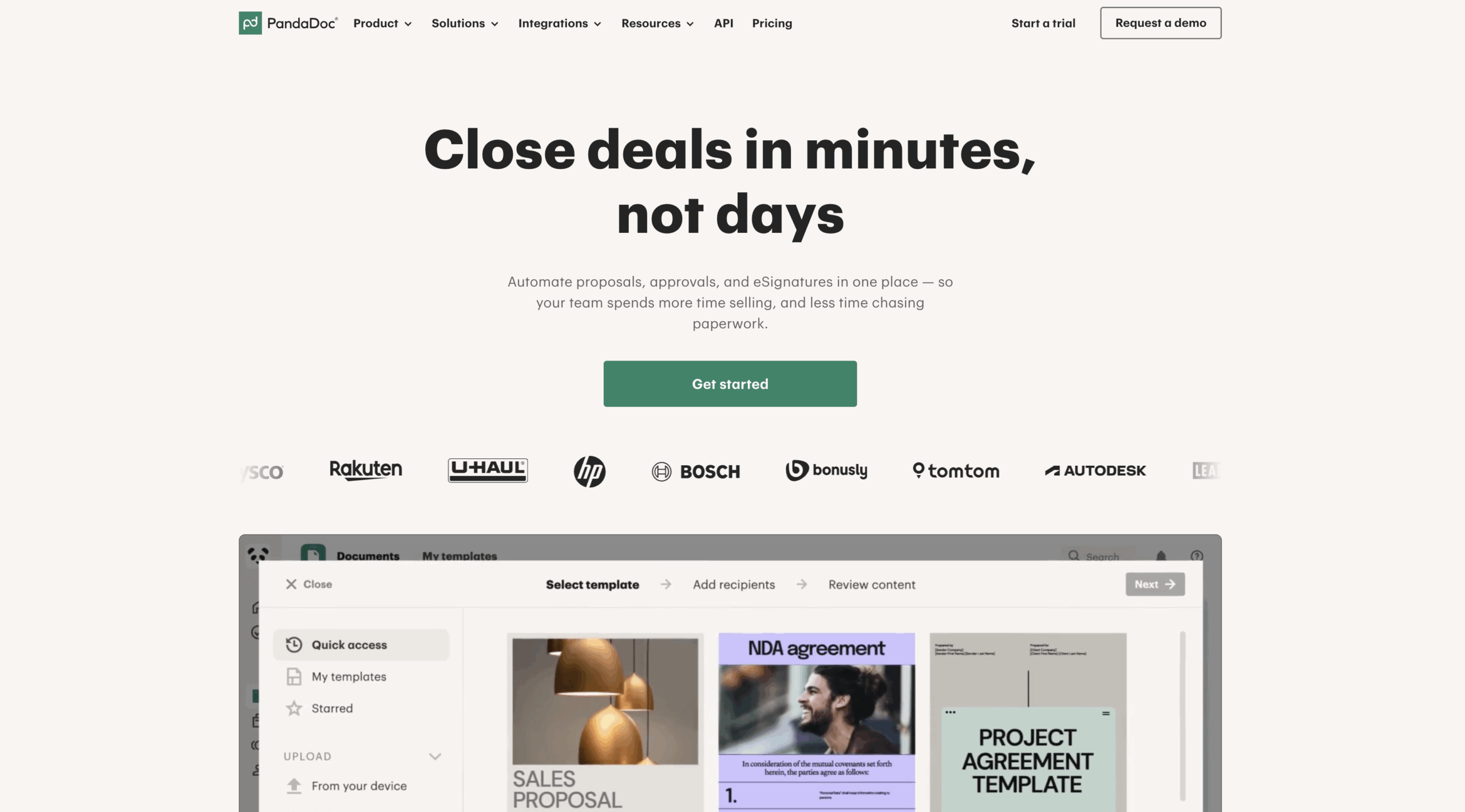
PandaDoc is an e-signature software platform that lets users create documents using templates and a drag-and-drop interface and send them for signature. PandaDoc has a range of features, including built-in e-signature capability, CRM integrations, and payment collection. It also offers configure, price, quote (CPQ) software.
- Best for: organizations managing a high volume of electronic signature documents
- Key features:
- Document tracking and analytics
- Document approval workflows
- Recipient verification with passcodes
- Document creation and templates
- Software integrations
- Pros: unlimited document uploads and signatures on all plans
- Cons: no free plan, form creation is a paid add-on
- Pricing: Starter ($19 per month when billed annually), Business ($49 per month when billed annually), Enterprise (contact sales for pricing)
- Overall G2 user rating: 4.7/5.0
Considering alternatives to PandaDoc? Dive into our article that reviews multiple e-signature tools and their capabilities.
3. Docusign
Docusign is another e-signature software platform. Users can create documents from scratch or templates and send them for signature. You can sequence sending, authenticate signers with access codes, and track signature status in real time. Docusign also offers an intelligent agreement management product for end-to-end document process management.
Docusign syncs with many popular enterprise tools, such as Salesforce, Google Workspace, and Microsoft 365, making it a simple addition to an existing software stack.
Read more about how these two tools compare at: Dropbox Sign vs Docusign

- Best for: organizations looking for robust contract lifecycle management features
- Key features:
- Reusable document templates
- Offline document signatures with the mobile app
- Automated reminders
- Analytics and insights
- Data visualizations
- Pros: software integrations, reporting features, multi-language support, real-time audit trails
- Cons: SMS and phone authentication available only as paid add-on, Salesforce integration available only on custom plans as add-on
- Pricing: free account lets you store, sign, and save documents with your individual signatures; Personal ($10 per month when billed yearly); Standard ($25 per user, per month when billed yearly); Business Pro ($40 per user, per month when billed yearly); Enhanced Plans (contact sales for pricing)
- Overall G2 user rating: 4.5/5.0
If you are interested in exploring Docusign alternatives, you can check out our article that delves into various e-signature tools and their features.
4. Adobe Acrobat Sign
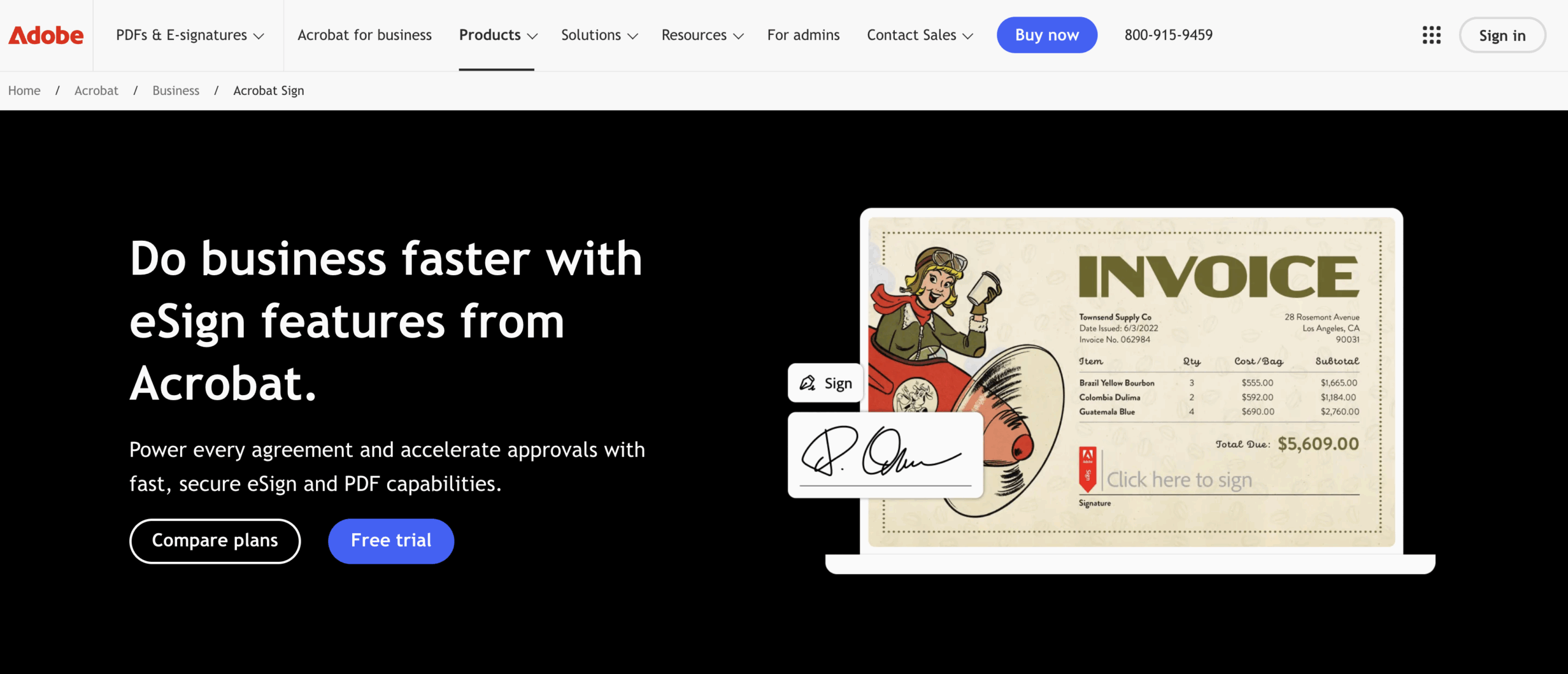
Adobe Acrobat Sign is a powerful enterprise-level e-signature platform built directly into Adobe’s PDF ecosystem. It allows teams to prepare, sign, send, and track documents while taking advantage of Acrobat’s advanced PDF editing tools.
Organizations using Microsoft 365 or Adobe Creative Cloud often prefer Adobe Acrobat Sign because of its native integrations, compliance certifications, and workflow automation features.
- Best for: Organizations that need enterprise-grade security, document tracking, and tight integration with Adobe’s PDF ecosystem
- Key features:
- Advanced PDF editing and form creation
- Audit trails and compliance documentation
- Integrations with Microsoft 365, Salesforce, and Google Workspace
- Bulk sending and reusable templates
- Mobile signing with Adobe Acrobat mobile apps
- Pros: Deep PDF editing capabilities, strong compliance features, broad integration support
- Cons: Higher pricing than other tools; advanced workflow automation requires upper-tier plans
- Pricing: Plans vary by region; typically includes Standard for small teams, Business/Pro for advanced features, and Enterprise bundles with workflow automation (contact sales for detailed pricing)
- Overall G2 user rating: 4.4/5.0
Read more about how these two tools compare at: Dropbox Sign vs Adobe Acrobat Sign
5. SignNow
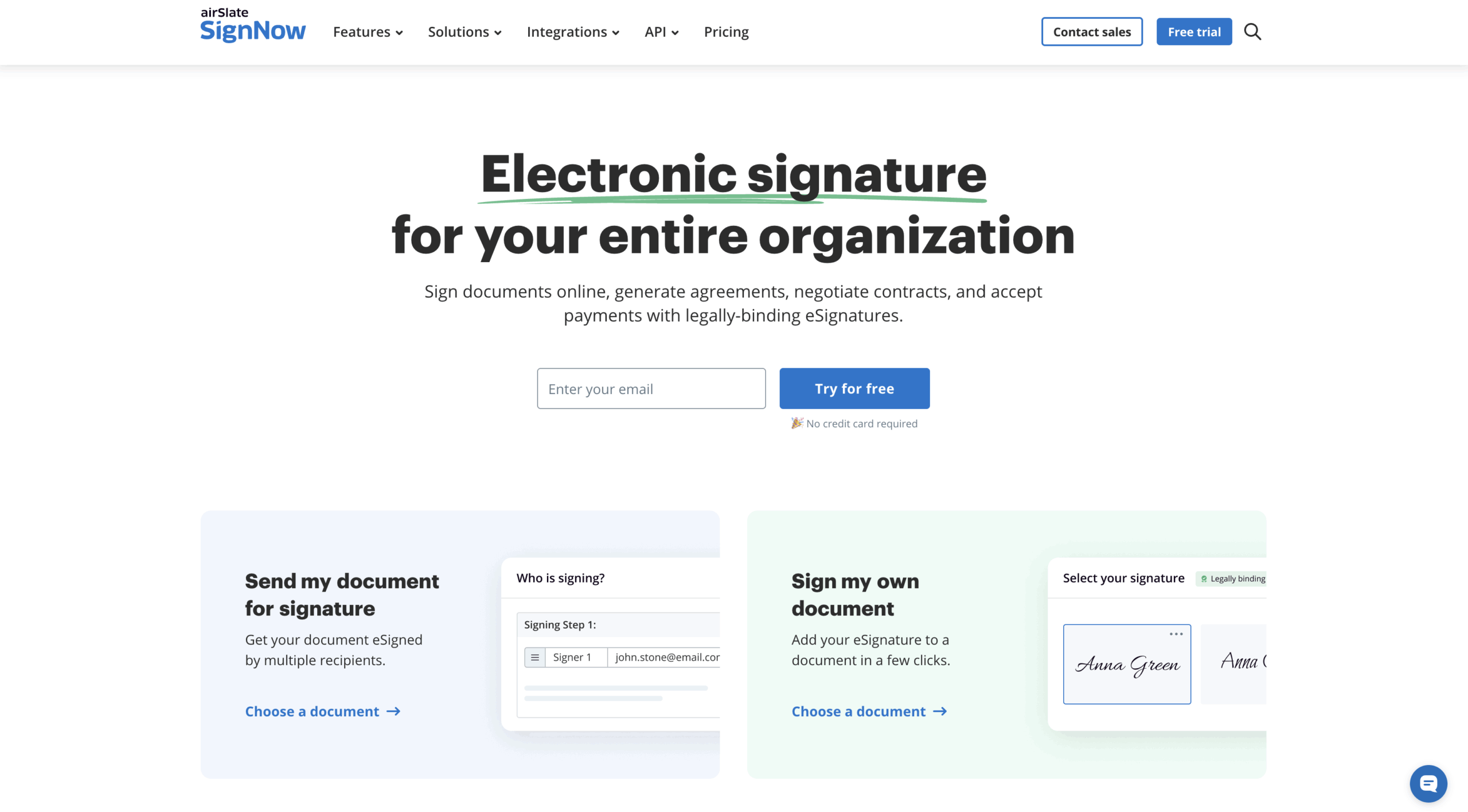
SignNow, from airSlate, is another e-signature platform. Users can collaborate on documents with teams, create routing orders for document reviews, reuse custom templates for documents, and add their own branding. SignNow supports multiple signers, mobile signatures, and document attachments.
- Best for: organizations that want to integrate document workflows with e-signature API
- Key features:
- Bulk sends
- Signature notifications
- Custom branding
- API access
- Document collaboration
- Team dashboard
- Pros: set signing order for multiple signers, personalize messages to different signers, password protection
- Cons: unlimited users and API access available only on most expensive plan
- Pricing: Business ($8 per user, per month), Business Premium ($15 per user, per month), Enterprise ($30 per user, per month), Site License ($1.50 per signature invite, contact sales for full pricing); API access an additional cost
- G2 user rating: 4.6/5.0
6. DottedSign
DottedSign is a cross-platform signature tool for signing and managing documents online. Users can send documents for signature and track their status in real-time, enable notifications, use a dedicated server, and build reusable templates. Users can manage documents and tasks from an admin console and use a visual progress bar to monitor document status.
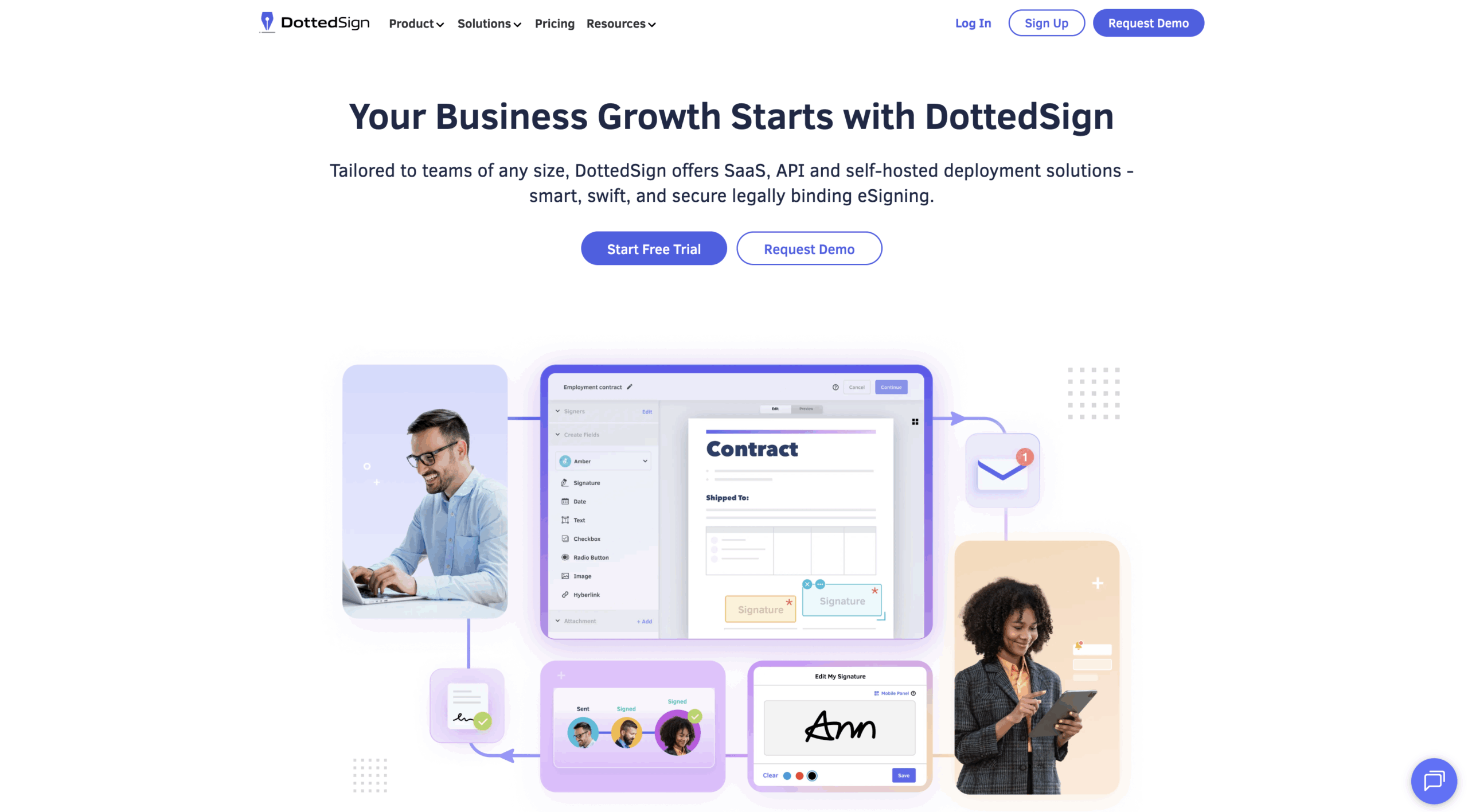
- Best for: tracking document status
- Key features:
- Visual progress tracker for signatures
- Software integrations
- API access
- Audit trails
- Multi-device support
- Permissions controls
- Pros: free plan, mobile app, Google Drive signed document batch uploads, reusable custom templates, custom branding, bulk sends
- Cons: templates limited on all plans, API access available only on most expensive plan
- Pricing: free plan, Pro ($8 per user, per month), Business ($18 per user, per month), Enterprise (contact sales for pricing)
- Overall G2 user rating: 4.7/5.0
7. SignEasy
Signeasy is an e-signature and contract workflow software. Users can create and import documents for signature, send them in a specific order to multiple signers, collect signatures offline and in person, and control team roles. It also offers AI tools to help break down critical contract points and summarize information.
Signeasy is supported across multiple platforms and offers software integrations and API access as well.
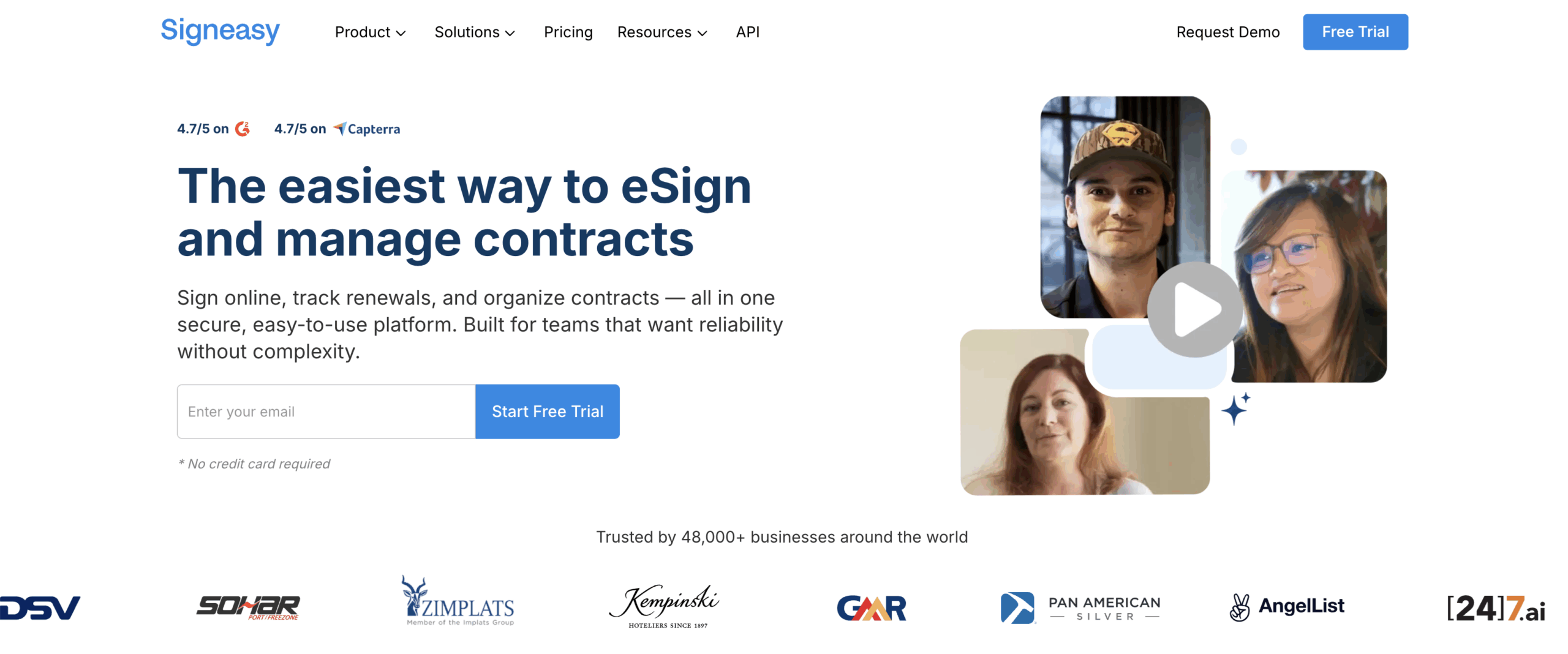
- Best for: using AI features to simplify documents
- Key features:
- Multi-document envelopes
- Signing orders
- Reusable templates
- Offline signing capabilities
- Real-time notifications
- Team usage reports
- AI contract review tools
- Pros: free option, unlimited users on most plans
- Cons: API access is an additional cost
- Pricing: free plan, Personal ($7 per user, per month), Business ($14 per user, per month), Business Pro ($21 per user, per month), Build Your Plan (contact sales for pricing)
- Overall G2 user rating: 4.7/5.0
8. Secured Signing
Secured Signing is another e-signature tool that offers encrypted single or multi-sign options focused on security. Signature verification features include video confirmation, ID verification, and a notary platform that allows you to add a reviewer to verify your signed documents.
Secured Signing also offers audit logs, document packages, document negotiation, and software integrations with platforms like Salesforce and SharePoint.
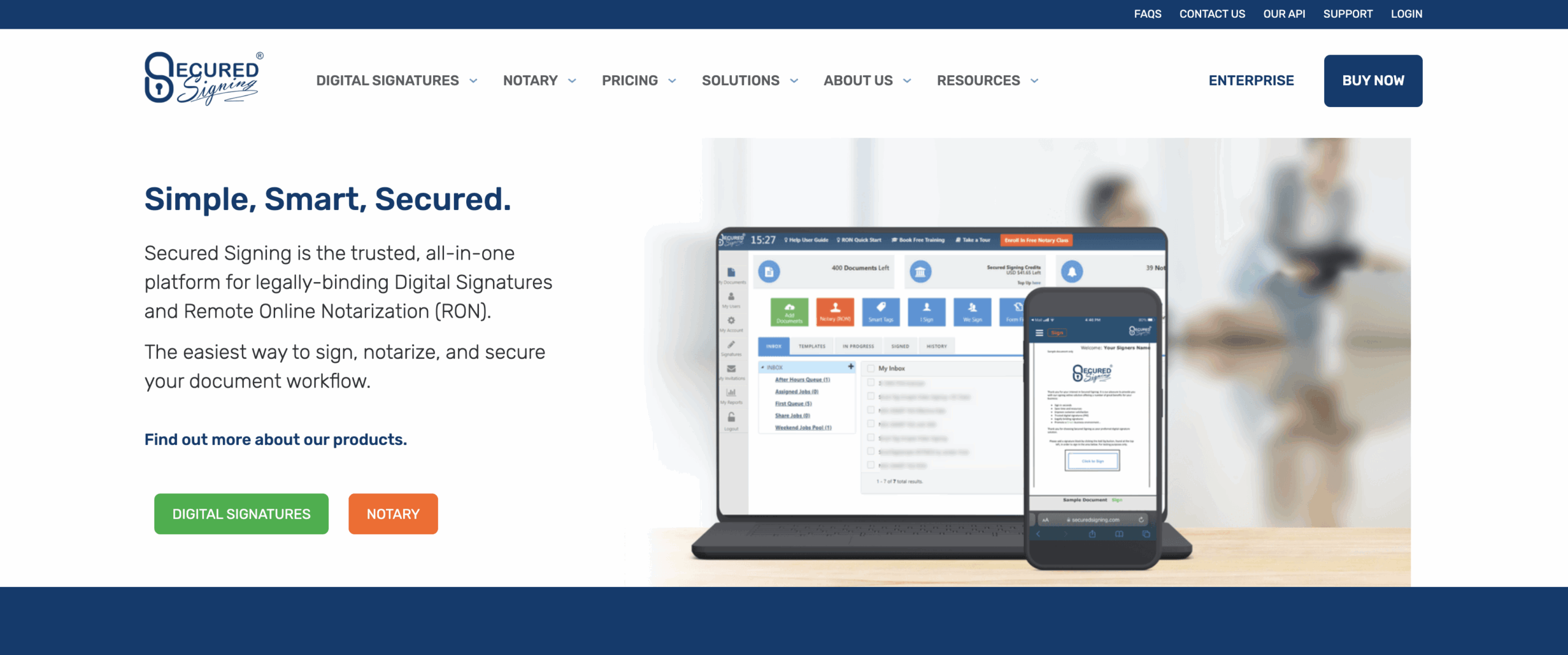
- Best for: organizations that prioritize user verification
- Key features:
- Video confirmation
- ID verification
- Remote online notarization
- Document negotiation
- Document templates
- Pros: document templates, witnessing, custom branding, document reviews, video signing
- Con: some administrative features available only on most expensive plan, like an admin dashboard and single sign-on
- Pricing: Business (starts from $9.95 per month), Enterprise (contact sales for pricing)
- Overall G2 user rating: 4.5/5.0
9. Signaturely
Signaturely is an electronic signature software that prioritizes simplicity and ease of use. It offers straightforward document creation, sharing, and signature request features, along with some additional functionality like document creation templates, automated notifications, and software integrations.
For every paid license Signaturely sells, it plants one tree with Eden Reforestation Projects.
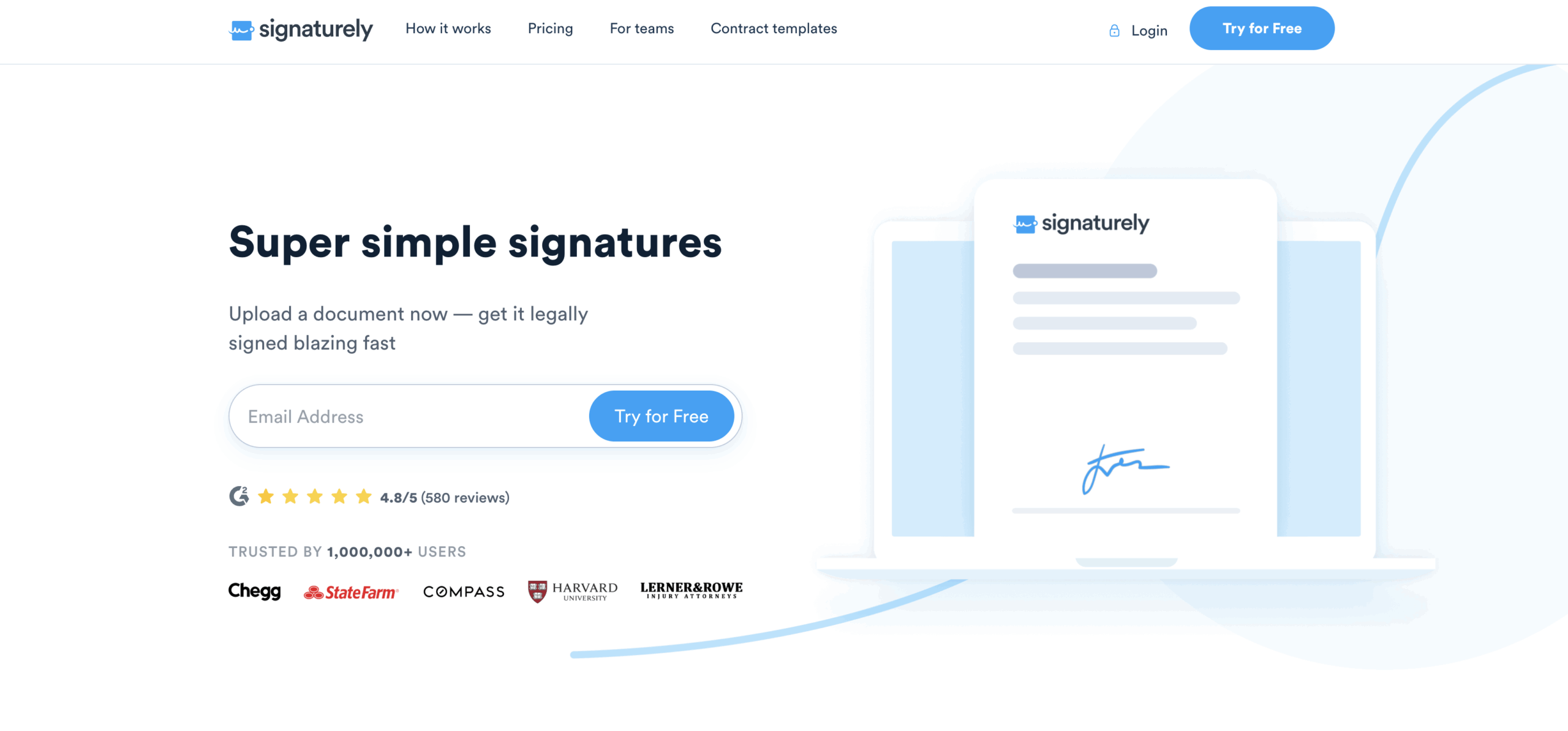
- Best for: organizations that need a simple e-signature tool
- Key features:
- Guided signing
- Audit logs
- Custom branding
- Bulk sends
- Team collaboration on document building
- Pro: contact imports, document activity tracking, custom branding, bulk sends
- Con: no free plan, limited templates and send requests on less expensive plan
- Pricing: Personal ($25 per month), Business ($50 per user, per month)
- Overall G2 user rating: 4.8/5.0
10. Zoho Sign
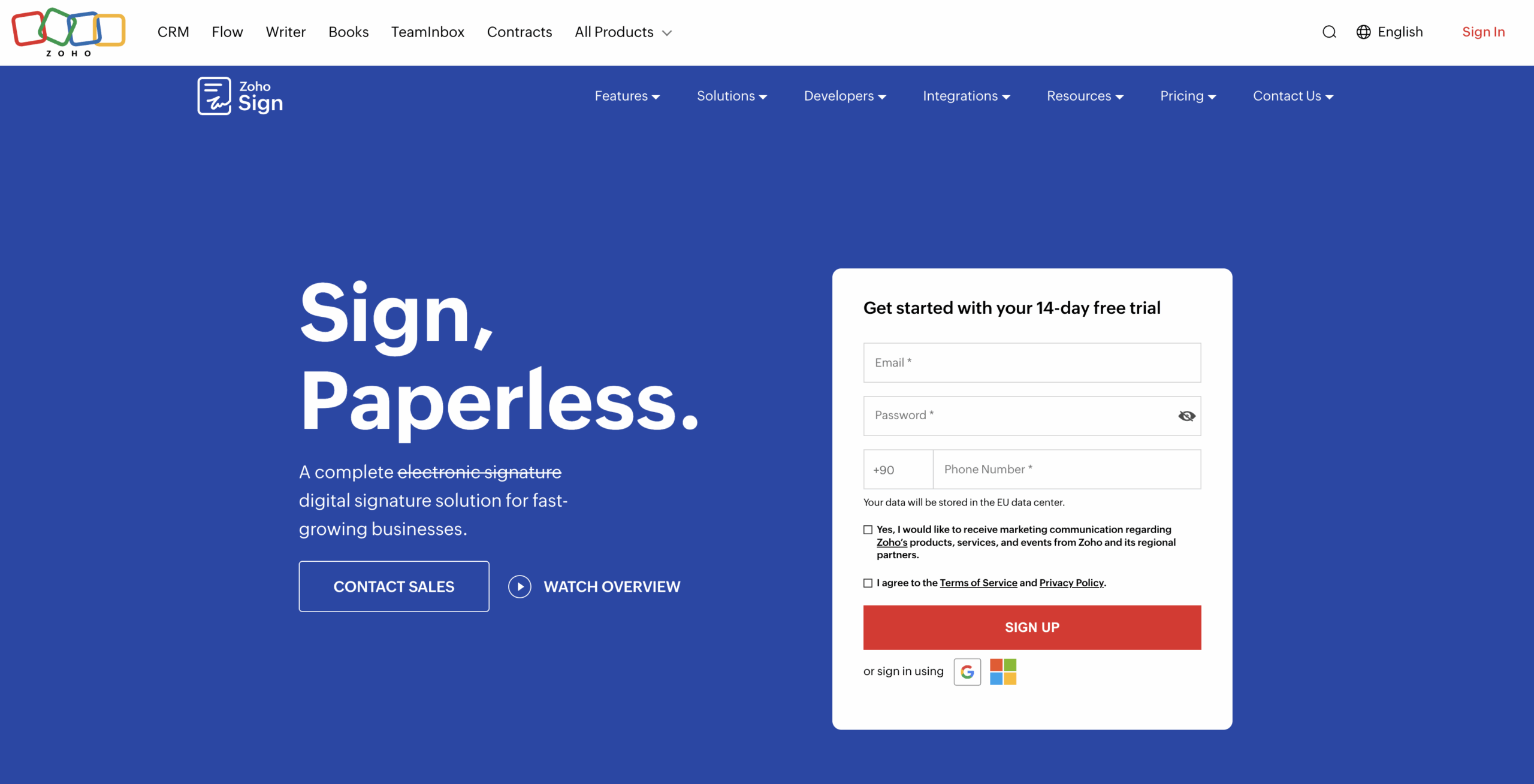
Zoho Sign, part of the Zoho ecosystem of business solutions, is another electronic signature tool. It has standard e-signature features, like customized branding, signing orders, and bulk sending, as well as more unusual features, like multiple organization portals, SMS signing, and payment collection.
Zoho Sign also offers publicly available blockchain time-stamping for additional accountability and transparency.
- Best for: organizations that use the Zoho software suite
- Key features:
- Public signing URLs
- Knowledge-based verification
- Blockchain timestamping
- Cloud digital certificates
- Integration with other Zoho tools
- Pros: free plan, cloud-based digital signature certificates, audit trails
- Cons: bulk send and sign, blockchain time-stamping, payment collection, and other features available only on Enterprise plan, software integrations can cost extra
- Pricing: free plan, Standard ($10 per user, per month when billed annually), Professional ($16 per user, per month when billed annually), Enterprise ($22 per user, per month when billed annually), API plan (per envelope pricing), Custom (contact sales for pricing)
- Overall G2 user rating: 4.3/5.0
11. SignWell
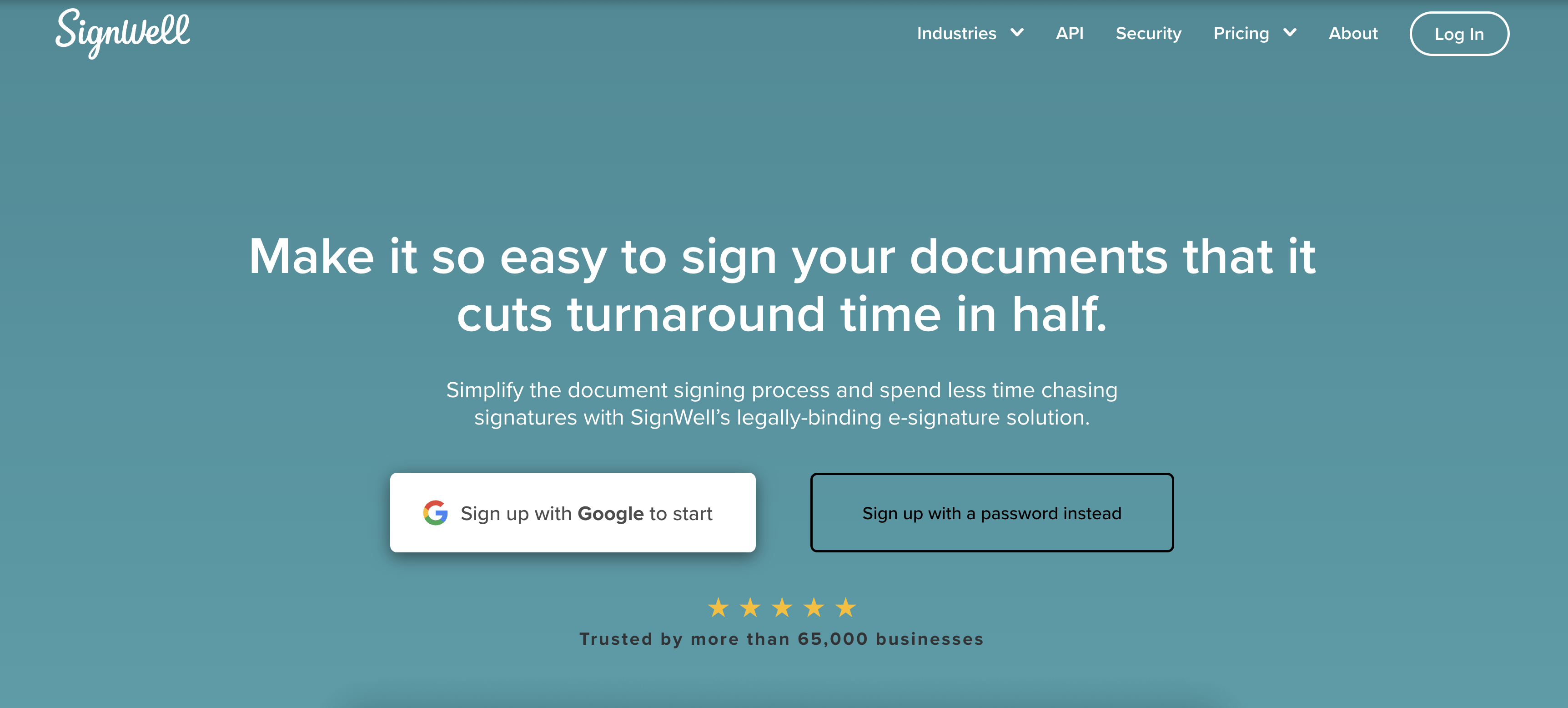
SignWell, formerly Docsketch, is an electronic signature solution that offers custom branding, bulk signing, in-person signing, attachments, signing orders, and automatic notifications. Users can turn documents into templates to reuse and resend. Audit reports let users track document history with time stamps.
- Best for: organizations on a budget with a small number of team members who handle signing processes
- Key features:
- In-person signing
- Redirect-on-sign
- Custom branding
- Software integrations
- Data validation fields
- Pros: free plan, unlimited documents on inexpensive Personal plan
- Cons: SignWell offers fewer features than some competitors
- Pricing: free plan, Personal ($10 per month with annual billing), Business ($30 per month with annual billing), Enterprise (contact sales for pricing)
- G2 user rating: 4.8/5.0
If you’re looking for alternatives to SignWell, check out our article that explores various e-signature tools and their features.
Which Dropbox Sign alternative is better?
Dropbox Sign is a popular tool for managing document signatures, but it’s not the only one on the market. If you just want standard e-signature software to speed up internal processes and client approvals, any one of the tools on this list can help.
The best alternative depends on what matters most to your team:
- For forms and signing in one platform: Jotform Sign
- For sales teams needing analytics: PandaDoc
- For enterprise workflows: Docusign
- For teams requiring deep PDF editing: Adobe Acrobat Sign
- For affordability: SignNow
- For notarization: Secured Signing
- For budget users: Signaturely or SignWell
- For teams in Zoho ecosystem: Zoho Sign
To pinpoint the one that’s right for you, consider the integrations and additional features you need, like designated signing orders for multiple signers, specific software integrations, and audit trails. Whatever your business needs, digital signature tools can help you save time and money.
Frequently asked questions about Dropbox Sign alternatives
Yes. Dropbox Sign offers a free plan with basic e-signature features and limited monthly documents.
Yes, Dropbox Sign is reliable and simple to use for basic signing needs.
However, many teams choose alternatives like Jotform Sign, which combines e-signatures with powerful online forms, approval workflows, and automation in a single platform.
AS ALWAYS, CONSULT AN ATTORNEY AND/OR OTHER APPLICABLE PROFESSIONALS BEFORE RELYING ON ANY INFORMATION ON THIS PAGE. THE CONTENT ABOVE IS FOR INFORMATIONAL PURPOSES ONLY. JOTFORM IS NOT PROVIDING LEGAL, TAX, FINANCIAL OR OTHER ADVICE.




































































Send Comment: