
Top 5 SSO solutions for enterprises
Single sign-on (SSO) is key for enterprise organizations because it’s secure and productive. When teams sign in to tools via SSO platforms, they don’t store passwords in Word documents and don’t spend time searching for or resetting their login credentials. SSO also protects your organization’s data when staff leave — essential tool logins are never lost.
In this guide, I’ve compiled the five best SSO solutions for enterprise businesses. I’ve included the tool, its key features, its pros and cons, and its pricing so you can find a solution that works for you.
What is enterprise SSO?
Enterprise single sign-on is an authentication method that allows a user to log in once and access multiple applications or systems without signing in again. For example, when you log into an SSO platform like Google Workspace, you can access all associated logins at the click of a button. It saves you from storing multiple passwords, reducing the risk of loss or compromise.
SSO is especially important as staff come and go. You want your passwords to be secure, protected, and inaccessible to anyone outside your organization. With this layer of authentication, when someone leaves, you simply manage one password.
Enterprise SSO also protects critical but low-maintenance logins. I’ve seen large organizations lose access to domains and experience site downtime simply because an annually used credential for the domain was missed in handover documentation during team changes.
Unlike basic or consumer-grade SSO, enterprise SSO is designed with compliance and complex organizational structures in mind. It supports advanced protocols (like SAML 2.0), automated user provisioning, granular access controls, and deep integration with identity and access management (IAM) platforms.
Enterprise companies use SSO for
- Workforce logins across SaaS tools and internal applications
- Secure vendor or contractor access
- Authentication for customer-facing portals and enterprise forms
- Centralized identity governance as part of a broader IAM strategy
5 top SSO solutions for enterprise
Before we dive into each tool, here’s a quick overview of how they compare.
| Tool | Best for | Key features | Pricing |
|---|---|---|---|
 Jotform Enterprise |
Secure, form-driven enterprise workflows |
|
Custom |
 miniOrange |
Flexible, customizable IAM and SSO deployments |
|
Custom |
 Okta |
Large enterprises with complex IAM needs |
|
Custom |
 Microsoft Entra ID (formerly Azure AD) |
Microsoft-centric enterprises |
|
$12 per user per month |
 Google Workspace |
Cloud-first teams seeking simple SSO |
|
Custom |
1. Jotform Enterprise
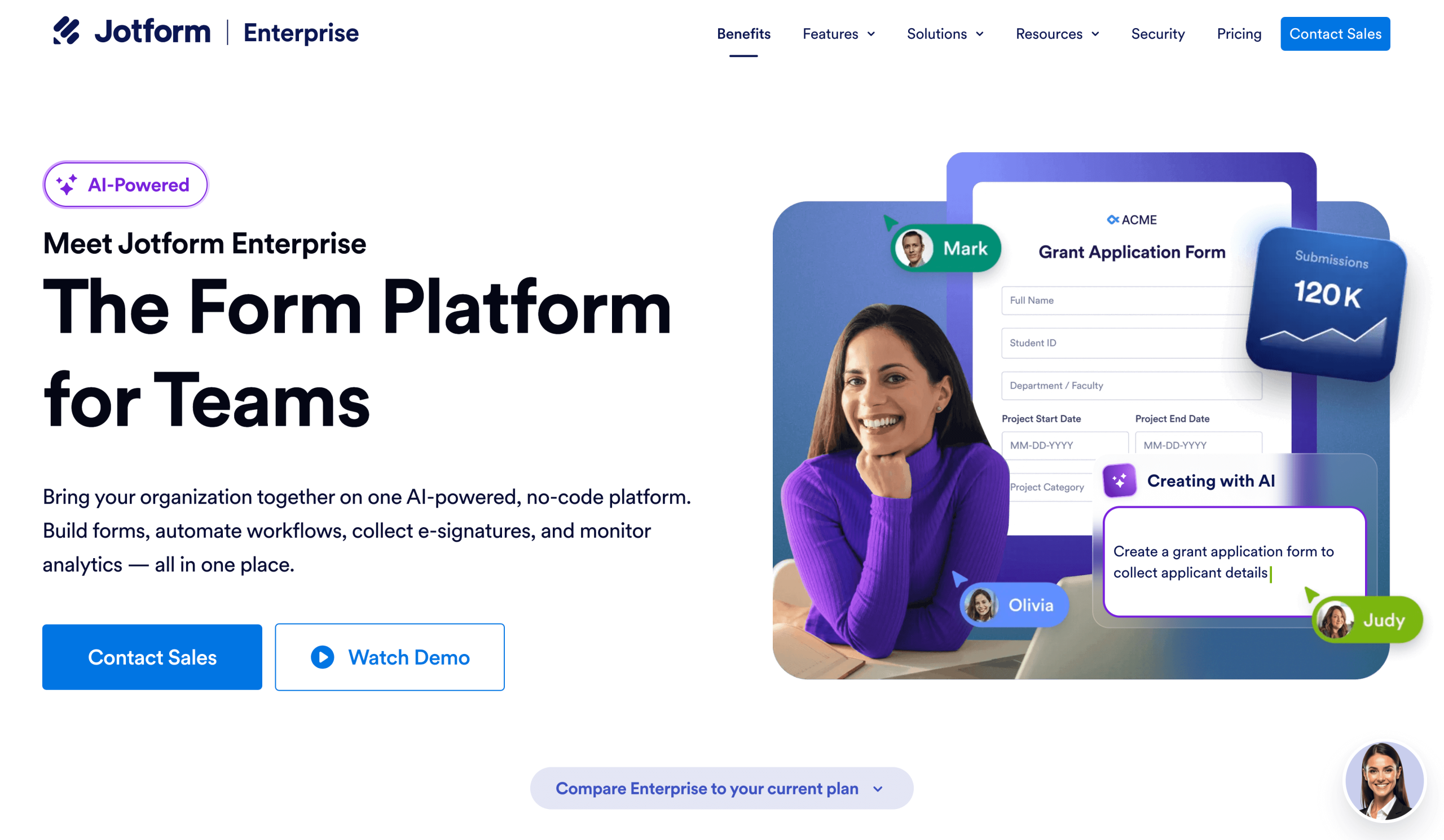
Jotform Enterprise is an enterprise-grade platform that supports secure data collection, workflow automation, and collaboration at scale. Its SSO capabilities are built to integrate seamlessly with existing identity and access management systems.
Beyond SSO, Jotform Enterprise enables organizations to standardize data collection, automate complex workflows, and maintain centralized governance across teams, users, and domains. It’s designed to support security, compliance, and operational efficiency as organizations grow.
Unlike standalone SSO solutions, Jotform Enterprise addresses a broader set of enterprise challenges. A Jotform Enterprise subscription covers your SSO requirements and provides critical support, including secure form building, workflow automation, user and team management, and enterprise-grade governance. You’ll need fewer tools to operate your enterprise business; it’ll likely be cheaper, and it’s just one managed cost.


- Best for:
- Secure, form-driven enterprise access control
- Key features:
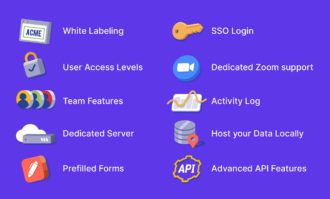
- SAML 2.0 SSO with major identity providers, including Microsoft Entra ID (Azure AD), Google Workspace, Okta, Duo, and OneLogin, so that you can authenticate users through your existing IAM stack
- Multi-SSO configuration and automated provisioning, including JIT user creation and SCIM provisioning, so your users and groups are created and removed automatically
- Ability to require secure login solutions in the form of SSO to view or submit forms, which enforces login domain-driven access
- Pros:
- Centralized SSO administration, so you can configure, test, and manage multiple identity providers from a single admin console across teams and subsidiaries
- Deep integration with the enterprise workspace, so your company can manage multiple users, team accounts, and domains under one secure, SSO-enabled environment
- Cons:
- Pricing is enterprise-level and may not suit smaller organizations with limited budgets
- Plans/pricing:
- Pricing is custom for enterprise, but there are other packages:
- Starter (free)
- Bronze ($34 per user per month, billed annually)
- Silver ($39 per user per month, billed annually)
- Gold ($99/ per user per month, billed annually)
- Pricing is custom for enterprise, but there are other packages:
2. miniOrange
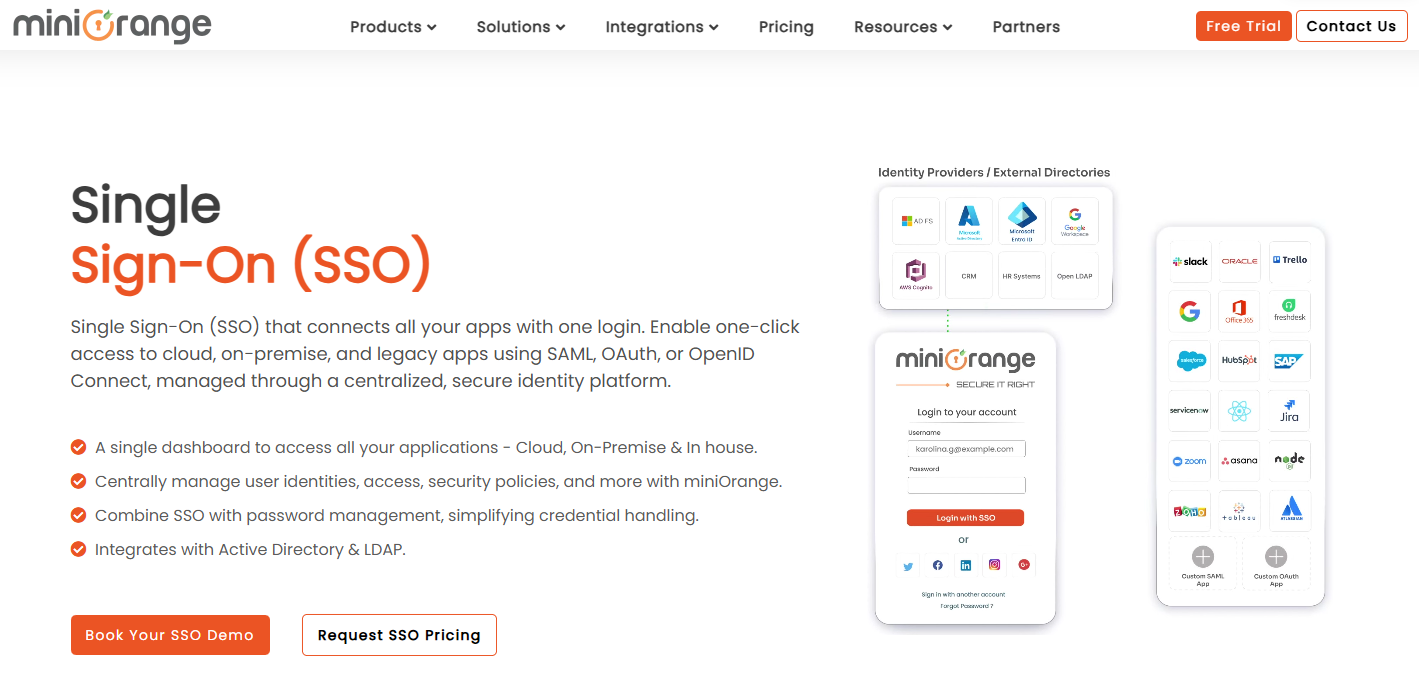
miniOrange is an identity and access management platform that offers enterprise SSO for large organizations, MFA (a security method that requires users to verify their identity using two or more factors instead of just a password), and directory services. It’s well-suited to organizations that need flexibility across cloud, on-prem, and hybrid environments.
- Best for:
- Flexible, customizable enterprise IAM and SSO deployments
- Key features:
- Supports SAML, OAuth, and OpenID Connect, so you can integrate SSO across modern SaaS apps and legacy systems
- Flexible deployment models (cloud, on-prem, hybrid), so your company can align SSO with existing infrastructure and compliance requirements
- Advanced authentication policies and MFA so that you can enforce stronger access controls based on risk, device, or user context
- Pros:
- Highly configurable IAM workflows so that you can tailor SSO and authentication rules to complex enterprise use cases, broad integration support so that you can connect identity services across a wide range of applications and directories
- Cons:
- Interface and configuration can be complex, but miniOrange’s customer support is credited for its help during challenges
- Plans/pricing:
- Pricing is custom for enterprise, but there are other packages:
- Essential ($2 per user per month)
- Premium ($3 per user per month)
- Pricing is custom for enterprise, but there are other packages:
3. Okta
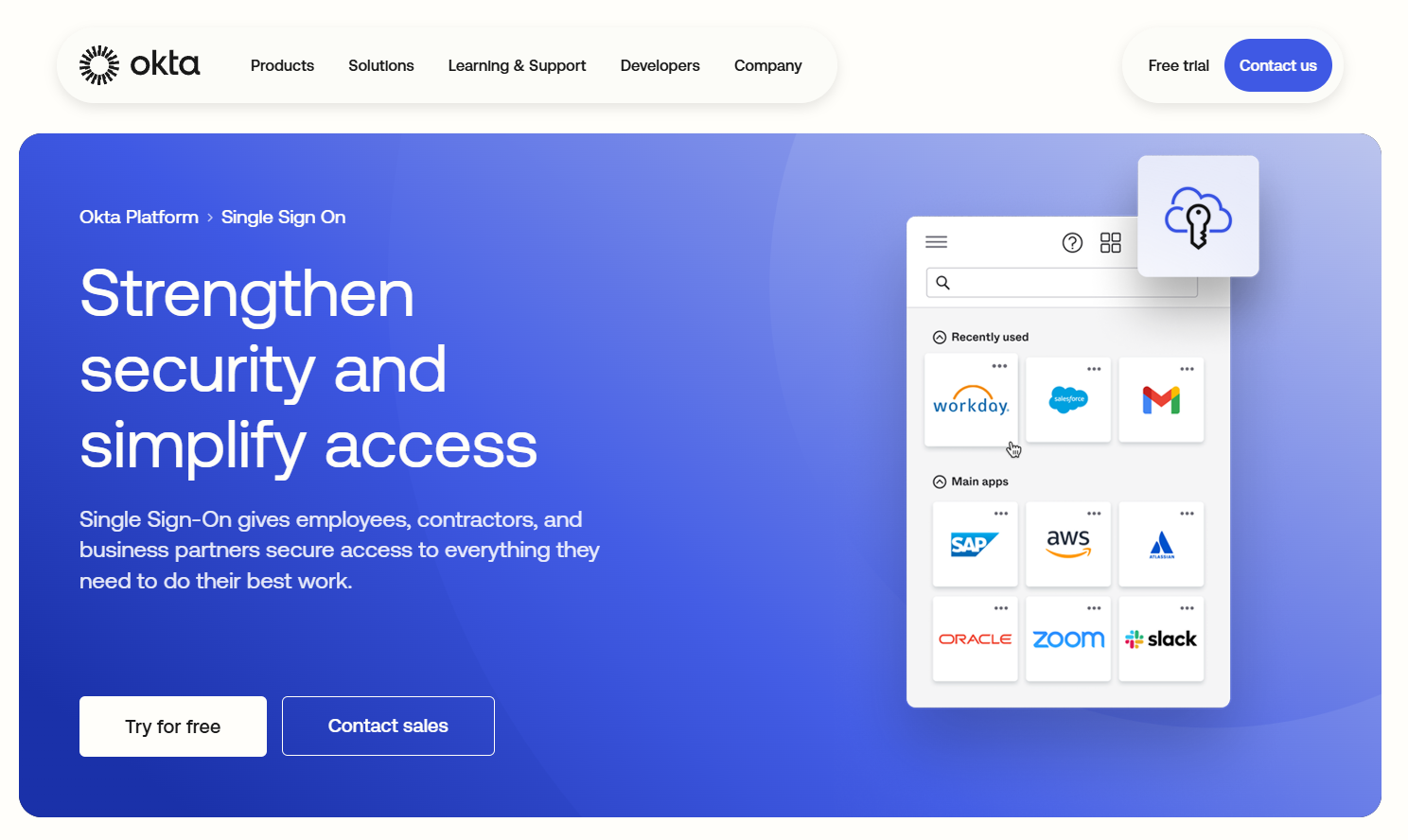
Okta is a leading enterprise identity platform that provides SSO as part of a broader identity and access management ecosystem. It enables organizations to manage authentication centrally, automate user provisioning, and enforce adaptive security policies across cloud and on-prem applications.
- Best for:
- Large enterprises with complex identity and access management needs
- Key features:
- Enterprise-grade SSO with SAML and OpenID Connect so that you can give users seamless access across thousands of cloud and on-prem applications
- Automated user lifecycle management with SCIM, so you can provision and deprovision users across systems as roles change
- Adaptive MFA and risk-based access policies, so your company can enforce stronger authentication based on user behavior and context
- Pros:
- An extensive integration network so that you can connect identity management across nearly all major enterprise applications
- Advanced security and reporting capabilities, so you have visibility into access activity and compliance posture
- Cons:
- Costs can increase quickly at scale, so long-term pricing requires careful planning
- Plans/pricing:
- Pricing is custom for enterprise, but there are other packages:
- Starter ($6 per user per month)
- Essentials ($17 per user per month)
- Professional (custom pricing)
- Pricing is custom for enterprise, but there are other packages:
4. Microsoft Entra ID (formerly Azure AD)
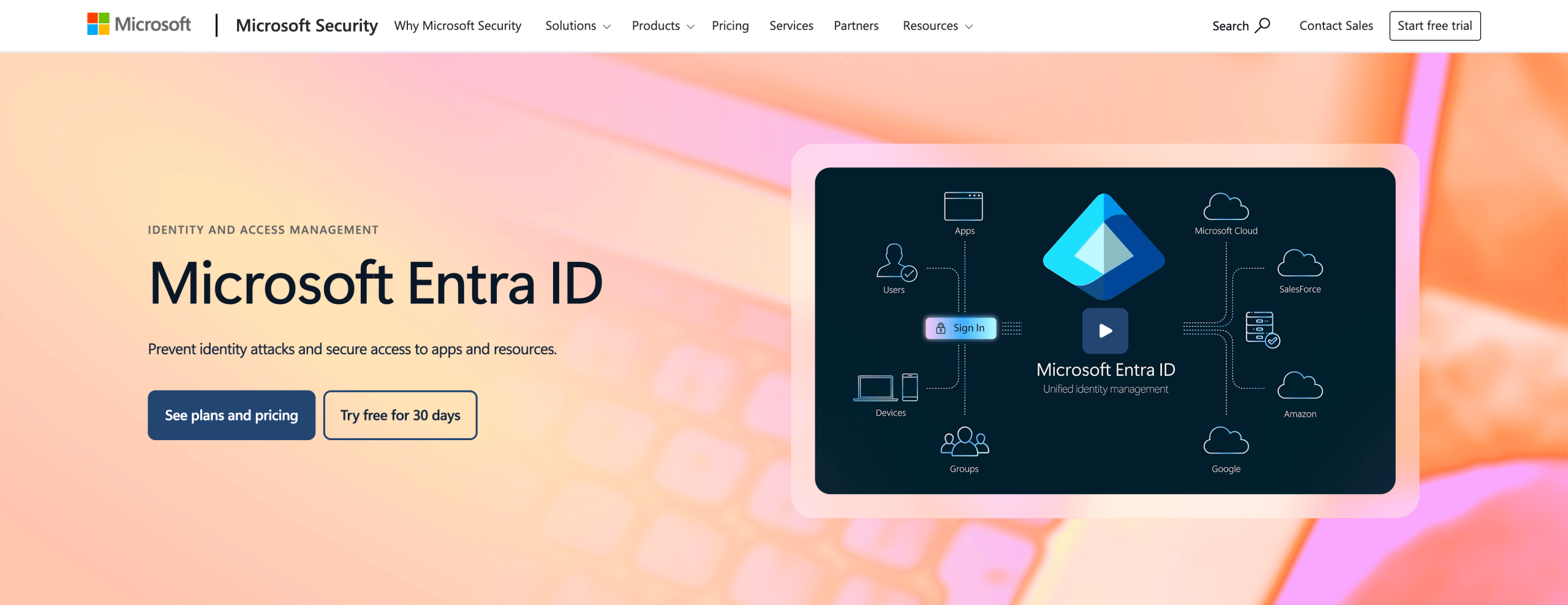
Microsoft Entra ID, formerly Azure Active Directory, provides enterprise-grade SSO that’s tightly integrated with Microsoft 365, Azure, and Windows environments. It enables organizations to manage user identities centrally, enforce conditional access policies, and apply zero-trust security principles across cloud and on-premises systems. It’s a natural choice for organizations already standardized on Microsoft’s technology stack that want unified identity and access control without adding another vendor.
- Best for:
- Enterprises operating within the Microsoft ecosystem
- Key features:
- Native SSO across Microsoft 365, Azure, and thousands of SaaS apps, so you can centralize authentication within your existing Microsoft environment
- Conditional access and zero-trust policies, so your company can control access based on user risk, device status, and location
- Hybrid identity support, so you can manage SSO across cloud and on-prem Active Directory environments
- Pros:
- Seamless Microsoft integration, so you can reduce setup complexity and administrative overhead
- Strong built-in security controls, so your organization benefits from Microsoft’s zero-trust and compliance frameworks
- Cons:
- Less flexible outside the Microsoft ecosystem, so non-Microsoft-heavy environments may feel constrained
- Plans/pricing:
- Microsoft Entra ID P1 ($6 per user per month, billed annually)
- Microsoft Entra ID P2 ($9 per user per month, billed annually)
5. Google Workspace
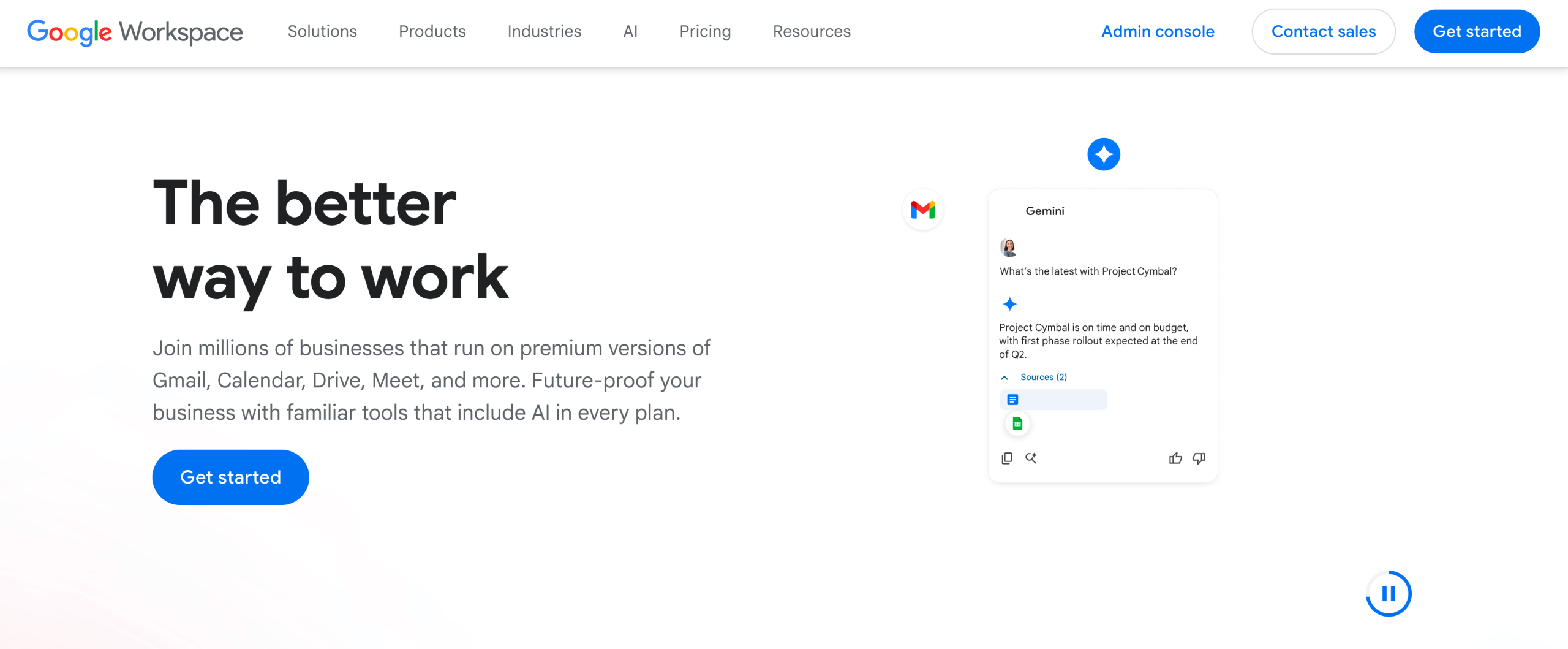
Google Workspace provides built-in SSO through Google Identity, making it a strong option. It’s well-suited for teams that rely heavily on Google’s tools and for those that need straightforward identity management. Workspace is useful because it goes beyond SSO and includes other enterprise tools, such as calendar booking links and templates within Google Drive, and can facilitate large online meetings with Google Meet. When you start using Google Workspace, you get all of this included. Like Jotform Enterprise, Google Workspace addresses many challenges that enterprise businesses face, keeping costs in one tool rather than paying for multiple tools.
- Best for:
- Companies seeking simple, scalable SSO
- Key features:
- Native SSO across Google Workspace and many third-party apps, so you can manage access using a single Google identity
- Centralized user and group management, so your company can control access across teams from one admin console
- Basic MFA and security controls so that you can add an extra layer of protection beyond passwords
- Pros:
- Simple setup and administration so that you can deploy SSO quickly without the heavy technical overhead
- Cost-effective for Google-centric teams, so your organization avoids paying for a separate SSO provider
- Cons:
- Limited advanced IAM and provisioning features, so it may not scale well for complex enterprise environments
- Plans/pricing:
- Pricing is custom for enterprise, but there are other packages:
- Starter ($7 per user per month)
- Standard ($14 per user per month)
- Plus ($22 per user per month)
- Pricing is custom for enterprise, but there are other packages:
How to choose the right SSO provider for your organization
Choosing the right SSO provider starts with understanding how your organization currently uses access, and how you plan to scale.
- Begin by mapping who needs access: Employees, contractors, partners, and customers often require different authentication methods, provisioning rules, and security controls. Your SSO platform should support these user types without forcing workarounds.
- Evaluate integration and flexibility: Look for support for standards like SAML and SCIM, compatibility with your existing IAM stack, and the ability to manage multiple identity providers if you operate across subsidiaries or regions.
- Remember that cost and scalability are important: Some platforms charge a per-user or per-feature fee, which can become expensive as your organization grows. Make sure long-term licensing, provisioning automation, and administrative effort are factored into the total cost, not just the base price.
- Finally, prioritize visibility and control: Strong reporting, access logs, and centralized administration help reduce risk, simplify audits, and prevent critical access from being lost during staff changes.
The best SSO solution aligns security, usability, and your operational reality — without adding unnecessary complexity. For a deeper look at how SSO improves security and scalability across organizations, check out our 6 key benefits of single sign-on (SSO) article.
Secure, scalable access starts with the right SSO
Enterprise SSO is foundational to modern security and productivity, reducing password risk while simplifying access across systems. Choosing the right solution can help you limit your administrative overhead, prevent access gaps, and scale securely as your teams and tools grow.
With flexible identity provider support, automated provisioning, and workspace-level access controls, Jotform Enterprise is built to support secure, scalable authentication for complex organizations. Explore the platform today to see how its SSO capabilities can strengthen your access strategy.
Frequently asked questions about SSO solutions
Okta and Microsoft Entra ID are among the most widely adopted SSO solutions, particularly in large enterprises and regulated industries.
Enterprise SSO providers include advanced features such as automated provisioning, identity provider integration, access policies, and centralized administration. These capabilities aren’t typically found in basic or consumer-grade SSO.
Although not sufficient on its own, additional layers of security like multi-factor authentication can provide stronger security and governance when used alongside SSO.
This article is for enterprise content managers, IT leaders, compliance officers, and anyone who wants to implement robust document management systems that ensure secure, scalable, and efficient control of files, workflows, and access across large organizations.

















































































Send Comment: