
Form Templates for Business
- Contact information template
- Customer feedback template
- Work request template
- RSVP template
- Event registration template
- Event feedback template
- Course evaluation template
- Job application template
- Find a time template
- T-shirt sign-up form template
- Time off request template
- Order form template
- Party invite template
- Assessment template
- Exit ticket template
- Blank quiz
- Worksheet form
Whether you’re making online forms to gather information externally from customers and potential leads or internally from (and for) departments within your organization, you probably appreciate how important these seemingly mundane tools are in running your business. Google certainly does; the company offers its form-building app free of charge as an integral part of its suite of products that every Google user can access.
Google Forms is a simple tool that’s easy to use. Although it doesn’t offer many templates, the ones it does provide can be useful for a variety of needs.
Below, we’ll talk about how to create a Google Form and how you can use Google Form templates for business. We’ll also provide an overview of a more feature-rich alternative to Google Forms.
Looking for the best alternative to Google Forms?
Jotform’s full-featured form-building solution is mobile-friendly and has the most integrations in the industry. Use it to collect payments, automate workflows, gather leads, and more.
17 Google Forms templates for business
Google Forms’ flexible templates work well for a variety of different business contexts. Here are 17 of them and some usage suggestions to get you thinking.
| Personal | Work | Education |
|---|---|---|
| Contact information template: Use this form to collect contact information from anyone, such as job applicants, on-site visitors, or customers. | Customer feedback template: This structured form is designed to gather customer opinions, experiences, and suggestions regarding your company, product, or service. | Course evaluation template: This form can collect helpful information from training session attendees, which you can use to improve future iterations of the program. |
1. Contact information template
Category: Personal
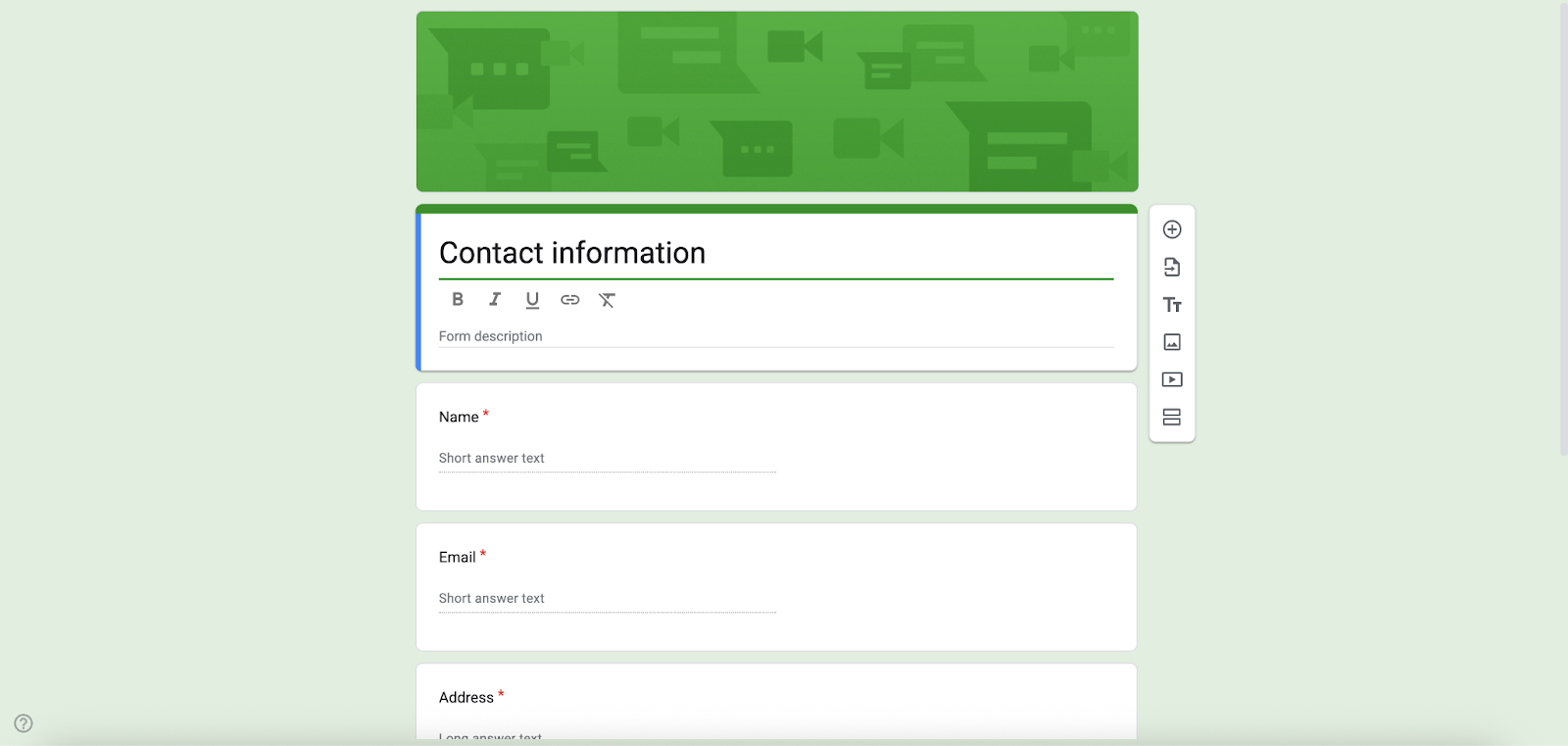
Use this form to collect contact information from anyone, such as job applicants, on-site visitors, or customers.
Google Forms offers a simple contact form option, but if you need something a little more sophisticated, Jotform gives you a much wider range of ready-made contact form templates. You can use them for sales inquiries, support requests, quote forms, booking questions, and more — and they’re all fully customizable to match your brand. Built-in spam protection, file upload fields, autoresponder emails, and powerful integrations with CRMs and email marketing tools help turn basic contact requests into organized, actionable conversations with your customers.
2. Customer feedback template
Category: Work
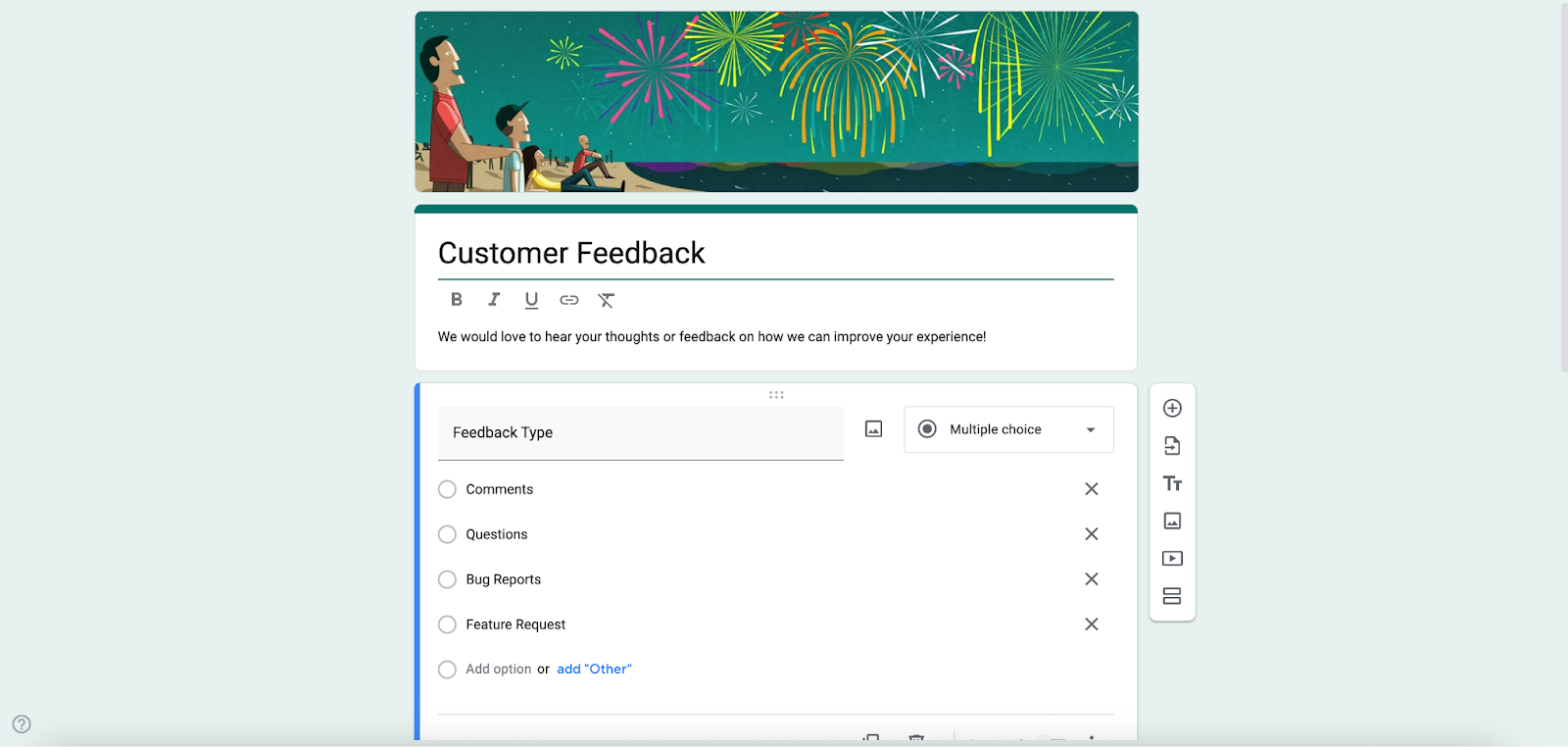
This structured form is designed to gather customer opinions, experiences, and suggestions regarding your company, product, or service.
Basic customer feedback surveys work fine in Google Forms. But Jotform gives you a much richer ecosystem where you can gather insights across the entire customer journey — from simple satisfaction checks to detailed product, support, and website feedback. With dedicated customer feedback survey templates, advanced question types, branding options, and powerful integrations for sending responses to your CRM or help desk, Jotform transforms everyday feedback into structured data you can actually act on.
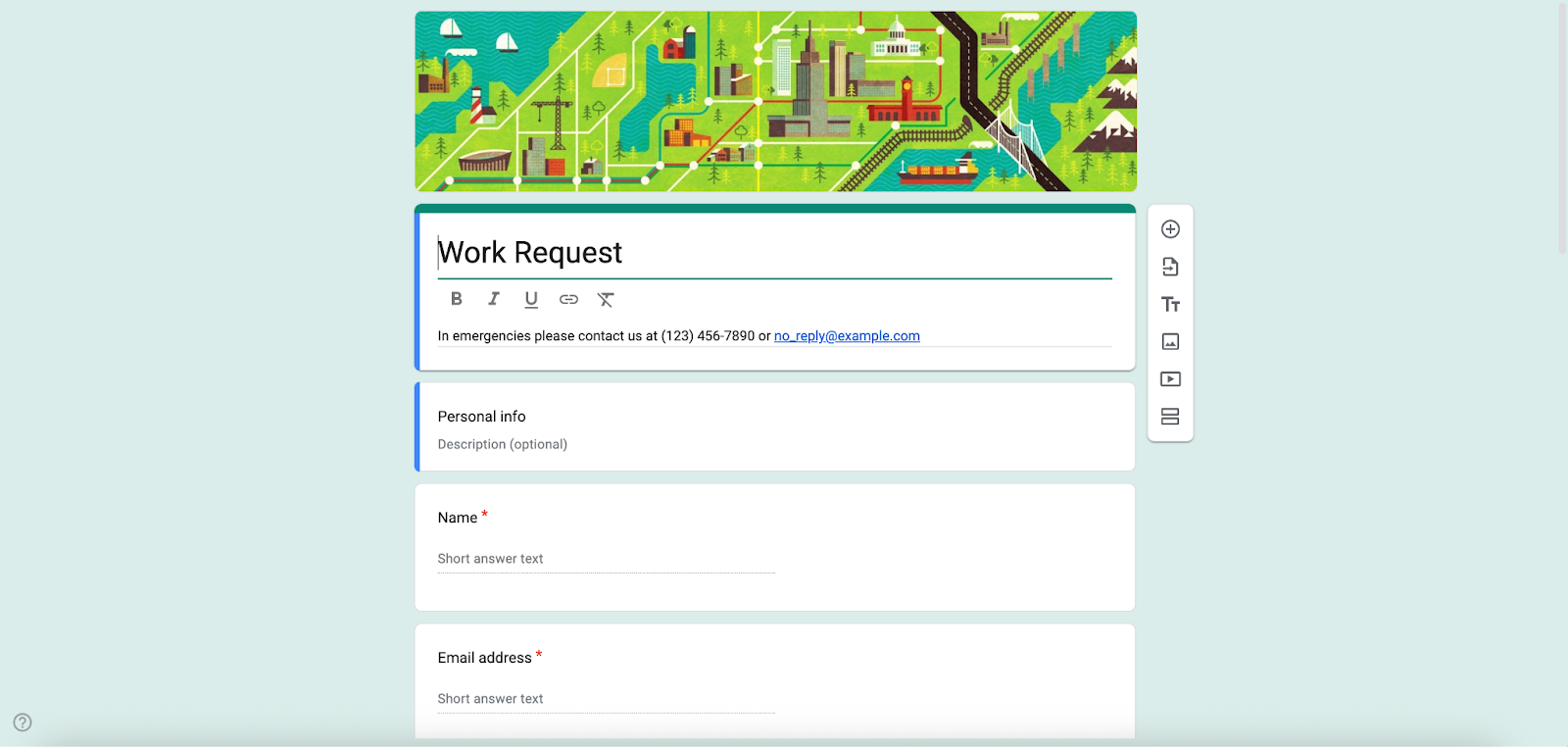
3. Work request template
Category: Work
With this template, you can formally request that a specific department or team complete certain projects, tasks, or services. You can customize this form to help speed up and manage inter- and intra-departmental requests within your organization.
Looking for specialized work request forms? Jotform stands out with its extensive library — from maintenance and IT support to creative project requests, facility services, HR needs, and more. This variety makes it easier to choose a form that already fits your workflow or customize one to match your team’s exact processes.
4. RSVP template
Category: Personal
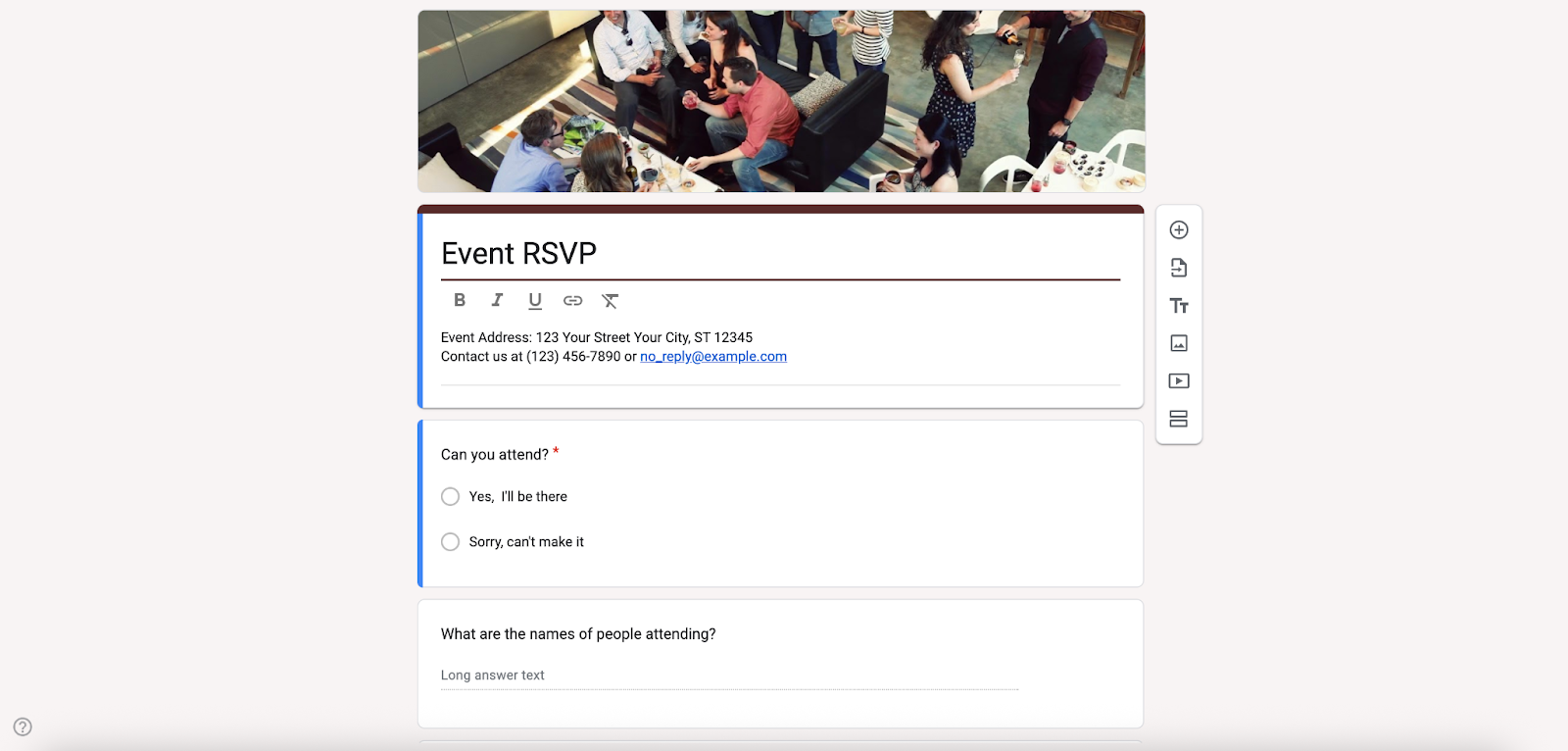
This versatile form can help you keep track of attendees for future training sessions, meetings, and even one-to-one employee assessments.
While Google Forms offers a basic RSVP form that handles the essential question of “Will you attend?”, Jotform elevates this process entirely. Its dedicated RSVP tool enables you to choose from dozens of RSVP templates; customize fields to gather information on meal preferences, plus-ones, and special accessibility needs; and embed the form or share via link or QR code. Real-time response tracking and automated reminders come as standard.
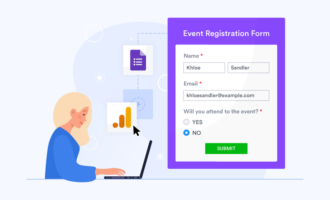
5. Event registration template
Category: Personal
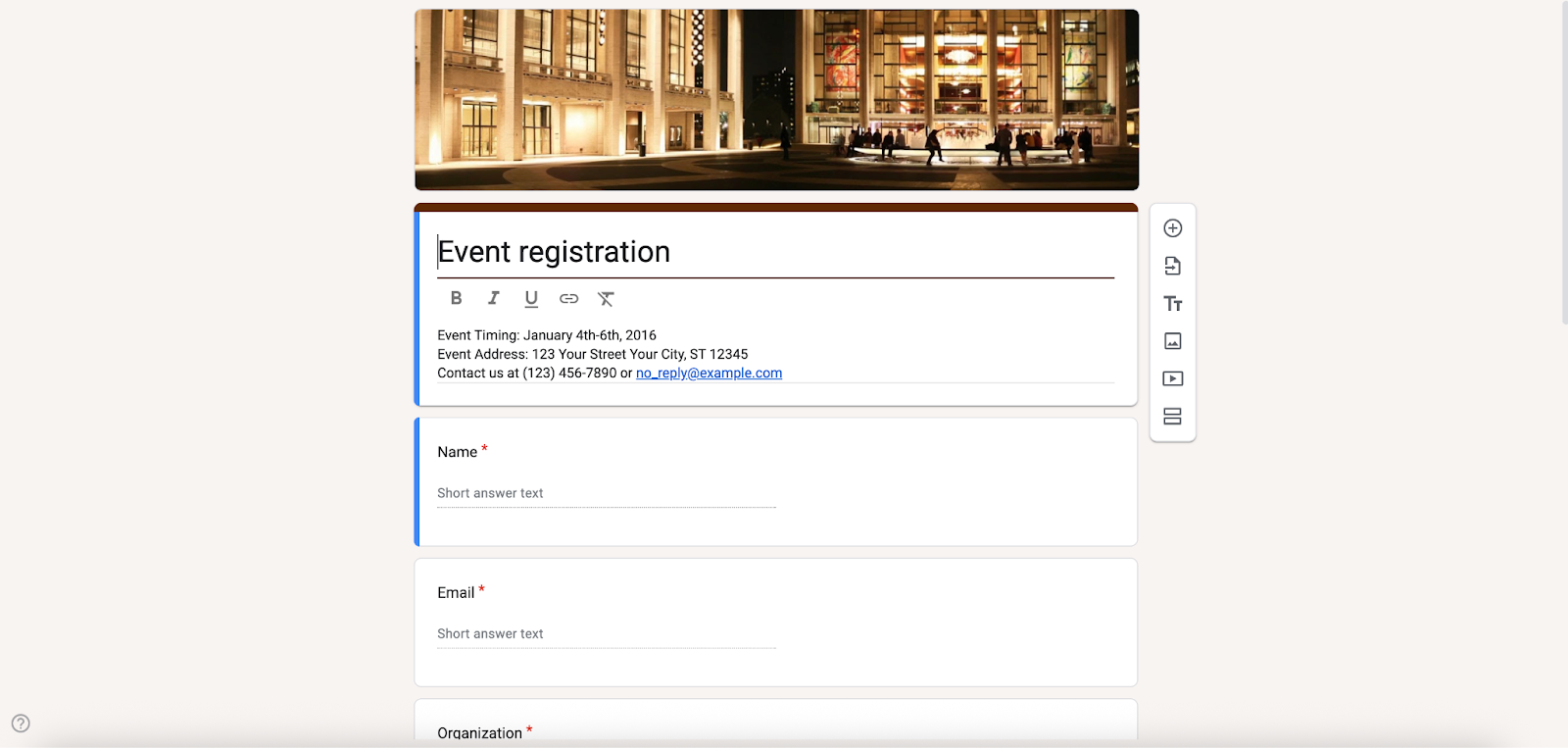
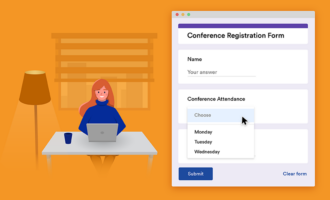
When putting on a work-related event, whether it’s a simple interdepartmental celebration or a full-blown industry conference, the event registration form allows you to collect all the information you’ll need from attendees.
Need more flexibility for managing signups? Go beyond Google Forms’ basic event registration template. Jotform delivers far more options for conferences, webinars, concerts, camps, and community events. With thousands of ready-made event registration templates and built-in payment processing, you can handle everything from customization to ticket sales all in one place. Over 100 integrations for CRMs, email tools, and cloud storage keep attendee tracking seamless, too.
6. Event feedback template
Category: Work
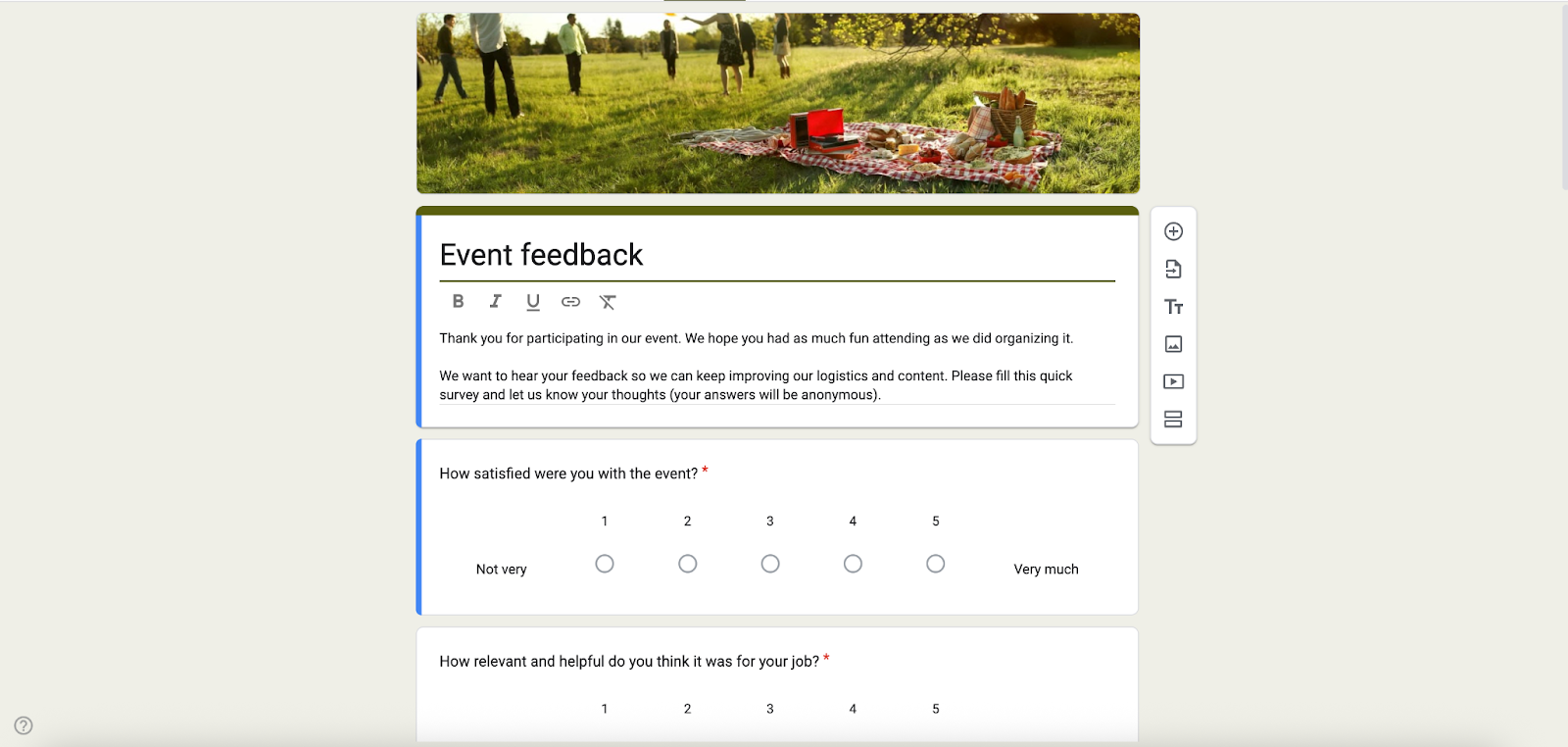
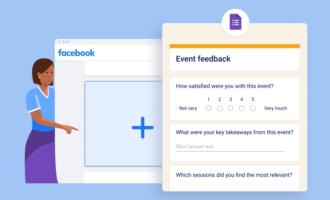
This structured questionnaire allows you to collect feedback from attendees after an event — including internal comments on work functions or HR training sessions.
Google Forms offers a straightforward event feedback template. Jotform, however, gives you a much richer toolkit for evaluating in-person and virtual events. Hundreds of ready-made event feedback forms for conferences, workshops, and training sessions come with advanced options like rating scales, session-specific questions, anonymous responses, and built-in reporting via Jotform Tables. The result? Detailed attendee insights that translate into concrete improvements for your next event.
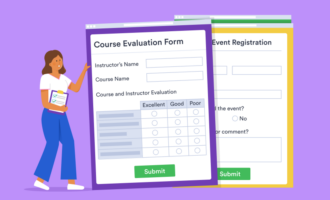
7. Course evaluation template
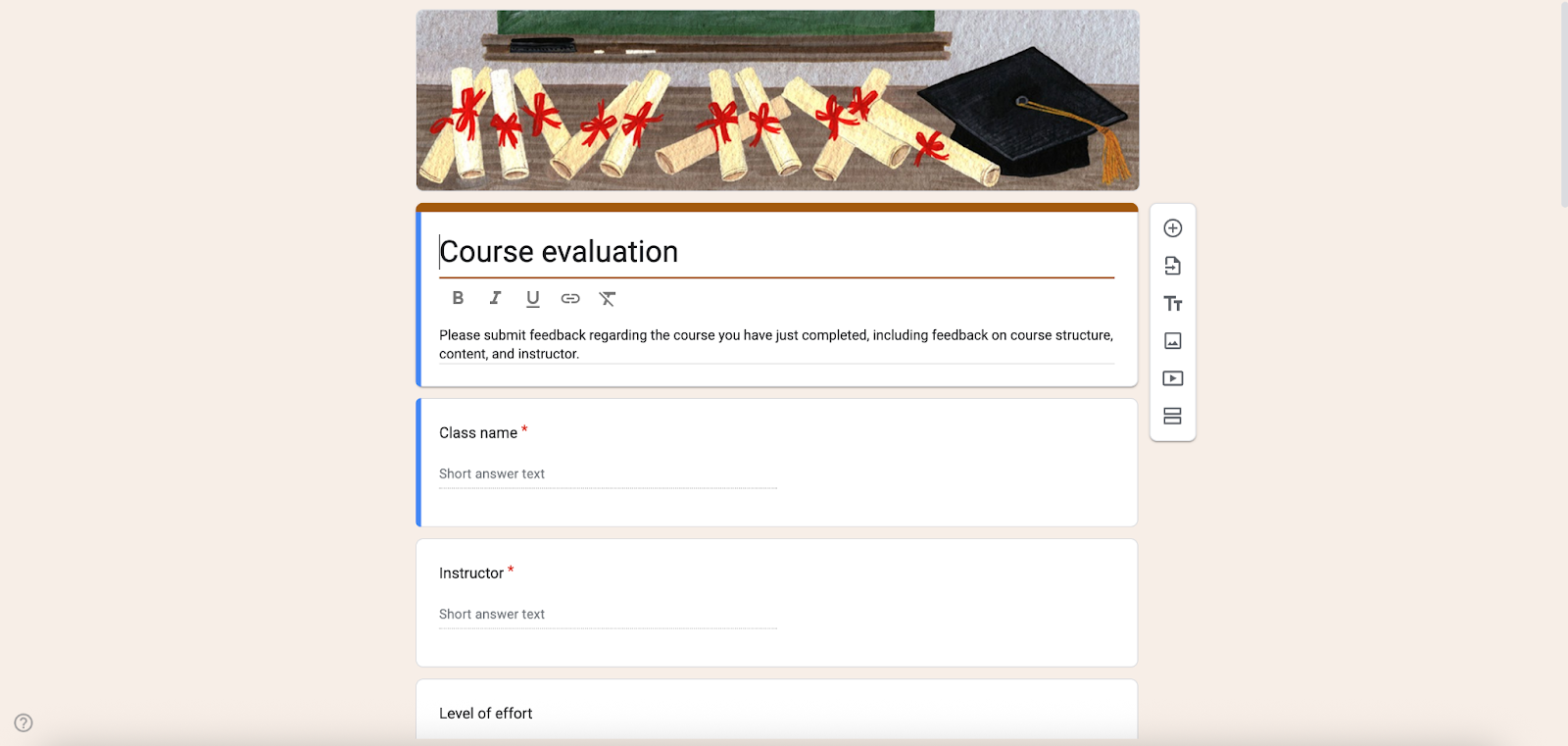
Category: Education
This form can collect helpful information from training session attendees, which you can use to improve future iterations of the program.
You’ll find a basic course evaluation template in Google Forms, but Jotform offers a much wider range of specialized course evaluation forms for workshops, training sessions, semester-long classes, and more — all fully customizable. Gathering detailed student feedback and transforming that into actionable insights for improvement is made simple, with advanced rating scales, open-ended questions, anonymous response options, and built-in reporting through Jotform Tables.
8. Job application template
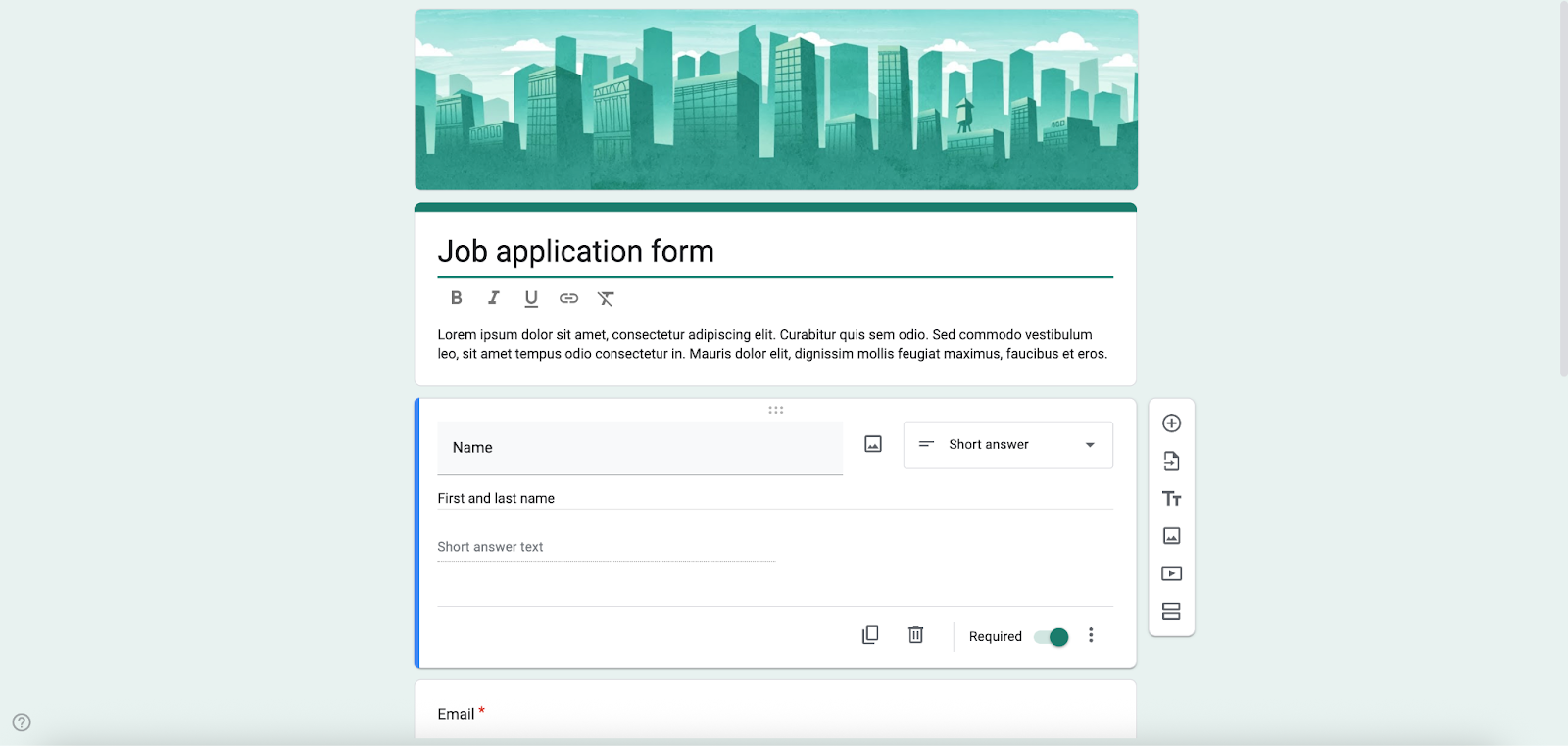
Category: Work
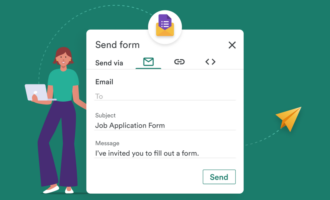
This pre-designed document enables your human resources team to collect information from job applicants. Include this form in the careers section of your website, on the employee advancement opportunities page of your intranet site, or as a link in a help wanted ad.
While Google Forms can handle simple job application forms, — for example, if you’re learning how to create a Google Forms job application — Jotform offers more than 200 HR-ready job application templates that help you collect detailed candidate information, resumes, portfolios, and consent in a more structured way. With features like file uploads, conditional questions, approval workflows, and integrations with HR tools, Jotform makes it easier to manage applications, standardize hiring processes, and keep all candidate data organized in one place.
9. Find a time template
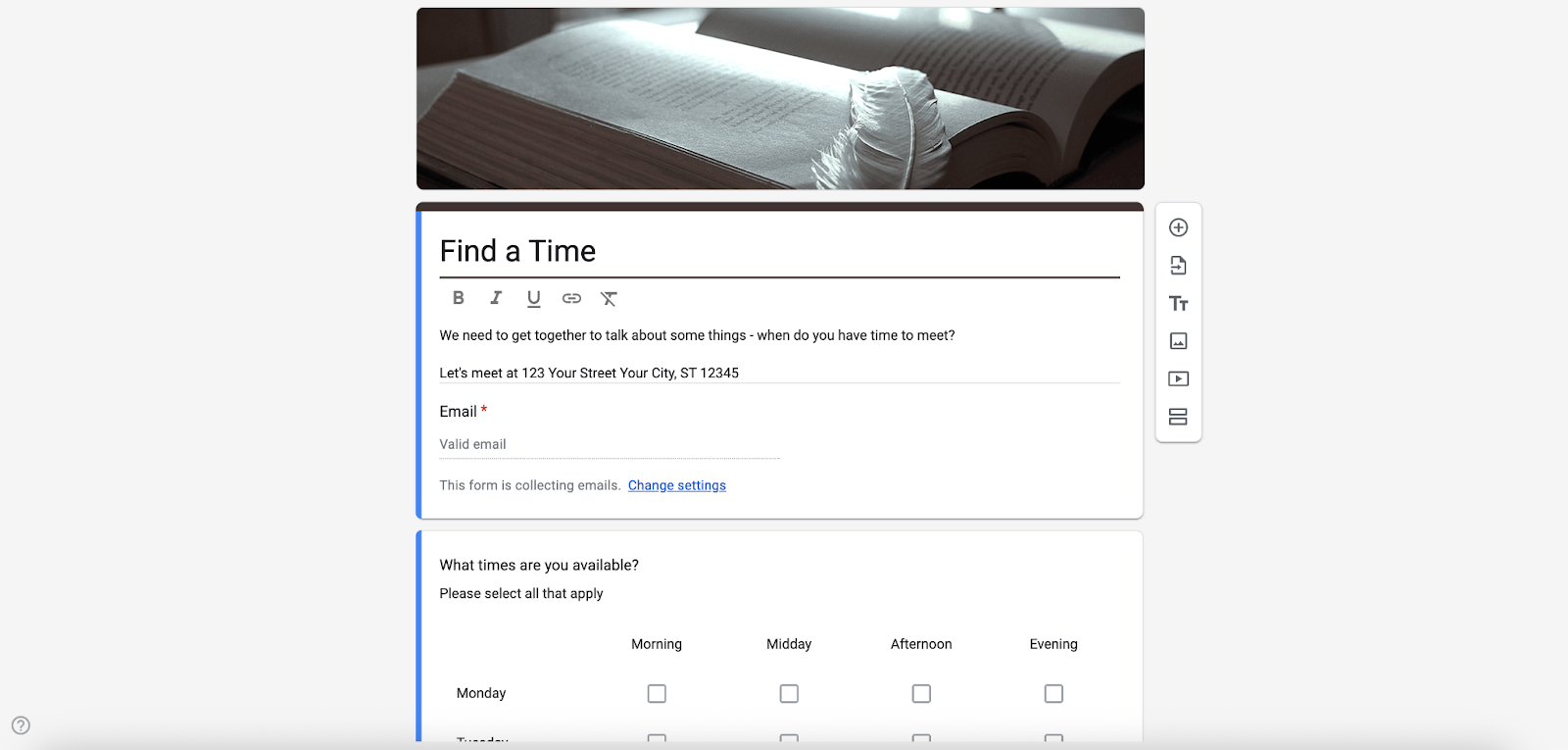
Category: Personal
For schedulers and attendees alike, this template can help streamline the scheduling and coordination of meetings in a more convenient way than via emails.
It’s possible to use Google Forms to build a basic timesheet, but Jotform’s Simple Time Sheet Form template is already structured to capture daily hours, overtime, and job details — making it especially useful for industries like construction, manufacturing, and retail where accurate day-by-day tracking matters. Why not take things one step further and use Jotform’s Form Builder to also brand the form, add widgets, and connect submissions to tools like Google Sheets, Google Drive, and Dropbox. Ultimately, Jotform empowers you to turn a simple timesheet into a professional, integrated time-tracking system.
10. T-shirt sign-up form template
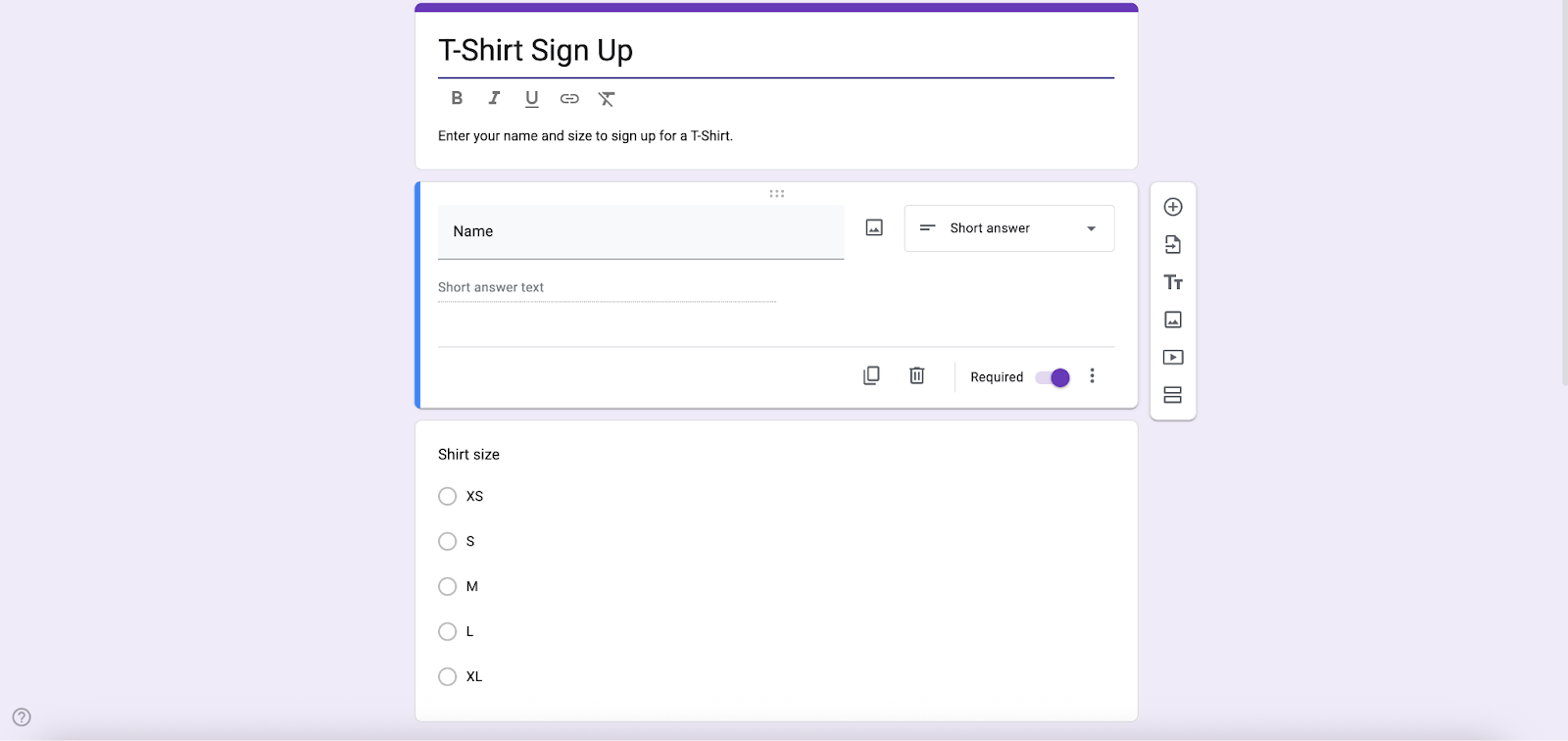
Category: Education
This form allows you to collect T-shirt orders for fundraisers, events, or team merchandise.
A basic T-shirt sign-up sheet works well in Google Forms. But if you’re after a wide range of ready-made T-shirt order form templates for fundraisers, school events, company merch, and more, turn to Jotform. You can easily customize these templates (each with size, color, and quantity options built in), add product images and secure payment fields, and connect them to tools like Google Sheets or your CRM. You’ll turn simple T-shirt orders into a smooth, trackable sales workflow. form allows you to collect T-shirt orders for fundraisers, events, or team merchandise.
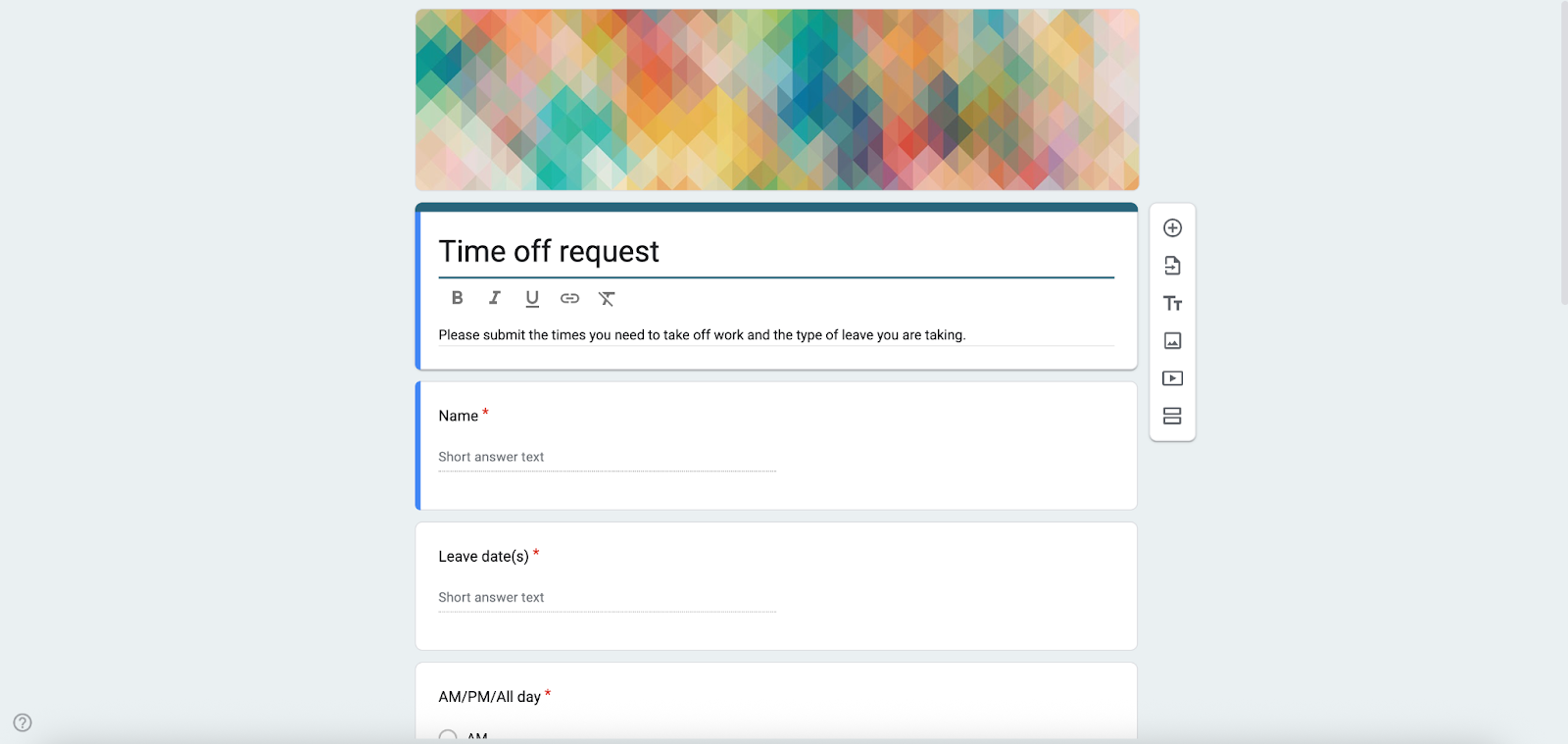
11. Time off request template
Category: Work
Employees can use this template to submit formal time off requests from work, such as sick leave, personal days, or vacation time. It’s helpful for planning and coordinating schedules for managers, too. For example, you can request that C-suite executives submit this periodically to simplify scheduling and planning for chain-of-command coverage.
HR teams know that leave policies vary wildly, including everything from vacation and PTO to hybrid work, night shifts, and religious holidays. Jotform’s full library of specialized time off request forms reflect that reality. Manager approvals, file uploads for documentation like doctor’s notes, and conditional logic for different leave types all come built in. Jotform Tables keeps everything organized and compliant, too. Compare that to Google Forms, which can handle the basics (dates and reasons) but doesn’t scale well for complex HR workflows.
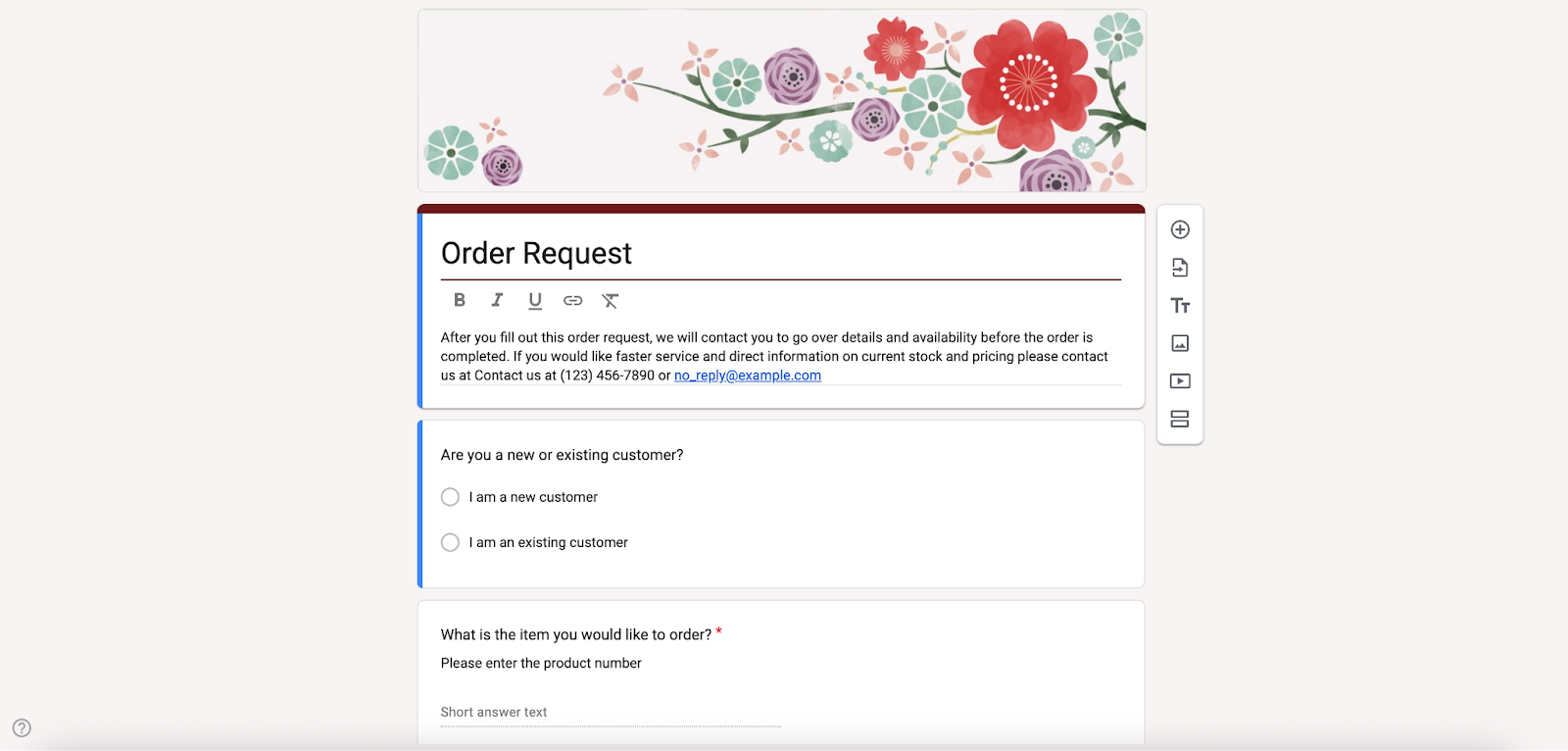
12. Order form template
Category: Work
This template is a staple of e-commerce and bricks-and-mortar retail. The order form template removes the hassle from collecting and managing customer orders.
Whether you’re running a restaurant, managing wholesale accounts, or setting up subscription services, Jotform’s order form templates come ready for your specific use case. Payment fields, calculation options, and inventory-style fields are already configured, and integrations with your existing business tools happen in a few clicks. If you only need a basic order sheet, Google Forms will do – but for a smooth, trackable sales workflow, you’ll want the depth that Jotform provides.
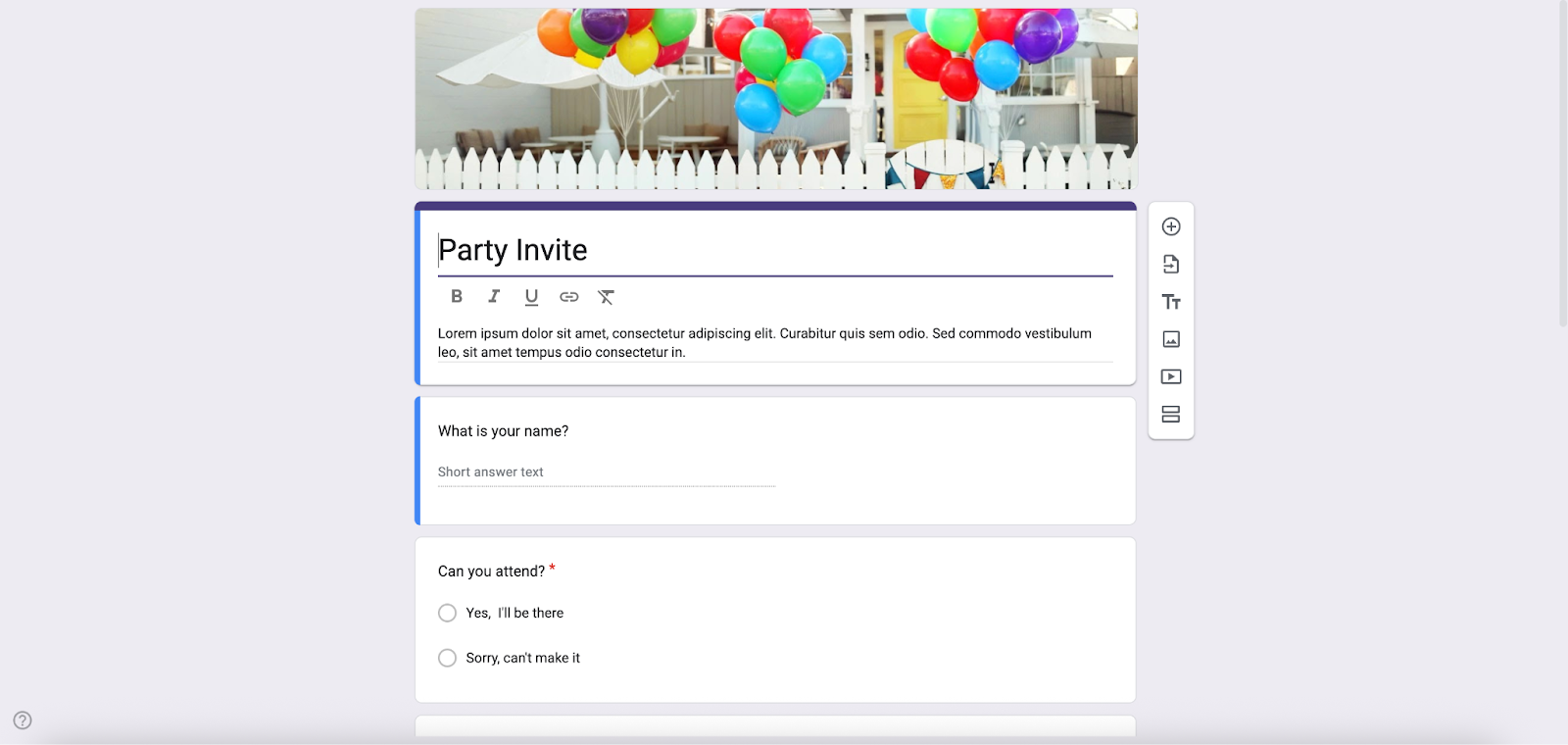
13. Party invite template
Category: Personal
You can customize this template to create guest event invitations.
Managing a guest list shouldn’t mean juggling spreadsheets and group texts. With Jotform’s dedicated party invitation and RSVP experience, you get mobile-friendly designs that capture details like guest counts, plus-ones, and special requests. With automatic tracking in Jotform Tables and flexible sharing options — from links and embeds to QR codes and social posts — it’s much easier to manage your guest list, send confirmations, and keep every detail of your party organized in one place. Google Forms handles simple party invites and headcounts fine, but Jotform’s organizational power is unmatched.
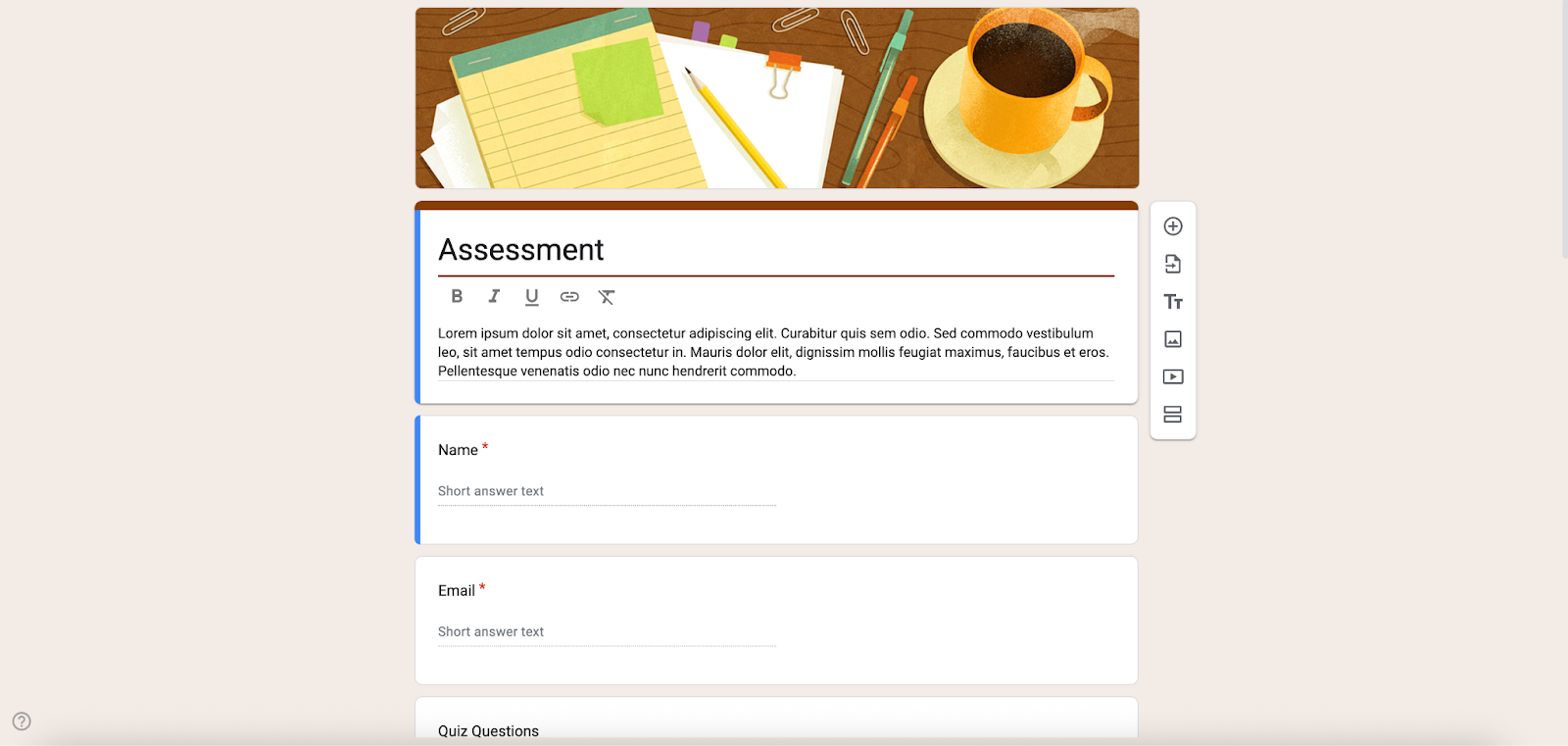
14. Assessment template
Category: Education
The assessment form is a survey that collects information and evaluates an employee or team’s skills, knowledge, abilities, or performance.
While Google Forms can be adapted for basic assessments, Jotform offers a dedicated category of over 300 assessment form templates spanning education, HR, healthcare, customer feedback, and more — so you can start with a structure that already fits your use case. With a wide range of question types like Likert scales, rating grids, sliders, file uploads, open-ended text, and conditional follow-up questions, it’s much easier to design nuanced assessments that capture detailed, high-quality responses instead of just simple checkboxes and short answers.
15. Exit ticket template
Category: Education
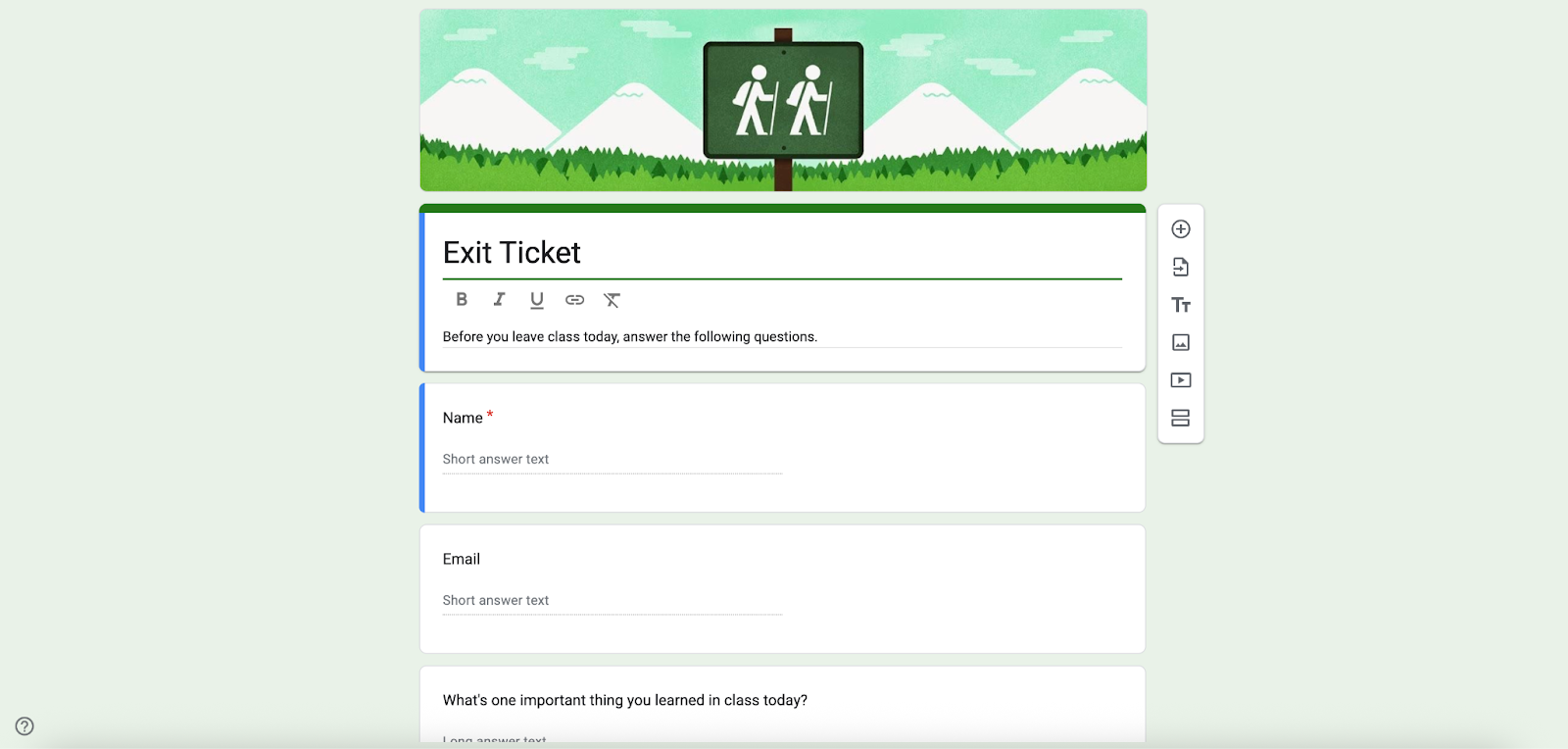
The less-intensive younger sibling of the course evaluation form, the exit ticket is a brief form that allows training administrators to gauge attendee understanding and identify areas where they may need additional support.
Teachers checking for understanding at the end of a lesson can use Google Forms to build something simple. Or they can use Jotform’s Exit Ticket form, which comes pre-structured with fields for student name, date, ratings, feedback, and suggestions. On top of that, Jotform’s AI Exit Ticket Generator can instantly create personalized exit tickets from your lesson materials, so you get tailored questions and deeper insights without spending extra time writing them yourself.
16. Blank quiz
Category: Education
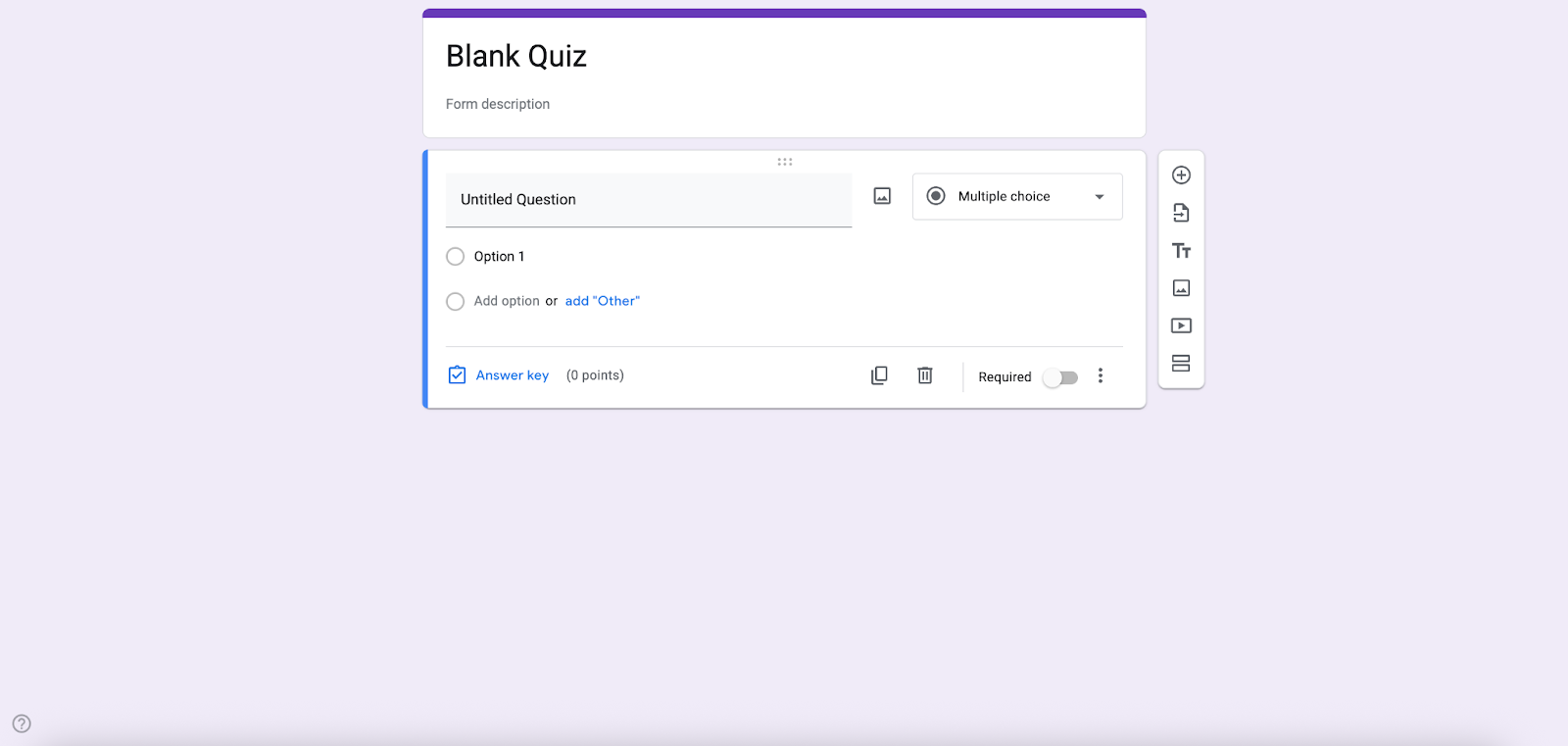
This template can help you get started with personal and confidential inquiries that require detailed, long-form responses that go beyond multiple-choice questions — such as an employee satisfaction survey or a skills audit.
Sure, Google Forms can handle a simple blank quiz. But only Jotform gives you a full quiz ecosystem — with hundreds of ready-made quiz templates for exams, trivia, personality quizzes, and more. Best of all, many are already set up with automatic scoring and calculation fields.
Jotform’s AI Quiz Generator can instantly build quizzes from your prompt or uploaded files, letting you customize multiple-choice, single-choice, and yes/no questions. The result is that you spend less time writing items and more time reviewing results.
17. Worksheet form
Category: Education
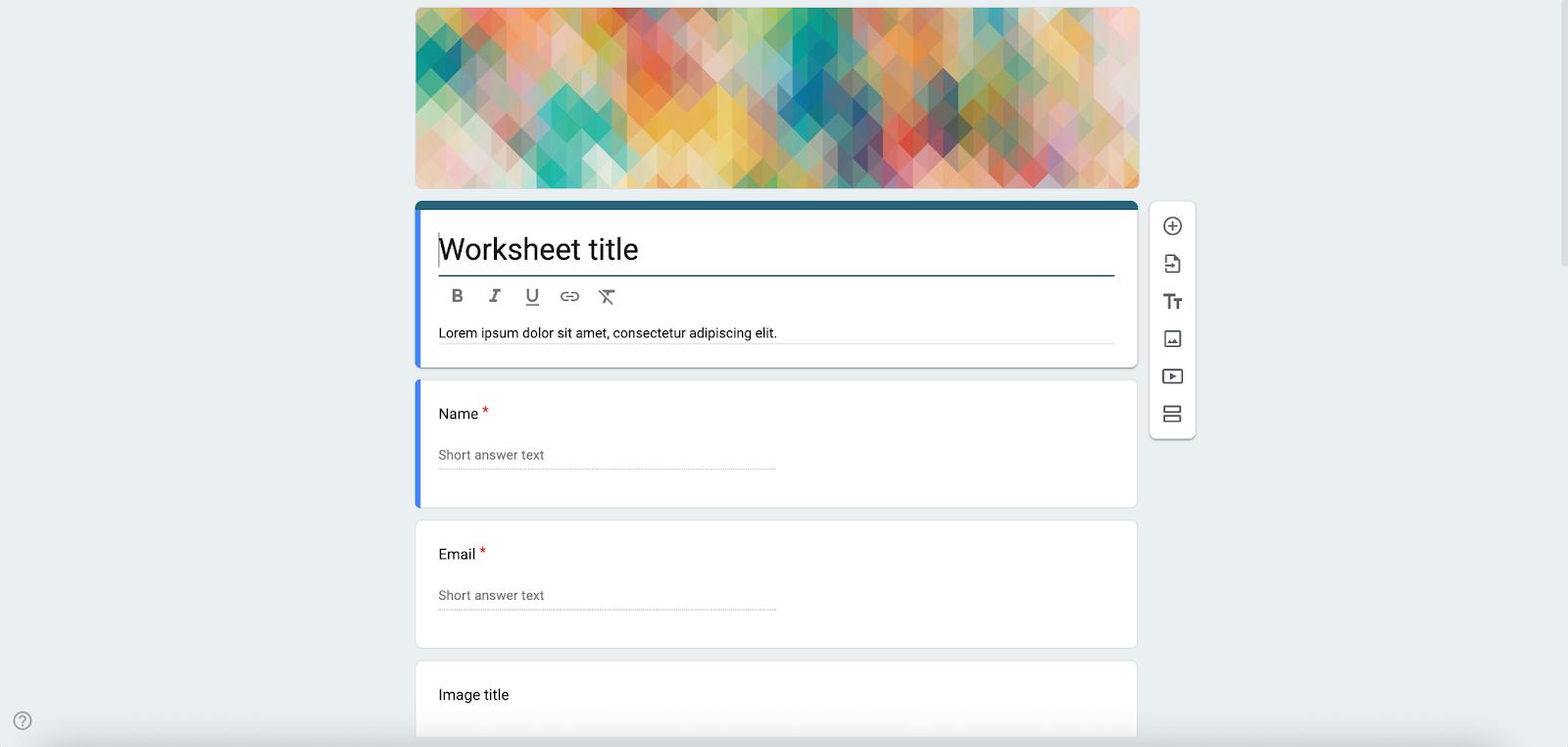
Use this adaptable, multipurpose format for classroom training exercises for any department in your organization.
From worker timesheets to wedding shot lists, Jotform’s worksheet-style forms come prebuilt with the fields, checklists, and layouts you need — as opposed to the simple blank structure that Google Forms provides. With deeper customization options, automation, and integrations, it’s easier to turn Jotform’s worksheets into practical tools for managing real workflows instead of just collecting basic responses.
How to customize Google Forms templates for business
Follow these basic steps to create a Google Form and customize it to your needs.
1. Choose a form template
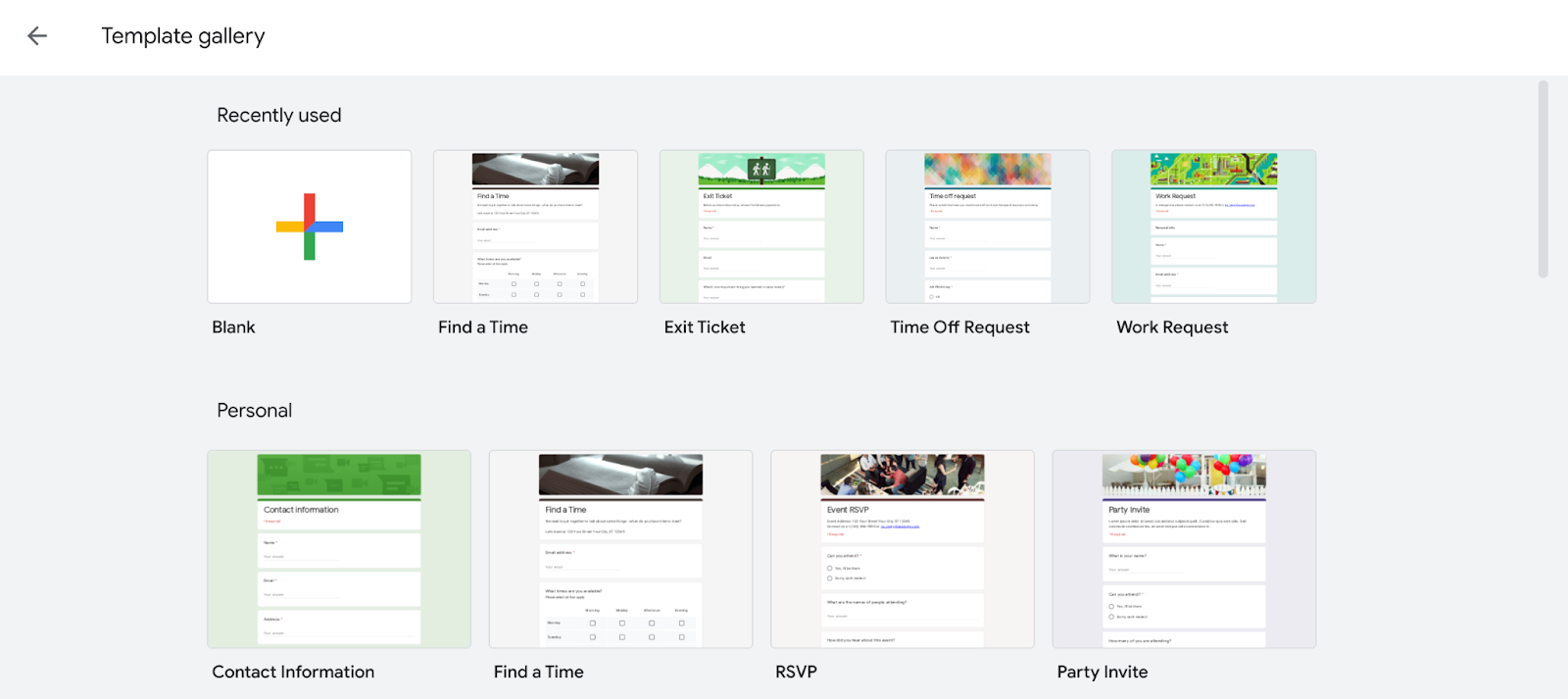
From any Google product, click on the grid icon in the upper right and then select the Google Forms icon in the apps library. Select Template gallery in Google Forms. Browse through the list of Work, Education, and Personal forms to click on a template you like.
2. Edit your form header image
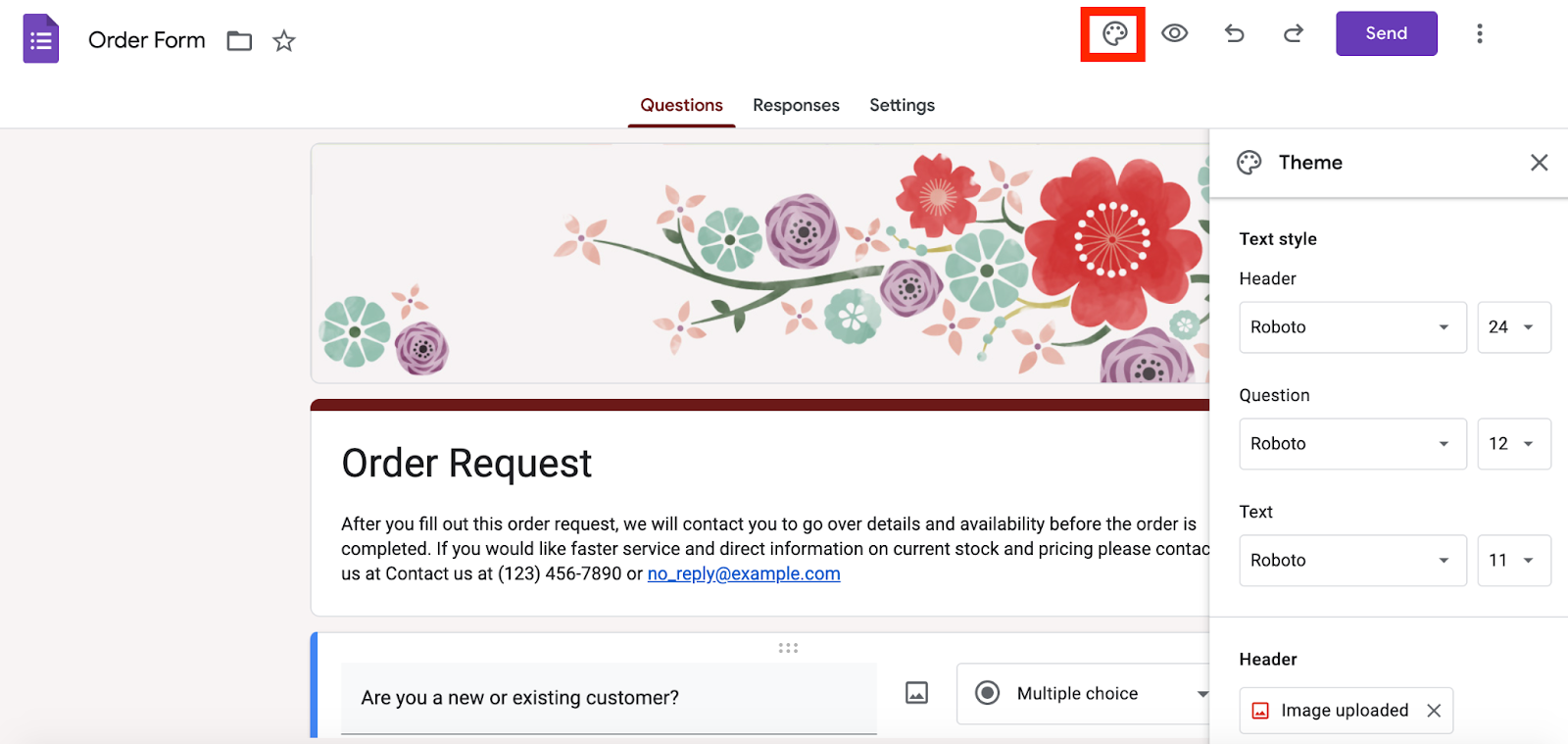
Once you select a template, you can customize the header image first. Select the paint palette icon in the upper-right corner of your screen and scroll to the section called Header to change the image. (You may even choose a custom image if you wish.)
Once you’re in the form template, Google might also prompt you to take a tour of the platform — you can choose to do this if you want a Google-led overview of your options.
3. Edit your form text
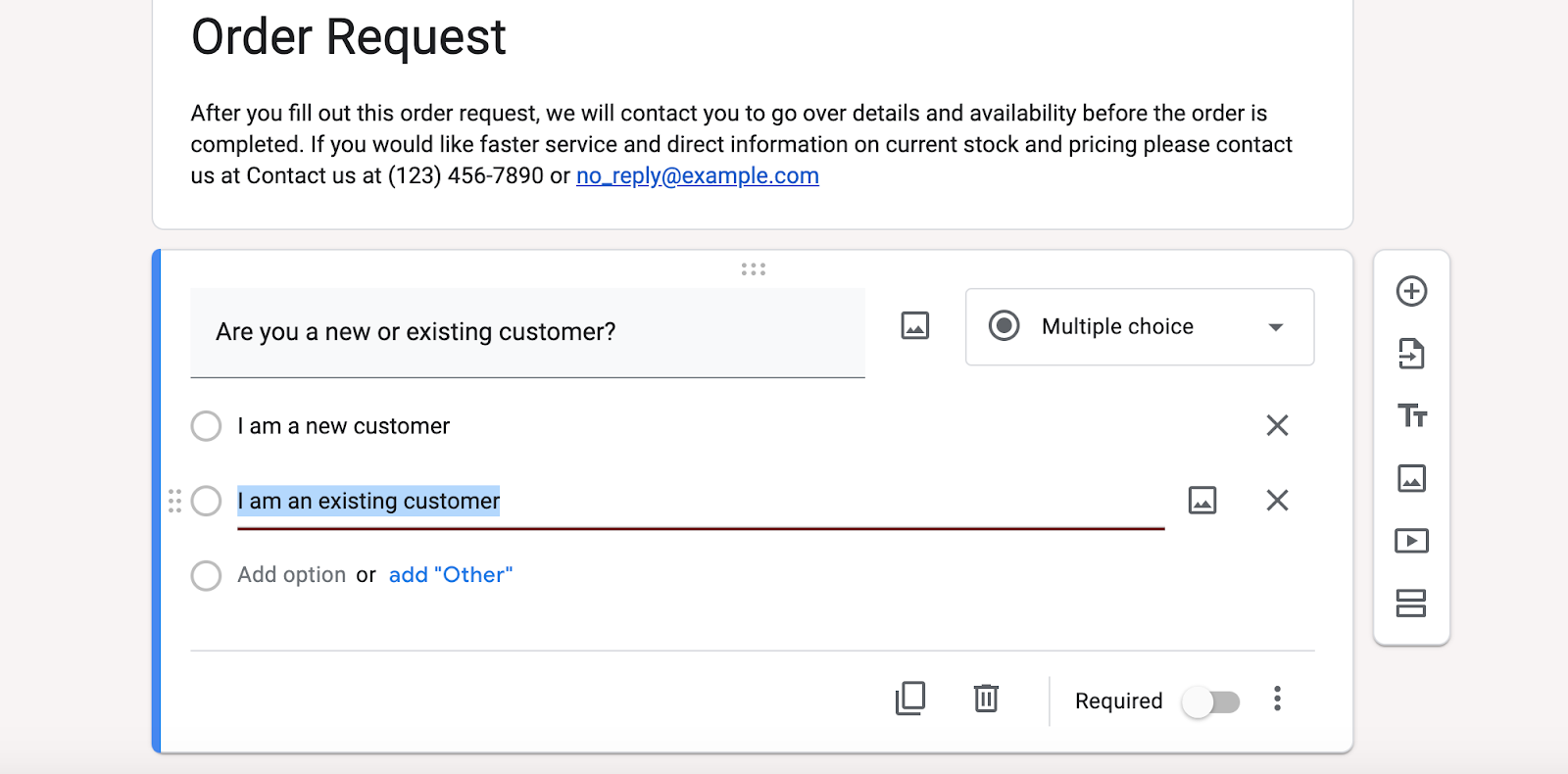
Click into the main title and supporting text for your form to edit these elements. Likewise, click into the box of each question to change the type of question or the answer options offered or to edit the text displayed in the question.
4. Preview your form
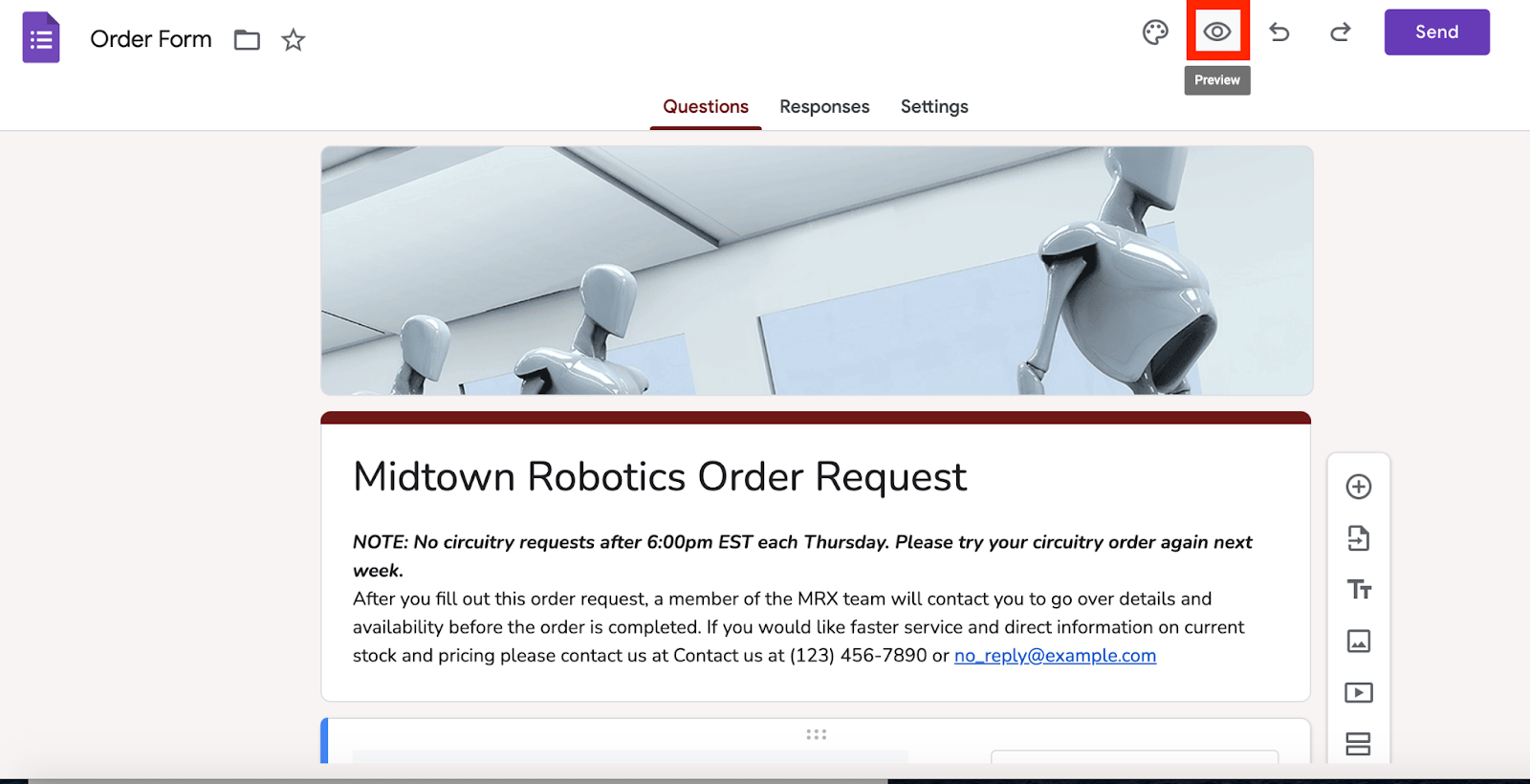
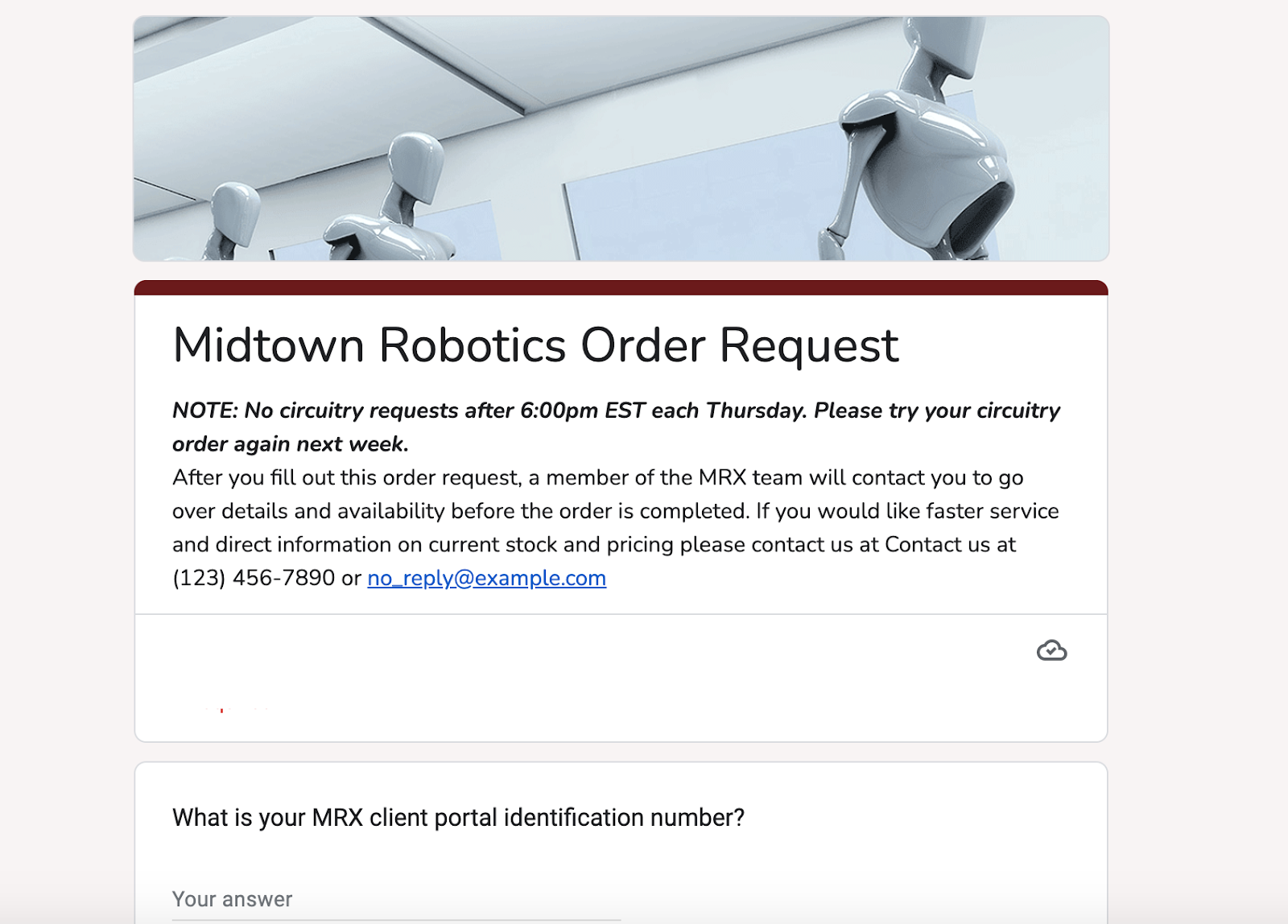
Click the eye icon (in the top toolbar) to preview how your form will look to respondents.
5. Deploy your form
Click the purple Send button to send the form via email, to copy and paste a link to it elsewhere, or to embed it on your website.
Ways to use Google Form templates
While Google provides only a handful of built-in templates, you can easily adapt the tool to create additional forms that aren’t in the template gallery but are highly useful in business settings:
- Employee onboarding form: Collect new hire details, such as personal information, emergency contacts, and equipment needs, to streamline the onboarding process.
- Expense reimbursement form: Allow employees to submit receipts and expense details for quick and organized reimbursement processing.
- Internal survey form: Run anonymous employee satisfaction surveys, pulse checks, or workplace climate assessments to better understand team needs.
- Training registration form: Enable employees to sign up for internal workshops, webinars, or certification programs.
- IT support request form: Give staff an easy way to report technical issues, request access to systems, or log troubleshooting tickets.
- Performance review form: Facilitate structured feedback by having managers and employees fill out standardized performance evaluation forms.
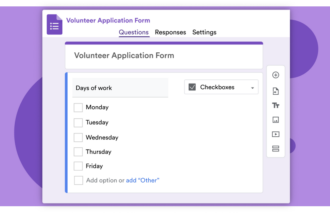
- Volunteer sign-up form: Coordinate participation in CSR initiatives or company events by collecting volunteer information and availability.
If the Google Form templates for business above aren’t relevant or flexible enough for you, try an online form solution like Jotform. With over 20,000 form templates to choose from, you’ll likely find one that meets your needs — whether it’s for HR department documentation, an IT help desk request, a marketing campaign, or countless other functions.
Jotform’s templates can help you streamline common business processes and make sales orders, purchase orders, and customer service tasks more efficient. Its wide selection offers not only forms to fit almost every type of business, but also a number of different products, integrations, and widgets for automating any business workflow.
FAQs
Yes. Google Forms includes a small set of built-in templates organized into Personal, Work, and Education categories, which you can customize for uses like contact information, event registration, or feedback collection. If you need more variety or advanced features, you may want to look at a dedicated form tool like Jotform, which offers thousands of ready-made templates for different business workflows.
ChatGPT can’t directly build or publish a live form in your Google account, but it can help you plan and write the form content — for example, by drafting questions, suggesting response types, or structuring a complete form layout for a specific use case. You can then copy those questions into Google Forms (or another form builder, like Jotform) and quickly turn the AI-generated structure into a working form.
This guide is ideal for business owners, team managers, HR professionals, educators, and event organizers who want to streamline the way they collect and manage information.



























































































Send Comment: