
You already know how to sell on Shopify, you’re well-versed in how to ask for testimonials from your customers, and now you want to take your Shopify store to the next level by showcasing those reviews. One way to accomplish that is to embed testimonials from another platform in your online store for visitors to read.
Trustpilot is one of those platforms. But while you can embed Trustpilot reviews on Shopify, there’s no native Trustpilot Shopify integration — you’ll need to use a third-party solution.
We’ll cover two practical ways to display Trustpilot reviews on your Shopify store, from the official app to a no-code widget, so you can choose the method that best suits your needs.
Method 1: Use the Trustpilot official Shopify app
Trustpilot has its own app within Shopify, and for merchants already committed to the Trustpilot ecosystem, it’s the most straightforward place to start. The app handles the connection between your Trustpilot profile and your Shopify storefront, allowing you to pull in reviews without manually copying any embed code.
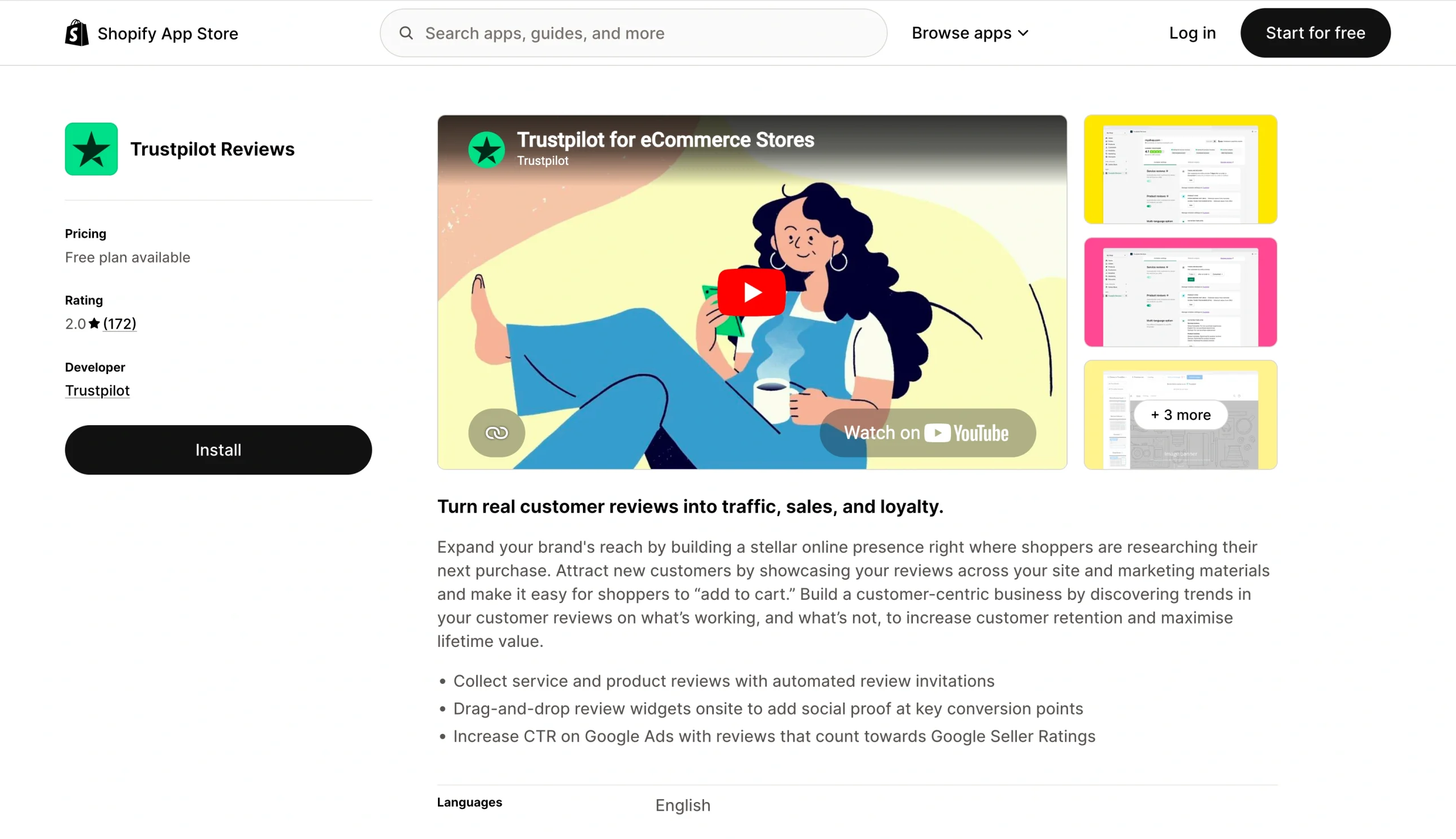
One thing worth noting up front is that many of the most useful display features — such as custom widget styles, advanced branding options, and full review management — are available only through paid Trustpilot plans. If you’re using a free Trustpilot account, you may find the options more limited than you’d expect.
To add Trustpilot reviews to Shopify using this app, follow these steps:
- In Trustpilot Business, navigate to Integrations > Ecommerce > Shopify.
- In the text field, enter your Shopify domain, then click Connect to open Shopify in a new window.
- Click Install app.
- When a new Trustpilot Business window opens, log in to continue.
- From the dropdown menu, choose which Trustpilot domain to connect with your storefront and check the box.
- Click Connect to finalize. Shopify will redirect you to its Trustpilot app.
Using this approach to display Trustpilot reviews on Shopify is best suited to merchants who already have an active Trustpilot subscription and want a managed integration. If you’re working with a free Trustpilot account or want more flexibility in how your widget looks, the next option provides more fine-grained customization options without requiring a paid plan.
Method 2: Manually add Trustpilot reviews to your Shopify store
Through a paid Trustpilot Business plan, you can also grab a widget embed code directly from your Business account dashboard, so you don’t need third-party tools. This manual embed workflow is a good choice if you want a fast, no-code option and the freedom to place reviews wherever you want inside your Shopify store.
The main difference from Jotform’s widget is that you’re working with Trustpilot’s own widget builder, which offers its own set of display options. Customization here is more limited, but if you already have a Trustpilot Business account, you can quickly get reviews live in your store.
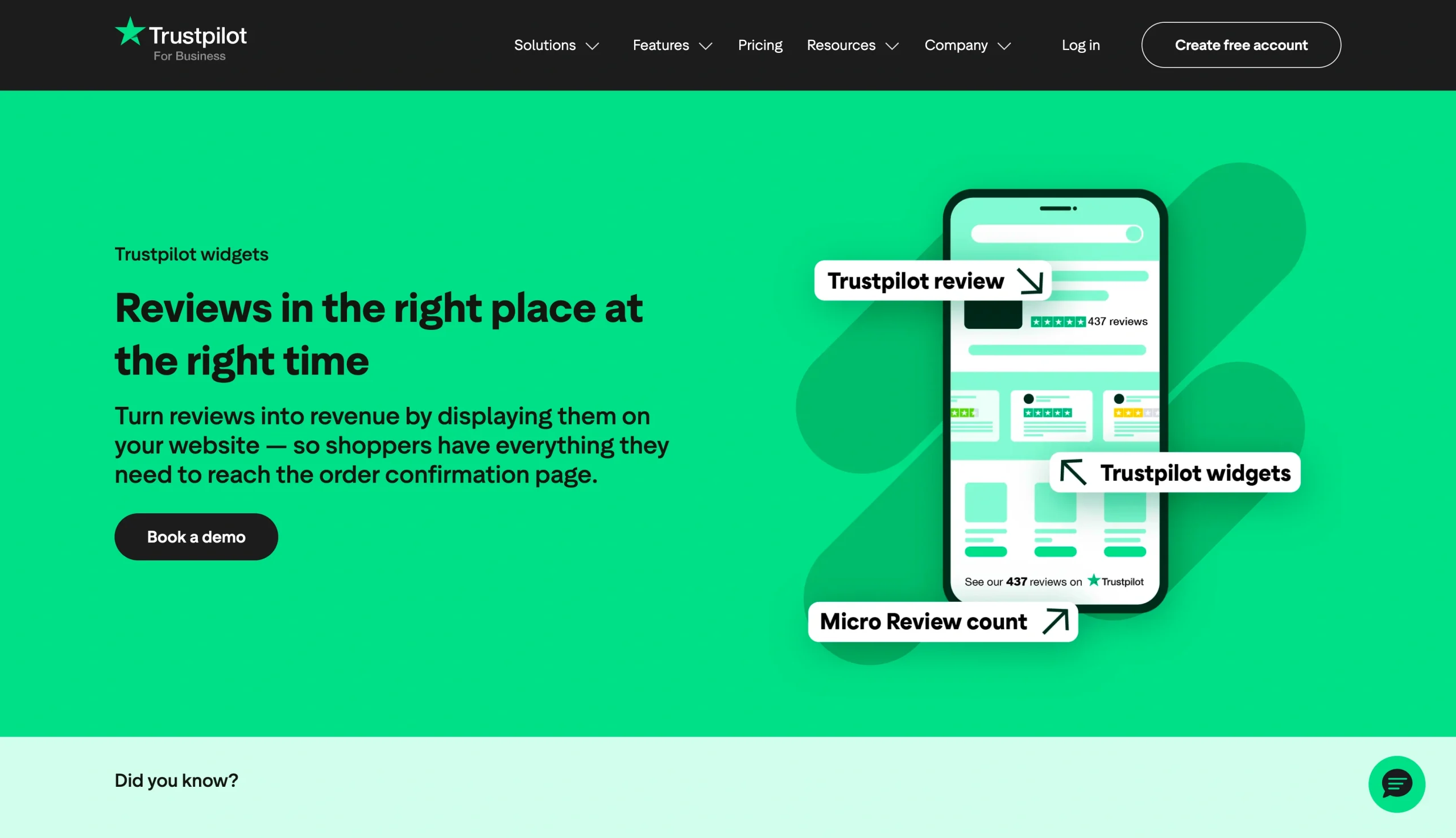
To embed Trustpilot reviews on Shopify using Trustpilot’s service review widget:
- Log into your Trustpilot Business account. Under your profile settings, go to the TrustBox widgets section. Here, you can browse the available widget layouts and select the one you like best. Use the customization panel to adjust colors and display settings, and then copy the embed code that Trustpilot generates for you.
- Open your Shopify admin and go to Online Store > Themes > Customize. Find the page or section where you want to display your Trustpilot reviews, and navigate to that area in the theme editor.
- Add a Custom Liquid block to the section and paste in the embed code that the TrustBox widget generated. The widget will pull in live review data from your Trustpilot profile and display it automatically on your storefront. The display will stay current even as customers leave new reviews, without any extra work on your end.
This option is a practical shortcut for anyone who already uses a Trustpilot Business account and wants to add reviews to their store without installing anything new. The main trade-off compared to Jotform’s Trustpilot Review Widget is that you won’t have as much granular control over how the widget appears before you embed it.
Best places to display Trustpilot reviews on a Shopify store
Where you place your reviews is just as important as whether you display them at all. Embedding them somewhere no one looks is futile, but placing them at strategic points in the shopping experience can significantly influence your customers’ behavior.
Here is where embedded reviews tend to have the most powerful impact.
Your store homepage
Your homepage is usually the first screen a new visitor sees, and a trust section featuring real customer reviews immediately tells them that others have bought from you and had a good experience. A star-rating badge or a short review carousel near the top of the page is enough to establish brand credibility before a visitor scrolls further.
Product pages
Reviews play a very specific role on product pages: They address the purchase hesitation that can kick in right before a shopper clicks “add to cart.” Seeing a few positive reviews about the exact product they’re looking at can alleviate that hesitation, making them far more likely to follow through on the purchase than someone who sees no social proof at all.
Pro Tip
Reviews can reduce purchase hesitation, but shoppers may still have questions about specific products or store policies. Jotform AI Chatbot provides real-time answers, recommends relevant products, and offers 24/7 assistance, complementing the social proof displayed on your product pages.
Landing pages
If you’re sending paid traffic to dedicated landing pages, place reviews there. Someone who clicked an ad is already interested in what they saw, and they just need a reason to trust a store they haven’t bought from before. A Trustpilot widget showing your overall rating and recent reviews on your landing page establishes that trust.
Collection pages
By the time they reach collection pages, shoppers are often in comparison mode, looking at multiple products side by side before committing to one. An overall brand rating displayed at the top of those pages adds a layer of credibility that applies across your entire catalog, even before they begin comparing products.
Your about us page (or dedicated reputation page)
These pages are designed to cement your overall brand trust, so placing reviews here makes perfect sense. Your about us page, a dedicated reputation page, or a customer testimonial page are the perfect spots to showcase your total review count, your Trustpilot rating, and a selection of standout quotes — particularly for first-time visitors who want to know who they’re buying from before they start browsing.
Build trust on Shopify without slowing down your store
Adding Trustpilot reviews to your Shopify store is one of the easiest ways to build credibility with new shoppers and encourage more purchases. Fresh, authentic customer feedback reassures visitors that your products and business are trustworthy, helping increase conversions and strengthen your brand.
The way you display reviews matters, though. A clean, responsive review section that automatically stays up to date creates a better shopping experience while showcasing genuine customer experiences.
With Jotform’s Website Widgets, you can add review widgets from platforms like Google Reviews, Tripadvisor, eBay, Etsy, and more — all without writing code. Explore Jotform Website Widgets to enhance your Shopify store with social proof that helps turn visitors into customers.
This article is for Shopify store owners, ecommerce teams, website operators, and anyone who wants to embed Trustpilot reviews on a Shopify store to build credibility, reduce purchase hesitation, and improve conversions.


















































Send Comment: