
Filing cabinets aren’t exactly ancient relics, but most offices aren’t storing many documents in them anymore. And forget about walking a report down the hall to a coworker. Most paperwork now lives in the cloud. Microsoft SharePoint and DocuShare are two platforms teams use to manage and share those digital documents.
While these tools share some similar features, they serve different purposes. SharePoint is part of Microsoft 365, so it works well for teams of all sizes. It combines document management with intranet publishing and collaboration tools.
Xerox DocuShare, on the other hand, is built for enterprises that handle thousands or even millions of files. It lets teams capture documents from multiple sources, such as emails and photos, and move them through workflows. It also includes advanced compliance and security features to help protect sensitive data.
So which platform is right for your team? It all comes down to your budget and workflows. This guide breaks down the differences between SharePoint and DocuShare, including use cases, core features, workflow depth, and pricing.
 SharePoint |  DocuShare | |
|---|---|---|
| Best for | Collaboration and remote teams | Enterprises and businesses in highly regulated industries |
| Who should use it? | Teams that prioritize collaboration | Companies in regulated industries such as healthcare and finance |
| Unique features | Intranet sites, Microsoft 365 integrations, and real-time coauthoring | AI-powered automations, document capture, and life cycle management |
| Free trial | Yes | Yes |
| Pricing | Starts at $5 per month | Around $220 per month |
SharePoint
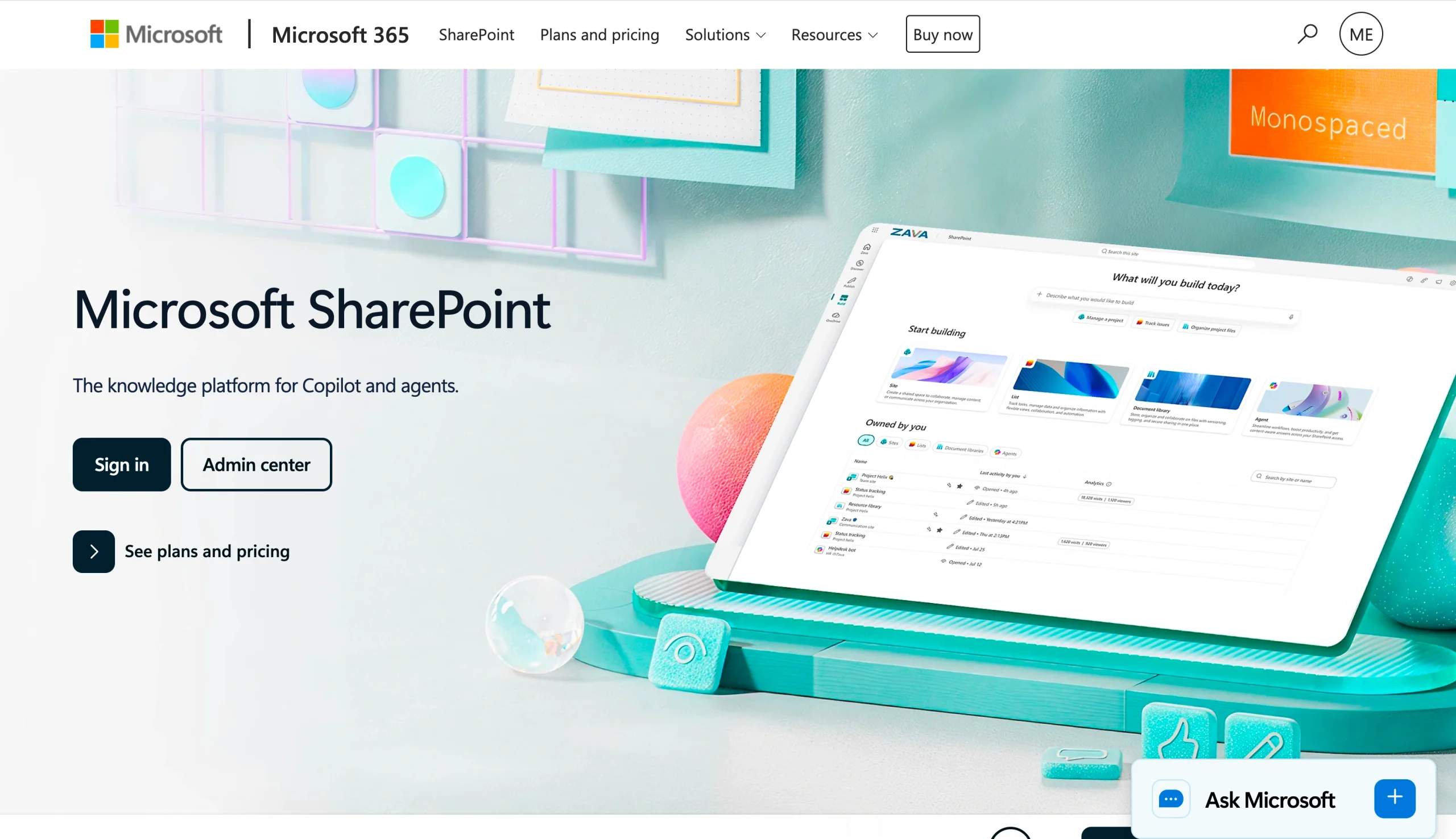
Microsoft SharePoint is a cloud-based workspace for storing and co-editing documents and other content. It’s best for collaborative teams that often work on the same files.
This software integrates with other Microsoft 365 products, including Excel and Word. For example, if you’re drafting a report in Word, you can save it to SharePoint and get feedback from your colleagues in the same document. That’s much easier than sifting through a long email chain.
SharePoint also lets organizations create intranet sites for specific teams or projects. These private hubs make it easier to share resources and collaborate. A marketing department might build a site for its brand guidelines, while the sales team uses its space to workshop product demos.
However, SharePoint has a steep learning curve and requires ongoing maintenance. Reviewers also mention that it’s difficult to integrate this software with third-party tools, especially if you don’t have coding experience. If your business regularly moves documents across many different platforms, SharePoint may feel too clunky.
What makes SharePoint unique?
SharePoint is an incredibly customizable document management tool. Instead of organizing files into basic folders, you can build themed intranet sites that only your team can access.
You don’t need any web design experience to get started. With a gallery of templates and a convenient drag-and-drop editor, you can quickly create tailored pages for specific content or teams. If you’re hiring new employees, build an onboarding site with orientation materials. If you’re planning an Instagram campaign, store all the photos and videos on one site.
SharePoint also embeds within the entire Microsoft 365 ecosystem. Upload your documents into the SharePoint library, and other people can edit them alongside you.
Let’s say you have a major client presentation tomorrow, but the slides still look rough. You share your PowerPoint file through SharePoint, and a more design-savvy colleague jumps in from home to clean it up. Crisis averted.
Another major advantage is its connection with Power Automate, Microsoft’s workflow automation platform. Together, these services allow you to automate your document management workflow based on specific triggers. For example, you can automatically send completed forms to HR for approval or notify management whenever someone uploads an expense report or legal contract.
SharePoint offers over 100 workflow templates, so these simple automations are easy to set up. These workflows help teams stay organized and make document management more efficient. Instead of sitting unnoticed in a folder for days, files automatically move to the next stage.
If this platform doesn’t quite check all your boxes, these SharePoint alternatives might be a better fit.
DocuShare
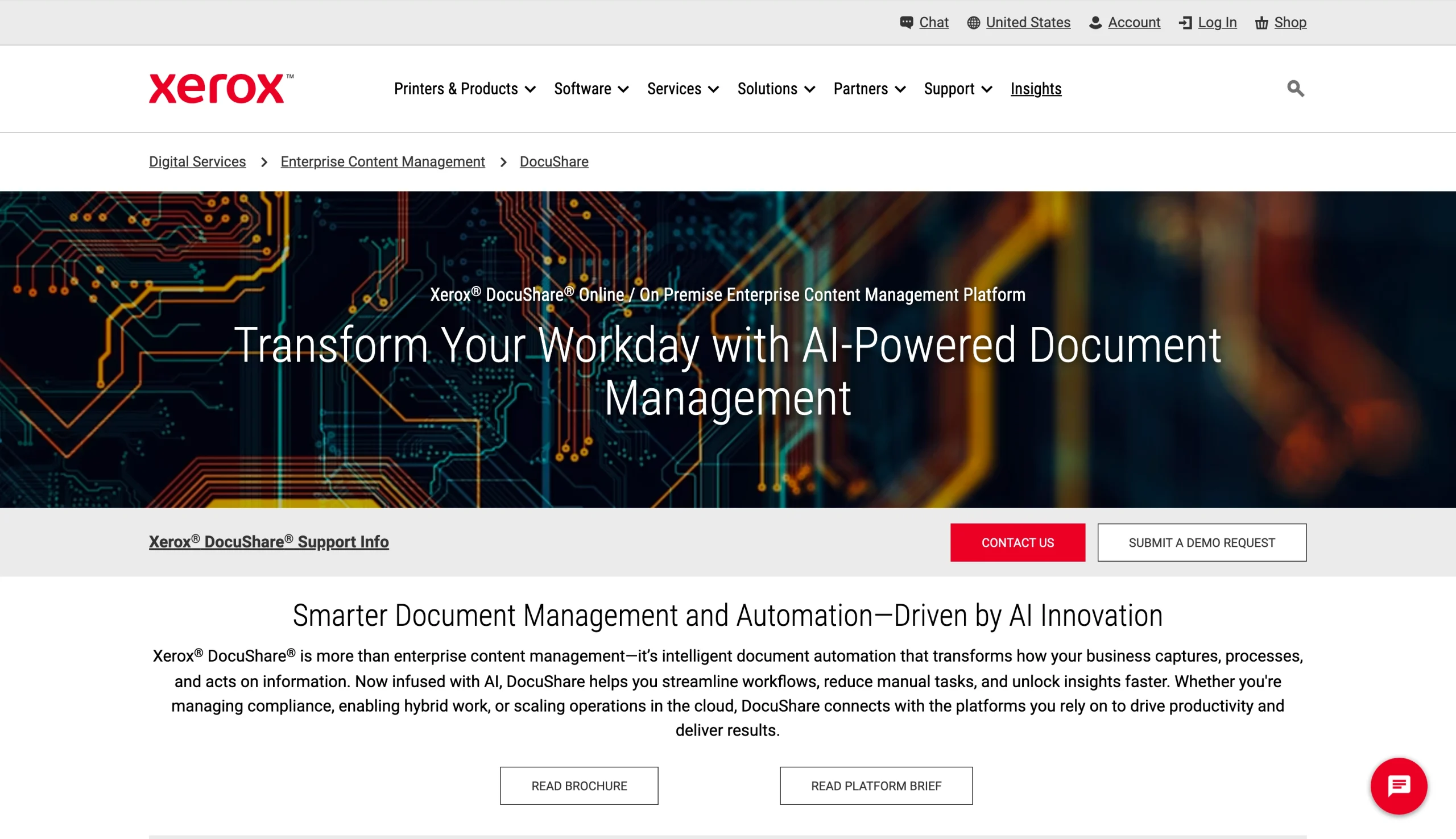
Xerox DocuShare is an enterprise document management system built for large organizations that need to capture and store thousands of documents while keeping them secure and compliant.
This platform stands out for its advanced security measures. It uses encryption to protect sensitive data during file uploads and collaboration, while role-based access controls limit who can view confidential documents. DocuShare also supports regulatory frameworks, such as HIPAA and GDPR. You can safely upload everything from healthcare records to student transcripts.
Another key difference between SharePoint and Xerox DocuShare is the way each relies on AI. SharePoint uses AI for basic tasks, such as generating site content or triggering actions. DocuShare takes a more automation-focused approach. You can use AI to capture documents, extract data, summarize files, and even organize documents into the correct folders.
That said, DocuShare may feel too complex if your team doesn’t handle sensitive records or large file volumes. It’s also less collaborative than SharePoint. While you can leave comments on shared files, you can’t coauthor documents simultaneously. Instead, you must check out documents during editing, which temporarily locks them. That can lead to issues if you’re rushing to finish a last-minute report with a coworker.
What makes DocuShare unique?
Intelligent automation is one of DocuShare’s standout features. Its Intelligent Capture tool automatically gathers and classifies data from digital documents. For example, a law firm could use it to extract key details from witness testimonies and sort evidence by client.
You can also scan physical documents using the DocuShare app. AI and machine learning tools automatically recognize data and convert scans into searchable PDFs or Microsoft Office files. That’s much faster than manually transcribing paperwork, especially if the handwriting is difficult to read. Instead of trying to figure out whether a client wrote “any” or “and,” you can let AI decipher it.
DocuShare also includes a Lifecycle Manager. This AI-powered tool automatically reviews and updates documents for compliance and securely disposes of files you no longer need. The next time you’re audited, you won’t have to scramble to tidy up your files.
Flexible storage is another perk. DocuShare Online stores documents in a secure, fully managed cloud environment. If your organization prefers to keep files local, DocuShare On-Premise lets you store them on an onsite server. That option may work better for organizations with stricter compliance or data storage requirements.
Check out these DocuShare alternatives for a more in-depth enterprise content management comparison.
SharePoint vs DocuShare in 2026: Head-to-head comparison
Both document management software tools provide a secure place to store files, but they have different priorities. SharePoint focuses on collaboration, while DocuShare is geared toward compliance and automation. Here’s what to consider when choosing between SharePoint and DocuShare.
Ease of use and implementation
If your team already uses Microsoft 365, SharePoint is the clear winner. It’s easy to set up and learn, which can shorten onboarding time. For example, you can quickly upload documents by dragging them from your computer to a SharePoint library.
SharePoint has simple menus and a clean interface, so even beginners can figure out how to organize and share files quickly. However, your team may still need training for more advanced tasks, such as building custom workflows.
DocuShare is more complex. Initial setup may require installing software and configuring servers. If you’re not tech-savvy, you may need help from an IT expert. The platform can also be slow, especially if you’re working with large files, which might make everyday document management feel less efficient.
Collaboration and content sharing
Your team probably doesn’t work on documents in a vacuum. Team members are reviewing one another’s reports and editing slide decks. What those interactions look like depends on whether you choose SharePoint intranet or DocuShare’s access controls.
SharePoint excels at broader collaboration. Teams can coauthor documents simultaneously and see changes as they happen. If some of the edits miss the mark, version control makes it easy to revert to an earlier draft. You can also use permissions settings to control who has access to files and sites.
By contrast, DocuShare is much stricter with content. It still includes basic collaboration features, such as comments and version control. However, it allows only one user to edit a file at a time, which means no real-time coauthoring.
Its access controls are also more rigorous than SharePoint’s, which can make file sharing more tedious. For companies with strict compliance requirements, though, that’s a benefit, not a pitfall.
Document management and governance
The differences between SharePoint and DocuShare are even more noticeable when it comes to document management and governance. After all, the last thing you want is to upload all your documents to a platform that bogs down your team.
DocuShare is an enterprise content management (ECM) system designed to handle massive amounts of data. It offers AI-powered search and smart metadata features to help you stay organized. It also includes automated life cycle management, which lets you retain files needed for compliance and automatically remove records that you no longer require.
If compliance isn’t your top priority, SharePoint might feel more approachable. You can organize files into libraries and manage access, but the controls aren’t as strict. SharePoint also includes search, metadata, and life cycle management for sites.
Workflow automation and document processes
Managing documents can be incredibly time-consuming, especially if your team processes dozens of forms every day. Both SharePoint and DocuShare help speed up these workflows, but they have different features.
In SharePoint, you can use Power Automate to build approval workflows. For example, HR might automatically route vacation requests to a specific manager. You can also trigger emails or push alerts to certain teams or people when files are added to specific libraries. The platform includes dozens of prebuilt templates, so you can start automating in minutes. If none of those fit the bill, you can create custom workflows instead.
However, SharePoint doesn’t have built-in optical character recognition (OCR) or scanning tools. If you want to digitize physical paperwork and upload it to the cloud, you’ll need to use a third-party app.
This isn’t the case with DocuShare. It offers OCR in multiple languages, so you can easily turn physical documents into PDFs and other digital formats. Once you digitize the content, AI extracts key data and summarizes it.
Suppose your managers prefer taking handwritten notes during performance reviews. DocuShare can convert that paperwork and store it in the cloud, so you don’t need to worry about losing anything.
Automation is another notable DocuShare feature. You can build automated workflows for approvals, routing, reporting, and other routine processes. Those pipelines can have a huge impact on productivity for teams that spend a lot of time shuffling paperwork between departments.
Integrations and ecosystem fit
Compatibility matters when choosing a document management tool. If your software doesn’t integrate with the rest of your tools, you’ll end up wasting time duplicating files and coming up with workarounds.
If your team already uses Microsoft 365, SharePoint is a natural fit. It syncs with core Office products, including Excel and PowerPoint, which makes it easy to store and collaborate on files. It also integrates with Copilot, Microsoft’s AI assistant. If you want to build sites, you can use natural language prompts and Copilot will immediately generate content.
For even smoother file sharing, add the SharePoint Jotform integration. This setup lets you build custom forms, such as appointment requests or surveys. When someone submits a response, Jotform can automatically add it to a SharePoint document library or as a row in a SharePoint list. Instead of clicking through dozens of forms, you’ll see everything in one place.
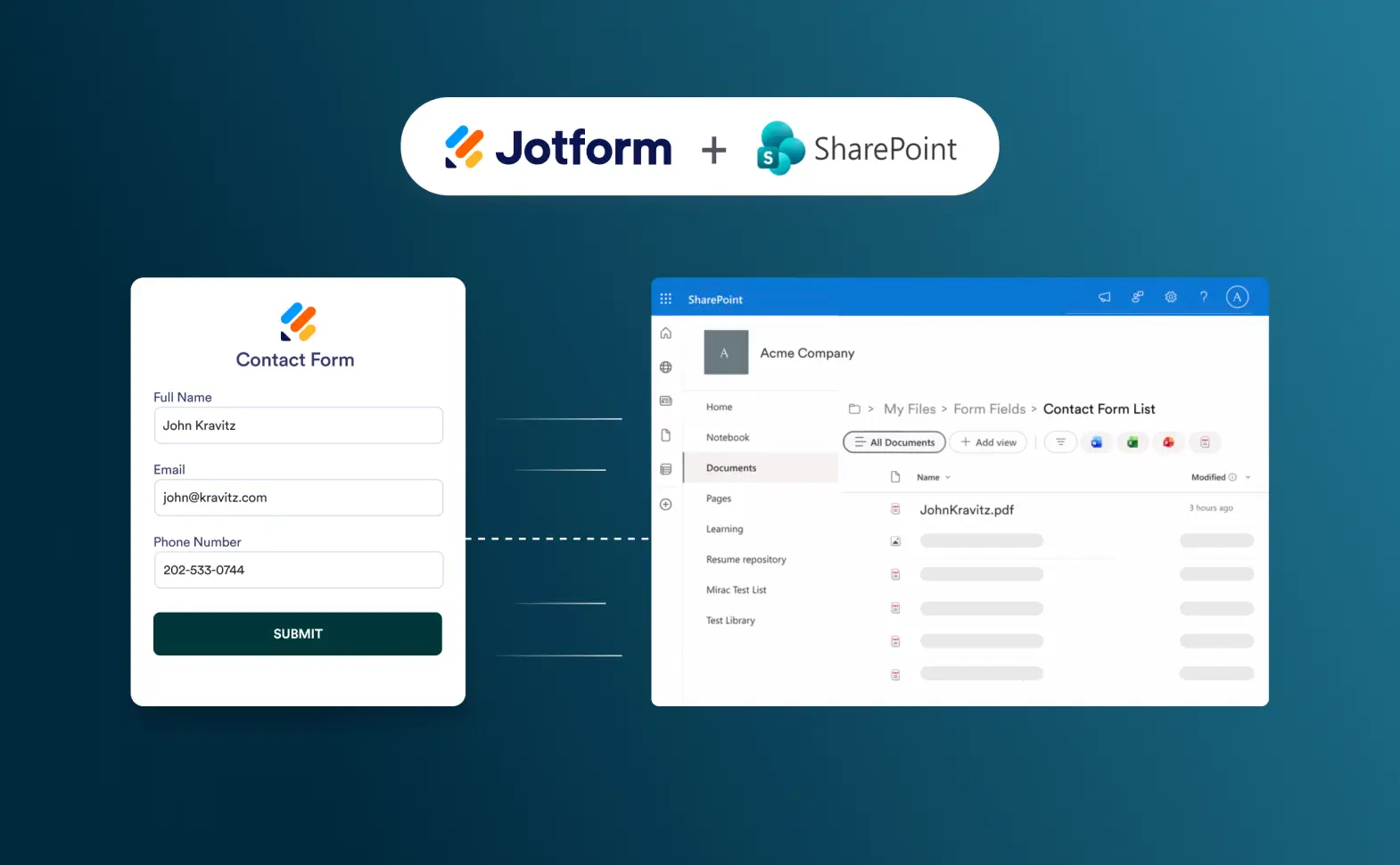
Jotform can embed forms directly in your SharePoint, too. For example, if you want to invite your team to a webinar, you can add an event registration form to your site so employees can sign up on the spot.
Meanwhile, DocuShare’s Application Connector lets you access content from other enterprise systems, including
- CRM tools such as Salesforce
- Enterprise resource planning software
- Human resource management systems (HRMS)
By integrating these tools, you can store documents in a centralized hub. For example, you could link DocuShare to your HRMS to automatically capture employee records and route requests to the appropriate approvers.
Best use cases
SharePoint is a solid choice for remote teams and collaboration-focused organizations. Because users can coauthor documents in real time, it’s easier to coordinate content. SharePoint also allows you to organize files into user-friendly sites, which are often more accessible than traditional databases.
This platform works best for businesses already using Microsoft 365. It syncs with popular workplace tools such as Word and Outlook, so your team doesn’t need to learn a whole new system. That speeds up onboarding.
On the other hand, DocuShare is a great option for enterprises with complex document systems. Consider this tool if you want to automate everyday tasks, such as scanning physical forms and routing them to specific teams.
DocuShare is also perfect for businesses that handle sensitive data. Its advanced security measures and compliance tools help protect documents, and your organization’s reputation, from unauthorized access and data leaks. Plus, life cycle management and other compliance features will help your company comply with regulations. That’s essential in industries such as education, finance, healthcare, and technology.
SharePoint vs DocuShare: Pricing comparison
Before you commit to a platform, take a close look at DocuShare vs SharePoint pricing.
SharePoint | DocuShare | |
|---|---|---|
| Entry point | $5/user/month | Around $220 per month |
| Higher tiers | $12.50/user/month with Microsoft 365 Business Standard | Around $220 per month |
| Free trial | Yes | Yes, a 30-day trial |
You can buy SharePoint as a standalone product for as little as $5 per user, per month. This option might appeal to freelancers or small teams that don’t rely on Microsoft products and need only cloud-based document storage. However, most small businesses purchase SharePoint as part of the Microsoft 365 Business Standard plan, which includes desktop Microsoft apps and 1 TB of cloud storage.
Xerox doesn’t publicly list DocuShare pricing online, but online reviews report a flat rate starting at around $220 per month. Add-ons such as content capture services may cost extra.
Of course, you don’t necessarily need to splurge on enterprise-level software. For companies with simple document management needs, Jotform is an affordable alternative. It offers essential features such as document intake, approval routing, e-signatures, PDF-based workflows, and internal request processing. The free plan has limited storage, while paid plans with more advanced features start at $34 per month.
SharePoint or DocuShare: Which one should you choose?
As you wrap up your SharePoint vs DocuShare comparison, consider your team’s day-to-day needs and biggest pain points.
Choose SharePoint if your team already works inside Microsoft 365 and wants stronger collaboration features within that ecosystem. This tool stands out for intranet publishing, real-time coauthoring, and fast document sharing.
DocuShare is a better option for enterprises and companies handling sensitive data. Its strengths include document capture, workflow routing, retention, and compliance-focused security measures.
It all comes down to fit. If you want a broader collaboration environment, go with SharePoint. For ECM and document process management, try DocuShare. No matter which tool you choose, Jotform can help you build smoother document workflows from start to finish.
This article is for IT managers, operations leaders, compliance teams, and document-heavy organizations comparing Microsoft SharePoint with Xerox DocuShare for content management, collaboration, and workflow automation. Most readers are not choosing between two identical tools. They are trying to decide whether they need SharePoint’s broader Microsoft 365 collaboration layer or DocuShare’s more focused ECM and document workflow environment.






















Send Comment: