Jotform’s Breeze forms tool is a no-code solution for creating custom forms that integrate with Breeze for project management. Use this breeze forms setup to embed or share a form, collect data in one place, and automatically create or update Breeze projects and tasks when a team member submits a form. Customize form fields and workflows without coding to simplify project updates and task tracking.
Templates
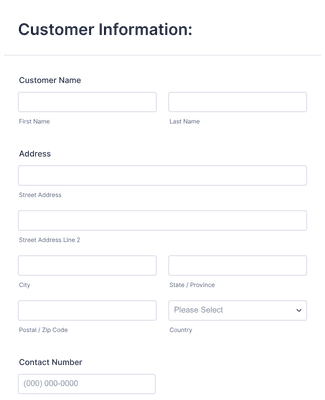
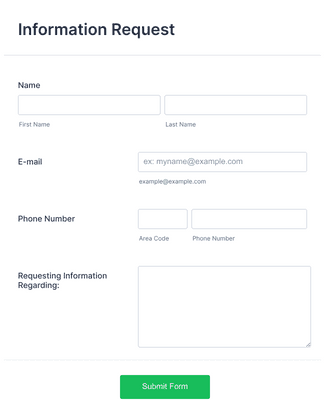
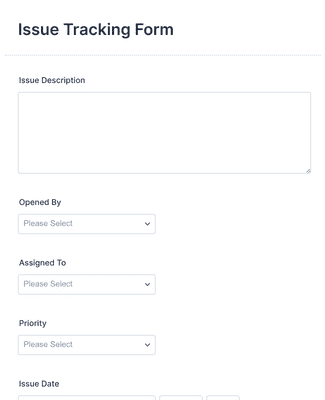
Don’t want to start from scratch? Choose from one of our ready-made templates below — and customize it to suit your needs with our drag-and-drop form builder. Create forms for product surveys, information requests, and issue tracking with no coding.
Jotform ChatGPT App
Create forms in seconds inside ChatGPT, refine them through conversation, and turn submissions into clear insights without switching tabs.

Benefits
Use the Breeze forms builder to create custom forms for Breeze project management without any coding. Start from scratch or pick from Jotform’s library of free templates to match your workflow needs. Customizing your form fields and layout helps everyone submit consistent project requests or updates.
Share your Breeze form by sending a link or embedding it in an internal site with a simple copy-paste code snippet. This makes it easier for teammates and collaborators to submit information instantly. Quick access increases project feedback and reduces delays in gathering input.
Collect project data, registrations, poll responses, and even payments through one form and view them in Jotform Tables. Use spreadsheet-style sorting, filtering, and search so managing submissions is straightforward. Centralizing data helps teams stay organized and reduces manual tracking.
Extend form capabilities by adding Jotform’s 100+ built-in integrations like Google Sheets, Airtable, and OneDrive. Use the Zapier integration to sync submissions with 3,000+ additional apps, including Breeze workflows. These connections help automate data flows and reduce manual work across systems.
Testimonials