Creating Accessible Forms
Guides
How Can I Make My Forms Accessible
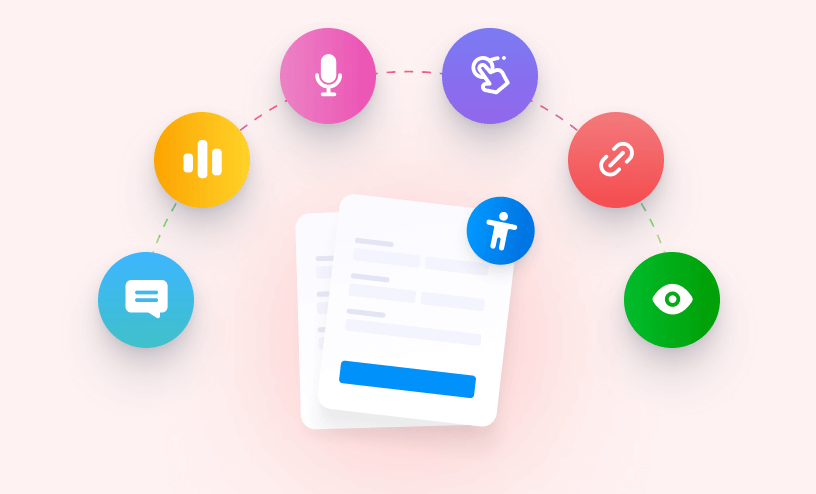
You may wonder what accessibility means in terms of the web and your forms. In short, it is a principle and practice of providing accessible sites. It focuses on enabling access to your sites for as many people as possible, for people with...
What Are the Best Practices to Follow When Making Accessible Forms
When making an accessible form, it is important to remember that your web experience may be different from your users. There are various disabilities and conditions that can impact a person's...

How to Fix the Form Accessibility Errors
Jotform makes it easy to create forms that everyone can use—including people with disabilities. If your form has accessibility errors, don’t worry. Jotform will help you identify and fix them so your form remains user-friendly and accessible...
What Are the Accessible Color Schemes and Themes
With Jotform Builder, you can easily create forms that are Accessible to all users. One important aspect of accessible form design is proper contrast and color use, which helps ensure that people with visual impairments, color vision deficiencies,...
Accessible Forms: Frequently Asked Questions
At Jotform, we believe everyone should be able to access online forms. That’s why we’re constantly working to ensure you can easily create accessible online forms for all your site visitors, including those with disabilities. If you want...