

Top 10 Gravity Forms add-ons
WordPress is one of the most popular content management systems on the market — the platform hosts 39.5 percent of all websites. It’s a blogging platform at its core, but with its library of powerful plugins — including e-commerce, SEO, and spam protection plugins — you can create a stunning, robust website to show off your products and services, regardless of industry.
One of its most popular plugins is Gravity Forms, the online form builder that lets users build everything from quizzes and surveys to registration forms and embed them directly into their websites. With its drag-and-drop builder, 30-plus form fields, conditional logic, and form import functionality, Gravity Forms can help you build responsive, compliant forms that capture leads, automate workflows, and collect payments.
However, while you can access all the above-mentioned options with Gravity Forms, they’re not all free. Gravity Forms, like WordPress, has an expansive collection of add-ons that aren’t all accessible with each license plan — including Basic, Pro, and Elite. (Think of Gravity Forms as less of an all-you-can-eat buffet and more of an à la carte restaurant.)
Below, let’s check out some of the various Gravity Forms add-ons you can access based on your license type.
Why use Gravity Forms add-ons?
Gravity Forms is powerful out of the box, but add-ons are what turn a “simple form” into a workflow engine. Add-ons let you connect forms to the tools you already use (email platforms, CRMs, project management apps, payment gateways) and add advanced functionality without custom development. Gravity Forms supports a large ecosystem of official and vetted add-ons, plus options like Zapier when there isn’t a direct integration.
Add-ons are also how you match Gravity Forms to your use case and budget. Some are available across all license tiers, while others (like Coupons or User Registration) come with higher-tier plans—so you can scale up capabilities as your needs grow.
10 best Gravity Forms product add-ons
Add-ons can be cost effective since they offer specific capabilities without requiring a developer or separate software. Here are some of the most popular Gravity Forms add-ons.
1) Stripe add-on
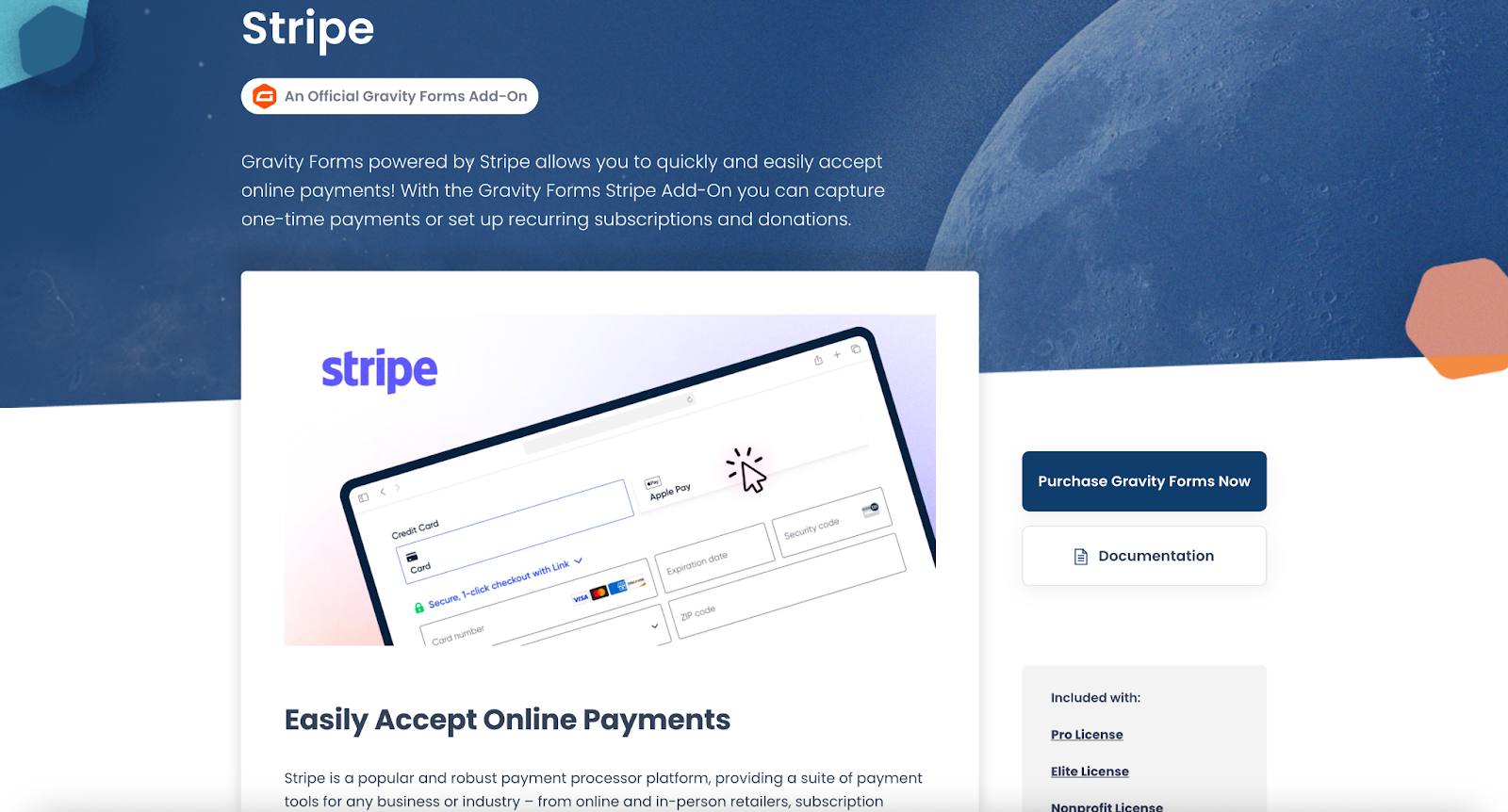
Best for teams that want a modern, broadly supported payment option inside WordPress forms.
A modern, widely used way to collect card payments (and often Apple Pay/Google Pay via Stripe) directly in Gravity Forms.
Included with: Pro License, Elite License, and Nonprofit License
Key features
- Accept one-time payments through forms
- Handles common payment workflows (confirmations, receipts, payment status)
- Works well for donations, invoices, product/service payments
- Plays nicely with conditional logic for smarter checkout flows
Pros
- Familiar checkout experience for users
- Strong option for most payment use cases
- Good ecosystem and long-term reliability
Cons
- Payment features may require higher-tier licensing depending on your setup
- Advanced payment logic can get complex to maintain
2) Coupons add-on
Best for businesses using form-based payments with promo/discount strategies.
Adds discounts to form-based checkout—great for promos, seasonal campaigns, and partner offers.
Included with: Elite License, Nonprofit License
Key features
- Create coupon/discount logic
- Support campaigns and conversion incentives
- Improve checkout experience for promotions
- Useful for form-based selling
Pros
- Direct, measurable impact on conversions
- Easy win for marketing-led promos
Cons
- Needs clear rules to avoid misuse or confusion
- Not necessary unless you actively run promotions
3) Zapier add-on
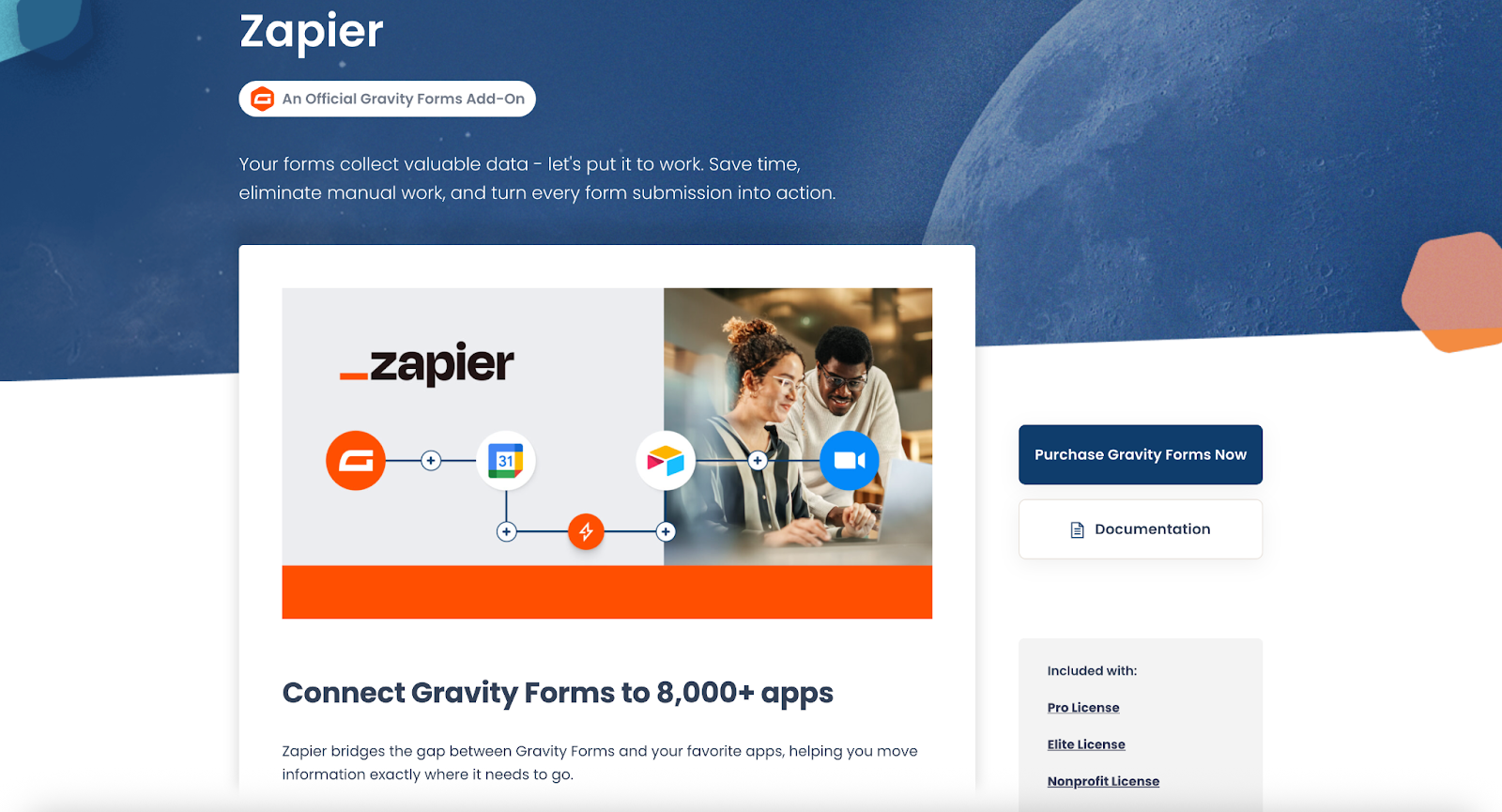
Best for teams that want broad automation coverage without building custom integrations.
Connect Gravity Forms to thousands of apps when a native integration isn’t available.
Included with: Pro License, Elite License, and Nonprofit License
Key features
- Automate workflows across many tools
- Create records, notifications, tasks, and follow-ups automatically
- Reduce manual work and copy/paste
- Fast setup for common automation patterns
Pros
- Extremely flexible “works with almost everything” solution
- Great for rapid automation without custom development
Cons
- Can add another paid tool/cost layer
- Complex Zaps can become hard to troubleshoot over time
4) PayPal Checkout add-on
Best for audiences where PayPal is a preferred payment method.
A payment option many users already trust, which can reduce checkout hesitation.
Included with: Pro License, Elite License, and Nonprofit License
Key features
- Collect payments via PayPal Checkout
- Good for donations and simple product/service payments
- Can complement card payments depending on your configuration
- Familiar PayPal flow users recognize
Pros
- High trust for many audiences
- Great for donation-style forms
- Useful if your customers prefer PayPal
Cons
- Less flexible than some card-first flows for certain checkout experiences
- Some users don’t want to leave the site or log in to pay
5) Webhooks add-on

Best for technical teams who want full control over integrations.
Send form data to any endpoint — perfect for custom workflows and internal tools.
Included with: Elite License, and Nonprofit License
Key features
- Push submissions to external services via webhook requests
- Supports custom, scalable integration patterns
- Works well with internal APIs
- Useful for event-driven workflows
Pros
- Maximum flexibility for custom stacks
- Powerful for product teams and developers
Cons
- Typically requires technical setup and maintenance
- Debugging webhooks can be tricky without good logging
6) Mailchimp add-on

Best for list-building and simple newsletter workflows with Mailchimp.
A dependable email marketing integration for newsletters, waitlists, and lead magnets.
Included with: Basic License, Pro License, Elite License, and Nonprofit License
Key features
- Add subscribers to Mailchimp lists on submission
- Support opt-ins and list-building workflows
- Reduce exports/imports
- Simple setup for common marketing needs
Pros
- Easy path to growing lists from forms
- Great for lead magnets and newsletter signups
Cons
- List hygiene still requires strategy (double opt-in, tagging rules, etc.)
- Less useful if you’ve moved to another ESP/automation platform
7) Trello add-on
Best for teams running task workflows in Trello.
Converts form submissions into Trello cards so requests become trackable tasks instantly.
Included with: Pro License, Elite License, and Nonprofit License
Key features
- Create Trello cards from form entries
- Route requests into boards and workflows
- Centralize intake → assignment → completion
- Useful for service desks, content requests, approvals
Pros
- Makes form submissions actionable for teams
- Great visibility and organization for incoming requests
Cons
- Can create noisy boards if you don’t have rules/filters
- Less ideal for teams that don’t already use Trello daily
8) Advanced Calculations add-on

Best for building dynamic quote calculators, complex pricing/estimation forms, and any workflow where native calculation rules feel limiting.
Note: This plugin is supported by the developer on their site.
Advanced Calculations “revamps” Gravity Forms calculations by adding support for conditionals, exponents, and other advanced math functions.
Key features
- Complex math functions (including exponents) directly in Number/Product calculations
- Conditional logic inside formulas (e.g., if/else, if/elseif/else)
- Formula editor upgrades: syntax highlighting + autocompletion for faster building
- Shorthand field references (e.g., cleaner references than merge-tag-heavy formulas)
Pros
- Enables true calculator/quoting/price-estimator style forms without custom development
- Better formula editing UX
- Powerful for advanced pricing logic when combined with conditional form behavior
Cons
- It’s a third-party certified add-on, and support is handled by the developer (not Gravity Forms directly)
- Advanced formulas can still become complex—teams should document logic for maintainability
9) HubSpot add-on

Best for teams using HubSpot as their primary CRM.
Streamlines lead capture into HubSpot so marketing/sales can act faster with cleaner data.
Included with: Basic License, Pro License, Elite License, and Nonprofit License
Key features
- Send submissions into HubSpot automatically
- Reduce manual CRM entry
- Improve speed-to-lead workflows
- Helps keep pipeline data more consistent
Pros
- Strong for lead routing and CRM hygiene
- Helps teams respond faster and track more accurately
Cons
- Mapping fields properly takes careful setup
- Works best if your HubSpot properties and pipeline are already organized
10) Cloudflare Turnstile add-on

Best for sites that want strong spam protection with a better visitor experience than traditional CAPTCHAs.
Cloudflare Turnstile is an anti-spam add-on that works as a Google reCAPTCHA alternative, helping block spam while keeping the experience CAPTCHA-free / puzzle-free for most real visitors.
Included with: Basic License, Pro License, Elite License, and Nonprofit License
Key features
- Reduces spam submissions by verifying visitors are real humans
- Friction-free UX: no visual puzzles; verification is designed to run transparently
- Privacy-focused approach: Turnstile is positioned as not harvesting data for ad retargeting and can work without cookies
- Doesn’t require Cloudflare customer setup (you don’t need to run your site through Cloudflare to use Turnstile)
Pros
- Strong spam protection without interrupting legitimate users’ flow
- Good option if you want to move away from reCAPTCHA for UX/privacy reasons
Cons
- Like any anti-spam layer, edge cases can still happen (some users/browsers may get challenged more often than others)
- Requires initial Turnstile setup (site keys/config), so it’s not quite “install and forget”
Gravity Forms alternative: Jotform
While Gravity Forms is robust, it can also be costly to access the add-ons you might need to build powerful, engaging forms, since many are only available with paid tiers.
Fortunately, there’s an alternative option available. Like Gravity Forms, online form builder Jotform has all the capabilities to create stunning, professional-looking forms, PDFs, apps, and e-commerce stores in minutes. Jotform is comprehensive, fully customizable, user friendly, and, best of all, completely code free. With more than 10,000 premade form templates to choose from — or the option to build your own from scratch — you can create unlimited forms for your business quickly and easily.
Beyond form creation, Jotform comes equipped with 100 dynamic features, including conditional logic, one-question-per-page conversational forms, pre-populated fields, and offline data collection. Jotform also includes hundreds of integrations, including native integrations with Google Drive, Google Sheets, and Google Calendar, so you can keep working in Google without disrupting your existing workflow.
For users considering a switch, Jotform also makes migration straightforward. With Jotform’s Gravity Forms migration tool, you can securely migrate both your forms and submission data with no technical setup required. The migration process is free, and once completed, you can easily recreate your Google Drive–based workflows using Jotform’s built-in integrations — making it an especially practical choice for WordPress users looking for greater flexibility.

Migrate existing forms instantly
There’s no need to rebuild your online forms from scratch. Instead, migrate existing forms and submission data into your Jotform account in one click — so you can collect data without skipping a beat.
Your form can not be migrated.
Please ensure that your form URL is correct and that your form is set to “public” before attempting to migrate it again.
And if you want to keep WordPress while changing your form builder, Jotform also offers a WordPress plugin that makes embedding forms easy. With the plugin, you can build forms using Jotform’s no-code builder, embed them in WordPress with one click, collect responses (including payments, files, and feedback), and manage submissions from the Jotform dashboard or mobile app.
This article is for WordPress site owners, marketers, and developers who use Gravity Forms and want to extend form functionality with the right add-ons—or explore flexible alternatives for payments, automation, integrations, and conversions.
















































































Send Comment: