
Top WordPress booking plug-ins
Are you looking for an easy way to add a reservation system to your WordPress site? A WordPress booking plug-in could be the perfect solution. The right plug-in can turn any static WordPress site into a user-friendly online booking tool that your customers will love.
In this blog post, we’ll look at some of the best WordPress reservation and booking plug-ins available. We’ll discuss the features, advantages, and drawbacks of each to help you decide which best suits your needs.
 Jotform |  Bookly |  Bookings for WooCommerce Pro |  Booking Calendar |  Amelia |  WooCommerce Bookings |  Booknetic |  Simply Schedule Appointments | |
|---|---|---|---|---|---|---|---|---|
| Best for | Embedding customizable booking forms with AI chatbot support | Businesses needing automated appointment scheduling | WooCommerce stores adding booking capability | Simple and effective service or event bookings | Businesses wanting a fully automated booking dashboard | Online stores that want to let customers book products or services | Service businesses that need staff scheduling, payments, reminders, and customer management | Small businesses and professionals looking for quick setup |
| Price | Free (paid plans for higher limits) | $89 (one-time fee) | Starts at $69 per site | $39–$349 per site | Starts at $49 per year | Starts at $249 per year | Free version available; paid plans start at $45/year | Free (Premium starts at $99/year) |
| Free plan |
Features of the best WordPress booking plug-ins
There are a few features to look for when choosing a WordPress booking plug-in. Customization options are essential, so you can match the booking tool to the design of your site. So, too, are templates to help you get started quickly, especially if you’re still learning how to use wordpress effectively.
A reporting feature is also a must, says SaaS marketer Trifon Tsvetkov. “An in-depth report will enable you to have a better view of your reservations [and] policies and increase your level of control in tweaking and adjusting policies and other features,” he writes. Specifically, you should be able to download customer and itinerary details as well as other analytics.
Finally, make sure you’re happy with the customer support available. “Even if you’re tech-savvy, or better yet, a coding superstar, something can go wrong in the middle of your peak season or at 3 a.m., and you’re going to need a partner that’ll be there to help you work through it,” writes content marketing manager Kyla Steeves.
Steeves suggests looking for a tool that has good customer reviews and provides 24-7 support as well as thorough user resources.
8 of the best WordPress booking plug-ins
Don’t worry about scouring the WordPress plug-in directory; we’ve rounded up eight of the best WordPress booking plug-ins for you below.
1. Jotform
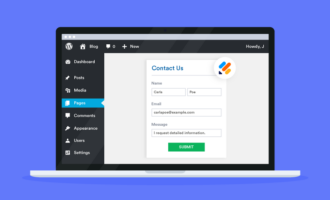
Let’s start the list with Jotform’s WordPress plug-in, which makes it easy to add booking functionality to your existing site.


Choose one of Jotform’s 300-plus booking form templates and customize it to meet your booking needs. You can integrate your form with dozens of other tools and services, including Google Calendar, Airtable, Mailchimp, and over 30 payment gateways. Use the plug-in to add your form to your WordPress site in just a few clicks, and then use Jotform Tables to store and manage user data.
Take your website support further with Jotform’s AI Chatbot for WordPress, an AI chatbot plugin that lives on your WordPress site. It answers visitor questions in real time, guides people through form fields, and routes them to the right next step such as contact, quote, booking, support, or checkout. The agent learns from your pages and stays in sync as content changes, supports WooCommerce journeys, matches your brand voice and styling, and lets you review conversations from your WordPress dashboard.
Jotform’s WordPress plug-in is free to use, and Jotform offers a free Starter plan. You can also try AI Agents for free with Jotform. You’ll need a paid account to get higher limits on form submissions.
Pro Tip
Try Jotform’s Appointment Booking Widget to let visitors select a service, choose an available time slot, and enter their contact details directly from your website. You can easily embed this widget on your WordPress site and set it up without writing a single line of code.
2. Bookly
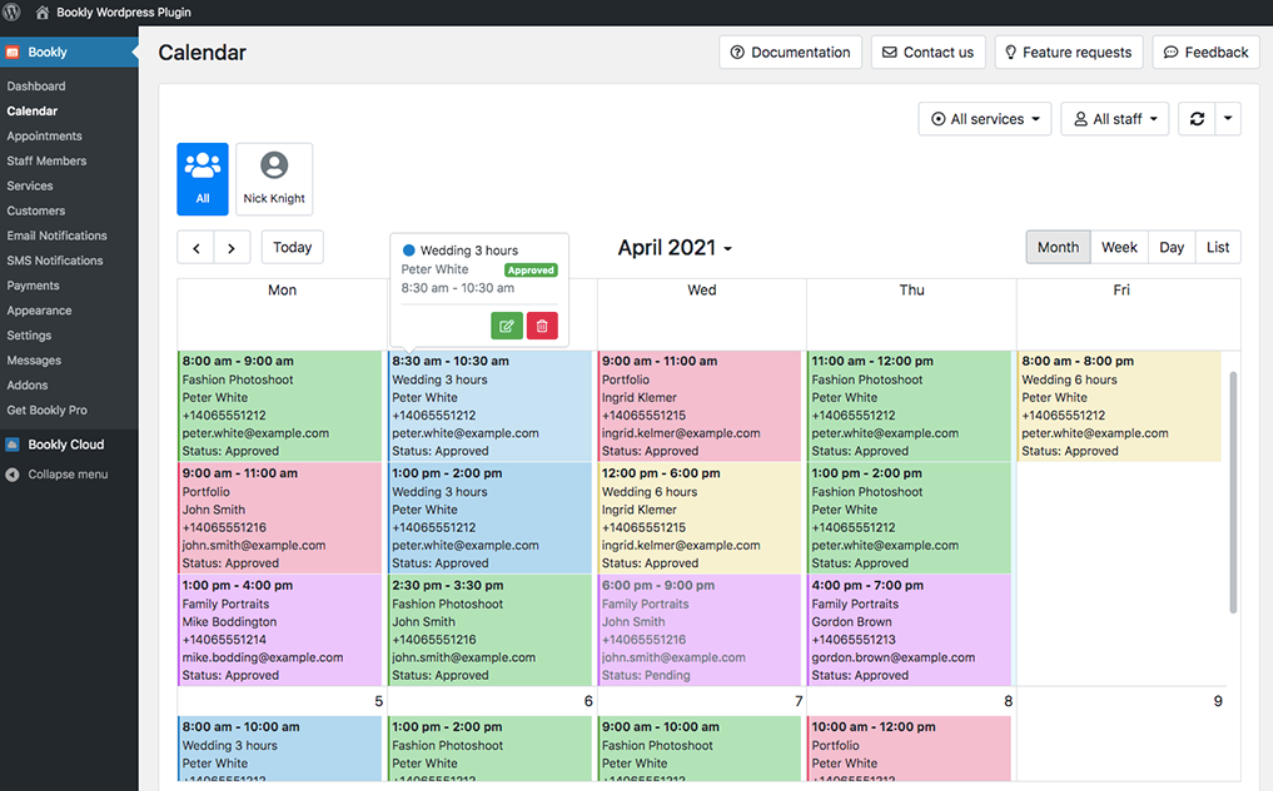
Bookly is a WordPress plug-in that allows users to manage and book appointments for virtually any kind of business. With Bookly, users can create fully customizable booking forms, collect online payments, send out text reminders, manage customer data and much more.
It’s not lacking in customer support, either. It comes with a minimum of six months of support as well as an FAQs page and knowledge base.
Bookly costs a one-time fee of $89.
3. Bookings for WooCommerce Pro
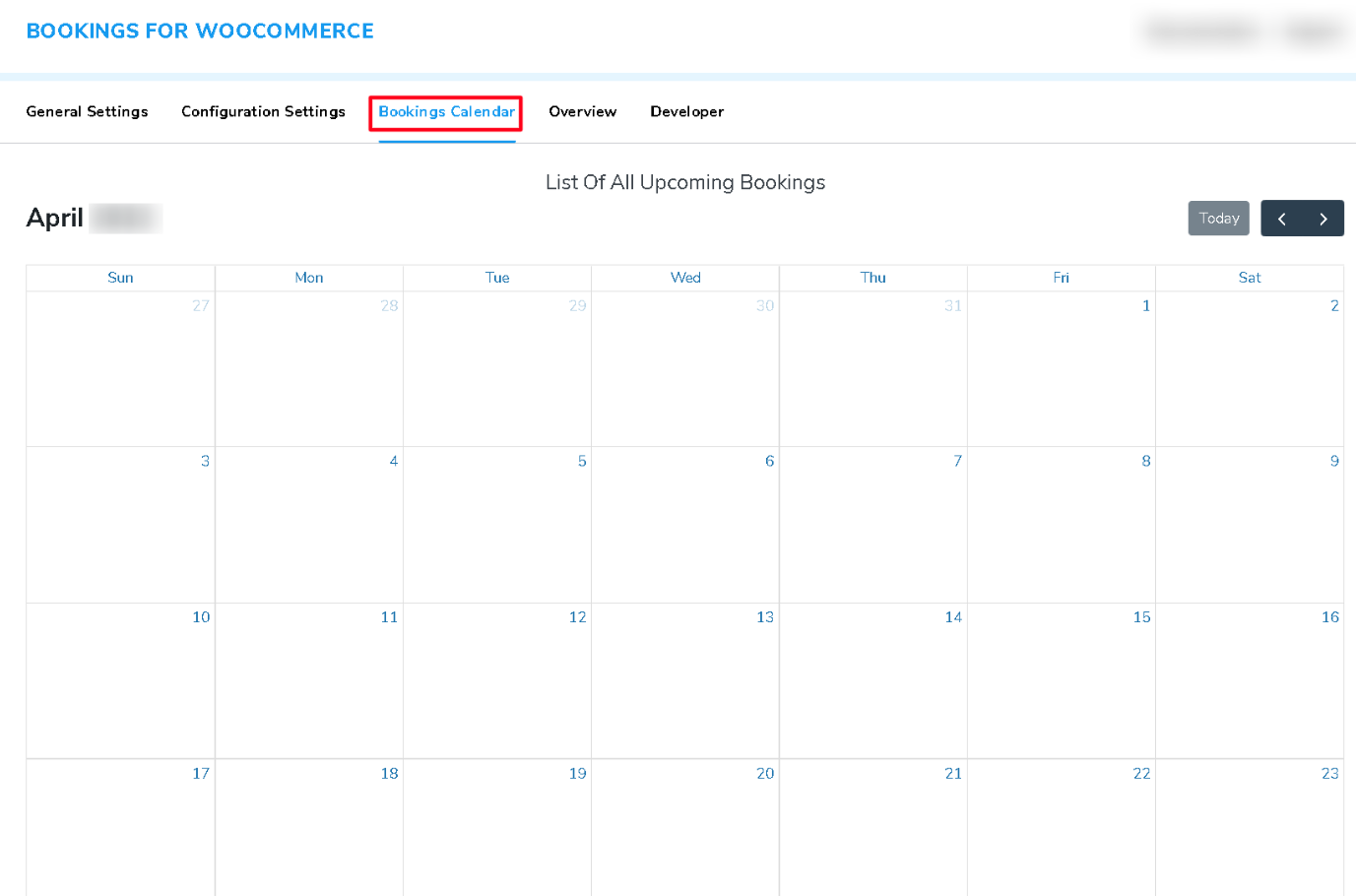
Do you want to incorporate bookings into your existing e-commerce store? Bookings for WooCommerce Pro is the perfect WordPress booking plug-in if your site already uses the WooCommerce platform.
Whether you’re collecting bookings for a salon or a holiday rental, Bookings for WooCommerce Pro has all the features you need. That includes automated booking status updates, fully configurable booking start and end dates, color-coded availability displays, and email and SMS reminders.
Bookings for WooCommerce Pro starts at $69 for a one-site plan and comes with 24-7 support and a 30-day money-back guarantee.
4. Booking Calendar
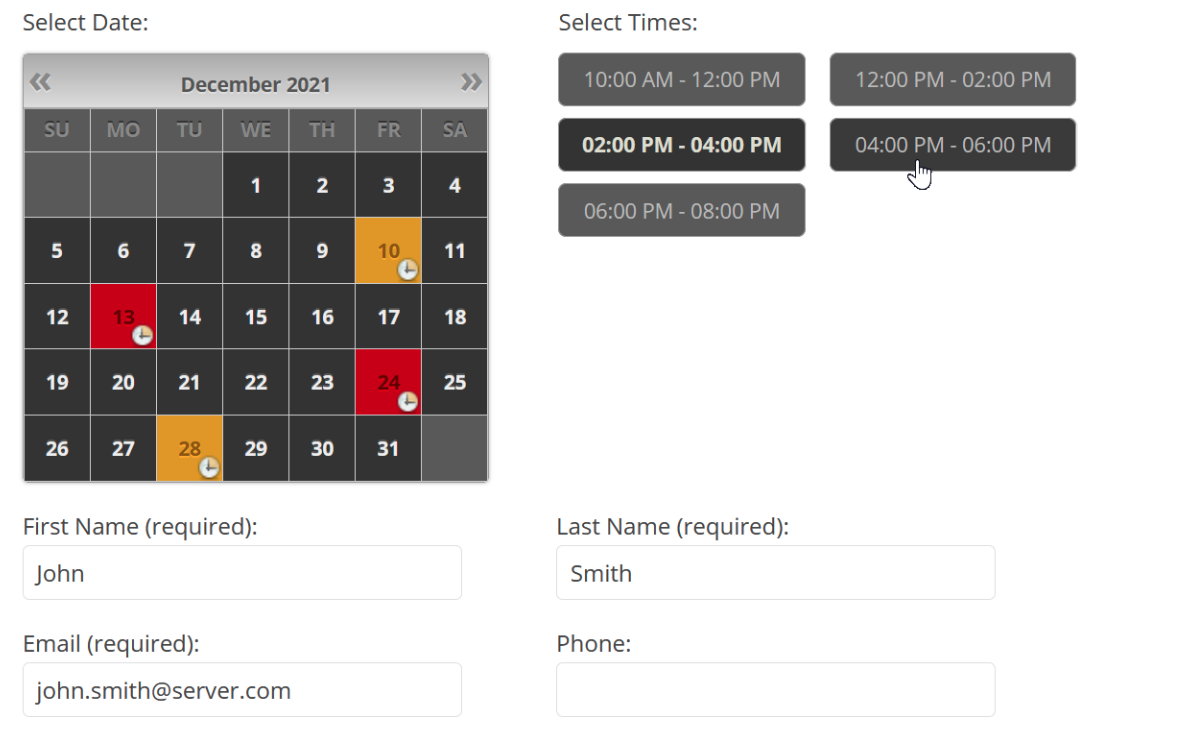
Booking Calendar is a simple and effective WordPress plug-in that does exactly what it claims: It provides customers with a way to easily book services or events directly from your website.
The plug-in may not be the prettiest in the world, but it features a user-friendly interface, a customizable booking form and calendar, multi-language support, online payments, and search functionality.
Booking Calendar offers a range of price tiers. The most basic costs $39 per website, while the most expensive costs $349 per site.
5. Amelia
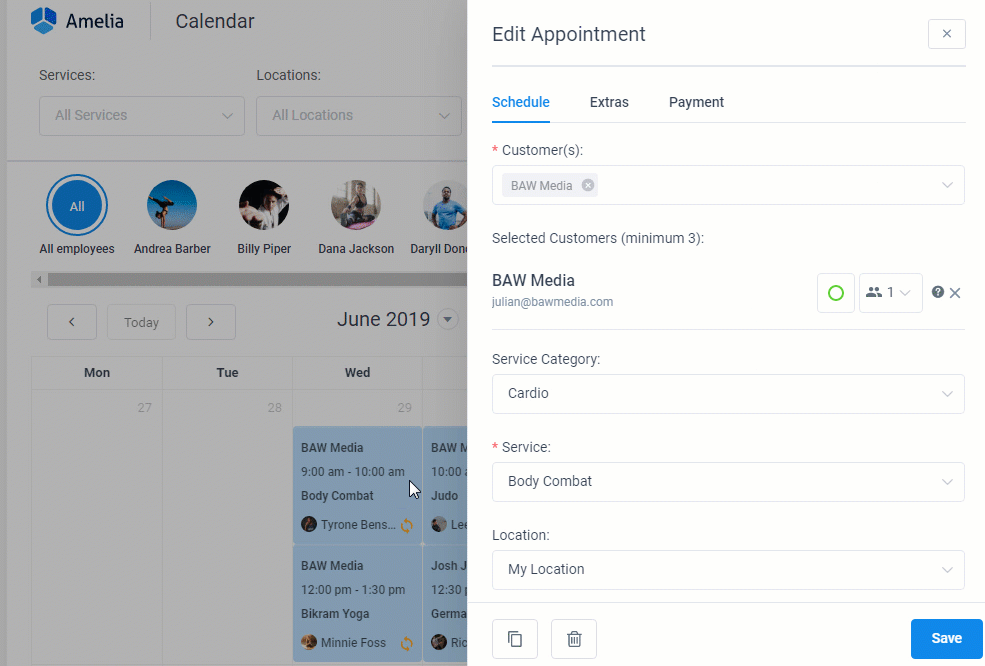
Amelia is another way to fully automate online booking on your WordPress website. The app developers have thoughtfully designed it to be as easy to use as possible. You can install and configure Amelia with just a few clicks. Your customers and users will find it easy, too; they can book appointments in just two or three clicks.
Amelia comes with all of the features you expect, including fully customizable forms and calendars, automated notifications, and payments. One of Amelia’s best features is a dashboard where business owners can manage every booking and see all of their KPIs.
Amelia pricing starts at $49 per year.
6. WooCommerce Bookings
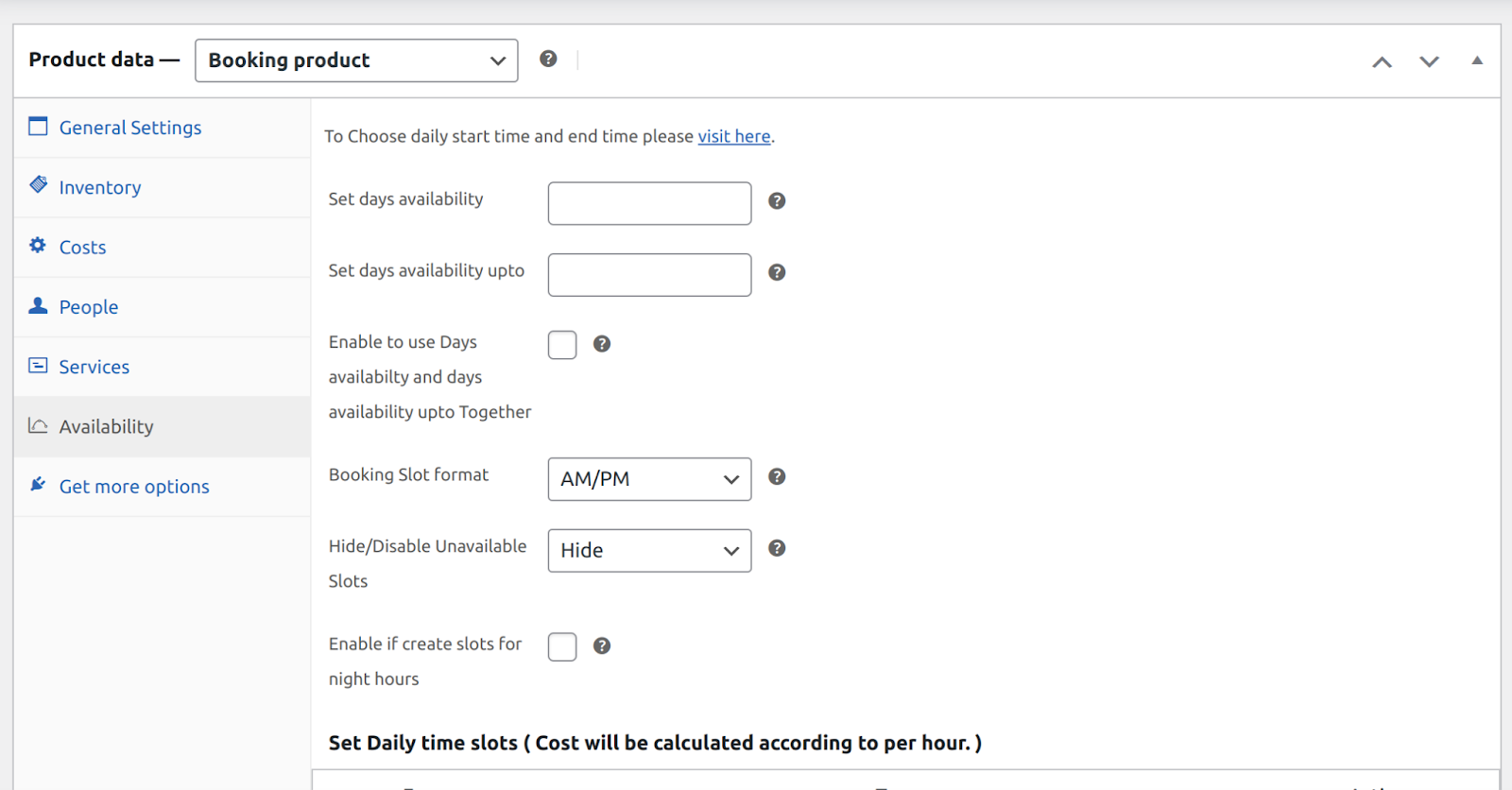
WooCommerce Bookings is an official WooCommerce extension that allows store owners to let customers book appointments, rentals, or reservations directly from product pages.
You can define time slots, set limits for participants, and sync your bookings with Google Calendar. The interface integrates seamlessly with the WooCommerce checkout flow, making it a perfect fit for businesses already using the platform.
WooCommerce Bookings starts at $249 per year, with regular updates and support from the WooCommerce team.
7. Booknetic
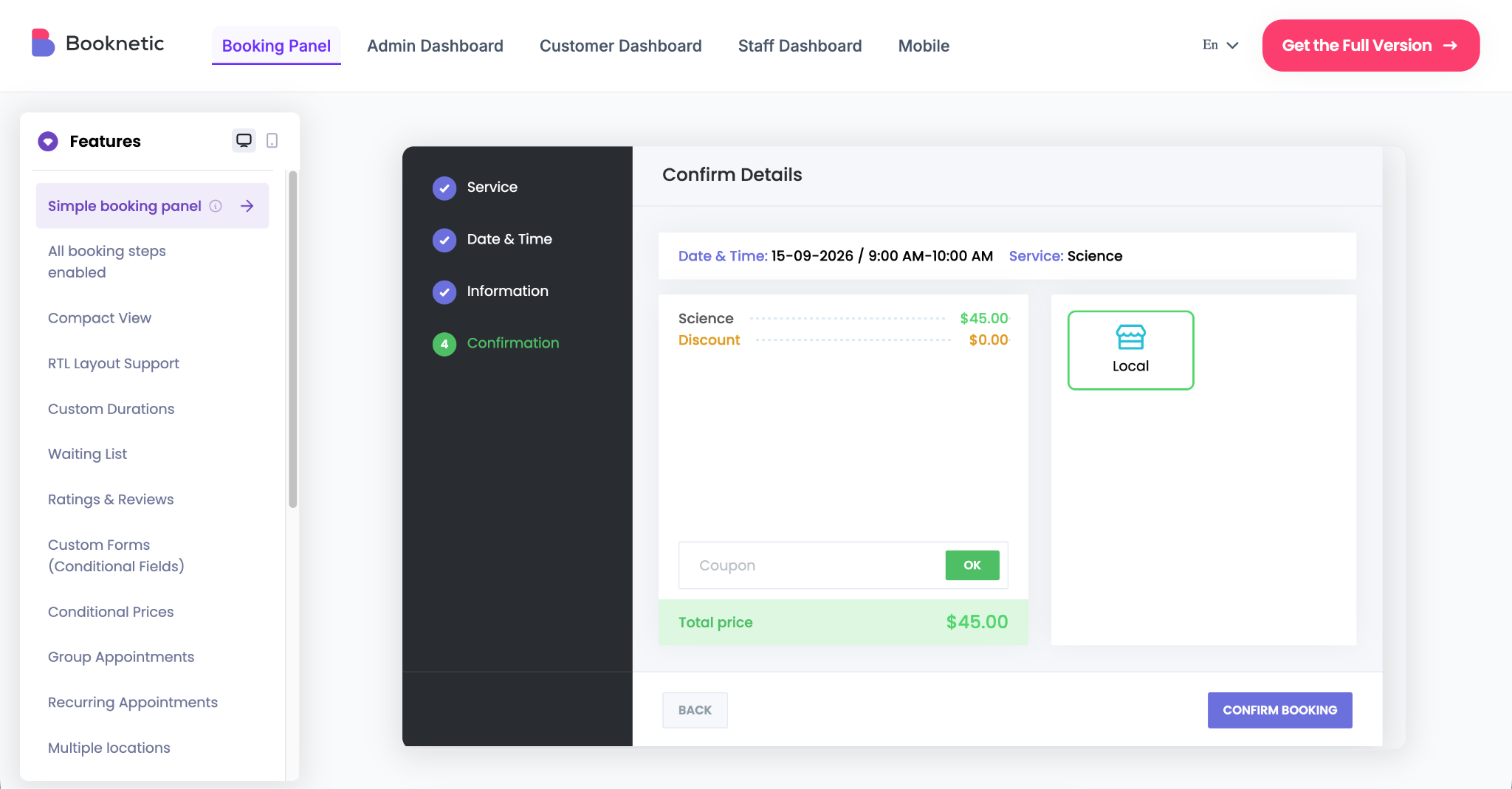
Booknetic is a WordPress appointment booking plug-in for service-based businesses that need to manage staff, services, locations, payments, and customer records from one dashboard.
The plug-in works well for salons, clinics, consultants, fitness trainers, education providers, repair services, and other appointment-based businesses. You can create services, assign staff members, set working hours and breaks, add multiple locations, and let customers book appointments through a clean front-end booking panel.
Booknetic also includes automated notifications, recurring appointments, group appointments, deposit payments, coupons, custom fields, invoices, taxes, waiting lists, and integrations with tools like Google Calendar, Outlook Calendar, Zoom, Stripe, PayPal, WooCommerce, Zapier, and Webhooks.
A free version is available from Booknetic’s own website, and paid plans start at $45 per year. For businesses that want booking, staff management, online payments, reminders, and automation inside WordPress, Booknetic is a strong option to consider.
8. Simply Schedule Appointments
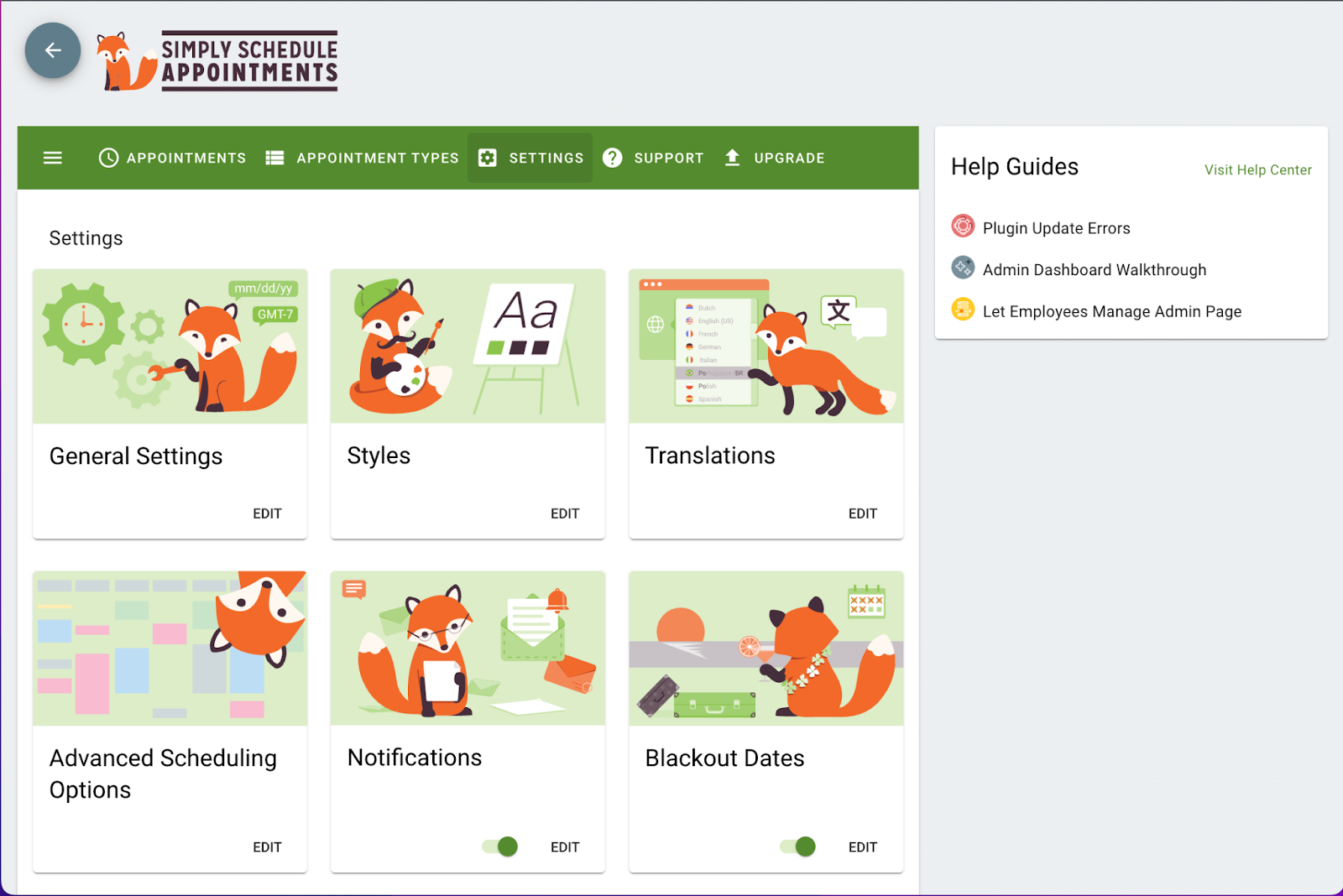
Simply Schedule Appointments is a beginner-friendly WordPress booking plug-in ideal for small businesses, consultants, or freelancers.
You can install it quickly and connect it with Google Calendar, Mailchimp, or payment platforms. The interface is modern and easy to navigate, with real-time availability and drag-and-drop customization.
A free version is available, and premium plans start at $99 per year, offering integrations, reminders, and more advanced scheduling features.
Pro Tip
Looking to handle short-term property reservations or Airbnb-style bookings? Read our guide on selecting a vacation rental plugin WordPress site owners can use to accept online reservations, sync calendars, and collect payments seamlessly.
Choosing the right booking plug-in for your WordPress site
The best booking tool for your WordPress site depends on your business goals, budget, and technical comfort level. If you want something quick to set up and highly customizable, a drag-and-drop solution with built-in integrations can simplify your workflow. E-commerce users prefer an option that syncs seamlessly with WooCommerce and payment gateways, while service-based businesses could benefit from automated reminders and calendar synchronization.
No matter which direction you go, adding a booking system can turn your website into an active, time-saving hub that works around the clock. The right plug-in not only helps you manage reservations more efficiently but also enhances customer experience — ensuring clients can book, pay, and confirm appointments with ease.



































































































Send Comment: