Jotform’s hosted forms let teams create and collect online form responses using forms that are securely hosted on Jotform’s servers with no coding required. Build and customize forms, keep submissions and data stored in the cloud, and access or embed them anywhere from any device. Jotform makes form hosting and publishing easy so you can collect and manage data without needing your own website.
Templates
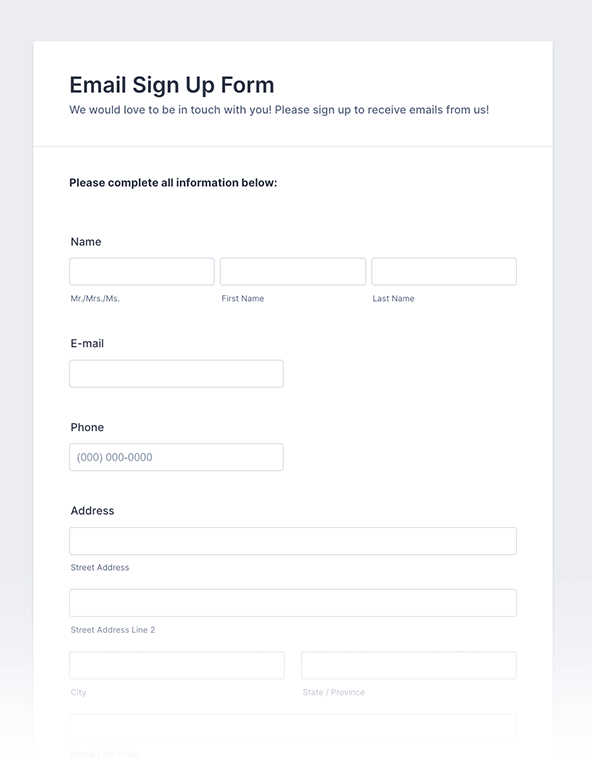
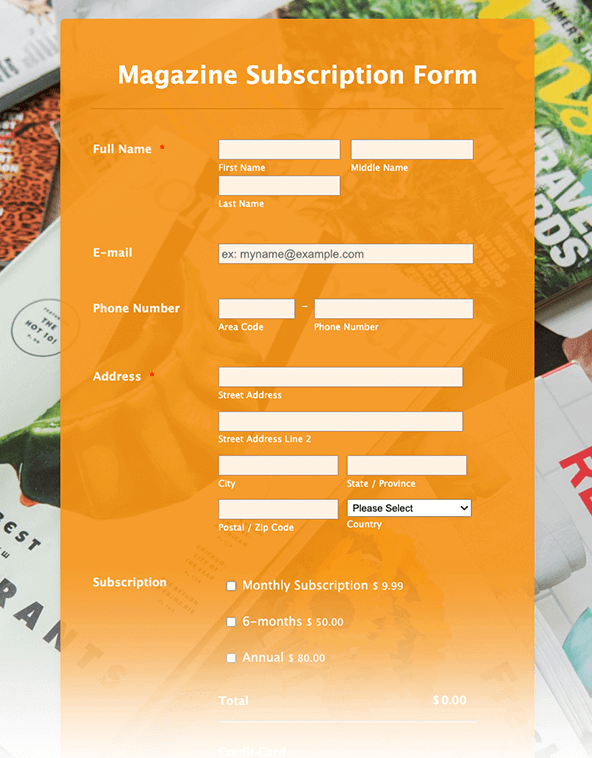
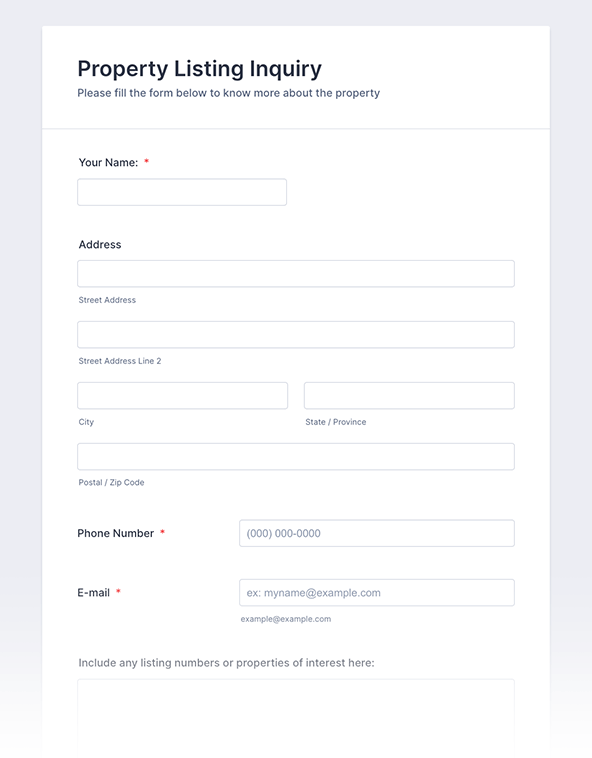
No need to build forms from scratch. Simply select one of our readymade form templates to customize for your business. Drag and drop to add form fields, integrations, and even your branding!
Jotform ChatGPT App
Create forms in seconds inside ChatGPT, refine them through conversation, and turn submissions into clear insights without switching tabs.

Benefits
Build a hosted form in a few clicks and share it right away. Jotform forms can be embedded on a web page by copying and pasting the form’s embed code. Jotform also supports popup-style embeds when a form should open without taking over the page.
Add a File Upload field so people can attach documents, photos, or other files directly in the form. Uploaded files can be stored in the Jotform account, and Jotform can automatically send uploads to storage tools like Google Drive, Dropbox, or Box. This keeps file collection tied to the same submission record, so nothing gets lost in email threads.
Start collecting responses immediately on the free plan. Form submissions can be viewed and managed in Jotform Tables, where new responses can automatically appear as rows for sorting and filtering. If the team outgrows the free limits, upgrading the plan is the supported path for more submissions and storage.
Testimonials
Check these questions and answers to learn more about the hosted web forms.
Hosted web forms are forms that are stored and maintained on a dedicated online server. When you create a form with Jotform, your form data and user submissions are stored securely online, hosted on Jotform’s server, and available for viewing and organizing.
Hosted web forms work by hosting a user’s form on a dedicated server and transmitting and storing any incoming form submissions. For example, when a form filler submits a response to one of your Jotform forms, their submission is automatically stored on Jotform’s online server.
A hosted web form should be created if the user wants an easy, secure way to host their forms. By creating a hosted web form, you’ll be able to track form data on any device, generate online reports from each form, collect online payments, gather e-signatures, and more. With Jotform, you can create a hosted web form in just a few easy clicks by using our drag-and-drop form builder.
Hosted web forms can be used for a wide variety of use cases. Everyone needs powerful forms to fuel their organization or business. Consider the following use cases:
It’s easy to embed a hosted web form directly into your website with Jotform — all without coding! Start by clicking Publish at the top of the Form Builder, then choose Embed, click the Copy Code button, and paste the code into your web page. It’s as easy as that.
To view and manage your hosted web form’s submissions, simply open My Forms in your Jotform account and click Submissions in the top toolbar. You’ll then be redirected to Jotform Tables, where your form’s submissions will be listed, ready to be viewed and managed.