
Top SharePoint Designer alternatives in 2026
SharePoint Designer 2013 reached end of support on July 14, 2026. No extensions, no exceptions. Microsoft has stopped providing updates and security fixes, and retirement enforcement has rolled out across all Microsoft 365 environments. If you’re on SharePoint Online, the bad news arrived even earlier: SharePoint 2013 workflows stopped running on April 2, 2026, and are now viewable only as raw XML. Either way, the clock has run out.
That’s a real problem, because for over a decade, SharePoint Designer was the quiet workhorse behind thousands of business processes. As Microsoft’s free desktop tool for customizing SharePoint without full-blown development, it let power users build rules-based workflows on top of lists and libraries. They could route a document to a manager for approval, send notifications, or update item statuses — all without writing code. It also handled form customization and site branding, giving admins direct access to layouts, master pages, and CSS.
Purchase approvals, document routing, onboarding checklists, leave requests… countless organizations built these on Designer workflows years ago, often by people who have since left the company. That combination of power and accessibility is exactly why so many processes quietly depend on it, and why replacing it means finding a tool that covers both the workflow side and the forms side.
Here’s the good news: A forced migration is also a golden opportunity to move to a modern, no-code workflow tool that your team can actually maintain. In this post, we’ll cover why SharePoint Designer shut down and the five best alternatives to replace it.
Why was SharePoint Designer retired?
The short answer? Microsoft’s Fixed Lifecycle Policy. SharePoint Designer 2013 was officially deprecated and reached end of support on July 14, 2026, with no extensions. Microsoft’s stated direction is to modernize workflow automation around Power Automate, with the SharePoint Migration Tool (SPMT 4.1) available to move supported workflow actions over.
In practice, end of support means no more security updates, no bug fixes, and growing compatibility risk. For SharePoint Online customers, it’s even more concrete: SharePoint 2013 workflows stopped running in April 2026.
There’s one more wrinkle, too. InfoPath, Microsoft’s legacy forms tool, also retired on the same July 14 date. Organizations that paired InfoPath forms with Designer workflows now need to replace both at once, which is a strong argument for an all-in-one platform rather than stitching together separate tools.
Top 5 SharePoint Designer alternatives in 2026
 Jotform Workflows |  Microsoft Power Automate |  Nintex |  Kissflow |  FlowForma | |
|---|---|---|---|---|---|
| Best for | No-code forms and workflow automation in one platform | Staying in the Microsoft 365 ecosystem | Document-heavy processes, legacy workflow migration | Department-level process management without IT | Compliance-focused, SharePoint-native workflows |
| Ideal users | Teams replacing forms and workflows together | M365-centric organizations | Regulated enterprises | Mid-sized companies, ops teams | Compliance-heavy Microsoft shops |
| Pricing | Free plan; paid plans start from $34 per month | Free with M365; Premium plan is $15 per user per month | Quote-based | Quote-based | From $2,347 per month |
| Try It Now! | Learn More | Learn More |
1. Jotform Workflows
Best for: Teams that want no-code workflow automation with forms, approvals, tasks, e-signatures, and payments in one platform
Remember how Designer’s retirement forces you to replace forms and workflows at the same time? Jotform Workflows is built for exactly that. Instead of rebuilding your legacy processes on another Microsoft tool and inheriting a new set of licensing rules and technical requirements, you get online forms, approvals, task assignments, e-signatures, payments, and integrations in a single drag-and-drop builder.
Picture a typical Designer-era process: An employee submits an expense request, a manager approves it, and finance gets notified. In Jotform, that’s a form connected to a workflow that you can build in minutes, and you can explore the full feature set to go much further.
- Key features:
- Drag-and-drop workflow builder: Visually design processes with forms, approvals, tasks, and integrations — no code required
- Conditional logic and parallel processing: Branch workflows based on responses and run multiple approvals or tasks simultaneously
- Approval automation: Set up individual, team, and group approvals with custom outcomes, comments, reminders, and real-time tracking through Jotform Inbox and Jotform Tables
- E-signatures and PDFs: Collect e-signatures with Jotform Sign and automatically generate PDF documents from submissions
- Payment requests: Collect payments inside workflows through 40-plus payment processors — something most workflow tools (including Power Automate) don’t offer natively
- Integrations: Connect with Google Drive, Slack, Microsoft Teams, Dropbox, Airtable, and more, plus webhooks for custom connections
- Templates: Start from ready-made workflow templates for HR, finance, IT, education, and other industries and departments
- Pros:
- Truly no-code, so business users can build and own processes without waiting on IT
- Combines forms, workflows, approvals, e-signatures, and payments in one product, with no extra tools to stitch together
- Transparent, flat pricing with a generous free plan and no per-flow or premium-connector licensing surprises
- Cons:
- Workflows are form-driven, so processes that don’t begin with a form submission take some extra setup
Plans/pricing: Free plan available; paid plans start at $34 per month for Bronze, with Silver at $39 and Gold at $99 (all billed annually); enterprise plans add multiuser access, SSO, white labeling, and unlimited usage with custom pricing
2. Microsoft Power Automate
Best for: Organizations committed to Microsoft 365 that want the officially recommended migration path
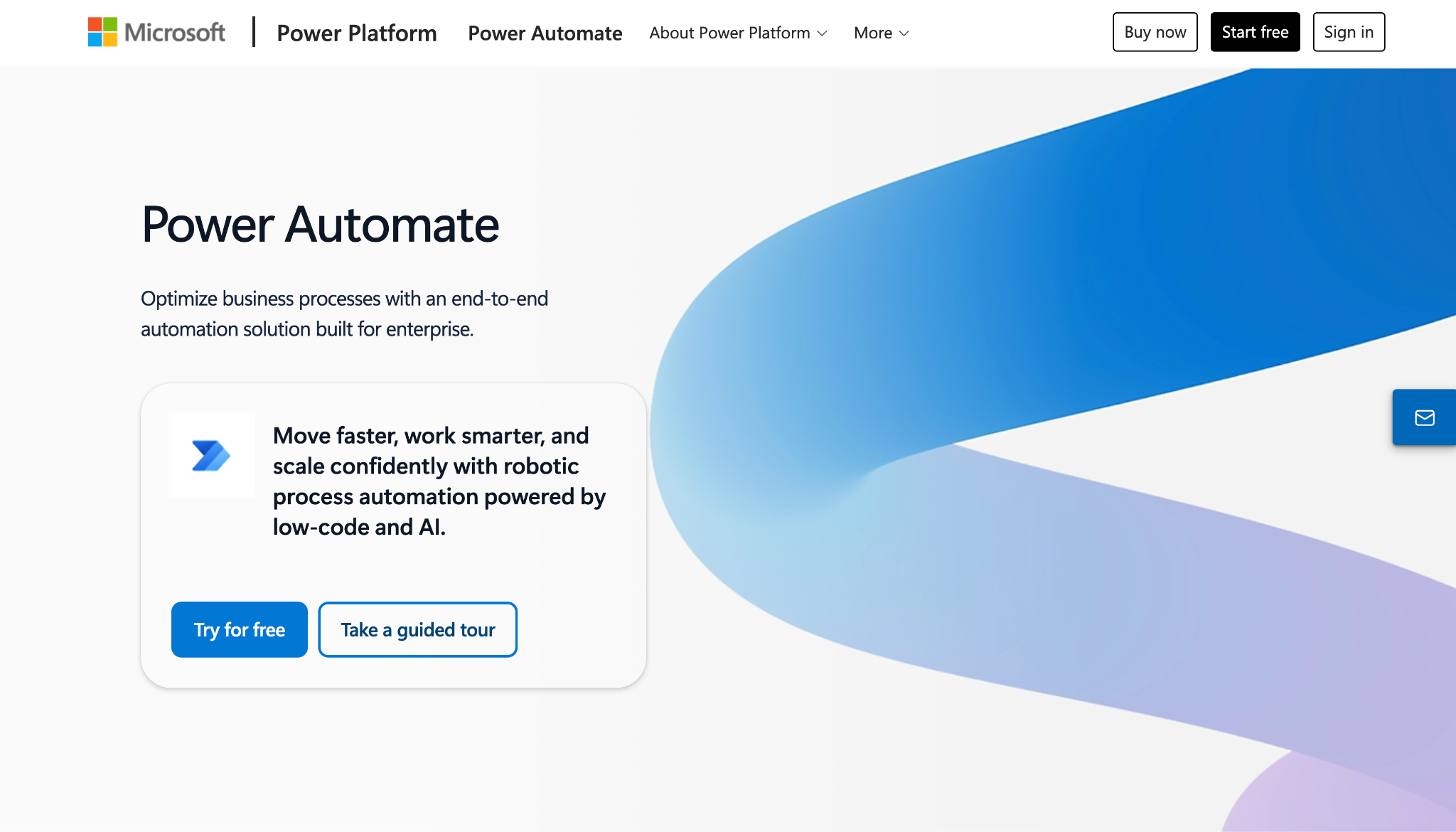
Power Automate is Microsoft’s designated successor to SharePoint Designer workflows, and it deserves a fair look, especially since the SharePoint Migration Tool (SPMT 4.1) can automatically migrate supported workflow actions from Designer.
Key features:
- Hundreds of connectors: Automate across Microsoft 365 and third-party apps, in the cloud or on premises through a data gateway
- Deep Microsoft integration: Native triggers and actions for SharePoint, Teams, Outlook, and Dynamics
- AI-assisted building: Copilot can draft flows from natural language descriptions
Pros:
- The official migration path from SharePoint Designer, with tooling to match
- A basic version is already included in most Microsoft 365 plans
- Massive ecosystem, documentation, and community support
Cons:
- Licensing is confusing (per-user vs per-flow vs per-bot), and premium connectors cost extra
- Complex flows quickly demand technical skill despite the low-code label
Plans/pricing: A basic version with standard connectors is included in most Microsoft 365 plans; Power Automate Premium runs $15 per user per month, and the Process plan for unattended automation costs $150 per bot per month (both billed annually)
Pro Tip
Weighing your options beyond Microsoft? See our full comparison of the best Power Automate alternatives.
3. Nintex
Best for: Document-heavy, approval-driven processes in regulated industries
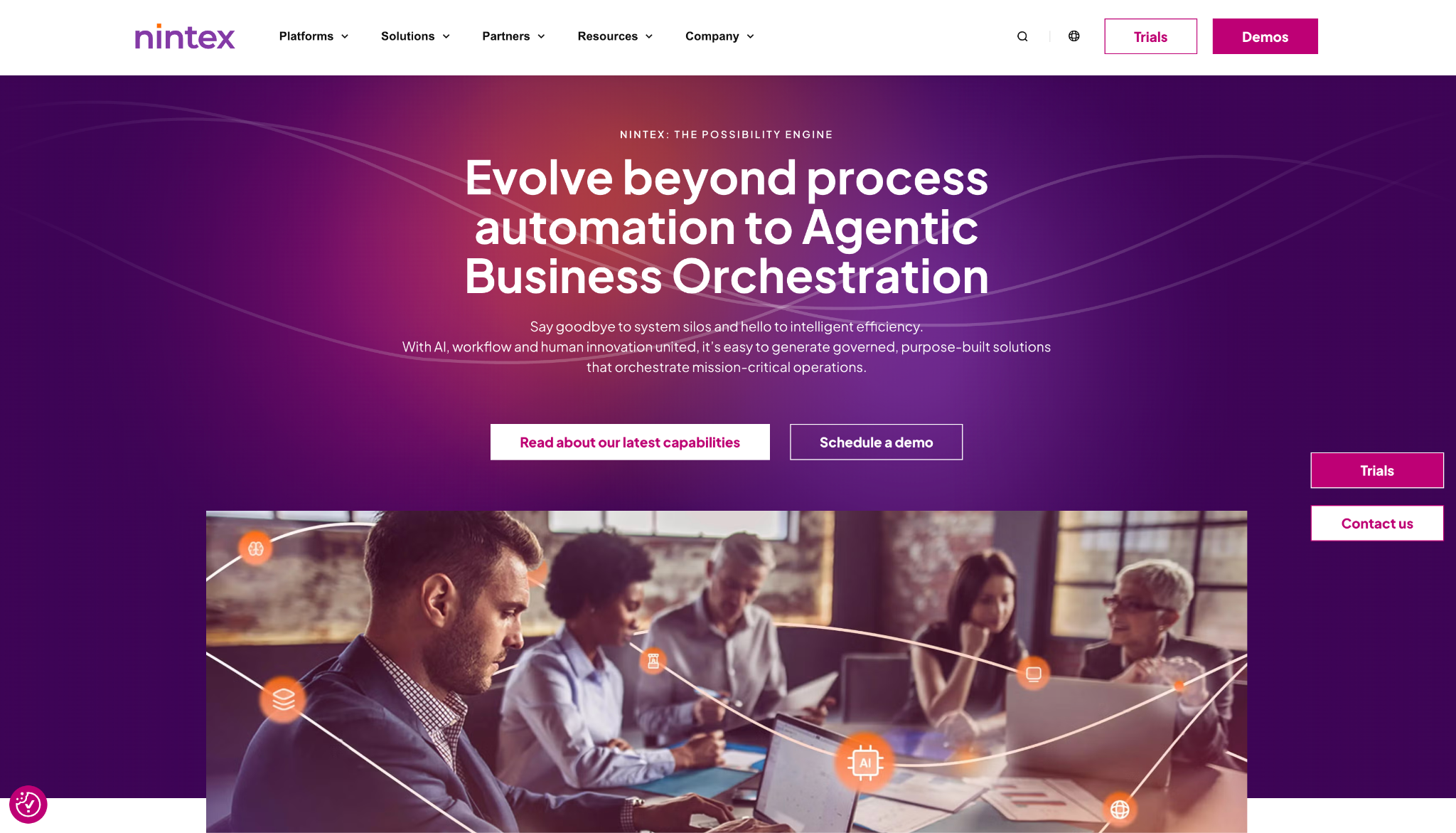
Nintex has long been the most widely adopted third-party workflow platform in the SharePoint world, and it shines for organizations with large legacy workflow libraries to move.
Key features:
- Drag-and-drop workflow designer: Build processes with conditional branching, parallel approvals, and escalations
- Migration tooling: Assessment tools and prebuilt templates reduce the effort of rebuilding old workflows from scratch
- Document generation and robotic process automation (RPA): Automatically create documents from process data and automate repetitive desktop tasks with bots
Pros:
- Mature platform with deep SharePoint heritage and proven enterprise deployments
- Strong tooling for migrating large legacy workflow libraries
- Excellent for document-centric, compliance-driven processes
Cons:
- Priced and packaged for enterprises, which is overkill for a small team automating a handful of approvals
- No public pricing makes budgeting harder up front
Plans/pricing: Quote-based; there’s no public price list, so you’ll need to contact sales and you should expect enterprise-level budgets
4. Kissflow
Best for: Mid-sized organizations and departments that want to build processes without IT involvement
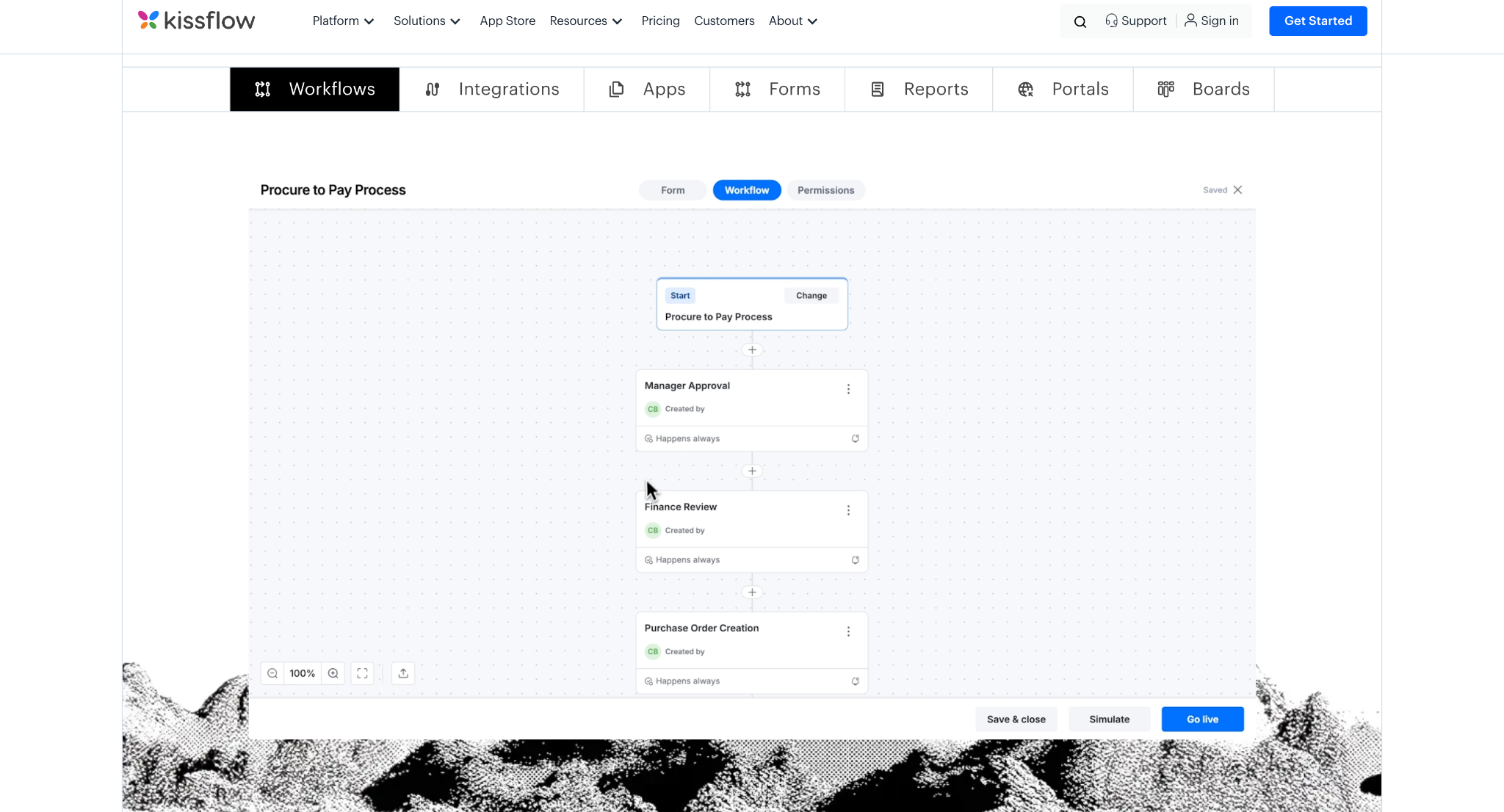
Kissflow takes a business-user-first approach to process management, so HR, finance, and operations teams can own their workflows without dedicated technical resources.
Key features:
- Visual process builder: Design and publish structured processes with forms and workflows in one place
- Real-time reporting: Track every request, approval, and bottleneck from built-in dashboards
- App builder and governance: Create simple internal apps and manage them with central governance controls
Pros:
- Low learning curve, so business users can get productive quickly
- Combines forms, workflows, and tracking in a single platform
- Well suited to department-level processes in HR, finance, and operations
Cons:
- Less depth for complex, highly customized technical scenarios
- Enterprise positioning and opaque pricing put it out of reach for smaller teams
Plans/pricing: Kissflow no longer publishes pricing; plans are quote-based through a sales consultation, with fixed annual agreements — so expect enterprise-level budgets
5. FlowForma
Best for: Compliance-heavy organizations that want no-code workflows living inside Microsoft 365
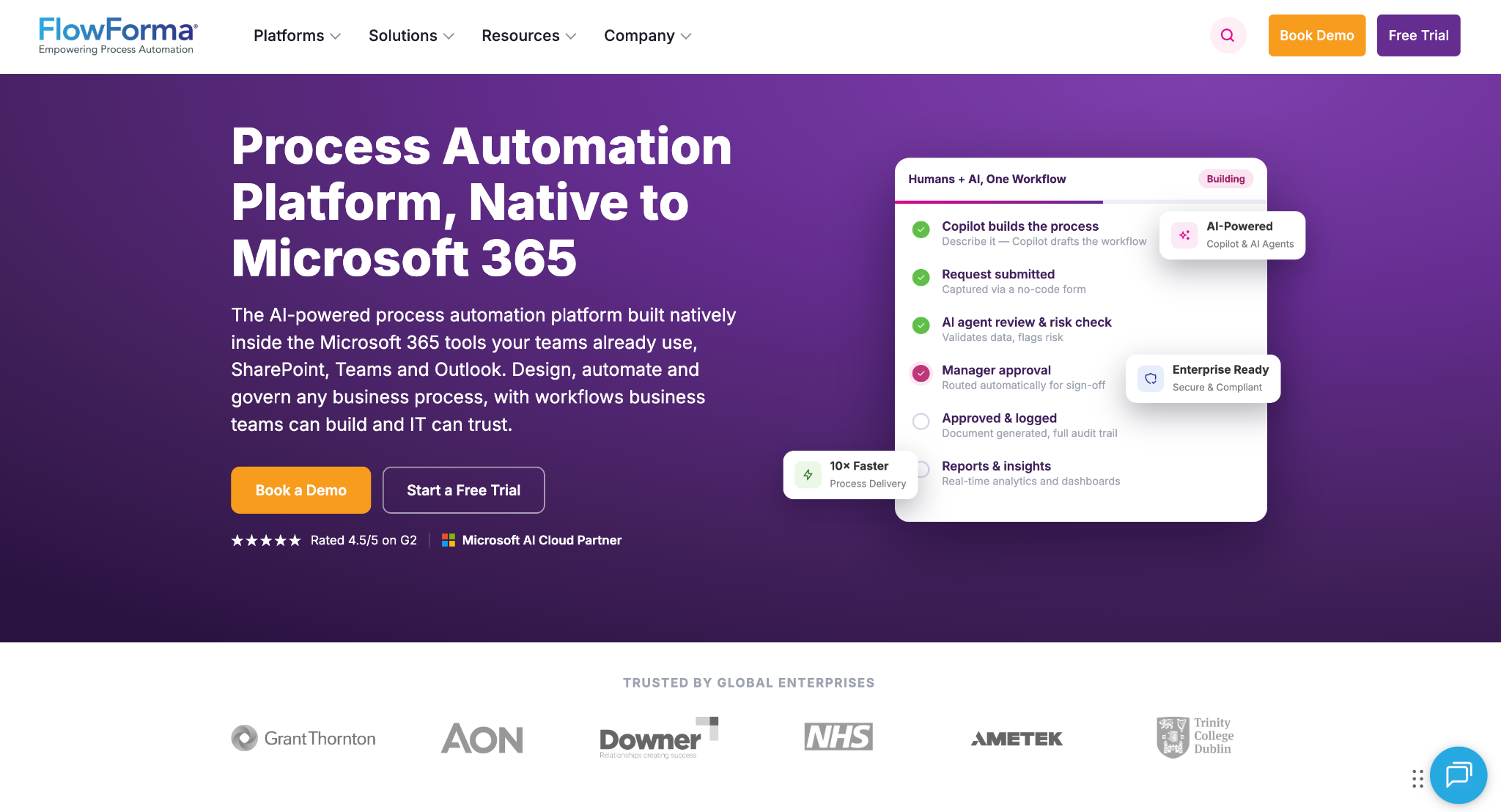
FlowForma is the most SharePoint-native third-party option on this list. It operates directly within your Microsoft 365 environment, which makes it ideal if you want modern workflows without leaving SharePoint.
Key features:
- SharePoint-native operation: Runs inside your Microsoft 365 environment, keeping data where it already lives
- No-code process builder: Business users create forms, rules, and approval steps without developers by using AI that can build workflows from natural language prompts
- Compliance controls: Audit trails and governance features, plus an InfoPath conversion utility for legacy forms
Pros:
- Modern workflows without leaving the Microsoft environment
- Strong fit for audit-heavy industries like construction, healthcare, and finance
- Business users can own processes end to end without code
Cons:
- Built for the Microsoft ecosystem, so it’s a weaker fit outside it
- Smaller integration ecosystem than the biggest players offer
Plans/pricing: The Essentials plan starts at $2,347 per month for up to three processes, Professional starts at $3,293 per month for up to 30 processes, and Enterprise plan pricing is custom
How to migrate from SharePoint Designer
Whichever platform you choose, a rushed migration is how critical processes fall through the cracks. Here’s a five-step plan to help ensure that doesn’t happen:
- Inventory your workflows: Run the Microsoft 365 Assessment tool to generate the Power BI Workflow Report, which identifies every SharePoint 2013 workflow, where it lives, and how recently it’s been used.
- Rank by business criticality: You’ll usually find plenty of abandoned flows you can simply retire.
- Choose your destination platform: Form-driven approvals go live fastest on an all-in-one tool; deep SharePoint customizations may fit a Microsoft-native option better.
- Rebuild, don’t just replicate: That 14-step approval chain from 2015 probably has six steps nobody remembers the reason for. Modernize the process, not just the platform.
- Test, train, and retire: Validate each workflow with its stakeholders, train daily users, and formally decommission the old version.
For form-driven approval processes, Jotform Workflows is usually the fastest path from zero to live. The Jotform Workflows help guide walks through building a complete flow step by step, and most teams can rebuild a typical approval process in an afternoon.
Ready to move on from SharePoint Designer?
The SharePoint Designer retirement isn’t a reason to panic; it’s a reason to upgrade. The approval workflows that once required a specialized desktop tool and a patient IT department can now be built by anyone, in minutes, with a drag-and-drop builder.
If you’re ready to rebuild your approval flows, task routing, and form-driven processes on a platform that won’t be retired out from under you, give Jotform Workflows a try. It’s free to get started.
Frequently asked questions
Yes. SharePoint Designer 2013 is deprecated and reached full end of support on July 14, 2026, with no extensions. SharePoint 2013 workflows in SharePoint Online stopped running on April 2, 2026.
Nothing, and it’s easy to mix these up. Microsoft Designer, the AI-powered graphic design app, is a completely different product and isn’t being retired. It’s SharePoint Designer, the workflow and site customization tool, that reached end of support on July 14, 2026, with Power Automate as its designated successor.
SharePoint Designer 2013 is the final version; Microsoft never released a 2016 or later edition. It remains the last release.
This article is for IT admins, operations managers, SharePoint site owners, and business process owners looking for an alternative to SharePoint Designer for workflow automation, approvals, and form-driven processes following the July 14, 2026 end-of-support date.





























































































Send Comment: