
Instagram is one of the most powerful platforms for businesses to reach customers and drive sales. With its massive global audience and visual-first format, it gives sellers a direct line to the people most likely to buy from them. But to turn that audience into paying customers, you need to know how to accept payments online.
Payment links are one of the simplest solutions. They give buyers a direct path from your post, story, or bio to a secure checkout page, which means fewer drop-offs and faster conversions.
If you’re running an e-commerce business or selling products as a side hustle and you constantly receive DMs and comments like “How much?” or “Where can I buy it?” or “Do you ship to Canada?,” you need payment links to help fast-track your customers from expressed interest to completed purchase. Keep reading to learn how to use Jotform to add a payment link on Instagram and track every sale..
Benefits of using payment links for Instagram sales
Payment links on Instagram do more than make selling easier for you; they shape your customers’ experience when they’re deciding whether to buy your product.
Here are a few reasons why it’s worth it to set up payment links:
- Customer trust: When payment links connect to reputable gateways that customers already recognize, such as Stripe, PayPal, or Square, they feel more comfortable completing their purchase, especially with sellers they’re discovering for the first time.
- Ease of use: A payment link takes your customers from interest to checkout in one click. There’s no app to download, no account to create, and no need to switch platforms. Customers fill in their details, pay, and they’re done.
- Customer satisfaction: A smooth payment process leaves a lasting impression. When buying from your business feels effortless, customers are more likely to return and recommend you to others.
- Real-time tracking: Payment links let you monitor sales and revenue in real time. You can see exactly what’s selling, when it’s selling, and who’s buying. This makes it easier for you to plan inventory, adjust pricing, and follow up with customers.
Pro Tip
Save time and sell more by pairing your payment links with Jotform’s Instagram Agent. It handles customer DMs, answers product questions, and drives buyers to checkout automatically so you can focus on growing your business.
How to set up payment links with Jotform
If you want to start selling on Instagram but don’t know how to collect money online, you need a reliable payment method that’s easy for your customers to use and gives you full visibility into every transaction. Jotform makes it simple to set up payment links that meet both needs.
To add a payment link on Instagram, here are two methods to consider:
- Use a ready-made template.
- Build a form from scratch.
Let’s walk through each method step-by-step.
Method 1: Use a template
A Jotform payment form template is the fastest way to start collecting payments on Instagram. Templates are prebuilt forms designed for common payment scenarios, such as product orders, donations, service bookings, and subscriptions, and they’re ready to customize as soon as you pick one.
Using a template saves you time by providing an easy-to-use, customizable structure you can adjust to fit your business.
Here’s how to add a payment link on Instagram using Jotform templates:
- Visit the Jotform payment form templates page.
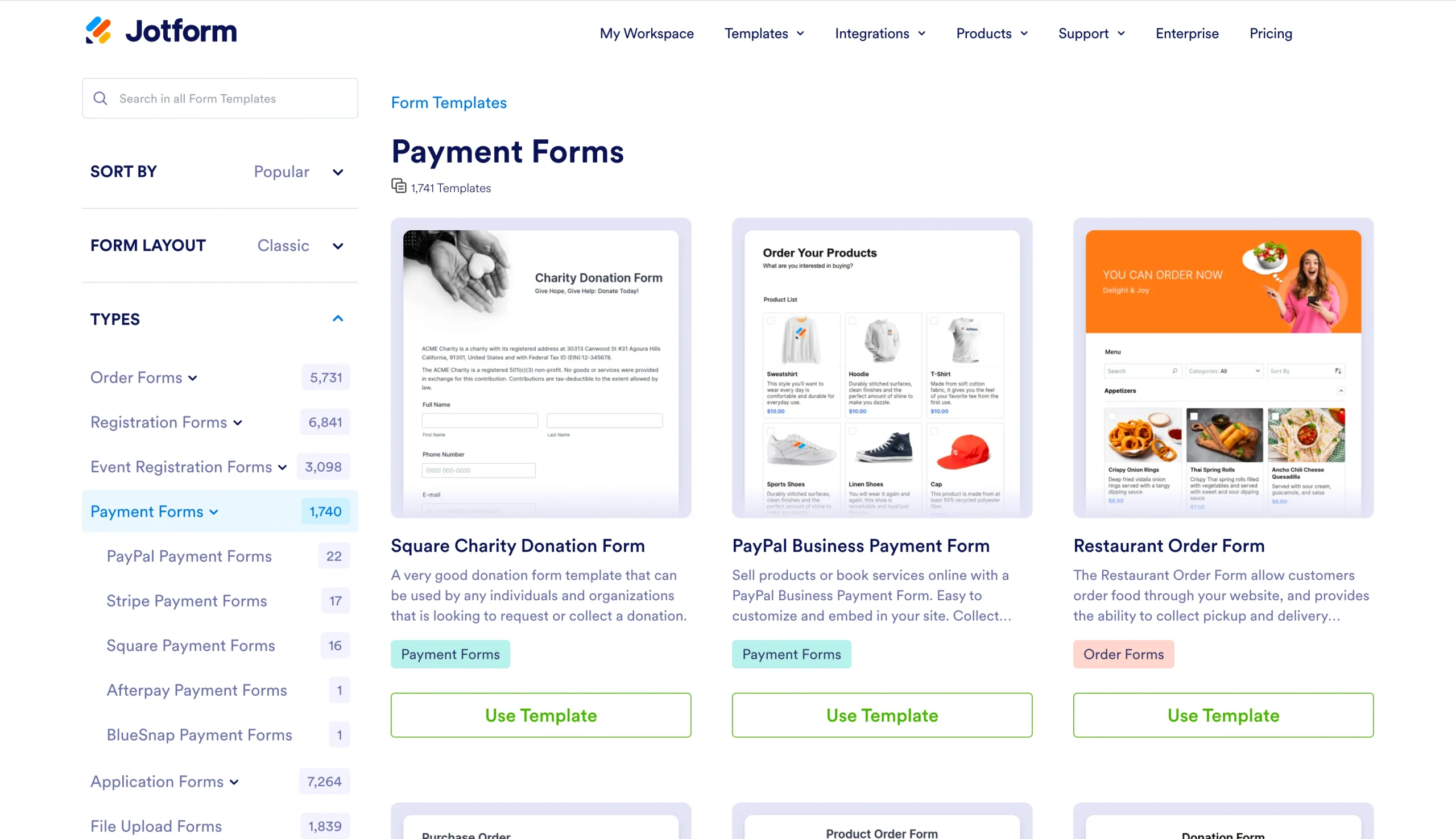
- Browse the categories or use the search bar to find a template that matches your product.
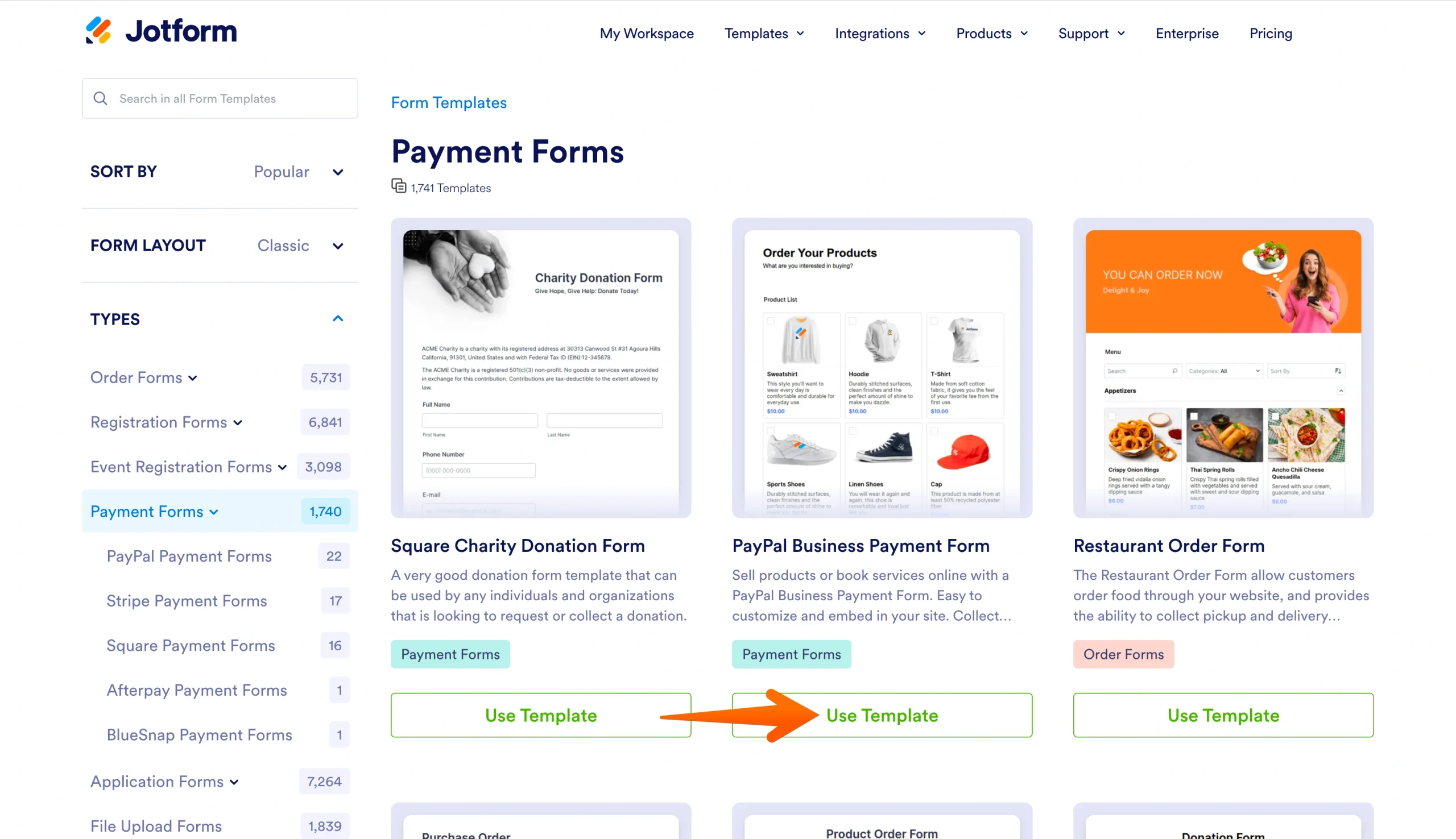
- Click Use Template on the form you want to use. The template will open in the Form Builder.
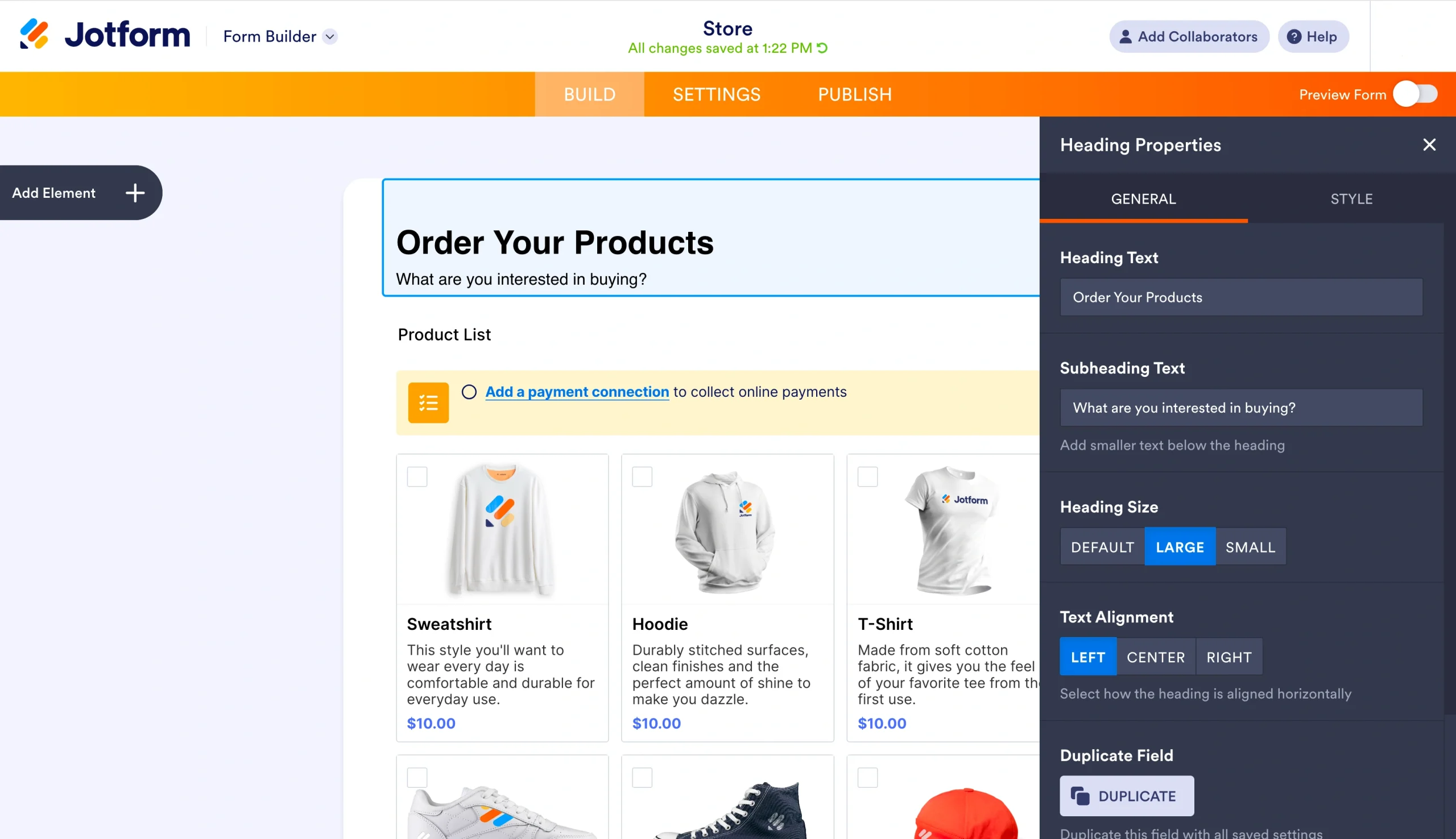
- Update the form title, product details, images, and fields to match your business.
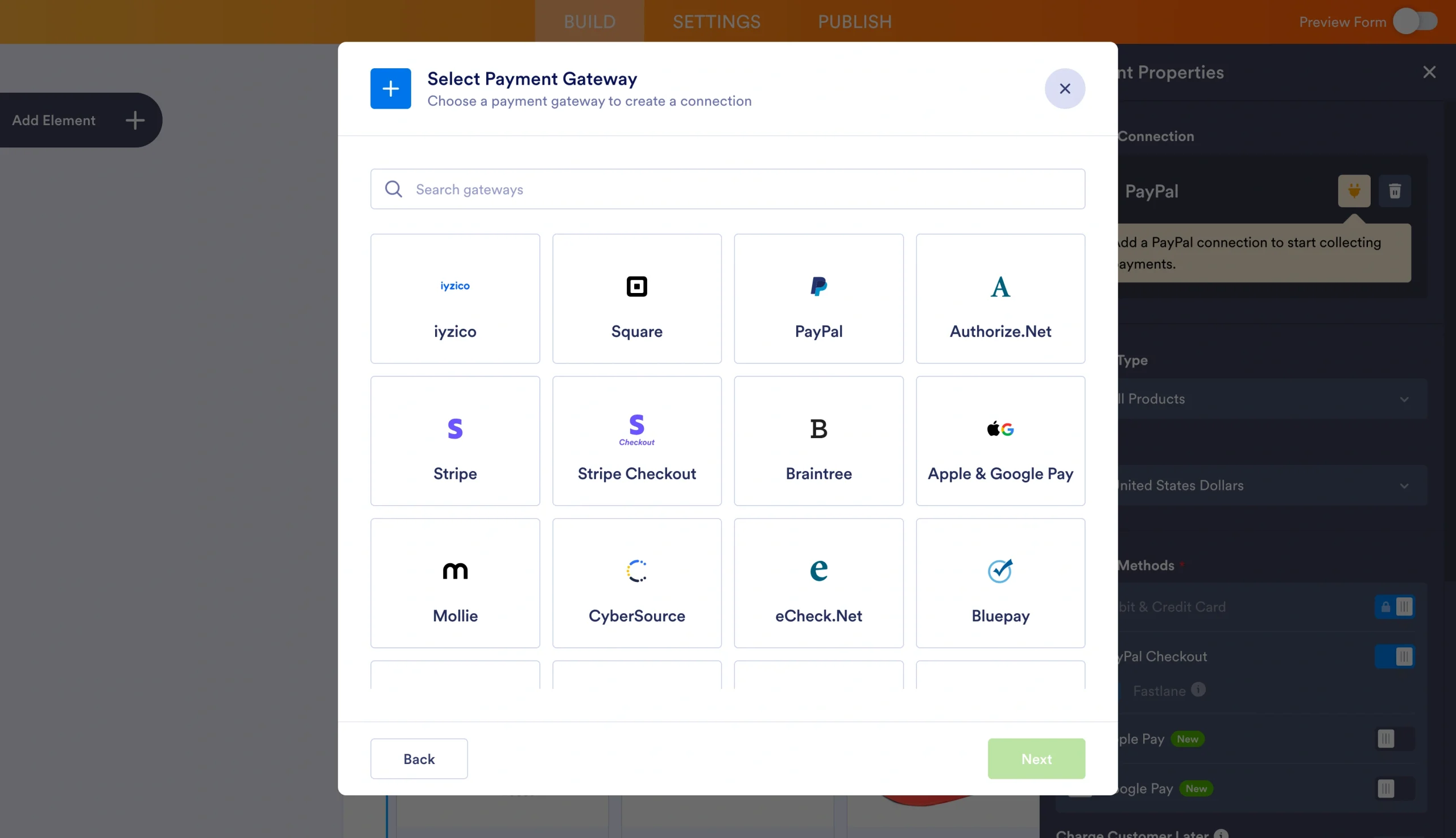
- Click the Payments tab in the left sidebar and connect your preferred payment processor.
- In the orange navigation bar at the top, click Publish.
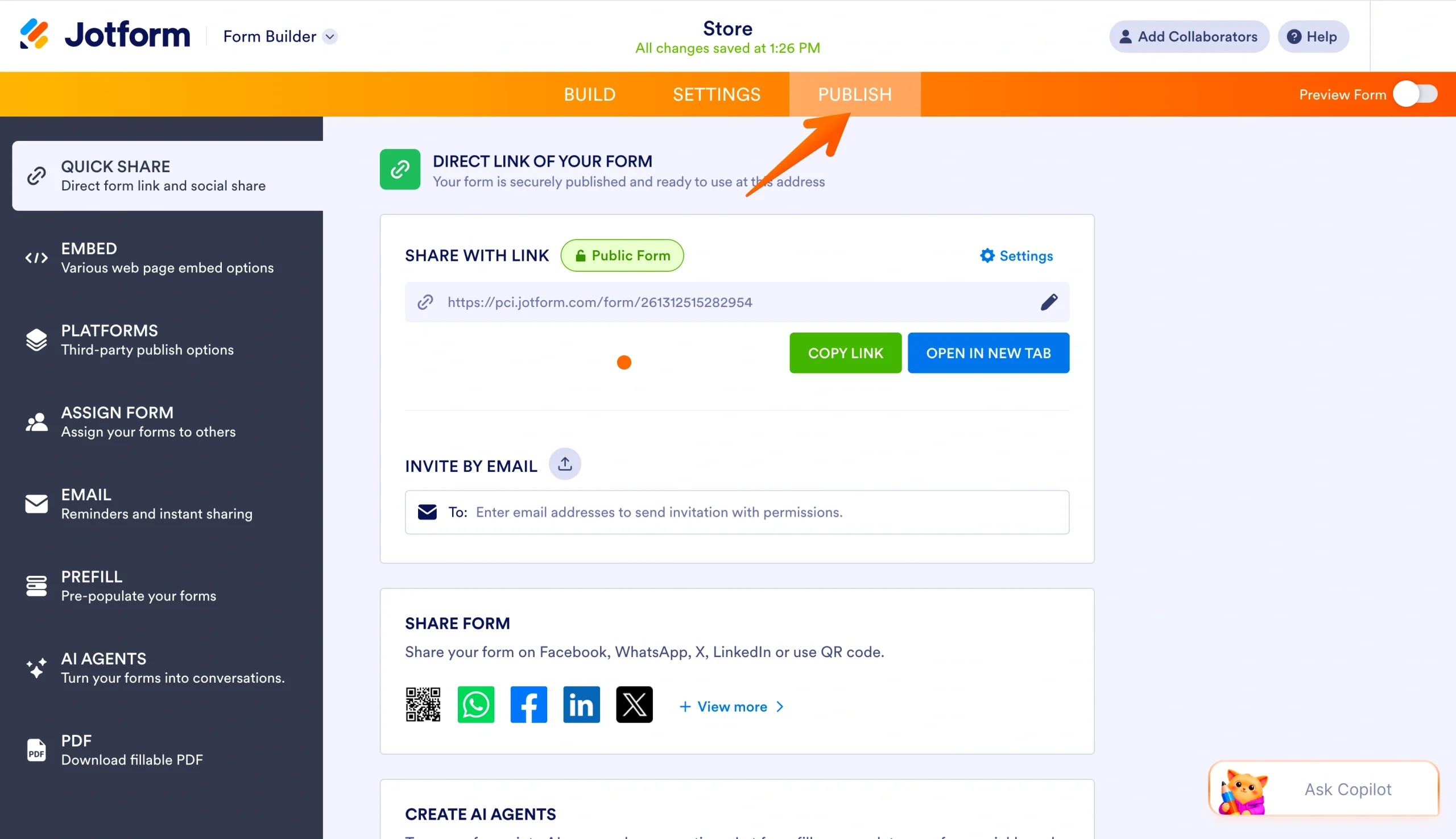
- Under Share With Link, click Copy Link to copy your form URL.
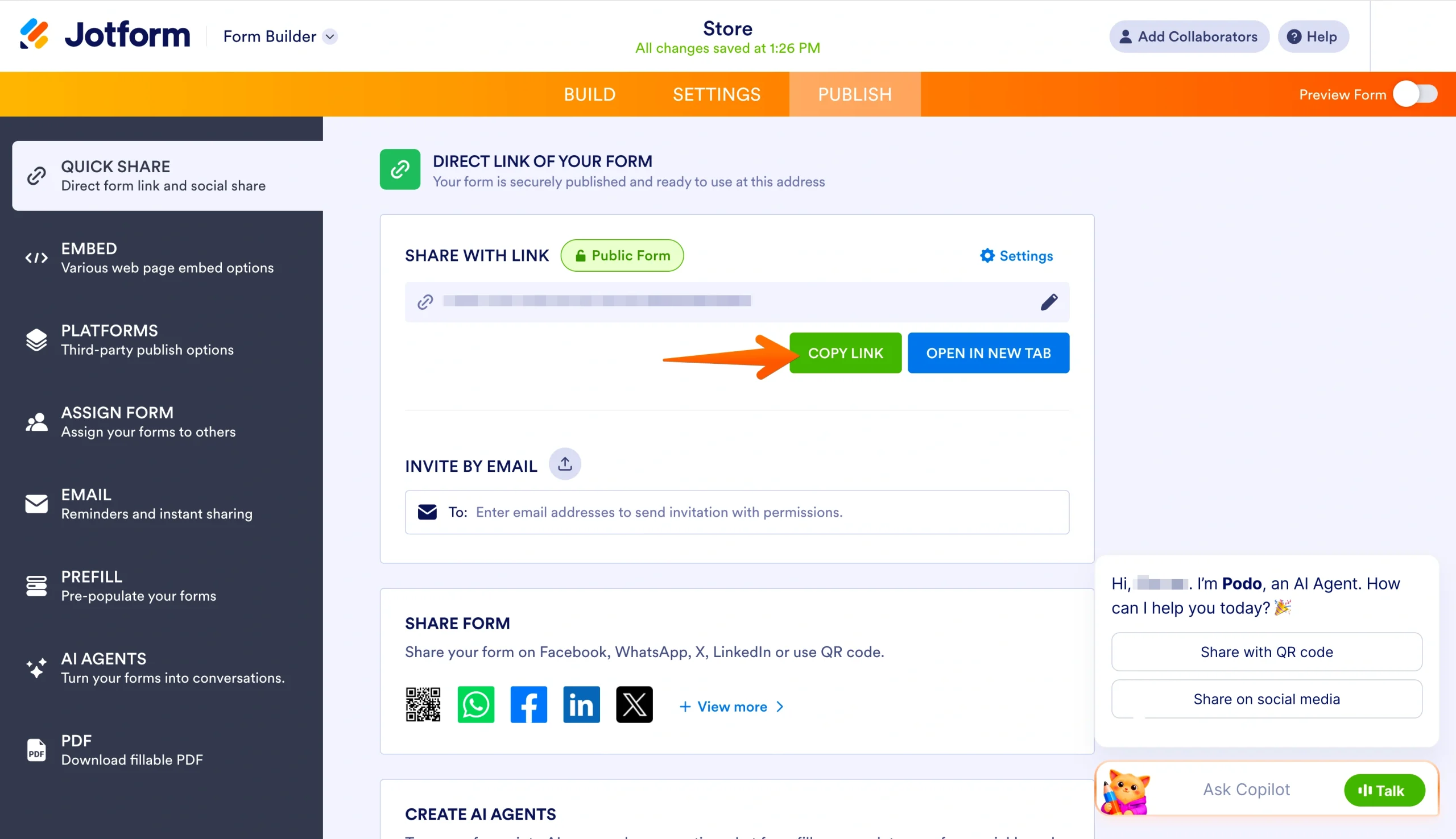
Once you have your form URL, you can add the payment link on Instagram in three ways:
- In your bio: Open the Instagram app, tap Edit profile, paste the link in the Website field, and save.
- In a story: When creating your story, tap the link sticker and paste in your form URL.
- In a post: Instagram doesn’t make caption links clickable, so include a call to action such as “Tap the link in our bio to buy” to direct followers to the bio link.
If you sell more than one product, a link-in-bio Instagram tool can turn your single profile link into a landing page that hosts your full catalog, so customers can browse and choose what to buy without leaving Instagram.
Method 2: Create a form from scratch
If a template doesn’t quite match what you’re selling, building a form from scratch gives you full control over what your customers see and the information you collect. Jotform’s drag-and-drop Form Builder makes the process accessible. Every element on the form can be moved, edited, or removed with a click, no coding required.
This method works best when your product, pricing structure, or customer information needs are specific to your business.
Here’s how to add a payment link on Instagram if you’re starting from scratch using Jotform:
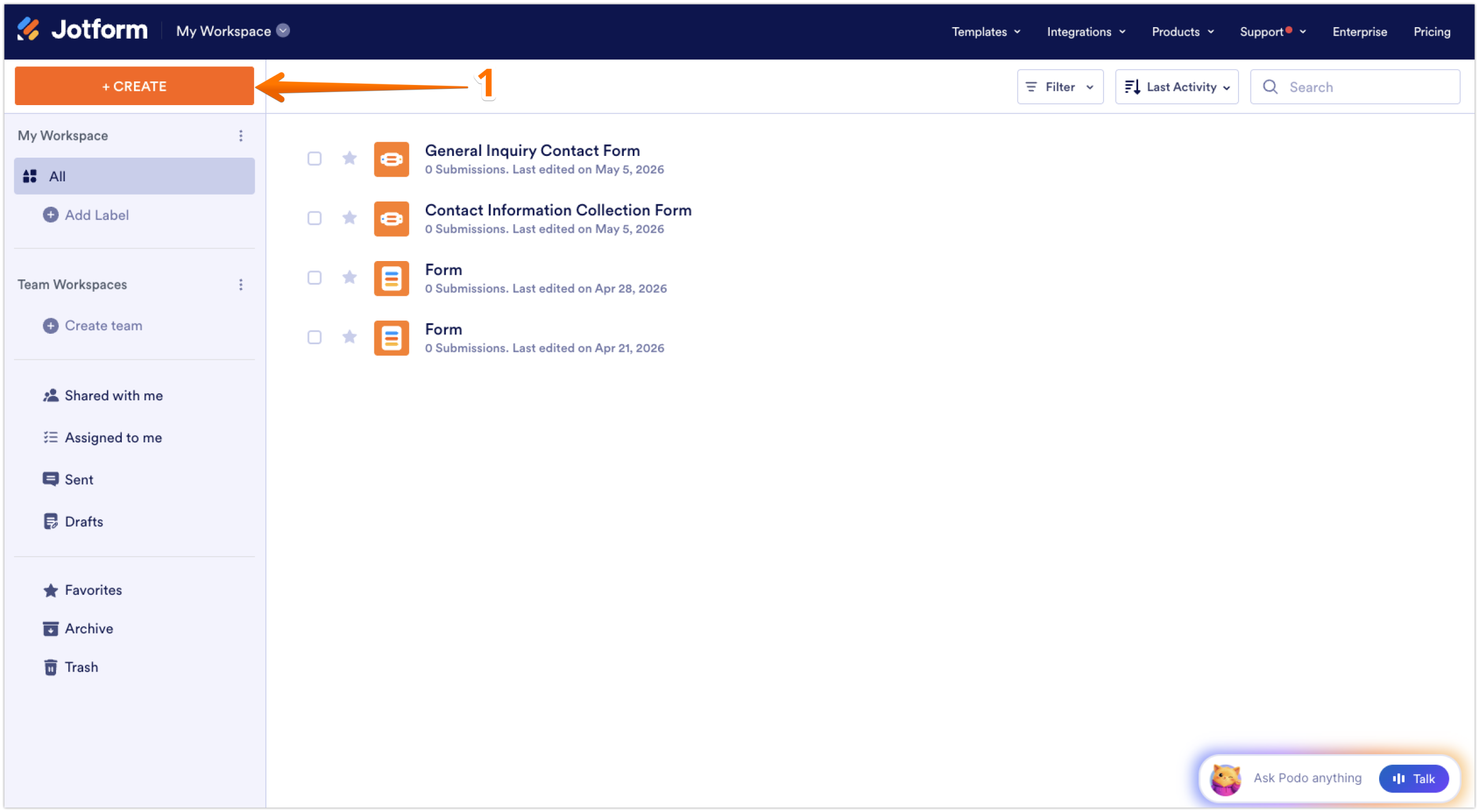
- Log in to your Jotform account and click Create Form on your Workspace page.
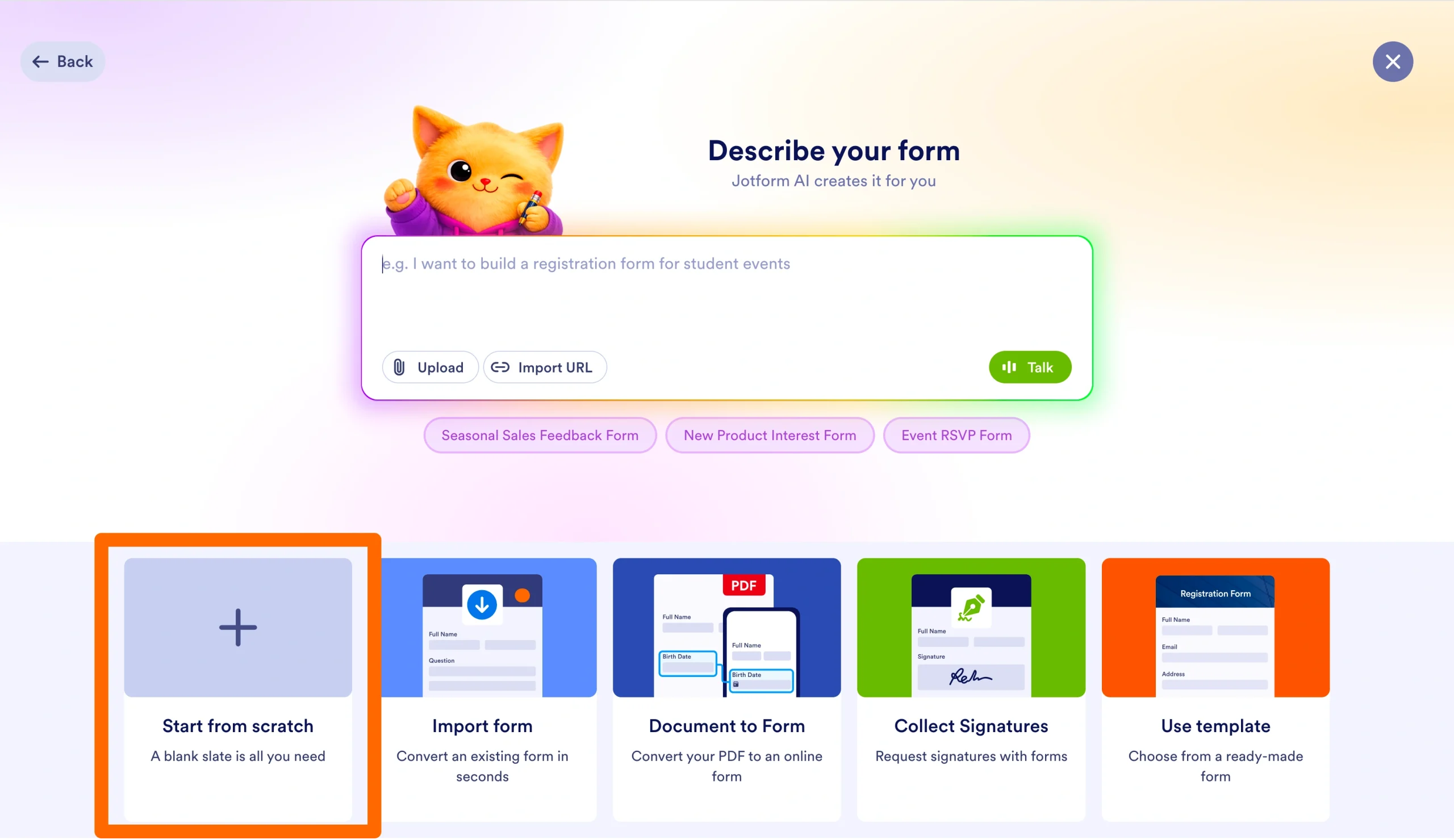
- Select Start From Scratch.
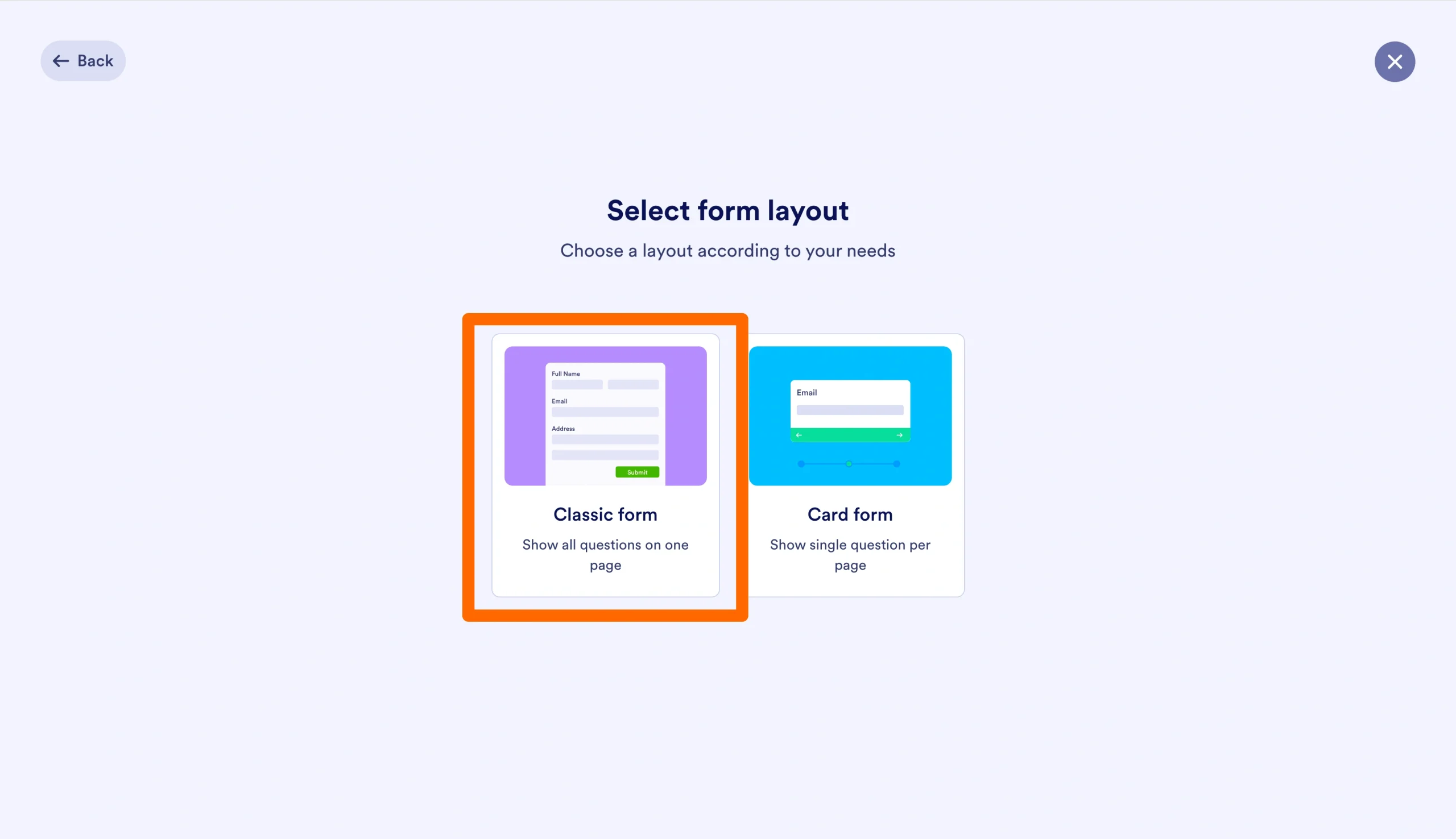
- Choose a layout. Classic Form displays all questions on one page, while Card Form shows one question at a time.
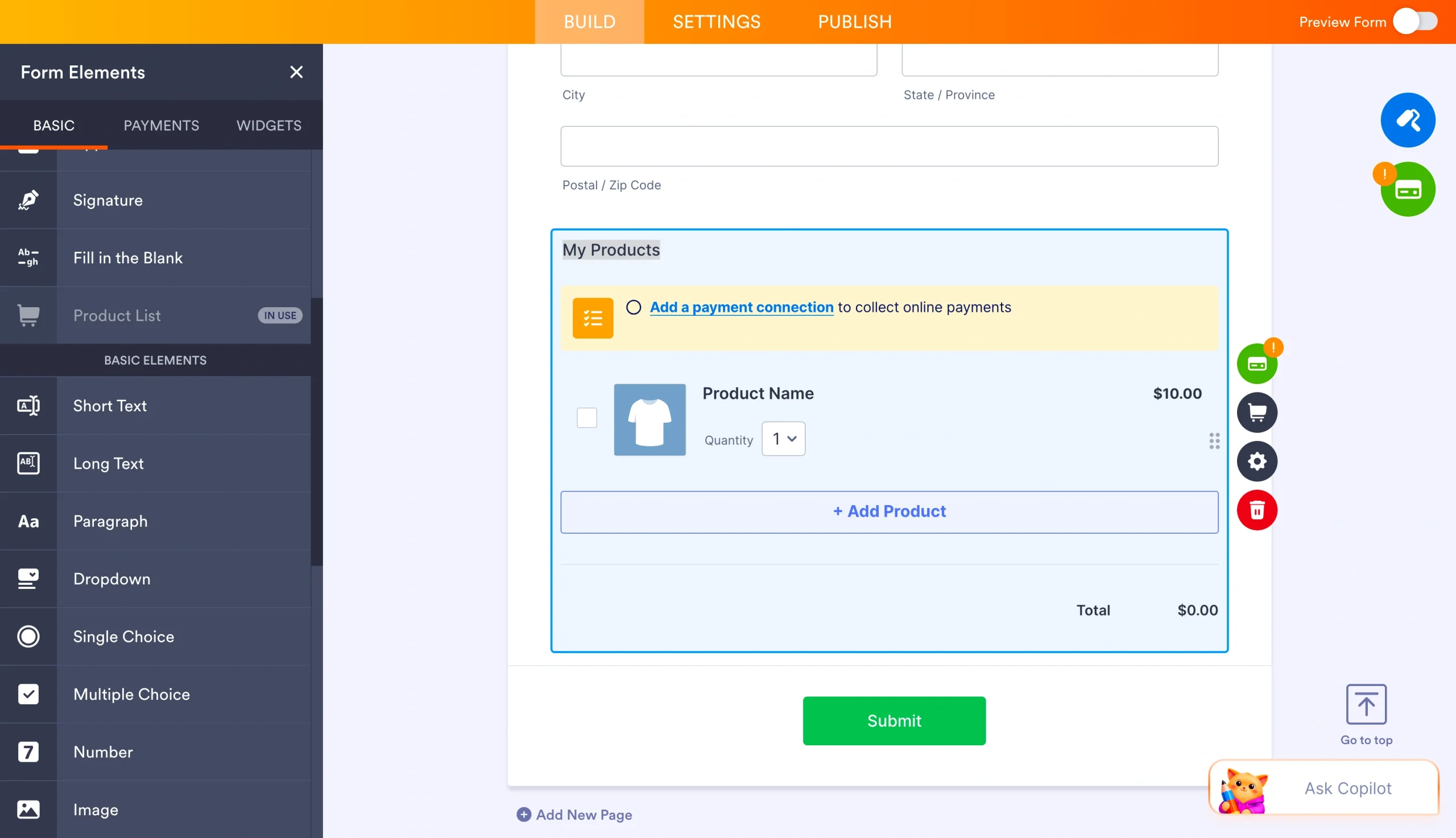
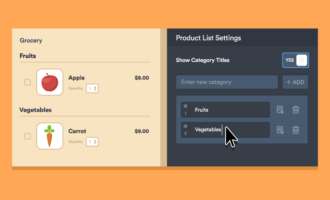
- Drag the fields you need from the left sidebar into your form. Common fields for a payment form include name, email, shipping address, product selection, and quantity.
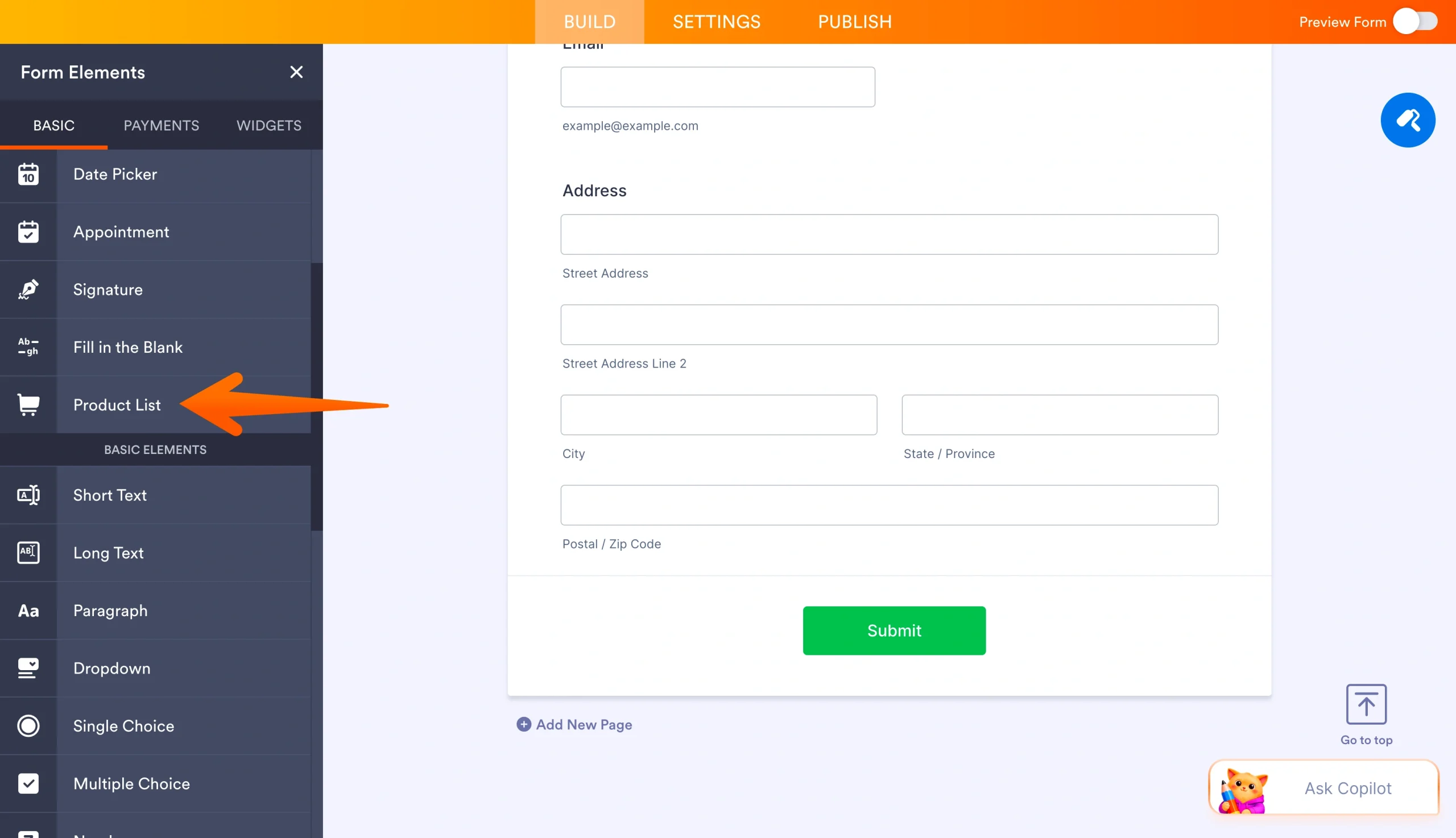
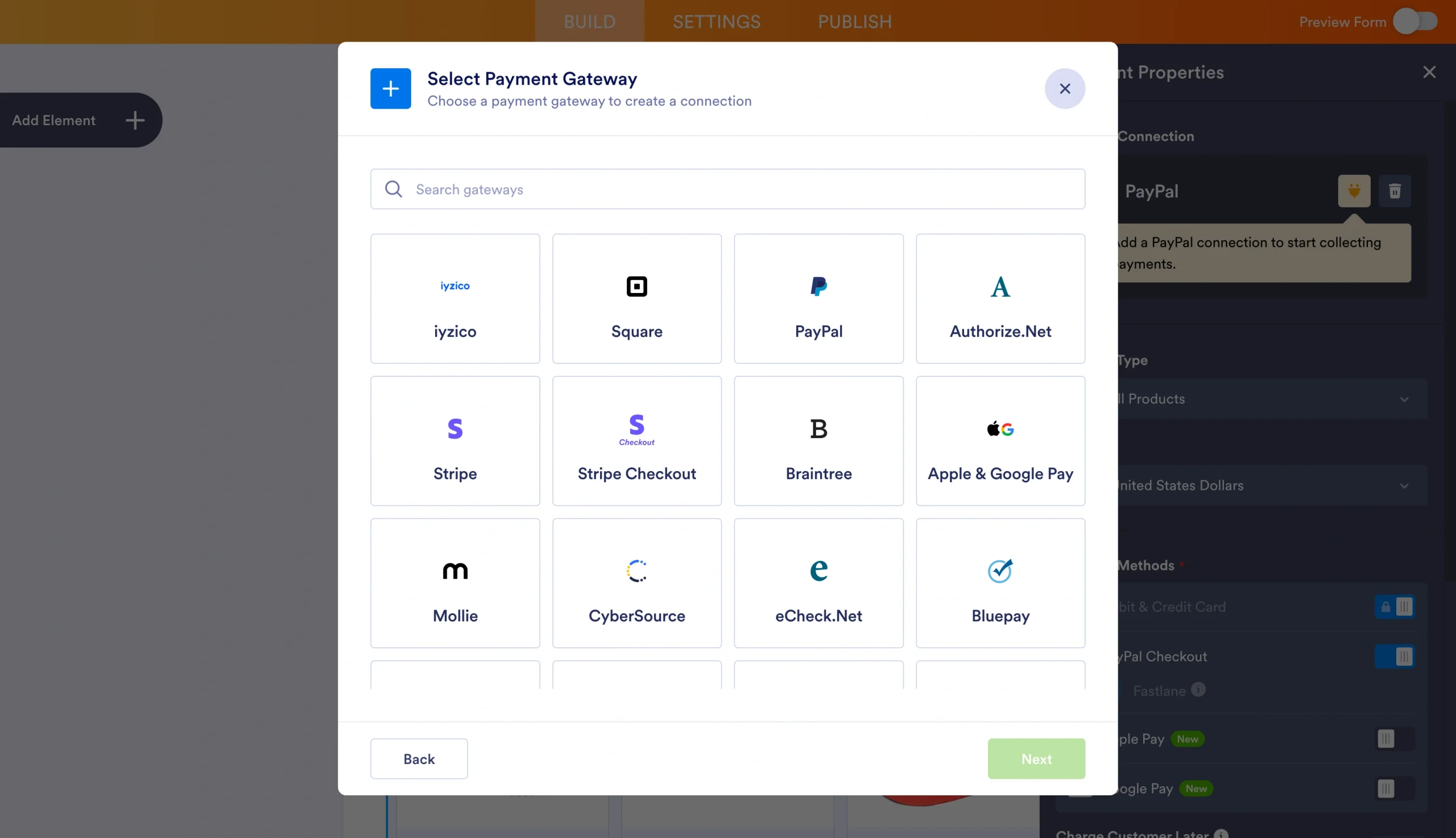
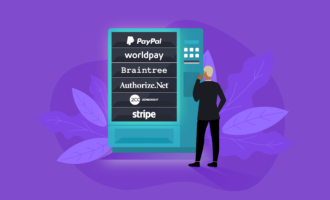
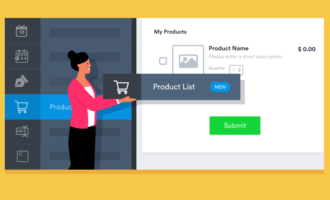
- Click on Product List in the left sidebar and select a payment processor. Jotform offers over 40 payment processor integrations, including Stripe, PayPal, Square, and Apple Pay.
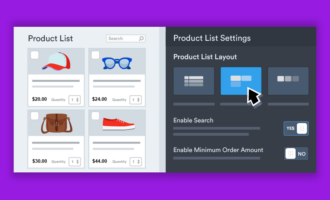
- Connect your account, then set up your products, prices, and any additional purchase options.
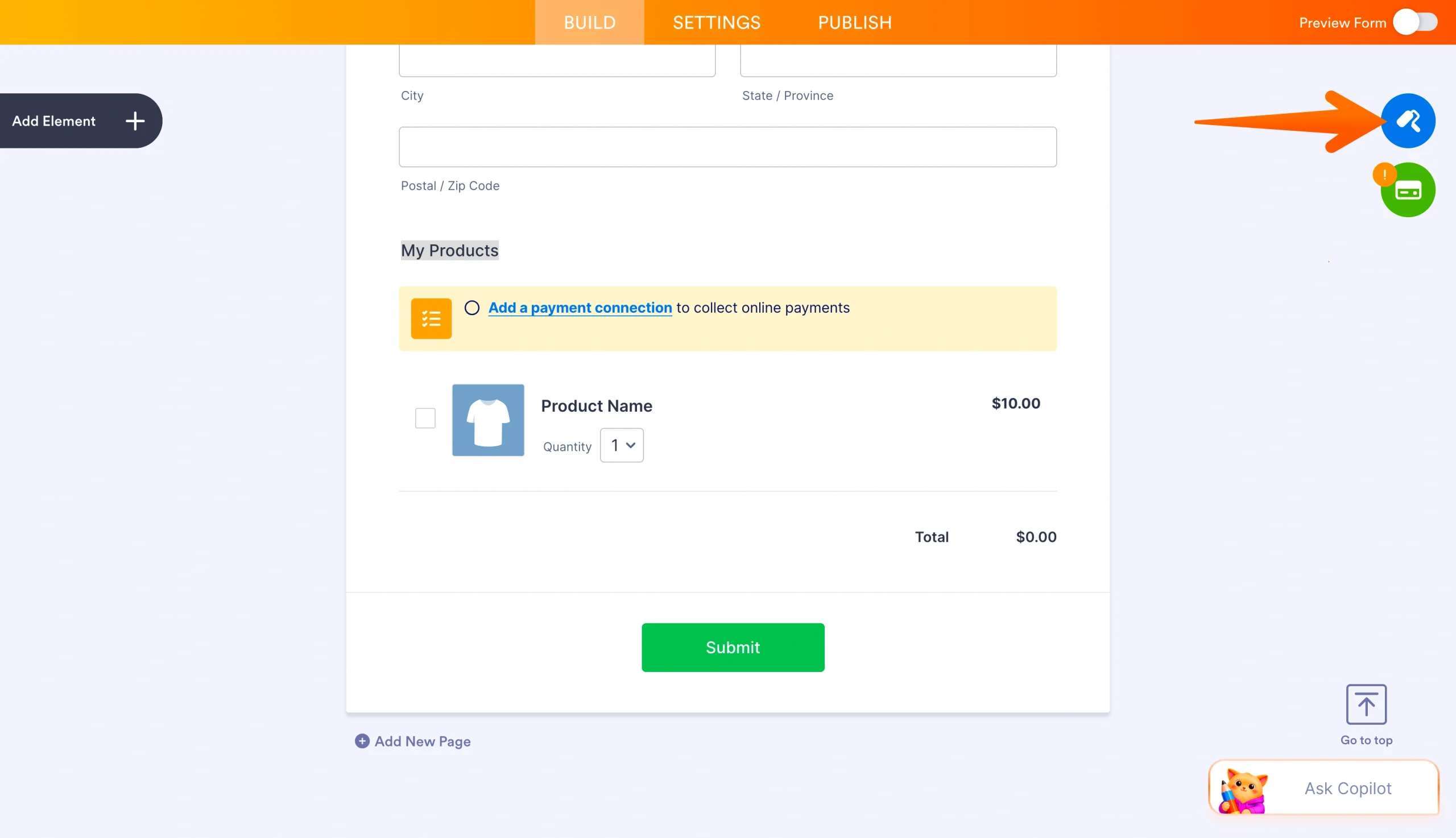
- Click the paint roller icon on the right side to style your form with colors, fonts, and a background that match your brand.
- In the orange navigation bar, click Publish, then click Copy Link under Share With Link.
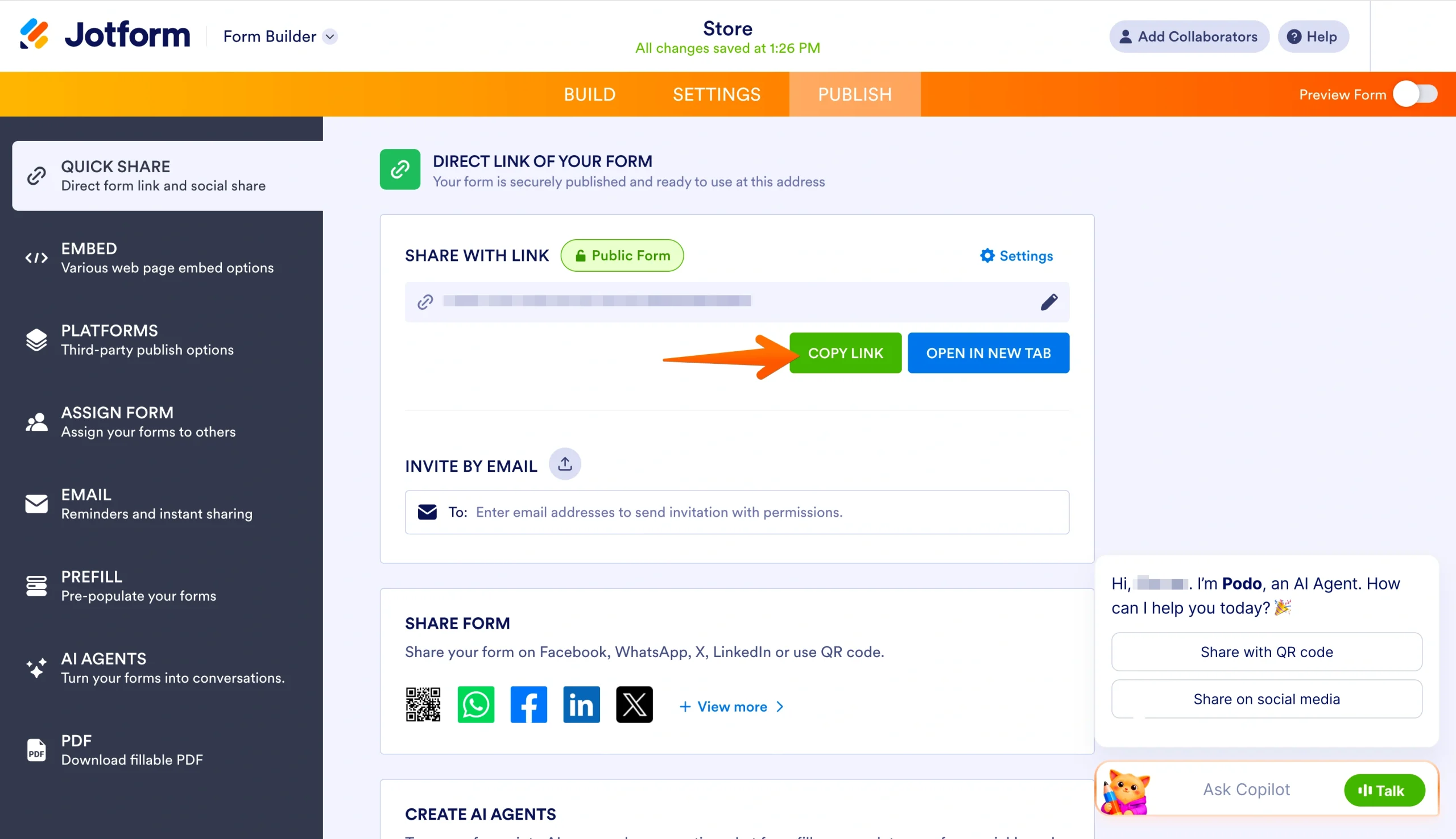
Once you have your form URL, follow the same steps to add it to Instagram as in Method 1. You can paste it into your bio’s website field, attach it to a story using the link sticker, or guide followers from your post caption to the link in your bio.
Pro Tip
The more fields you add to your form, the longer it takes for customers to complete the purchase. Keep your form focused on the essential information you need to fulfill the order.
Track payments with Jotform
Whether you build your form from a template or from scratch, every payment that comes through is automatically logged in Jotform Tables. You can view sales in real time, sort by date or product, and export data when you need it. Because your form can also collect customer details such as name, email, and shipping address, you’ll have the contact information you need for future marketing campaigns and follow-ups.
Make checkout effortless for your Instagram customers and grow your sales with Jotform’s online forms with payment integration, creating your first payment form in minutes without any coding.
This article is for e-commerce business owners, Instagram sellers, content creators, small business operators, and anyone who wants to simplify online payments and turn social media engagement into completed sales using payment links.












































Send Comment: