

Top client management software for small businesses
- Jotform: Best for building a fully automated client management system
- HoneyBook: Best client management tool for creative professionals
- Bonsai: Best for managing freelance and agency workflows
- HubSpot: Best for small businesses tracking customer engagement
- Zoho CRM: Best for budget-conscious businesses needing customization
- Salesforce: Best for advanced workflow automation
- Monday Sales CRM: Best for businesses needing a visual, highly customizable sales pipeline
- Insightly: Best for managing sales and post-sale project delivery
- Moxo: Best for managing complex, multistakeholder client workflows
- Clinked: Best for white-label client collaboration portal
- Huddle: Best for document-heavy teams
- SmartVault: Best client management software for accounting firms
Every growing business eventually reaches a point when tracking customer information, interactions, and projects without a dedicated system becomes impossible. When that information is scattered across emails, spreadsheets, and notebooks, follow-ups fall through the cracks, employees become less efficient, and fractured client experiences start costing you relationships and revenue.
Client management software solves those issues. The right tool gives you a centralized view of every client relationship and keeps follow-ups and projects in one place. Modern tools like Jotform go even further, with automation and AI agents that handle repetitive tasks and reduce admin work that slows your team down.
In this post, we’ll explore 12 of the best client management solutions to help you decide which one is right for your business.

💡Client management system vs CRM?
Both terms are often used interchangeably, but they serve different purposes. While client management software is a type of CRM, most CRMs focus on sales pipelines and revenue tracking. Client management tools prioritize nurturing long-term relationships and boosting retention after the initial sale.
TL;DR: Which client management software is the best for you?
- Best for fully automated client management: Jotform
- Best for creative professionals: HoneyBook
- Best for freelance or agency workflows: Bonsai
- Best for small businesses just getting started with customer engagement: HubSpot
- Best for budget-conscious businesses: Zoho CRM
- Best for advanced workflow automation: Salesforce
- Best for visual, highly customizable sales pipeline: Monday Sales CRM
- Best for sale and post-sale project delivery: Insightly
- Best for complex, multistakeholder client workflows: Moxo
- Best for white-label client portal: Clinked
- Best for document-heavy teams: Huddle
- Best for accounting firms: SmartVault
How I evaluated these tools
The client management system you choose should help your teams organize and track relationships with both current and prospective clients. Since testing every use case isn’t realistic, I started by speaking with professionals across industries to learn which tools they rely on. I also explored Reddit communities where business owners and operators share candid, unfiltered opinions about the software they use daily.
From there, I reviewed user feedback, watched product walkthroughs, explored vendor websites, and tested product demos to understand how each tool works in practice. For each tool, I evaluated
- Client relationship features: Does the platform help teams organize, track, and manage client interactions effectively?
- Real-world usability: How well does it perform in day-to-day practice?
- Ease of use: Does it become intuitive over time?
- Automation and AI capabilities: Does it reduce manual work and support higher-value client interactions?
The result is a short list of 12 tools that cover the full spectrum of client management needs for small businesses and growing teams.
The 12 best client management software at a glance
| Tool | Best for | Pricing |
|---|---|---|
 Jotform |
Building a fully automated client management system |
Free plan available; paid plans from $34/month |
 HoneyBook |
Creative professionals |
From $29/month |
Bonsai |
Freelance or agency workflows |
From $9/user/month |
 HubSpot |
Small businesses just getting started with customer engagement |
Free plan available; paid plans from $20/user/month |
 Zoho CRM |
Budget-conscious businesses |
Free for three users; paid plans from $14/month |
 Salesforce |
Advanced workflow automation |
From $25/user/month |
 Monday Sales CRM |
Visual, highly customizable sales pipelines |
From $12/user/month |
 Insightly |
Sales and post-sale project delivery |
From $29/user/month |
 Moxo |
Complex, multistep stakeholder workflows |
From $200/month |
 Clinked |
White-labeled client-collaboration portal |
From $239/month |
 Huddle |
Document-heavy teams |
Must contact Ideagen Huddle for pricing |
 SmartVault |
Accounting firms |
From $50/user/month |
Best all-in-one client work suites
All-in-one client management suites bring everything you need into a single platform, including contact management, project tracking, invoicing, contracts, and client communication.
Jotform: Best for building a fully automated client management system
Jotform is an all-in-one client management software with tools for client intake, onboarding, project tracking, communication, and payments. It gives businesses flexible, no-code tools to manage client relationships from first inquiry to final payment. It is also an affordable alternative to traditional CRM systems, especially for small businesses with tight budgets.
Pros
- Client intake tools, workflows, payment, and automation all in one place
- Easy to use and highly customizable without code
Con
- Doesn’t include traditional sales tools such as deal tracking
Pricing
- Starter: Free
- Bronze: $34 per month (billed annually)
- Silver: $39 per month (billed annually)
- Gold: $99 per month (billed annually)
Enterprise: Custom pricing
How to use Jotform for client management
Start with the Jotform Form Builder, which lets you create fully customized forms to collect client information. Whether it’s a questionnaire, support request, or partner application, clients can upload documents and sign agreements as part of your onboarding process. You can use this client onboarding template to efficiently add new clients to your business.
In addition, you can make the intake experience more interactive with Jotform AI Chatbot Builder, which guides users through completing forms in a conversational way and automatically routes responses to another form, a workflow, or a human employee.
All submitted data flows into Jotform Tables, a filterable, centralized database your team can access and update in real time. From there, Jotform Workflows can use if-then logic to route client submissions, trigger approvals, send reminders, and collect sign-offs. For instance, if you run a service business, a workflow can automatically notify an account manager when a new client request comes in, route it to a senior approver if the contract value exceeds a set threshold, and send the client a confirmation email once approved. Workflows also integrate with business-critical tools such as Slack, Google Sheets, HubSpot, and Salesforce to keep data in sync across your stack without manual entry.
Jotform AI Agents can handle client requests around the clock using your knowledge base, including FAQs, service documentation, and pricing information. They can answer questions, trigger workflows, schedule appointments, or route requests across multiple channels, including your website, phone, and SMS. Jotform also provides social media agents, such as the Instagram Agent, so clients get responses even when your team is offline.
With Jotform Apps, you can create a branded, mobile-responsive client portal where clients can upload files, sign contracts, access forms, check project status, and submit new requests in one place.
Jotform Apps also supports payments through more than 40 payment gateways, including PayPal, Stripe, and Square, so you can collect deposits, one-time fees, or recurring payments directly in your workflow.
Ready to simplify how you manage client relationships? Explore Jotform today.
HoneyBook: Best client management tool for creative professionals
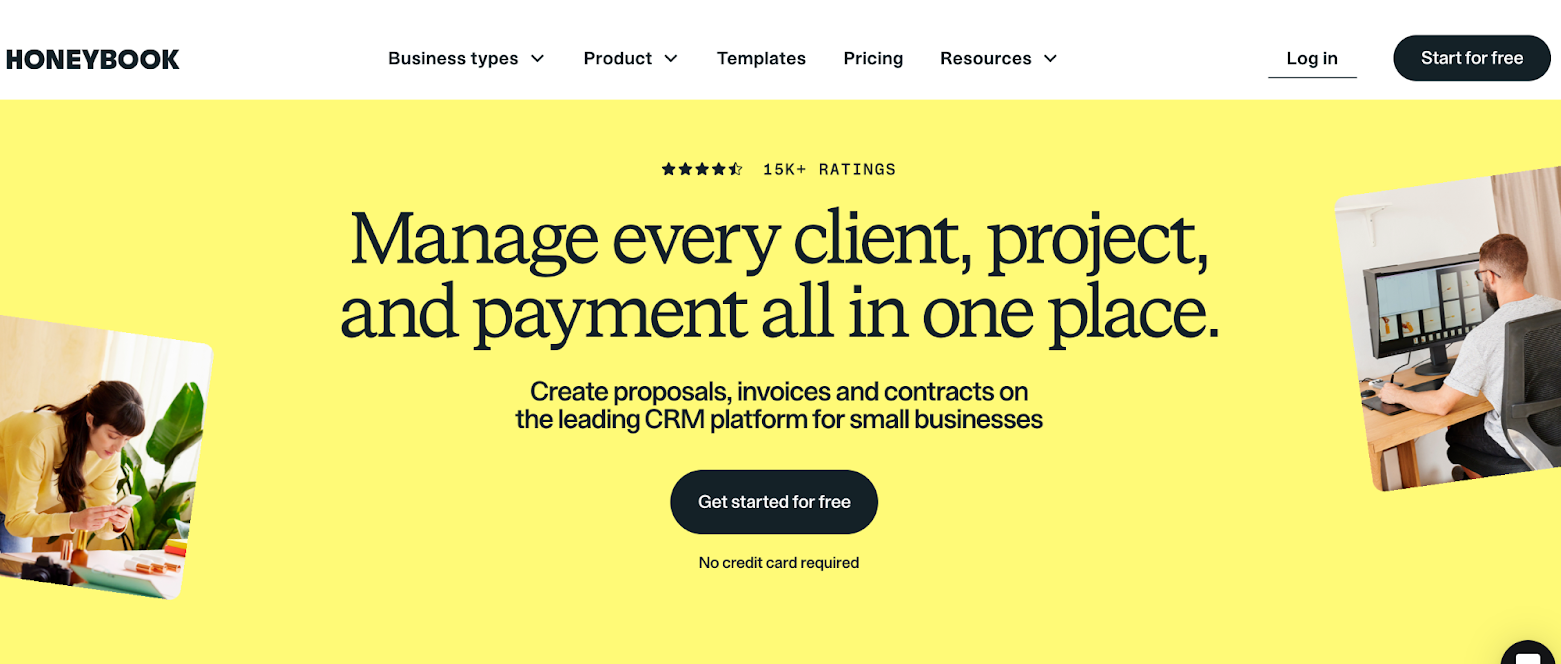
HoneyBook is a client management platform built for independent service businesses. It brings proposals, contracts, invoicing, scheduling, and communication into one place, so you can manage the full client journey without juggling multiple tools.
Pros
- All client touchpoints handled in one platform
- Customizable templates so you look professional from day one
Con
- Feels expensive for newer businesses
Pricing
- Starter: $29 per month (billed annually)
- Essentials: $49 per month (billed annually)
- Premium: $109 per month (billed annually)
How to use HoneyBook
HoneyBook covers most of what small business owners need to manage client relationships professionally and efficiently. With tools including lead capture forms, branded proposals, payments, and a built-in scheduler, you can easily capture every inquiry and turn it into a client.
The platform also includes a client portal where clients can access files, review documents, and track project status. With workflow automation, Honeybook can handle routine follow-ups such as post-signing emails, payment reminders, and client questionnaires, so your process runs smoothly without manual work.
Bonsai: Best for managing freelance and agency workflows
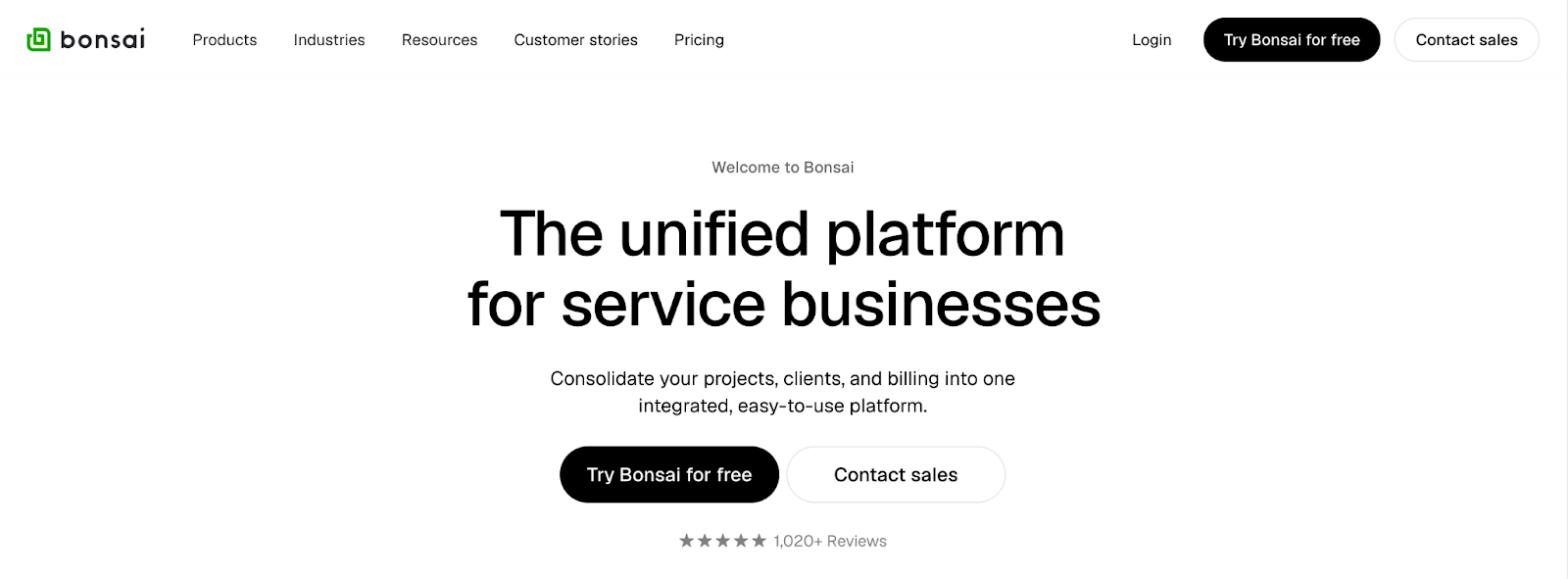
Bonsai is a business management platform for freelancers, agencies, and solopreneurs. It helps streamline operations while providing a structured approach to managing customer engagement.
Pros
- Covers contracts, invoices, time tracking, and expenses
- Affordable for small businesses
Con
- Limited project management and reporting features
Pricing
- Basic: $9 per user, per month (billed annually)
- Essentials: $19 per user, per month (billed annually)
- Premium: $29 per user, per month (billed annually)
- Elite: $49 per user, per month (billed annually)
How to use Bonsai
Bonsai focuses on the financial side of running a service business. Proposals convert directly into contracts, contracts collect e-signatures, and invoices follow automatically. With built-in templates for each step, you’re never starting from scratch when a new client comes on board.
Bonsai also includes tools for planning, managing, and delivering client work. You can organize tasks, track time, collaborate with clients through portals, and monitor project progress.
Best CRMs for client management
Many modern CRMs now include tools for post-sale relationship management, making them a practical option for ongoing client engagement.
HubSpot: Best for small businesses tracking customer engagement

HubSpot is a top CRM for small businesses getting started with contact management, deal tracking, and customer engagement. It offers a suite of tools for tracking customer data across sales, marketing, and service.
Pros
- Generous free plan for up to 1 million contacts
- Combines sales, marketing, and customer service into one ecosystem
Con
- Costs that spike quickly on paid plans
- Advanced features locked behind the Professional tier
Pricing
- Free: Up to two users and 1 million contacts
- Starter: $20 per seat, per month
- Professional: $890 per seat, per month
Enterprise: $3,600 per month
How to use HubSpot
HubSpot’s free CRM is a solid tool for managing contacts, tracking deals, and logging every client interaction in one place. Each contact record captures a full activity timeline, including emails, calls, meetings, and notes, so your team always has context before engaging with customers.
Paid plans unlock automation and marketing tools that go beyond basic contact management. You can build workflows that trigger follow-up emails, move deals through the pipeline, and notify team members based on client activity.
Zoho CRM: Best for budget-conscious businesses needing customization
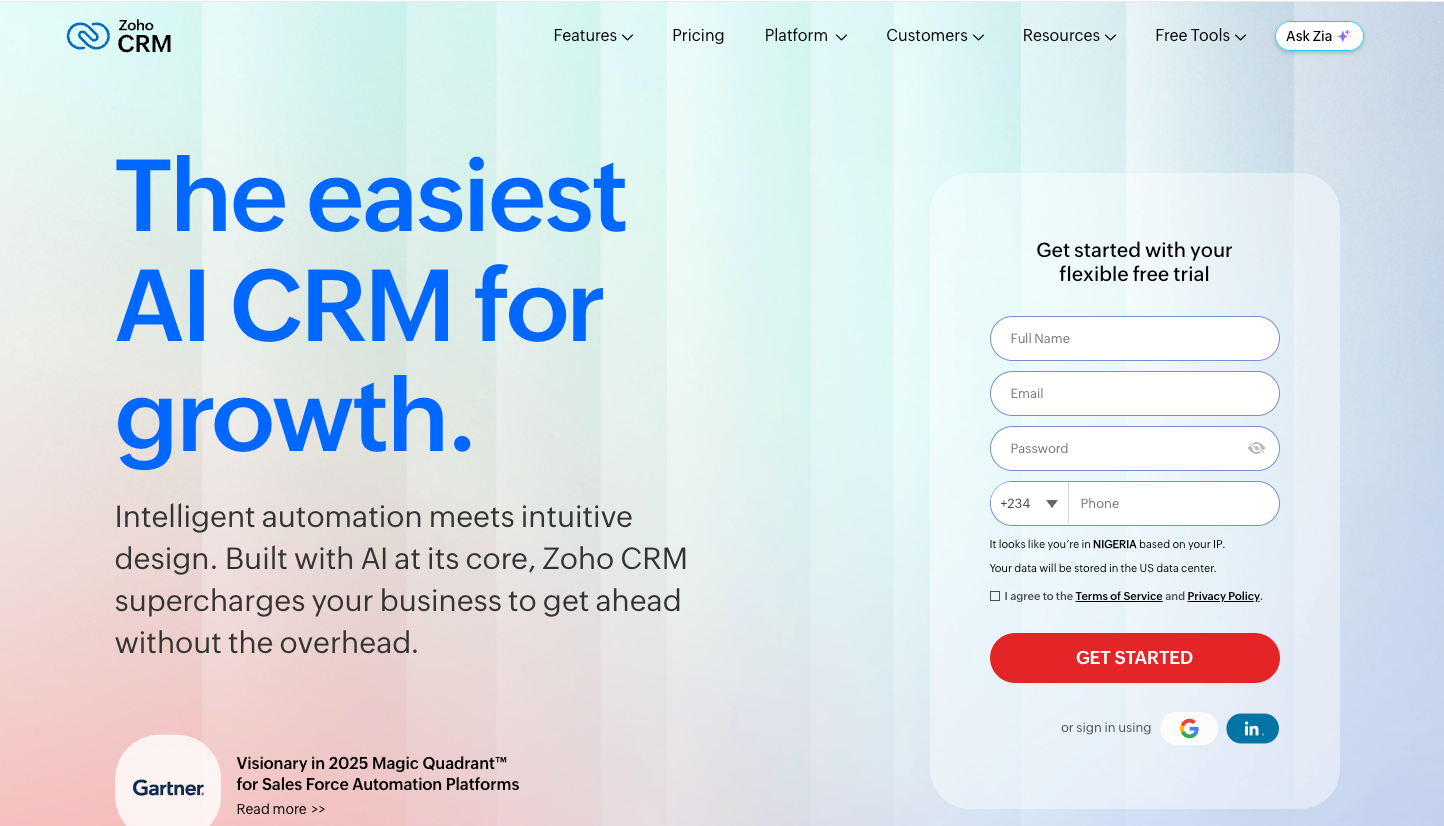
Zoho CRM covers lead management, sales pipelines, marketing, and support while giving teams the flexibility to tailor the platform to their specific workflows without an enterprise-level budget.
Pros
- One of the most affordable CRMs on the market, with a free plan for up to three users
- Highly customizable to match any specific sales process
Con
- Steep learning curve
Pricing
- Free: Up to three users; includes core CRM features
- Standard: $14 per user, per month (billed annually)
- Professional: $23 per user, per month (billed annually)
- Enterprise: $40 per user, per month (billed annually)
- Ultimate: $52 per user, per month (billed annually)
How to use Zoho CRM
Zoho CRM gives teams a centralized view of customers from lead capture through post-sale support. You can manage contacts, deals, and customer accounts in one place and log every interaction so nothing gets missed. Built-in AI helps automate routine tasks such as lead assignment, follow-up emails, and deal-stage updates, keeping the process moving without manual input.
Zoho CRM also offers deep customization. Teams with specific workflows or multiple sales stages can build custom modules, page layouts, and scoring rules that match how they actually work.
Salesforce: Best for advanced workflow automation
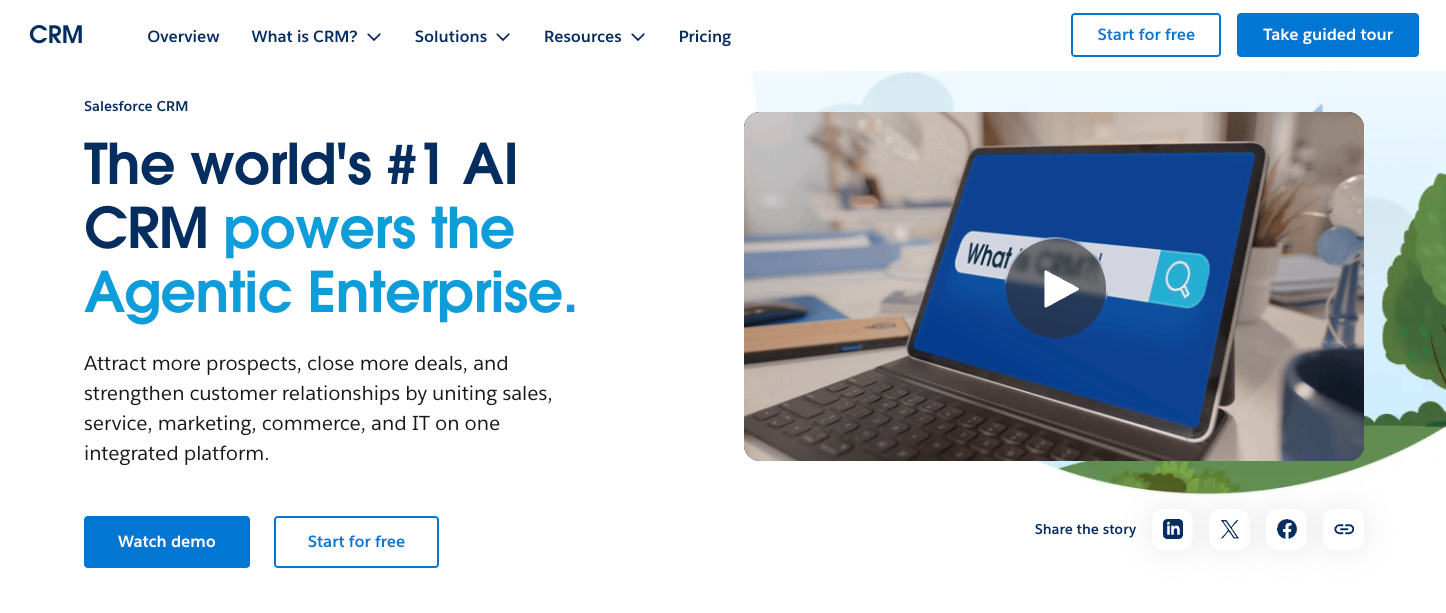
Salesforce is an enterprise-grade CRM built for businesses managing large client volumes or complex sales cycles. It offers advanced flexibility, automation, and deep customization for managing clients at scale.
Pros
- Deeply customizable to virtually any sales and service process
- Offers thousands of integrations and add-ons to extend functionality across every business function
Con
- Steep learning curve
Pricing
- Free Suite: Up to two user licenses
- Starter Suite: $25 per user, per month
- Pro Suite: $100 per user, per month (billed annually)
How to use Salesforce
Salesforce is one of the most widely used CRMs in the world, thanks to its ability to centralize client data across sales, service, marketing, and analytics. With a unified customer profile, teams can access the latest information they need to remain aligned on clients’ needs, deliver personalized experiences, and close deals more efficiently.
The platform also uses AI to provide predictive analytics and actionable recommendations for improving customer experiences. Advanced workflow automation reduces repetitive manual tasks, so teams can focus on building high-value client relationships.
Pro Tip
Not sure Salesforce is the right fit? Explore these Salesforce alternatives for a side-by-side comparison.
Monday Sales CRM: Best for businesses needing a visual, highly customizable sales pipeline
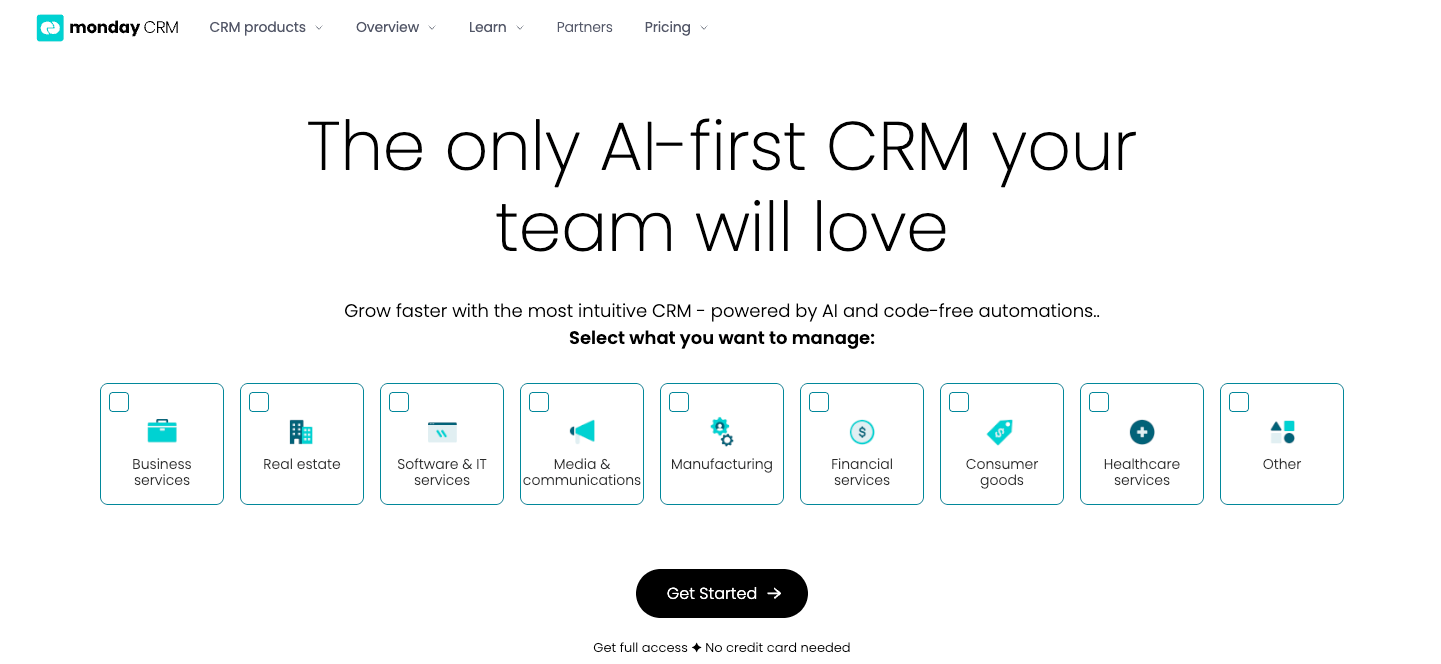
Monday Sales CRM is built on top of the monday.com Work OS, giving sales teams a visual, no-code platform for managing deals, leads, and client relationships. It’s a strong fit for growing teams that want the flexibility to shape their CRM around their own processes rather than using a rigid system.
Pros
- Highly visual pipeline with customizable boards, views, and no-code automation
- Seamlessly connects sales activity, project delivery, and team collaboration in one workspace
Con
- Automation limits on lower-tier plans
Pricing
- Basic: $12 per seat, per month (billed annually)
- Standard: $17 per seat, per month (billed annually)
- Pro: $28 per seat, per month (billed annually)
- Ultimate: Contact for pricing
How to use Monday Sales CRM
Monday Sales CRM organizes sales cycles on customizable boards that update in real time. Sales teams can manage leads, deals, and pipeline stages visually, switching between kanban, table, chart, and timeline views as needed. It also connects sales activity to post-sale service delivery, making it easy to hand off closed deals to project boards without losing context.
No-code automations handle routine tasks such as lead assignment, follow-up reminders, and status updates, keeping work moving without manual input. For teams already using monday.com for project management, the CRM extends naturally into the same workspace, keeping sales and operations aligned.
Insightly: Best for managing sales and post-sale project delivery
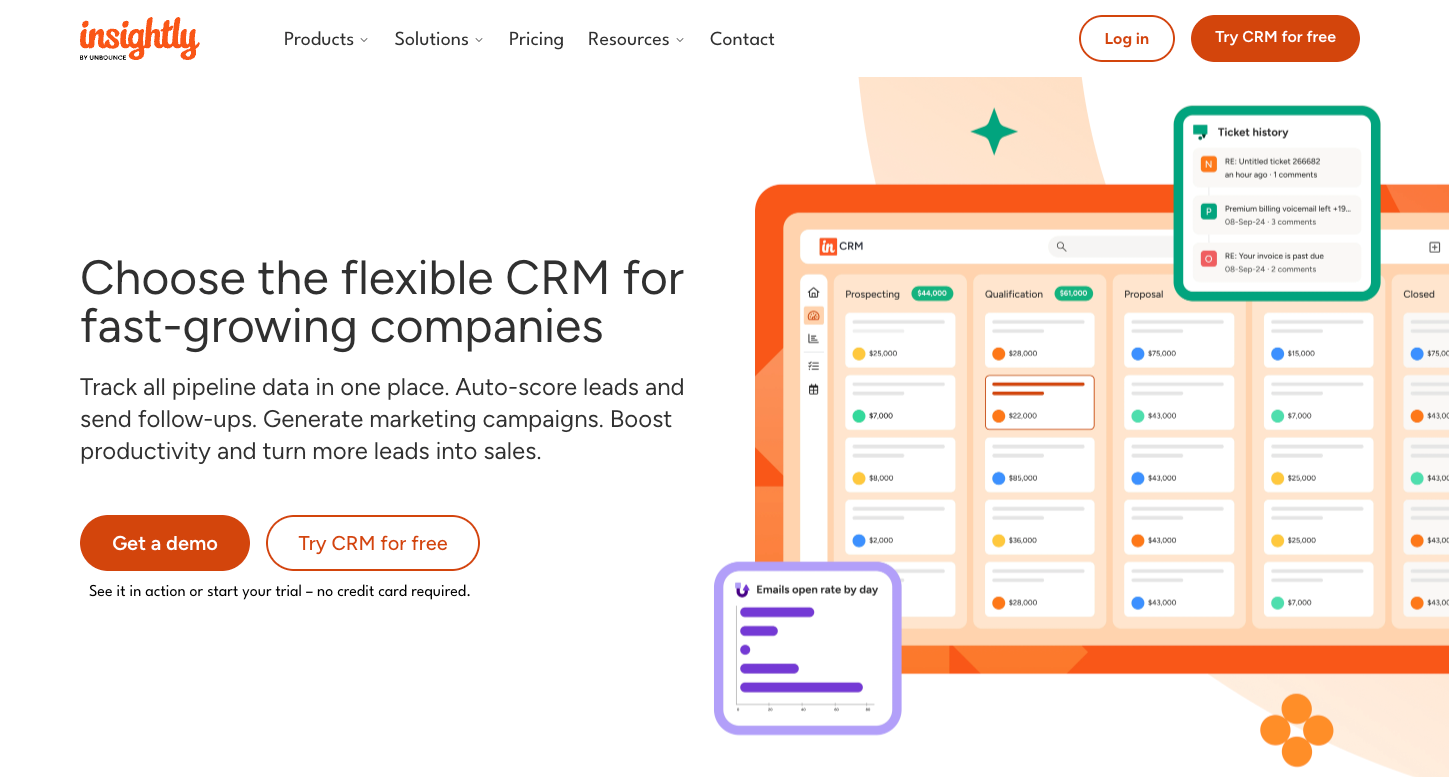
Insightly combines CRM and project management, making it a practical option for service businesses that need to manage client relationships before and after a sale. Once a deal closes, it converts directly into a project with timelines, milestones, and task assignments, all in the same platform.
Pros
- Seamless conversion of closed deals into managed projects
- Strong reporting and analytics for tracking sales performance, productivity, and relationship data
Con
- Higher pricing compared with other small-business CRMs
Pricing
- Plus: $29 per user, per month (billed annually)
- Professional: $49 per user, per month (billed annually)
- Enterprise: $99 per user, per month (billed annually)
How to use Insightly
Insightly covers lead tracking, pipeline management, and post-sale execution. One of its distinctive features is project conversion. When a deal is marked as won, all associated records, tasks, and contacts automatically carry over into the project pipeline, so nothing gets lost in the handoff between sales and delivery.
Insightly also supports day-to-day client management with workflow automation for lead assignment, follow-ups, and reengagement based on customer behavior.
Pro Tip
If Insightly’s pricing or features don’t quite match your needs, these Insightly alternatives are worth a look.
Best client portals for client management
Client portals give businesses a dedicated space where clients can access files, track project status, submit requests, and communicate without relying on email chains.
Moxo: Best for managing complex, multistakeholder client workflows
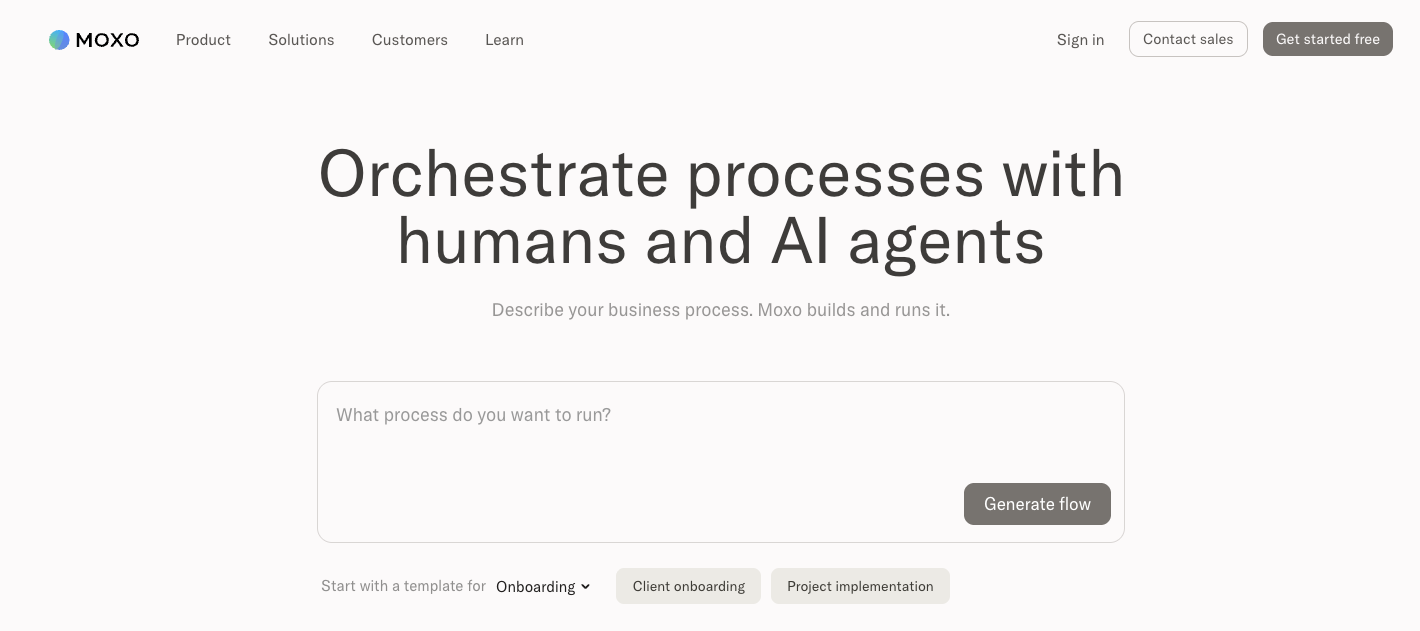
Moxo is an enterprise-grade client portal built for organizations that need structured, secure workflows across multiple clients, teams, and stakeholders.
Pros
- Combined messaging, file sharing, e-signatures, and workflow automation in one secure, branded portal
- Built-in compliance features, including SOC 2 and GDPR support, and complete audit trails
Con
- Enterprise-level pricing that may be out of reach for small businesses
Pricing
- Business: $200 per month
- Enterprise: cContact for pricing
How to use Moxo
Moxo gives each client a dedicated workspace where teams can manage communication, share files, collect signatures, and track deliverables without switching tools. Workflow automation handles multistep processes such as onboarding and document collection, with reminders and notifications that keep everyone on track.
The platform is suitable for institutions in financial services, legal, consulting, and healthcare industries where compliance, audit trails, and controlled access aren’t optional.
Clinked: Best for white-label client collaboration portal
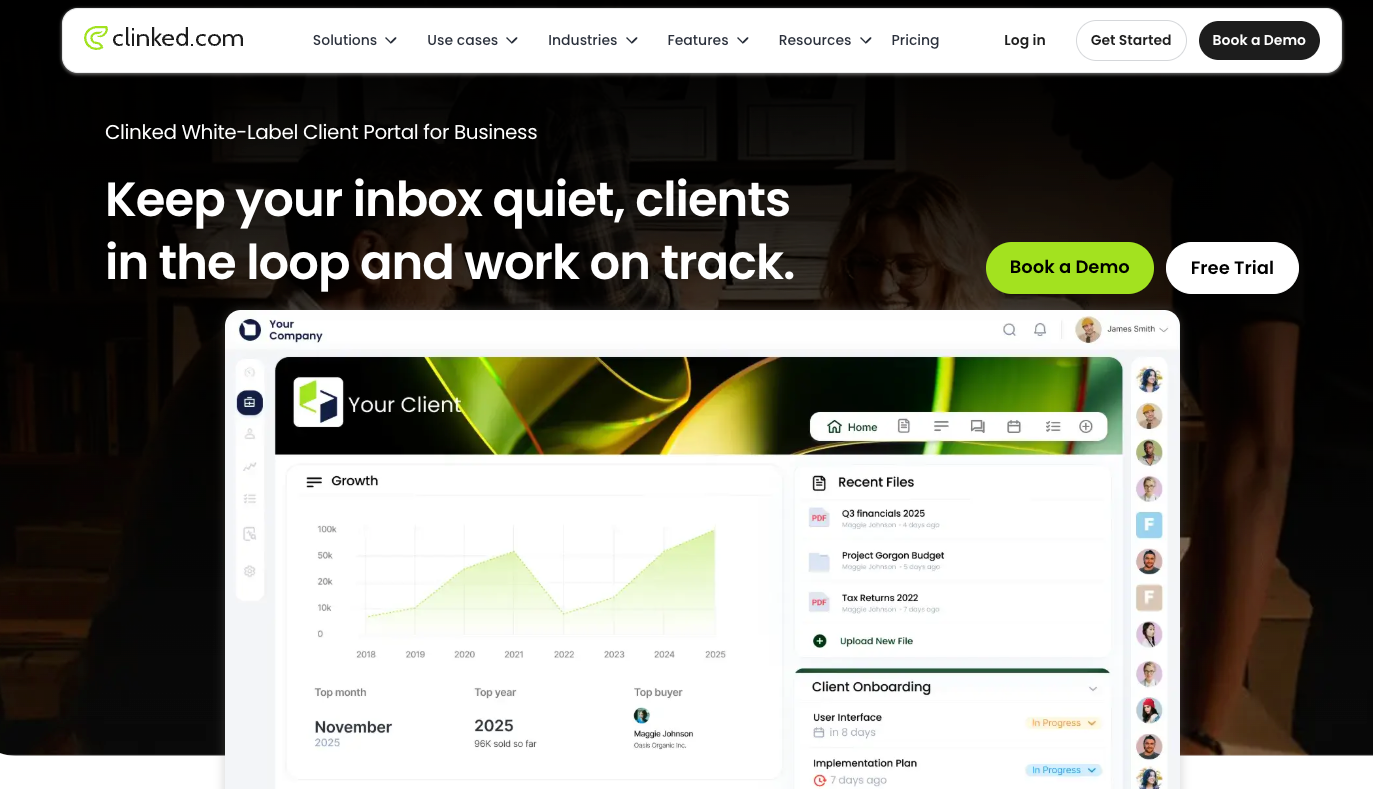
Clinked is a cloud-based client portal for professional services firms that want to give clients a polished, private workspace.
Pros
- Extensive white-label customization to give clients a fully branded experience
- Enterprise-grade security, including ISO 27001 certification and 256-bit SSL encryption, as well as GDPR, HIPAA, and FISMA compliance features
Con
- Steep pricing that may be out of reach for small businesses
Pricing
- Standard: $239 per month (billed annually)
- Premium: $479 per month (billed annually)
- Enterprise: Contact for pricing
- Virtual data room: $599 per month (billed annually)
How to use Clinked
Clinked organizes client work into dedicated group workspaces where teams can share files, assign tasks, track deadlines, and communicate in one place. Each workspace can be fully branded, so clients interact with a portal that feels like an extension of your business rather than a third-party tool.
Clinked also includes file management with version control, granular access permissions, and built-in file requests for collecting documents from clients. Combined with messaging and task tracking, it reduces back-and-forth over email and keeps client projects organized and visible.
Huddle: Best for document-heavy teams
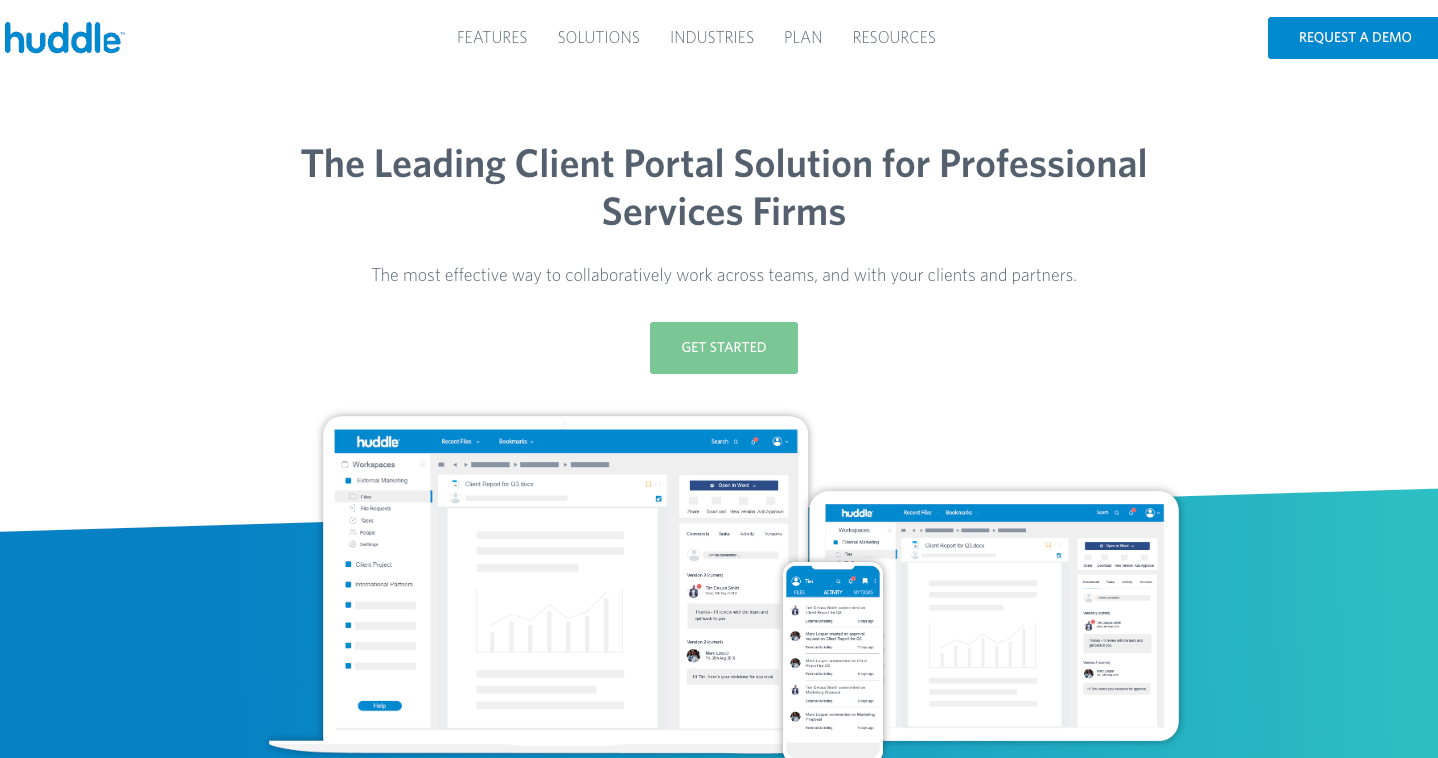
Ideagen Huddle is a cloud-based client portal built for organizations that handle sensitive documents and need rigorous security compliance. It was the first SaaS collaboration platform to earn FedRAMP certification in the US, and more than 80 percent of UK central government agencies trust it to get the job done.
Pros
- Government-grade security with ISO 27001 and Cyber Essentials Plus certifications, as well as FedRAMP and HIPAA compliance features
- Seamless Microsoft 365 and Google Workspace integration, so teams can coauthor, review, and approve documents without switching tools
Con
- Potential learning curve and performance issues (based on user reports)
Pricing
- Quote-based pricing only
How to use Huddle
Huddle brings your client work into secure, branded workspaces where teams and external stakeholders can share documents, coauthor files, and manage approvals, all with a full audit trail that tracks every move. Automatic version control means everyone is always working from the latest document without emailing files back and forth.
Huddle also offers task management and approval workflows, so you can assign work, set deadlines, and collect sign-offs without switching platforms.
SmartVault: Best client management software for accounting firms
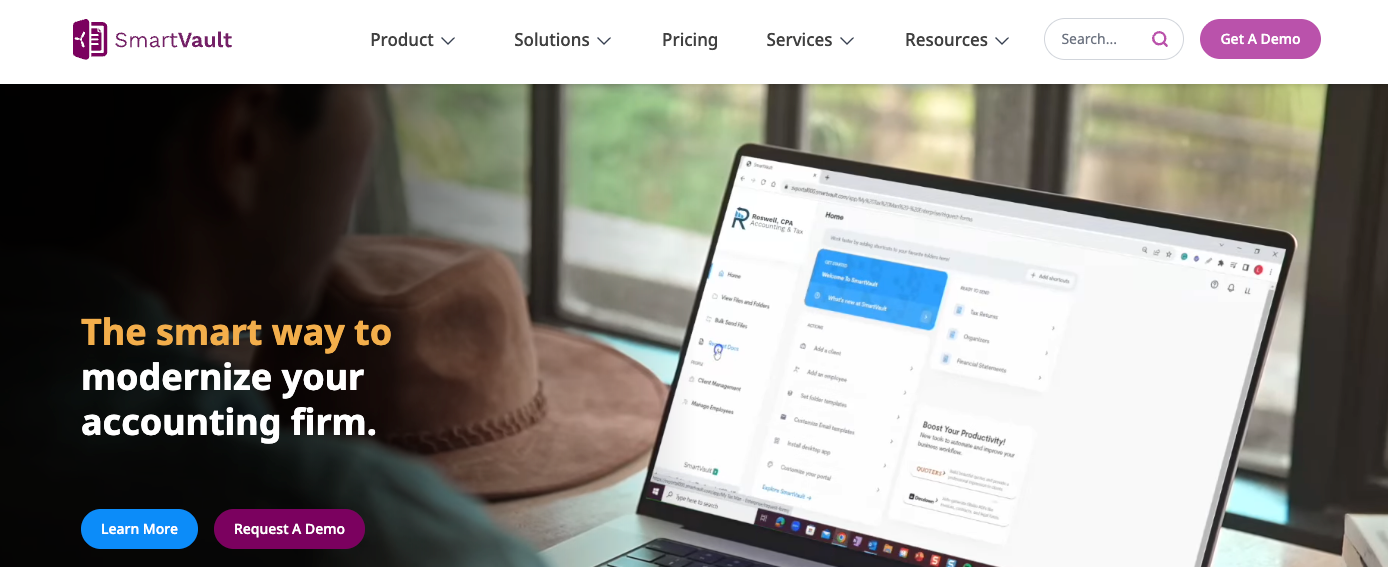
SmartVault is a document management and client portal platform built specifically for accounting and tax professionals. It integrates directly with Intuit Lacerte, ProConnect, and ProSeries, so your tax and accounting tools operate as one streamlined system.
Pros
- Deep native integrations with leading accounting and tax software
- Strong compliance features across SOC 2 type 2, HIPAA, IRS 4557, FTC Safeguards, SEC, and GDPR
Con
- Dated user interface compared with newer client portal platforms
- Complicated setup
Pricing
- Business Pro: $50 per user, per month (billed annually); three-user minimum
- Accounting Pro: $55 per user, per month (billed annually); two-user minimum
- Accounting Unlimited: $75 per user, per month (billed annually); two-user minimum
How to use SmartVault
SmartVault provides a central place for clients to upload, review, and sign files without using email. You can track document requests in a single workspace and rely on automatic notifications to keep clients informed and firms organized.
The platform is renowned for its accounting software integrations. Tax returns and client files route automatically into the correct folders when you print or export them from connected software, so there’s no manual filing. SmartVault also includes built-in compliance features to meet IRS and FTC requirements.
How to choose the right client management software
Choosing the right client management platform means looking beyond shiny features to find tools that empower your sales team to work smarter, build authentic customer relationships, and keep deals moving. The best fit also depends on your team size and the complexity of your business, so take time to evaluate your needs before committing to a platform. As you compare options, look for platforms that deliver in these key areas:
- Contact management: Your software should serve as a single source of truth for customer information. That means contact details, interaction history, important notes, and documents all live in one place, so your whole team is always working from the same information.
- Centralized communication: The best platforms bring every client interaction into one hub. Think chat, meetings, files, client portals, task management, and support, all connected, so nothing slips through the cracks and conversations keep their context.
- Workflow automation and integration: Your platform should handle repetitive tasks such as follow-ups, reminders, onboarding sequences, and routine data entry, so your team can focus on higher-value work. It should also connect easily with your other essential tools, either natively or through third-party integrations.
- Security and data privacy: Customer data is sensitive. Prioritize platforms that offer role-based access controls, encryption, and compliance with relevant standards like GDPR and SOC 2.
Choose a client management tool that works for your business
The best client management tool is the one your team will actually use. It should fit how your business works today without making things more complicated down the road. Whether you need a full CRM, a secure client portal, or an all-in-one suite, the tools on this list cover the full range of what modern service businesses need.
If you’re just getting started or want a flexible solution that grows with you, Jotform gives you an easy way to manage client relationships from day one. Start by building a form to collect client details, then set up a simple client portal and connect everything so your data stays organized in one place.
FAQs about small business client management software
Yes, HubSpot is a popular free CRM for small businesses that allows you to store up to 1 million contacts. Just know that once you start marketing to those contacts, limits kick in and costs rise quickly. Another option is building your own CRM with Jotform Tables, where you can manage contacts, deals, activities, products, and team members, all for free.
Microsoft doesn’t offer a dedicated small business CRM. Microsoft Dynamics 365 includes CRM tools, but it’s designed with larger organizations in mind. Many small businesses find it more complex and costly than they need.
Google doesn’t offer a stand-alone CRM. Small businesses can use Google Workspace tools such as Gmail, Contacts, Google Sheets, and Calendar as a basic work-around. Pairing Google Workspace with a dedicated CRM is usually the better approach.
Excel isn’t a CRM, even though it’s often used as one. While spreadsheets can handle basic contact lists and data tracking, they weren’t built for managing relationships. Once your customer base grows beyond a handful of contacts, you need a dedicated client management tool to keep your team aligned, track follow-ups, and centralize data in one place.
This article is for small and mid-sized business owners, client-facing teams, and service providers who are starting to outgrow spreadsheets and inbox-based tracking, and need a clearer way to manage ongoing client relationships.





















































Send Comment: