
Best EdTech tools of 2026
- Jotform Presentation Agents: Best for turning lessons into visual, interactive sessions
- ClassDojo: Best for connecting teachers, parents, and students in one community
- Schoology Learning: Best learning management system for K-12
- Guided Learning: Best for replacing textbooks with interactive digital courseware
- zSpace: Best for experiential learning with immersive AR/VR simulations
- Kahoot!: Best for gamified learning
- Formative: Best for real-time assessment and feedback
- Padlet: Best for student collaboration and visual brainstorming
- MagicSchool AI: Best all-in-one AI tool for teachers
- Khan Academy: Best for Socratic method teaching
- Canva Education: Best for creating visual classroom material
- Sibme: Best for educator coaching and professional development
I was still in university when COVID-19 forced classrooms online, and educators and students had to adapt in real time. Since then, technology has become an essential part of modern classrooms — from K-12 to higher education. In fact, Jotform’s 2026 EdTech trends survey of K-12 teachers and higher education instructors found that educators are increasingly relying on EdTech tools to manage student information, design school curriculum, and communicate effectively with parents.
Today’s EdTech platforms go further than they used to, incorporating artificial intelligence (AI) to personalize learning and help teachers manage classroom activities. But with thousands of educational technology tools on the market, choosing the right one isn’t easy. This guide will walk you through a handpicked selection of the top EdTech tools currently transforming classrooms. Whether you’re a K-12 teacher or an administrator, these tools will assist with lesson planning, content delivery, student engagement, and administrative tasks.
What makes a great educational technology tool?
EdTech tools come in different shapes and sizes to address diverse education needs inside and outside the classroom. But the ones that stick usually share a few things in common. First, they’re built around the classroom experience and serve the learning objectives. This means they encourage active learning either through simulation or gamification, align with curriculum goals, support pedagogical strategies, and are easy to use for both the educators setting them up and the students logging in to learn.
Beyond ease of use, effective EdTech tools are easily adaptable. They support hybrid learning across grade levels and can be tailored to individual student needs, learning styles, and pace. Great EdTech tools also provide real-time feedback that helps teachers adjust instructions on the fly and give students a clearer sense of their own progress. Accessibility also matters. The best classroom tech tools work for a broad range of learners, including those with disabilities and those learning asynchronously, and function reliably across devices.
For school administrators evaluating educational technology tools, data security and compliance with student privacy laws — particularly FERPA — are non-negotiable.
How I selected the tools on this list
Selecting the right tools for this list meant looking beyond product websites and marketing claims. To understand which platforms educators are using and recommending, I spent countless hours in Reddit threads and Facebook communities where teachers share what’s working in their schools. I then cross-referenced those conversations with independent YouTube reviews, product demos, and real user testimonials from G2.
I also evaluated each tool’s website for transparency around data security and student privacy. Tools that were vague or evasive on that front didn’t make the cut.
From there, I narrowed the list using a set of criteria:
- Tools that span diverse use cases, including lesson planning, assessment, student engagement, and feedback
- Tools with innovative features that are widely adopted among educators
- Tools that support multiple platforms and can scale from a single classroom to a full institution
- Tools using AI meaningfully, whether to personalize learning, streamline admin tasks, or give teachers better visibility into student progress
The result is a shortlist of 12 educational technology tools that deliver on one or more of these criteria.
Top EdTech apps at a glance: Quick comparison
| Tool | Best for | Platform | Plans/pricing | Grade level |
|---|---|---|---|---|
 Jotform Presentation Agents |
Visual interactive lesson presentations |
Web |
Free and paid |
Grades 6–12+ |
 ClassDojo |
Building a community between teachers, parents, and students |
Web, iOS, Android |
Free and paid |
Pre-K-8 |
 Schoology Learning |
Learning management system (LMS) |
Web, iOS, Android |
Free and paid |
Pre-K-12 |
 Guided Learning |
Interactive digital courseware in higher education |
Web |
Paid |
K-12 and higher education |
 zSpace |
Experiential learning with AR/VR simulations |
Windows-based hardware and software |
Paid |
K-12 and higher education |
 Kahoot! |
Gamified learning |
Web, iOS, Android |
Free and paid |
K-12 |
 Formative |
Real-time assessment and feedback |
Web, iOS, Android |
Free and paid |
K-12 |
 Padlet |
Student collaboration and brainstorming |
Web, iOS, Android |
Free and paid |
K-12 |
 MagicSchool AI |
All-in-one AI tool for teachers |
Web |
Free and paid |
K-12 |
 Khan Academy |
Socratic-style learning |
Web, iOS, Android |
Free |
Elementary through to college |
 Canva Education |
Creating visual classroom materials |
Web, iOS, Android |
Free |
K-12 |
 Sibme |
Educator training and professional development |
Web, iOS, Android |
Paid |
K-12 and higher education teachers |
Top 12 educational technology tools for the classroom
Below, you’ll find a breakdown of each tool’s key features, pros and cons, pricing, and who it’s best suited for.
1. Jotform Presentation Agents: Best for turning lessons into visual, interactive sessions
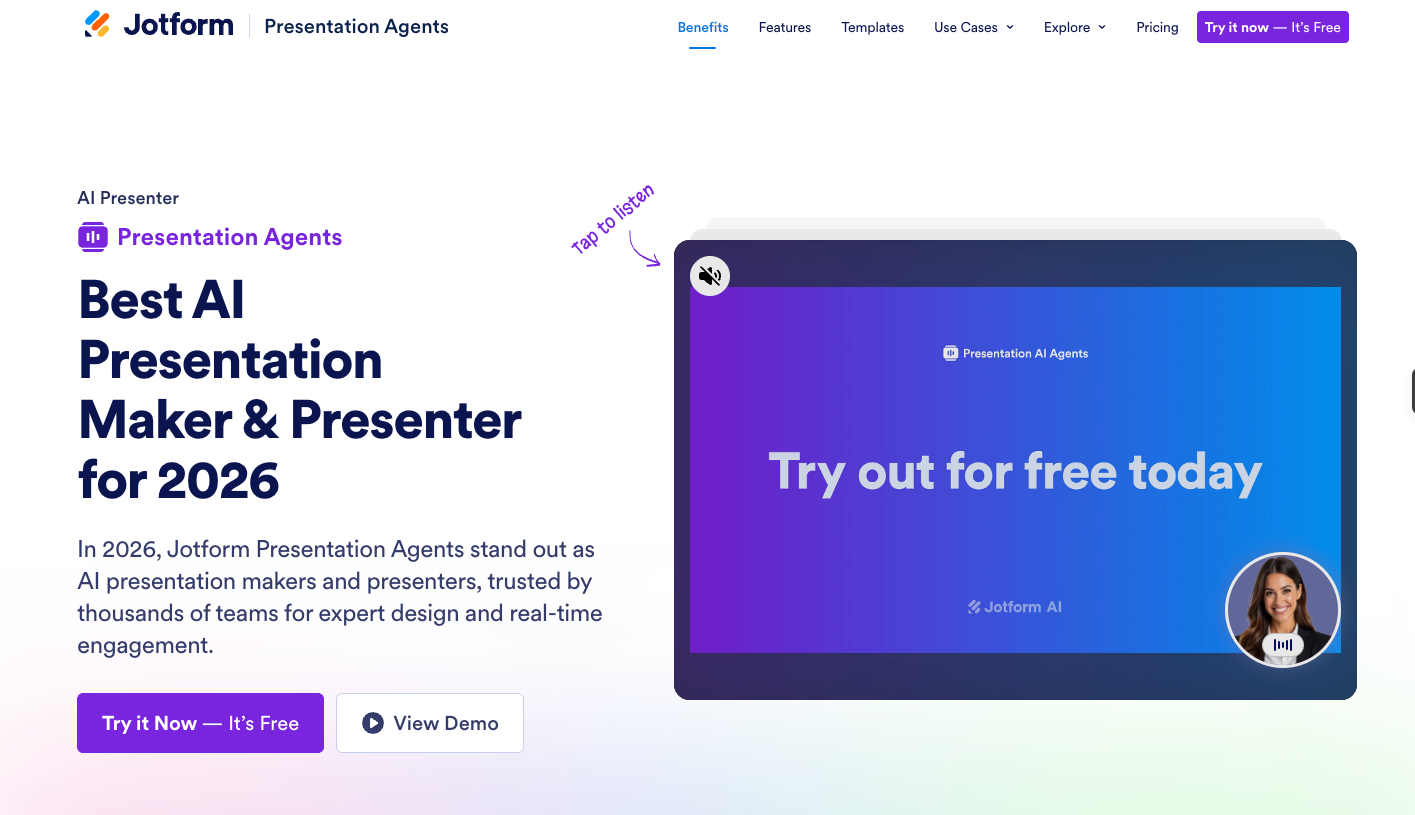
Jotform Presentation Agents is one of the more distinctive tools on this list because it solves a critical problem for educators: delivering clear lessons and engaging students in real time. With it, you can build presentations from scratch or instantly turn existing lessons into structured learning sessions where an AI agent guides students through lessons at their own pace.
A standout feature of the AI presentation agent is its live Q&A capability, which turns one-way content delivery into interactive learning experiences. Rather than students sitting through a passive presentation, they can ask clarifying questions at any time and receive contextual, voice-narrated answers from the lesson to address their needs immediately.
For teachers managing hybrid classrooms, this EdTech tool allows you to meet the needs of remote learners. During in-person teaching, you can use Jotform Presentation Agents to turn homework or pre-class reading into interactive presentations and encourage students to collaborate more effectively. It can teach your students in any language while keeping your lesson clear, consistent, and polished.
Beyond the classroom, administrators can learn more about Jotform Education to see how the platform supports policy updates, compliance requirements, and curriculum guidance at scale. Plus, educational institutions qualify for a 50 percent discount on all paid plans and a 30 percent discount on the Enterprise plan.
- Grade level: Grades 6–12+
- Platform supported: Web-based
- Pros
- Live Q&A for students to ask questions and receive real-time contextual responses even outside classroom hours
- Multilingual support for ESL learners
- Use AI to turn existing lessons into interactive presentations without building them yourself
- Cons
- Free plan includes Jotform branding; flawless presentation requires some upfront training and customization of the AI agent, which may take time for less tech-savvy educators
- Plans/pricing
- Free plan available
- Paid plans start from $34 per month (billed annually)
- Educational institutions qualify for a 50 percent discount on Bronze, Silver, and Gold plans and a 30 percent discount on Jotform Enterprise
2. ClassDojo: Best for connecting teachers, parents, and students in one community
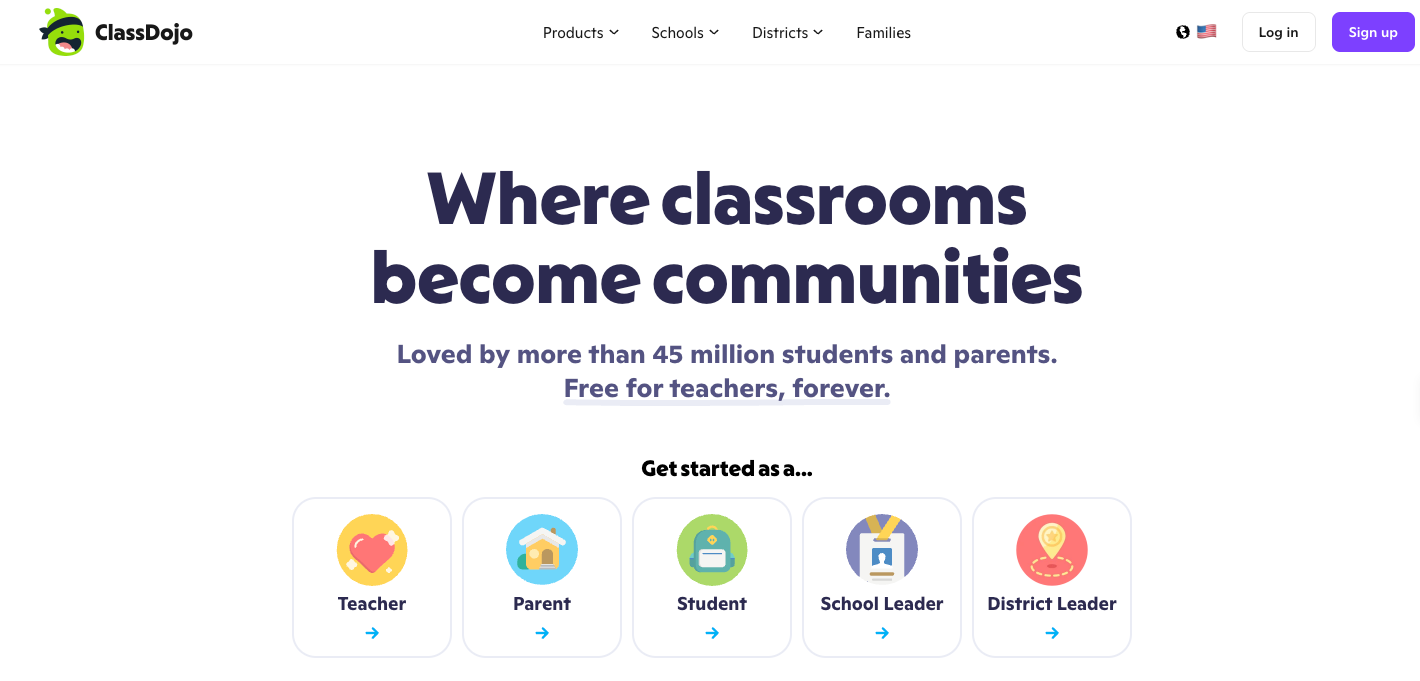
ClassDojo is a widely adopted classroom tech tool used by over 45 million families and teachers globally. At its core, the EdTech app is a communication and community-building platform where teachers can
- Share real-time photos and classroom updates through Class Story.
- Message families directly with automatic translations.
- Track student behavior with a points system
- Give students a place to showcase their work through digital portfolios.
Beyond communication features, the platform provides practical tools such as attendance tracking, timers, and student selectors that address persistent friction points in classroom management. ClassDojo also recently introduced Sidekick, an AI assistant that helps teachers with lesson planning, admin workflows, and everyday tasks.
For district leaders, the platform syncs daily data from your student information system and is fully compliant with FERPA, COPPA, and GDPR.
- Grade level: Pre-K-8
- Platform supported: Web, iOS, Android
- Pros
- Free for teachers, forever
- Auto-translates messages into 190 languages, enhancing communication for diverse and multilingual school communities
- Provides an AI assistant, Sidekick, that helps teachers with lesson planning and admin tasks — freeing up more time for teaching
- Cons
- It’s primarily designed for pre-K-8 through to middle school and is less relevant for high school teachers, some users report difficulty in the initial setup
- Plans/pricing
- Free for teachers, students, and schools
- There’s an optional paid subscription for families, but you’ll need to check the app for pricing
3. Schoology Learning: Best learning management system for K-12
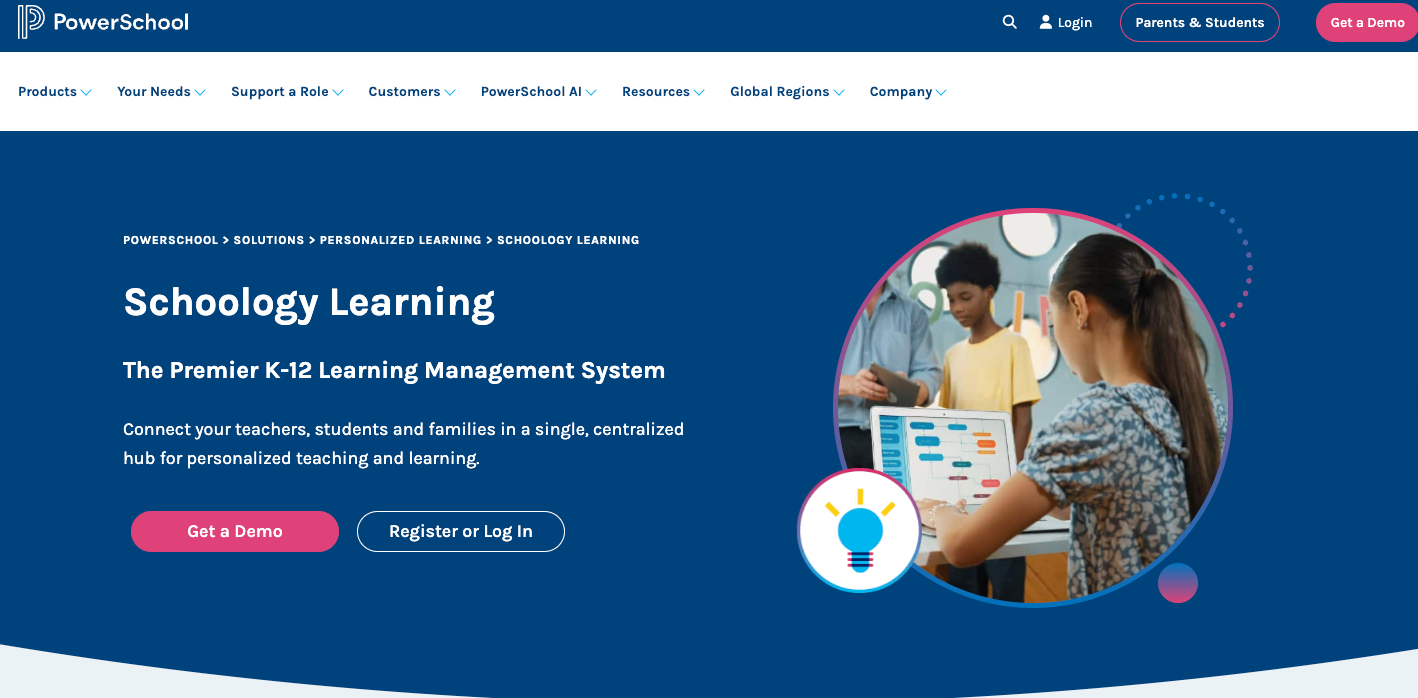
Schoology Learning is a K-12 learning management system built by PowerSchool to serve as the instructional backbone of a school or district. It gives teachers a centralized space to manage lesson planning, assignments, quizzes, and discussions while keeping students, families, and administrators connected.
The elementary experience adapts the interface for younger learners, allowing them to submit assignments and take assessments without any hiccups. As students move through grade levels, they transition to a more robust experience within the same system, reducing the need for multiple tools over time.
PowerSchool’s AI, PowerBuddy, makes lesson planning and content creation easy for educators while assisting students with personalized Socratic-style tutoring. The platform also integrates with major student information systems. And for districts already operating within the PowerSchool ecosystem, attendance, traditional grades, and standards-based grades sync automatically with PowerSchool SIS, creating a unified data environment and reducing administrative work.
- Grade level: Pre-K-12
- Platform supported: Web, iOS, Android
- Pros
- Built exclusively for K-12 with age-appropriate interfaces for younger learners and more advanced workflows for older students
- Syncs grades and attendance with PowerSchool SIS and other major student information systems, eliminating duplicate data entry
- Communication and collaborative groups for staff, students, organizations, and parent-teacher associations
- Cons
- As part of the broader PowerSchool ecosystem, it’s best used alongside PowerSchool SIS for the greatest value — standalone usage delivers fewer benefits
- Plans/pricing
- Contact PowerSchool for information on plans and pricing
4. Guided Learning: Best for replacing textbooks with interactive digital courseware
Created by Perceivant for K-12 and higher education, Guided Learning is an active-learning platform that replaces traditional textbooks with interactive, sequenced courseware to keep students engaged. Each course module combines multimedia content, embedded quizzes, self-check, and group activities to build student understanding step by step. Students can track their performance and receive instant feedback at each stage, helping them stay motivated and confident.
The platform gives educators pre-built guides, automated grading, and a real-time analytics dashboard that tracks class trends and individual student progress. Guided Learning is also compatible with major LMS like Moodle, Canvas, and Blackboard, so you can fit the courseware seamlessly into your system and start teaching immediately.
- Grade level: K-12 to higher education
- Platform supported: Web-based
- Pros
- Pre-built, ready-to-launch course modules with embedded assessments reduce lesson planning time significantly
- Real-time instructor dashboards give educators visibility into student engagement and progress
- Compatible with popular LMS for a unified learning experience
- Cons
- Even though the platform caters to K-12, its institutional footprint is stronger in higher education; pricing not publicly available
- Plans/pricing
- Contact Proficiencee for information on plans and pricing
5. zSpace: Best for experiential learning with immersive AR/VR simulations
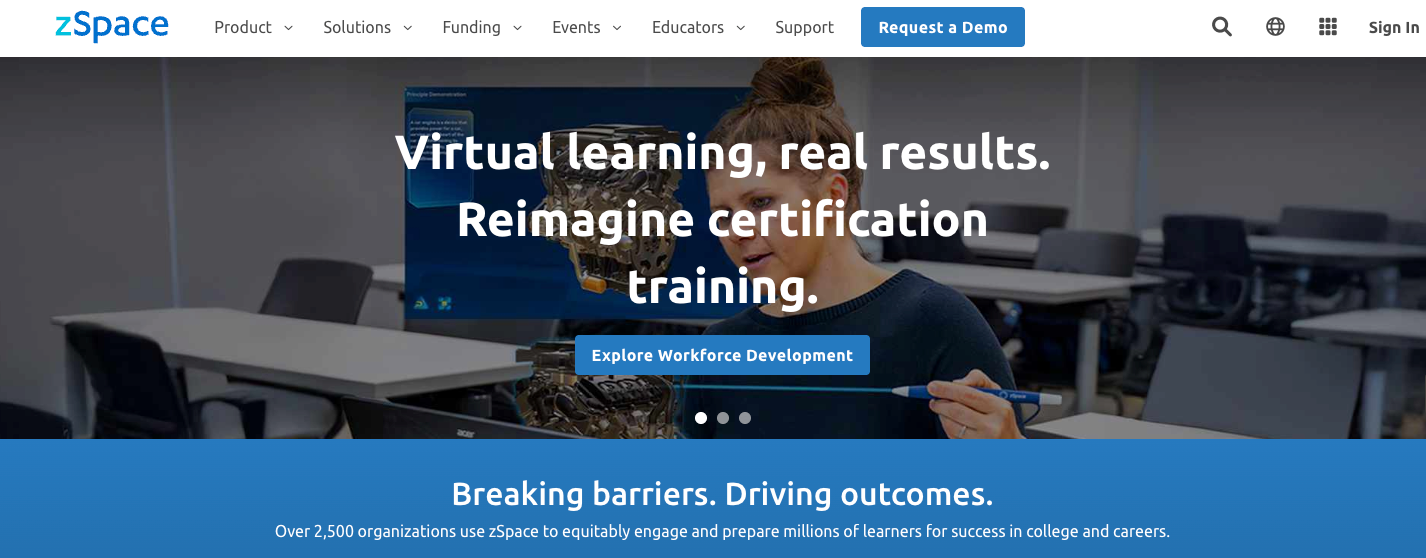
zSpace brings augmented and virtual reality into the classroom without the headsets. Instead, students use purpose-built laptops or all-in-one desktops equipped with head-tracking technology and a stylus to interact with 3D content that appears to float in front of them.
Students can grab, rotate, and manipulate virtual objects in real time. They can dissect a virtual frog, build electrical circuits, explore human anatomy, or simulate beach erosion all within a controlled environment, giving them a learning experience that goes well beyond watching a video or reading a textbook.
zSpace stands out as one of the best digital learning platforms for K-12 education because its content aligns so closely with existing standards. Simulations are mapped to NGSS, CCSS, and state standards across STEM and CTE subjects, and the platform is trusted by over 3,500 U.S. school districts.
- Grade level: K-12 to higher education
- Platform supported: Windows-based hardware and software
- Pros
- Headset-free AR/VR experience
- Standards-aligned simulations across STEM for elementary, middle school, and high school make it directly usable within the existing curriculum
- zKnow AI assistant gives teachers instant answers to instructional questions, reducing prep time and in-class friction
- Cons
- Hardware-dependent, no BOYD; requires a significant investment to deploy in institutions
- Plans/pricing
- Contact zSpace for information on plans and pricing
6. Kahoot!: Best for gamified learning
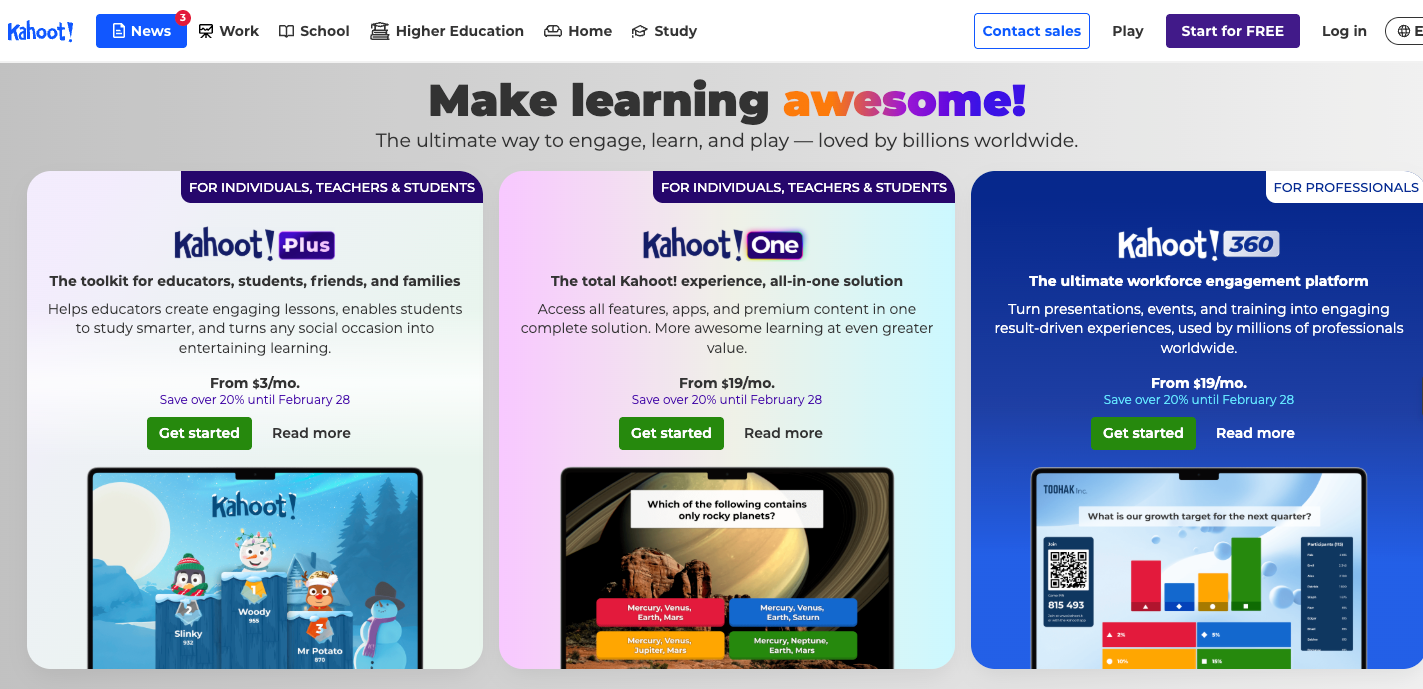
Kahoot! is a well-known game-based learning platform for creating lessons, pools, assessments, presentations, and more. It allows teachers to launch live games in the classroom, where students compete on their own devices against a countdown timer, while a leaderboard keeps the energy high. Teachers can use it to review learning material, assess knowledge, and engage students through competition. The tool generates a high level of voluntary engagement from students across grade levels.
As well as its large library of ready-made quizzes, polls, and games, Kahoot! includes an AI assistant that can generate ready-to-play quizzes and other types of content in seconds from a PDF or URL. The platform also supports self-paced study modes and flashcards through the Kahoot! app, extending its usage beyond live classroom moments.
- Grade level: K-12
- Platform supported: Web, iOS, Android
- Pros
- Free for K-12 teachers, forever
- Massive library of ready-made, community-created content means teachers rarely need to start from scratch
- AI tools on paid plans can generate quizzes, flashcards, and micro-lessons from PDFs, URLs, or typed topics — significantly cutting content creation time
- Cons
- The free plan caps participants at 40 and limits question types, which can be restrictive for larger classes
- Speed-based scoring can disadvantage slower learners
- Plans/pricing
- Free (up to 40 players)
- Individual paid plans range from $3 per month to $19 per month (billed annually)
- Team, school, and district plans are also available
7. Formative: Best for real-time assessment and feedback
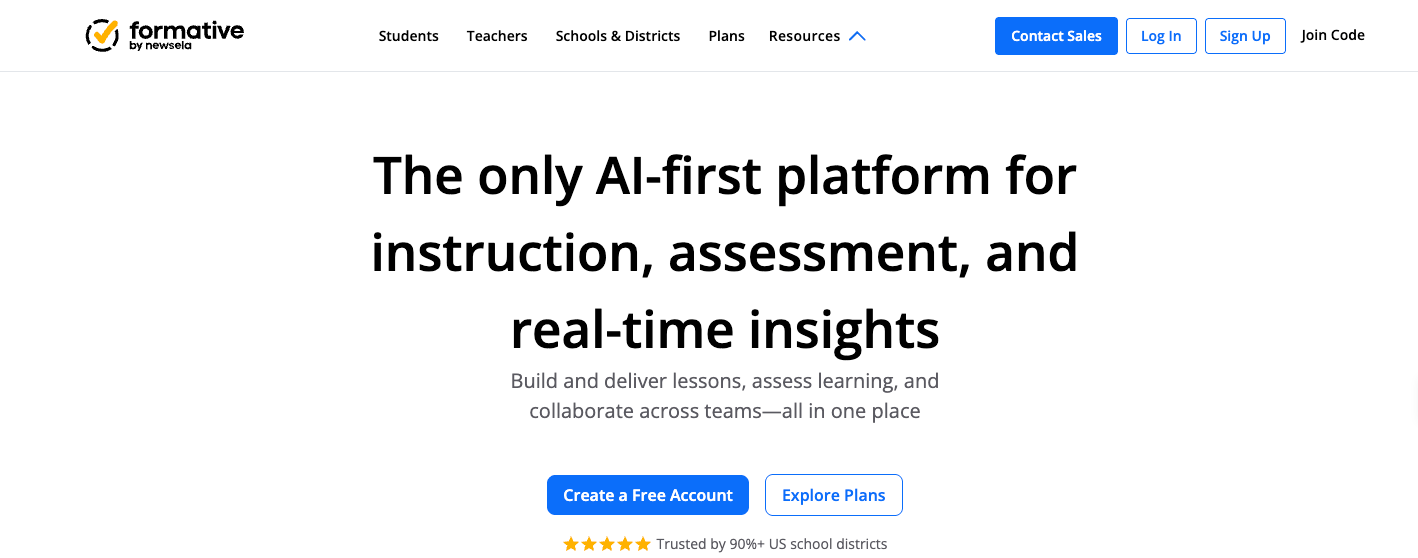
In the usual classroom workflow, teachers assign work, students complete it, and only after the fact do the teachers find out who understands the topic and who doesn’t. By then, the lesson has moved on. Formative addresses this directly by integrating instruction and assessment into a single workflow to give educators a live view of students’ understanding as they work through assessments.
When students respond on their devices, teachers can see who’s on track, who’s struggling, and where the class is splitting — all before the lesson ends. This visibility makes it possible to intervene early, clarify misunderstandings, send and receive bi-directional feedback, or adjust pacing without waiting for a grading cycle to surface the gaps.
Formative supports a broader range of question types than most other classroom assessment tools. For instance, students can use drawing, audio recording, and graphing for subjects where typed answers don’t capture the full picture. For school administrators, Formative’s AI assistant, Luna, adds shared item banks, common assessments, demographic dashboards, and district-wide standards tracking to make learning more data-driven at scale.
Pro Tip
Need to present classroom or district data to stakeholders? Jotform Report Builder makes it easy to turn raw data into visual, shareable reports.
- Grade level: K-12
- Platform supported: Web
- Pros
- Real-time student response monitoring, allowing teachers to catch misconceptions and adjust instructions mid-lesson
- Supports a wide variety of assessment types, giving teachers flexibility to assess student understanding in any format
- Allows teachers to evaluate student responses in groups and provide feedback all at once
- Cons
- Most advanced features needed for assessing students are locked behind paid plans, doesn’t support parent access
- Plans/pricing
- Free version available, paid plans start from $20.75 per month (billed annually)
8. Padlet: Best for student collaboration and visual brainstorming
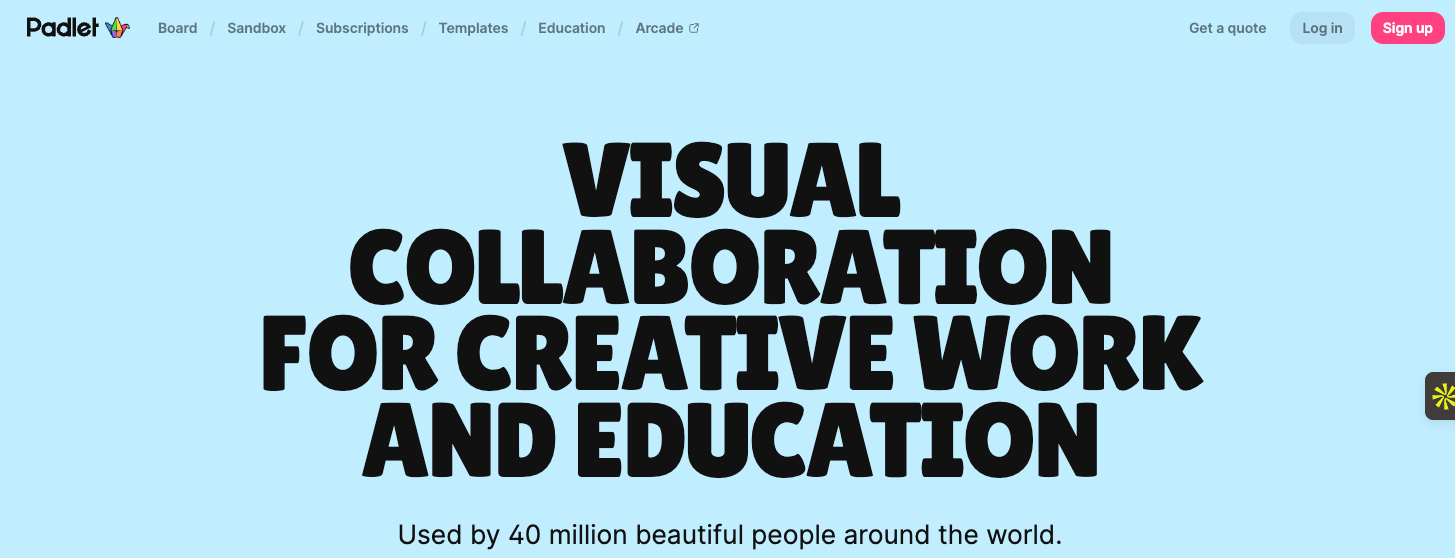
Padlet is a visual collaborative tool where students and teachers can think together. Teachers can set up a “Padlet” or board — a wall, grid, canvas, timeline, map, or freeform sandbox — which students can populate in real time with whatever the activity calls for.
From text to audio, images, and video, Padlet supports all kinds of formats so students can add exit tickets, research collections, and structured debates. Students can also collaborate remotely or in person, with their posts appearing on the board in real time. They can comment on peers’ posts and use reactions to provide feedback.
- Grade level: K-12
- Platform supported: Web, iOS, Android
- Pros
- Highly flexible board formats make the platform adaptable to nearly any classroom activity
- Students can contribute text, images, video, audio, links, and files in real time without needing their own accounts
- AI tools for generating images and fully structured boards with sample posts from a single prompt
- Cons
- Free plan is limited to just three Padlets, which quickly becomes insufficient when running multiple classes; content moderation can be difficult in public or poorly configured boards
- Plans/pricing
- Free (three Padlets)
- Paid plans range from $25 per year for individuals and up to $14,000 per year for teams
9. MagicSchool AI: Best all-in-one AI tool for teachers
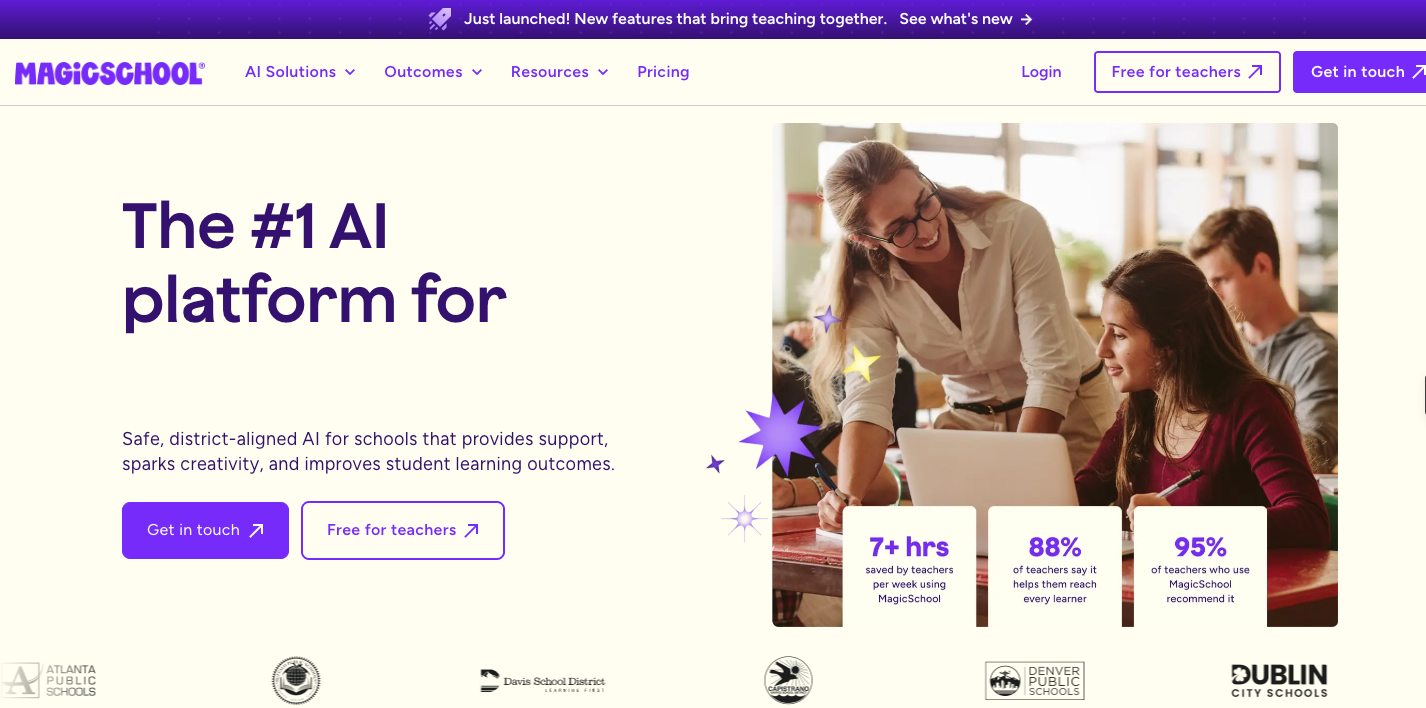
MagicSchool automates critical teaching-related tasks such as lesson planning, drafting rubrics, documenting IEPs, and communicating. This way, educators can spend less time doing busywork and more time teaching.
The platform does this by providing over 80 AI tools designed around real classroom tasks, allowing you to define specific criteria to generate output rather than writing free-form prompts from scratch. The guided interface handles the prompting behind the scenes after you specify the details, making MagicSchool accessible for teachers not interested in learning AI tooling.
For instance, a teacher can generate a standards-aligned lesson plan using the Lesson Plan Generator tool by customizing it to fit different student learning levels. MagicSchool also provides a student-facing side, MagicStudent, for responsible AI-assisted learning.
Teachers can additionally set up student rooms, configure which AI tools students can access, set learning goals, and monitor student activity in real time. And Raina, MagicSchool’s built-in AI instructional coach, supports both teachers and students with conversational guidance across subjects and tasks.
- Grade level: K-12
- Platform supported: Web
- Pros
- More than 80 purpose-built tools covering the full scope of teaching work, useful free plan to access all core tools under a monthly usage limit, explicitly committed to never using teacher or student data to train AI
- Cons
- Free plan caps output history at five generations and resets monthly, which limits the utility for teachers referencing past work; outputs still require human review to ensure accuracy
- Plans/pricing
- Free version available, paid plans start from $8.33 per user per month (billed annually)
10. Khan Academy: Best for Socratic method teaching
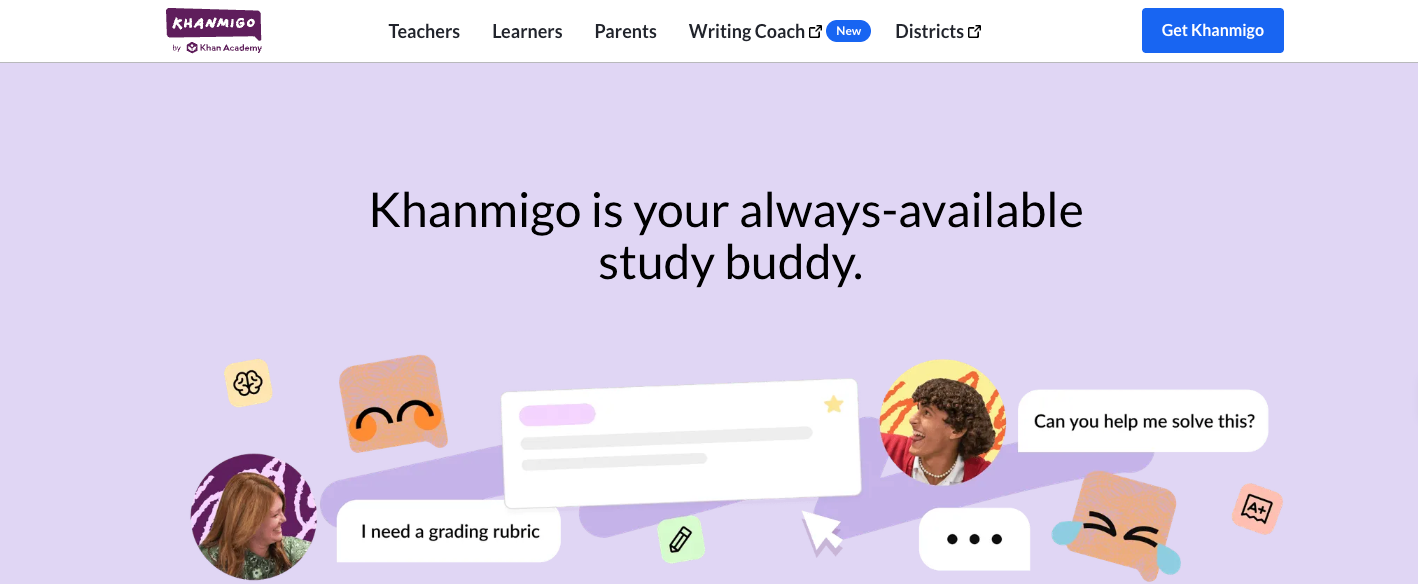
Khan Academy is a top digital learning platform for students in pre-K through to college. The platform spans thousands of instructional videos and practice exercises across math, science, history, economics, coding, and test prep to help students build a genuine understanding of core topics.
Khanmigo, Khan Academy’s AI tool, extends this platform in a direction that sets it apart from most other digital learning platforms. When a student gets stuck on a math problem or can’t follow an argument in a reading passage, Khanmigo doesn’t hand over the answer. Instead, it asks questions that help the student work through their own thinking and solve the problem themselves. This Socratic approach reinforces learning and encourages deep thinking.
For teachers, Khanmigo accelerates prep work with standards-aligned lesson planning, differentiation, rubrics, exit tickets, quiz questions, and student grouping.
- Grade level: Elementary through to college
- Platform supported: Web, iOS, Android
- Pros
- AI-powered tutor fully integrated into the Khan Academy content library, reinforces learning by guiding students towards discovering answers themselves rather than giving them direct answers, free teacher tools with little to no learning curve
- Cons
- Classroom deployment requires a school or district partnership, which creates a barrier for individual teachers; lacks hands-on collaborative learning with peers
- Plans/pricing
- Free
11. Canva Education: Best for creating visual classroom material
Canva Education gives teachers and students access to professional design tools to create materials like presentations, videos, infographics, whiteboards, websites, posters, worksheets, and more at no cost.
The platform offers Canva Work Kits for elementary teachers, which include a massive template library, tips, and tools to support everyday classroom tasks. Educators can assign tasks to students, monitor their progress, and add interactivity to classwork with polls and quizzes. Similarly, students can use the platform to demonstrate learning through infographics, digital portfolios, and collaborative presentations.
Canva also offers a suite of AI tools for generating content and student activities in seconds. And it integrates with major learning management systems to enable smooth access to all the tools you and your students need.
- Grade level: K-12
- Platform supported: Web, iOS, Android
- Pros
- Full access to the Canva Pro features for verified K-12 teachers and their students, assignment module for setting design tasks and providing feedback without bouncing between platforms, integrates with popular educational technology tools to fit into existing school workflows
- Cons
- Doesn’t offer formative assessments or curriculum management, and so must work alongside an LMS; teacher verification is required to access the free education plan
- Plans/pricing
- Free for verified K-12 teachers, students, and qualifying school districts
12. Sibme: Best for educator coaching and professional development
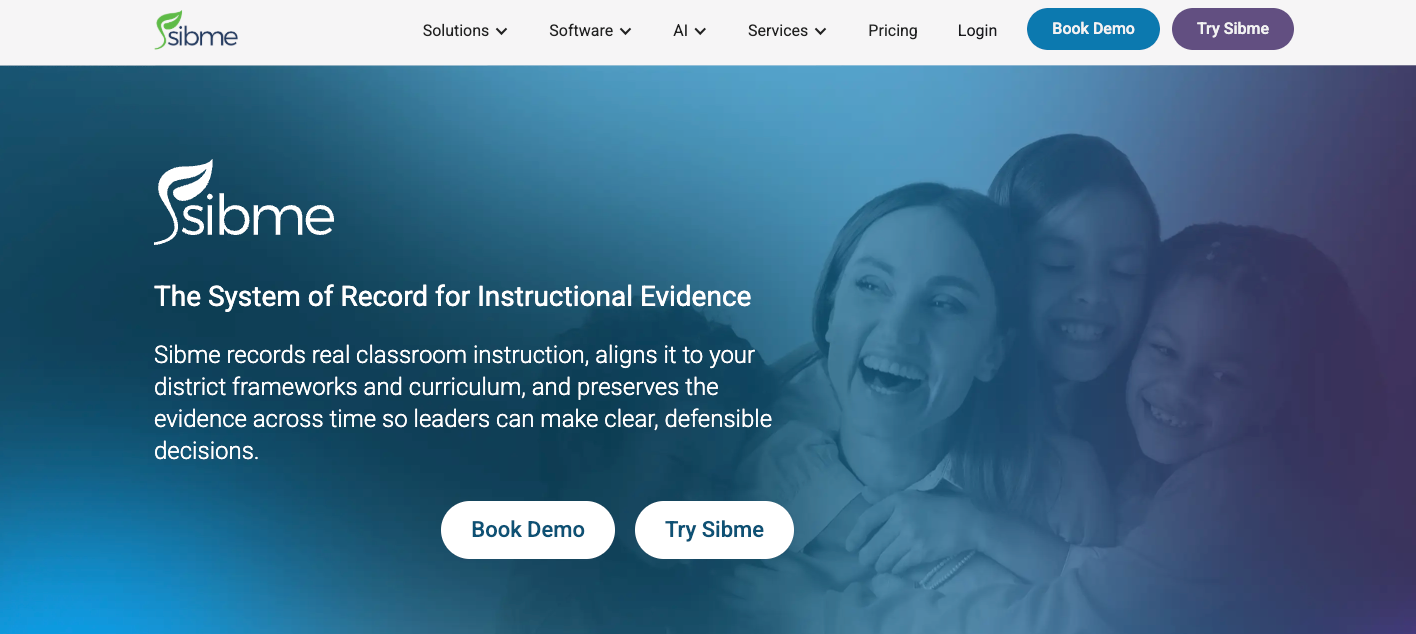
Unlike other EdTech apps that focus on enhancing interactions between teachers and students, Sibme is designed solely to support teachers and help them improve. The platform functions as an instructional system of record, where classroom lessons are recorded, transcribed, analyzed, and preserved so that evidence of teaching practice can be used for future coaching, evaluation, and professional development.
The platform’s AI layer, Sibme AI, analyzes recorded lessons across district instructional frameworks to generate structured reports. These reports cover classroom talk ratio, questioning patterns, language complexity, and other observable instructional behaviors. They’re then used to trace growth trends across a teacher’s career.
Sibme also offers direct coaching services to enhance skill development.
- Grade level: K-12 and higher education teachers
- Platforms supported: Web, iOS, Android
- Pros
- Automatically transcribes and analyzes recorded classroom lessons with AI, time-stamped video commenting enables asynchronous feedback and makes coaching conversations more actionable, preserved reports and instructions help create an evidence trail for teacher evaluation and professional development
- Cons
- Lacks student-facing classroom tools, as it’s built only for teacher professional development; some users report an initial learning curve in navigating the platform and connecting resources
- Plans/pricing
- Paid plans start from $300 per user per year (billed annually)
Choose the right EdTech tool for your classroom
The best EdTech tools don’t replace the teaching and organizing you do in the classroom. Instead, they provide support and make your work more effective. Whether you’re looking to save time on lesson planning, engage students, or gain better visibility into learning gaps, the right tool makes that possible without adding to your workload.
So, pick a tool or two from this list that addresses a real need in your classroom and try them out. If you’re looking for a no-obligations place to start, Jotform Presentation Agents let you turn your existing lessons into interactive, self-paced presentations that your students can engage with at their own pace — no coding or design skills required. You can also browse Jotform’s collection of EdTech form templates to find ready-made forms for attendance, parent communication, student information, and more.
This article is for educators, school administrators, and instructional teams who want a curated set of classroom-ready EdTech tools for lesson planning, engagement, assessment, and operations, without getting lost in an overwhelming market of options.






























































































Send Comment: