
Top FormDr alternatives
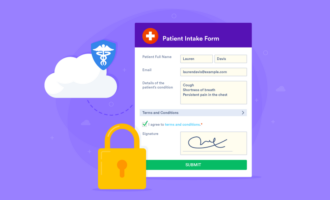
Security in healthcare is paramount, but making things secure can be clunky. If you’re looking for the best FormDr alternative, you likely want to gather patient information more efficiently. But before we jump into FormDr alternatives, let’s talk about what it is.
FormDr is a platform known for tools that help businesses create and manage HIPAA-friendly forms from anywhere.
Some of its key features include
- A user-friendly form builder
- Support for electronic signatures
- The ability to group several forms into a single intake packet
- Photo upload functionality
- A range of ready-to-use templates
With plans starting at $39 per month, FormDr is accessible to businesses of all sizes.
Why look for an alternative?
While FormDr offers a comprehensive feature set, it may not meet the needs of every business. Some common reasons for seeking an alternative include
- Pricing concerns: Businesses on tighter budgets may need a more cost-effective solution.
- Feature limitations: Specific tools or integrations essential to your workflow might not be available in FormDr.
- Customization needs: Some businesses require deeper form customization or unique branding options.
- User interface preferences: A more straightforward or intuitive platform might better suit your team’s needs.
Whatever your reason, there are plenty of options to explore. In the following sections, we’ll introduce some of the best alternatives to FormDr and explain what makes each one worth considering.
Top 17 FormDr alternatives you should try in 2026
1. Jotform
Jotform is a versatile and highly customizable platform that stands out as an alternative to FormDr, particularly for businesses in the healthcare industry. With an expansive library of medical forms and templates, Jotform offers tools tailored to simplify patient management and improve efficiency.
- Key features
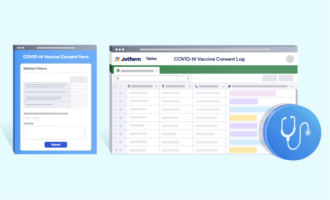
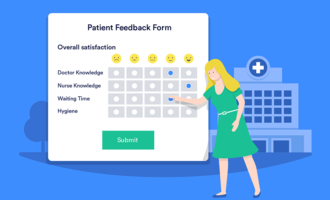
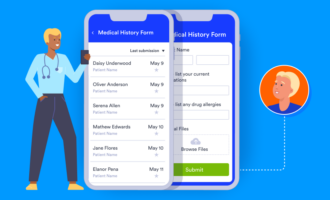
- Medical forms and templates: Explore HIPAA-friendly options like the New Patient Registration Form, Medical History Form, and more.
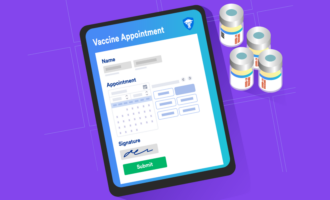
- E-sign functionality: The platform includes specialized e-sign templates for healthcare professionals to simplify documentation and consent processes.
- Jotform Apps: With over 90 app templates, you can group multiple forms in one place for seamless tracking of medical data, progress reports, and medications.
- Pros
- Extensive healthcare-focused tools
- Highly customizable templates and apps
- Intuitive form builder
- Cons
- Broad feature set can feel overwhelming
- Requires a premium plan for some advanced features
- Pricing
- There is a free starter plan available.
- Paid plans start at $34 per month when billed annually.
2. Paperform
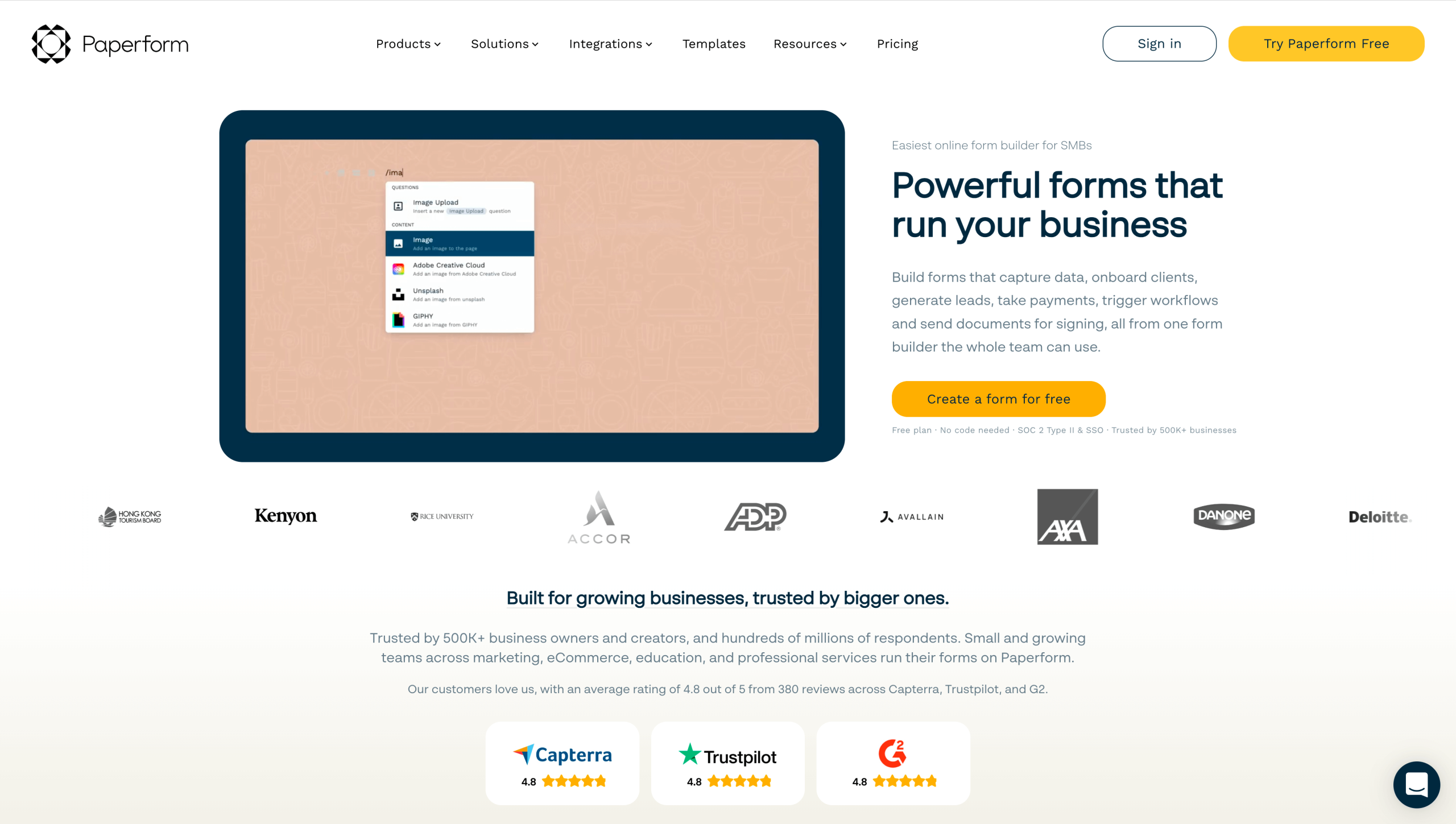
With its focus on blending form functionality with a polished, editorial-style interface, Paperform allows businesses to craft unique forms that resonate with their audience.
- Key features
- Customizable branding: Personalize forms with your business’s logo, colors, and unique style.
- Payment processing: Easily collect payments or subscriptions through forms.
- Automation: Use built-in automation tools to streamline tasks like sending confirmations or reminders.
- Pros
- Easy to brand and personalize
- Built-in automation saves time
- Supports payments and subscriptions
- Cons
- Fewer healthcare-specific features
- Lacks a free tier for low-volume users
- Pricing
- There is a 14-day free trial for new customers.
- Plans start at $24 per month when billed annually.
3. Wufoo
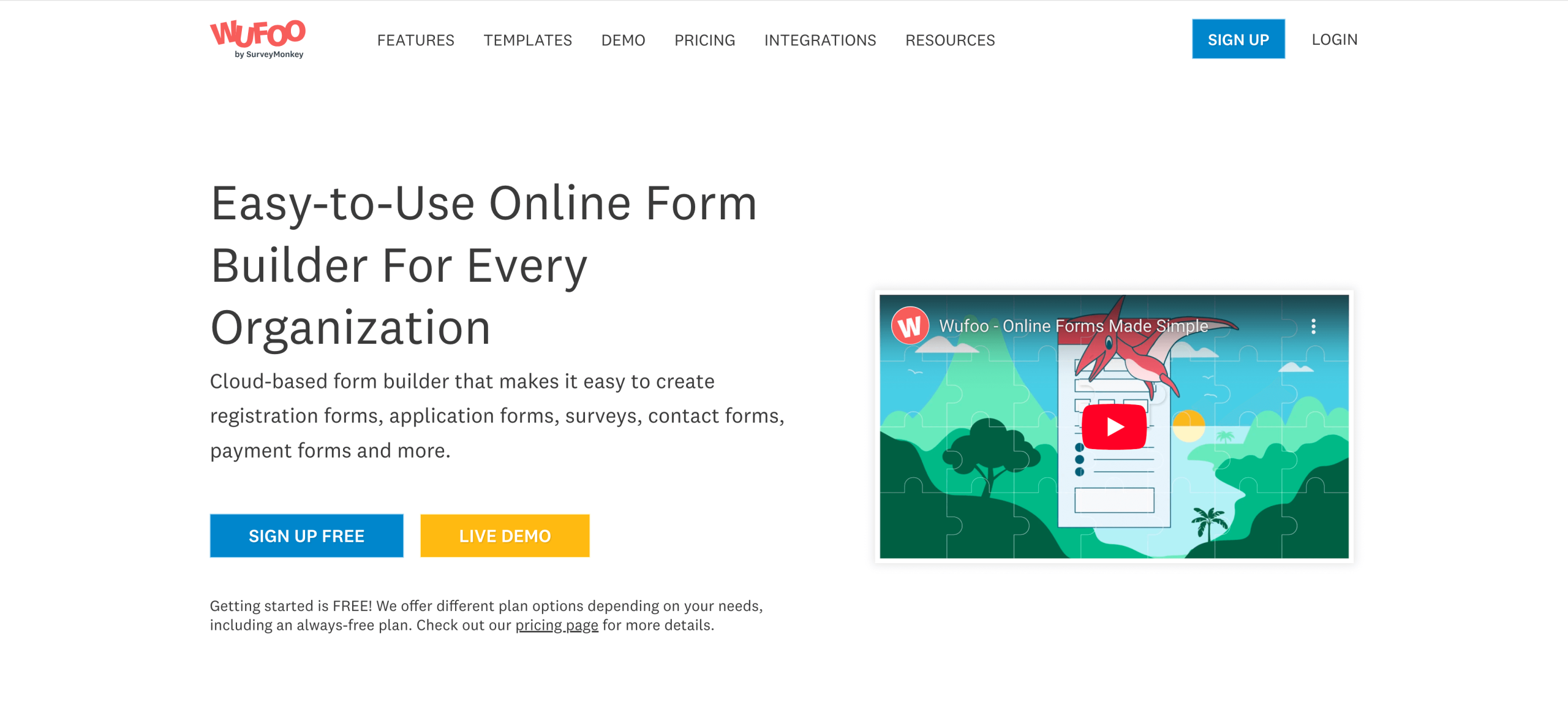
Wufoo is a straightforward platform for businesses looking to create simple, professional forms without much technical know-how.
- Key features
- Ease of use: Its drag-and-drop form builder is intuitive, making it easy for anyone to get started.
- Templates: Wufoo offers a library of form templates, including options for event registrations, feedback forms, and more.
- Integration options: Connect with tools like Salesforce, Mailchimp, and Dropbox for added functionality.
- Pros
- Easy to use for beginners
- Budget-friendly pricing options
- Solid integration options
- Cons
- Not focused on healthcare features
- Templates lack customization depth
- Pricing
- There is a free starter plan available.
- Paid plans start at $14.08 per month when billed annually.
4. Cognito Forms
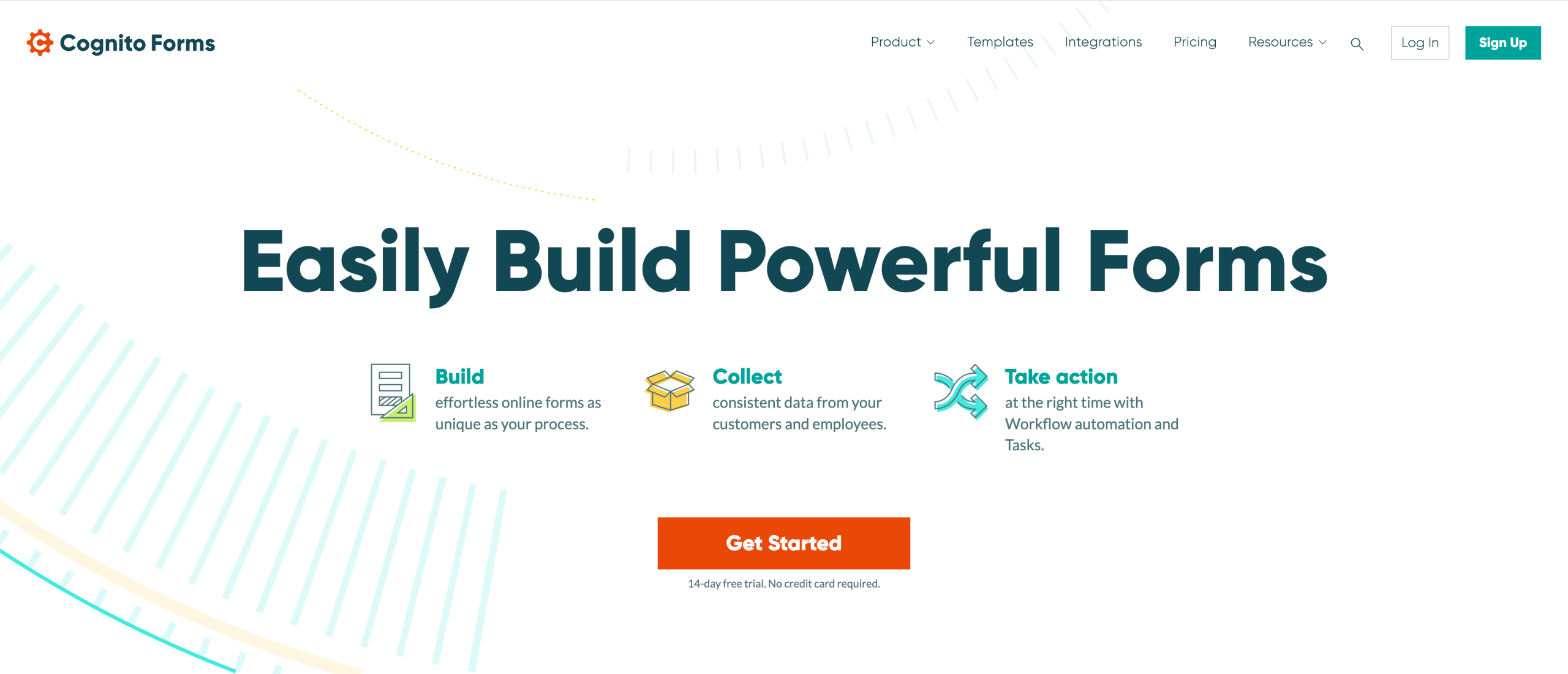
Cognito Forms is a feature-rich platform offeringt extensive customization options and advanced tools for managing data securely.
- Key features
- Conditional logic: Create dynamic forms that change based on user responses, ensuring a personalized experience.
- HIPAA-friendly forms: Available with specific plans to securely collect and store sensitive health information.
- Security: Cognito Forms emphasizes data protection with strong encryption and compliance standards.
- Pros
- Flexible and customizable forms
- Supports payment collection
- Excellent data security features
- Cons
- Fewer templates compared to other tools
- Lacks phone support options
- Pricing
- There is a free starter plan available.
- Paid plans start at $19 per month when billed annually.
5. Typeform
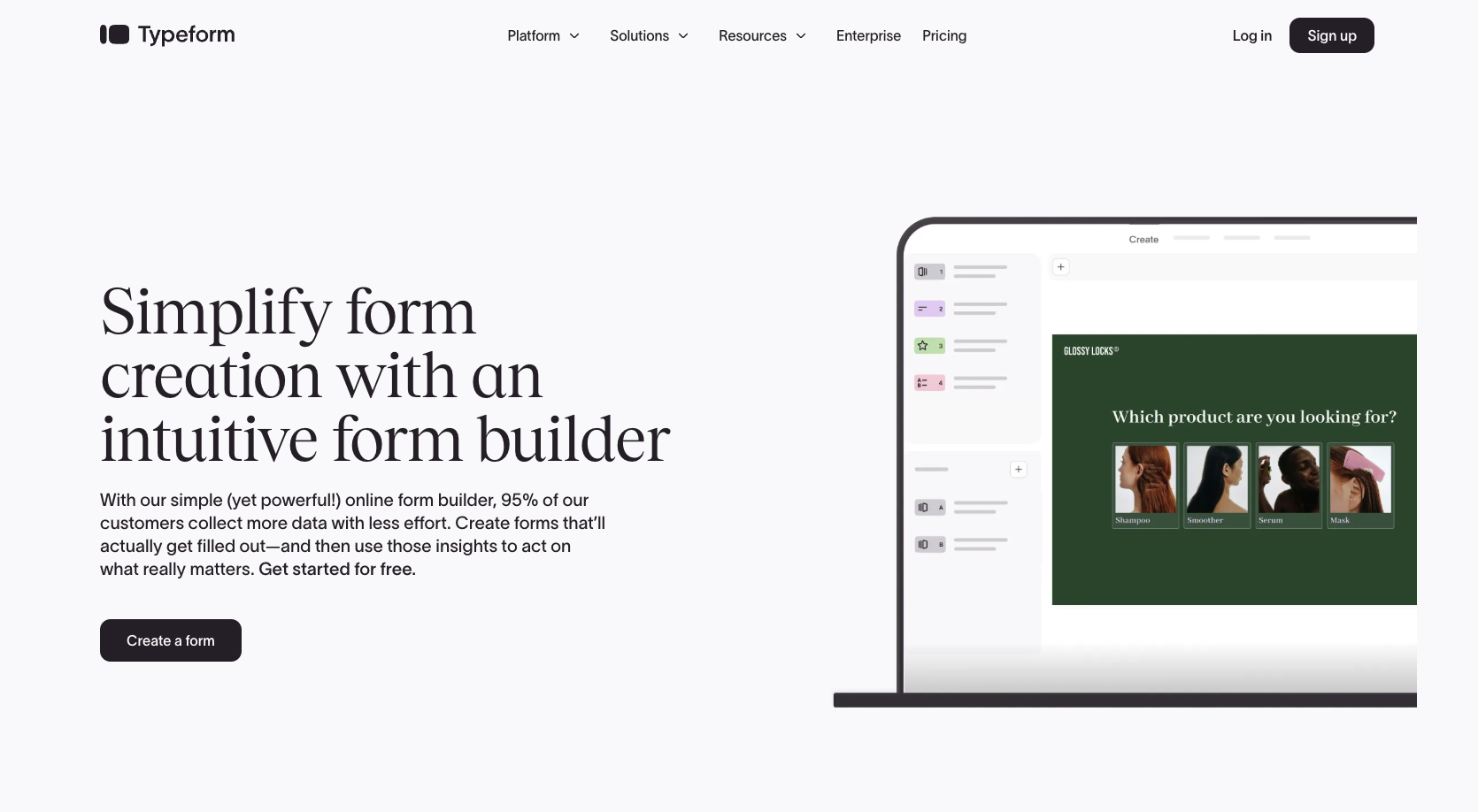
Typeform is a platform that helps users create visually appealing and interactive forms, making it a good option for businesses that prioritize user engagement.
- Key features
- Unique design: The forms are highly customizable, with clean layouts and a dynamic question flow that enhances user engagement.
- Integrations: Seamlessly connect with tools like Google Sheets, Slack, and HubSpot for streamlined workflows.
- Analytics tools: Built-in analytics provide insights into form performance, helping businesses track responses and optimize user interactions.
- Pros
- Attractive and interactive form designs
- Great for improving user engagement
- Integrates well with other tools
- Cons
- HIPAA-feature pricing only available upon request
- Free plan is confusing to locate
- Pricing
- There is a free starter plan available.
- Paid plans start at $25 per month when billed annually.
6. Formstack
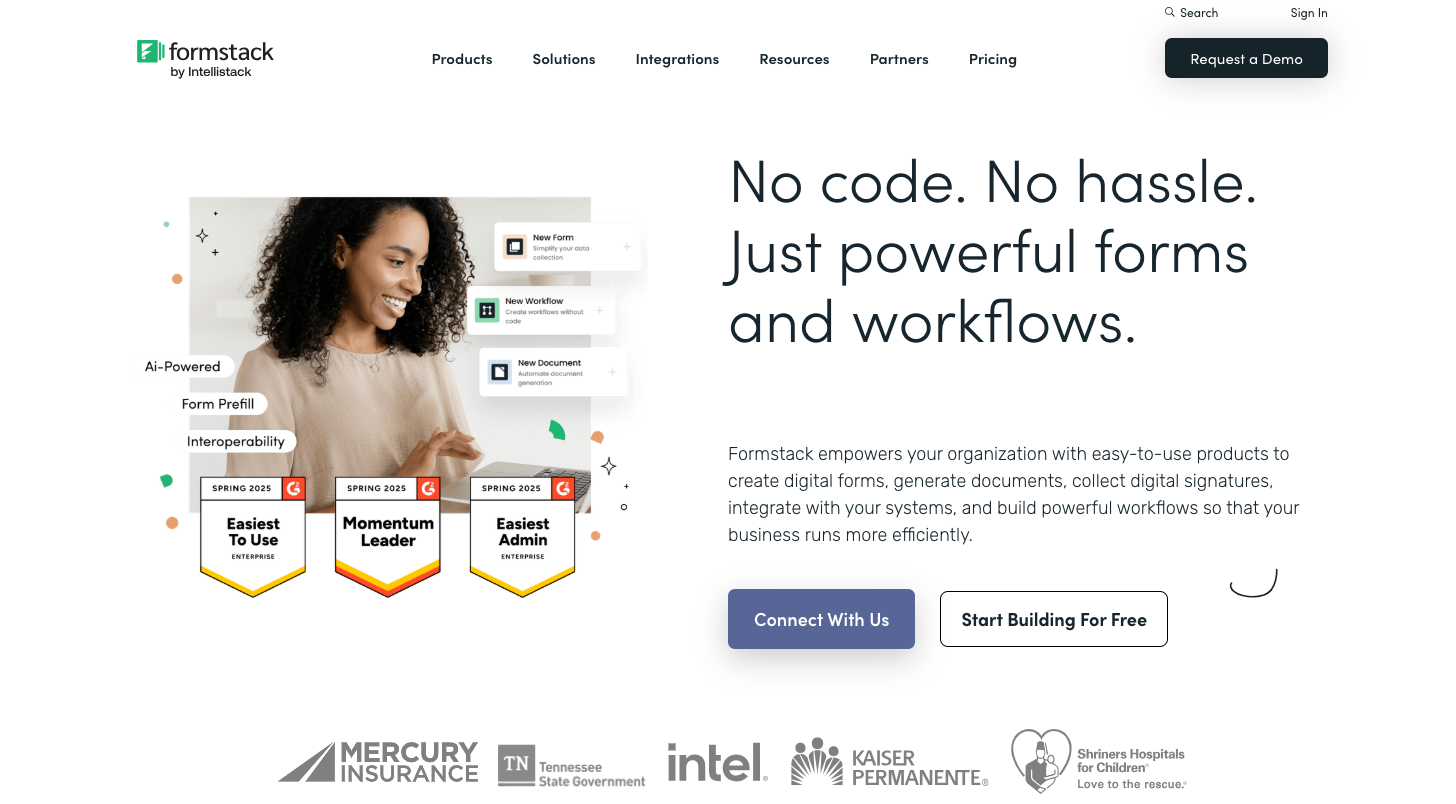
Formstack is a versatile platform with a strong focus on workflow automation and secure data management — ideal for businesses looking to simplify multistep processes or securely handle sensitive data.
- Key features
- Healthcare tools: HIPAA-friendly forms let you securely collect sensitive health information.
- Workflow automation: Automate tasks like approvals, routing, and notifications to streamline operations.
- Team collaboration: Tools for assigning roles and permissions enhance team workflows.
- Pros
- Advanced workflow automation features
- Strong team collaboration tools
- HIPAA-friendly secure data handling
- Cons
- Higher starting price compared to competitors
- No free or low-cost plan
- Pricing
- There is a 14-day free trial for new customers.
- Plans start at $83 per month when billed annually.
7. Google Forms
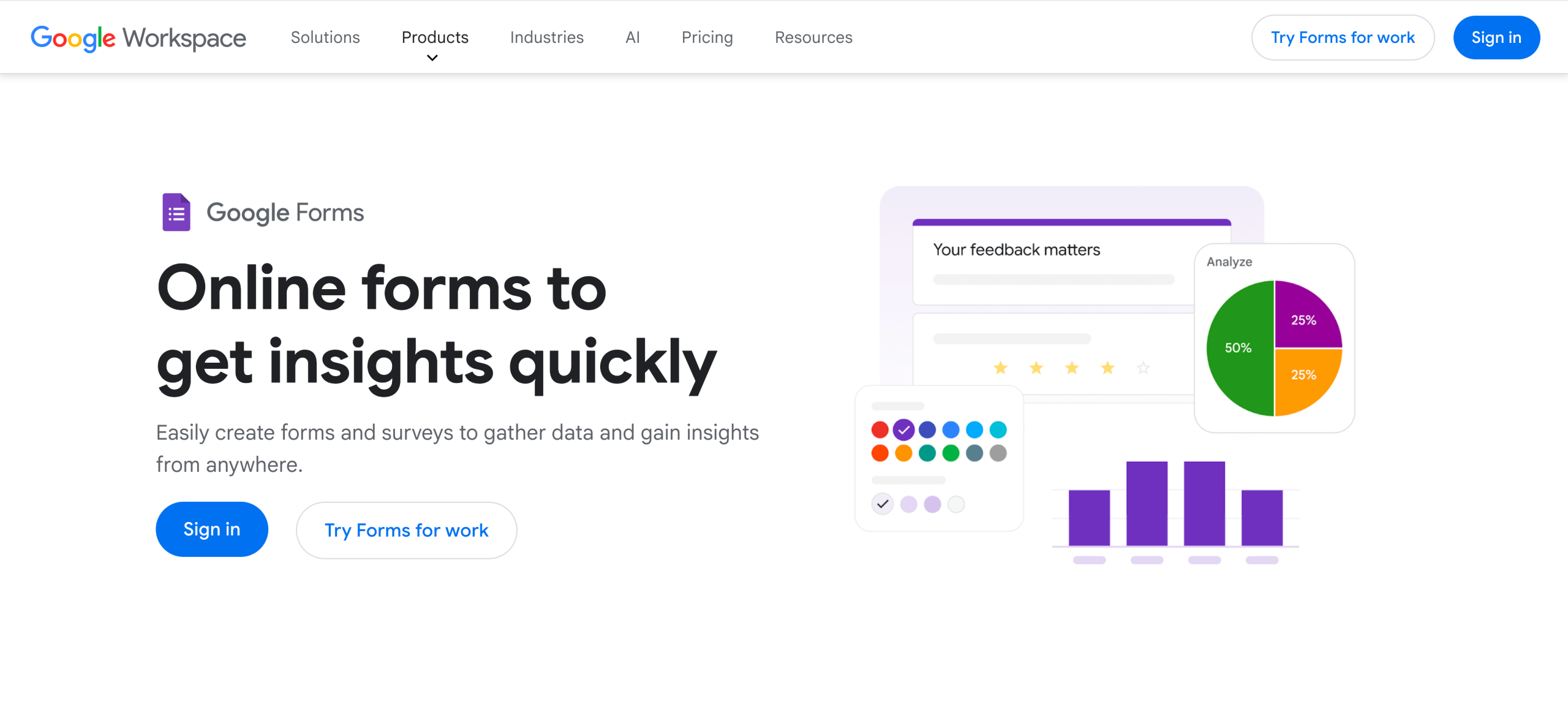
Google Forms is a simple and free tool. Still, it does not offer HIPAA-friendly features by default, making it less suitable for handling sensitive health data.
- Key features
- Free to use: Google Forms is free for personal accounts.
- Integration with Google Workspace: It works seamlessly with Google Sheets, Google Drive, and other data storage and analysis tools.
- Ease of use: The platform is easy to set up, even for beginners.
- Pros
- Familiar platform
- Light customization options
- Real-time data collection
- Cons
- Requires advanced knowledge to make it HIPAA-friendly
- Limited customization and advanced features
- Pricing
- Google Forms is free for personal use and part of the $12 per month Business Standard Google account.
8. Formsite
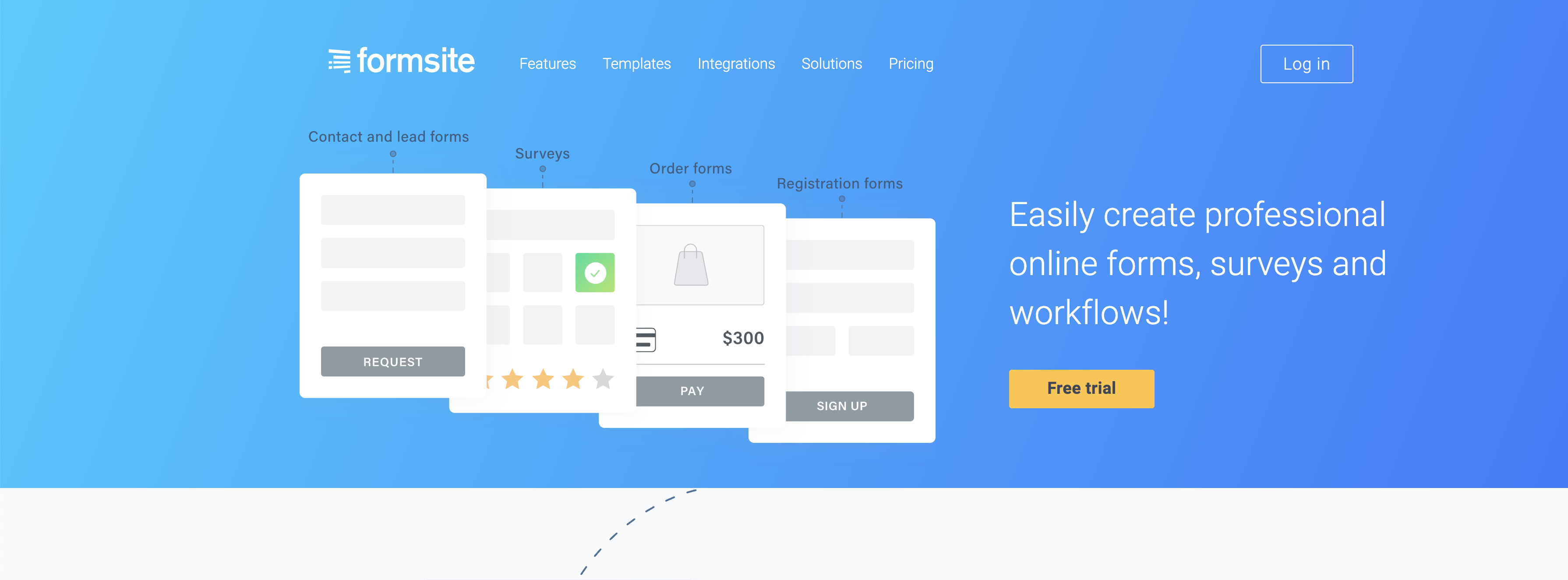
Formsite is a reliable platform for secure data collection, including HIPAA-friendly forms for healthcare businesses.
- Key features
- HIPAA-friendly features: These features help securely handle sensitive patient information on select plans.
- Customizable forms: It offers branding options and advanced customization for unique business needs.
- Response notifications: Ensure timely follow-up by alerting users via email when responses arrive.
- Pros
- Form spam protection
- Scalable pricing plan options
- Secure platform with encryption
- Cons
- Outdated user interface compared to competitors
- Requires an enterprise account to use HIPAA-friendly features
- Pricing
- There is a 14-day free trial for new customers.
- Plans start at $21 per month when billed annually.
9. Zoho Forms
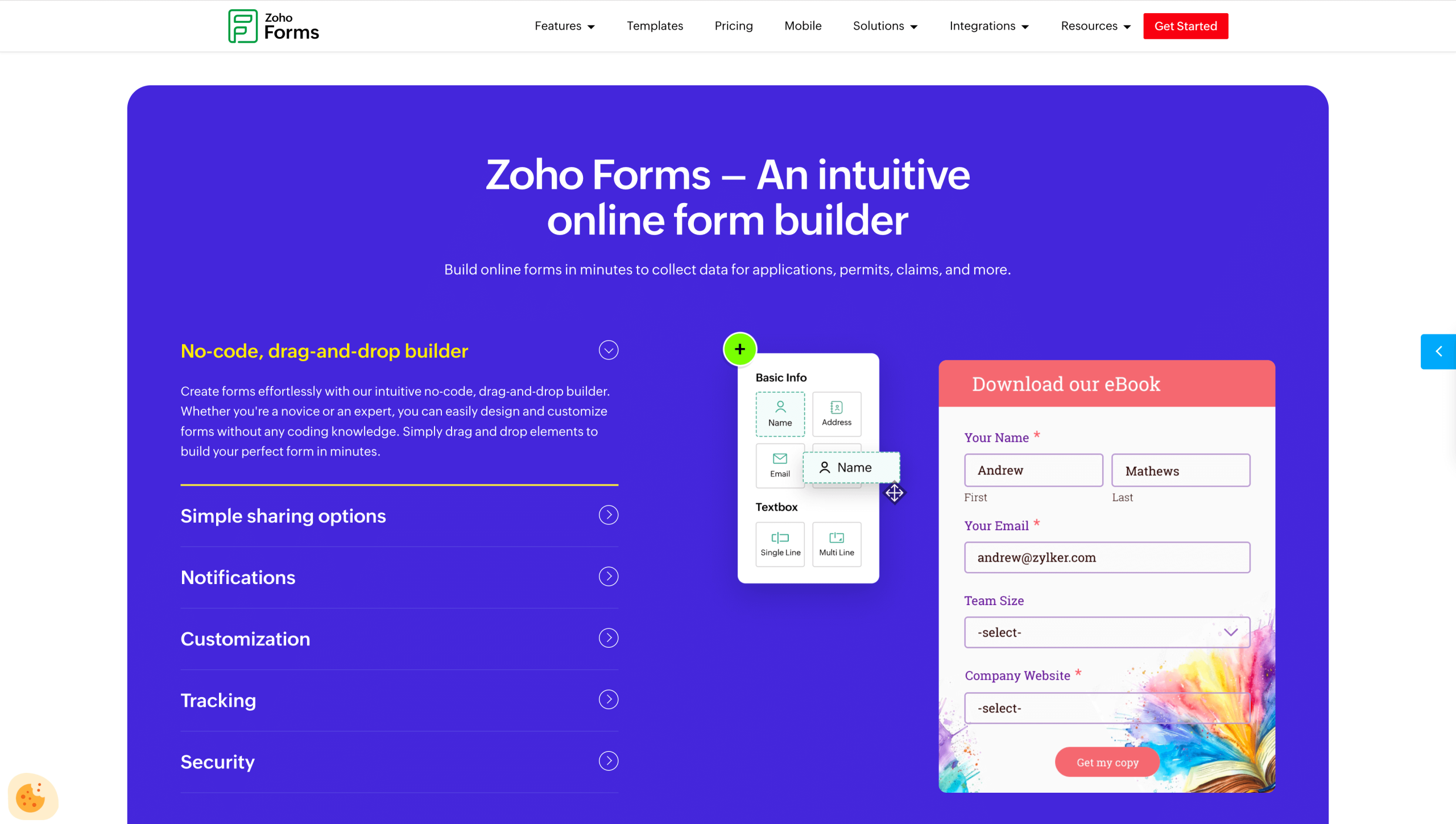
When used with Zoho’s paid services, Zoho Forms can provide HIPAA-friendly features. This ability, when paired with other Zoho products, makes it a full-featured platform.
- Key features
- HIPAA-friendly features: These features are available as part of Zoho’s suite with specific plans, enabling secure data collection.
- Zoho integrations: Seamlessly connect with Zoho CRM, Zoho Desk, and other Zoho apps for enhanced functionality.
- Custom workflows: Automate tasks like email notifications, data routing, and record updates.
- Pros
- Can help automate processes
- Ideal for businesses already using Zoho tools
- Mobile-friendly with dedicated apps
- Cons
- Best suited for Zoho ecosystem users
- Requires a premium plan to access HIPAA-friendly features
- Pricing
- There is a free starter plan available.
- Paid plans start at $10 per month when billed annually.
10. Dropbox Sign
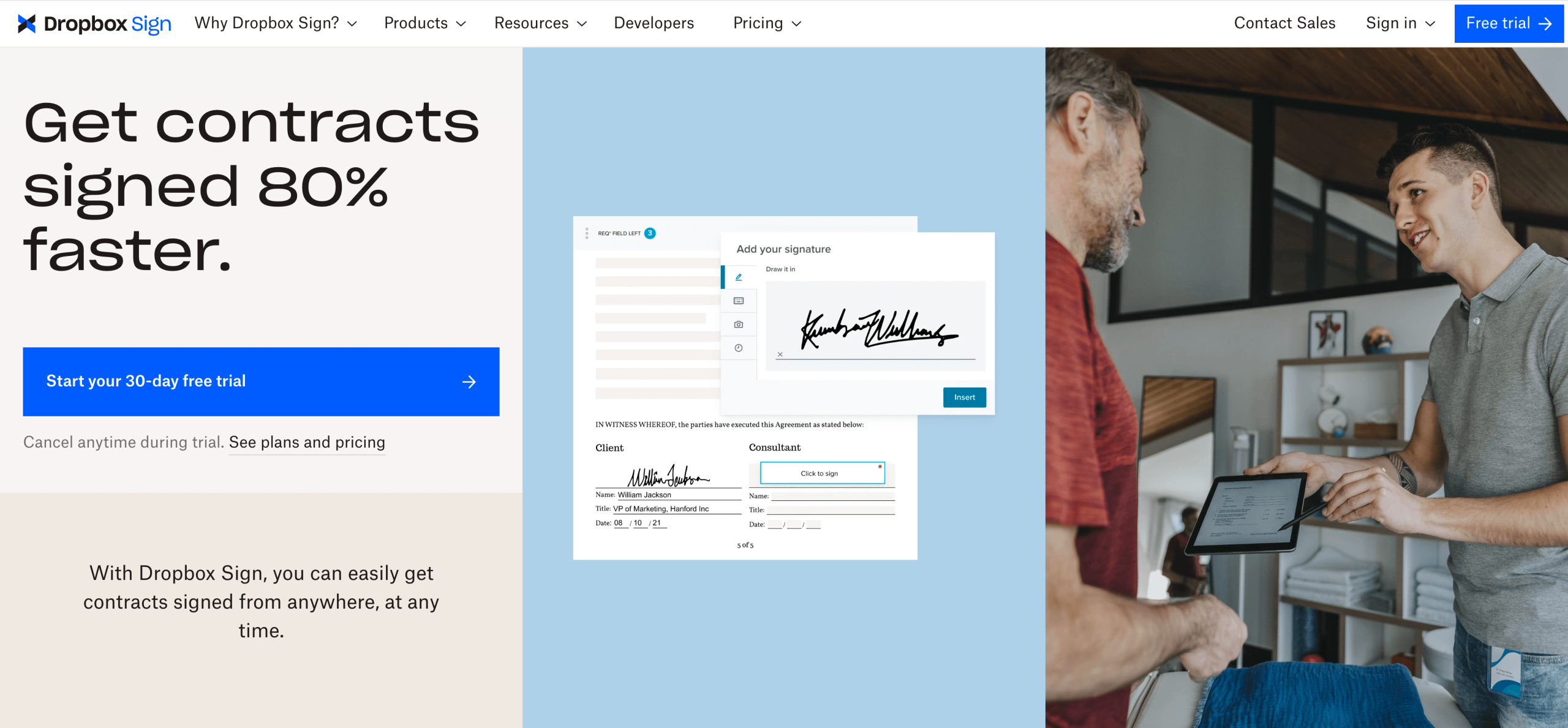
Formerly known as HelloSign, Dropbox Sign is a user-friendly platform focused on electronic signatures and secure document handling. It offers HIPAA-friendly features for healthcare businesses that need an e-signature solution.
- Key features
- HIPAA-friendly e-signatures: This feature is available on select plans and enables the secure collection of signed documents.
- Ease of use: Dropbox Sign’s intuitive interface simplifies the e-signature process for all users.
- Integration options: Connect with Dropbox, Google Drive, and other platforms for seamless document storage and management.
- Pros
- Prioritizes encryption and security to protect user data
- Allows users to create customizable templates
- Provides signature audit trails
- Cons
- Primarily focused on e-signatures, with limited form-building tools
- HIPAA-friendly features limited to plans that meet the minimum contract value
- Pricing
- There is a 30-day free trial for new customers.
- Plans start at $15 per month when billed annually.
11. PandaDoc

PandaDoc is a versatile document management platform that supports form creation, e-signatures, and secure sharing. Its focus is helping users streamline the agreement process.
- Key features
- HIPAA-friendly document handling: Collect and manage sensitive health-related documents.
- Custom templates: Build reusable templates for contracts, intake forms, and more.
- Automation tools: Automate workflows like document approvals and notifications.
- Pros
- Integrates with popular CRMs like Salesforce and HubSpot
- Provides audit trails to track document access activities
- Supports robust template creation
- Cons
- No free plan
- Requires an annual business plan or higher to access HIPAA-friendly features
- Pricing
- There is a 14-day free trial for new customers.
- Plans start at $19 per month when billed annually.
12. Tebra
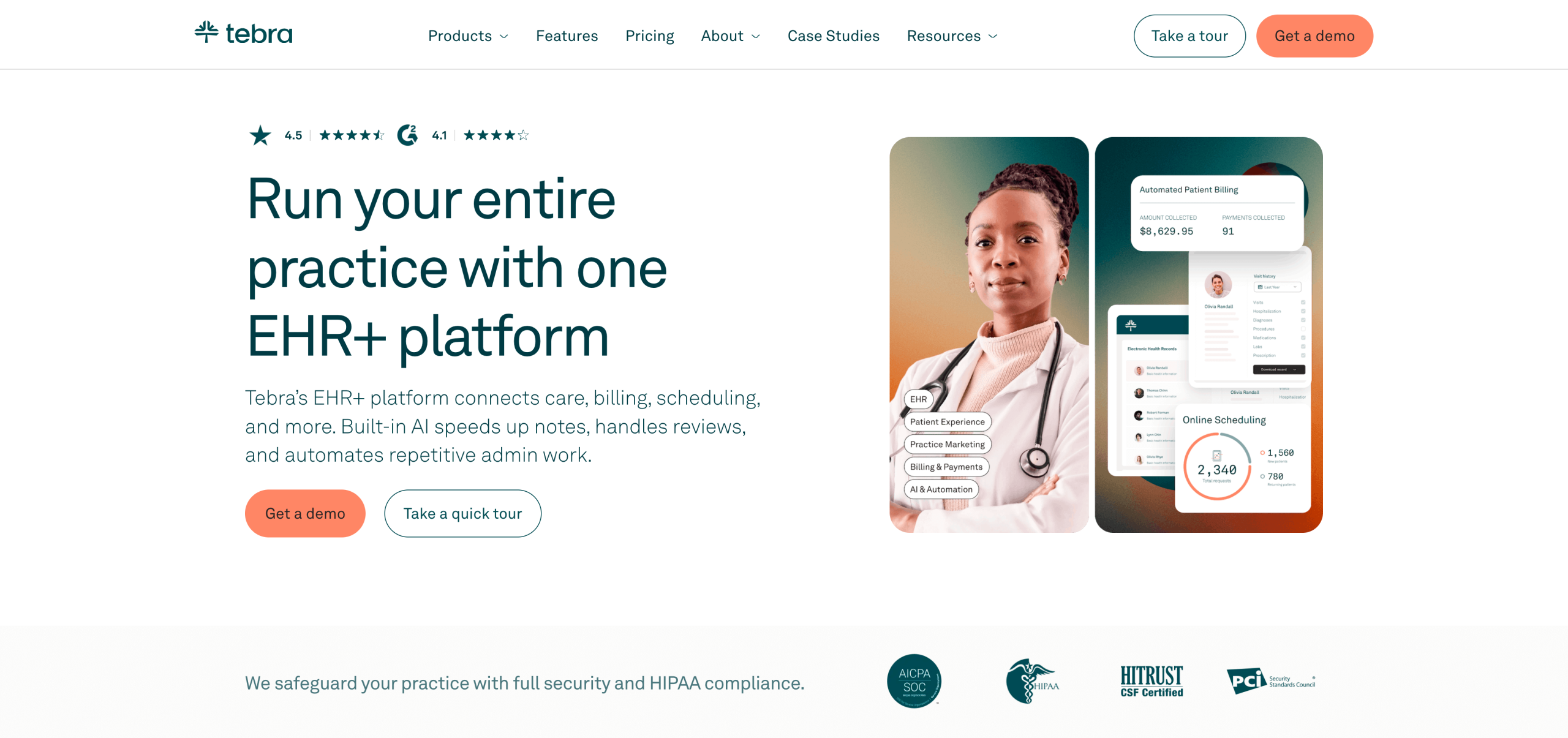
Tebra is a comprehensive platform designed for healthcare practices, offering tools to streamline patient communication, administrative tasks, and secure data management.
- Key features
- HIPAA-friendly tools: Manage patient intake forms, appointments, and communications in a HIPAA-friendly manner.
- Integrated patient engagement: Includes appointment reminders, online reviews management, and patient satisfaction surveys.
- Practice management integration: Work seamlessly with Tebra’s billing, scheduling, and electronic health records (EHR) tools.
- Pros
- Gain business insights through analytics tools
- Centralized platform reduces admin work
- Combines practice management and patient communication
- Cons
- Best suited for healthcare-specific use cases
- Too robust for users not looking for complete EHR software
- Pricing
- Pricing is only available upon request.
13. Adobe Acrobat Sign
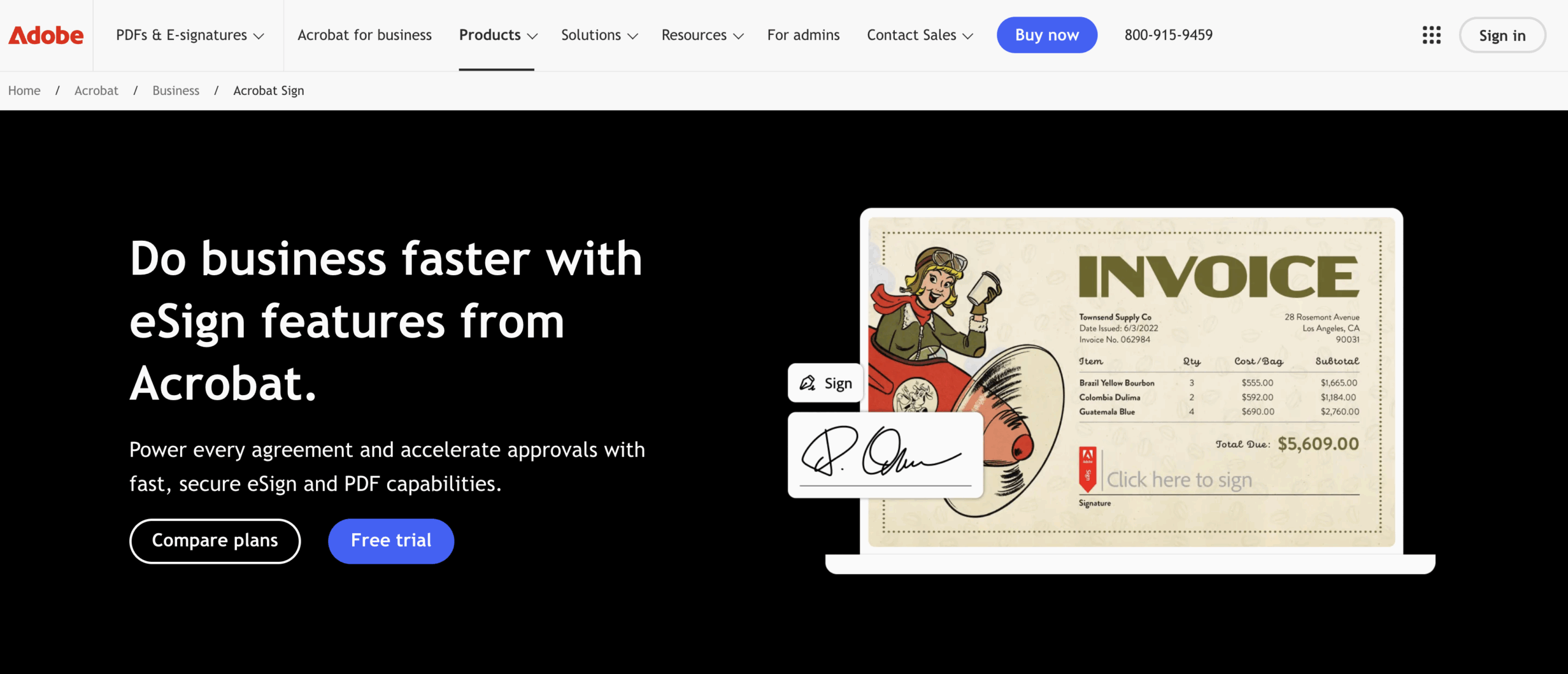
Adobe Acrobat Sign is a trusted name in document management and e-signatures, offering HIPAA-friendly solutions for securely collecting signatures and handling sensitive documents.
- Key features
- HIPAA-friendly e-signatures: This feature helps with securely handling medical records and consent forms.
- Document customization: Customize forms and documents with branding and design options.
- Industry-standard integrations: Work seamlessly with platforms like Salesforce, Microsoft 365, and other productivity tools.
- Pros
- Offers a full refund if canceled within 14 business days
- Trusted and widely recognized platform
- Integrates with popular business tools
- Cons
- Primarily focused on e-signatures and documents, with limited form-building features
- Pricing structure complicated by license requirements
- Pricing
- There is a 14-day free trial for new customers.
- Plans start at $14.99 oer month per license with a minimum of two licenses; all plans require an annual commitment.
14. Medesk
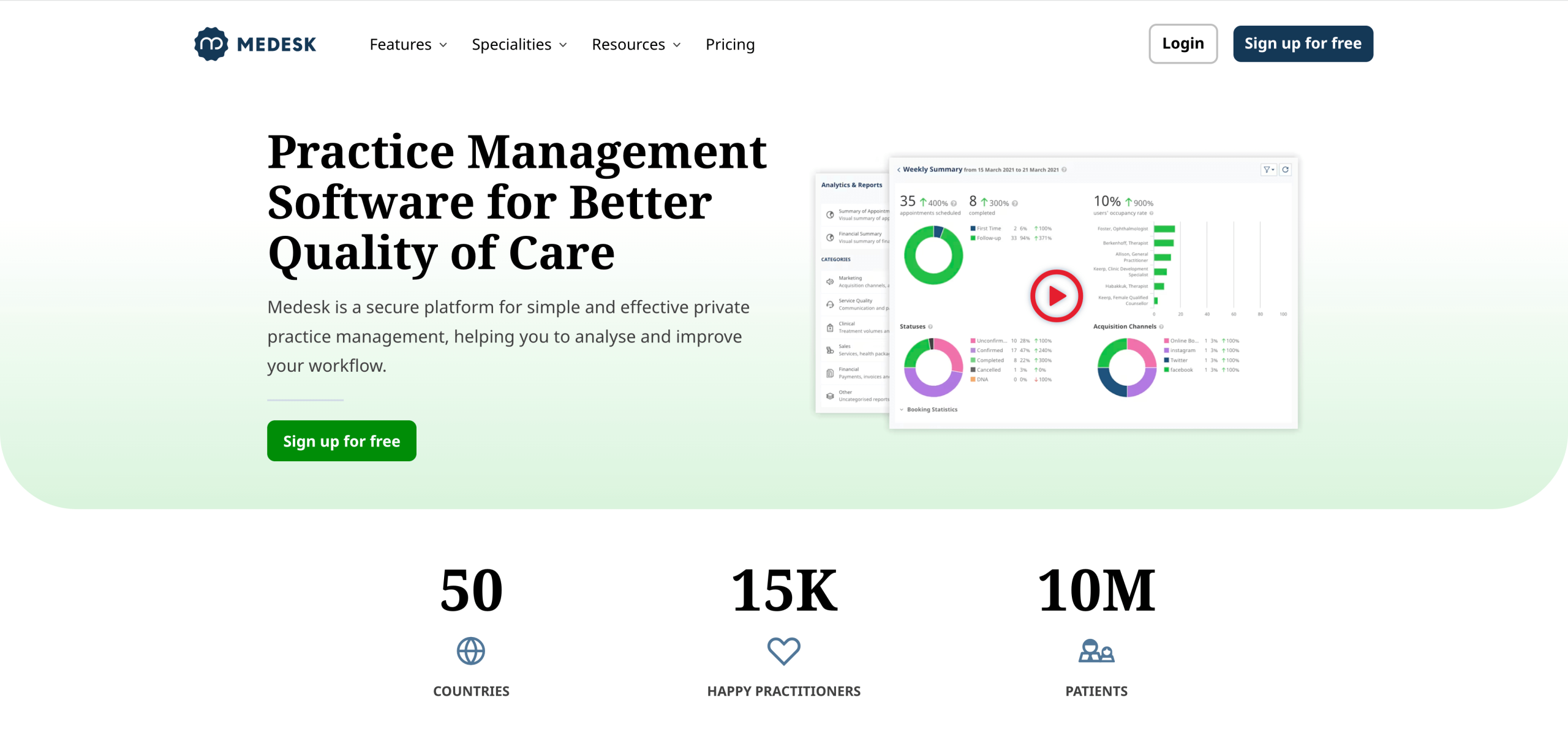
Medesk is a healthcare-specific platform tailored to the needs of clinics, prioritizing features like patient management, scheduling, and secure form handling.
- Key features
- HIPAA-friendly forms: Collect and store patient information within the platform.
- Practice management: Features include scheduling, billing, and analytics for medical practices.
- Patient portal: Patients can complete forms, access records, and communicate securely with providers.
- Pros
- Built specifically for healthcare businesses
- HIPAA-friendly tools for secure data handling
- Comprehensive practice management features
- Cons
- Best suited for medical clinics and providers
- Feelsoverly specialized for general business use
- Pricing
- There is a free trial available for new customers.
- Plans start at $32 per month.
15. SimplePractice
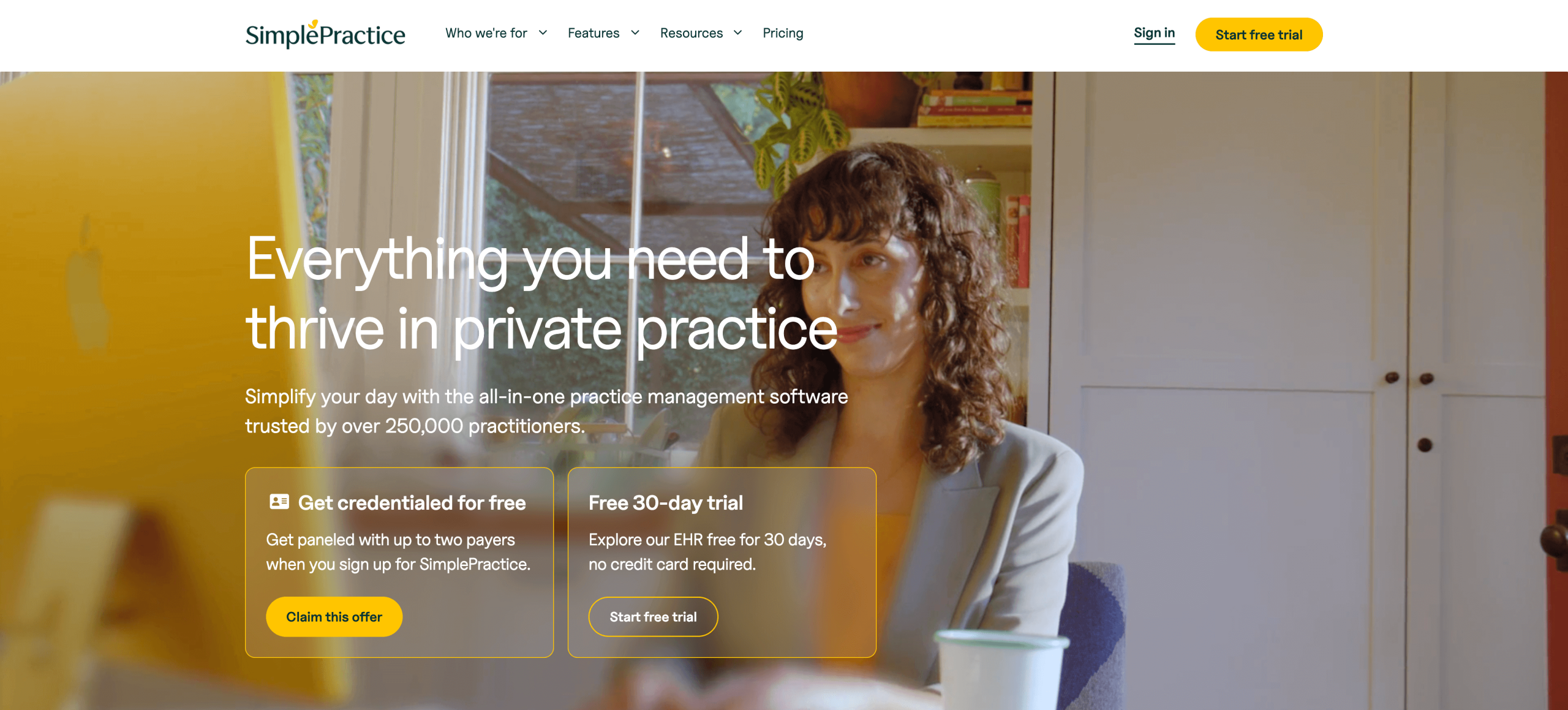
SimplePractice was created specifically for healthcare professionals and private practices, offering robust tools for patient management and secure data handling.
- Key features
- HIPAA-friendly forms: Collect and store sensitive patient information with HIPAA-friendly features.
- Telehealth integration: There is a built-in telehealth solution for video sessions with patients.
- Client portal: Patients can complete forms, view records, and communicate securely with providers.
- Pros
- Tailored for healthcare professionals and private practices
- Ability to process claims directly in the software
- Integrated admin and business functionality
- Cons
- May be too robust for users not seeking a full-featured EHR platform
- Limited flexibility for non-healthcare businesses
- Pricing
- There is a 30-day free trial for new customers.
- Plans start at $14.50 per month.
16. Cliniq Apps
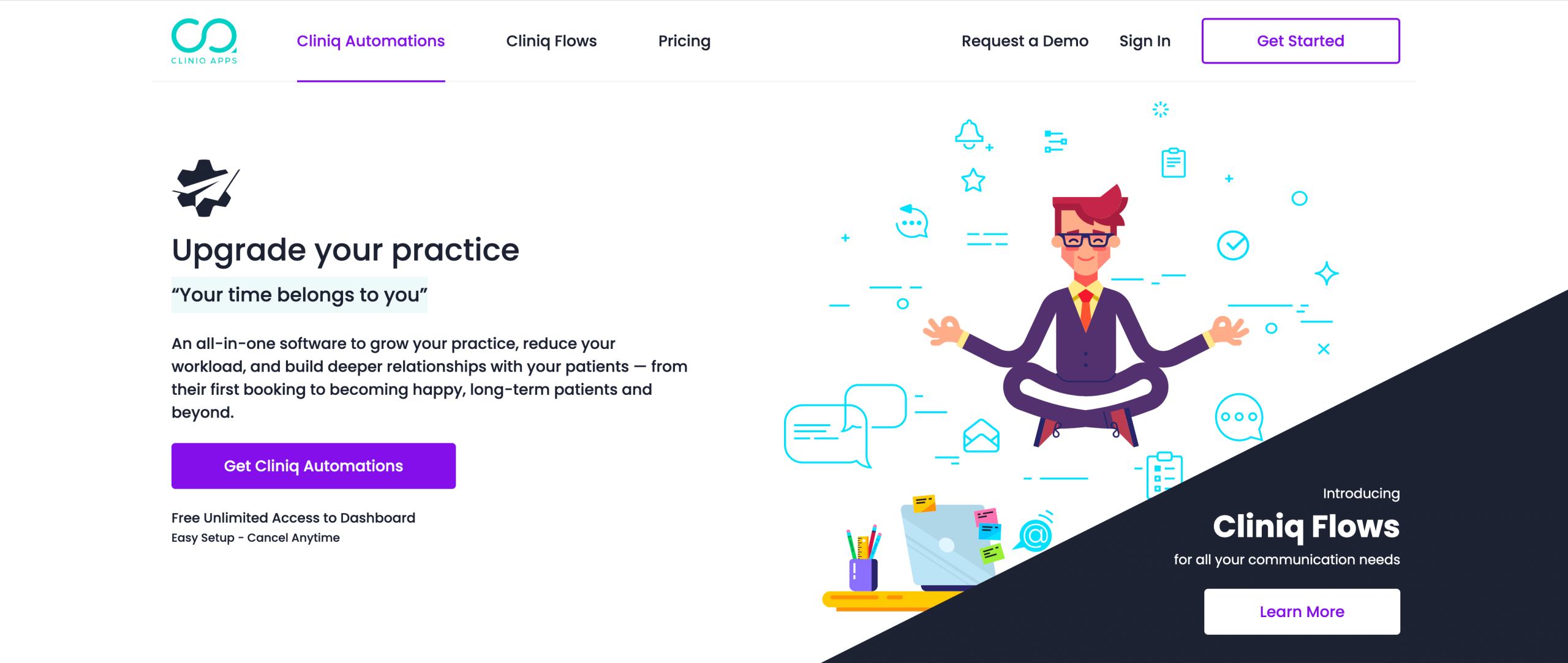
Cliniq Apps is a patient engagement platform designed to help healthcare businesses improve communication and streamline workflows with secure tools for managing forms and appointments.
- Key features
- HIPAA-friendly forms: Collect intake forms, consent forms, and other medical data.
- Automated patient engagement: Send patients reminders, follow-ups, and personalized messages.
- Analytics tools: Track appointment trends and patient satisfaction to improve operations.
- Pros
- Centralizes patient communication
- Analytics dashboard helps visualize business health
- No lock-in contract
- Cons
- Focused heavily on patient engagement, with fewer standalone form features
- Best suited for clinics and medical offices
- Pricing
- There is a 30-day free trial for new customers on select products.
- Plans start at $18.19 per month.
17. Carepatron
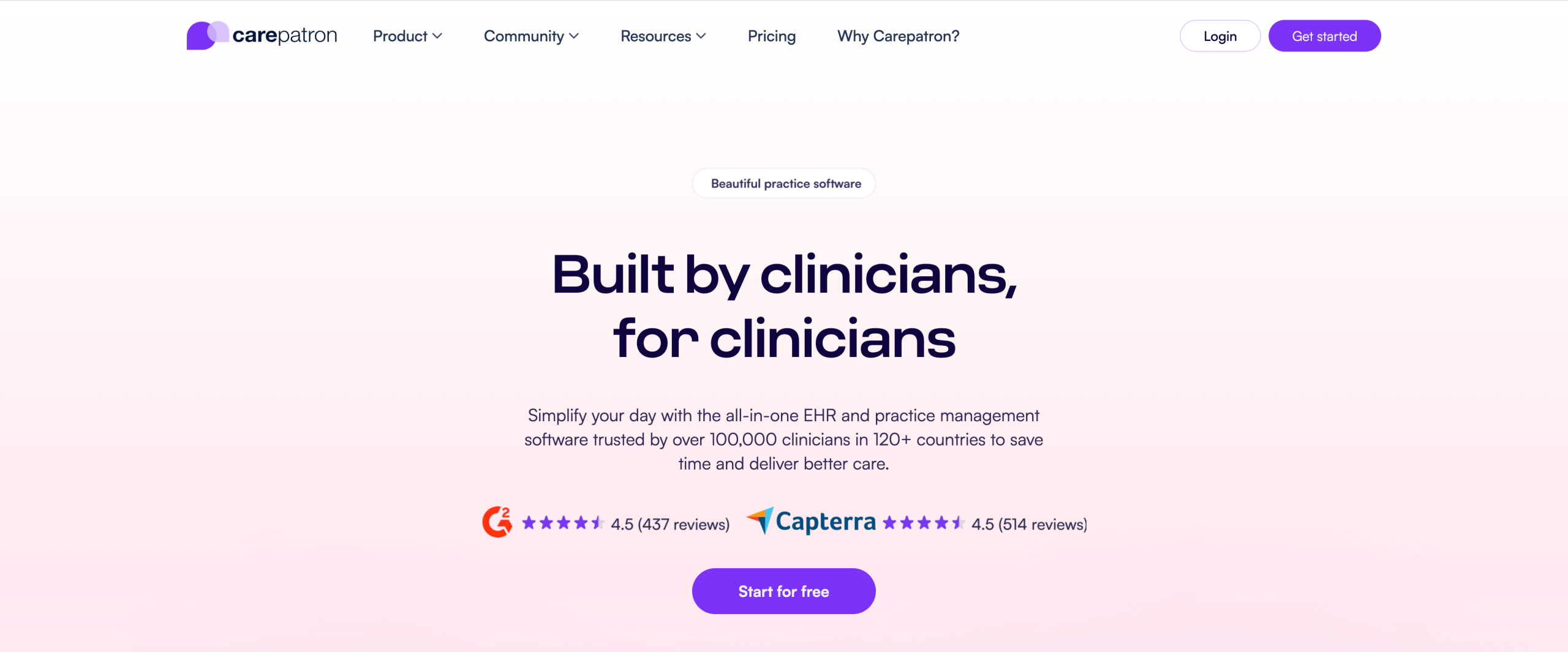
Carepatron is an all-in-one healthcare management platform designed for clinics and individual practitioners, offering tools for patient documentation, scheduling, and data collection.
- Key features
- HIPAA-friendly forms: Create and store intake forms, progress notes, and medical records.
- Practice management: It includes appointment scheduling, billing, and task management tools.
- Collaboration features: Multiple team members can work securely on patient files.
- Pros
- Easy to set up and use for small teams
- Provides centralized access to both patient data and practice tools
- Affordable pricing
- Cons
- Features specific to healthcare professionals
- Reported issues downloading templates
- Pricing
- Free starter plan available.
- Paid plans start at $14 per month when billed annually.
Start creating HIPAA-friendly forms today
There’s no shortage of options when it comes to finding a reliable alternative to FormDr. From healthcare-specific platforms to versatile form builders, the right choice depends on your business’s unique needs.
If you’re looking for a powerful, intuitive, and HIPAA-friendly solution, Jotform is an exceptional choice. Its extensive library of medical templates, robust e-sign capabilities, and customizable apps provide everything you need to streamline your workflow and easily manage sensitive data.
Ready to see how Jotform can transform your client intake process? Try Jotform today!
This article is for healthcare practices and teams comparing HIPAA-friendly form builders, especially anyone collecting patient intake details and consent forms who wants a smoother workflow, better customization, or a more cost-effective option than FormDr.































































































Send Comment: