
Top 8 Kahoot! alternatives
Kahoot’s colorful, fast-paced quizzes brightened classrooms and meeting rooms with something fresh, engaging, and fun.
But the drawbacks are now obvious. The classic timed quiz rewards speed and guessing, leaving thoughtful or anxious people behind. Students and employees mindlessly tap options on the screen, and the platform’s reports don’t help you look deeper into what they actually know. Then when you add general Kahooting fatigue, you no longer have an engaging format: You have a colorful chore people slog through, grateful that at least they aren’t doing anything harder.
You’re not stuck with Kahoot. There are mature alternatives that can draw your audience’s attention back in. We dove into 53 apps to find the best quiz makers across educational technology, from K-12 teachers to corporate trainers. Here are the top eight tools.
The best Kahoot alternatives in 2026 at a glance
| App | Best for | Target audience | Pricing |
|---|---|---|---|
 Jotform |
Building custom systems around quizzes |
Teachers, HR teams, and trainers needing structured data |
|
 Wayground |
Flexible pacing and personalized learning |
K-12 teachers and students |
|
 Gimkit |
Game-driven engagement |
Middle and high school students |
|
 Blooket |
Arcade-style engagement |
Elementary and younger students |
|
 Mentimeter |
Live audience interaction in presentations |
Higher education, corporate trainers, facilitators |
|
 Slido |
Layering polls and Q&A onto existing presentations |
Corporate teams, event hosts, all-hands meeting organizers |
|
 AhaSlides |
Robust features at a low price |
Teams and educators wanting an all-in-one tool on a budget |
|
 Wooclap |
Training with live comprehension tracking |
L&D professionals and corporate instructors |
|
1. Jotform
The best Kahoot alternative for building custom systems around quizzes.
Kahoot works well as a live quiz platform with scoreboards and basic reporting tools, but it falls short if you need a system around your quizzes. Jotform fills this gap: It offers a collection of tools where quizzes are only the starting point, letting you build data collection, reporting, and easy sharing on top.
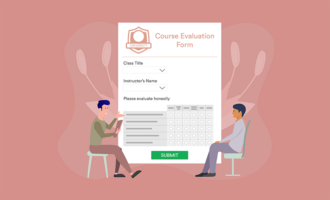
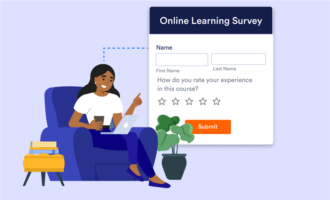
Start by building your quizzes as forms in Jotform, directly with the quiz app template, using the dedicated Jotform Quiz Maker, or with the AI Quiz Generator. Add questions, set correct answers, and assign point values, creating as many as needed to cover all the topics. Then, you can create an app with Jotform Apps to organize and serve the quizzes. There’s no coding skills required at any time, as configuration is entirely visual. Your students or employees can access it via desktop, tablet, or smartphone, with the option of placing the app’s icon on the home screen, or reaching it instantly through a QR code you can drop into any handout, email, or channel.
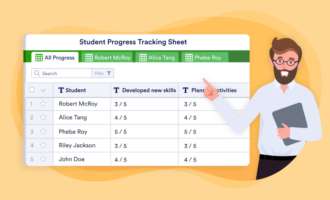
As each quiz is finished, you can see the results back in Jotform. Plus, you can send all the answers directly to Jotform Tables, giving you a structured record of every submission that you can filter and segment by group, class, or date. Once all the data is organized there, you can head over to Jotform Reports, where you can build data views, breakdowns, and presentations based on quiz data.
Jotform is ideal when you want to connect everything around your quizzes, serving and analyzing them consistently in a system you own and can upgrade based on your needs.
Why do people switch to Jotform?
- Free plan and 50 percent off paid plans for teachers, making Jotform a more economical alternative to Kahoot.
- More than just quizzes, it acts as professional assessment software by providing all the tools for certification-style testing and skills assessment.
Limitations
- May require additional setup time until all quizzes are ready to use.
- Limited live session features.
Pricing
- Free plan available (Starter) includes five forms, 100 monthly submissions, and 100 MB storage.
- Bronze plan at $39 per month (50 percent discount for educators available) for 25 forms, 1,000 monthly submissions, and 1 GB storage.
- Pricing covers most Jotform products such as Forms, Apps, Tables, and Report Builder.
2. Wayground (formerly Quizizz)
The best Kahoot alternative for flexible pacing.
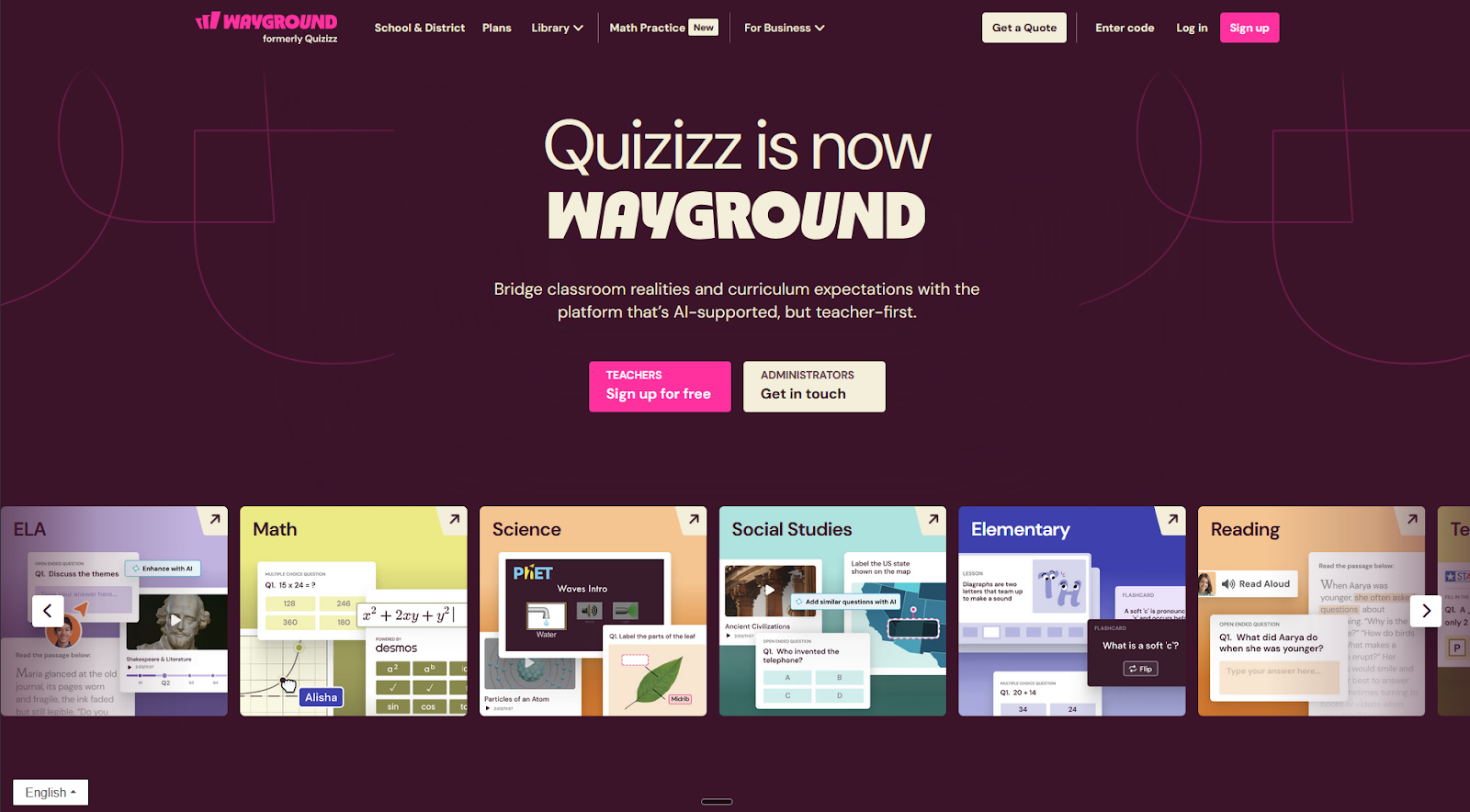
The Kahoot vs Quizizz debate shifted with the latter’s rebrand to Wayground: It addresses the “hammering buttons as fast as possible” mentality, helping you improve student knowledge rather than their reaction time. Instead of presenting the questions in a main screen while students race to answer, you can assign material students complete without time pressure on their own devices.
You can pick from an extensive library of content to get started, with tools to preview and test so you can choose those that match what you want to teach. If the options don’t fit, you can upload your own PDFs or presentations and Wayground’s AI engine turns them into assessments and flashcards in under a minute. It also generates multiple versions at different difficulty levels, so you turn a one-size-fits-all approach into a personalized experience so struggling students can build up their knowledge.
These accommodation features are some of the best in the category, with more than 25 modifications covering dyslexia-friendly fonts, translation, or reading-level adjustments. You can apply them automatically across quizzes, slides, or video activities for specific students. Others won’t even know there’s special assistance at play, so no one is embarrassed or singled out in front of their peers.
Our world is deeply digital and connected, but you may prefer to go back to basics, not have the budget to give a device to every student, or teach in a Wi-Fi weak spot. Wayground offers Paper Mode so you can print out QR cards with answers, and each student can hold up the option they think is right. Point your smartphone camera at the room and you can save the results back into the platform: simple, low-tech, and reliable.
Why do people switch to Wayground?
- Wayground replaces Kahoot, Nearpod, Google Forms, and separate video tools, handling quizzes, slides, interactive videos, flashcards, and reading passages with a single login. It also integrates with LMS platforms to make the teaching workflow even simpler.
- The live dashboard Classroom Pulse shows which students are engaged or stuck in real time. You can head over to struggling students and offer help while the rest of the class is still working.
Limitations
- Some technical issues reported around live sessions ending prematurely and the interface failing to display dashboards or data as expected.
- Public library needs manual filtering, as it mixes teacher and student-created content with no formal vetting.
Pricing
- Free for teachers, including assessments, presentations, flashcards, and AI features.
- Quote-based pricing for schools and districts. Business plans start at $125 per editor per month.
3. Gimkit
The best Kahoot alternative for gaming engagement for older kids.
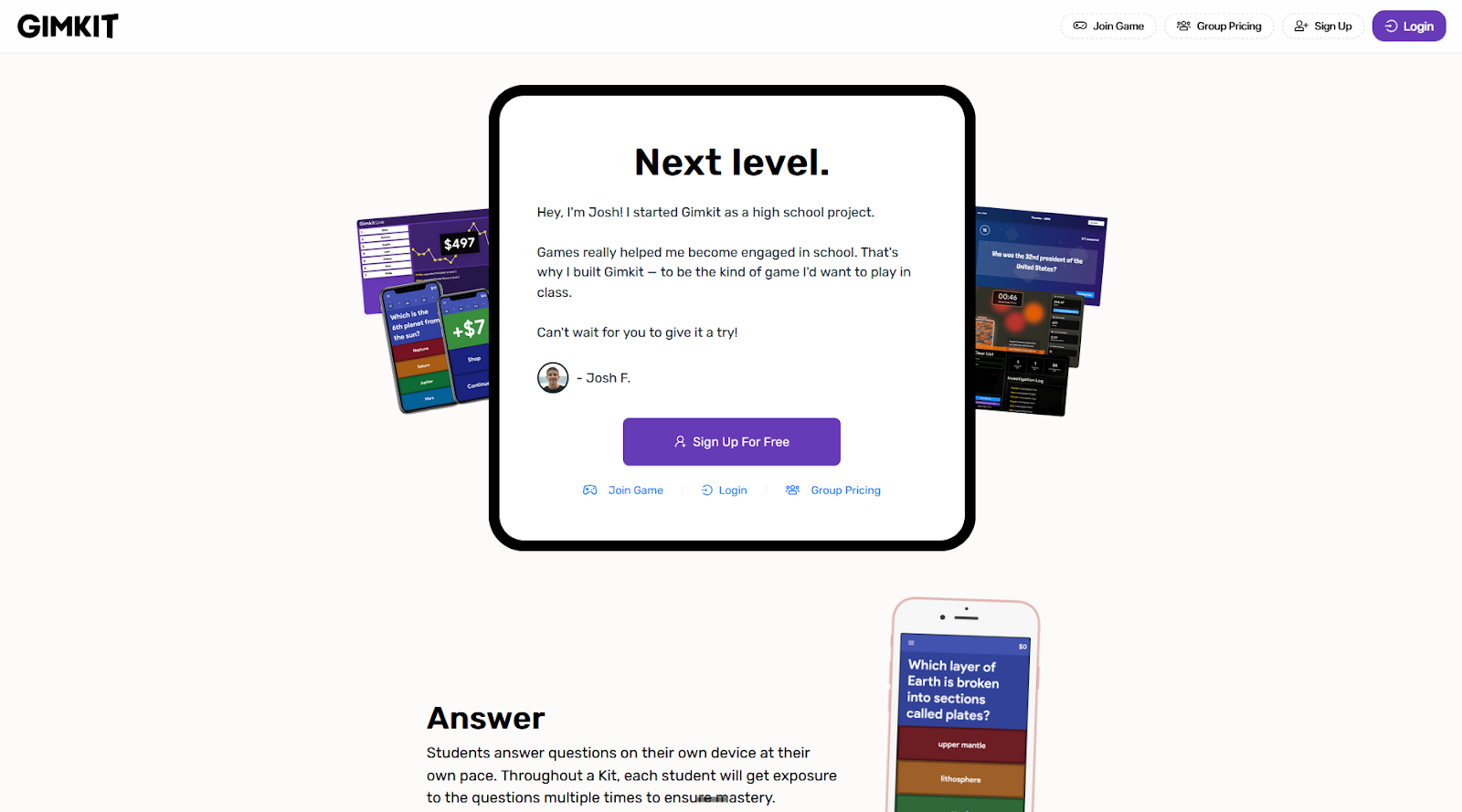
Gimkit adds in-game economy on top of live multiplayer as another layer of gamification, rewarding correct answers with items your students can buy, collect, and use to improve their scores. This strategic experience holds attention for longer, making it a strong classroom engagement tool: After you earn your in-game cash, you want to play more games to spend it.
Each collection of questions is called a Kit. You can compose your own by browsing existing Kits and selecting questions, start with AI, or importing content from other formats. The settings are simple but robust, letting you add images, audio, or mathematical equations to the question and making the answer multiple-choice or free response.
Once the Kit is ready, you can host a game and share the join code with your students. There are multiple game modes to choose from, from capture the flag to cooperative farming. The game mechanics always revolve around answering questions: the more correct answers, the more in-game currency you’ll have to complete tasks. This also translates into an account-wide currency to buy cosmetics, so students can customize the way they look.
As your class gets engrossed in the game, you can browse the reports on the platform, showing overall accuracy for the entire group. There are individual reports for each student, so you can dive into their difficulties and provide targeted help.
Why do people switch to Gimkit?
- Feels more like a game when compared with Kahoot, with the 2D games offering fun mechanics that incentivize answering lots of questions correctly.
- Adaptive difficulty level ensures students always have challenging questions in every playthrough, balancing learning and in-game fairness (although this requires extra setup).
Limitations
- Too many game systems may confuse elementary learners, which may drive attention toward learning the mechanics and not the actual content.
- The analytics are too basic, only offering question-level breakdowns and not diving deep into learning behaviors or detailed individual progress over time.
Pricing
- Free plan (Gimkit Basic) includes a rotation of free games for unlimited students with basic reports.
- Gimkit Pro at $14.99 per month unlocks all games, assessments, and uploading audio and images to your questions.
4. Blooket
The best Kahoot alternative for gaming engagement for younger kids.
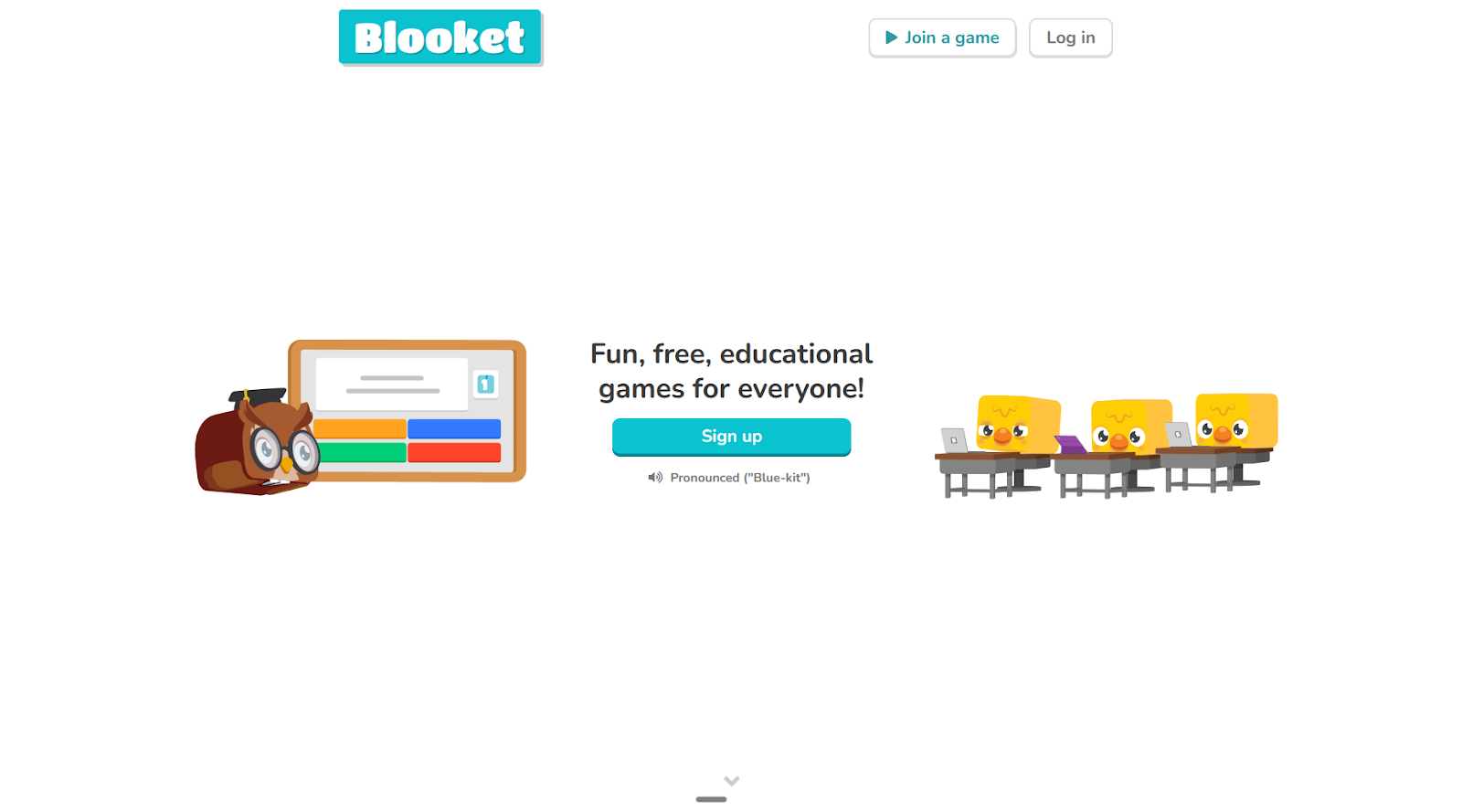
Blooket is in the same lane as Gimkit, trading strategic depth for variety and action. It offers 18 arcade-style games built around the simple loop of answering questions to power the game’s features. It also has account-wide currency that lets students collect cosmetics, adding progression and customization.
While Gimkit is better for an older audience, Blooket shines for younger students thanks to its faster and easier experience. Once a student joins a new game, they get a step-by-step tutorial of the core mechanics, so they can engage with the game with more autonomy. Each question they answer gets graded and displays on your dashboard, along with the strategic decisions they made in the game. That means you can evaluate their thinking as well as their knowledge.
As far as free interactive quiz tools go, Blooket’s free plan is the most generous: You create unlimited sets of questions, access 13 games for up to 60 students, and see basic reports. The paid plan unlocks nice-to-haves, such as higher player limits and organization features, but they’re not essential. If your school has a tighter budget, this is a better option to add variety to your teaching style or as a break from Gimkit’s game lineup.
The question library has more than 20 million premade sets, with statistics showing play counts and teacher-verified tags, so you can judge quality before committing. Building your own is just as straightforward: Type questions manually with support for images, audio, and math equations; import from a CSV; or generate a set with Khanmigo, Khan Academy’s AI assistant.
Why do people switch to Blooket?
- More engaging arcade-style gameplay when compared with Kahoot for a younger audience.
- Self-paced and flexible play options available, with homework modes so students can practice at any time.
Limitations
- The app has minor technical glitches, such as score resets and temporary service outages, and it sometimes interacts poorly with school networking infrastructure.
- Some modes encourage stealing or sabotaging others, promoting poor collaboration over learning.
Pricing
- Free plan available for up to 60 students and a limited number of games.
- The Plus plan at $4.99 per month unlocks all games for up to 300 students, with enhanced game reports and audio questions.
5. Mentimeter
The best Kahoot alternative for presentations driven by audience participation and feedback.
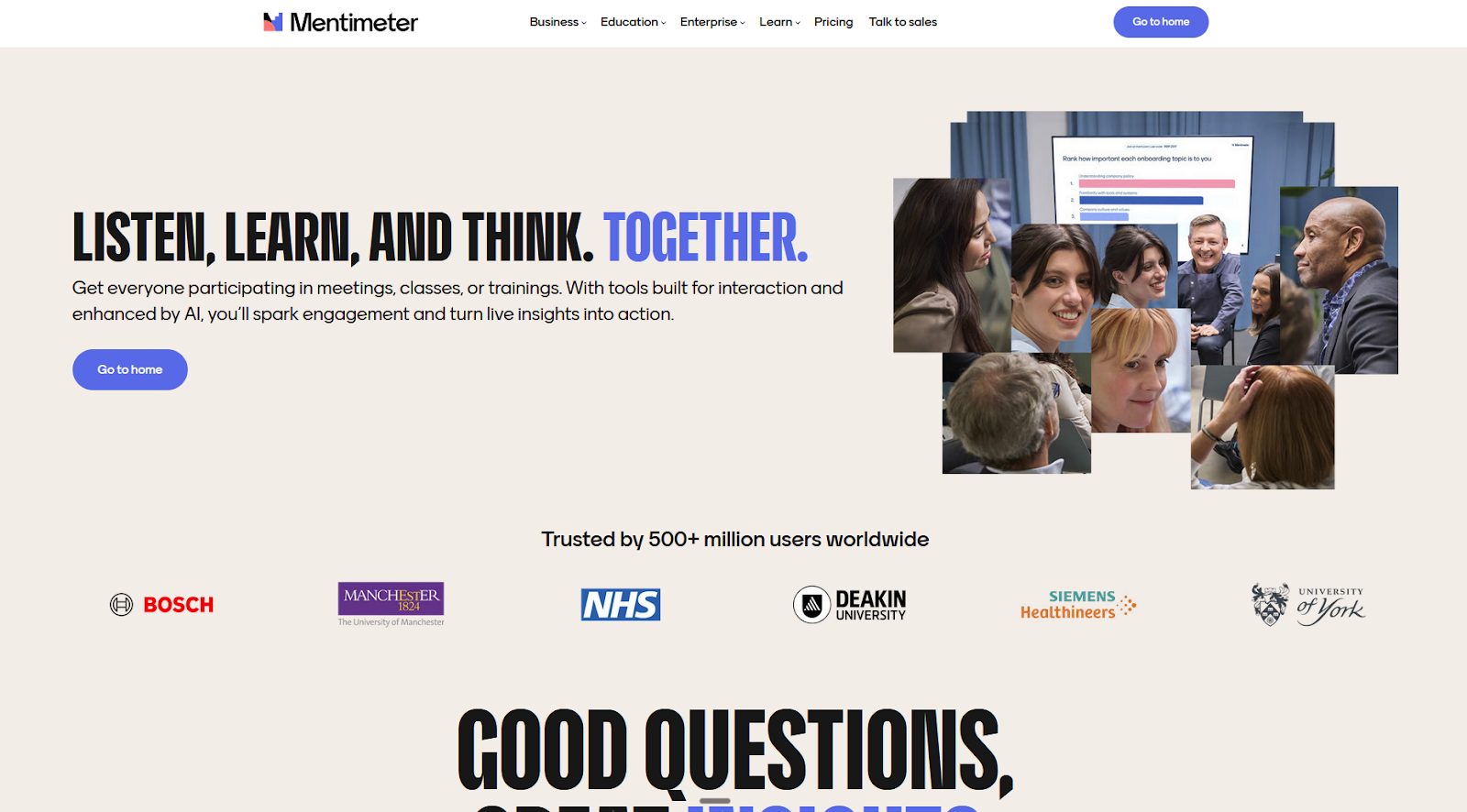
Kahoot puts a game on top of a quiz as an engagement engine. Mentimeter solves a different problem: It’s a presentation platform built around live audience interaction with polls, word clouds, and open-ended questions. This is the pick when you want to build real dialogue beyond just leaderboards, so participation is part of how the content lands. It’s one of the best Kahoot alternatives for business and higher education.
The workflow is similar to Google Slides or PowerPoint: You add slides, choose layouts, and sequence your content. The difference is you can add interactive slides offering multiple choice, rank options, or select a correct answer, among 13 options available. Each has a range of settings so you control how people participate, such as requiring participant names, or Q&A moderation.
Once the audience scans the QR code or types the link, they can add their own content, which then displays on the presentation’s screen in real time. This puts them in an active role, while giving you a base to answer questions as they appear on the screen, comment on choices, or challenge common knowledge.
Once the session ends, you can review participation counts, response distributions, and question-level charts for every slide. Comparing multiple runs of the same presentation is useful to understand the differences between audiences if you’re touring, shifts in opinions over time if you use it for team events, or student engagement across a course syllabus.
Why do people switch to Mentimeter?
- More of a tool for facilitation rather than a trivia game show experience, which fits business, higher education, and training contexts.
- Clean, professional, and frictionless user experience means you can host engaging workshops and meetings quickly.
Limitations
- Free plan limited to 50 participants per month and no analytics data export, making it good for only small businesses or casual use.
- Design features are limited in the free and entry-level paid plans.
Pricing
- Free plan available for up to 50 participants.
- Basic plan for teachers and students at $11 per presenter per month; same plan for individuals and businesses at $14 per presenter per month.
- Both remove participant limits, unlock slide import, and provide data export.
6. Slido
The best Kahoot alternative for adding engagement on top of existing presentations.
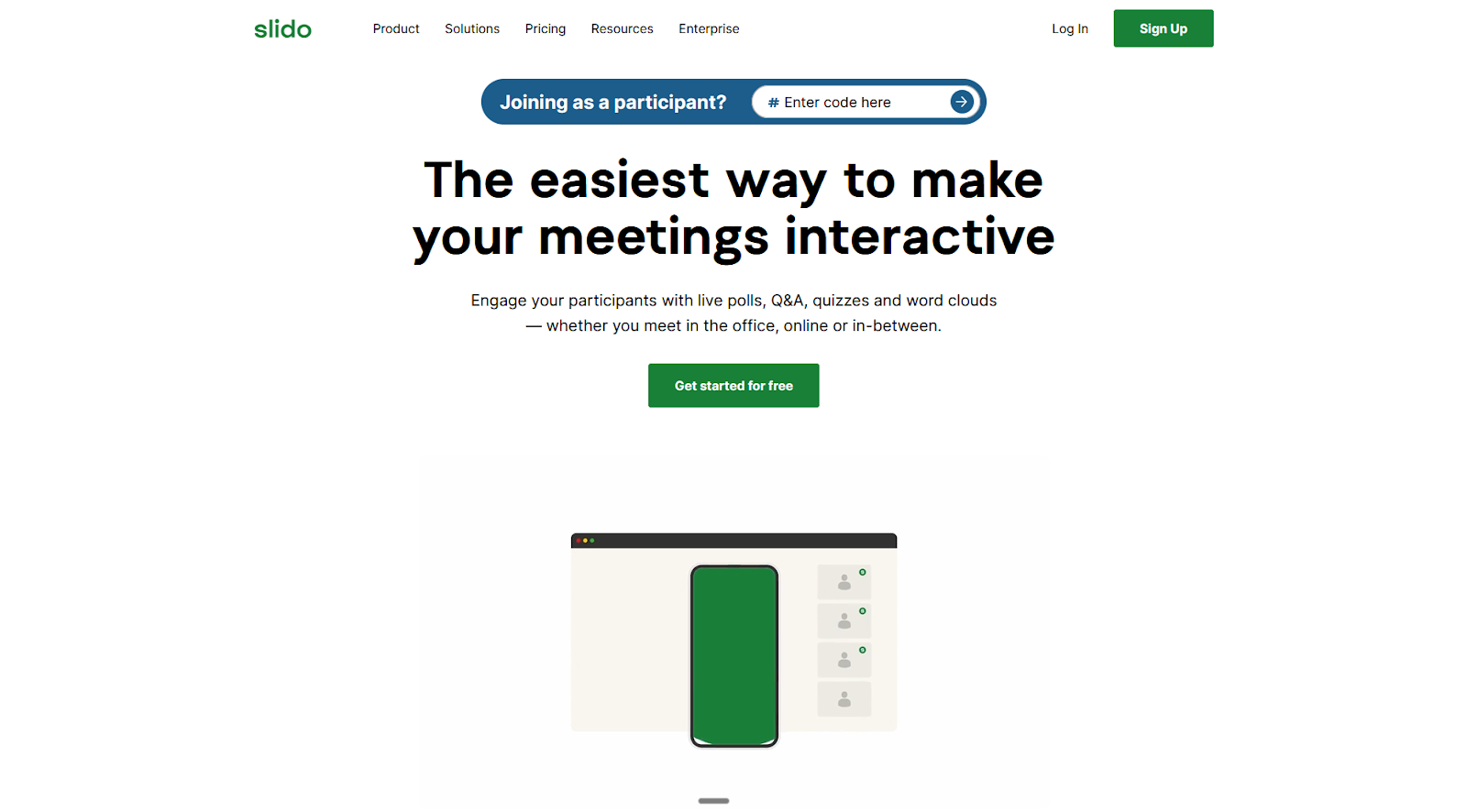
In Kahoot, competition holds attention. Mentimeter trades gamification for presentations that live based on audience input. Slido adds another angle: It’s an engagement layer on top of your existing presentations, where you want audience participation as punctuation, not as the backbone.
While you can use it as a standalone tool, Slido performs better when you integrate it with your Google Slides or PowerPoint presentations. You can start a meeting with a Slido poll to ask how people are feeling with an emoji, and then take control and walk them through the content. End with a Q&A where attendees submit and upvote questions, without raising hands or passing microphones. You set the rhythm.
Beyond these two poll types, you can also run word clouds, surveys, ratings, or multiple choice. There’s a template library with popular question types covering everything from icebreakers to company update quizzes. You also get an integrated AI tool to turn prompts into polls.
After each session, Slido has exportable reports on participation, poll responses, and submitted questions. This is useful data when you’re running all-hands meetings or webinars regularly, as you spot recurring questions and fix them at the source by updating your presentation’s slides.
Why do people switch to Slido?
- Native integrations with Google Slides, PowerPoint, Zoom, Webex, and Microsoft Teams let you embed your Slido interactions into your presentations and meetings.
- Anonymous Q&A removes participation anxiety for shy or junior employees, while fixing low-quality Q&A time around irrelevant or repetitive questions.
Limitations
- Narrow use case scope for live interactions on top of presentations, which may be too niche depending on your needs.
- Some features are being removed, and mobile apps will no longer be available in 2026.
Pricing
- Free plan available for up to 100 participants and 3 polls per Slido.
- Engage plan at $17.5 per month raises cap to 200 participants and unlocks unlimited polls and quizzes.
7. AhaSlides
The best Kahoot alternative for feature variety.
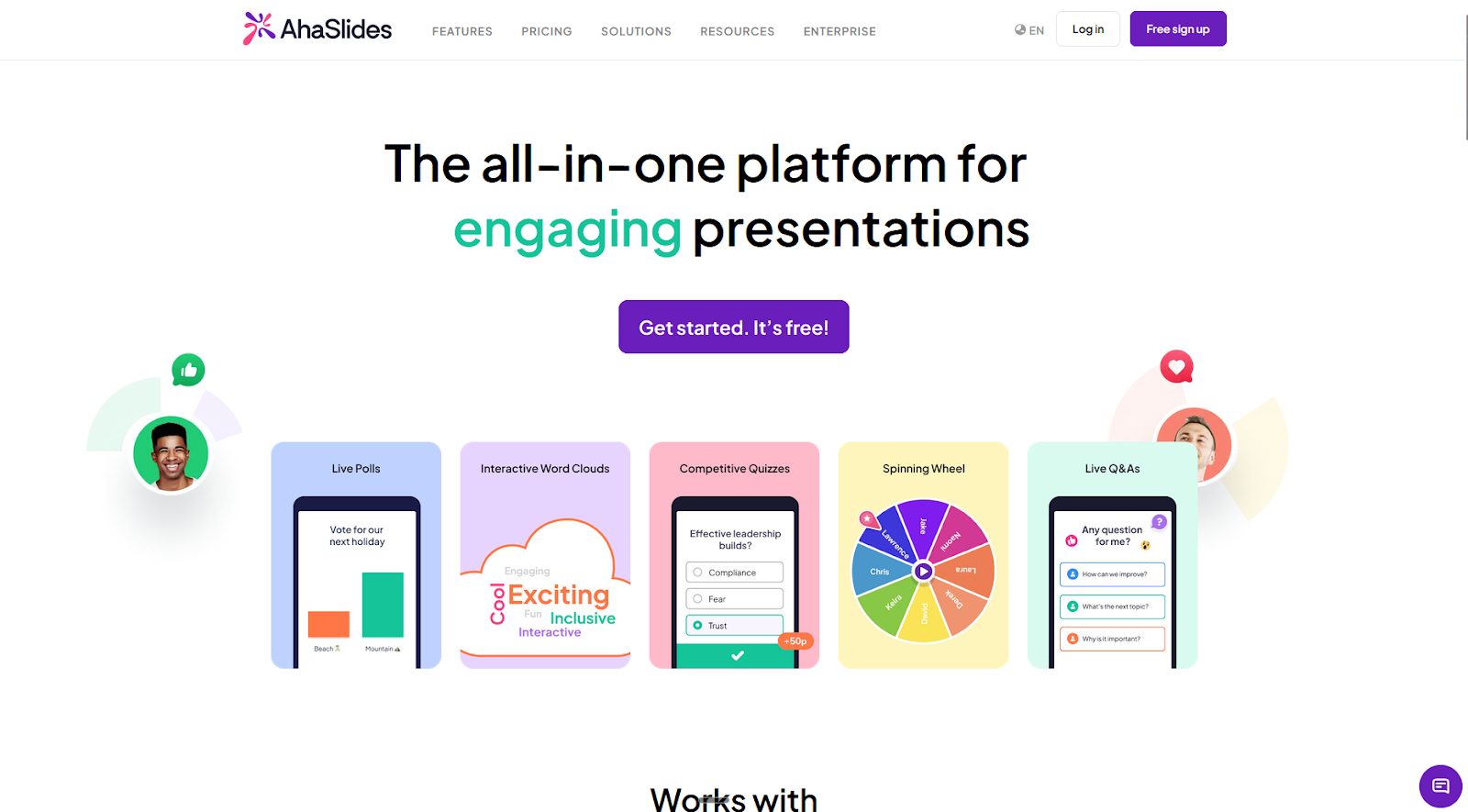
AhaSlides covers the full stack of interactive presentations: It handles competitive quizzes with leaderboards, live polls, and full slide presentations natively. And it does all this while being more affordable for work and business contexts: It has a free plan, and paid plans start at $7.95 per month (annual commitment) against Kahoot’s $19.
The quiz engine goes well beyond multiple choice. You have the option of using a spinner to select a person randomly, arranging items in the correct order, dividing into categories, and ordering options in a ranking. The live experience is smooth, with music and sound effects included to guide players to their devices and back again into the main screen, showing leaderboards in-between each question.
Beyond quizzing, AhaSlides has all the polling options available. Unique here is how Q&A and brainstorming are two separate options: In the first, your audience asks questions as you answer them as they come; in brainstorming, people suggest what to do next or ideas to discuss, and others vote live to elect the one that you should focus on.
The presentation builder is good enough as a standalone tool. You can add text, images, and visual elements, as well as embedding pages or YouTube videos. If you already have presentations in Slides or PowerPoint, you can integrate them directly into AhaSlides.
Why do people switch to AhaSlides?
- Very easy to use, with all the core tools you need for presentations and engagement with an accessible price tag.
- Strong protection against bots with passcode access, slide-specific submission controls, and collecting participant info.
Limitations
- Participant-level reporting for attendance, engagement, and performance only available on the higher paid plan.
- Design features are not as flexible as in dedicated presentation software solutions.
Pricing
- Free plan for up to 50 participants.
- Essential plan at $7.95 per month for 100 participants, unlimited interactive slides, and analytics (exports included).
8. Wooclap
The best Kahoot alternative for training, as well as for learning and development.
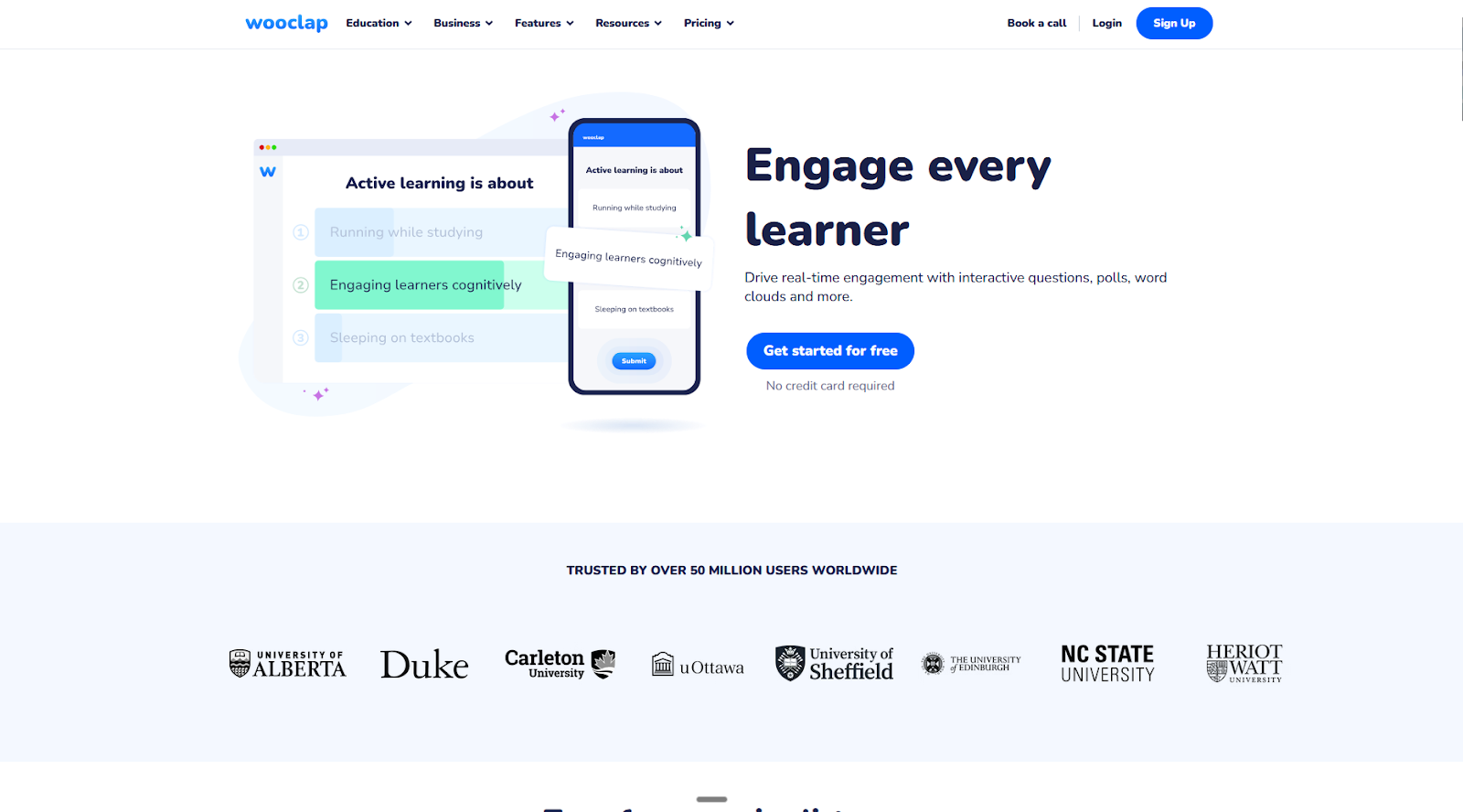
For learning and development contexts, you have to balance progressing through the content with making sure everyone is keeping up with the pace. Gamifying the experience solves engagement but fails to ensure understanding. Wooclap builds a live comprehension signal into every session.
As a participant in a presentation, there’s a prominent slider on the top-left part of the screen. It defaults to the option Got it, and you can click on it to change to I’m confused whenever you lose the thread or face a topic that’s hard to grasp. As the presenter, you can see how many people are confused at any given time, and use that as a prompt to slow down, unpack, and interact with your audience.
This slider also helps instructors pinpoint which parts of the content are harder to absorb, so they can proactively work on structure and delivery over time. But sometimes the answer is not in making the presentation better: It’s in priming your audience before being exposed to it. This is why Wooclap supports self-paced presentations with assessments, questionnaires, and attached files, so difficult content lands earlier.
In learning and development, success is measured by how much learners retain, not whether there’s confetti when people pick the right answer. While Wooclap has all the same interactive features of Kahoot, it trades the leaderboards for comprehension signals, which is the right call for this context.
Why do people switch to Wooclap?
- Native integrations with PowerPoint and Google Slides, major meeting platforms such as Zoom and Teams, and LMS like Blackboard or Moodle.
- 21 slide types, including the basics plus find-on-image, fill in the blanks, and script concordance tests to compare audience opinions to expert benchmarks.
Limitations
- No mobile app for presenters.
- Very limited free plan only suited for trying out the platform, not for light usage.
Pricing
- Free plan available for two questions per event.
- Basic plan at $7.99 for schools and $10.99 for businesses removes question limits, adds self-paced questionnaires, and unlocks data export.
Turn your quizzes into real-time insights
Quiz platforms are built around the moment of play: leaderboards, animations, competitive energy. But once the session ends, the responses usually die there too, forgotten in a dashboard or exported to a CSV trapped in your downloads folder.
Jotform changes that. Your quiz submissions land directly in Jotform Tables, where you can track responses live as they come in, slice the data, and work through it with your team. Instead of building a results deck by hand, Jotform Report Builder automatically generates shareable reports from your responses. It’s a great match for recurring quizzes, ongoing assessments, or post-event feedback.
Try Jotform for free and turn your next quiz into action. Gaming is optional.
This article is for educators looking for more robust grading and HR/Training managers who need a professional, branded way to test employee knowledge without the “arcade” aesthetic.































































































Send Comment: