
IT managers are constantly thinking about how to automate business practices so that productivity can flourish, while keeping an eye on new tasks and technologies that can drive enterprise innovation.
In IDG’s 24th annual State of the CIO report, 85 percent of CIOs said that they have taken the lead on digital transformation initiatives.
Business processes need to be faster, more secure, and easier to complete. They also need to enable higher productivity than ever before. IT managers, administrators, and CIOs alike need to continue making technology choices that better serve the enterprise’s employees and customers.
Let’s face it; we’re in an era where many IT departments are being asked to ensure dependable, flexible, and secure processes. But you’re also expected to contribute to revenue generating opportunities by creating automation that frees up time for more client interaction.
For years, Jotform Enterprise has helped leading organizations in e-commerce, education, healthcare, government, and the nonprofit sector automate their online data-collection and management efforts to increase productivity. With Jotform Enterprise 2.0, we’ve introduced new functionality that helps enterprises be more efficient and collaborative. We’re excited to show what we’ve been up to so current users can get the most out of Jotform Enterprise and prospective users can discover how it could help their organizations.
10 key Jotform Enterprise features
Jotform Enterprise’s features set up your organization for success by enabling the security, technological flexibility, ease of use, and customer support your team needs for all things related to data collection.
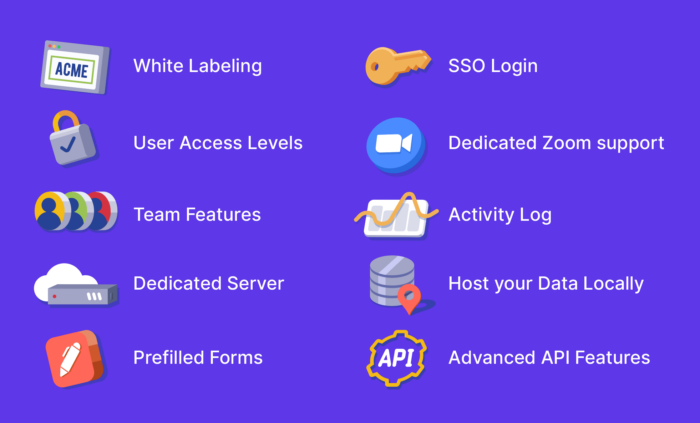
Here are 10 key Jotform Enterprise features that IT executives and managers love.
1. White labeling
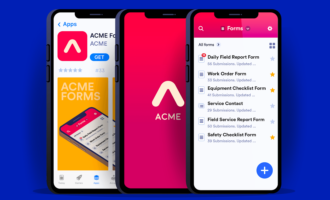
Perhaps the most important goal for Enterprises is ensuring client retention and customer loyalty. By white labeling their forms and admin dashboards, our Enterprise users have an easy, no-code way to personalize their data-collection experience and connect it with their online brand.
The result is two-fold: One, white labeling familiarizes end users with the organization’s forms, instilling confidence in the data-collection process, and two, it reinforces loyalty with the brand upon each use.
Additionally, Enterprise customers can create custom URLs for their forms. This not only makes accessing and sharing forms a breeze , but it also helps create a seamless brand experience.
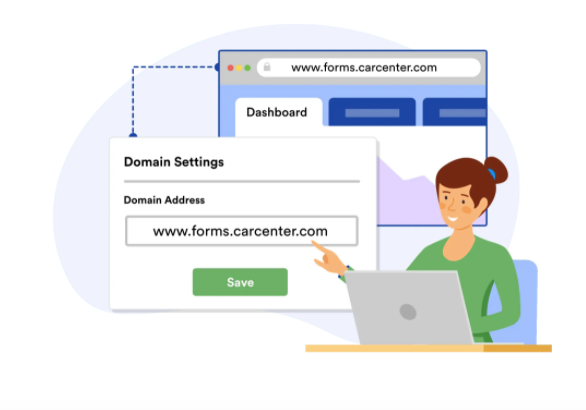
White labeling allows our customers to benefit from an expertly built product that aligns with their brand — without the need to support its development. It’s like having an in-house developer at a fraction of the cost.
2. Dedicated Zoom support
While our platform is super user-friendly, Enterprise customers also get a dedicated contact to maximize their team’s productivity. Whenever you need help, our customer success team can easily arrange a Zoom meeting to walk through the solution.

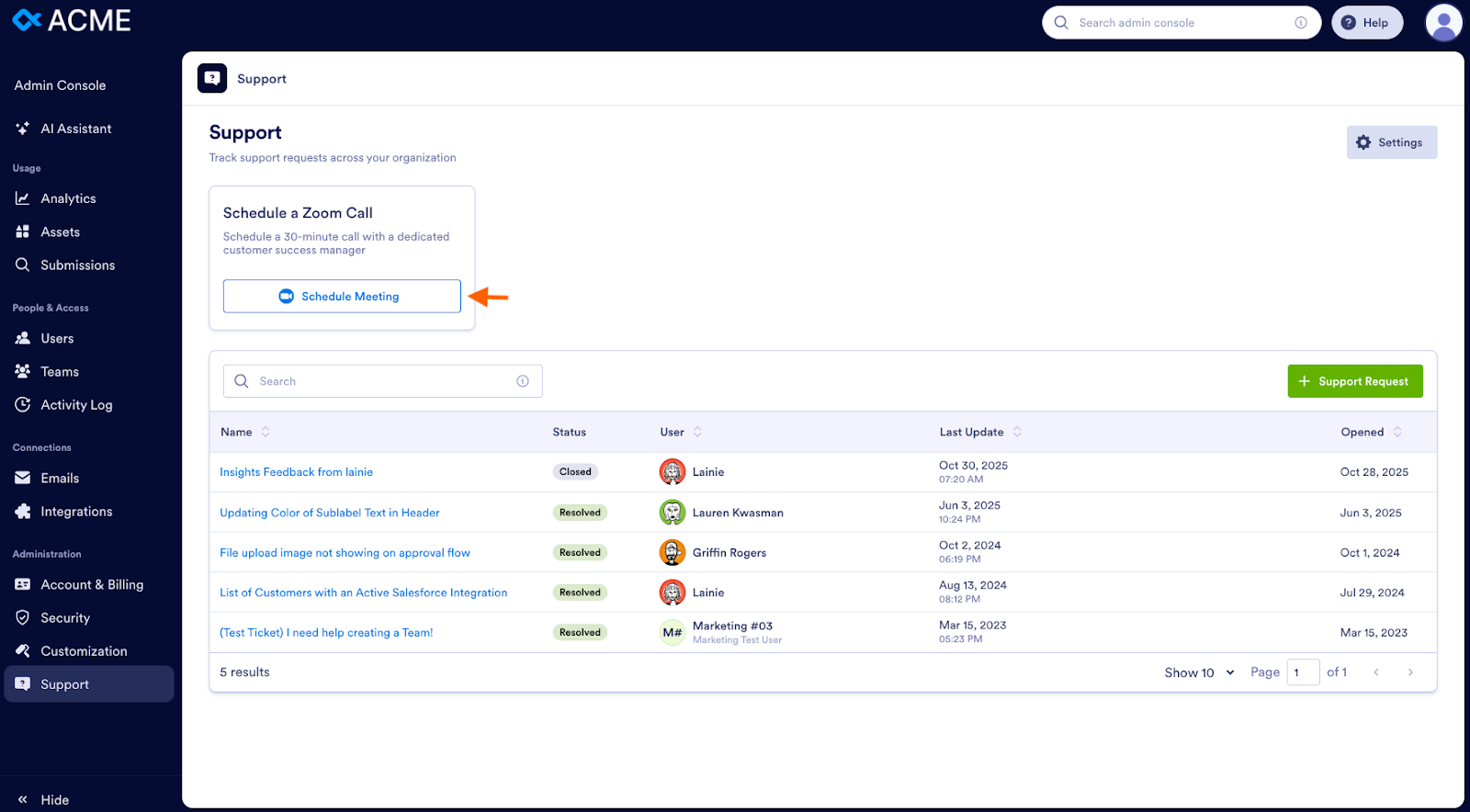
If a question or issue arises while you’re working with Jotform Enterprise, simply reach out to the support team via the Support tab in the Admin Console. (Admins can enable or disable support ticket submissions for their users.)
If you’d prefer to have a Zoom call, you can schedule one instead.
Our experienced support engineers are available during business hours and will respond with a solution via email if possible. If it’s easier or faster to answer your question with a live conversation, they will work with you to schedule an online meeting to resolve your issue quickly and in real -time.
The support team y can fix any problems and show you the most efficient ways to accomplish your goals. And, should you uncover any bugs, they have a direct line to our dedicated team of Enterprise developers and can ensure you’re at the front of the line.
If you’d like more extensive support, try our Professional Services for tailor-made solutions.
3. Team features
A big value-add for Jotform Enterprise is the way it allows users to communicate with each other:
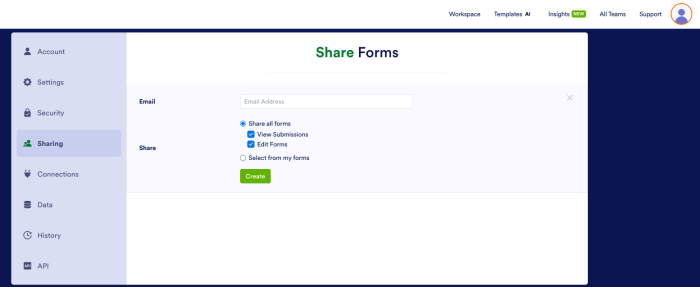
- Enterprise users can give each other access to forms and form data, while the admin maintains control over the form that’s shared. This helps all users stay on top of form details and progress.
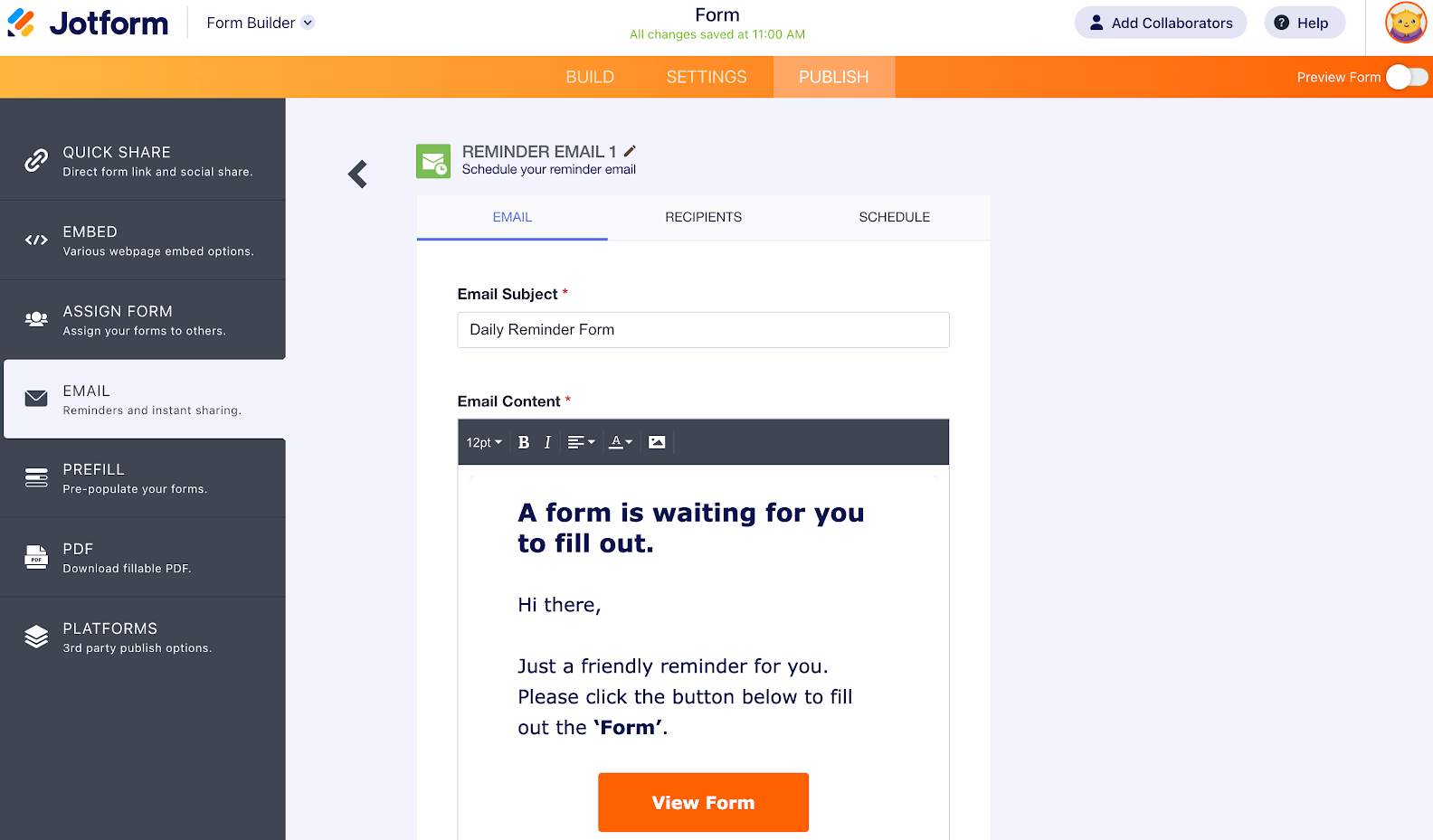
- Our Enterprise customers have higher limits on reminder and invitation emails (up to 100 recipients at a time), which allows them to assign forms at scale and let associated stakeholders know when forms have yet to be submitted.
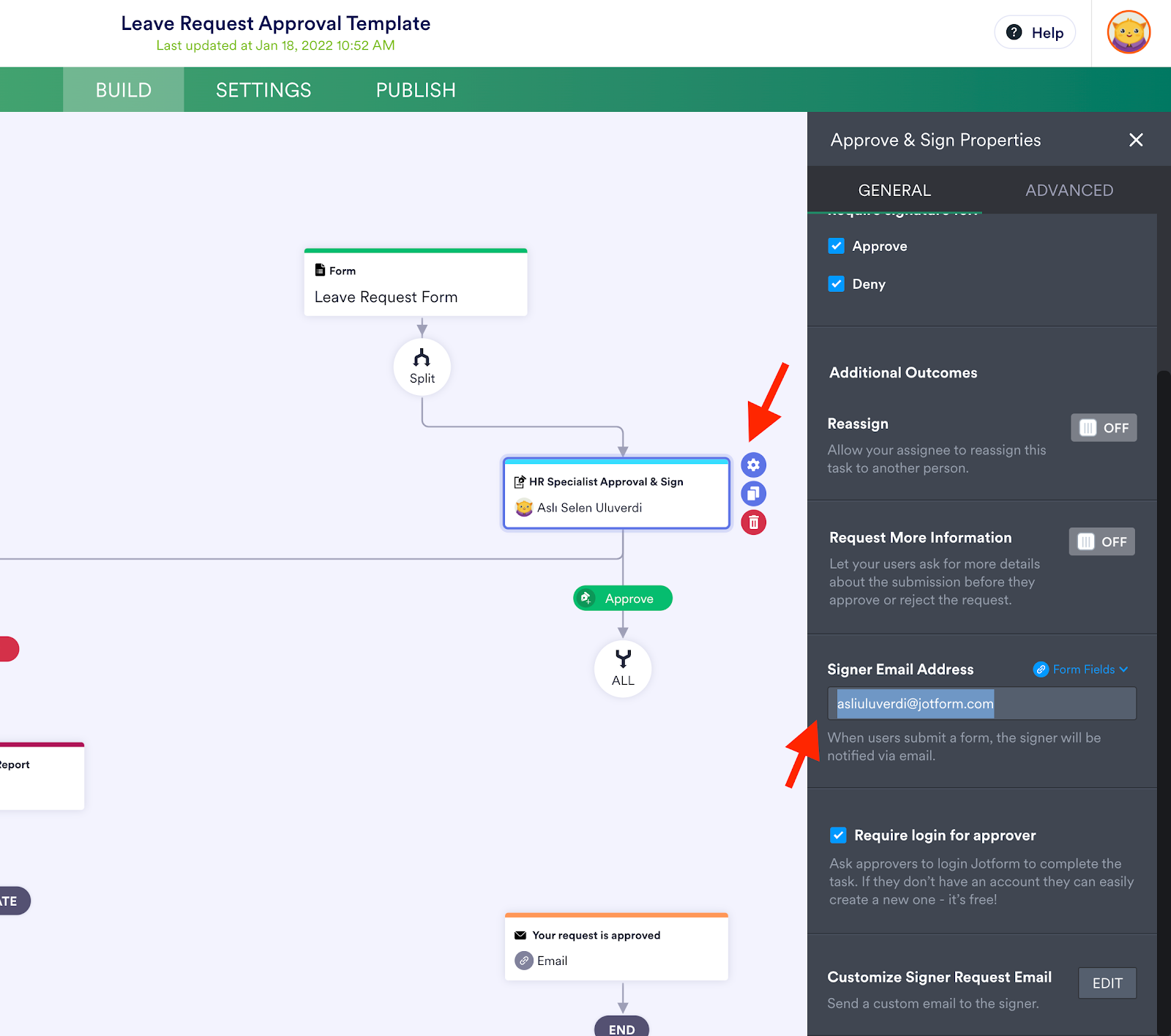
- Jotform Workflows makes it easy for our Enterprise customers to set certain users and stakeholders as approvers for form requests. Select Workflows within the Settings tab of the Form Builder to set up these approvals.
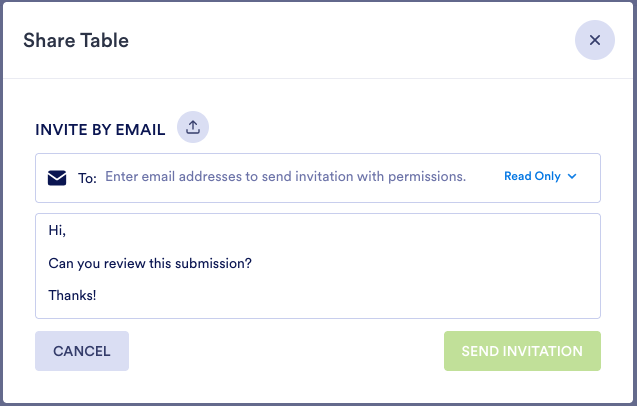
- One of the reasons our Enterprise customers love working with a dynamic database is the ability to assign tasks to others. Because everyone is working with the most up-to-date information — and that information is secure — users can assign tasks to collaborators with confidence.

4. User access levels
Every department within a large organization has different stakeholders and clients, internal and external. When it comes to form-based data collection, one thing managers appreciate about our platform is the flexibility to grant multiple users different levels of access within the platform.
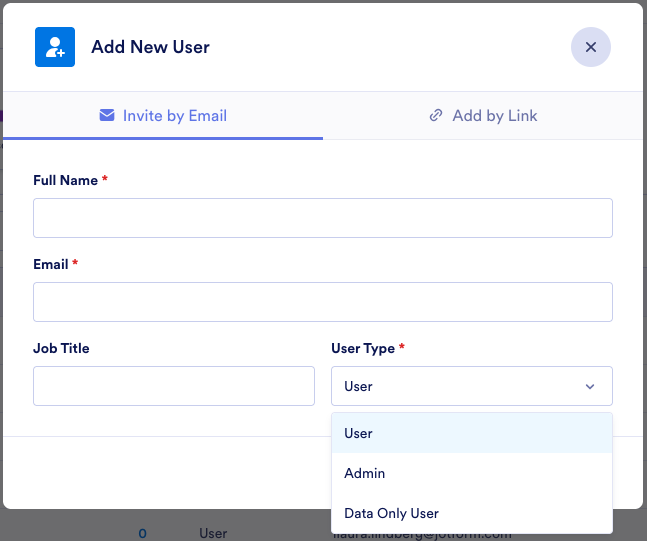
Whether an admin grants marketing managers with user access or a local government official adds a contractor, they can easily create new user accounts (or delete them), designate them as users or admins, and customize form access permissions to suit their project.
Most enterprise software usage is limited to the number of licenses within the agreement. Jotform extends this usage by giving admins the ability to add users who have varying access levels.
Managers at large organizations also value the ability to organize multiple user accounts. The platform’s search and filter functions allow users to quickly find what they’re looking for — regardless of how many forms or user accounts the company has.
5. Local data residency
Data security is a focal point for many of our customers. Security is about trust, and we take it very seriously. This is why, no matter the size of your enterprise, Jotform protects every customer’s data by providing a local data residency center.
Customers know that their privately hosted data is secure, giving them an added level of confidence to collect data, files, and more through their online forms. As we’ll discuss a little further on, local data residency also enables the use of single sign-on.
Did you know…that with Jotform Enterprise you can create custom URLs that match your company domain to improve your website’s search ranking and give your forms a personal touch?
6. Host your data locally
Digital transformation has made data privacy and advanced security measures a necessity for enterprise organizations. Whether GDPR, CCPA, or other security guidelines, companies need to make the required investments to protect their customers.
We solve this issue by allowing our Enterprise users to choose the physical location of their dedicated cloud server. This way, no matter where they are in the world (the US, Australia, Canada, the UK, the EU, or elsewhere), it’s easy to comply with data privacy rules and location requirements. Also, only users and admins within your Enterprise account can access your server.
7. SSO login
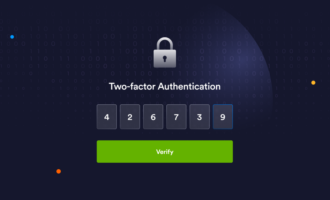
Speaking of data privacy, single sign-on (or SSO) is a favorite feature among Enterprise users because it eliminates messy password upkeep and closes the sign-in security loophole, whether data is being viewed or submitted.
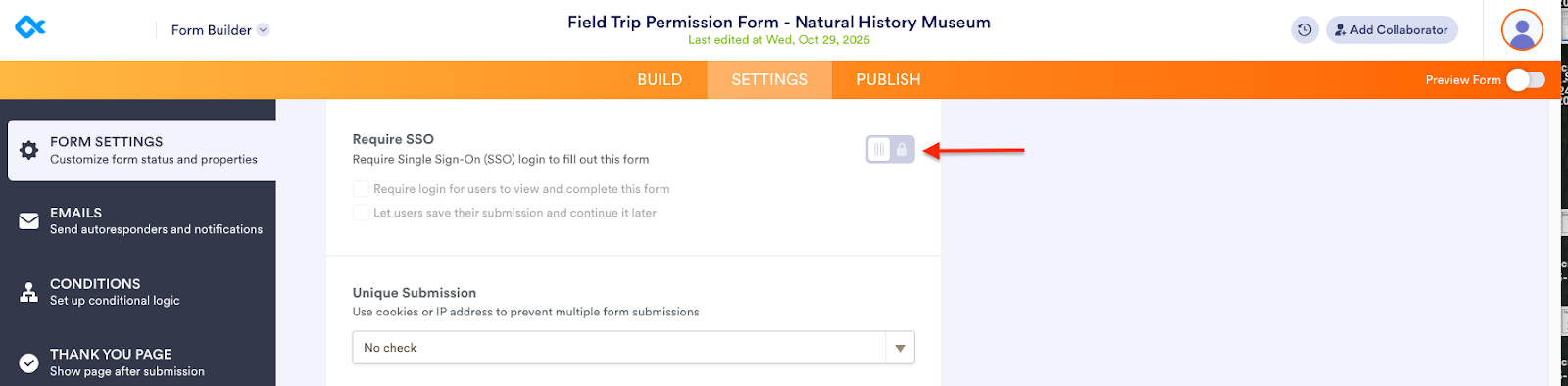
Jotform has integrations with many SSO providers so our customers’ teams can access and manage their forms using a single set of login credentials. On top of that, we can configure new integrations in situations where a customer may work with a lesser known identity provider.
SSO usage is growing among Jotform’s Enterprise customers for many reasons, but two of them, in particular, are productivity and security. The less time users spend on passwords and logins, the more time they can spend on higher-value tasks. Also, eliminating all potential login data breaches closes the loop on attacks and provides one resource for identity maintenance.
8. Prefilled forms
Our customers need to ensure accuracy in their data collection, especially when those forms are being filled out at scale.
Jotform Enterprise integrates with identity providers like Microsoft, Okta, Google, OneLogin, and more, so the user data that’s already stored with our customers’ identity provider (first/last name, email, company role, etc.) will automatically be filled in when SSO is enabled for their forms. Since data is prefilled upon login, this prevents blank fields and misspellings, and ensures accuracy, boosting data-collection efforts overall.
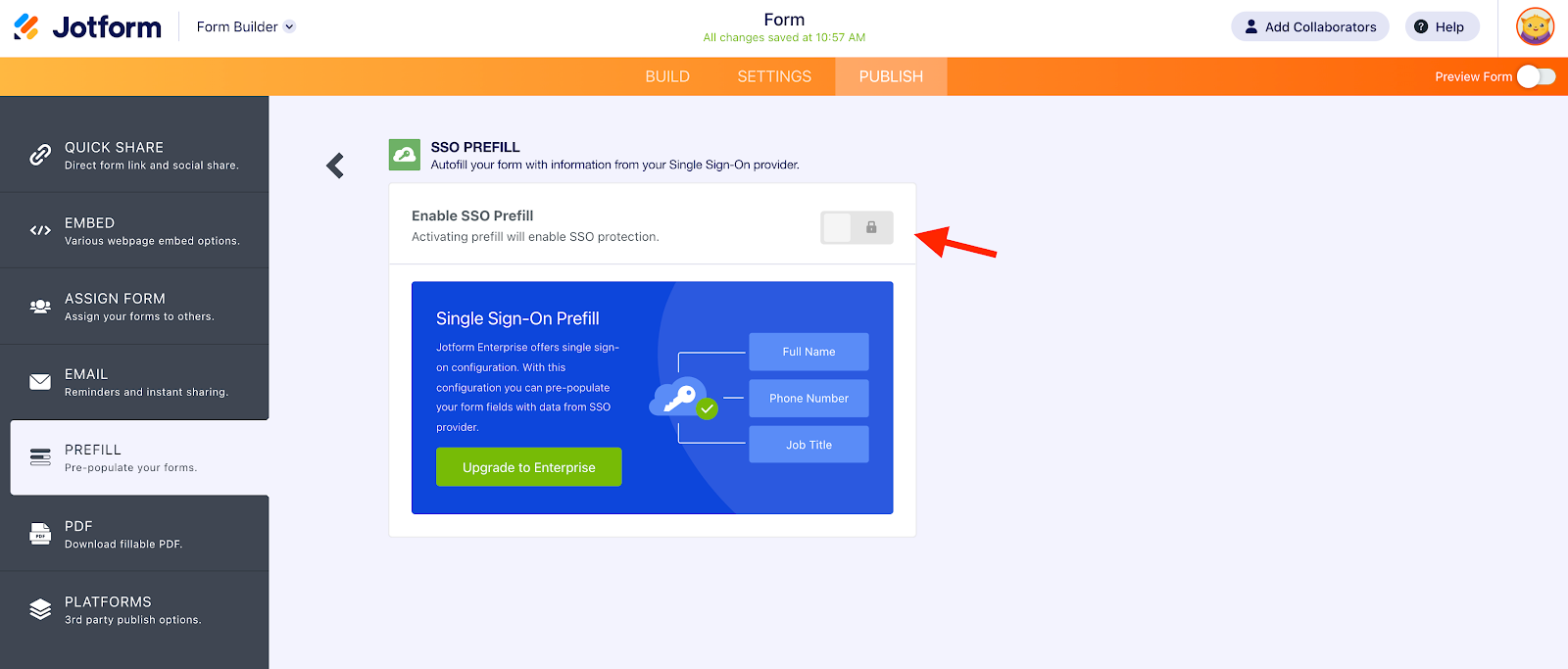
Plus, with the check of a box, end users can save drafts of their form based on their single sign-on login, so they can continue filling out a partially completed form at a later date or time.
9. Activity Log
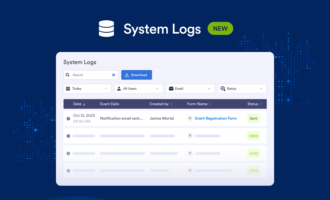
An important feature for any administrator is visibility into software usage and activity. Jotform Enterprise allows customers to see exactly what their employees or clients have been doing with their company’s forms via the detailed Activity Log in the Admin Console.
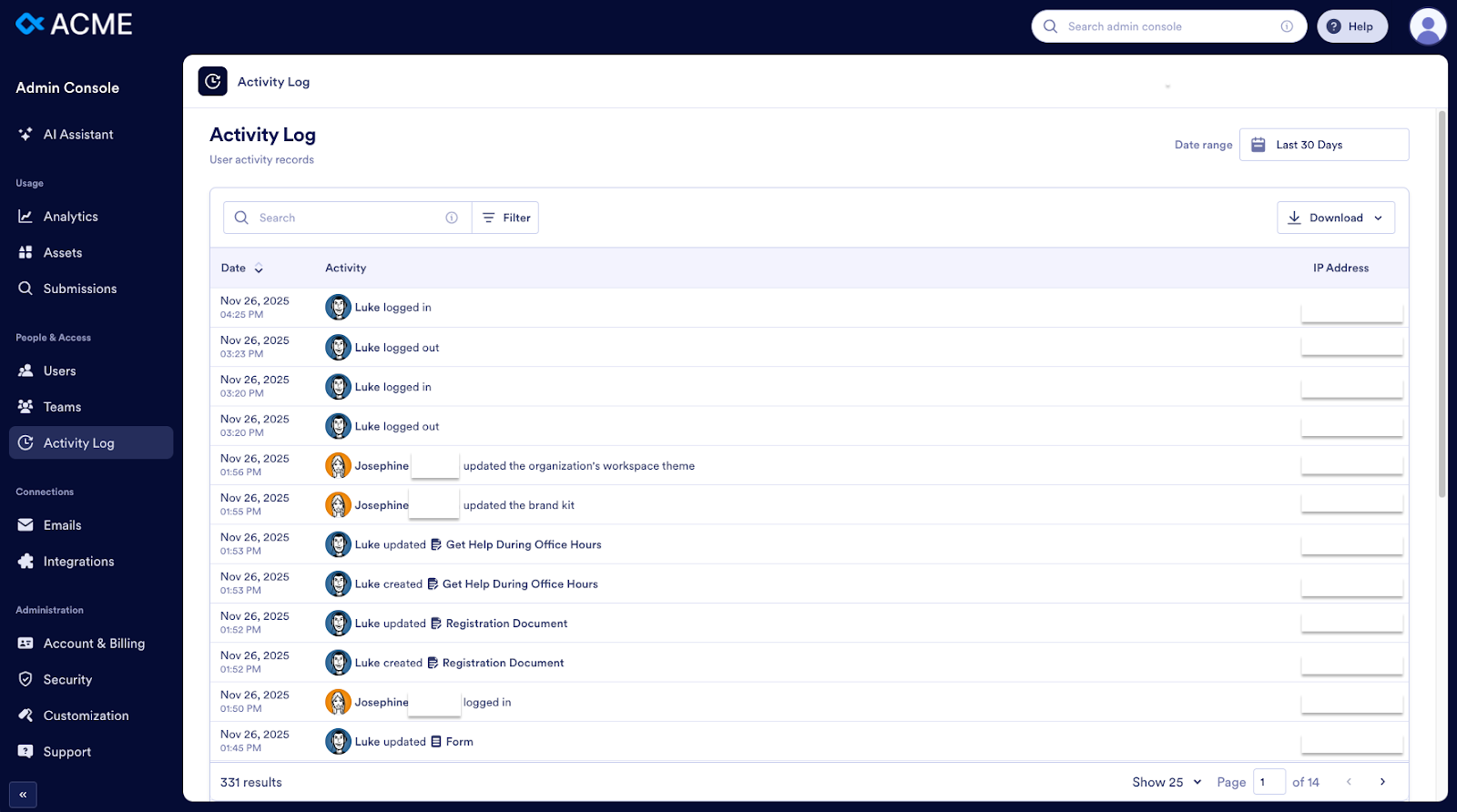
Jotform Enterprise administrators are able to view form modifications, additions, and deletions, as well as each individual user’s login and email history.
10. Advanced API features
IT teams and developers use Jotform’s API to connect form submission data or submission notifications with proprietary systems and third-party apps. To get started, they first need to create Jotform API key access within their account settings to securely connect forms, submissions, and workflows. An example of past API work includes importing data from CSV and Excel files to Jotform so a customer can work from one convenient database.
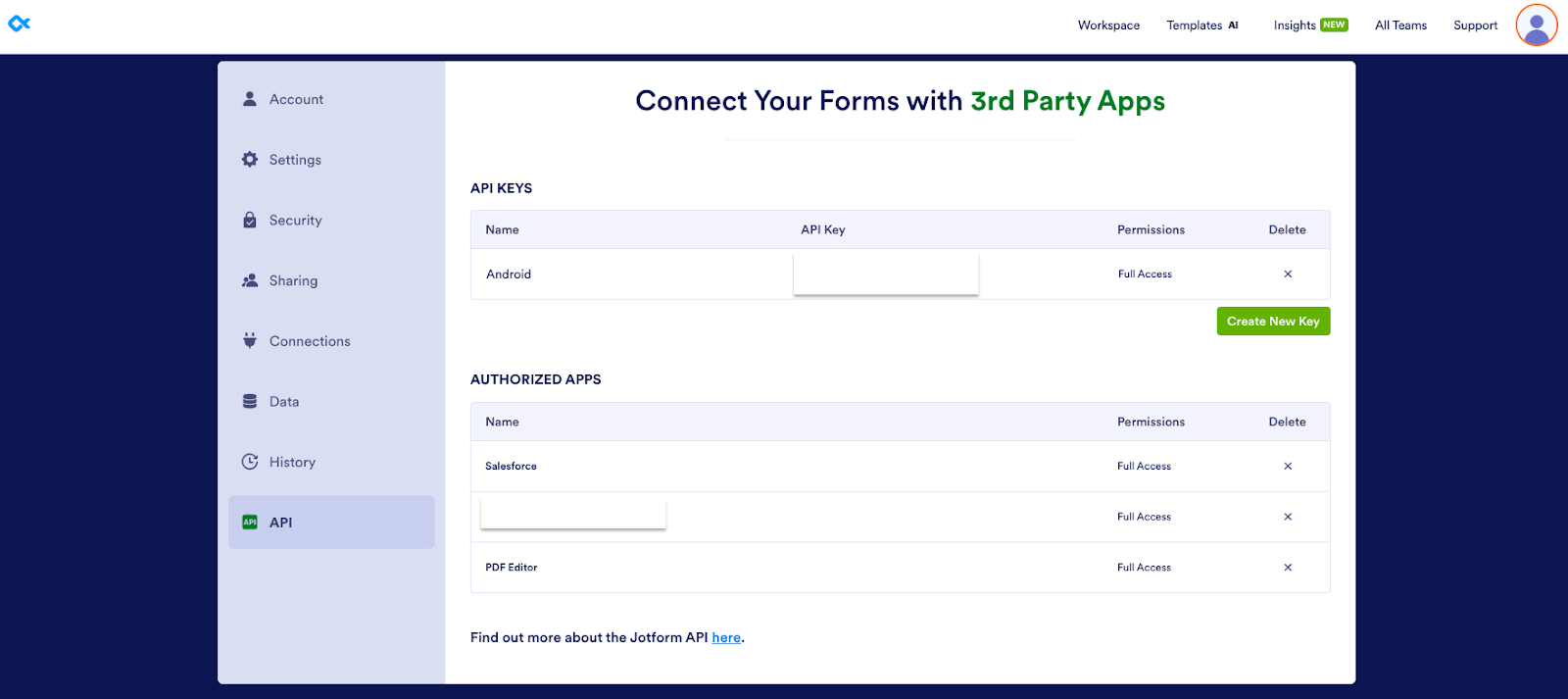
Another example is combining submissions from different forms into one CSV file. You can also use the API to create widgets (form elements that make it possible for you to collect nontraditional data, like a signature or unique ID) from scratch or modify existing widgets. We’ve even assigned developers to help with our customers’ tasks.
By connecting other services to Jotform through our easy-to-use API, customers have a smooth workflow from top to bottom.
Learn more about Jotform Enterprise
If Jotform Enterprise sounds appealing, and you’d like to learn more, here are a few more details about it. You can also check out our Jotform Enterprise FAQ for more information.
- To qualify for Jotform Enterprise, you must have at least five users.
- Jotform Enterprise is our only multiuser plan. An administrator can assign access to users, and those users can collaborate with other users. Additionally, you get a local data residency center and Customer Success manager.
- Jotform Enterprise puts no limits on the amount of forms, submissions, form fields, payments, API calls, and storage your organization can have.
- Jotform Enterprise offers features that help with HIPAA compliance (if applicable) to help you keep health information safe and secure.
- Depending on the circumstances, some educational institutions and nonprofit organizations may be eligible for a discount of 30 percent.























































































Send Comment:
1 Comment:
May 28, 2021
Very nice