
Key takeaways
Core focus
- SignUpGenius is built for event and volunteer signup forms with premade date and time slot pickers.
- Google Forms is built for simple RSVP signup forms and requires manual setup for choosing dates and times.
Pricing
- Google Forms is free for unlimited forms, with no ads but also no email messaging.
- SignUpGenius is free with ads on forms, with built-in email reminders.
Advanced features
- Google Forms is built into Google Workspace, with enterprise features such as Google Vault for auditable logs and HIPAA compliance features for data collection.
- SignUpGenius includes Stripe-powered payments to sell tickets or fundraise through events.
From the crew of The Office volunteering for warehouse duty to the snack signup sheet being passed around at the parent-teacher meeting at your child’s school, signups are an unavoidable part of life. Enough so that if you open Google and start searching “Google Forms for…,” the search engine will recommend RSVP, scheduling, and weddings, among other signup use cases.
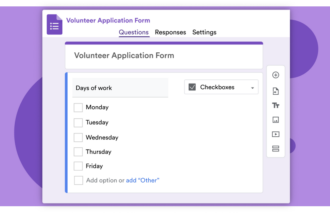
Some are simple. An RSVP needs little more than your name, contact info such as a phone number or email, and whether you’re bringing a plus-one. Others are complicated, multistep forms. Volunteering, for example, might require contact info, the time slot you’re available, and the skills you’re bringing to the job. Either way, the result is the same: names on a signup list.
You could build a signup form with Google Forms, the free form builder that comes bundled with Docs, Sheets, Slides, and the other apps from Google. It makes gathering basic signup info easy but becomes more complicated for scheduling and date-based coordination. Or you could use a dedicated signup form such as SignUpGenius, which is built around choosing dates and time slots for volunteering, organizing, and other coordination needs.
Here’s what each option does best, including scheduling, pricing, and additional capabilities you can expect from some of the best form builders like Jotform.
SignUpGenius, Google Forms, and Jotform comparison table
 Jotform |  Google Forms |  SignUpGenius | |
|---|---|---|---|
| Best for | Workflow-driven forms with automation | RSVP and contact forms | Volunteer, event scheduling, and signup forms |
| Templates | 20,000+ templates | 17 built-in templates | 3,000+ event-focused templates |
| Conditional logic | Advanced | Basic | None |
| AI features | AI Form Builder, AI Agents, and AI Chatbots | AI analysis in Google Sheets | None |
| Integrations | 150+ native integrations | Google Sheets and Zapier integrations | Zapier integrations |
| Payment support | |||
| Offline forms | |||
| Email reminders | |||
| Pricing | Free; paid plans starting at $39/month | Free; built into Google Workspace from $8.40/month | Free with ads; from $11.99/month for one form without ads |
What is SignUpGenius?
Recommended for: Quickly building signup forms that let people select dates and time slots
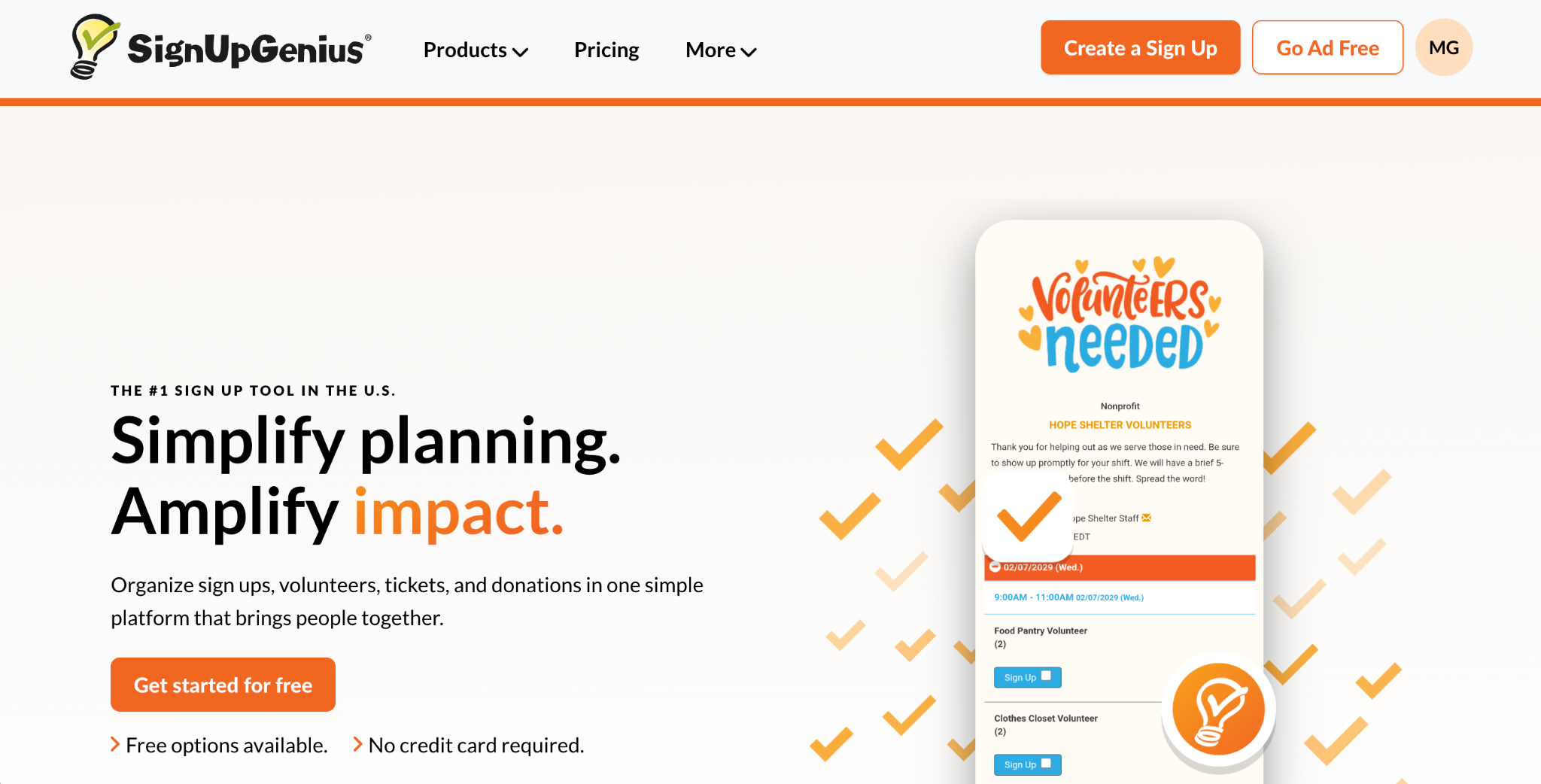
What I liked most: Instead of needing to build out each form field, SignUpGenius adds name and email fields automatically and simplifies selecting dates and time slots compared with most form builders.
- Key features:
- Built entirely around signup forms
- Automatic attendee reminders before events
- Built-in payments for tickets or fundraising donations
- Pros:
- Signup forms that automatically include core forms
- Messaging tool for sending signup forms by email or SMS
- Print tool for creating paper signup sheets or attendee lists
- Cons:
- Free plans that include ads
- Less flexibility compared with free-form form builders
- Signups visible only by creating a report
SignUpGenius is a form app built entirely around signup forms. Unlike most form builders, which make you drag and drop fields to build a form from scratch, SignUpGenius guides you through creating a signup form. Forms are designed either for a single-date RSVP to confirm attendance at a large event or for selecting specific dates and times for volunteer work, coaching, and other scenarios for which you need a certain number of people per time slot. SignUpGenius automatically adds fields to collect names and contact info, along with optional fields on paid plans.
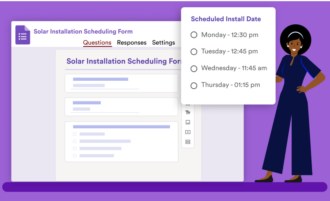
It’s hard to overstate how much simpler this makes building date-and-time-based signup forms. If you want to ensure you have volunteers lined up, say, to pick up litter or bring snacks on a regular rotation, most form apps require manually adding multiple-choice options with available dates and time slots. SignUpGenius handles that automatically. It also lets you email your form to your contact list and sends reminders a few days before the selected time so people don’t forget.
That simplicity comes at the cost of flexibility. Forms must be built around signups, so if you need surveys or general data collection, you’ll need another tool. SignUpGenius’s free plan also includes ads, with a paid plan that removes them and increases email limits. However, it can be worth overlooking these downsides if you need the quickest way to build a signup form for picking time slots.
- Pricing:
- Free plan with ads and up to 1,000 email invites or messages per month
- Paid plans starting at $11.99 per month (or $8.99 per month, billed annually) for one ad-free signup form, two custom questions, premium templates, API access, and 2,500 email messages per month
What is Google Forms?
Recommended for: Creating quick RSVP forms, surveys, or other basic forms for free
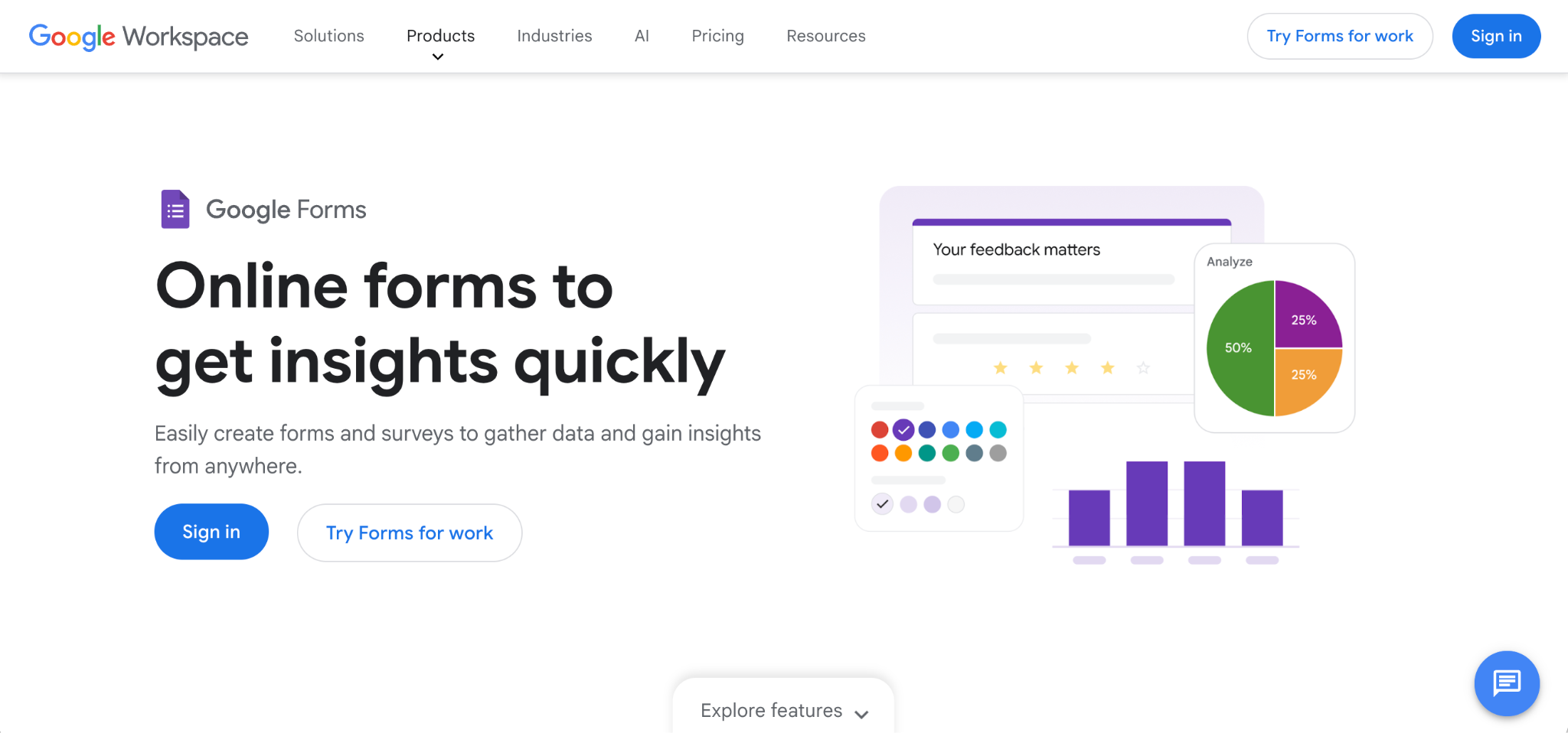
What I liked most: Its fully free plans let you build and gather data without worrying about limits.
- Key features:
- Automatically saves form entries to Google Sheets
- File uploads stored in Google Drive
- Simple interface for building forms quickly
- Pros:
- Collaborative form building
- Deep integration with Google Workspace, including enterprise security features
- Free unlimited forms and responses
- Cons:
- No calendar or scheduling fields
- No payment integrations
- No customizable email notifications
Google Forms is one of the cheapest and simplest ways to build a form. It’s built into Google Workspace and free with a standard Gmail account, and it includes additional enterprise security features in business accounts.
And it’s easy to use Google Forms to create quick signup forms. Need volunteers for an event next weekend? You can describe the event and add fields for names, phone numbers, and any other details in minutes. You can also share forms with collaborators, just like a Google Docs file, or restrict access to your form to be visible only by team members if you have a company account. And I especially like how it can automatically save form responses to a Google Sheets file.
More complicated forms, however, require either workarounds or a more powerful form app. For example, if you want a form that allows volunteers to select dates or time slots, you’d need to manually add each date and time as options because there is no native scheduling field. Google Forms is a SignUpGenius alternative only for RSVP forms. It’s great for quickly gathering contact info and attendance confirmation, but it lacks more advanced features.
- Pricing:
- Free for full functionality
- Google Workspace plans starting at $8.40 per user, per month, with options to restrict form entries to your domain and Google Vault audit trails


SignUpGenius vs Google Forms: Side-by-side comparison
SignUpGenius simplifies filling time slots. Google Forms simplifies data gathering.
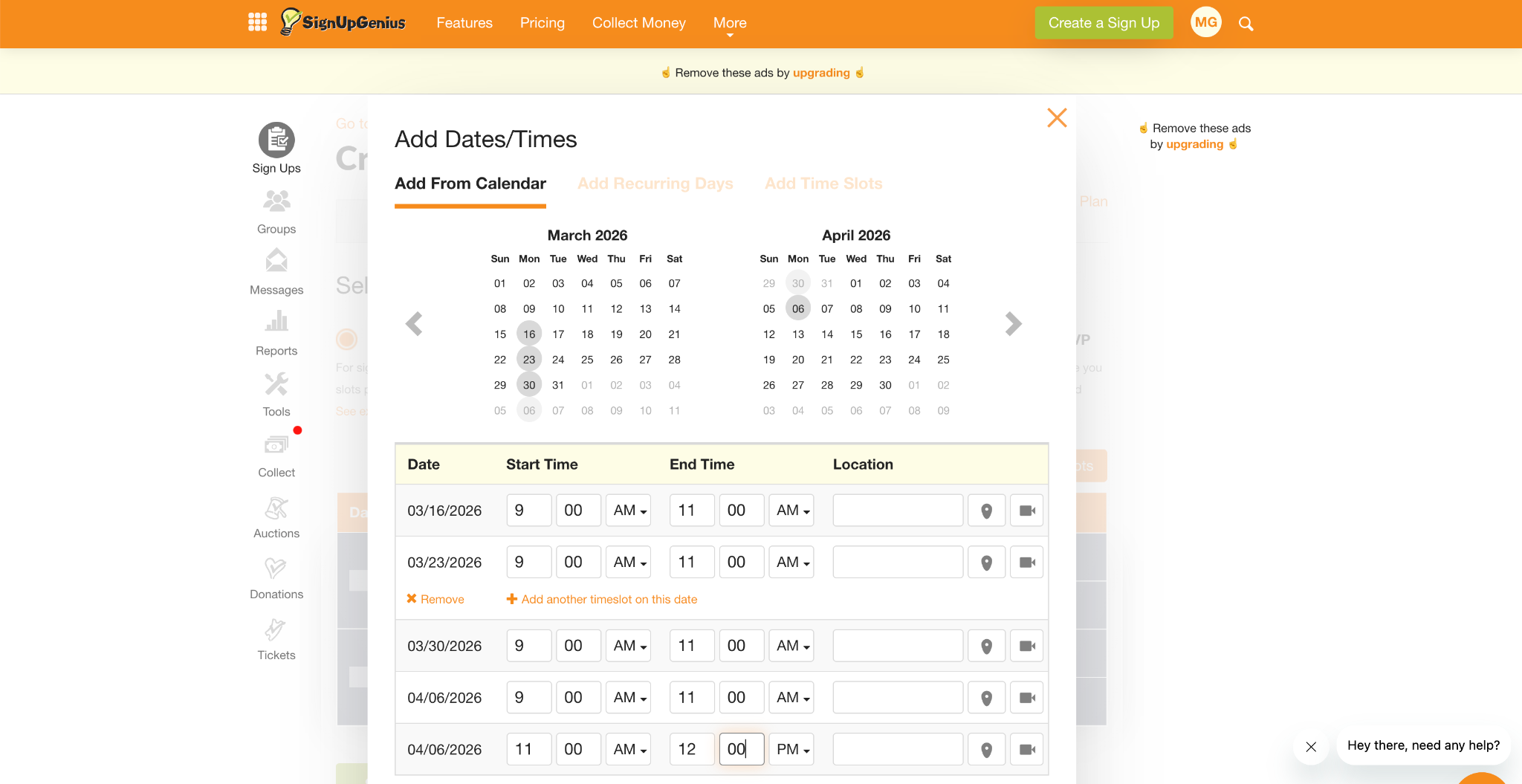
If you need people to choose dates and times to attend workshops or volunteer, SignUpGenius is the better option. Every form includes an RSVP field or time slot picker, and it automatically adds every other field for you. It’s one of the simplest ways to fill every open time slot.
Google Forms, on the other hand, is more flexible for general data collection. You can ask respondents for any info you want, but getting them to select a date and time is an involved process.
Google Forms is a flexible form builder. SignUpGenius is more restrictive.
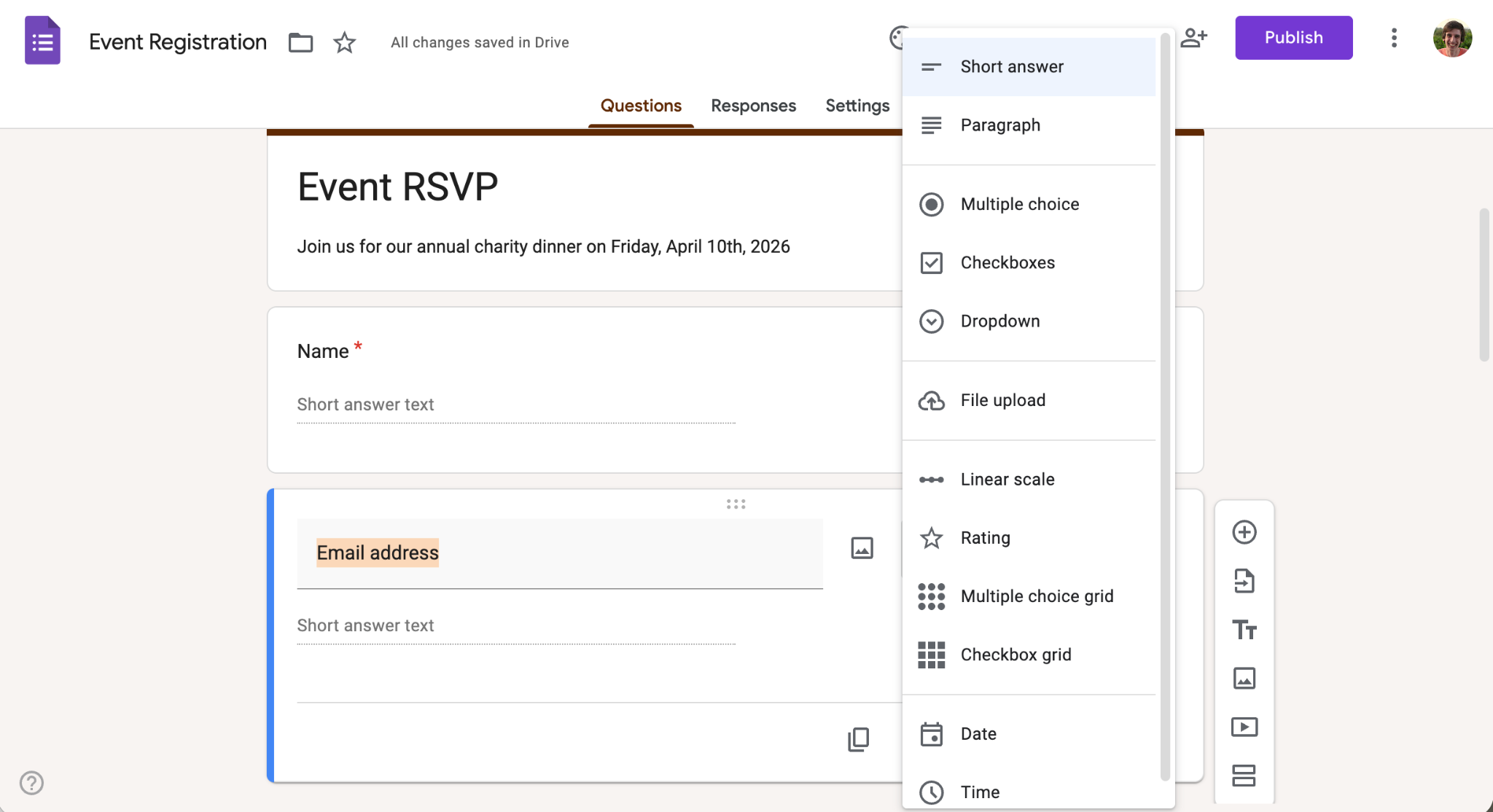
Google Forms uses a more traditional form builder, in which you add fields such as name, phone number, and email. It recognizes common field types, too. For example, you can add a new field and type “email address,” and it automatically switches to a short text field.
SignUpGenius can gather any info you want on a paid plan with custom fields. By default, though, it gathers only names, emails, and the selected date and time slot. You can’t use SignUpGenius to build a survey, for instance, while Google Forms could be used for both RSVP and survey needs.
Google Forms integrates with Google Sheets. SignUpGenius sends emails. Both rely on integrations for everything else.
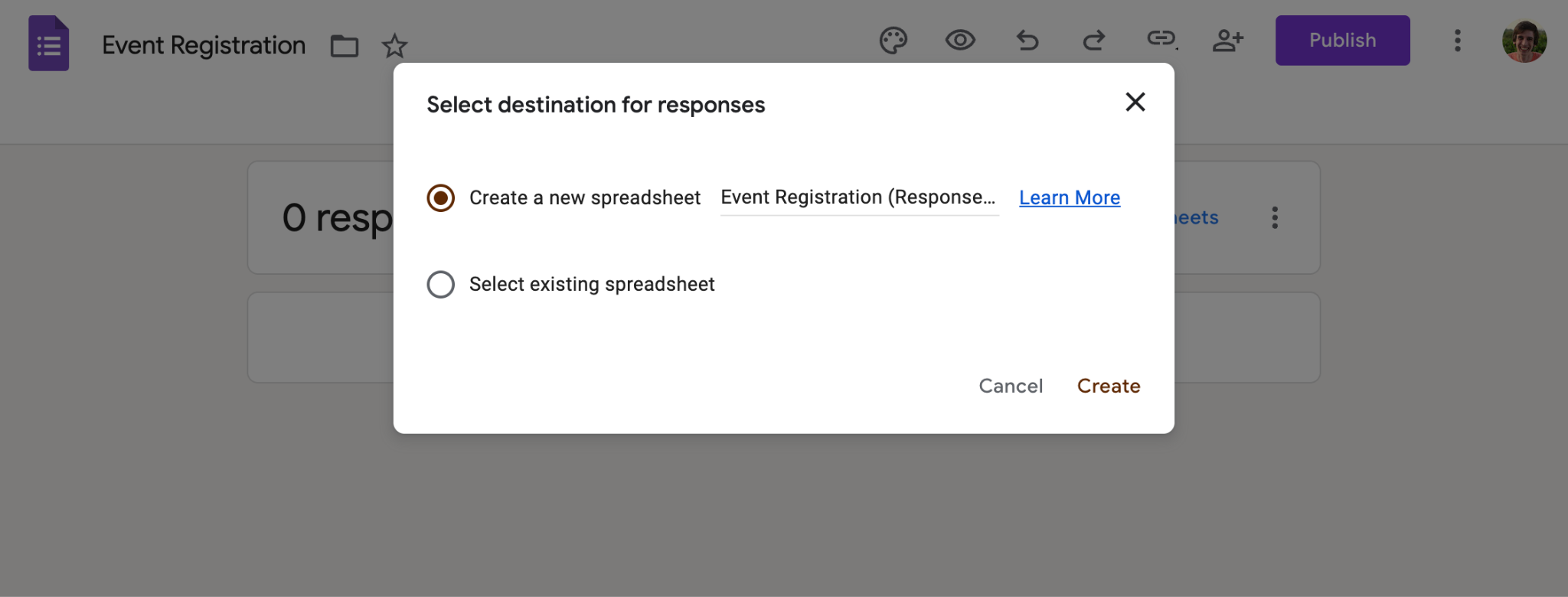
Google Forms is built as a Google Sheets companion. By default, it stores responses inside of Google Forms, but with a couple of clicks, it can either make a new sheet for your responses or save them to an existing Google Sheets spreadsheet. That makes it easy to put your form data to work, whether you’re analyzing responses directly in a spreadsheet or exporting them as a CSV file to import into your email app, CRM, or other software.
SignUpGenius doesn’t directly integrate with Google Sheets, relying instead on Zapier to send attendee data to more than 8,000 connected apps. What it does include is built-in email reminders so people don’t forget about the date and time slot they selected, along with an email tool to send your signup form to your contact list. This makes it easier to manage event communication, especially for signups that don’t require as much data analysis.
SignUpGenius includes payments for nonprofits and small businesses. Google Forms is built around enterprise features.
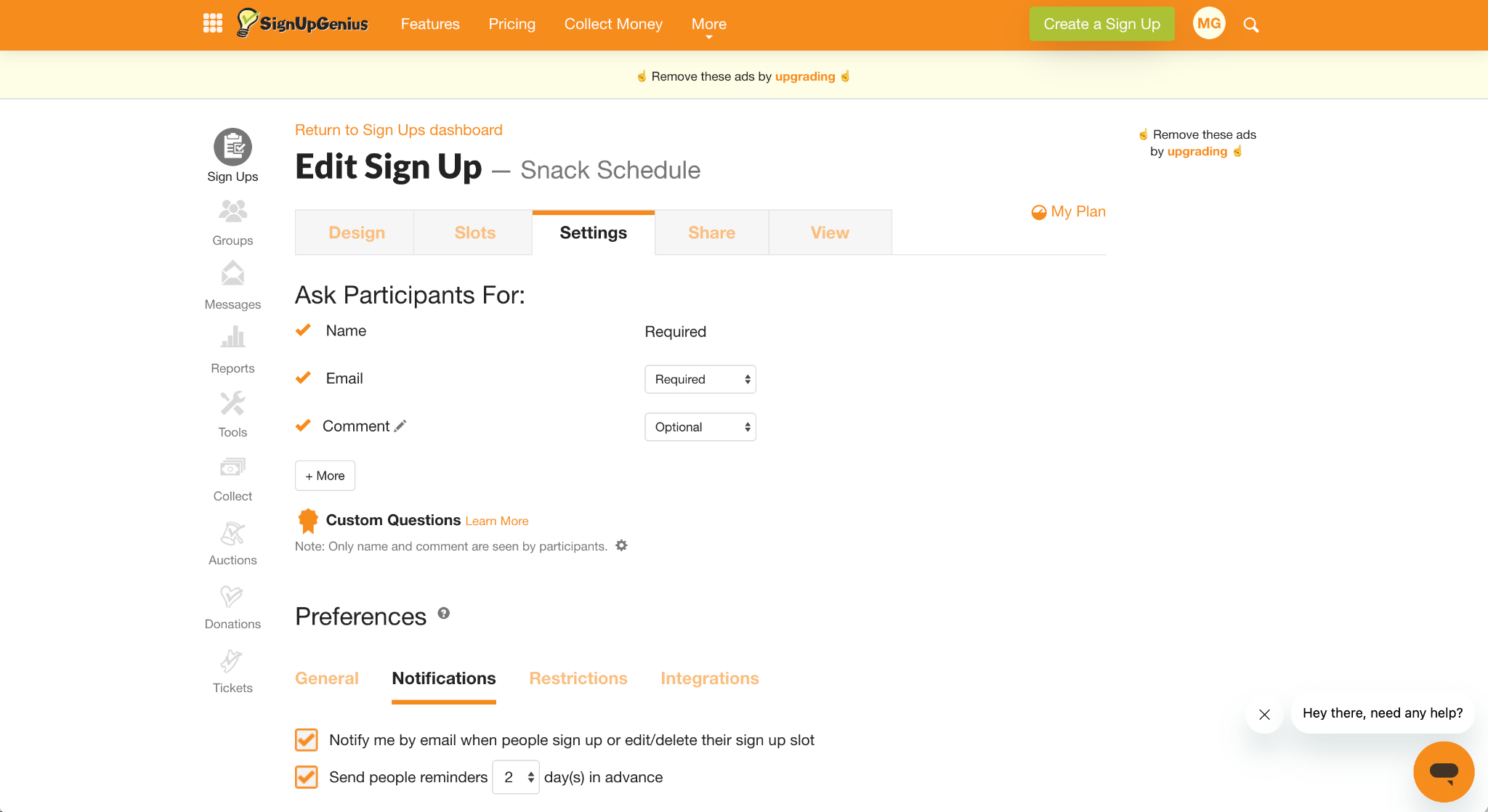
Selling tickets or merch, or raising donations alongside your event? SignUpGenius includes built-in payment processing to handle that, making it a practical option for small businesses that don’t want to set up a separate payments system.
Google Forms doesn’t include payment functionality, but it does offer enterprise-focused features, depending on your plan, such as single sign-on with two-factor authentication; group-based policy controls; and Google Vault for retaining logs, data regions, and more. That makes it a better fit for larger companies that need people to RSVP to internal events while managing the signup data under the same security policies already in place across their Google Workspace.
SignUpGenius vs Google Forms: Which one should you choose?
Choose Google Forms if
- You’re building an RSVP-style signup form.
- You’re already using Google Docs, Gmail, and other Google Apps.
- You don’t need respondents to choose dates or times, and you don’t need follow-up emails.
Google Forms is a great option for collecting contact info, running surveys, or managing simple RSVPs. It’s free with no ads and easy to use, and it automatically saves data to a Google Sheets spreadsheet.
Choose SignUpGenius if
- You need people to select dates and times.
- You want to send email reminders before events.
- You don’t need to deeply customize your forms.
SignUpGenius is the better option if you are building a form people use to choose dates and times that work best for them. Its built-in scheduling and messaging tools make it easy to fill your volunteer schedule and ensure people remember to show up.
Need more than a signup sheet?
Another option is to use a full-featured form builder such as Jotform. It’s one of the best Google Forms alternatives when you need more advanced capabilities.
Jotform includes all the standard form fields you’d expect from Google Forms and more. It saves entries to a collaborative spreadsheet in Jotform Tables and lets you accept payments and donations with more than 40 payment gateways, including Stripe and PayPal.
It also includes an Appointment field for selecting time slots, similar to SignUpGenius but with more flexibility. Jotform can automatically add events to calendars and send customizable reminders.
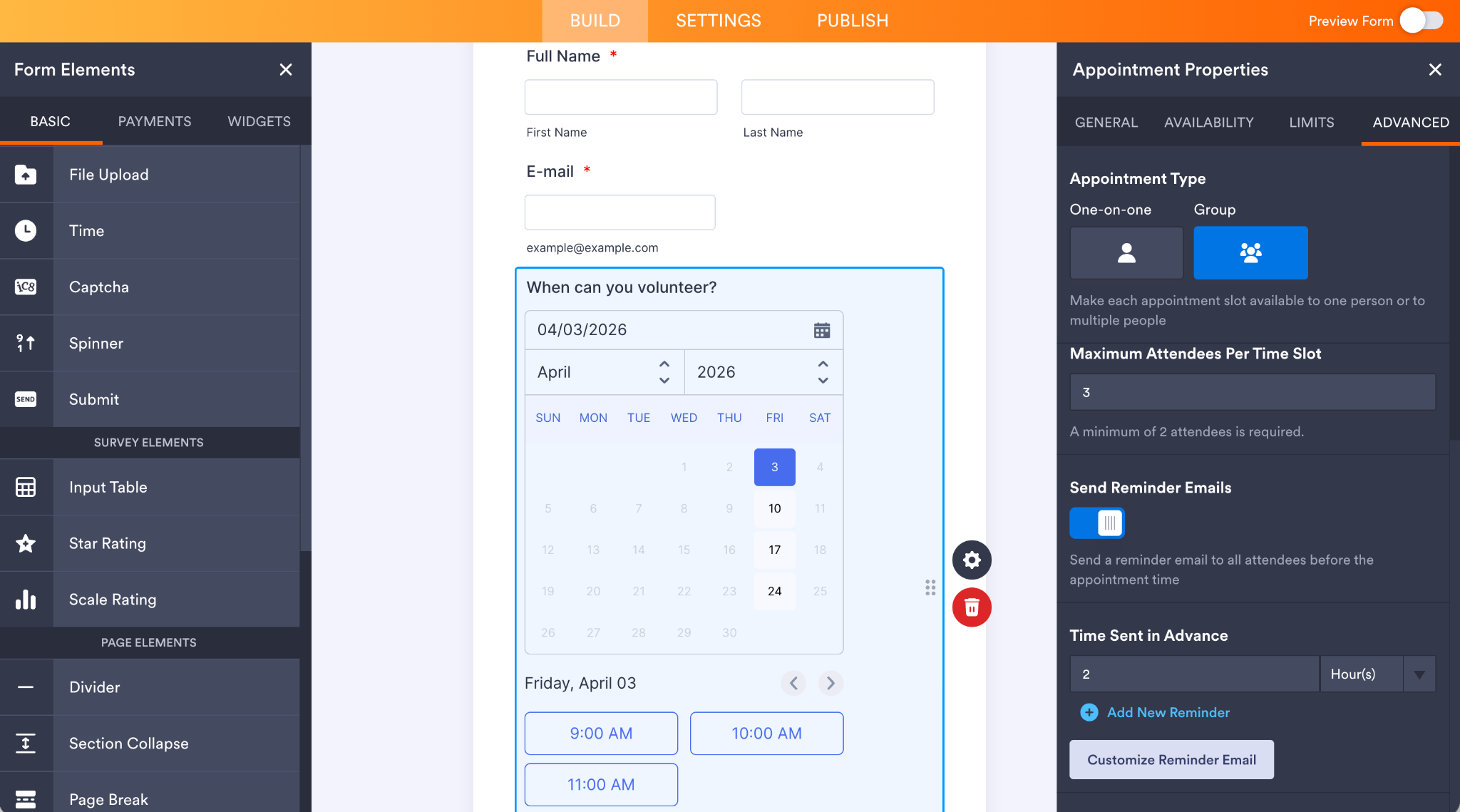
You can set appointments as one-on-one (for times when you need a single volunteer) or group (with options to set max attendees per slot). And you can use Jotform’s AI Chatbot Builder to turn your form into an AI agent so people can interact with it in a natural language chat to find which times still are available and share their info.
It’s packed with features but easy to get started with, thanks to an AI form builder that can jump-start your form in seconds. And with more than 20,000 form designs in its template library, including signup forms and volunteer and community service signup sheets, it can be as simple to build a signup form in Jotform as it is in Google Forms or SignUpGenius.
Google Forms is the simplest way to build RSVP forms. SignUpGenius simplifies building forms for scheduling. Jotform lets you do both, and more, in one place.
This article is designed for event organizers, educators, nonprofit coordinators, small business owners, and anyone responsible for managing signups or RSVPs. It’s especially useful for readers deciding between simple, free tools and more signup solutions.































































































Send Comment: