
TL;DR: Which Google Forms alternative should you pick?
- Need a direct upgrade? Jotform.
- Need it free? Tally.
- Need it pretty? Typeform or Paperform.
- Need enterprise workflows? Formstack.
- Need it complex? Cognito Forms.
- Need it integrated? Fillout (for Airtable/Notion) or Zoho Forms (for customer relationship management).
- Need serious research data? SurveyMonkey.
- Need a quick office poll? Microsoft Forms.
Originally built in 2006 as a data collection tool for Google Sheets, and praised for its accessibility and zero cost, Google Forms’ age is starting to show. Despite all the updates since release, the user experience is not as sharp or fresh as it used to be, and the feature set is lagging behind more powerful options.
If it has become more of an obstacle than an enabler for you, we’ve rounded up the top Google Forms competitors. This guide aims to help you pick the best professional form builders of 2026 for your workflow. We’ll be covering strengths and limitations, why it makes sense to switch, and how each app integrates AI into its form-building.


The top Google Forms alternatives at a glance
| Tool | Best for | Key features | AI capabilities | Monthly free tier limit |
|---|---|---|---|---|
 Jotform |
A direct upgrade |
20,000-plus templates, payments, and advanced logic |
Jotform AI |
5 forms with 100 submissions |
 Tally |
Free tool |
Notion-style slash command editor |
MCP integrations |
Unlimited (fair use) |
 Typeform |
Engagement |
One-question-at-a-time interactive user experience |
Formless AI |
10 submissions |
 Paperform |
Branding/design |
Document-style editor (looks like a blog) |
Paperform AI Form Creation |
30 submissions |
 Formstack |
Forms to documents and contracts |
Automated docs and e-signatures |
AI Playbook Assistant |
14-day trial |
 Cognito Forms |
Math/logic |
Complex calculations and repeating sections |
AI Calculation Helper |
100 submissions |
 Zoho Forms |
CRM/workflows |
Deep automation within the Zoho suite |
Zia AI |
500 submissions |
 SurveyMonkey |
Market research |
Built-in data analysis and benchmarks |
AI Analysis Suite |
25 visible responses per survey |
 Fillout |
Data syncing |
Native two-way sync with Airtable/Notion |
Fillout AI Form Builder |
1,000 submissions |
 Microsoft Forms |
Internal polls |
Native sync with Excel/Teams (M365 users) |
Copilot |
200 submissions per form |
1. Jotform: For creating forms that can do everything
It’s frustrating when you invest months learning and using an app to find that it doesn’t support a critical feature you need for the next research project. Picking Jotform right from the start prevents hitting these walls, as the powerful form builder is one of many tools that exist to help you run anything from customer-facing surveys to internal requests.
As well as the core question types, Jotform has over 300 widgets that add advanced functionality to your forms, such as e-signatures, payments, or calculations. It integrates with dozens of popular apps that your business likely already uses, too — such as Salesforce, Google Workspace, or Slack — so you can turn submissions into updated records, documents, or messages.
This flexibility brings some friction. While the interfaces are accessible, there’s a learning curve with advanced logic and finding all the available settings. The free plan also has a few usage limits, so you might outgrow it quickly for more serious projects.
Beyond forms, Jotform offers Workflows and Jotform Sign for office productivity, plus Jotform Tables and Report Builder for managing and analyzing data. You can also use Jotform Apps and Store Builder to create customer-facing experiences. This all-in-one approach is why Jotform is the best Google Forms alternative for teams that need more than basic data collection.
Jotform’s AI capabilities
Jotform AI generates a form from a prompt, image, PDF, URL, or even a voice chat session. Once generated, you can use the AI assistant to edit your form — everything from changing the design to adding conditional logic.
Build faster with Jotform AIDescribe what you need, and let Jotform AI build it for you instantly.
Get Started Now
If you prefer to build a more interactive experience, you can connect the form to AI Agents, turning it into a chat interview. You can train the AI to respond to any follow-ups the respondent might have at any time, as well as configure actions such as logging a CRM note if a high buying intent is detected.
The AI Form Builder is also available as a Google Workspace Marketplace add-on. It generates forms by importing data from Docs, Slides, or any other Drive file, and exports it to a Google Forms or even a new Jotform form.
Why choose Jotform?
- 20,000-plus free form templates to get started instantly
- Advanced forms with conditional logic, answer piping, offline forms, multi-language support, e-signature, and more
- 150-plus integrations, including more than 40 payment gateways and deep Google ecosystem compatibility
- Ability to convert any PDF into a fillable web form in seconds with Smart PDF Forms
- Next-level tools such as Report Builder, Workflows, Tables, and AI Agents for teams that need more than a form
Jotform plans and pricing
Jotform offers a free plan for core features, capped at five forms and 100 monthly submissions with Jotform branding on your forms. Paid plans start at Bronze ($19.50 per month, billed annually) for up to 25 forms, 1,000 monthly submissions, 1 GB storage, and the option to remove branding.
Pro Tip
Upgrade your data intake workflows. Migrate from Google Forms to Jotform and get more done in a single platform.
2. Tally: A “free forever” builder with a minimalist, Notion-style interface
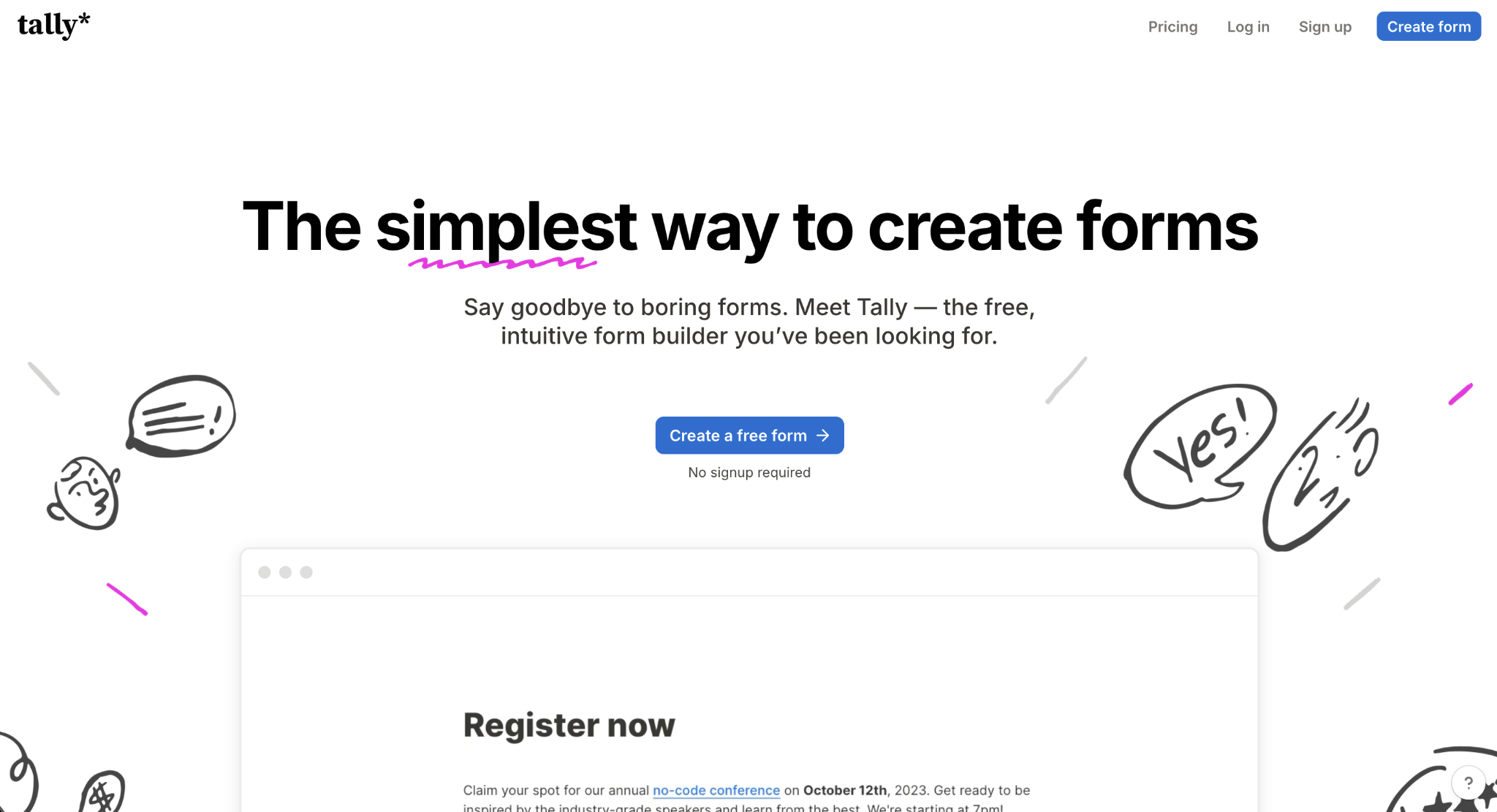
Google Forms‘ interface and user experience are slowly becoming dated. Tally is a welcome change, with its clean user interface, keyboard-driven editing, and generous free plan, making it the perfect companion tool for product and HR teams. Inspired by Notion’s design and editor principles, you can add new elements to each form using slash commands and use the simple design controls to adapt it to your brand.
Tally is intuitive, with contextual help available as you add questions, configure settings, and organize content on the form. When you’re ready to publish, the minimalist design is easy to embed in any page in your internal tool, as a popup, or as a full page on your website. The native integrations cover the essentials, letting you push responses to Notion, Google Sheets, or Slack. Advanced integrations require IFTTT, Zapier, or Make, though, adding a middle layer to any other app you choose to connect.
If you’re looking for a free Google Forms alternative that actually handles logic, Tally is the most natural starting point. The conditional logic is good enough if you need to skip questions or route respondents based on answers, but a word of warning: It becomes confusing to set up for complex surveys as there’s no visual way to map your choices.
Tally AI MCP integrations
The Model Context Protocol (MCP) is a standard that lets AI agents, such as those in ChatGPT or Claude, interface with external platforms. In practice, when you connect an MCP server to your chatbot, you can write prompts and issue commands that control the connected platform.
Tally’s MCP server lets you create or edit forms from a prompt; browse and organize your form collection; and analyze your responses — using the AI engine to create visualizations, calculating scores and metrics or performing qualitative analysis at scale. If you already have a chatbot subscription, connecting Tally can greatly reduce the time you need to create forms and analyze responses.
Why choose Tally?
- More polished look when compared with Google Forms, both when building and using your forms
- Faster creation flow with the slash command menu and keyboard shortcuts
- Better fit for modern workflows that revolve around Notion, Airtable, or Coda
- Free forever tier with no meaningful limitations, so you can effectively use it across multiple workflows
Tally plans and pricing
Tally has a generous free plan for core features. Paid plans include the Pro plan ($24 per month, billed annually), which gives you advanced functionality, such as custom domains and the ability to remove Tally branding from your published forms.
Pro Tip
Take a deeper dive into how this tool stacks up as an alternative with our Tally vs Google Forms comparison.
3. Typeform: For making pretty, one-question-at-a-time surveys
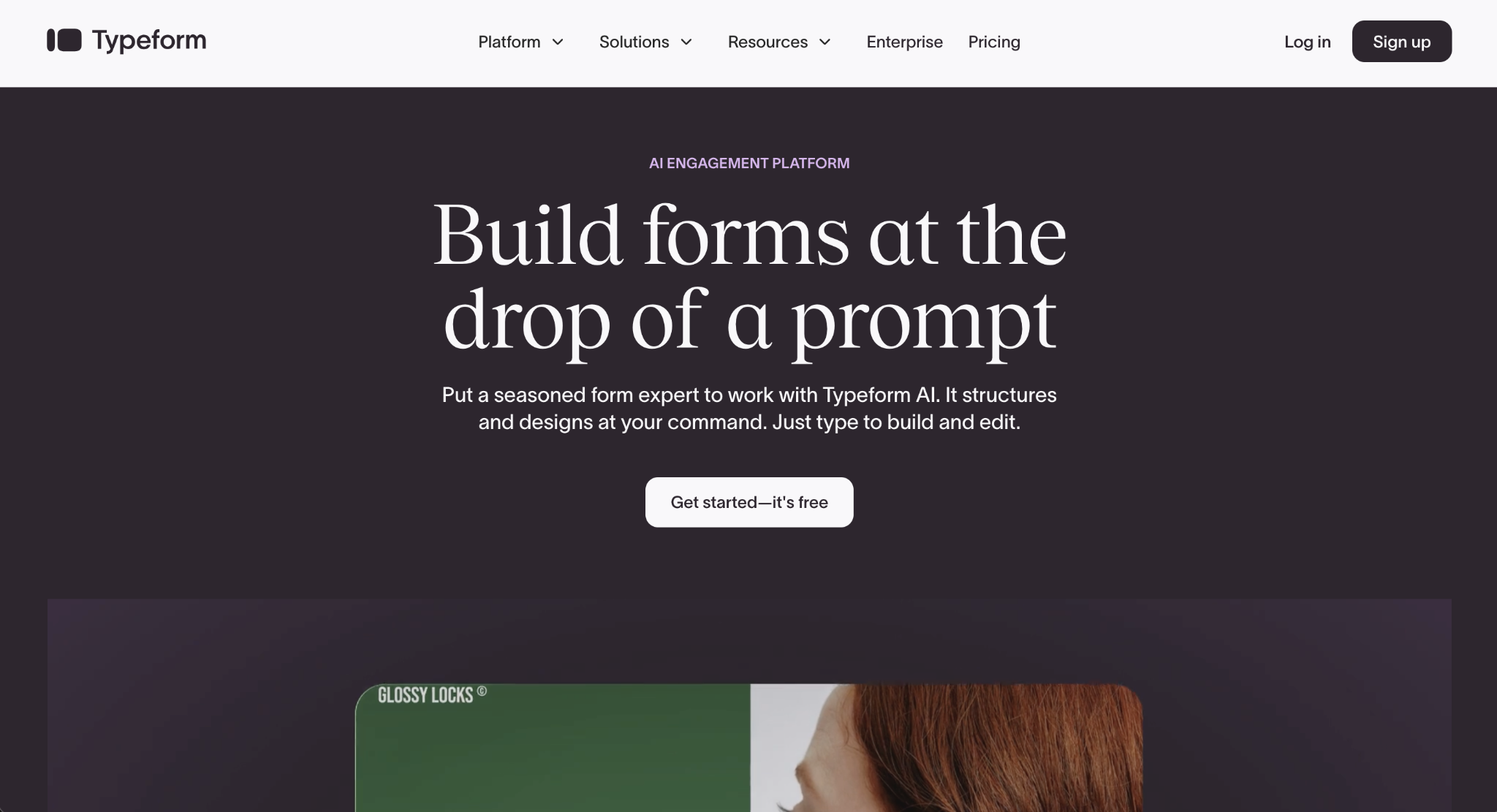
Google Forms doesn’t have a card-based layout. The closest option would be to add only one question per section, which is far from ideal. Typeform fills that gap beautifully: It offers your respondents a smooth, visually appealing experience, one question at a time. It’s a great match for marketing and sales teams that need to build customer-facing forms.
Start by setting up your brand kit and uploading your assets, so every form your team creates is consistent with your guidelines. The form editor is excellent, combining a clean layout with accent colors to guide your attention as you add questions and content. After publishing, there’s a dedicated screen for sharing your form, including with focus groups via the Eureka surveying platform.
The aesthetics come with an expensive price tag. Typeform is only free for up to 10 responses a month, which feels more like a free trial rather than a freemium offer. Responses are one of the main pricing leverages, as the $28 per month Basic plan for individuals packs only 100, with additional packages available separately.
Formless.ai
While Typeform has AI features to create forms from a prompt, the company has an entirely separate AI-native product: Formless.ai creates conversational forms, so respondents chat naturally as they answer questions.
Instead of selecting question types and listing answer options, just add what you want to know in the Journey tab of the editor. After you publish the form, the AI engine generates all the questions, while mirroring back elements of each answer as it progresses. If you upload documents with your data, your customers can even ask questions about your products and get responses at the end of the survey.
Why choose Typeform?
- Much better design and branding tools than those that Google Forms offers
- Premium feel improves completion rate for longer forms
- Visual logic builder supports both in-form logic as well as connections with external apps such as Google Sheets or Slack
- Pleasant mobile experience, making it easy to fill out and complete forms even on smaller screens
Typeform plans and pricing
Typeform has a free plan available for one seat and 10 responses per month. Paid plans include the Basic plan ($28 per month, billed annually), which unlocks core features and 100 responses per month.
Pro Tip
Take a deeper dive into how this tool stacks up as an alternative with our guide to the differences between Google Forms and Typeform.
4. Paperform: For forms that need to look like beautiful, branded web pages
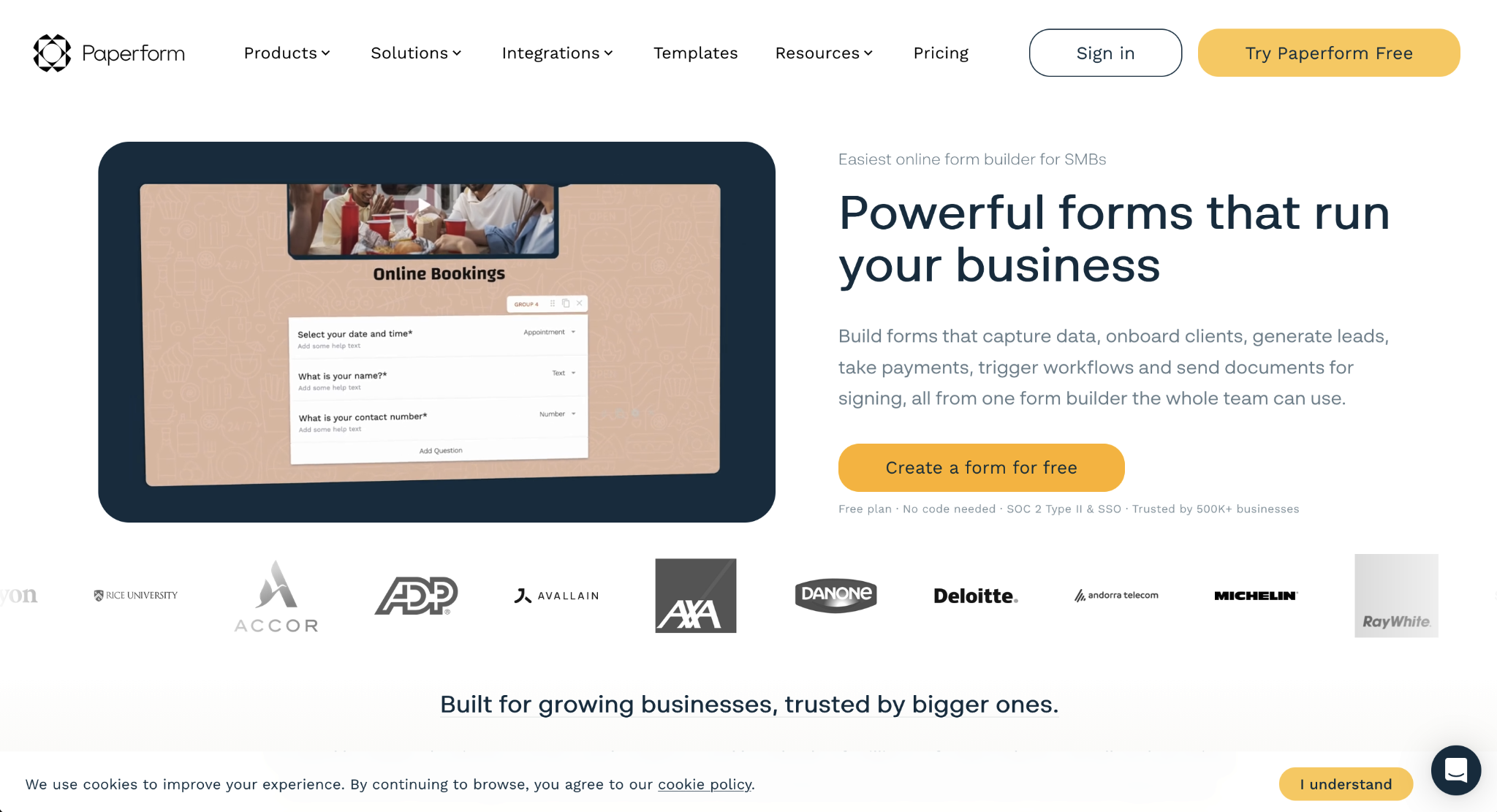
Google Forms only offers a basic description field before your form begins. This is fine for simple data collection, but it falls flat when you need to present an offer or give people a reason to engage. Paperform upgrades your forms to landing pages, with all the design tools you need to hold your respondent’s attention until the last question.
Typing the forward slash in the editor opens up all the layout and form options. After you add them to the page, you can head to the themes and appearance tab to set colors and typography. Put your beautiful form to good use with Paperform’s payments block, so you can sell products, services, or subscriptions directly on the page. And if customers aren’t ready to buy, you can also offer appointment scheduling to work through objections in a call.
Paperform now has a free plan for 30 submissions per month, five payments, and five appointment scheduling actions, covering basic usage only. The paid plans are on the pricier side, especially with custom domains costing $20 per month on top of the normal subscription price, and there are tight usage limits on payments and scheduling across all plans.
Paperform AI form builder
Paperform’s AI form builder generates a new form based on your prompt. After you type your objective, it asks follow-up questions to improve the result, such as the primary audience and which question types you’d like to include. The output is on point: The first draft is usually ready to publish. The starter design is a bit basic, but since you can import your branding from existing forms, you won’t be wasting too much time here.
Why choose Paperform?
- The design tools make forms feel more polished than in other software
- Built-in support for payments, subscriptions, bookings, e-signatures, and calculators
- Combines data collection with triggering the next steps, thanks to its native integrations and after submission settings
- Docs-style editor retains Google Forms’ building experience, making it an easy transition
Paperform plans and pricing
Paperform’s free plan is capped at 30 submissions per month for basic form building. Paid plans include the Essentials plan ($24 per month, billed annually) for up to 1,200 submissions per year with minimal Paperform branding.
5. Formstack: For enterprises turning form data into signed contracts and automated workflows
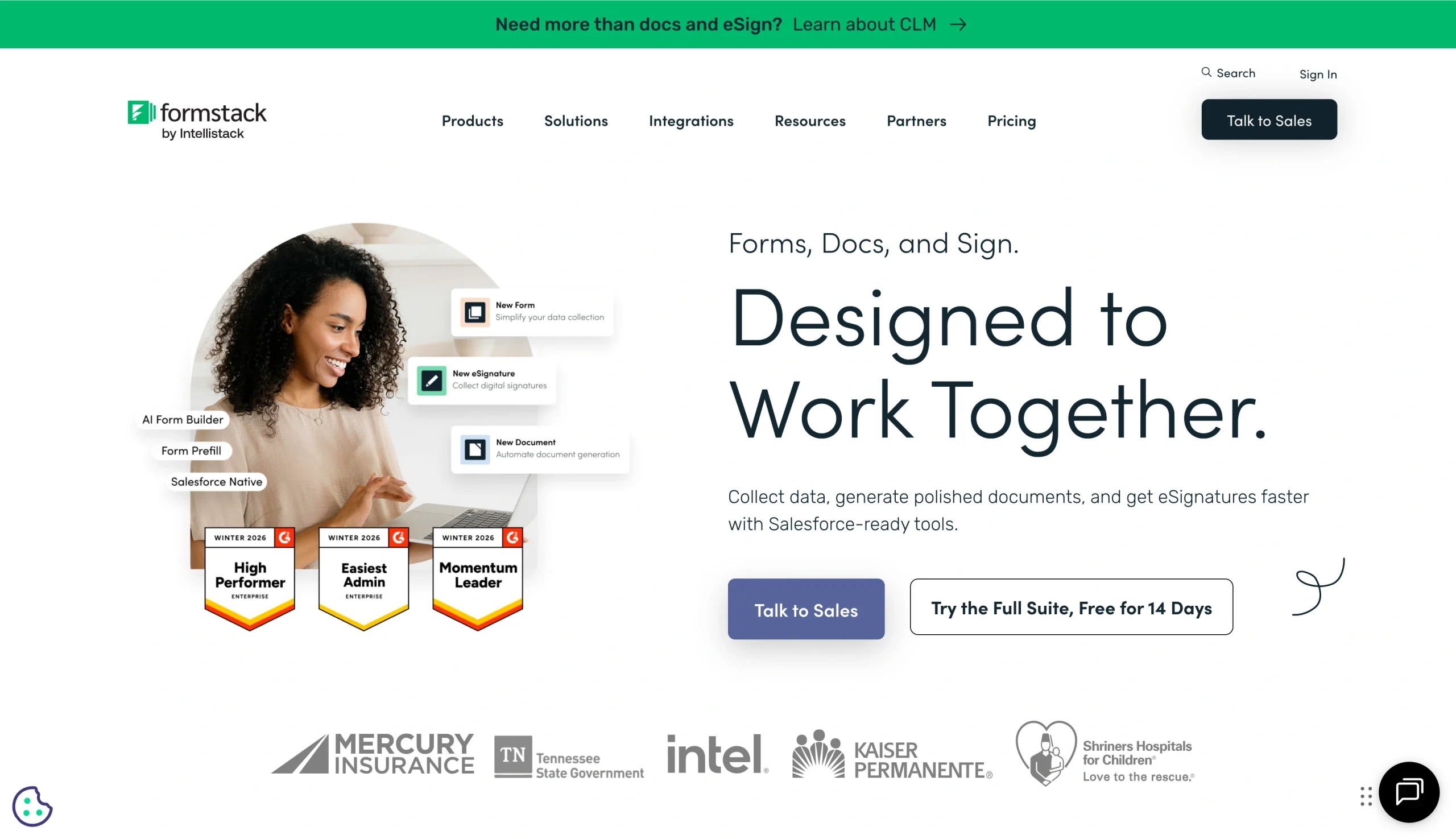
Google Forms could only handle contract automation with a tangle of software integrations and weeks of testing and fixes. Skip the complexity: Formstack does everything in one platform natively, smoothly turning raw data into a signed contract, making it one of the best enterprise form management software options. HR, legal, and sales teams will find it especially valuable and easy to adapt to document-driven workflows.
The drag-and-drop interface makes it easy to put together a form, where you can use conditional logic to hide or show questions to adapt it to the document you’re building. Once the client submits the form, you can set up a branded dynamic contract that automatically populates with the form’s responses. Formstack also covers digital signatures and can push the finished document directly into your CRM, so you don’t have to worry about keeping something like Salesforce up to date.
This convenience can bite into your budget, though, as the full suite costs $250 per month. That means Formstack only really makes sense for businesses already feeling the pain around inefficient document workflows. While building the form itself is easy, advanced features and integrations are also hard to set up for non-technical users, increasing implementation time.
Formstack’s AI features
Sticking to its document management angle, Formstack’s AI Playbook Assistant offers recommendations to contract clauses based on legal best practices. This includes formatting fixes such as consistently capitalizing defined terms or suggesting extensions of existing clauses to improve clarity and legal compliance.
Why choose Formstack?
- High security and compliance standards (SOC 2, HIPAA, GDPR, PCI DSS)
- Combines a form builder with a document generator, e-signature, and workflow automation
- Direct integration with Salesforce, with full compatibility with its feature set
- Payment processing available and easy to implement for highly regulated industries
Formstack plans and pricing
A 14-day free trial is available. Paid plans include the Forms plan (from $83 per month, billed annually) for one builder user, 25 forms, 1,000 submissions per form, and 2 GB of storage, with conditional logic and workflow automation.
6. Cognito Forms: A math genius form builder that handles price calculators, conditional logic, and more
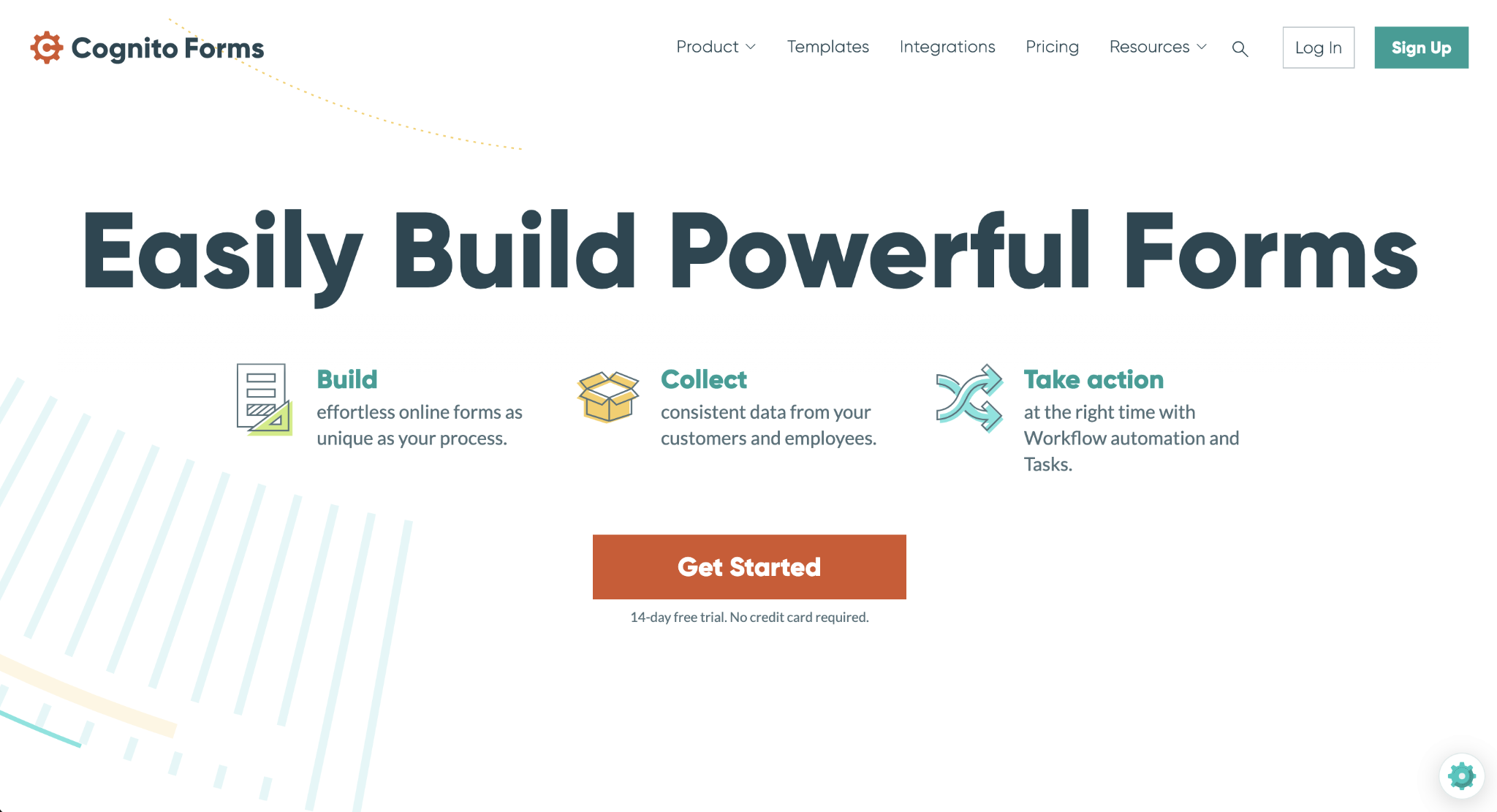
Google Forms only offers section- and answer-based branching, so you can skip questions based on what respondents tell you. This doesn’t support making complex decisions on a form, such as dynamically calculating a quote or updating a price based on responses. In those cases, Cognito Forms‘ calculator fields, conditional logic, and workflows really shine.
Imagine you’re building a product order form. Start by adding the fields with the products using a multiple-choice question type, set the prices for each, and add quantities if needed. Then add a calculation question type and set up a formula that calculates the total price based on the customer’s selection. With that final value, it’s easier to route the user to the payment step of the form, and you can even set up logic to adjust shipping or extra costs.
The biggest advantage of doing this in Cognito is that you handle all the logic on the form, not on complex product databases or processing servers. But while easier to build than coding, understanding how to set up these features involves a steep learning curve for non-technical users. Cognito’s design tools also lag behind the competition, so it’s best to look elsewhere if you need something beautiful.
AI Calculation Helper
Cognito Forms is addressing its learning curve with an AI Calculation Helper, so you can set up the formulas faster. When editing the settings, click the lightning bolt icon in the input field. This opens a popup where you can write the expression and ask for AI-powered help in the field below. A new chat begins: You can generate and adjust the formula until it’s working the way you need it to.
Why choose Cognito Forms?
- Strong functionality, with conditional logic, math, workflows, and payment processing
- High security and compliance standards (HIPAA)
- Versatile across surveys, internal forms with approval flows, payment forms, or general data intake
- Good value for money across all tiers, considering the feature set
Cognito Forms plans and pricing
Cognito Forms has a free plan with unlimited forms, 100 entries per month, and payments. Paid plans include Pro ($19 per month) for two users, 2,000 entries per month, 1 GB storage, and the ability to remove Cognito Forms branding.
7. Zoho Forms: For automating workflows and CRM lead collection
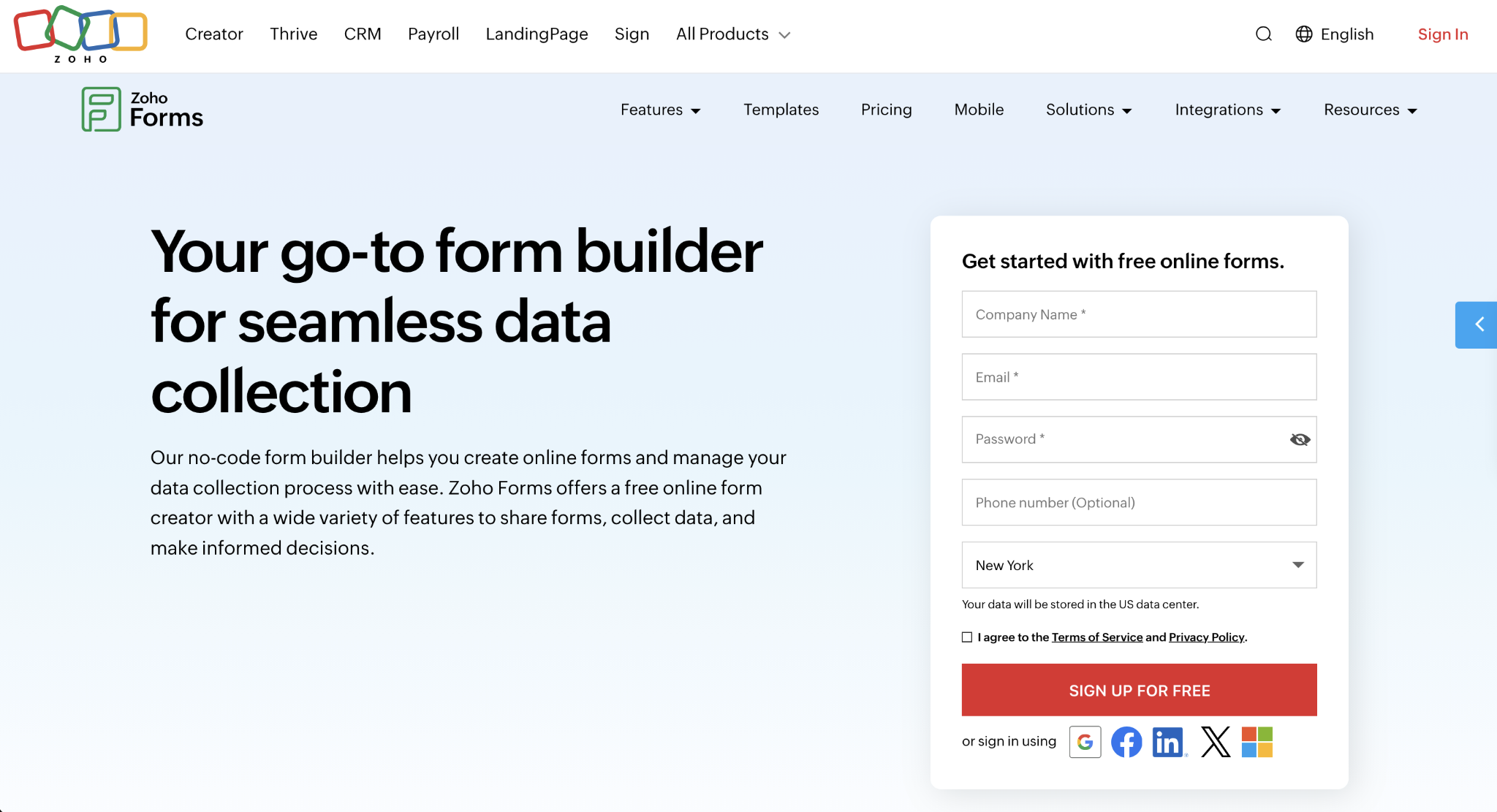
Google Forms handles data collection and calls it a day, but your workflow usually doesn’t stop there — sometimes you want to organize or act on that data. Zoho Forms‘ automation, approval flows, and CRM integrations help turn static submissions into decisions and tasks, so your system starts working as soon as your respondents hit the submit button.
Zoho is its own software suite, similar to Microsoft and Google’s offering. So, it’s no surprise that Forms is tightly integrated with all other Zoho apps, namely the CRM. Workflow automation lives in the rules tab, with plenty of controls to let you determine what happens based on the content of each field. For example, when you want to route submissions to the correct department, you can set a form rule that assigns tasks to that team when the respondent selects a topic on a dropdown question type.
Despite its power and enterprise-leaning feature set, Zoho’s user interface isn’t as polished as other modern form builders. The Salesforce integration makes a case for pushing data to that CRM as well, but the absence of HubSpot and general lack of other native integrations makes Zoho Forms a better pick for companies already invested in Zoho — not those with a more varied tech stack.
Zia AI for Zoho Forms
Zia, the name of the AI agent present in nearly all Zoho apps, is also available in Forms. It can generate a new form from a prompt or convert a PDF into a form. It has two unique features:
- It can translate forms for you, saving the translated version attached to the original. This is useful for organizing your workspace.
- It can generate follow-up messages with AI after respondents finish your form — a good touch for sales use cases.
Why choose Zoho Forms?
- Strong security and compliance features, such as encrypted forms, GDPR, HIPAA, and audit trails
- Flexible for multiple use cases beyond lead generation, including surveys, customer data collection, internal request forms, and more
- Automation features include notifications, webhooks, approvals, and assigned tasks
- Mobile-friendly with responsive design, offline collection, and card-style forms
Zoho Forms plans and pricing
The free plan available is capped at three forms, 500 submissions per month, and 200 MB storage. Paid plans include Basic ($10 per month, billed annually) for one user, unlimited forms, 10,000 submissions per month, and access to custom themes.
8. SurveyMonkey: For running professional surveys with deep data analysis and benchmarking
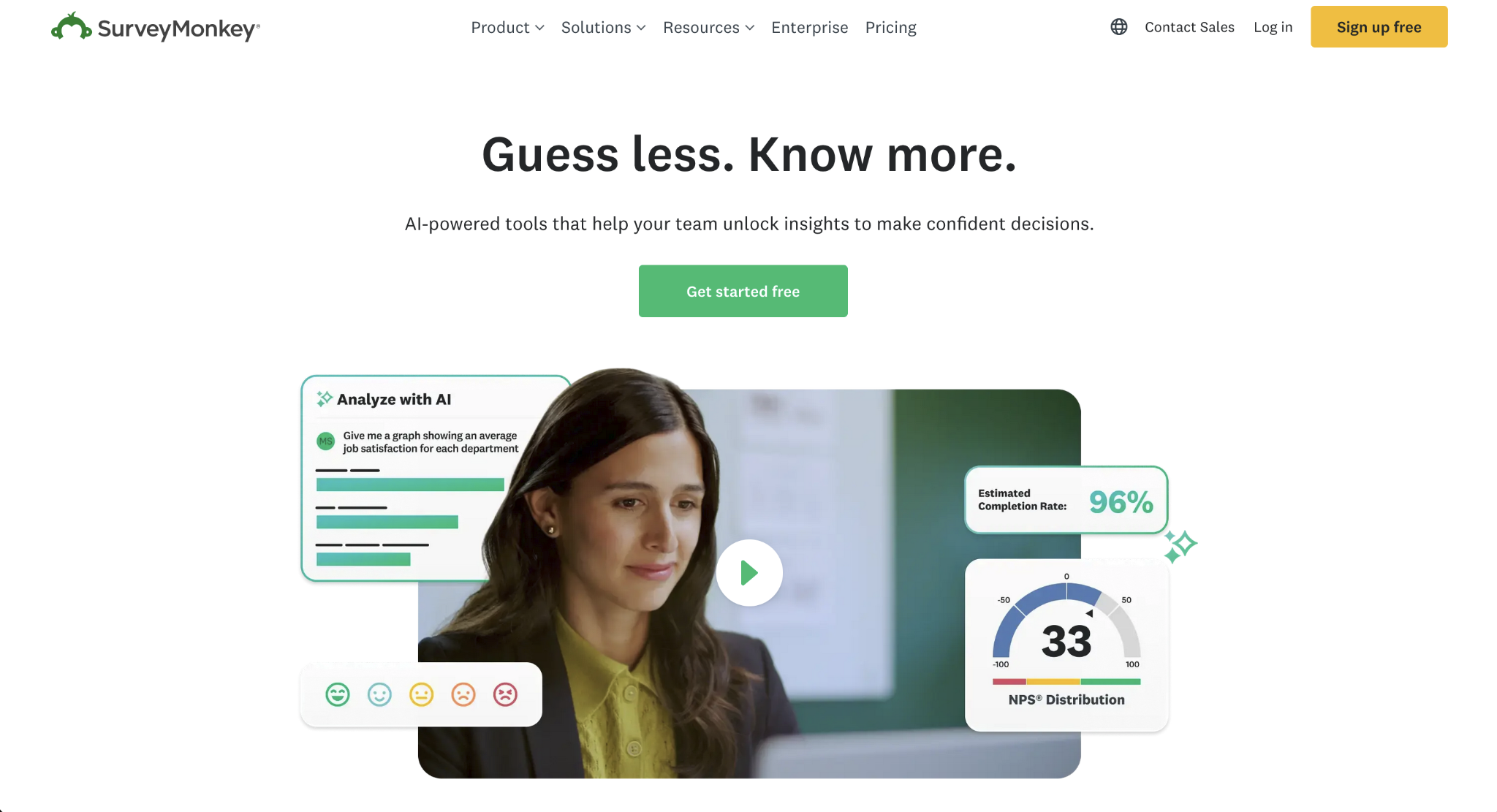
Google Forms and most form builders only take care of gathering data. If you need deeper insights, you often have to export submissions and take them to a data science app. SurveyMonkey keeps everything in the same platform: You can run anything from a simple survey to a multi-part survey, and use strong analysis tools to spot patterns.
Despite its depth, SurveyMonkey is easy to get started with, either via the templates and question bank or the AI-powered survey builder. It supports market research projects, such as price point optimization, including all the assets and instructions to run it — even if you don’t have experience. When the results come in, the platform includes dashboards, charts, and statistical significance tools — a much stronger analysis toolkit when compared with simple form builders.
SurveyMonkey specializes in surveys, so it’s not a good match if you’re looking for an all-in-one data intake software. The free plan feels more like a limited trial, too, as you can’t run a serious research project with it. Beyond that, you may also be pushed into higher pricing tiers early, as most of the design and more powerful logic features aren’t available otherwise.
SurveyMonkey AI Analysis Suite
For surveys with a lot of open-ended answers, grouping topics and drawing conclusions can take a long time as you filter and organize submissions. SurveyMonkey’s AI Analysis Suite is the platform’s answer to this problem: It uses its engine to automatically analyze and group responses by topic, even flagging suspicious responses so your data stays clean. You can then use the chat experience to ask questions and get answers in both text and charts.
One of the biggest advantages of this suite is that it runs on a proprietary AI model, trained on one of the largest survey datasets available. The AI-generated insights rely on industry expertise, not on a general LLM making a guess, making it easier to trust outputs over time.
Why choose SurveyMonkey?
- Works for every kind of survey
- Better advanced logic and analytics when compared with most form builders
- Good reputation and professional feel
- You can buy responses, so you can run research projects on your target audience even if you don’t have a list
SurveyMonkey plans and pricing
SurveyMonkey’s free plan includes up to 10 questions and 25 visible responses per survey with no data exports. Paid plans include Advantage Annual ($39 per month, billed annually) with unlimited surveys, up to 15,000 responses per year, and data export options in CSV, XLS, PDF, PPT, and SPSS formats.
Pro Tip
Take a deeper dive into how this tool stacks up as an alternative with our SurveyMonkey vs Google Forms breakdown.
9. Fillout: For syncing responses directly into Airtable, Notion, and other databases
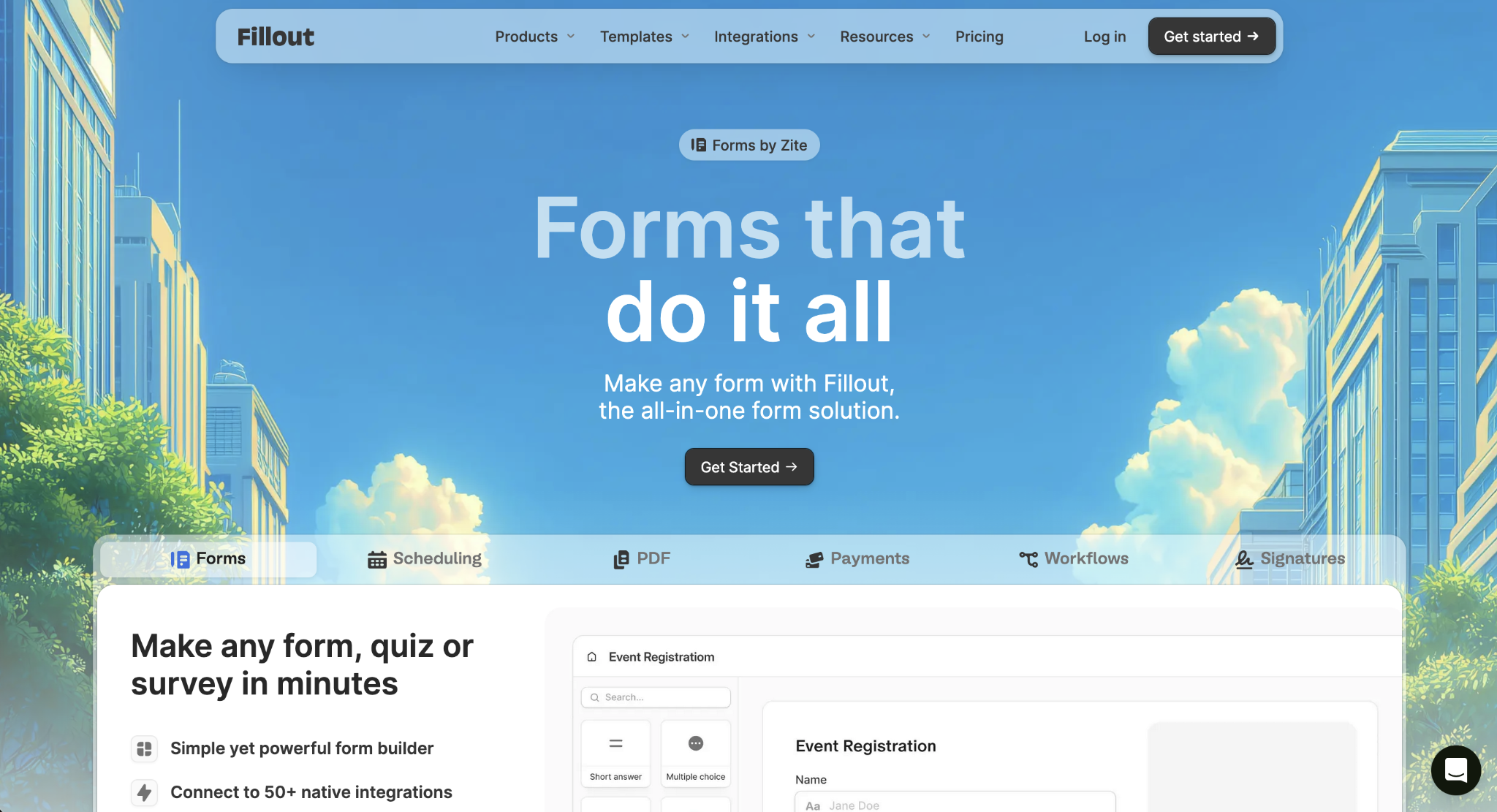
Google Forms plays well with other Google products but requires third-party connectors to push form data to external platforms. This increases setup time and costs, and it might still not be fully adapted to your workflow. Fillout solves this problem with more than 30 native integrations spanning popular apps, combined with a generous free plan and powerful form-building capabilities.
Out of the six most popular integrations, Airtable and Notion lead the list. There’s a two-way sync between both platforms, so any changes you make in Fillout update instantly. Google Sheets is also available, as well as Excel if you run on Microsoft. Beyond these, you can simplify lead generation by pushing data to HubSpot and Salesforce, and integrating Stripe for creating payment forms without extra fees.
While data intake is strong, Fillout struggles if you need advanced analytics and deep design customization. As a newer form builder, the pricing efficiency at scale is also not as competitive as other options — you’ll be paying a premium price for fewer features by comparison.
Fillout AI Form Builder
Fillout’s AI Form Builder tool takes a prompt, a list of questions, a starting URL, or a PDF to create a new form for you. Adjust the design theme as the AI generates the questions, make any adjustments to the form, and publish it when ready. Where producing a form from scratch could take between 30 minutes and an hour manually, the AI form generator can get you to the final result in about 10 minutes.
Why choose Fillout?
- Easy to build visually clean forms
- Robust custom logic features
- Supports forms, scheduling, payments, PDFs, e-signatures, and simple workflows
- Tightly integrated with its sibling product Zite, a no-code app and database builder
Fillout plans and pricing
Fillout has a free plan with unlimited forms, 1,000 responses per month, and payments. Paid plans include Starter ($15 per month, billed annually) for 2,000 responses, all question types, and custom redirect on completion.
10. Microsoft Forms: For teams using Office 365
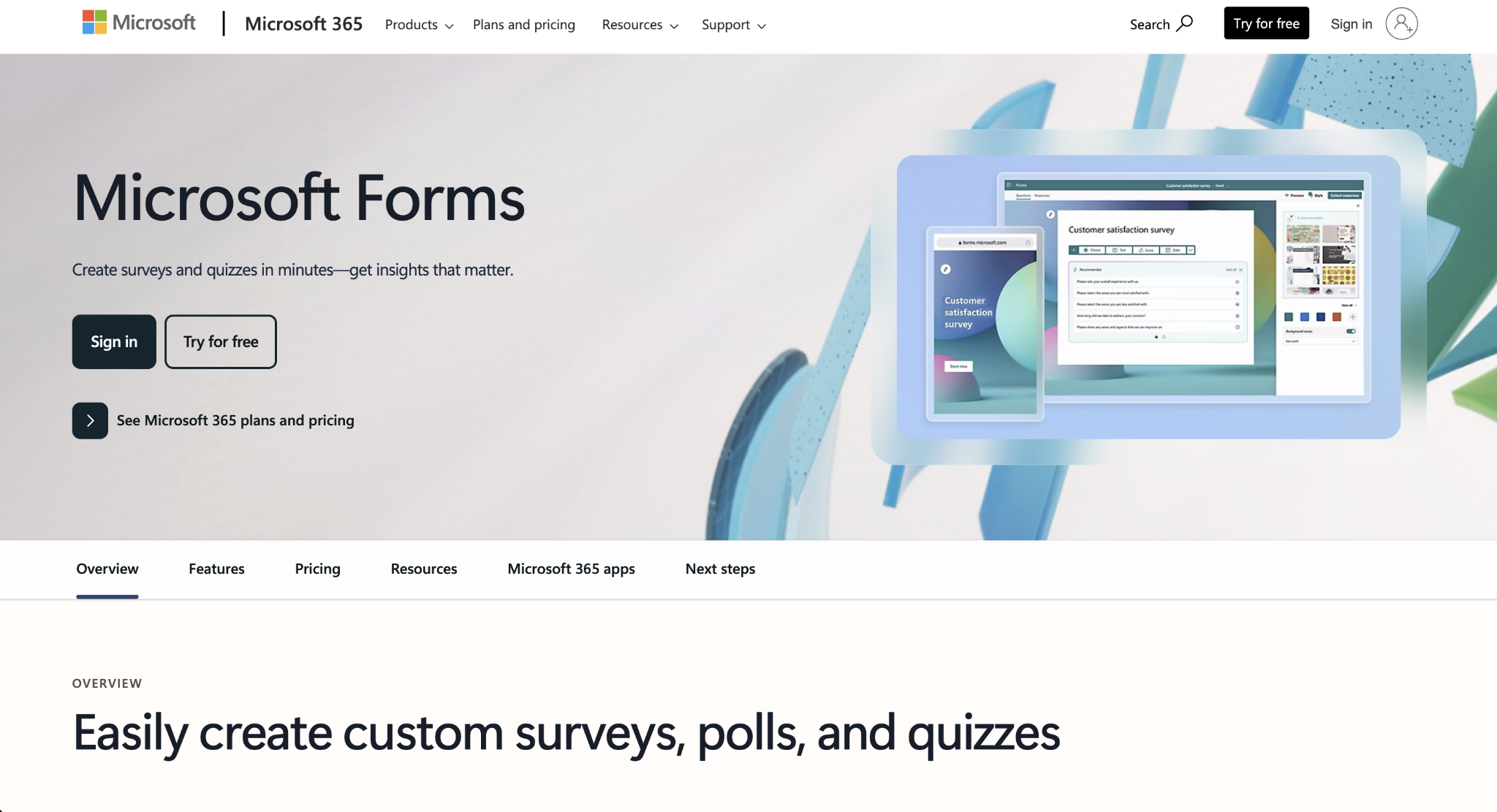
Integrating Google Forms with the Microsoft ecosystem can be a nightmare, but Microsoft Forms is here to stand in. It has equivalent features to those you’d find in its Google counterpart, making it a natural choice for Microsoft 365 users who want to run internal surveys and polls.
Microsoft Forms’ major strength is the way it deeply embeds into the rest of the software suite. You can create a new form and attach it to a channel in Microsoft Teams, which is handy for hardware requests or quick data intake. During meetings, you can launch a real-time poll to get insights from your audience. And every response can be automatically synced to Excel, so you can run data analysis there as soon as the information comes in.
It has all the essentials in terms of design and question types, covering most internal use cases well. However, it’s too light for customer-facing forms, especially if you need custom design, payments, or integrations and automation.
Copilot for Microsoft Forms
Microsoft Copilot extends most 365 apps with AI features. In Forms, the major ones help you generate an entire form from a single prompt, get new question suggestions as you build, and see response insights plus sentiment analysis. These aren’t available for free: You’ll need to purchase the Microsoft Copilot add-on (starting at $18 per user per month for businesses).
Why choose Microsoft Forms?
- Cost-effective and convenient — it’s already included in the Microsoft 365 subscription
- Secure and compliant, as it runs on top of your Microsoft cloud configuration
- Very easy to use
- Deep integration with Teams, SharePoint, Excel, Outlook, and Power Automate
Microsoft Forms plans and pricing
Microsoft Forms is free for anyone with a personal Microsoft account, but strictly capped at 200 responses per form before it stops collecting data. Paid plans include Microsoft 365 Business Basic ($6 per user per month, billed annually), which unlocks up to 5 million responses, real-time Excel sync, co-authoring, advanced branching logic, and Copilot AI assistance.
Pro Tip
Take a deeper dive into how this tool stacks up as an alternative with our Google Forms vs Microsoft Forms comparison.
Big on Jotform? Migrate your Google Forms with a single click
Google Forms is a great tool for getting started with forms and surveys, but it’s easy to hit a ceiling in a more demanding project. All the apps on this list have either free plans or trials, so you can pick one or two and test them to see how they match what you need to do.
If you don’t want to switch form apps again, Jotform has all the tools you need to build anything from simple forms to apps that manage a multi-form survey experience. Make the move: Migrate Google Forms to Jotform today and bring all your existing forms with you, ready to upgrade with payments, approval flows, automation, and much more.
FAQs about Google Forms alternatives
Google Forms is limited in terms of design customization as it only lets you edit colors and header images but never the layout. It only has skip logic, too — not advanced conditional logic. And most of its integrations are with other Google products, not with popular third-party software. It also lacks features such as native payment support and deeper analytics.
Jotform provides a Google Forms migration tool, so you can import your forms with a single click. Other options have some tools that handle data import from other platforms, but it’s not a common feature across the category.
For building a form with AI, Jotform AI is the best for its end-to-end approach, as its engine takes care of both creating and editing the form until it’s ready to publish.
Typeform’s Formless is the best for AI-driven conversational surveys where you need to provide dynamic answers as respondents answer questions.
As for integration with chatbots such as ChatGPT or Claude, Tally’s MCP server integration is the best for chatting with your submission data and making changes to your forms.
The best Google Forms alternatives for data privacy, security, and compliance are Jotform, Formstack, and Zoho Forms. These offer high data encryption standards, consent fields, and DPA agreements. Still, you should always review the compliance documentation that applies to your region before committing.
The best Google Forms alternatives for payments are Jotform (all-in-one form builder), Paperform (for landing pages that lead to checkout), Cognito Forms (for custom calculations), and Fillout (for deep integration with apps like Notion and Airtable).
Jotform offers HIPAA-enabled features on the Enterprise plan, including business associate agreements so that healthcare organizations can collect and handle protected health information securely.
Google Forms is good for casual use and as a starting point for simple projects. However, when you need advanced integrations, payment collection, or more powerful AI features, Jotform is a better choice for growing teams and enterprise settings.
Here’s the gist of the Jotform vs Google Forms feature comparison: Jotform has more than 20,000 templates, over 150 integrations (Google Forms only integrates with Google Workspace apps), payment support, smart PDF forms, advanced conditional logic, and AI Agents (Google Forms doesn’t have these).
More importantly, Jotform is a flagship product created by a dedicated team of developers and designers. Google Forms was originally created as a data intake tool for Google Sheets, not as a central product, meaning that Google invests fewer resources in actively growing and developing it.
Jotform doesn’t charge any fees for payment processing, but it limits the number of payments you can receive based on the plan (the free plan offers 10 per month). Bear in mind that the payment processing platform you choose to use (Stripe, PayPal, Square, etc.) will have its own fee schedule, typically charging a percentage of the sale plus a fixed amount.
This article is for operations managers, startup founders, HR professionals, and marketers who have “hit the ceiling” of Google Forms and need advanced logic, better branding, or automated AI workflows.



































































































Send Comment: