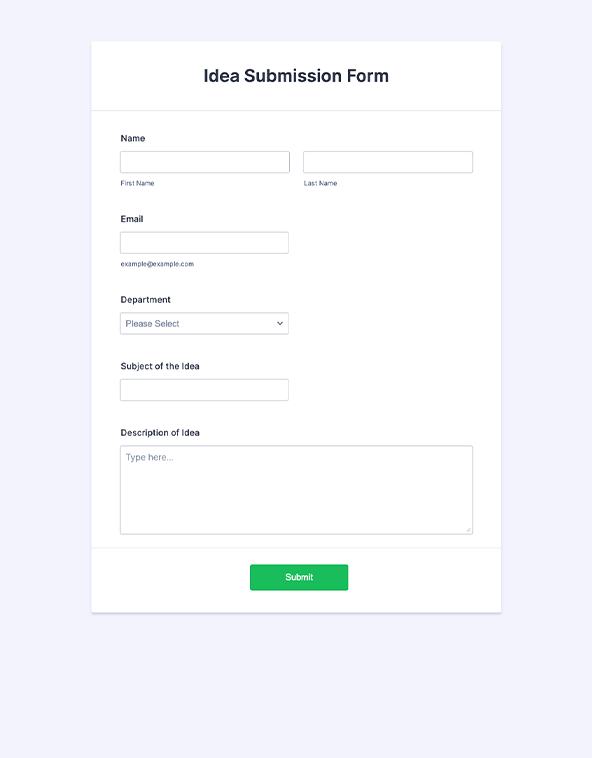
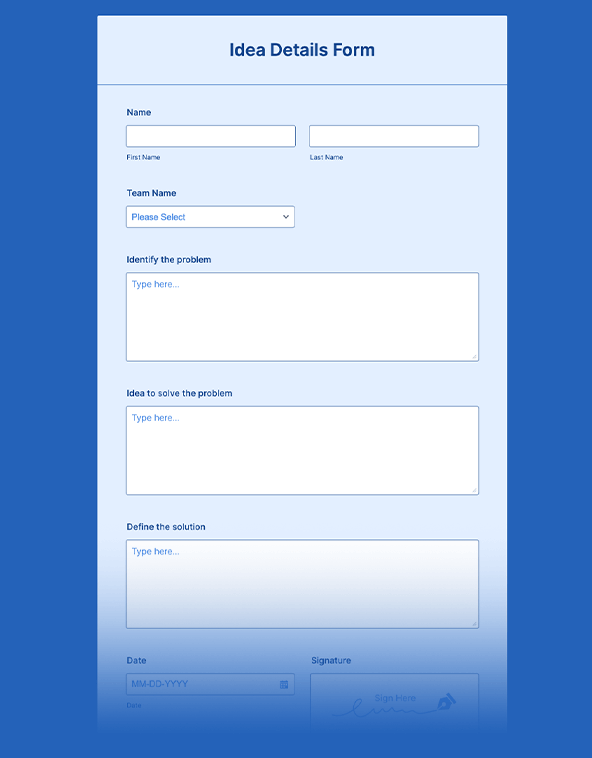
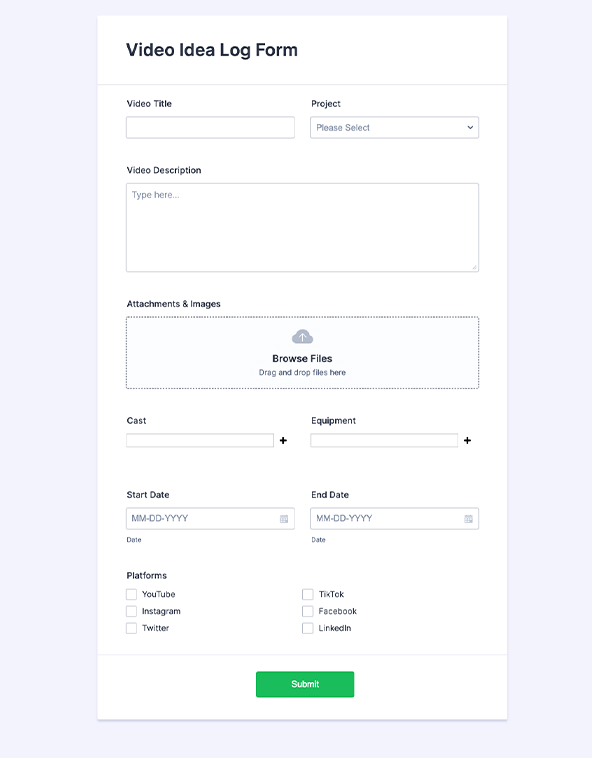
Jotform’s idea submission form helps teams collect ideas and suggestions from employees, students, customers, and more in one place. Create an online idea submission form that works on any device and receive responses instantly so you can review feedback faster and act on it.
Templates
Need ideas for your idea submission form? Get inspiration from our readymade form templates. Simply select one that best suits your needs and fully customize it with our drag-and-drop builder.
Jotform ChatGPT App
Create forms in seconds inside ChatGPT, refine them through conversation, and turn submissions into clear insights without switching tabs.

Benefits
Build an idea submission form with Jotform’s drag-and-drop form builder, so the form is ready to publish without coding. Add the exact fields the team needs, then set up conditional logic to show or skip questions based on answers. Apply branding during setup so the form looks consistent anywhere it’s shared.
View every submission in Jotform Tables so the team can review ideas in one organized workspace. Switch between table, calendar, and cards views to match how the team wants to sort and discuss incoming ideas. Manage and update submissions in the same place, so it’s easier to keep decisions and follow-ups aligned.
Use a mobile-responsive form so people can submit ideas from a phone, tablet, or computer without extra setup. This helps teams collect suggestions from wherever employees, students, or customers are already working. Fewer device issues means more complete submissions and fewer abandoned forms.
Embed the form on a website so people can submit ideas without leaving the page. Share a direct link when the form needs to travel in chat, internal docs, or social channels. Send invitation emails when the team needs to collect ideas from a specific group on a deadline.
Testimonials
No matter what you use online forms for, you need a simple way to view the data you’ve collected. See how easy it is to track, organize, and manage your form submissions with Jotform Tables.