Jotform’s Webflow forms tool lets you create and embed custom forms on your Webflow website without coding. Use this Webflow forms builder to collect contact info, registrations, applications, file uploads, e-signatures, customer feedback, and payments with 40+ supported gateways. Customize form fields and branding with drag-and-drop ease and publish them on your site in seconds.
Templates
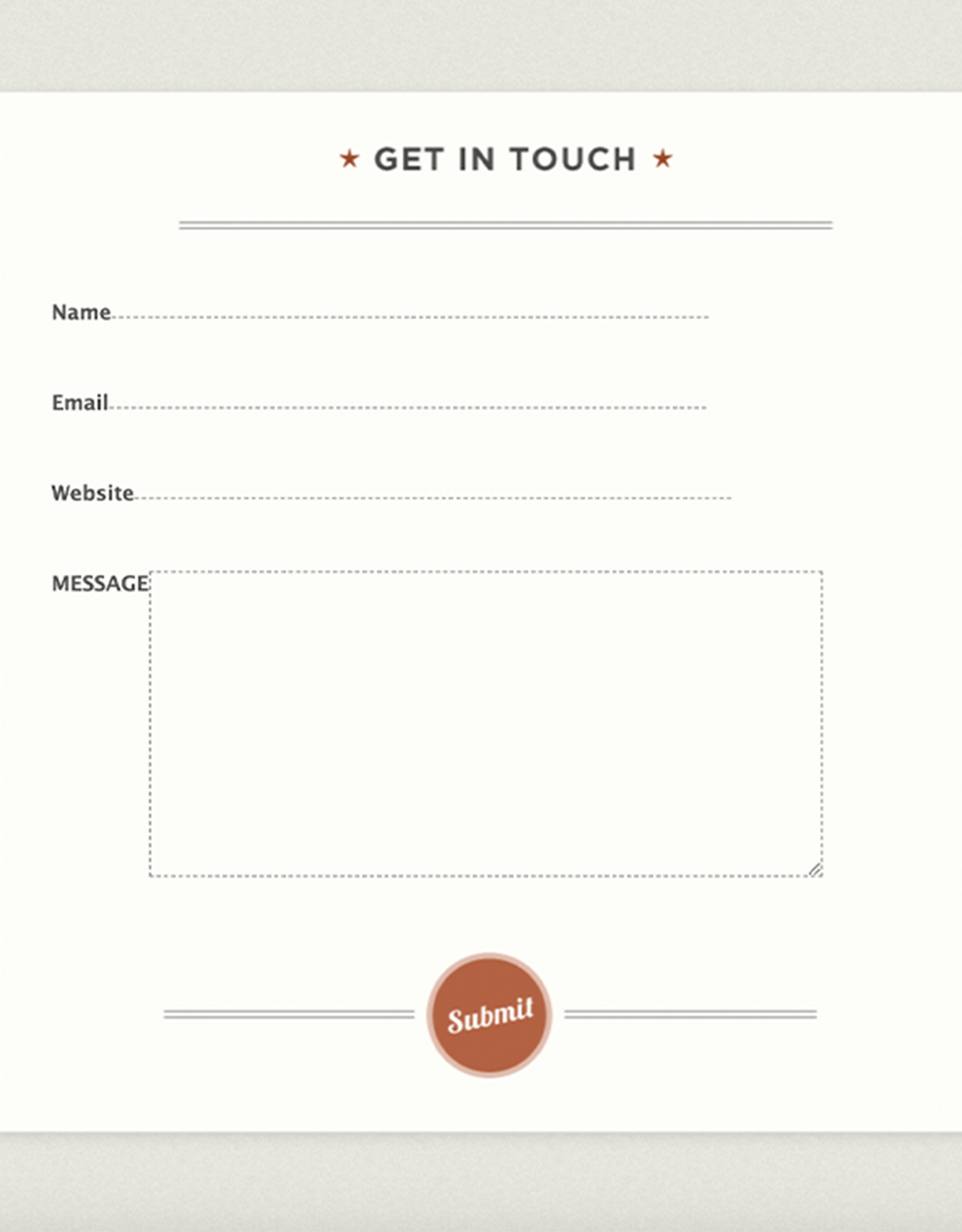
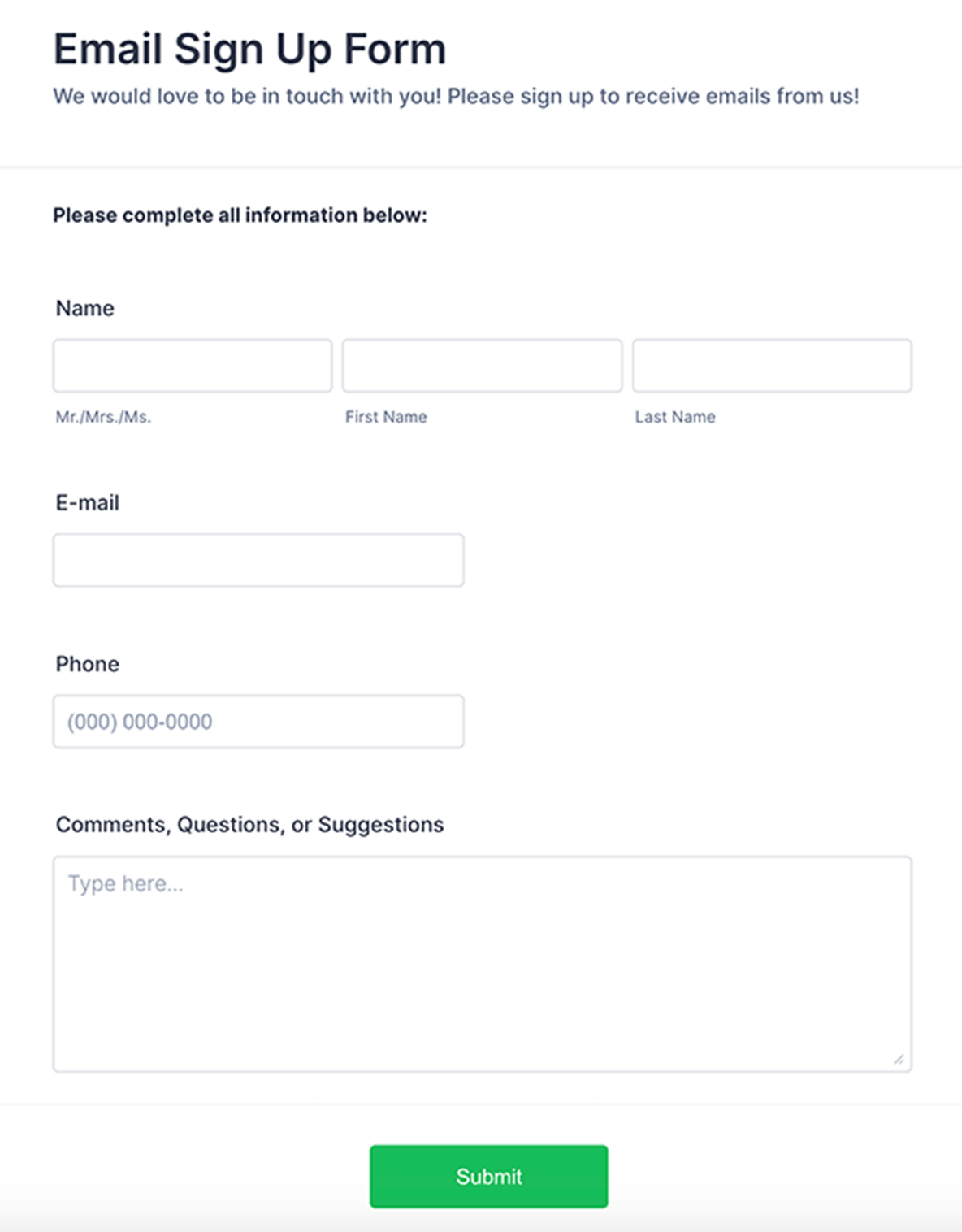
Not sure where to begin? Choose a free Webflow form template below to get started — then customize it with Jotform’s drag-and-drop builder and embed it in your Webflow website.
Jotform ChatGPT App
Create forms in seconds inside ChatGPT, refine them through conversation, and turn submissions into clear insights without switching tabs.

Benefits
Choose from 20,000+ ready-made templates or customize a form from scratch so it fits your Webflow site’s purpose and audience. After design, embed the form with a simple copy-paste code snippet, so visitors can submit contact info, registrations, surveys, and more directly on your pages.
Adjust every aspect of your Webflow form’s appearance with drag-and-drop controls, so fields, logos, fonts, and colors match your branding. Add advanced options like conditional logic, file uploads, and e-signature fields without writing code, which helps collect exactly the information you need.
View and organize form submissions in Jotform Tables, so your team can work with data like a spreadsheet, calendar, or individual cards. Collaborate with teammates, filter results, and generate reports, making data easier to act on than raw export files.
Connect your Webflow forms to the tools you already use through Jotform’s 100+ integrations, so form submissions flow directly into services like Google Drive, Mailchimp, or Dropbox. Add support for payments with 40+ payment gateways such as Stripe and PayPal, so you can collect orders or donations right from your Webflow site.
Testimonials