
Smartsheet is a cloud-based work management platform that lets you plan, manage, and analyze projects. As well as offering AI-powered spreadsheet capabilities, it also offers the ability to use forms — whether you’re collecting requests, intaking data, or processing updates.
In this article, we’ll show you step-by-step instructions for how to create a form in Smartsheet. It’s a tricky process, as the form responses go directly to a connected spreadsheet and the form structure is closely connected to the sheet’s columns. But we’ll cover how to get it just right, as well as how to edit and share your Smartsheet form.
And if you feel like Smartsheet’s form capabilities are limiting, we’ll introduce you to Jotform. It’s a leading form builder with advanced functionality that integrates directly with Smartsheet.


How to create a form in Smartsheet
Before you get started creating a form in Smartsheet, you should be aware that it’s primarily a paid tool, though it does offer a free trial where you can explore the form feature. To use the form features in Smartsheet beyond the free trial, you’ll need to be on the Business, Enterprise, or Advanced Work Management plan.
Once you’re set up with an account, follow these steps to create a form in Smartsheet:
- In Smartsheet, open the sheet you want to create a form for.
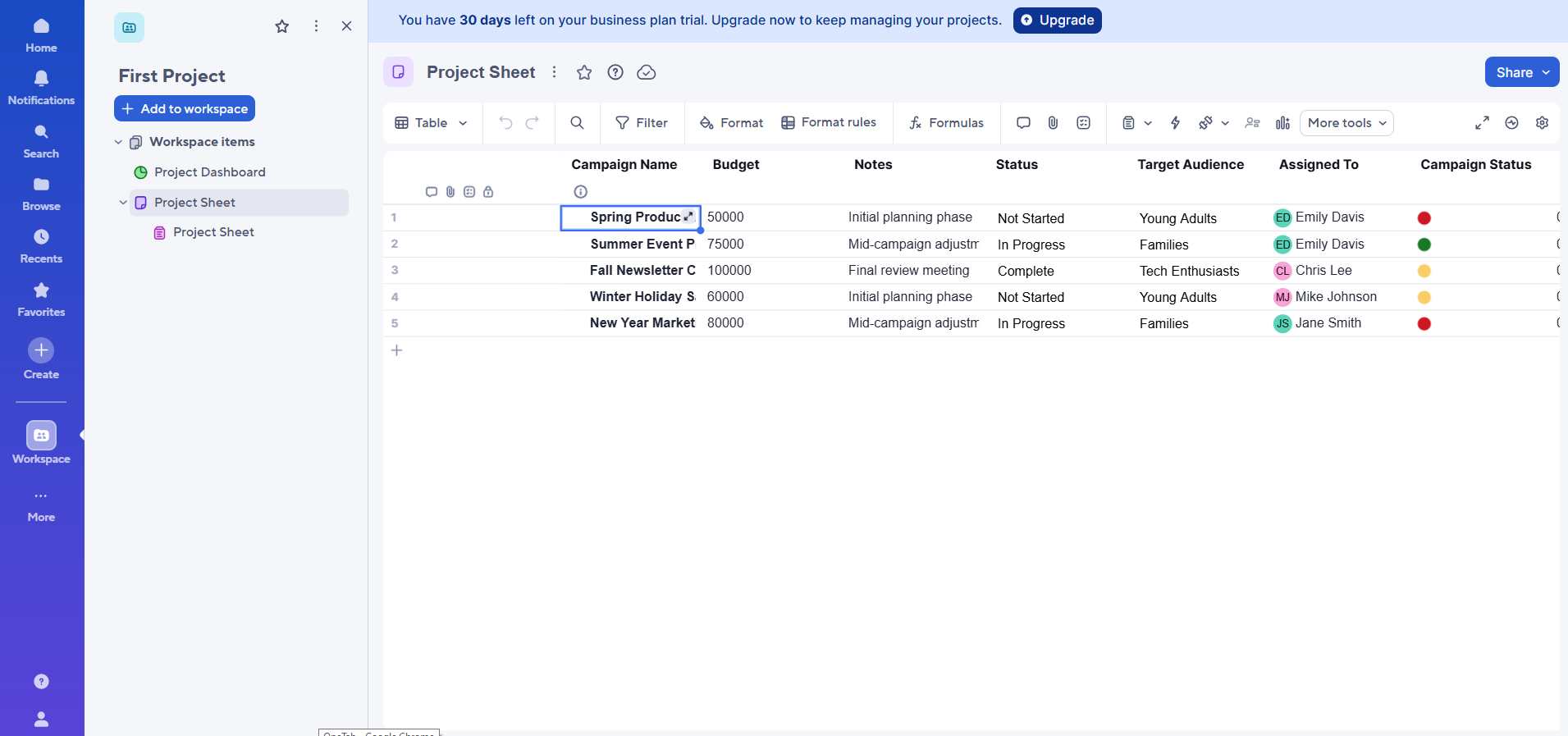
- Click the form icon in the top menu. Select Create form.
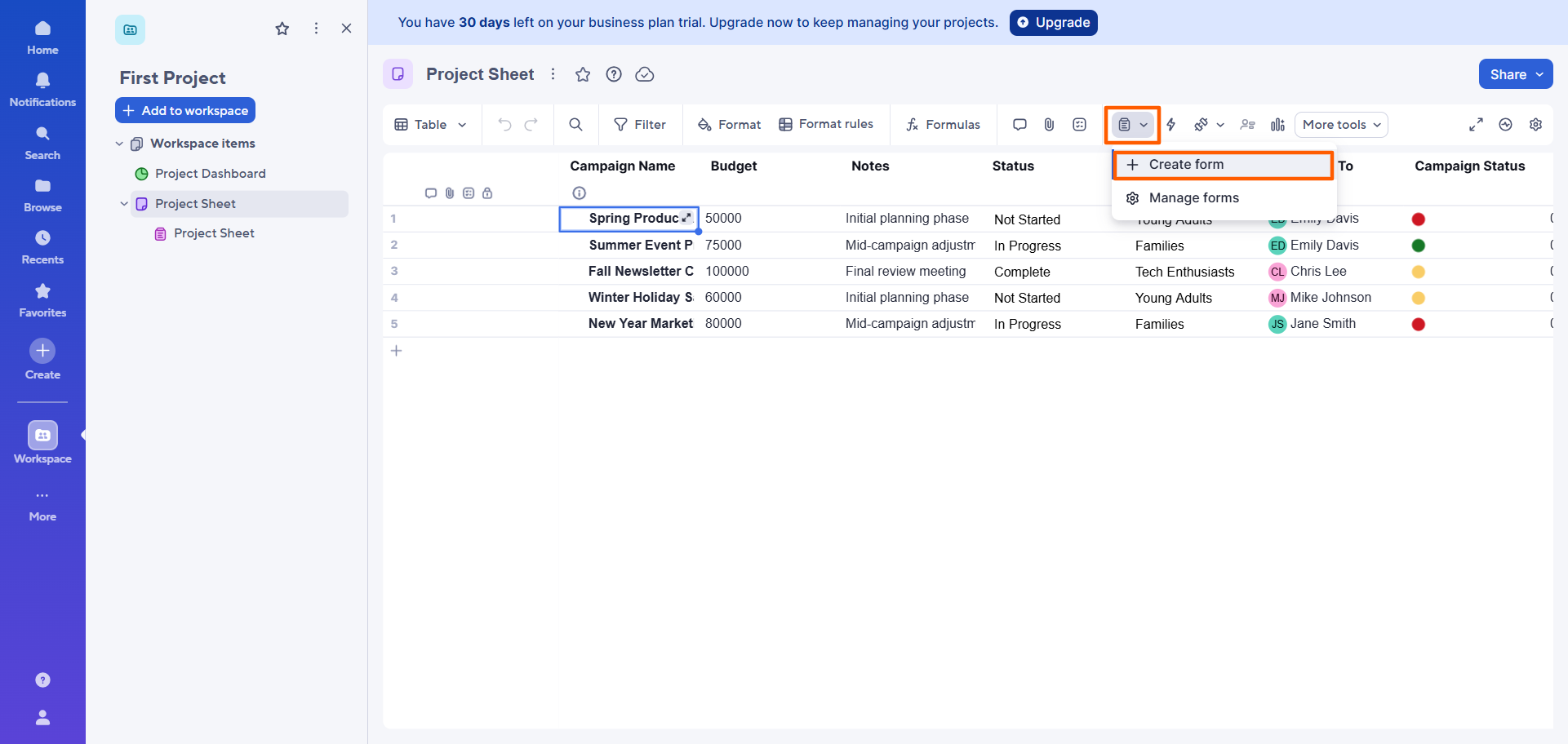
- Smartsheet will open up a form that corresponds to the sheet, with automatically generated fields based on its columns.
A few important things to note:
- The title of the form will match the title of the sheet. You can click to edit the form title and description.
- From the Smartsheet form builder, you can add, remove, or rearrange form fields. When you add a field to the form, it’ll also automatically be added as a column to the sheet.
- When you delete a field from the form, the corresponding column will not be deleted from the sheet — you’ll need to do that manually.
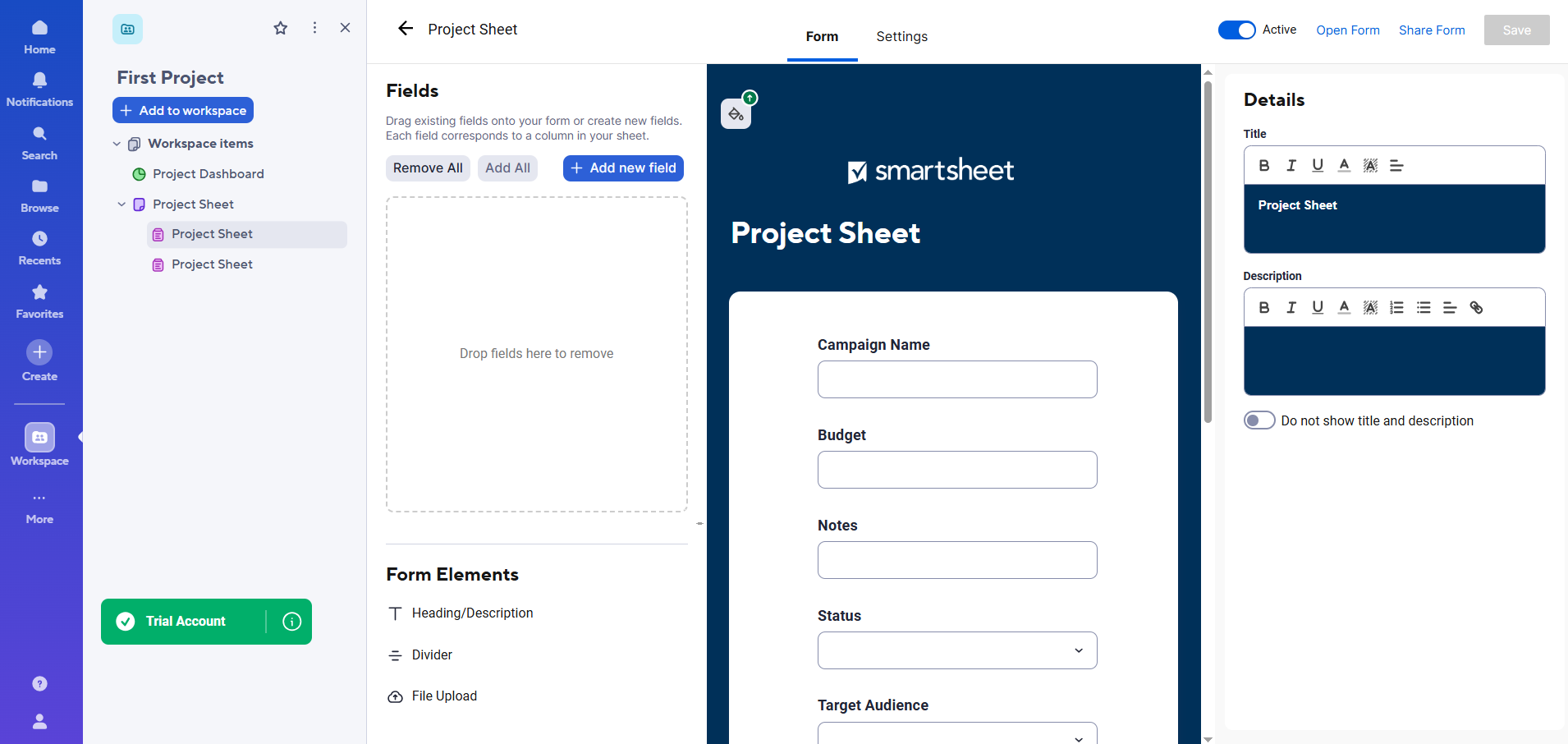
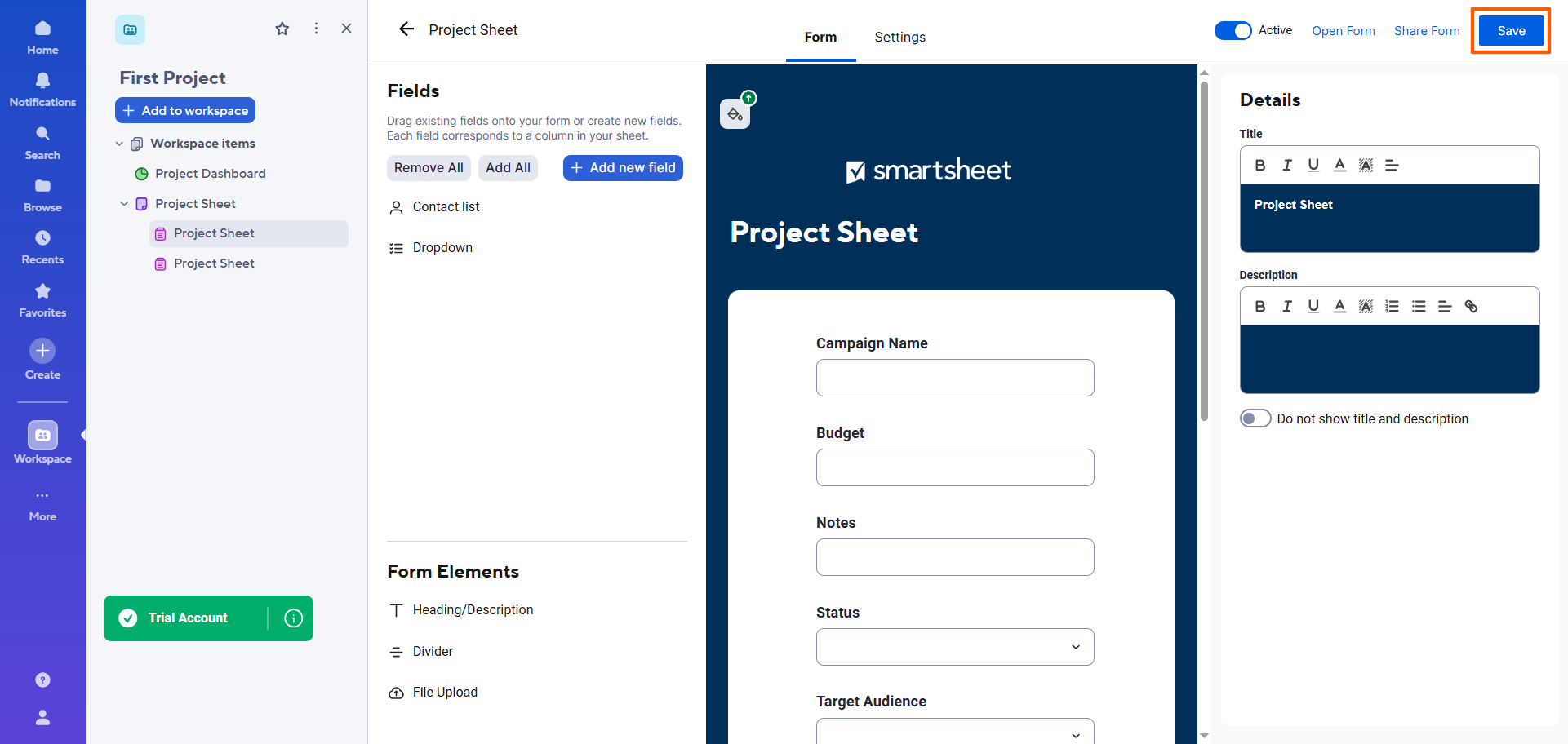
- Once you’ve completed the changes you’d like to make to the form, click Save at the top right.
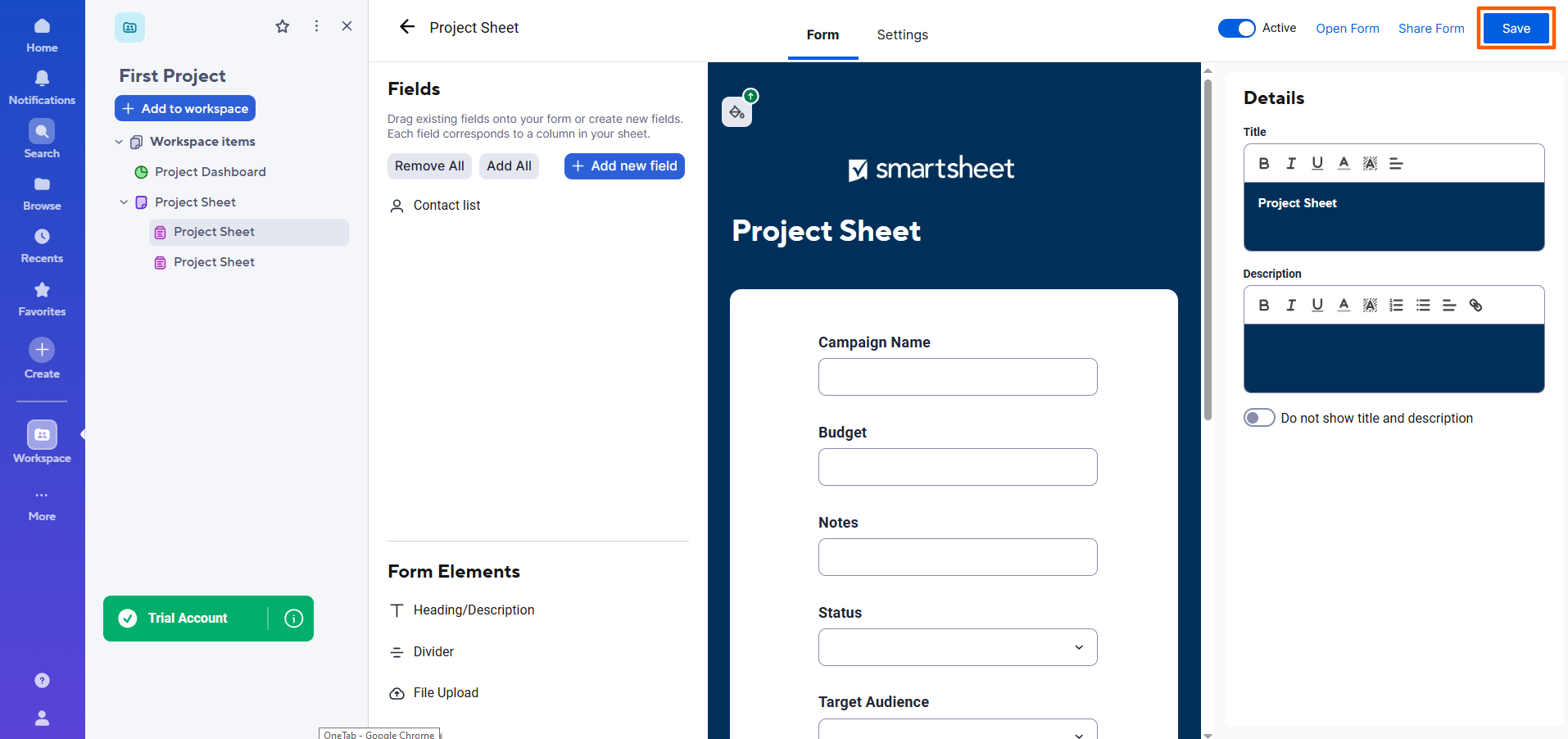
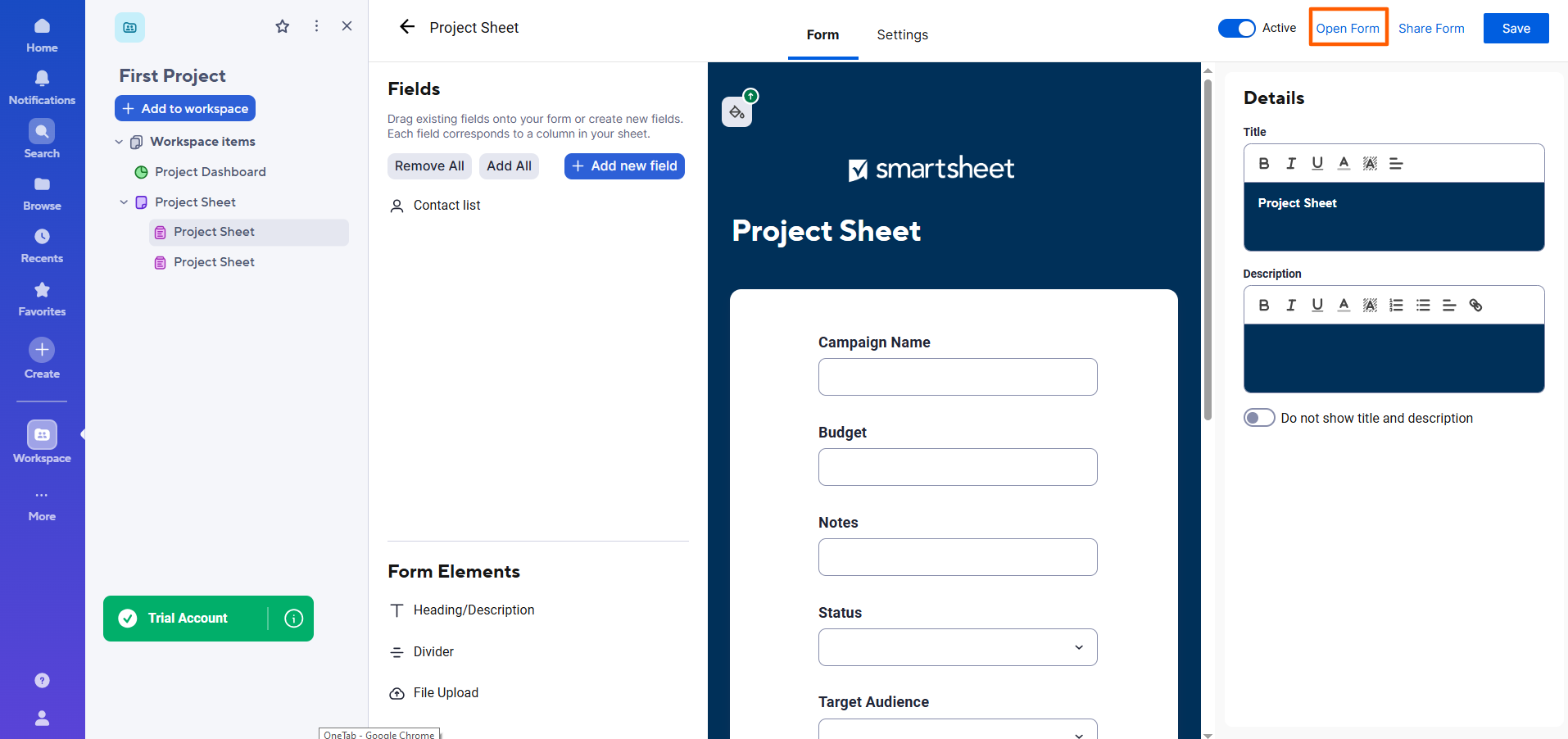
- To preview the form, click Open Form.
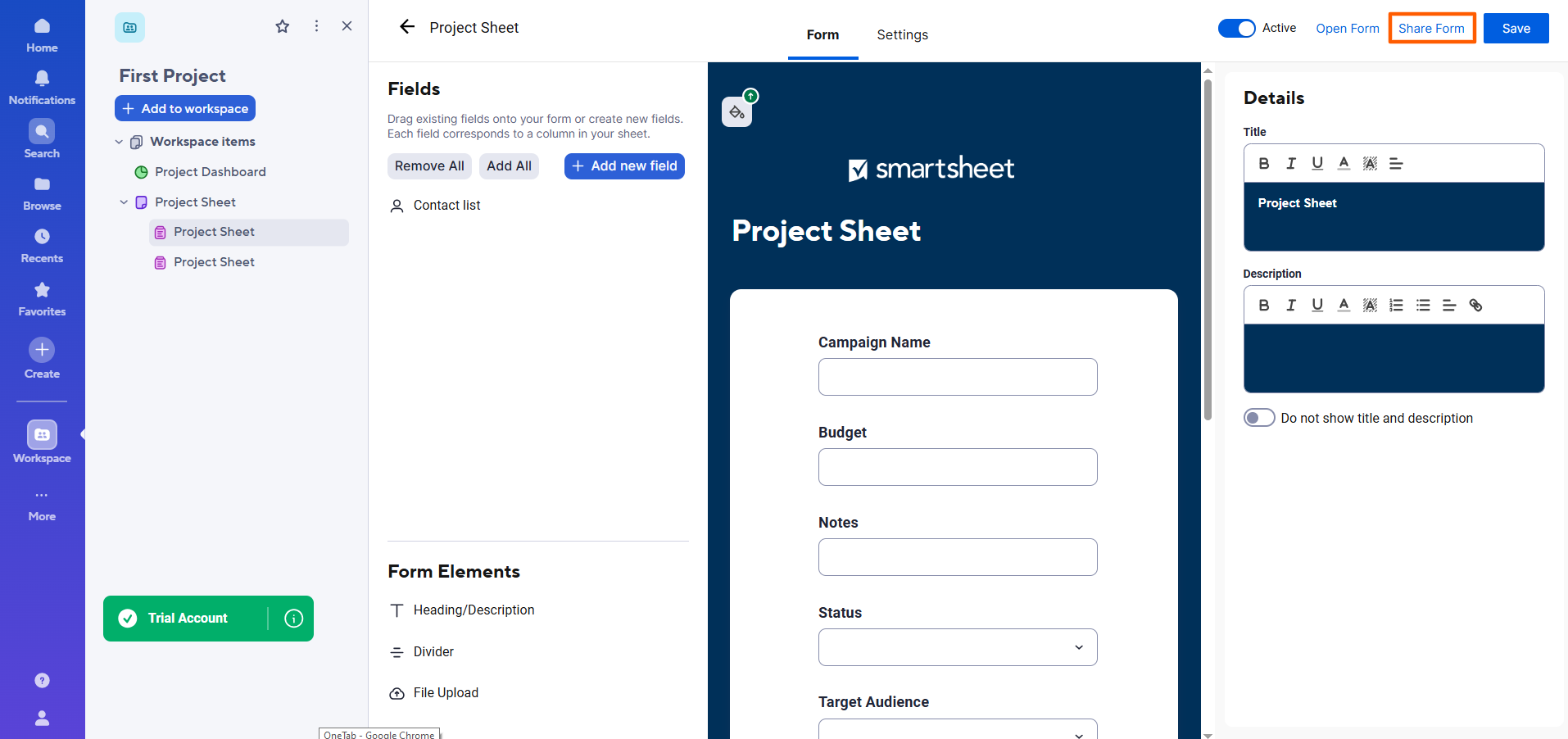
- To share the form with others, click Share Form. You can then enter the email addresses of the people you’d like to share the form with. You also have the option to get a form link or embed code.
How to edit and customize a Smartsheet form
Sometimes changes come up at the last minute, and you might want to edit a Smartsheet form after you’ve shared it. That’s perfectly doable, but it’s important to note that the form structure is still tied to the corresponding sheet. This means that if you add fields in the form, they’ll be added to the sheet as well. However, if you delete fields in the form, they won’t be deleted from the sheet.
Follow these instructions to find, open, edit, and customize your form in the Smartsheet form builder:
- Open the sheet that corresponds to the form you want to edit.
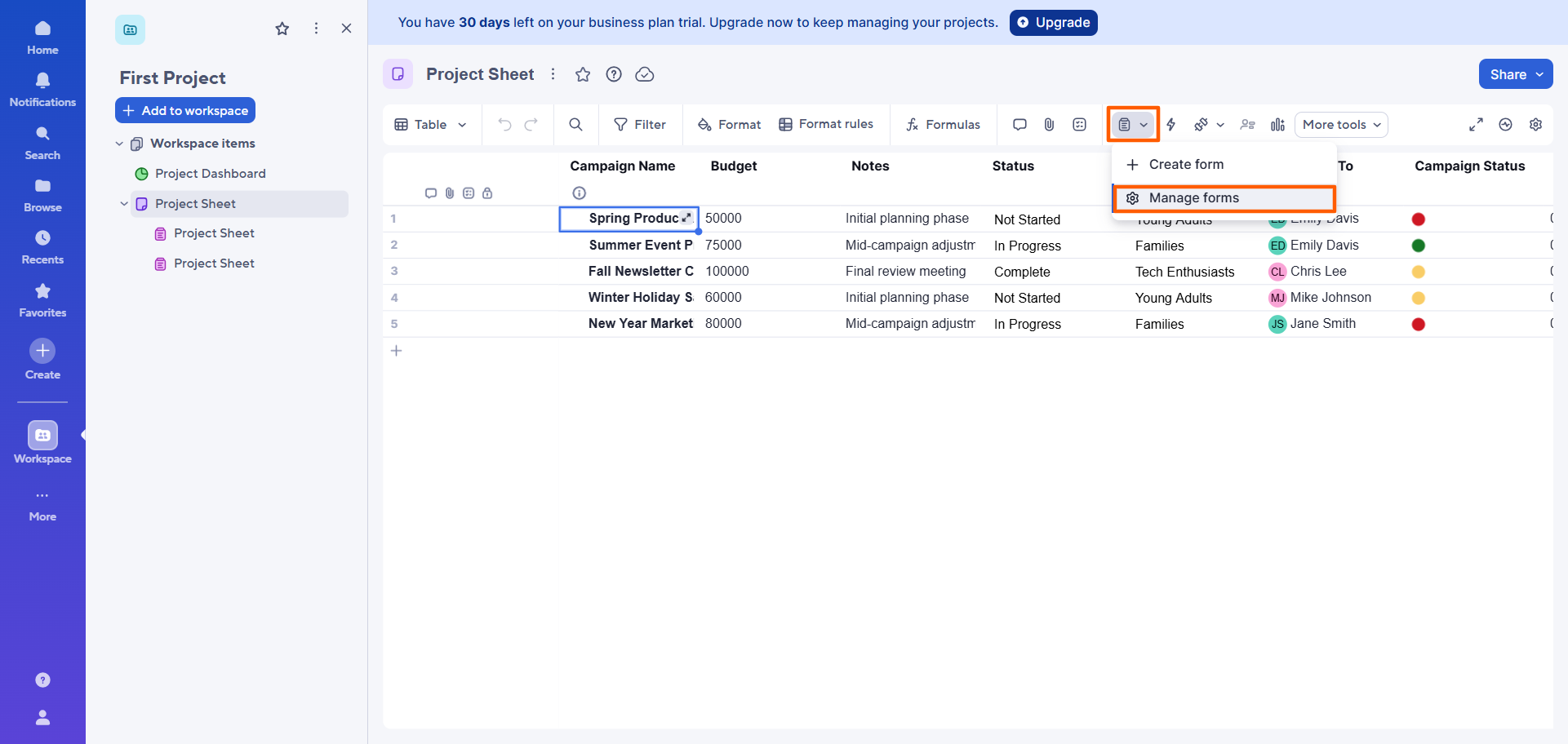
- Click the form icon. Select Manage forms.
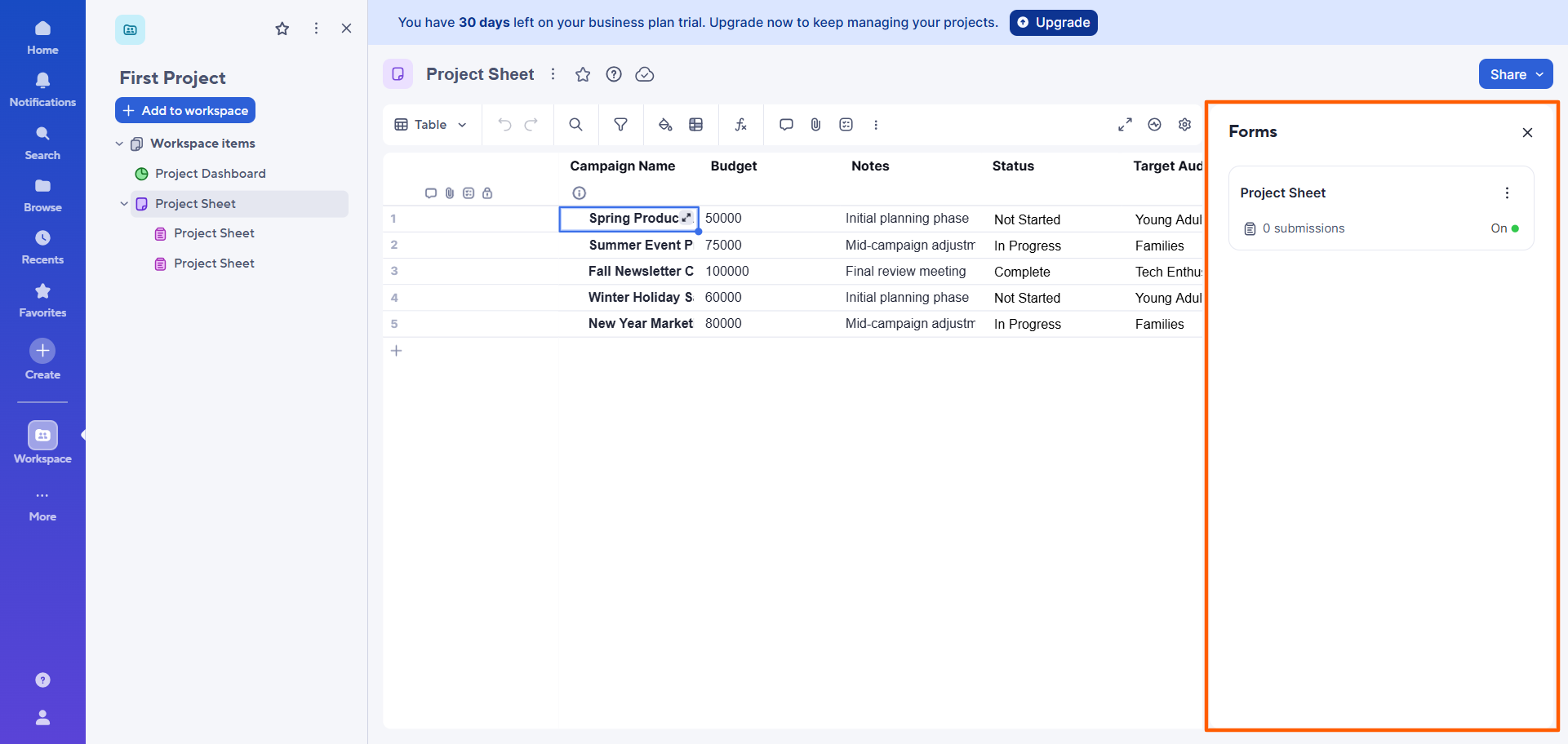
- Smartsheet will open a dialog box with a list of connected forms. Click on the form you want to edit and customize.
- Click Edit at the top right.
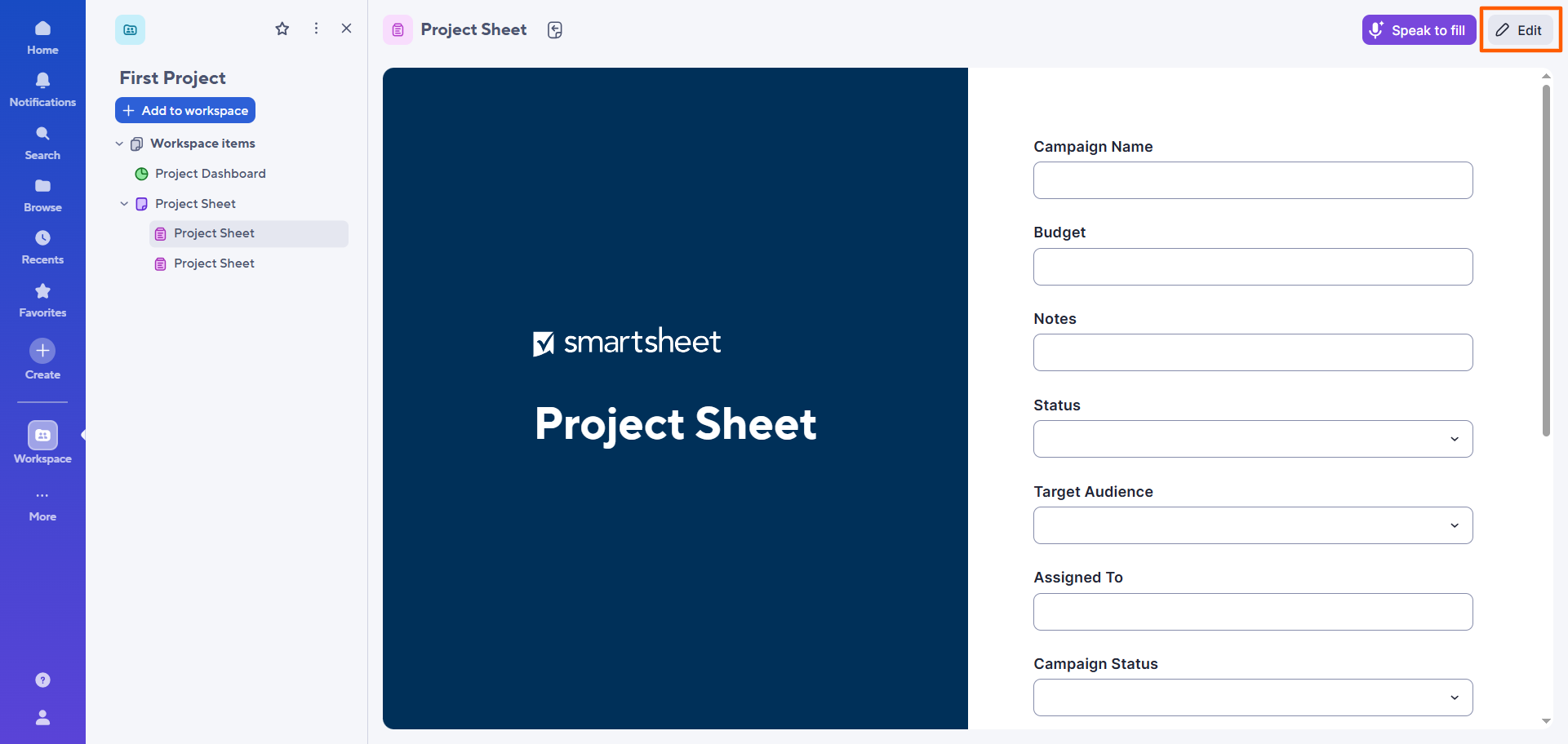
- Smartsheet will open the form in the Smartsheet form builder.
Here, you can add, remove, or rearrange fields using the Field menu. You can also adjust field order and visibility, as well as update the form’s appearance and labels.
Remember: If you add a field, it’ll add a corresponding column in your sheet, but removing a field doesn’t remove the corresponding column in the sheet. You’ll still need to do that manually.
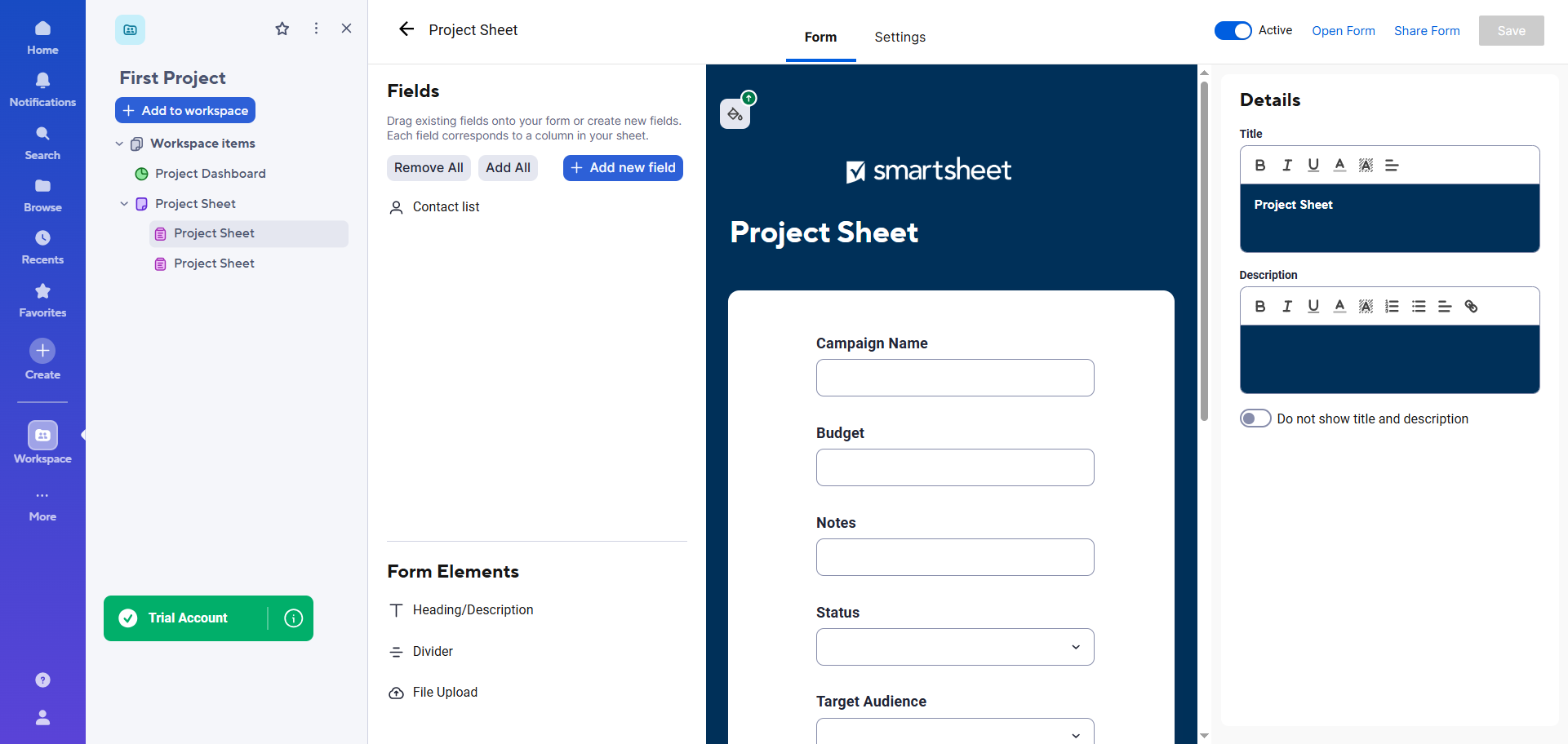
- Once you’ve completed your edits and customizations, click Save.
Pro Tip
If you’re not happy with Smartsheet as a work management tool, you have other options. Check out the leading Smartsheet competitors to see if one of them offers the functionality you need for collecting, organizing, and managing data — such as Jotform Boards.
3 limitations of creating forms directly in Smartsheet
While you can use Smartsheet forms to collect data, they can be difficult to use and might not offer the functionality you need. Keep these shortcomings in mind as you use Smartsheet forms:
- The forms are tightly tied to sheet structure: Smartsheet forms are based on fields within a corresponding sheet and can’t exist without one. This can be an issue if you don’t want that connection, or if you want the form to have different fields than the connected sheet.
- Design flexibility is limited. If you want to fully customize the look and feel of a Smartsheet form to match your business, you’re bound to experience roadblocks. Smartsheet doesn’t offer the advanced design and branding customizations that dedicated form builders do.
- You can’t create advanced form experiences. While Smartsheet does offer some advanced functionality, like conditional logic, it might be lacking other features you need to create the form experience you want, such as accepting payments. After all, it’s not a dedicated form-building tool.
If your main goal is just getting basic data into Smartsheet, then the native Smartsheet form builder may be enough for you. But if you want a more flexible form experience, you might prefer to build the form in a sophisticated form builder and then sync the data with Smartsheet.
This way, you can get the best of both worlds: compelling, attractive forms to collect data and a powerful platform for managing it. Sometimes, using two tools is better than using one.
A better front-end form experience: The Jotform and Smartsheet integration
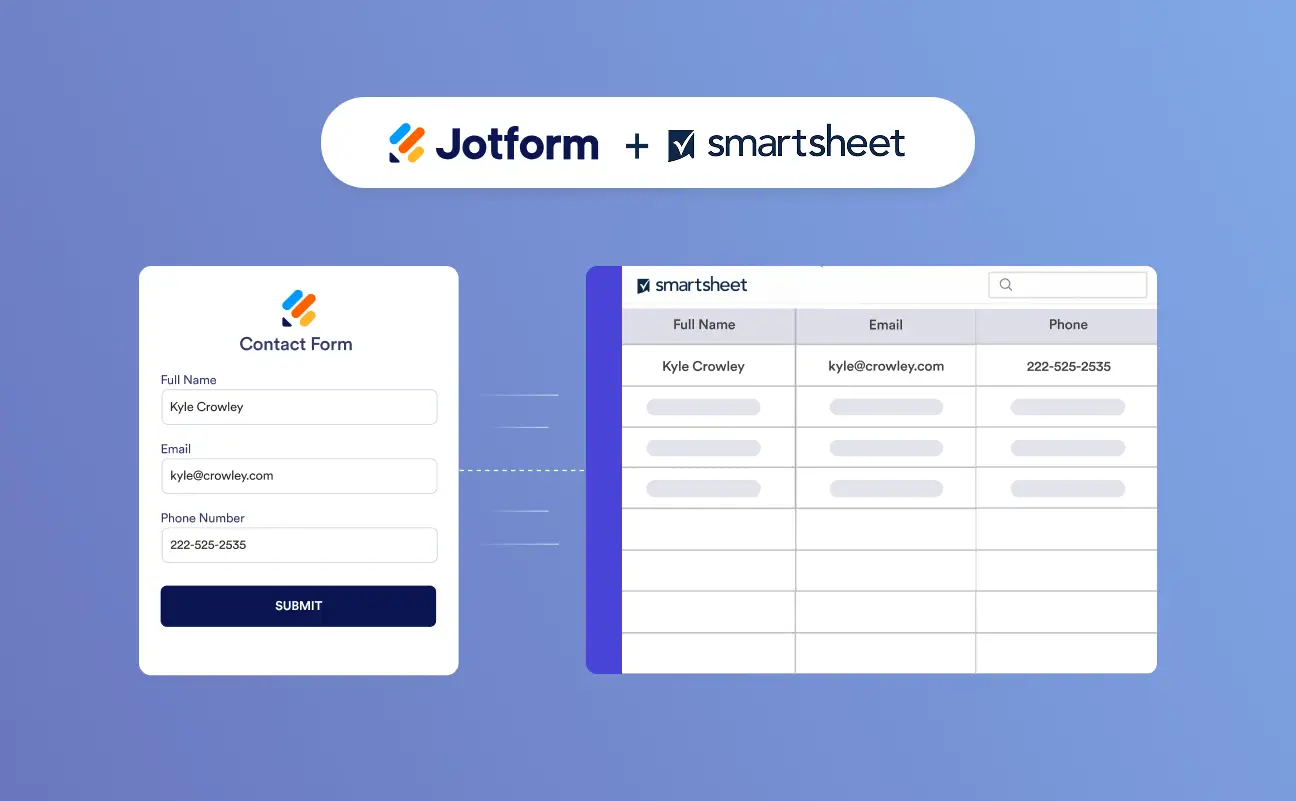
For users who want a stronger form experience, there’s Jotform. A leading form builder and Smartsheet form alternative, Jotform enables you to build customized forms with advanced features so you can easily collect the data you need. Plus, Jotform offers a direct integration with Smartsheet. That means you can send form submissions there to manage and track your data.
Here’s how easy it is to use Jotform and Smartsheet together:
- Build your form in Jotform: Take advantage of Jotform’s 20,000-plus free form templates so you don’t have to create any forms from scratch. Simply choose a template that matches your use case — such as a contact form, employee onboarding survey, or intake form — and customize it with Jotform’s intuitive form builder.
- Use Jotform’s Smartsheet integration: The native Smartsheet integration takes minutes to set up and doesn’t require any coding or third-party tools. Jotform also offers more than 150 integrations with other tools in your tech stack, like HubSpot and Google Drive, so you can share form data across your apps. (See our article, How to integrate your form with Smartsheet, for step-by-step instructions.)
- Each form submission appears as a new row in Smartsheet: You can select the sheet and match the column fields to your form.
- Keep Smartsheet as the data destination while using Jotform for the form experience: Get the best of both worlds when you use Jotform and Smartsheet together. It’s a great workflow for collecting information and managing submission data.
Pro Tip
Jotform and Smartsheet work hand in hand, but you can also use Jotform on its own. Jotform comes with Jotform Tables, a powerful collaborative workspace where you can gather, organize, and manage the data collected from your forms.
And if you want to set up workflow automation, Jotform offers Workflow Builder. Use it to automate tasks and streamline complex processes to ensure nothing falls through the cracks.
Improve your Smartsheet workflow with Jotform
You now know how to create a form in Smartsheet, but that doesn’t mean it’s your only option for data collection.
Smartsheet forms do the job when you need a basic form for simple, structured data collection that connects directly to a sheet. However, when you want a more sophisticated front-end form experience, you need Jotform. This advanced form builder supports the creation of highly custom forms — and integrates directly into Smartsheet where you can send form submission data. With two excellent tools working side by side, you get the results you need on the front and back end.
Learn all about the form builder and explore what Jotform has to offer by giving it a try for free today.
This article is for Smartsheet users, operations teams, project managers, content managers, and anyone who wants to create, customize, and share Smartsheet forms or explore a more flexible form-building workflow with Jotform.











































































Send Comment: