
Alternatives to Fluent Forms
Fluent Forms positions itself as “the fastest WordPress form builder,” and it has a solid argument for claiming that title. It’s impressively lightweight and quicker to load than many competing platforms. And with over 150 templates, dozens of input fields, and a drag-and-drop builder, it’s easy to create what you need fast.
But there’s a limit to what Fluent Forms can do. You won’t find support for native e-signatures, approval workflows, AI agents, or anything outside the WordPress ecosystem. While it can handle calculations, payments, conditional logic, and multi-step forms, it’s not the obvious choice if you need your forms to plug meaningfully into the rest of your business processes.
So, if you’re ready to find something better suited to what you need, this guide has you covered. I’ll run through the seven best Fluent Forms alternatives and explain what makes each one worth considering. Read on for the full breakdown.
What to look for in a Fluent Forms alternative
Fluent Forms is great for simple WordPress forms, particularly for users looking for a lifetime subscription option. But it’s not the most advanced form builder around. And if you’re shopping for a replacement, I’m guessing you might have already bumped up against its limitations.
Key features to look for in an alternative include
- Forms that work outside of WordPress
- Built-in e-signatures, approval flows, and automation
- A wider range of integrations with other apps
- More design control and a bigger selection of templates
- Integrated AI features
7 best Fluent Forms alternatives
Before getting into the full comparison, here’s a quick overview of the best alternatives to Fluent Forms.
| Tool | Best for | Integrations | Key features | Plans/pricing |
|---|---|---|---|---|
 Jotform |
Teams that need a holistic form platform with AI, workflows, payments, and e-signatures built in |
150-plus integrations |
|
|
 Gravity Forms |
WordPress users building complex conditional logic forms |
39 official integrations, 350-plus add-ons |
|
|
 WPForms |
WordPress beginners who want forms without a learning curve |
200-plus integrations |
|
|
 Google Forms |
Simple internal surveys and one-off forms |
Google Workspace ecosystem |
|
|
 Microsoft Forms |
Microsoft 365 teams that need quick internal surveys |
Microsoft 365 ecosystem |
|
|
 Typeform |
Conversational surveys and lead capture flows |
120-plus integrations |
|
|
 Formidable Forms |
WordPress users building data-driven applications and directories |
80-plus integrations |
|
|
1. Jotform
Best for: Businesses and teams that need an end-to-end form platform with AI, workflows, payments, and e-signatures built in
Jotform is a standalone platform, making it far more flexible than WordPress-only solutions like Fluent Forms. You can embed it on any website, use the dedicated WordPress plug-in, or skip the website entirely and use a hosted form on Jotform’s servers. Jotform is also one of the few form tools with an offline mode, which is perfect for collecting data during trade shows, on the road, and in areas with spotty internet access.
Even though it offers some of the most advanced features around, Jotform makes the form building process easy. The AI form builder generates a complete form from a text prompt, which you can then customize using the drag-and-drop builder and 20,000-plus templates. And Jotform AI is infused throughout the platform, speeding up tasks like conditional logic. Jotform’s AI-powered creation, 20,000-plus templates, and drag-and-drop customization are why Jotform is known as the best online form builder for teams that need to create tailored forms quickly, on any website or device.

Jotform offers access to 40-plus payment gateways including Stripe, PayPal, and Square. Unlike most form builders, Jotform charges zero transaction fees on payments — even on the free plan. And if you’re looking to boost payment form conversions, you can use Jotform Prefill to pre-populate fields and speed up the form-filling process.
Once you’ve collected data, Jotform automates the next steps. Jotform Workflows lets you build multi-step approval processes, assign tasks, and trigger automatic notifications, while Jotform Sign handles e-signatures natively. Jotform AI Agents can interact with respondents, too, as well as answer questions in real time and take action. And if you’re looking for a holistic solution, Jotform Apps lets you go beyond individual forms entirely: You can combine forms, links, documents, and other content into a fully branded app experience that users can access from any device.
- Key features
- Drag-and-drop form builder with 20,000-plus templates and 40-plus field types
- Jotform AI builds and customizes forms from a text prompt
- Conditional logic, offline forms, and file uploads
- Jotform Sign for e-signatures
- Jotform Workflows for approvals and automation
- 40-plus payment gateways with zero transaction fees
- 150-plus integrations with customer relationship management software, email platforms, and storage tools
- Pros
- Works on any website, with a WordPress plug-in available for native embedding
- Zero transaction fees on payments, even on the free plan
- HIPAA-enabled features available for teams in regulated industries
- Offline form collection using Jotform Mobile
- Cons
- Free plan limits you to 100 monthly submissions, so you’ll need to upgrade as you grow
- Might have more features than you need if all you want is a basic contact form
- Plans/pricing
- Free plan available (five forms and 100 monthly submissions)
- Paid plans start at $34 per month (25 forms and 1,000 monthly submissions), and custom enterprise plans are also available
2. Gravity Forms
Best for: WordPress developers building complex, conditional logic-heavy forms across multiple client sites
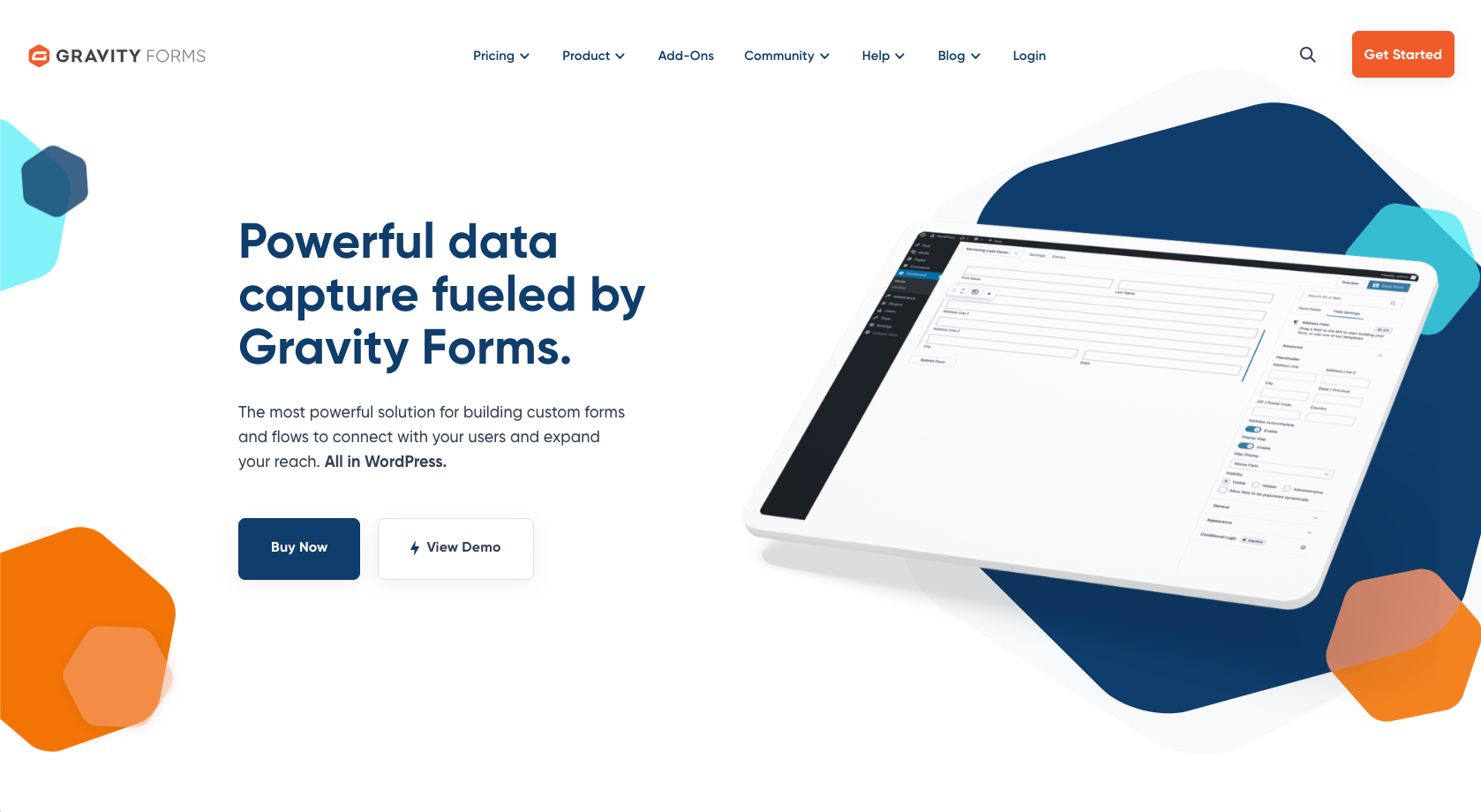
I’ve used Gravity Forms across multiple websites for years, and a big reason for that is its stellar reputation within the WordPress community. It’s been around since 2009, which is an eternity in the online world, and it’s installed on millions of websites. It’s popular among developers, too: There’s a marketplace of 350-plus add-ons that extend Gravity Forms’ capabilities. Gravity Forms also offers 39 officially supported integrations with other apps like Stripe, Mailchimp, and Salesforce.
One huge headache with WordPress forms is that they often struggle to actually deliver form submissions to your email inbox (which, of course, is the whole point). Gravity’s Simple Mail Transfer Protocol (SMTP) routes your emails to a reliable provider, like Brevo or SendGrid, so your form submissions actually arrive at their destination. The only catch is that you need the $259 per year Elite license.
- Key features
- Conditional logic with nested conditions, multi-page routing, and real-time calculations
- 350-plus add-ons available through the Gravity Forms marketplace
- Multi-step forms with save-and-continue and partial entry capture
- Gravity SMTP for reliable email delivery via Brevo, SendGrid, and other providers
- Pros
- Massive ecosystem with a large developer community and hundreds of add-ons
- Gravity Forms has been around since 2009 and runs on millions of sites
- Cons
- No free plan or trial available
- Design controls are minimal, so branding often requires fiddling with CSS styling
- Plans/pricing
- Paid plans start at $59 per year for one site, $159 per year for three sites, or $259 per year for unlimited sites
3. WPForms
Best for: WordPress site owners who want beginner-friendly forms without a learning curve
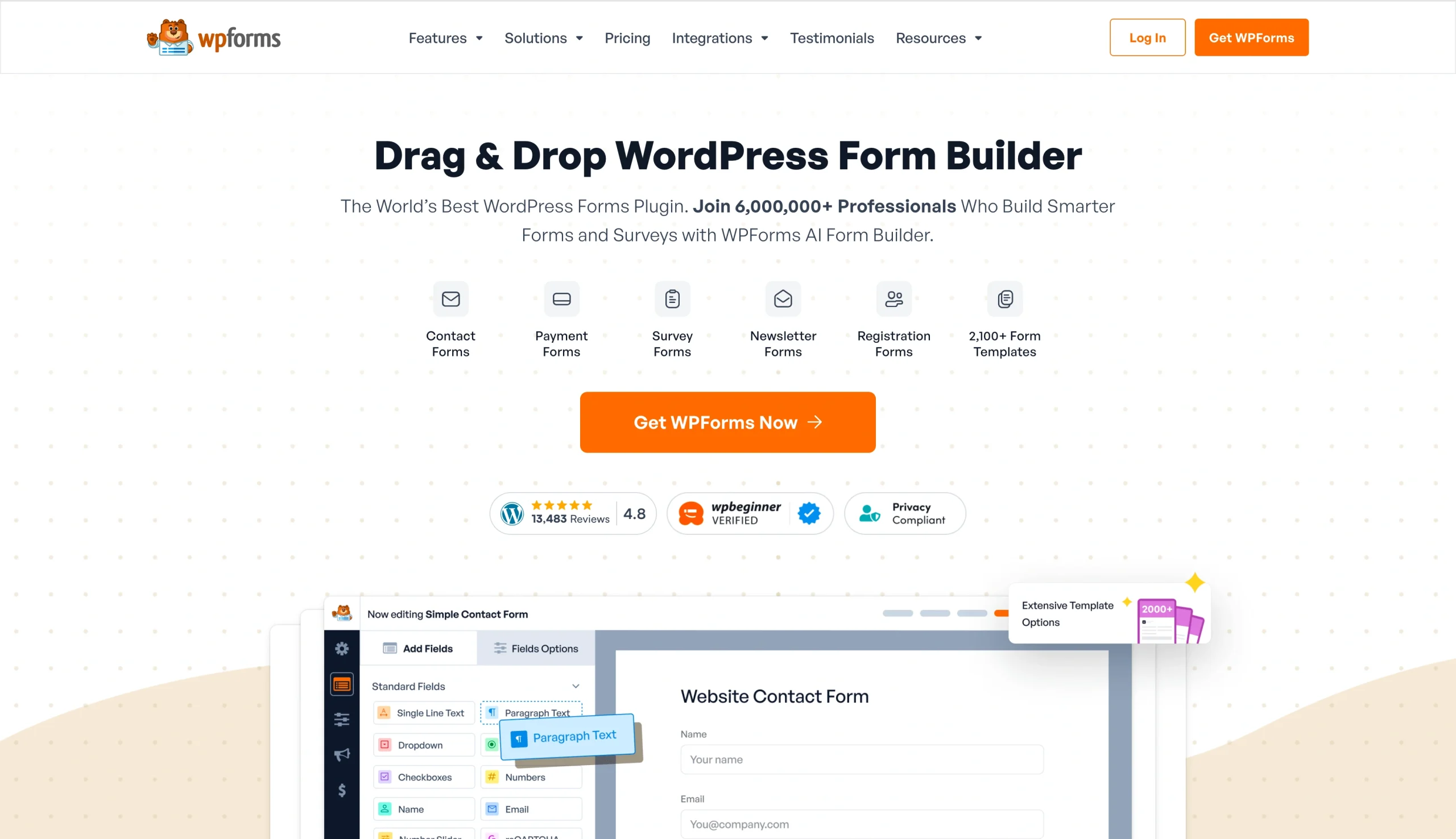
If you’re looking for something as similar as possible to Fluent Forms, but with an even shorter learning curve, WPForms is probably your best bet. It’s one of the easiest to use form plug-ins on WordPress. When testing it, I was impressed at the selection of more than 2,000 templates, which makes it simple to get started quickly, and the polished drag-and-drop builder that makes it immediately obvious how to edit your form.
Payment forms, registration forms, and contact forms all work without a hitch, and there are useful options for spam protection and smart notifications built in. If you’re a small business owner or blogger with a single website, WPForms works reliably and is straightforward to add to your site.
- Key features
- 2,000-plus form templates available
- Drag-and-drop builder with signatures, file uploads, and calculated fields
- Entry management dashboard that stores and organizes all submissions inside WordPress
- Form abandonment tracking to capture partial submissions
- Pros
- One of the most beginner-accessible form plug-ins in the WordPress ecosystem
- Over six million active installs, with wide theme and plug-in compatibility and a large community
- AI form building and Stripe payments are both available on the free plan
- Cons
- Three percent payment processing fee (on top of credit card fees) on Lite, Basic, and Plus
- Free plan doesn’t store entries in the WordPress database
- Submissions arrive via email only
- Plans/pricing
- Free plan available
- Paid plans start at $49.50 per year for one site, $99.50 per year for three sites, $199.50 per year for five sites, or $299.50 per year for unlimited sites (these rates are valid for the first year only — rates double after the first year)
4. Google Forms
Best for: Teams that need simple internal surveys or one-off forms
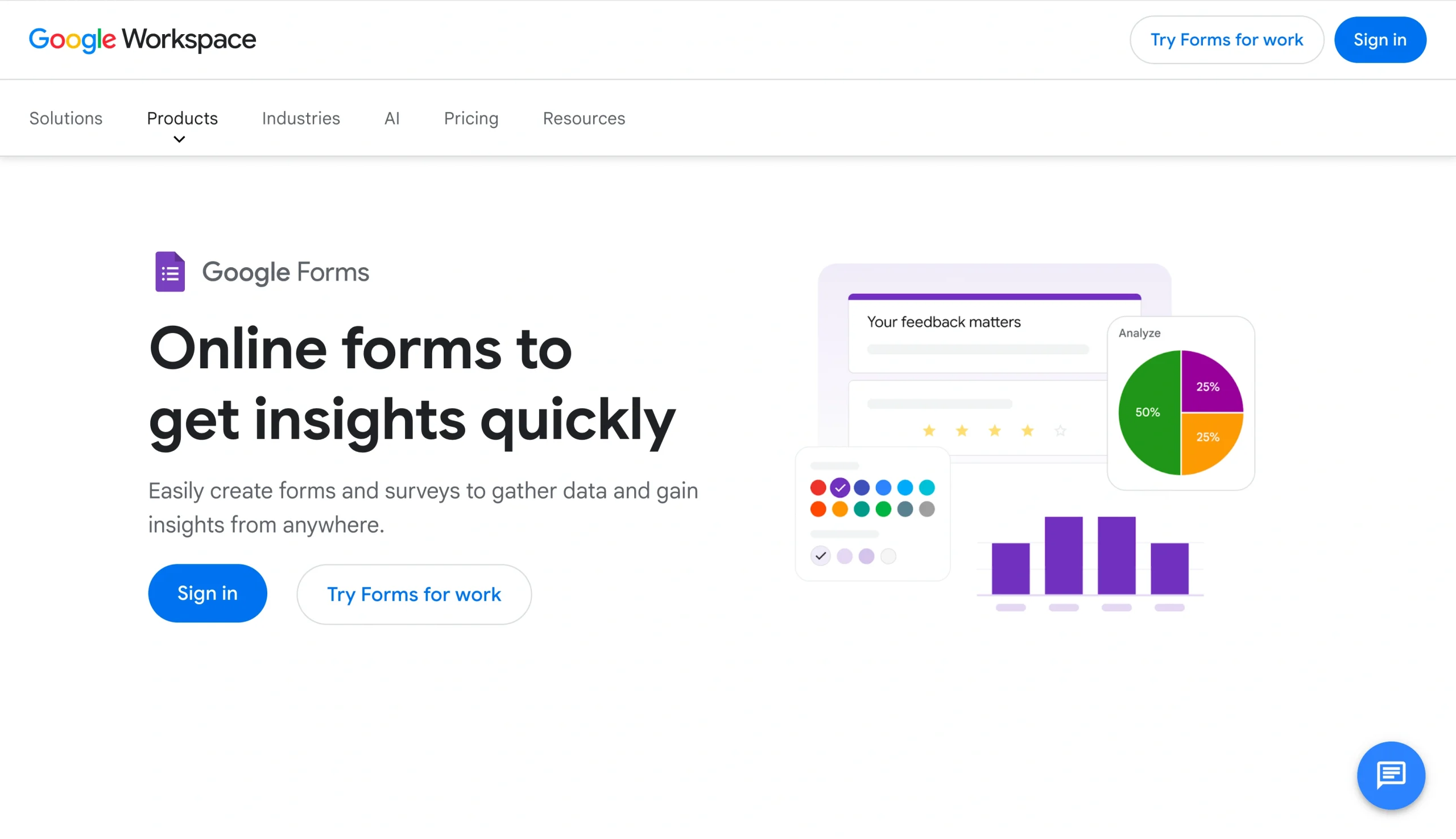
Google Forms is completely free, easy to use, and ideal for basic data collection tasks. You can embed the forms directly on any website and they show up smoothly on any device. They’re also incredibly simple for users to fill out, and unlike with WordPress-native forms, you don’t need to fiddle with SMTP settings to make sure you receive the submissions. By copying Google Forms’ “share” link, you can also easily survey users at scale, log the responses in Google Sheets, and turn the data into charts for analysis.
It’s less powerful than Fluent Forms, so don’t expect advanced features like conditional logic, conversational forms, or payment processing. But if you don’t actually need everything Fluent Forms offers anyway, Google Forms and its alternatives are worth considering.
- Key features
- Unlimited forms and responses with no submission caps
- Automatic Google Sheets sync
- Real-time collaboration on form creation
- Ability to manage who in your organization can interact with your forms
- Pros
- Completely free with a Google account
- Google Sheets integration means data is immediately available for analysis
- Familiar to respondents — the format rarely causes confusion or drop-off
- Cons
- Almost no design or branding control — you can always tell if a form is a Google Form
- No native workflow automation, approval flows, or payment processing
- Plans/pricing
- Free with any Google account, included with all Google Workspace subscriptions
5. Microsoft Forms
Best for: Organizations using Microsoft 365 that need quick internal surveys
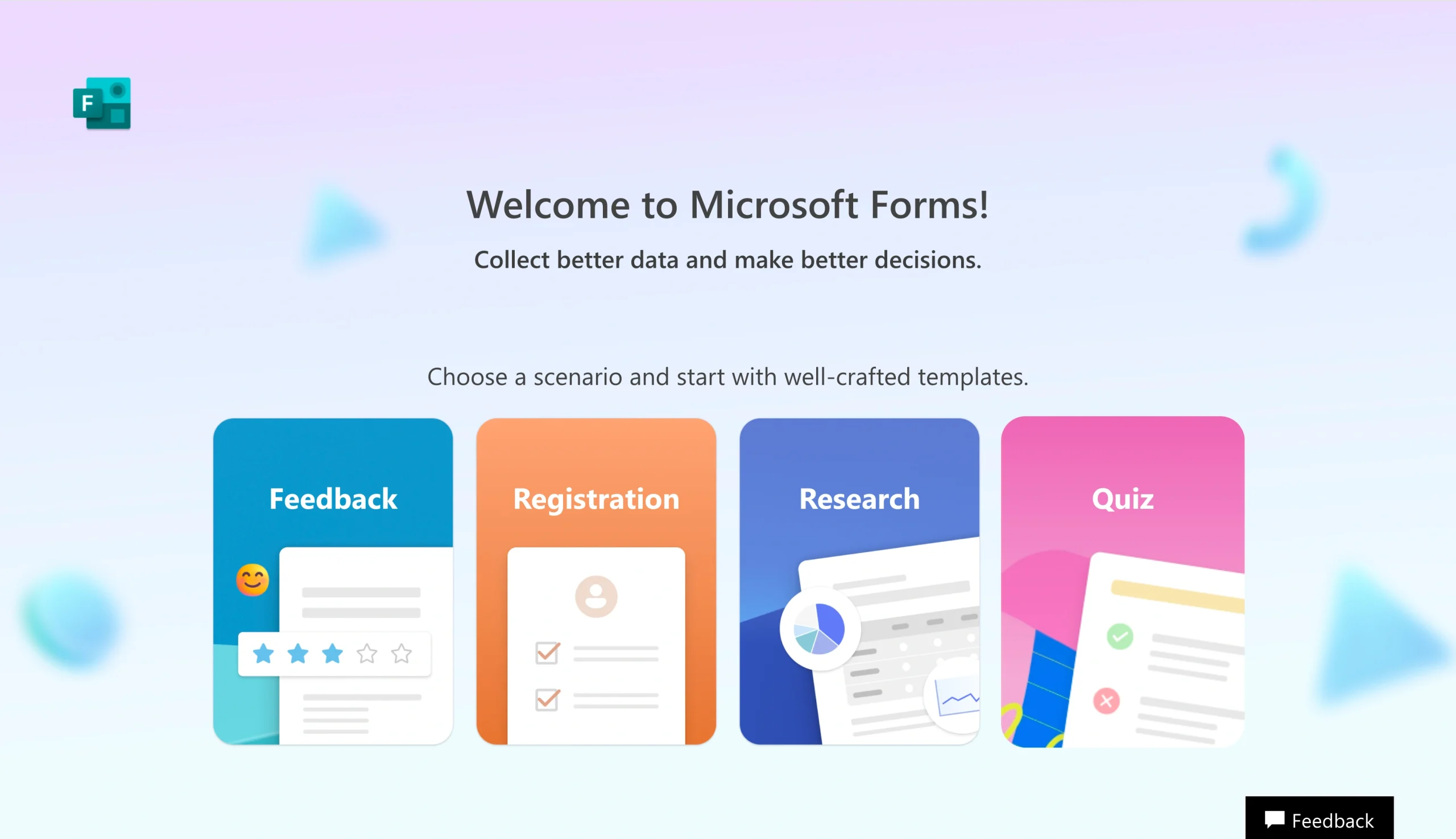
If your team uses the Microsoft ecosystem and you need to survey users internally, it’s tough to beat Microsoft Forms. It’s included with Microsoft 365 at no extra cost, works on any device, and requires no setup beyond logging into your existing account. Like Google Forms, there’s no plug-in to install or SMTP configuration to worry about. You build the form, share the link, and responses sync directly to Excel.
This is by far the most convenient option if your organization is already all-in on Microsoft, and the price is hard to argue with. What it won’t do is handle branded customer-facing forms, payment processing, workflows, or other advanced form features. (I was pleasantly surprised to see it offers basic branching logic, though.)
- Key features
- Microsoft 365 integration including Excel, SharePoint, and Teams
- HIPAA compliance features, GDPR, and BAA support; real-time dashboards
- Basic conditional routing
- Pros
- Already included in Microsoft 365 subscriptions
- Compliance-ready out of the box for enterprise organizations
- Connects natively to Microsoft Teams for meeting polls and feedback
- Cons
- Only 200 responses per form for personal users (Microsoft 365 users get five million)
- Weak integrations outside the Microsoft ecosystem
- Not many options to customize your form
- Plans/pricing
- Free with a personal Microsoft account, included with Microsoft 365 at no extra cost
6. Typeform

Best for: Marketers and product teams running surveys or lead capture flows
Typeform was the first platform to take the one-question-at-a-time approach mainstream. Instead of presenting all your questions at once, it shows them one after the other, walking respondents through the form as if it were a conversation. It’s a more engaging experience, and for shorter surveys and lead capture flows it tends to drive higher completion rates than a traditional form layout. Typeform’s form designs also feel premium in a way many other platforms on this list can’t match.
If you’re mostly building short surveys, lead qualification flows, or customer research questionnaires, Typeform is worth your consideration.
- Key features
- One-question-at-a-time format with strong mobile experience and keyboard navigation
- AI form builder that generates forms from a prompt
- Conditional logic, answer piping, and 120-plus native integrations
- Built-in analytics tracking completion rates, drop-off points, and per-question response times
- Pros
- Forms look polished and premium without any design work on your end
- Completion rates are strong for shorter surveys and lead capture flows
- Strong native integration ecosystem including HubSpot, Salesforce, and Google Sheets
- Cons
- Free plan is limited to 10 responses per month, and paid tiers have fairly low response limits
- Adding a company logo requires a paid plan
- Plans/pricing
- Free plan is limited to 10 responses per month
- Paid plans start at $39 per month for 100 responses, and team plans start at $79 per month for three seats and 1,000 responses
7. Formidable Forms
Best for: WordPress users who want to build data-driven applications and directories
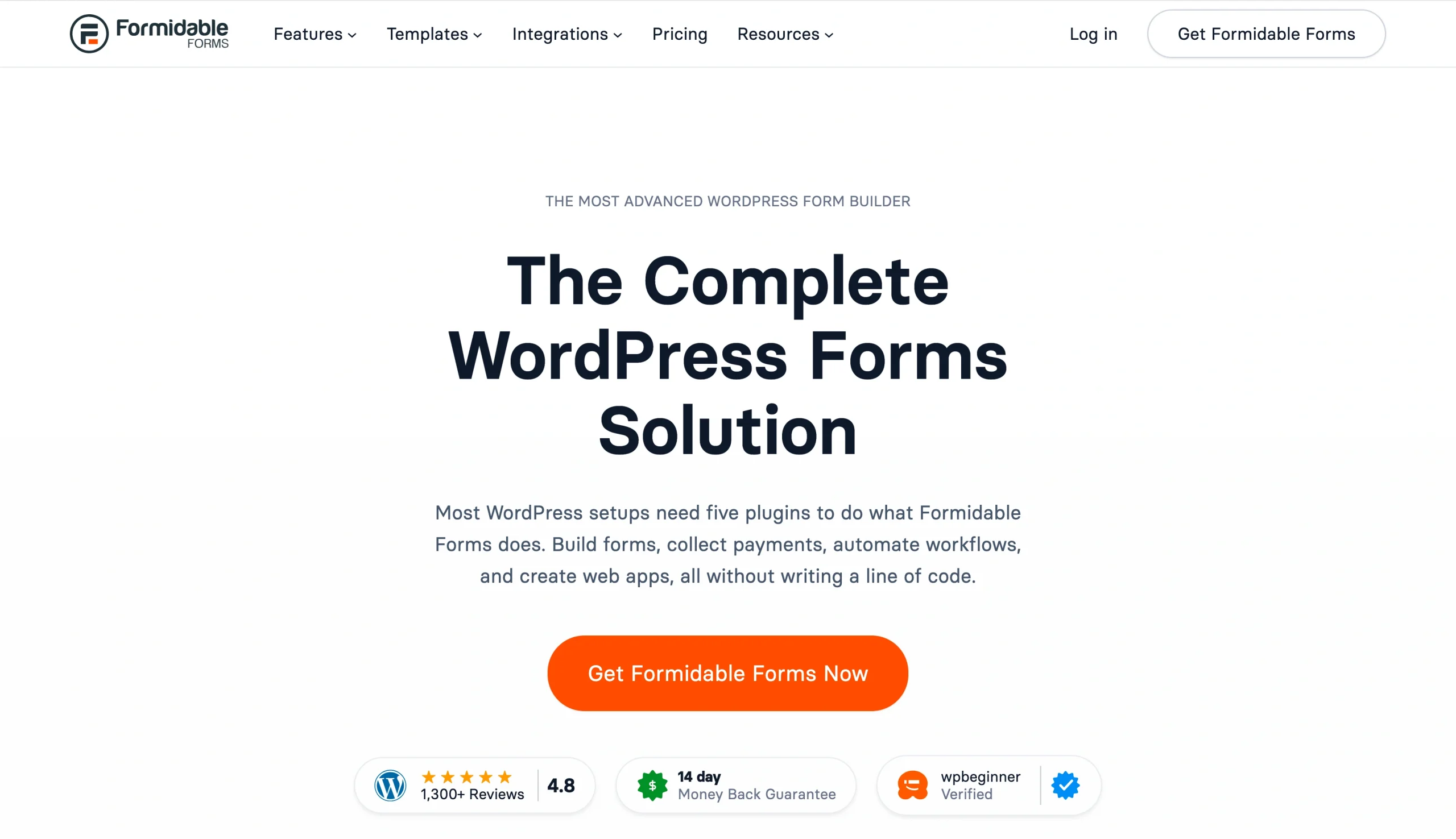
Formidable Forms considers itself a form builder and a low-code application builder, and that’s evident as soon as you scroll through its templates. As well as prebuilt contact and signup forms, you’ll also find templates for real estate listings, member directories, and job boards. If you’re planning a WordPress use case with user-driven content and flexible views on the front end, this is one of the few plug-ins that can do it without custom development.
Calculations are another strong suit for Formidable Forms. You can build pricing calculators, mortgage tools, and quote generators directly in a form, with results updating in real time as users answer questions.
- Key features
- Views feature turns form submissions into front-end directories, listings, and apps
- Calculated fields for pricing engines, mortgage calculators, and quote generators
- Conditional logic, multi-page forms, repeating sections, and payment processing via Stripe
- Integrations with Zapier, Mailchimp, Salesforce, WooCommerce, and Google Drive
- Pros
- One of the few WordPress plug-ins that can power a data-driven application without custom development
- Front-end editing means users can manage their own submissions without touching the WordPress admin
- Free plan includes unlimited forms and entries
- Cons
- Steeper learning curve than any other tool on this list
- Costs double after 12 months when introductory pricing expires
- Plans/pricing
- Free plan available
- Paid plans start at $39.50 per year for one site, $99.50 per year for three sites, $199.50 per year for seven sites, or $299.50 per year for unlimited sites (these rates are valid for the first year only — rates double after the first year)
How to choose the right form builder
Each tool on this list is the right choice for someone. Google Forms and Microsoft Forms are perfectly good for internal surveys where branding and automation don’t matter. Gravity Forms is a strong option for complex conditional logic on WordPress. WPForms is an easy-to-use WordPress plug-in, Typeform is great for short surveys, and Formidable Forms does an impressive job of turning form submissions into searchable front-end directories.
But if your forms are one part of a larger workflow, picking any of these platforms requires you to stitch together multiple tools. That has a cost: Research published in Harvard Business Review found that workers toggle between apps roughly 1,200 times a day, losing about nine percent of their working hours just reorienting themselves.
Jotform consolidates everything you need into a single platform. Jotform Workflows turns submissions into multi-step processes with approvals, assignments, and automatic notifications. Jotform Apps lets you combine forms with other content into app-like experiences. Jotform Tables handles data analysis and reporting. And Jotform AI Agents can reply to customers, handle follow-ups, and take action — all connected directly to your form data.
To test it for yourself, try Jotform for free and build your first form in minutes.
FAQs about Fluent Forms alternatives
Usually people look for alternatives to Fluent Forms when they hit the limits of what it can do. It’s great for straightforward data collection, but it doesn’t offer e-signatures, approval workflows, or AI features, and there isn’t a huge selection of integrations. Fluent Forms is impressively lightweight and loads quickly, but if you’re building complex form-driven workflows, its feature limitations might require you to stitch together multiple tools to do everything you need to do. It’s also WordPress-only, which means you’ll need a different form builder if you move your website to another platform.
This article is for small business owners, marketers, agencies, WordPress users, and teams looking for a more flexible, user-friendly alternative to Fluent Forms for building forms, collecting payments, automating workflows, and managing submissions.














































































Send Comment: