
Plumsail has earned a loyal following among teams that live inside Microsoft 365. Its two flagship products, Plumsail Forms for building richer SharePoint forms and Plumsail Documents for generating files from templates, solve real problems for organizations that run processes on SharePoint and Power Automate.
But “built for Microsoft” cuts both ways. Some teams find Plumsail harder to maintain than they’d like, want form experiences that don’t depend on SharePoint customization, or simply need a platform that plays nicely with the rest of their stack. Others are chasing more predictable costs or a setup that doesn’t lean as heavily on IT support.
If any of that sounds familiar, you have good options. Here are five of the best Plumsail alternatives in
2026 for SharePoint forms, approval workflows, and document automation, each with a clear sense of whom it’s for, what it does well, and where it falls short.
Why teams are looking for Plumsail alternatives
Most decisions to switch come down to practical frustrations rather than any single deal-breaker:
- Form experiences: Plumsail Forms extends SharePoint’s native forms, which are powerful but can feel rigid. Teams often want faster form building, easier styling, and simpler ongoing maintenance, ideally without touching SharePoint’s underlying configuration every time something changes.
- Workflow needs: Internal processes usually involve more than a form: routing submissions, collecting approvals, sending notifications, and keeping an auditable trail. The smoother connection of those steps, the less manual follow-up your team has to do.
- Document automation: Generating consistent PDFs, proposals, agreements, or internal documents from collected data is a core Plumsail use case and a core reason customers compare alternatives. The question is usually whether document generation lives in the same workflow as data collection and approvals or in a separate tool.
- Microsoft 365 fit: Some teams want a “native first” option that stays inside the Microsoft ecosystem. Others prefer a best-of-breed tool that integrates with SharePoint but isn’t limited to it, especially if they also use Google Workspace, Salesforce, or another platform.
- Admin and governance: As usage spreads across departments, managing permissions, multiple teams, and standardization start to matter. A platform that’s easy to govern centrally saves headaches later.
- Budget and licensing: Cost predictability is one of the most common triggers for switching. Usage-based or per-workflow models can be hard to forecast, and surprise overage charges push teams to look for clearer pricing.
| Tool | Best for | Starting price | Microsoft/SharePoint fit |
|---|---|---|---|
| Jotform | No-code forms, approvals, and document generation across any stack | Free plan; paid tiers scale up | Integrates with SharePoint, Microsoft 365, and much more |
| Microsoft Power Apps | Microsoft-committed teams building custom internal apps | $20/user/month (premium) | Native to Microsoft 365/Dataverse |
| Nintex | Large enterprises needing heavy process automation | Custom quote only | Strong; SharePoint roots |
| PandaDoc | Sales teams focused on proposals, contracts, and e-sign | $19/user/month (annual) | Integrates, not native |
| Formstack | All-in-one forms, documents, and e-sign suite | About $83/month (forms) | Integrates, not native |
Here is the top 5 Plumsail alternatives in 2026
Here’s a quick side-by-side analysis before we present detailed breakdowns. Each breakdown has the same structure (best for, why it’s a good alternative, key features, limitations or trade-offs, and pricing) so you can compare these alternatives on the jobs that matter: SharePoint-style forms, approval workflows, and document generation.
1. Jotform
Best for: Teams that want a no-code platform to handle forms, approval workflows, and document generation without being locked into a Microsoft-only environment
Why it’s a good alternative: Plumsail is built primarily for organizations that rely heavily on SharePoint and Microsoft 365. Jotform also collects data, routes approvals, and generates documents, but it does so in a broader, more accessible way.
It works across a much wider ecosystem. Jotform integrates with Microsoft 365 and SharePoint and connects with Google Workspace, Salesforce, HubSpot, Airtable, Slack, Zoom, Stripe, PayPal, and thousands of other tools, which makes it a natural fit for organizations running a mix of platforms rather than a Microsoft-only stack.
It’s also easier for nontechnical users. Many Plumsail workflows are built around SharePoint customization and Microsoft infrastructure, which often means looping in IT. With Jotform, business teams can build and manage forms, approval workflows, e-signature processes, document generation, and even apps and portals on their own, with no SharePoint expertise or developer support required.
Also, Jotform is a dedicated form-building platform rather than an extension of SharePoint forms. It offers thousands of templates, conditional logic, payment collection, conversational forms, AI-powered form creation, and mobile and offline forms, making it suitable for customer-facing forms as well as internal processes. These form-building capabilities are why Jotform is known as the best no-code online form builder for creating customized forms for any business need.
Key features: Drag-and-drop form builder, conditional logic, Jotform Smart PDF Forms and document generation, approval workflows, e-signatures, payment collection, AI form creation, more than 20,000 templates, and a large integrations library. Crucially, document automation lives in the same workflow as data collection and approvals: A user fills out a form, the data is approved, a PDF is generated automatically, the document is routed for signature, and the signed copy is stored and shared, all in one place.
Limitations or trade-offs: Jotform isn’t a Microsoft-native tool, so teams that specifically want everything to live inside SharePoint lists and Dataverse, or that need deep on-premises Microsoft governance, may still prefer a native option. Some advanced administrative controls sit on higher-tier and Enterprise plans.
Pricing: Jotform offers a free Starter plan, with paid tiers starting from $34 that scale up as you add forms, submissions, and features, plus custom Enterprise pricing. Check Jotform’s pricing page for rates.
2. Microsoft Power Apps
Best for: Microsoft-committed organizations that want to build custom internal business apps on top of SharePoint and Dataverse
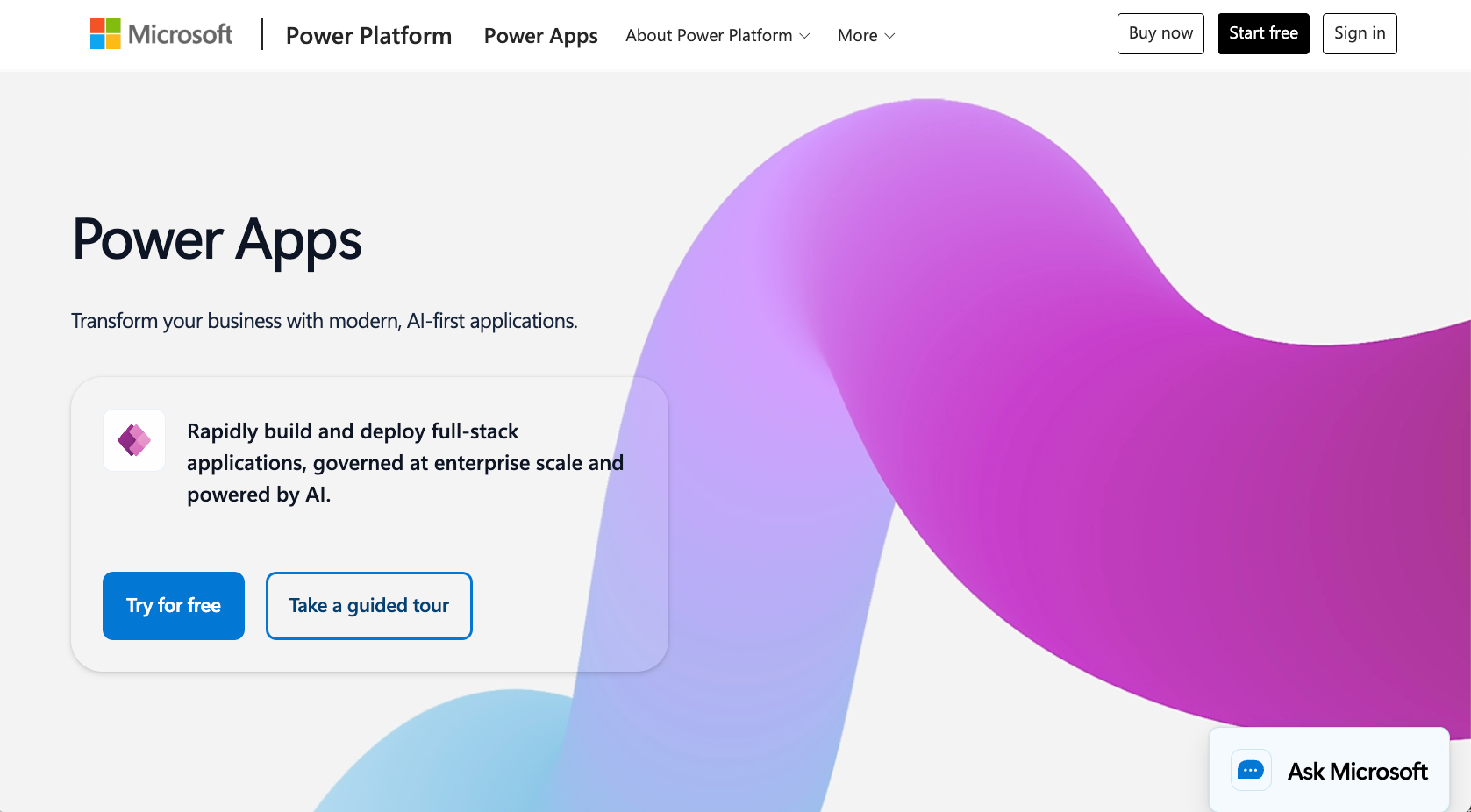
Why it’s a good alternative: If your Plumsail usage is about creating richer, app-like experiences over SharePoint data, Power Apps is the most “native-first” replacement. It’s part of the Microsoft Power Platform, so it connects deeply with SharePoint, Dataverse, Teams, and the rest of Microsoft 365, and it can replace custom SharePoint forms with full canvas or model-driven apps.
Key features: Canvas and model-driven app builders, Microsoft Dataverse for structured data, Power Automate for workflows and approvals, premium and custom connectors, and AI Builder for adding intelligence to apps. For Microsoft-heavy IT teams, the governance and admin tools are a major draw.
Limitations or trade-offs: Power Apps has a steep learning curve and frequently requires IT or developer involvement, especially once apps need premium connectors, Structured Query Language, or Dataverse. Licensing is notoriously complex, and premium connectors and storage can add to the overall cost. It’s also Microsoft-centric by design and therefore less suited to customer-facing forms or organizations that want to work outside the Microsoft ecosystem.
Pricing: A free Developer Plan covers non-production building and testing. For production, Power Apps Premium is $20 per user, per month (dropping to $12 per user, per month at 2,000-plus seats). A pay-as-you-go option runs about $10 per active user, per app, per month via Azure. Confirm current details on Microsoft’s pricing page; licensing has shifted recently.
3. Nintex
Best for: Midsize to large enterprises that need robust, end-to-end process automation and document generation, often within a Microsoft or SharePoint environment
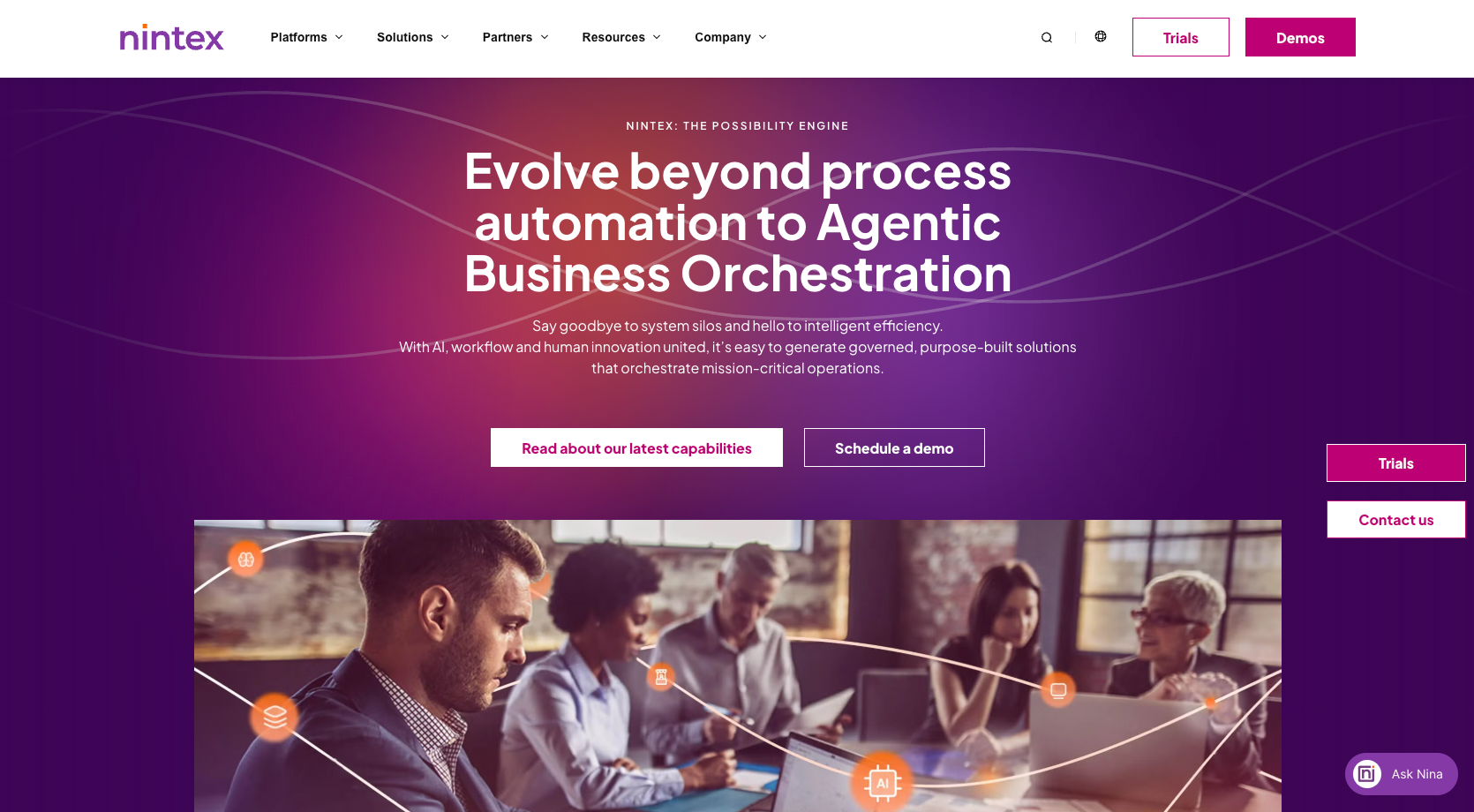
Why it’s a good alternative: Nintex started life as a SharePoint workflow tool and has grown into a full process-automation platform. If your needs are scaling into complex, multistep approvals, company-wide process mapping, and high-volume document generation, Nintex is built for that level of sophistication.
Key features: A drag-and-drop workflow designer; document generation from dynamic templates; process mapping and optimization (via Nintex Process Manager); robotic process automation ; forms; analytics; and strong integration with Microsoft 365, SharePoint, Salesforce, and other enterprise systems.
Limitations or trade-offs: Nintex is aimed at enterprises, and it shows. Implementation can be IT-heavy, and its pricing is a frequent pain point in user reviews. The platform uses a mix of user-based and consumption-based (per-workflow-execution, per-document) models that can become hard to predict and expensive as automation scales. It’s likely overkill for small teams.
Pricing: Nintex doesn’t publish pricing on its website; plans are custom-quoted based on deployment model, modules, users, and automation volume. Pricing varies by plan; contact Nintex or a reseller for a quote.
4. PandaDoc
Best for: Sales and revenue teams whose main goal is creating proposals, quotes, and contracts and collecting e-signatures, which is the document-and-signing half of what Plumsail does
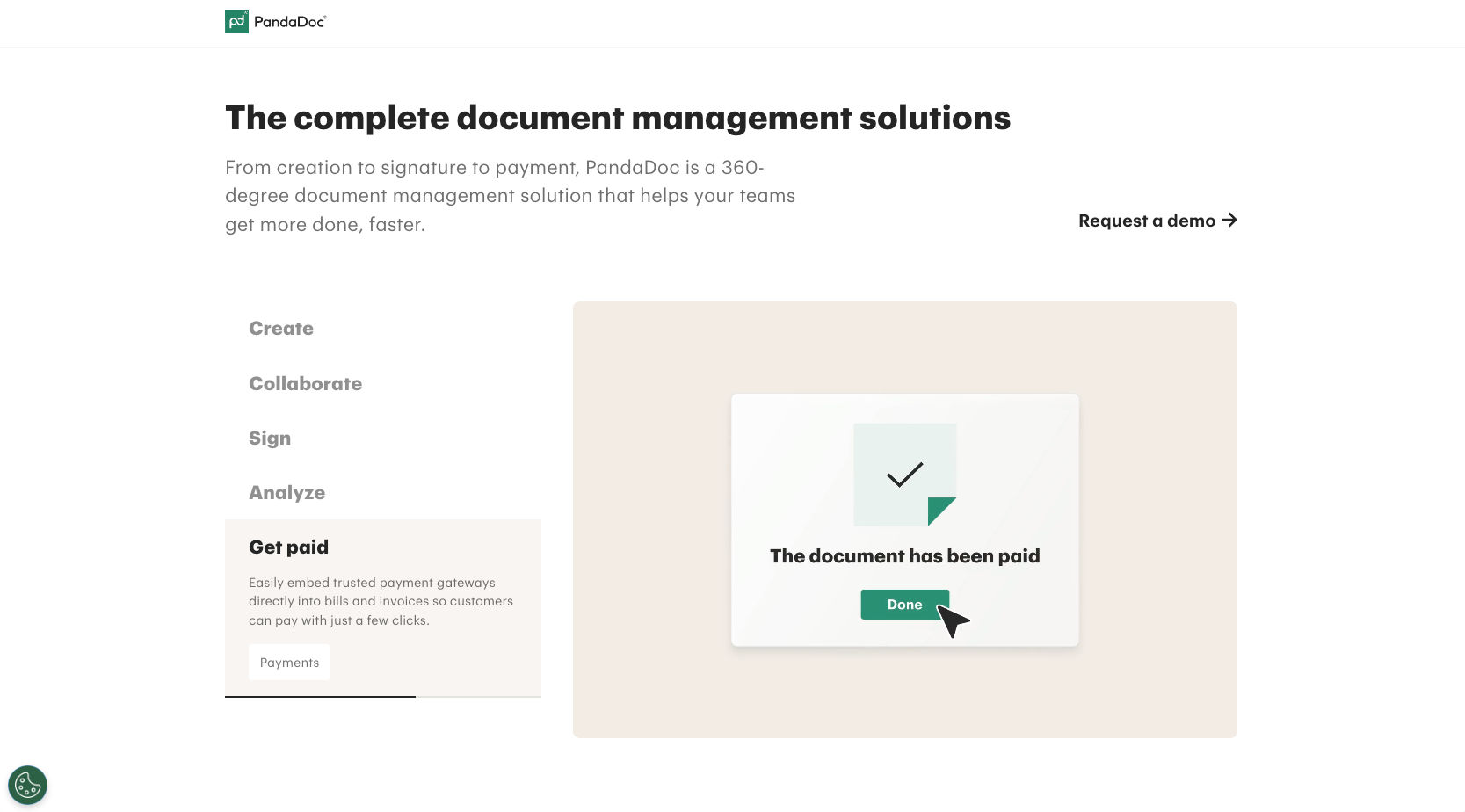
Why it’s a good alternative: If you mostly use Plumsail Documents to generate and send documents for signature, PandaDoc is a dedicated, polished tool for exactly that purpose. It combines document creation, templates, tracking, and e-signatures in one workflow, with a strong focus on customer-facing sales documents.
Key features: A drag-and-drop document editor, a template and content library, pricing tables, legally binding e-signatures, real-time tracking and analytics, approval workflows, and CRM integrations with tools including HubSpot and Salesforce.
Limitations or trade-offs: PandaDoc isn’t a SharePoint form builder or an internal-process automation platform; it’s purpose-built for sales documents, so it won’t replace Plumsail’s forms or SharePoint-centric workflows. Per-seat pricing can add up, and some essentials (CRM integrations, removing PandaDoc branding) are gated to higher payment tiers.
Pricing: A free plan covers up to five documents per month with unlimited e-signatures. Paid plans include $19 per user, per month (Starter, billed annually); $49 per user, per month (Business, billed annually); and custom Enterprise pricing. Monthly billing costs more.
5. Formstack
Best for: Teams that want an all-in-one, no-code suite for forms, document generation, and e-signatures without committing to the Microsoft ecosystem
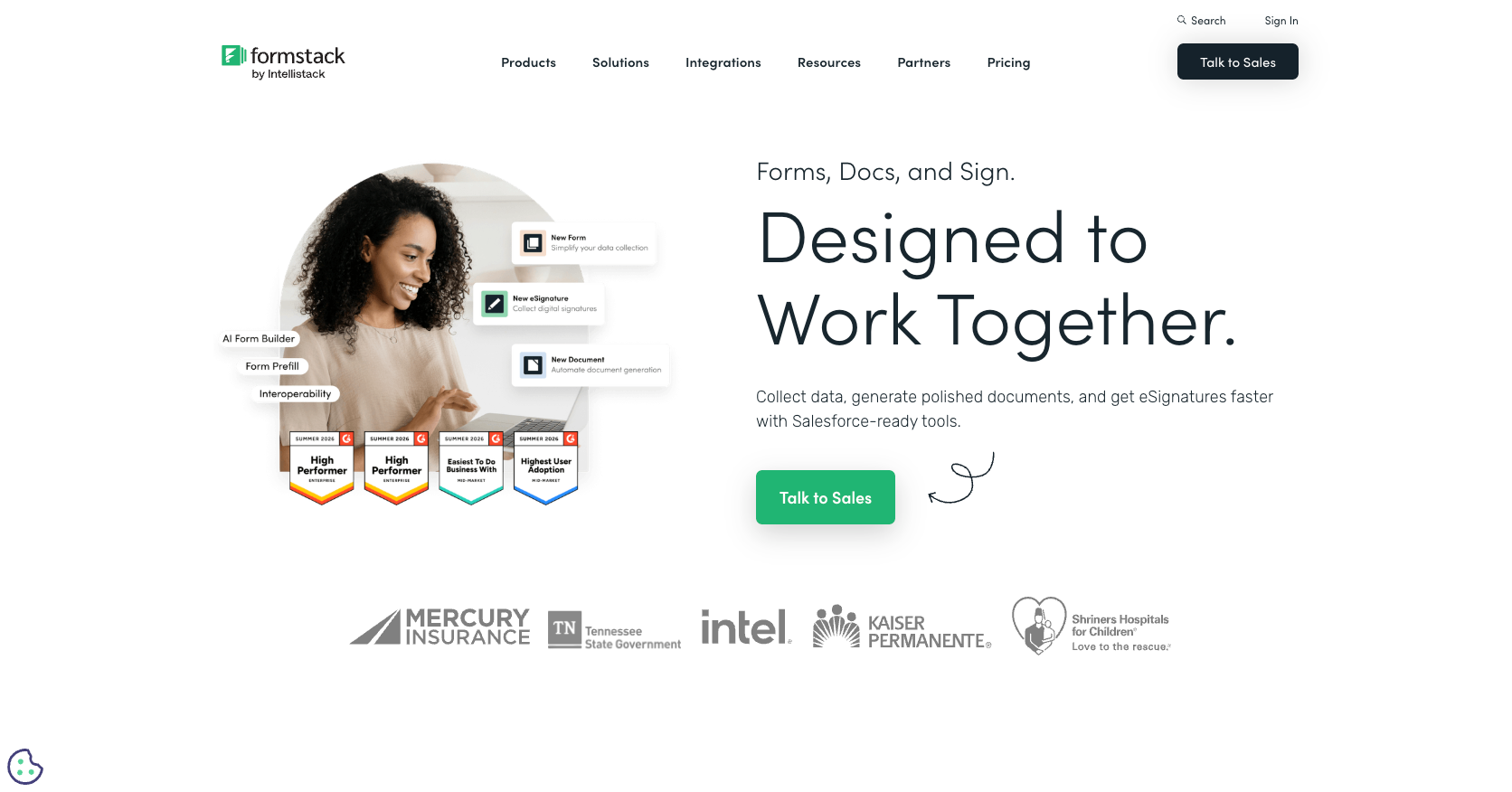
Why it’s a good alternative: Formstack maps closely to Plumsail’s combination of forms and documents. Its three building blocks, Formstack Forms for data collection, Documents for generation, and Sign for e-signatures, cover the same end-to-end jobs. The platform integrates well with tools such as Salesforce, making it a flexible, platform-agnostic replacement.
Key features: A drag-and-drop form builder with conditional logic, document generation and merging from form or external data, e-signatures, approval workflows, more than 300 integrations, and HIPAA-enabled options on higher tiers.
Limitations or trade-offs: Formstack has no free plan, and it’s priced higher than many competitors. Forms, Documents, and Sign are split across tiers, so unlocking the full workflow of forms, documents, and signatures generally means buying the pricier Suite, which can feel like a lot for small teams that need only part of the platform.
Pricing: Based on recent third-party listings, the core Forms plan starts at around $83 per month (billed annually) while the all-in-one Suite (Forms + Documents + Sign) runs around $250 per month. Enterprise is custom-quoted. These figures are approximate; confirm current pricing on Formstack’s site before deciding.
Picking the best Plumsail alternative for your workflow
The right choice depends on which Plumsail job you’re replacing (forms, approval workflows, document generation, or all three) and how tied you want to stay to Microsoft. Match the tool to your workflow and your team’s comfort with technology, not just the feature list:
- If you want one no-code platform for forms, workflows, and documents across any stack: Choose Jotform.
- If your team is all-in on Microsoft and wants native custom apps: Choose Microsoft Power Apps.
- If you’re a large enterprise with complex, high-volume process automation: Choose Nintex.
- If your main need is a platform that will generate sales proposals, contracts, and e-signatures: Choose PandaDoc.
- If you want an all-in-one forms-plus-documents suite outside Microsoft: Choose Formstack.
- If predictable pricing and ease of use for nontechnical teams matter most: Start with Jotform. It covers the widest range of Plumsail use cases with the least setup-related overhead costs.
Whatever you choose, take advantage of free trials and free plans to test how each tool handles your actual forms, approval workflows, and documents before you commit.
This article is for SharePoint and Microsoft 365 admins, operations teams, HR and IT departments, and process owners who use Plumsail for SharePoint forms or document automation and want a simpler, more flexible replacement.












































































Send Comment: