Jotform’s logistics forms help teams go paperless by creating digital logistics forms with drag-and-drop, no coding required. Build custom logistics forms to improve logistics and supply chain management, then share mobile-ready forms to collect responses from anywhere. Jotform stores submissions instantly in your secure online account so your data stays organized and accessible.
Templates
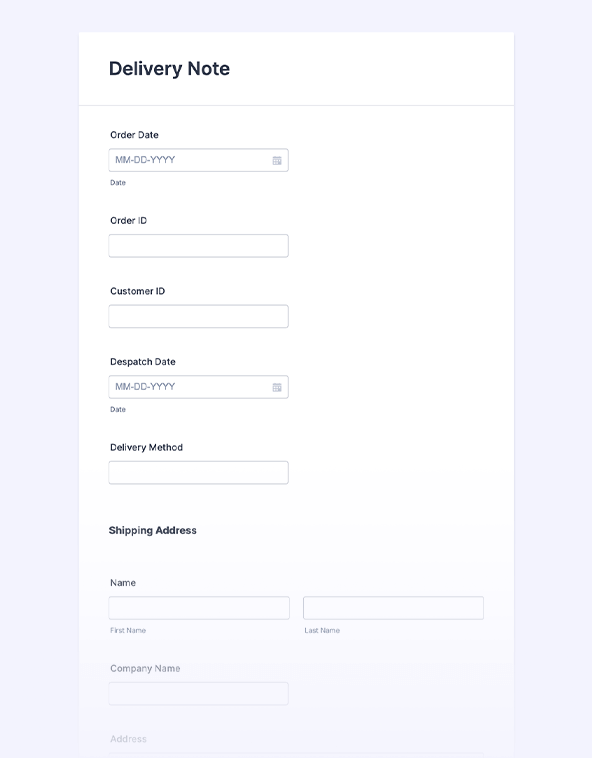
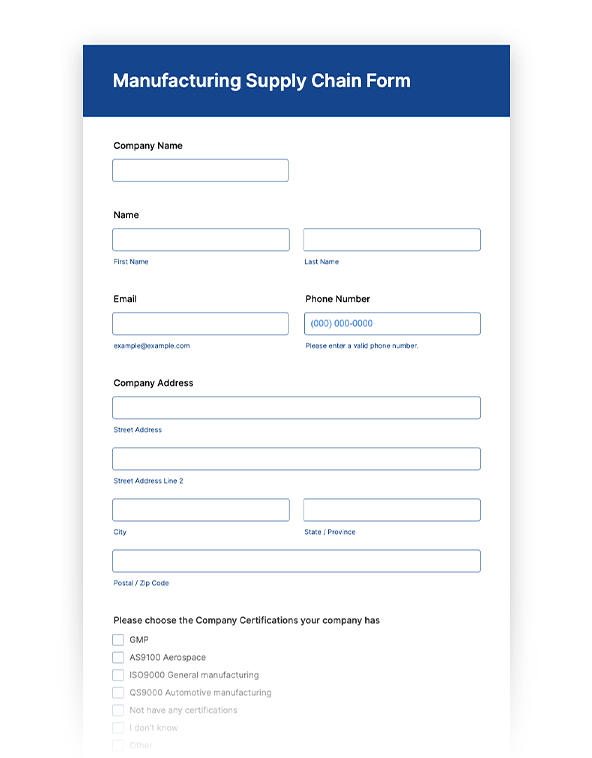
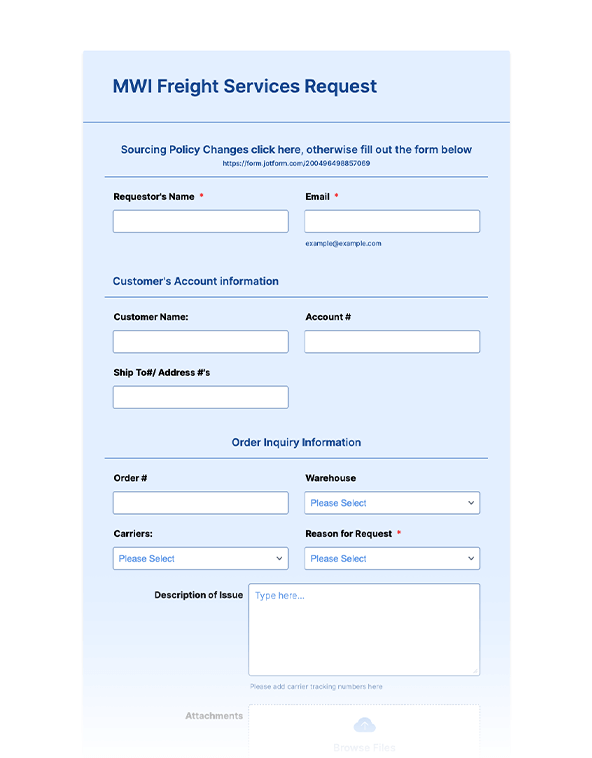
Don’t want to start from scratch? Choose from one of our readymade logistics form templates and customize it in seconds with our no-code Form Builder. Simply drag and drop to add or change form elements, upload your own branding, and more.
Benefits
Collect supply chain details in one place by replacing paper with online forms. Use Jotform to create logistic forms for each step of the workflow so the same process captures the data every time. This makes it easier to review submissions later because responses are already structured and searchable.
Use forms that automatically adjust to mobile, tablet, and desktop screens. This makes it easier for drivers, warehouse staff, and office teams to submit updates from whatever device they have on hand. Fewer layout issues means people can complete the form faster and with fewer errors.
Embed logistics forms on a website so teams can submit requests without leaving the page. Send invitation emails or share a direct link when the form needs to be distributed to a specific group. This keeps data collection consistent because everyone uses the same form and fields.
Store submissions in the Jotform account automatically, so responses stay organized as they come in. Review and manage entries in Jotform Tables, then switch between table, calendar, and cards views depending on how the team needs to track work. This helps teams stay on top of follow-ups because each submission can be reviewed in a single workspace.
Testimonials
Creating an online form shouldn’t be difficult. Jotform’s intuitive online form builder lets anyone create forms in seconds, perfect for collecting registrations, applications, orders, and more. In just a couple of minutes, watch how easy it is to make your first form from scratch.