
Top 10 help desk software for enterprise
From user account lockouts to customer complaints, enterprise support teams handle a constant stream of requests from both internal employees and external customers. Without an efficient help desk solution, it becomes difficult to maintain productivity, minimize downtime, and deliver reliable support at scale.
Modern enterprise help desk tools solve these challenges by combining artificial intelligence (AI), self-service options, automation, deep integrations, and service-level agreement (SLA) enforcements. They help large organizations personalize support, streamline operations, and reduce the cost of managing high-volume requests.
If you’re evaluating customer support platforms, we’ve rounded up the best enterprise help desk software for 2026, including their key features, pros and cons, and pricing.
10 best help desk software for enterprise comparison table
 Jotform Enterprise |  Salesforce Service Cloud |  ServiceNow |  Jira Service Management |  Freshdesk |  Zoho Desk |  Zendesk |  InvGate |  Helpdesk 365 |  Help Scout | |
|---|---|---|---|---|---|---|---|---|---|---|
| Best for | Automated support across internal teams and customers | Support integrated with your customer relationship management (CRM) platform | Enterprises with complex IT environments | Organizations with strong development teams | Enterprises needing an easy-to-use omnichannel help desk | Enterprises looking for flexibility with advanced automation | Unifying customer interactions | Information Technology Infrastructure Library (ITIL) aligned service desk plus asset management | Internal support for organizations using Microsoft 365 | Service teams needing a simple, email-first help desk |
| Key feature | No-code forms and AI-powered issue resolutions with intelligent AI agents | Integrated workspace for supporting customers and internal employees | Cross-departmental workflow support across the entire organization | Fast collaboration between IT and development teams | Vertical AI agents and pre-built agentic workflows | Contextual support for service agents to improve efficiency | Advanced automation, AI insights, and powerful reporting | Integrates with multiple departments, including HR, facilities, and more | Smooth integrations with the Microsoft 365 ecosystem | Intuitive interface with pre-built dashboards |
| Plans/pricing | Contact Jotform for information on plans and pricing | Paid plans start from $175 per user per month | Contact ServiceNow for information on plans and pricing | Paid plans start from $20 per agent per month | Paid plans start from $15 per agent per month | Paid plans start from $7 per user per month | Paid plans start from $19 per agent per month | Paid plans start from $17 per agent per month | Paid plans start from $19 per agent per month | Paid plans start from $25 per agent per month |
1. Jotform Enterprise
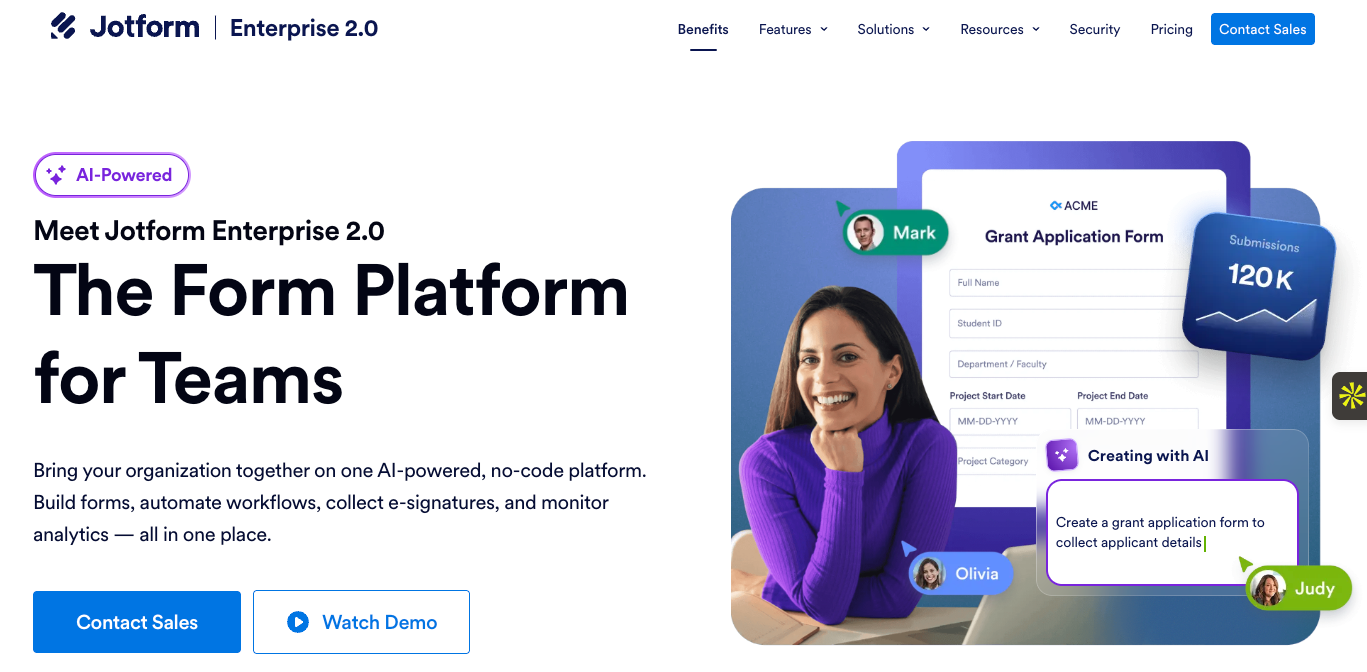
Jotform Enterprise is known for its powerful automations, AI agents, collaboration tools, and analytics. Together, these tools enhance cross-departmental efficiency, increase productivity, and reduce operational costs. But for customer service in particular, Jotform Enterprise goes beyond basic ticketing. It enables support teams to deliver personalized assistance across multiple channels, resolve tickets quickly, and manage customer requests using intelligent AI agents, automated approval workflows, and self-service.
The AI agents built with Jotform Enterprise can handle everything from ticket routing to engaging customers with voice interactions, sending and retrieving information via APIs, and seamlessly escalating to human reps when needed. The AI agents support up to 130 languages, making it easy for you to communicate with customers all around the world. This combination of AI and automation allows you to transform low-touch, high-volume issues into no-touch experiences while your human agents focus on more complex interactions. As a result, your teams experience improved productivity and increased customer satisfaction.
For internal teams, Jotform Enterprise provides an easy way for employees to submit requests and get assistance whenever they need it through AI-powered forms and agents. The internal help desk solution also connects your teams to real-time analytics across your business — from forms to agents to workflows — giving reps a complete view of all support assets and customer needs. The result is scalable help desk automation that works across your organization, reduces friction, and gives you visibility and control without complexity.
- Best for: Automated support across internal teams and customers
- Key features:
- Forms and data collection: A powerful no-code form ecosystem for creating, customizing, and deploying secure forms for data collection across any device or use case
- AI and automation: AI-powered agents that streamline data collection, customer interaction, task management, and ticket resolutions
- Team collaboration: Teams can use shared workspaces to co-create, manage, and optimize forms, workflows, and apps in real time — with roles, access, and permissions structured in a way that makes sense for your organization
- Administration and control: A central admin console offers full visibility, advanced permission controls, and organization-wide management of users, assets, and security
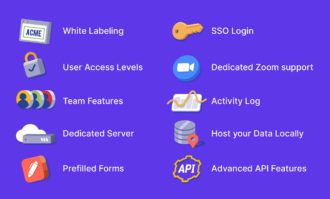
- Enterprise-grade security: Including 256-bit SSL connections, encryption, compliance frameworks, local data residency, and single sign-on (SSO), to protect sensitive information across all operations
- Integrations and developer features: Easily adapt Jotform Enterprise to any technical environment with flexible integrations via APIs, webhooks, and hundreds of pre-built connectors
- Professional services and support: Dedicated expert guidance, hands-on implementation, and personalized support to ensure smooth deployment and long-term success
- Branding and customization: From customized forms to URLs, workspaces, and email delivery, use white-labeling options to design an enterprise help desk experience that’s uniquely yours
- Pros: Seamless support ecosystem with incredibly easy-to-use tools, dedicated support whenever you need it through Zoom calls or live chat
- Cons: Slight learning curve for advanced workflows
- Plans/pricing: Please contact one of our sales representatives for a custom quote tailored to your organization’s needs
2. Salesforce Service Cloud
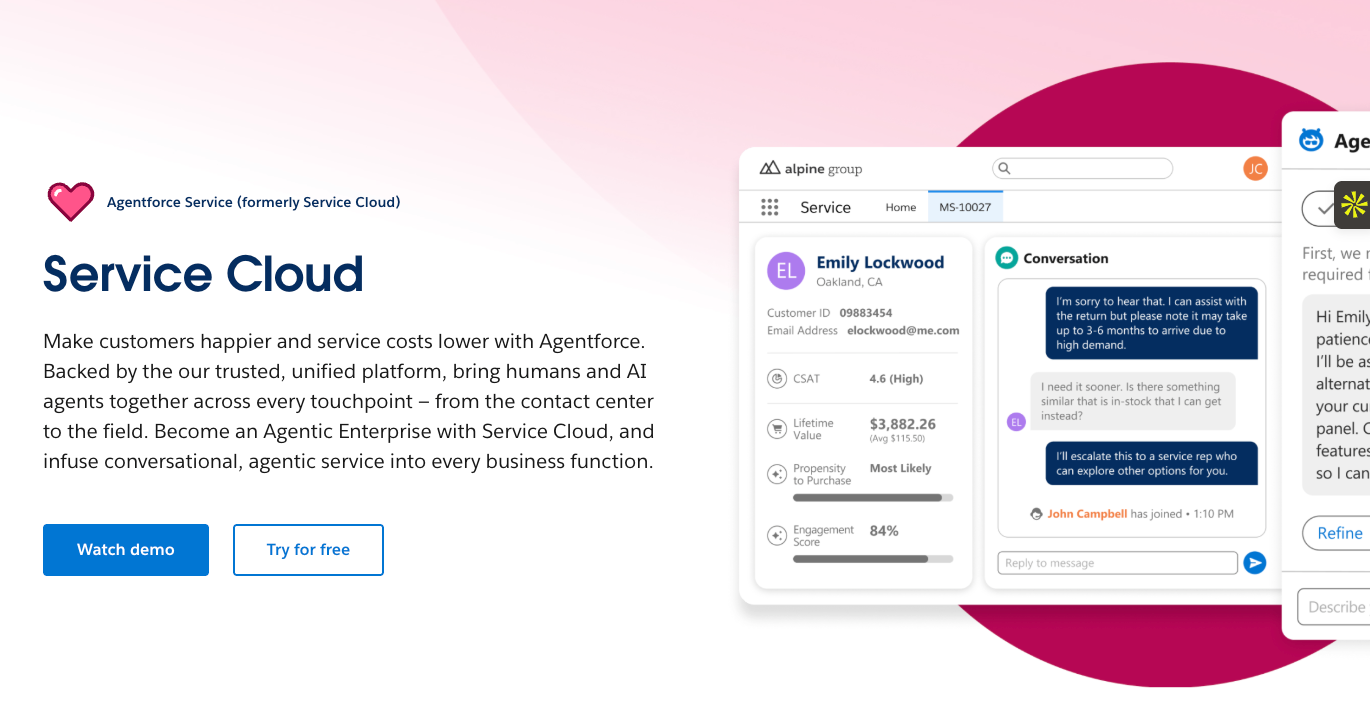
Salesforce Service Cloud is an enterprise-grade CRM that brings case management, knowledge base, omnichannel support, automation, and analytics into a unified AI-powered workspace. It enables seamless collaboration between human and AI agents, allowing organizations to deliver proactive service across every channel.
- Best for: CRM-integrated service
- Key features: Integrated workspace for supporting customers and internal employees across all channels; AI agents for resolving queries, ticket triaging, and routing, and response suggestions; reps can interact with customers through their preferred channels, including chat, email, SMS, phone, social media, and in-app messaging; with Service Cloud’s self-service features, you can give customers a single source of truth for everyday issues, reducing incoming ticket volume; get real-time visibility into help desk performance with customizable reports, dashboards, and Customer Signal Intelligence
- Pros: Built-in automation and AI tools, excellent for organizations already on the Salesforce platform
- Cons: Complex system with a steep learning curve
- Plans/pricing:
- Enterprise ($175 per user per month, billed annually)
- Unlimited ($350 per user per month, billed annually)
- Agentforce 1 Service ($550 per user per month, billed annually)
3. ServiceNow
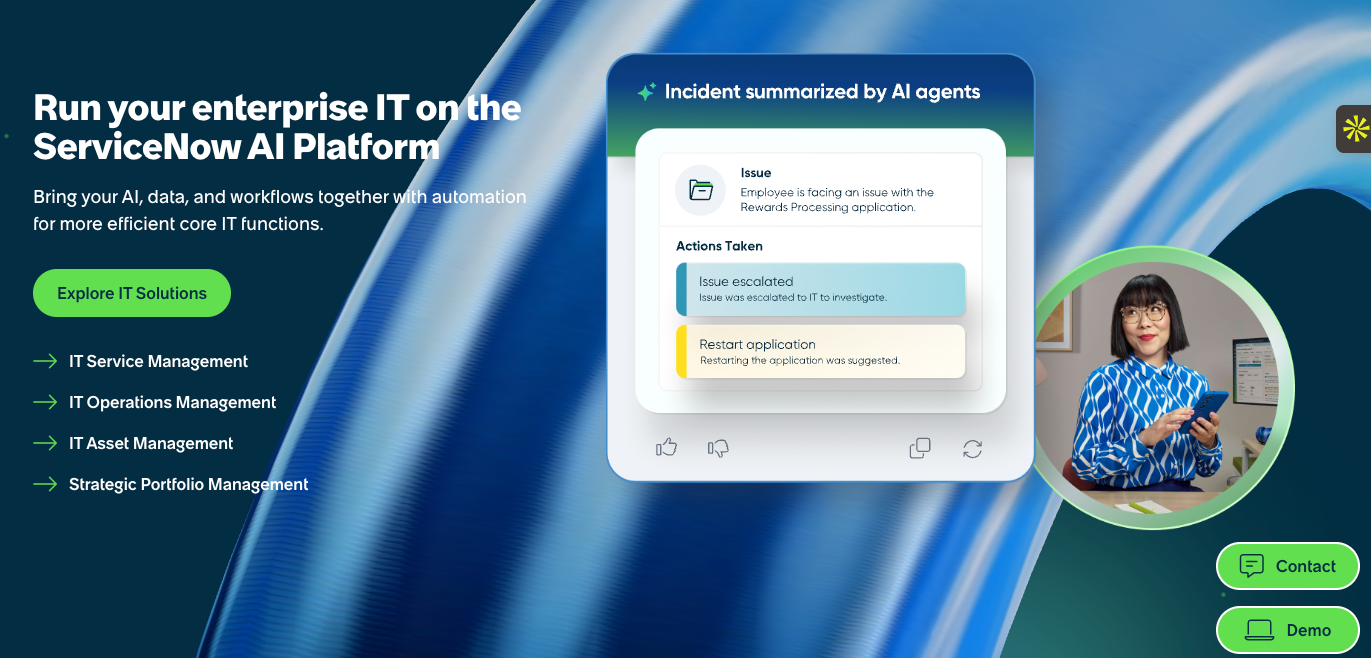
ServiceNow is a cloud-based enterprise workflow platform that brings together IT service management (ITSM) software, asset and configuration management, and cross-department service workflows (IT, HR, security, customer service, etc.) under one roof. The platform is designed for large enterprises that need a unified system to streamline their IT and support functions and integrate with broader business workflows.
- Best for: Enterprises with complex IT environments
- Key features: Streamlines logging, tracking, and resolving IT incidents, as well as identifies root causes to prevent recurrence; self-service portal and knowledge base lets users raise requests and find articles or answers to frequently asked questions, reducing load on IT teams and increasing user empowerment; AI-powered workflows for automating routine tasks; AI for virtual assistance, predictive intelligence, ticket routing, and intelligent task handling; detailed dashboards and analytics for service performance, SLA compliance, and continual improvement; helps manage and control changes to infrastructure/software with proper workflows, approvals, and documentation
- Pros: Cross-departmental workflow support enables IT, HR, security, operations, and other teams to use the same platform for service delivery; strong automation and AI reduce manual work, speed up resolution, and improve service efficiencies
- Cons: Complex system with a learning curve
- Plans/pricing: Contact ServiceNow for information on plans and pricing
4. Jira Service Management
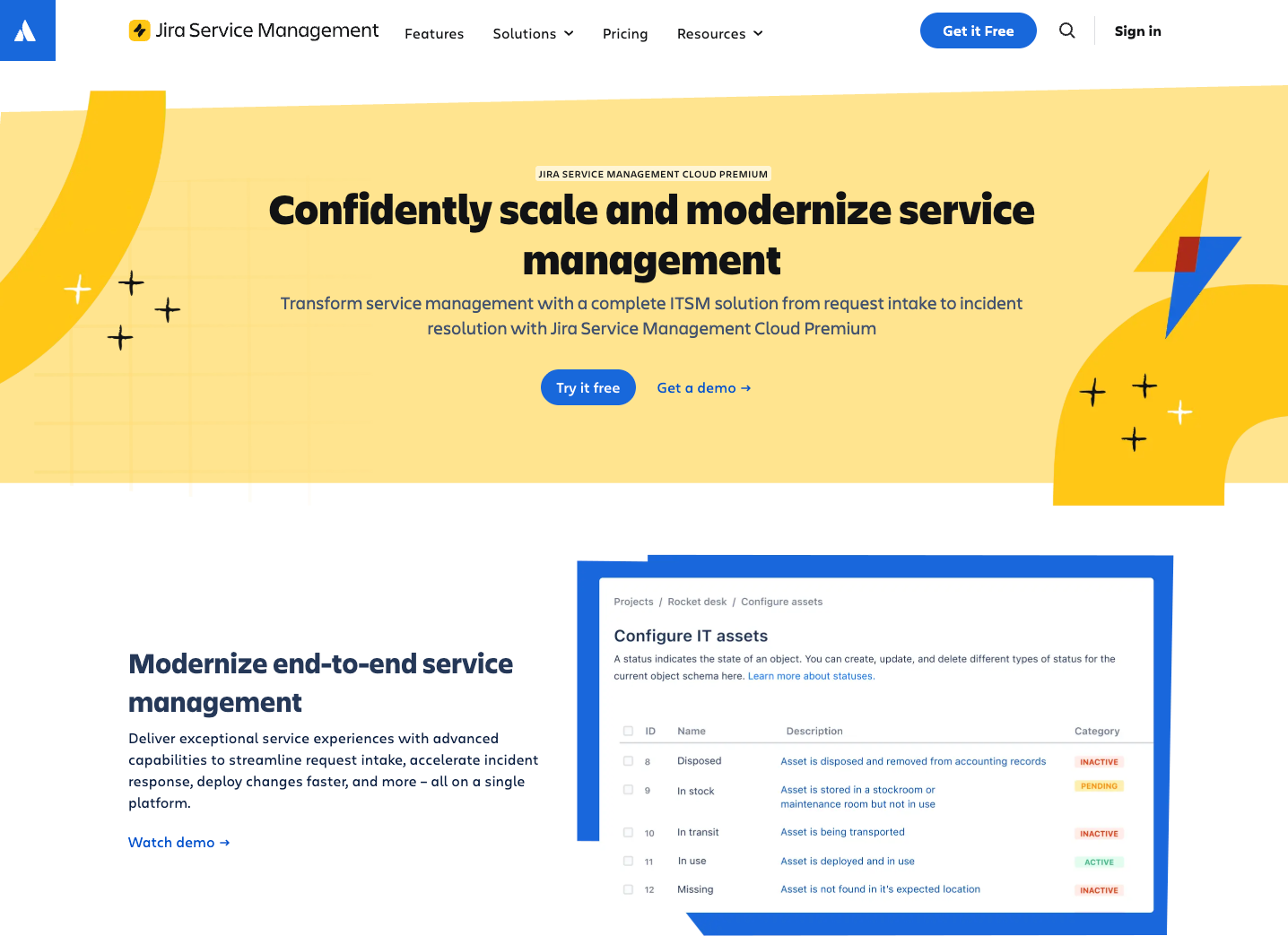
Jira Service Management is Atlassian’s enterprise-ready service desk and ITSM software designed to help IT, DevOps, and business teams deliver efficient service at scale. With it, teams can manage customer and employee requests, streamline workflows across departments, and improve collaboration among support, development, and operations.
- Best for: Organizations with strong development teams
- Key features: Integration with other Atlassian tools, such as Jira, Confluence, and Bitbucket, makes it ideal for teams combining IT support with software development or agile workflows; workflow automation, such as routing and escalations, plus SLA enforcement across tickets; ITIL alignment with out-of-the-box processes for incident, problem, change, and request fulfillment; self-service portal and knowledge base for users to request help or self-resolve common issues
- Pros: Flexible IT help desk platform with highly adaptable workflows, customizable request types, and strong automation; comprehensive ITSM coverage
- Cons: Not the easiest IT help desk tool due to its complexity
- Plans/pricing:
- Free (free): Up to three agents
- Standard ($20 per agent per month)
- Premium ($51.42 per agent per month)
- Enterprise (custom pricing)
5. Zendesk
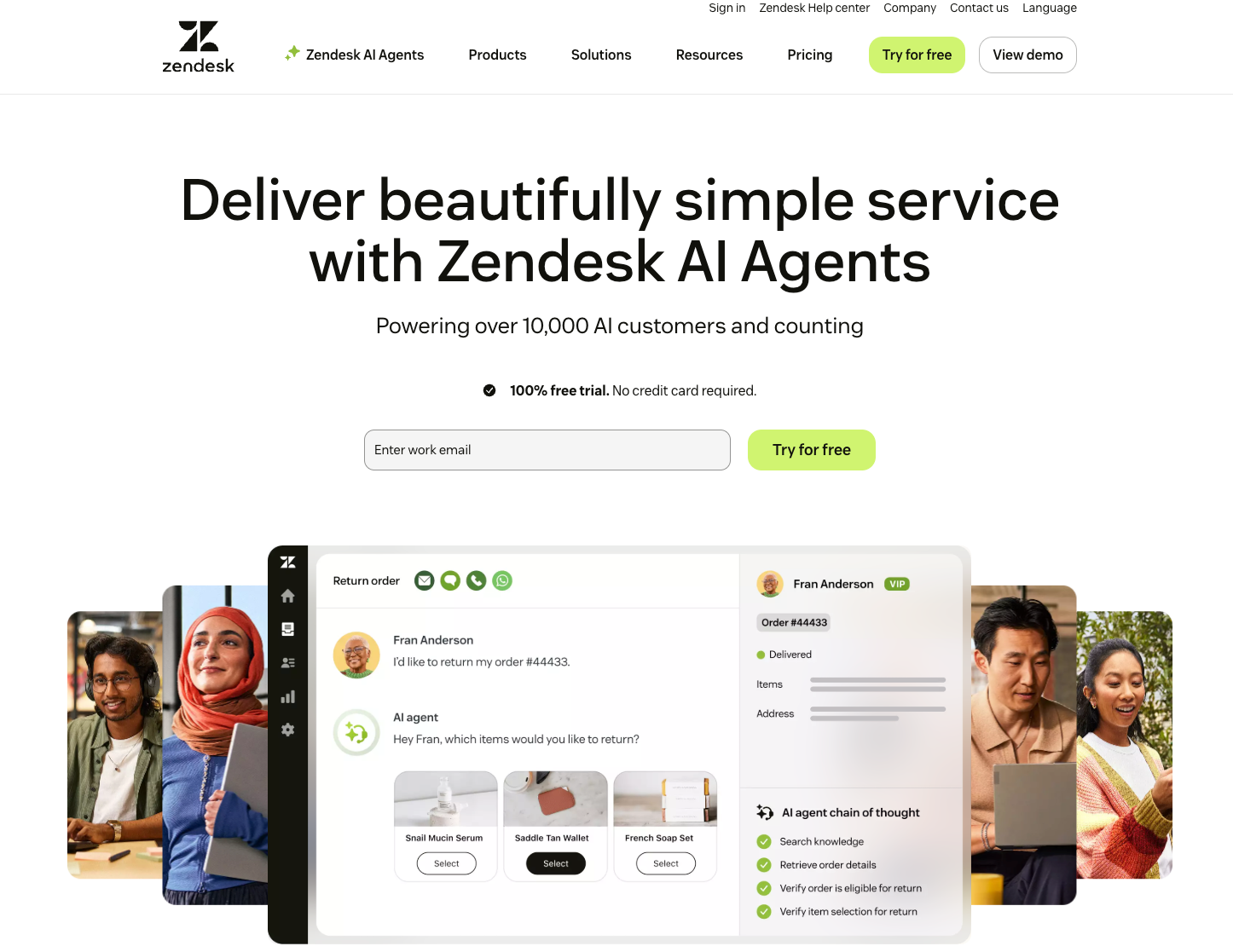
Zendesk offers a full-featured support platform that centralizes all customer and internal requests across email, chat, phone, social, and more. At the same time, it offers a unified workspace, self-service tools, automation, and analytics. While companies of all sizes use the platform, it’s especially compelling for enterprises that want to deliver consistent, scalable omnichannel support without building infrastructure from scratch.
- Best for: Unifying customer interactions
- Key features: Consolidates support requests from email, chat, phone, social media, and other channels into a single dashboard for tracking and resolution; AI help desk tools for handling simple questions and reducing manual ticket burden; SLA and ticket management to ensure timely issue resolution; workflow automation and macros to automate repetitive tasks such as ticket assignment, status changes, notifications, and more; knowledge base and self-service portal to enable customers to solve common issues without opening tickets
- Pros: Comprehensive, scalable help desk automation system; includes strong reporting and analytics for tracking performance, monitoring SLAs, and deriving insights for improvement
- Cons: Deep custom workflows, dashboards, or integrations may require developer resources or external apps
- Plans/pricing:
- Support Team ($19 per agent per month, billed annually)
- Suite Team ($55 per agent per month, billed annually)
- Suite Professional ($115 per agent per month, billed annually)
- Suite Enterprise ($169 per agent per month, billed annually)
6. Freshdesk
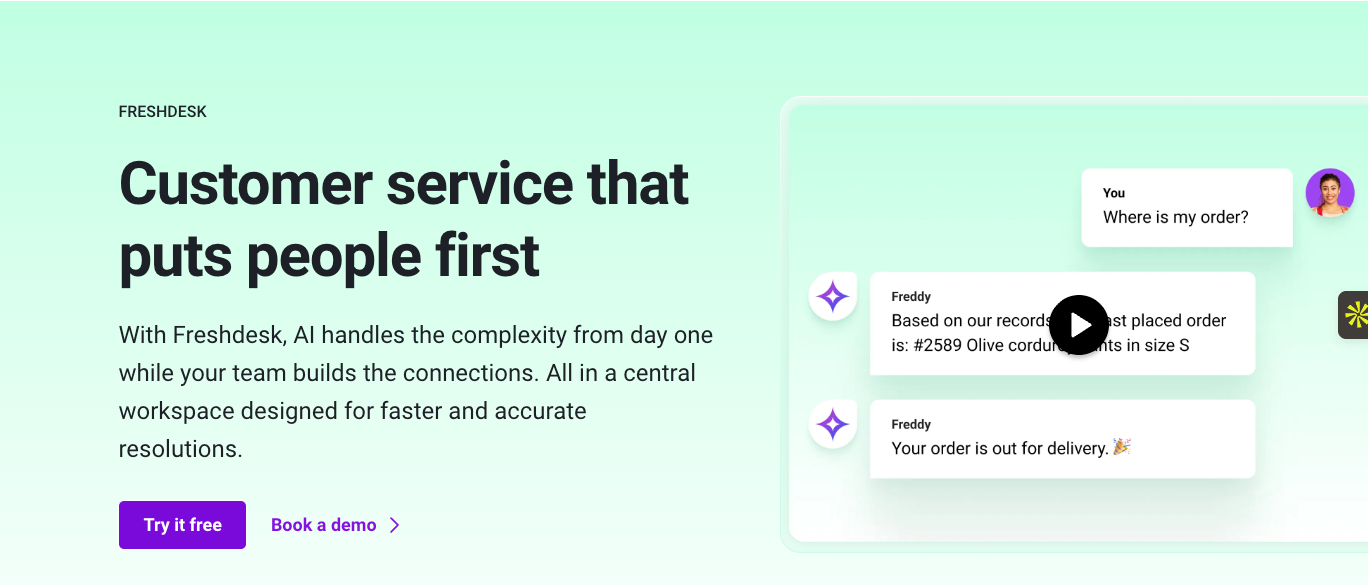
Freshdesk from Freshworks is one of the best enterprise help desk tools for managing customer service operations. It offers a user-friendly interface, multichannel support, self-service portals, and AI enhancement for teams managing high volumes of support requests.
- Best for: Enterprises needing an easy-to-use omnichannel help desk
- Key features: Ticketing and shared inbox for consolidating support requests from all customer touchpoints into a unified dashboard; self-service portal and knowledge base to enable customers to find answers and submit tickets without directly contacting support; workflow automation and SLA enforcement to maintain consistent support standards; multilingual and multi-brand support to enable swift ticket resolution across different brands or regions; AI-powered tools, including AI agents, Copilot, and insights for ticket categorization, prioritization, and resolution
- Pros: Easy to get started with, especially for teams without heavy IT support; strong automation and SLA management ensure consistency and efficiency even as ticket volume grows
- Cons: Some advanced workflows or deeper customization may require extra integrations or additional configurations
- Plans/pricing:
- Free (free): Up to two agents for six months
- Growth ($15 per agent per month, billed annually)
- Pro ($49 per agent per month, billed annually)
- Enterprise ($79 per agent per month, billed annually)
7. Zoho Desk
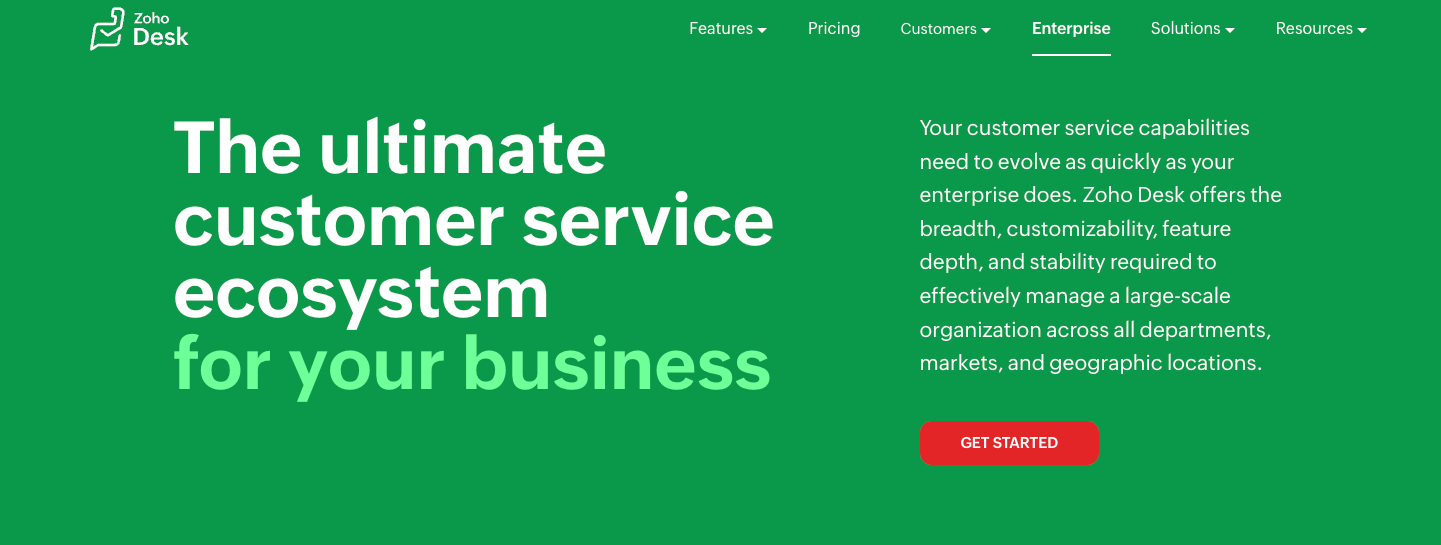
Zoho offers a sophisticated enterprise support software called Zoho Desk for companies looking to manage customer interactions across multiple channels at scale. With AI-powered help desk tools, guided conversations, and SLAs, Zoho Desk equips enterprise support teams to deliver customer service excellence.
- Best for: Enterprises looking for flexibility with advanced automation
- Key features: True omnichannel and multi-channel support, which allows customers to reach out via their preferred medium; AI-powered assistance (Zia AI) for ticket management, sentiment analysis, response suggestions, and support automation; iOS and Android mobile apps for support agents to stay on top of tickets while on the go; deep integrations with over 200 third-party tools and more than 50 native Zoho apps
- Pros: Smooth integration with other Zoho products, which makes it ideal for companies already in the Zoho ecosystem; very flexible and customizable
- Cons: Can get complex as features scale
- Plans/pricing:
- Free (free): Up to three agents
- Express ($7 per user per month, billed annually)
- Standard ($14 per user per month, billed annually)
- Professional ($23 per user per month, billed annually)
- Enterprise ($40 per user per month, billed annually)
8. InvGate
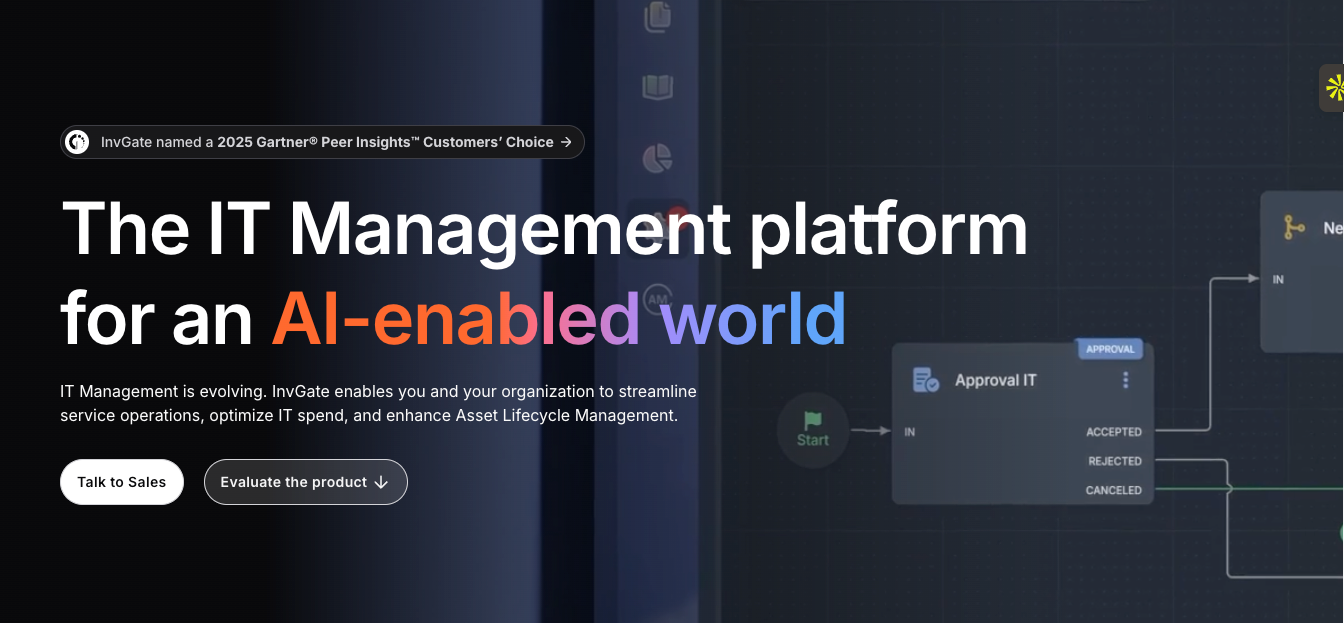
InvGate Service Management is an IT help desk platform that combines ticketing, IT asset and configuration management, workflow automation, and analytics to support both IT departments and other business units under a unified, no-code ITSM framework.
- Best for: Enterprises needing an ITIL-aligned service desk plus asset management
- Key features: Ticket and incident management lets teams log, prioritize, assign, and track support requests or incidents from a centralized system; workflows for changes, problem resolution, and service requests with approvals and process tracking; built-in artificial intelligence for ticket routing, approvals, escalations, and SLA enforcement for consistency; customizable dashboard and metrics for service performance, asset usage, ticket trends, and more to inform strategic decisions; available as cloud or on-premises deployment and supports multiple departments/units
- Pros: Easy to use and configure; cross-departmental support not only for IT but also for HR, facilities, and other business functions
- Cons: The complete ITSM module or advanced workflows can take some effort and time to set up
- Plans/pricing:
- Starter ($17 per agent per month): Up to five agents
- Pro ($40 per agent per month, billed annually): 6–50 agents
- Enterprise (custom pricing)
9. Helpdesk 365
Helpdesk 365 is a cloud-based ticketing and internal help desk solution designed for organizations using Microsoft 365, as it integrates seamlessly with SharePoint, Teams, and Outlook. It offers ticketing, automation, AI-enhanced workflows, and customizable support for IT, HR, and other departments.
- Best for: Internal support for organizations using Microsoft 365
- Key features: A unified ticketing system that captures support requests from email, forms, or Microsoft Teams and consolidates them into a single dashboard; automated ticket routing, SLA enforcement, and escalations based on priority or predefined rules; built-in AI for response suggestions, ticket categorization, and triaging; customizable forms and workflows; self-service portals and knowledge base; comprehensive reporting and analytics dashboard; smooth Microsoft 365 integration, so support happens without context switching
- Pros: Flexible and configurable for internal support workflows, cost-effective for companies looking for internal help desk solutions without a heavy overhead
- Cons: Less suitable for businesses that need a public-facing omnichannel customer support platform
- Plans/pricing:
- Standard ($19 per user per month, billed annually)
- Plus ($29 per user per month, billed annually)
- Premium ($49 per user per month, billed annually)
- Enterprise ($74 per user per month, billed annually)
10. Help Scout
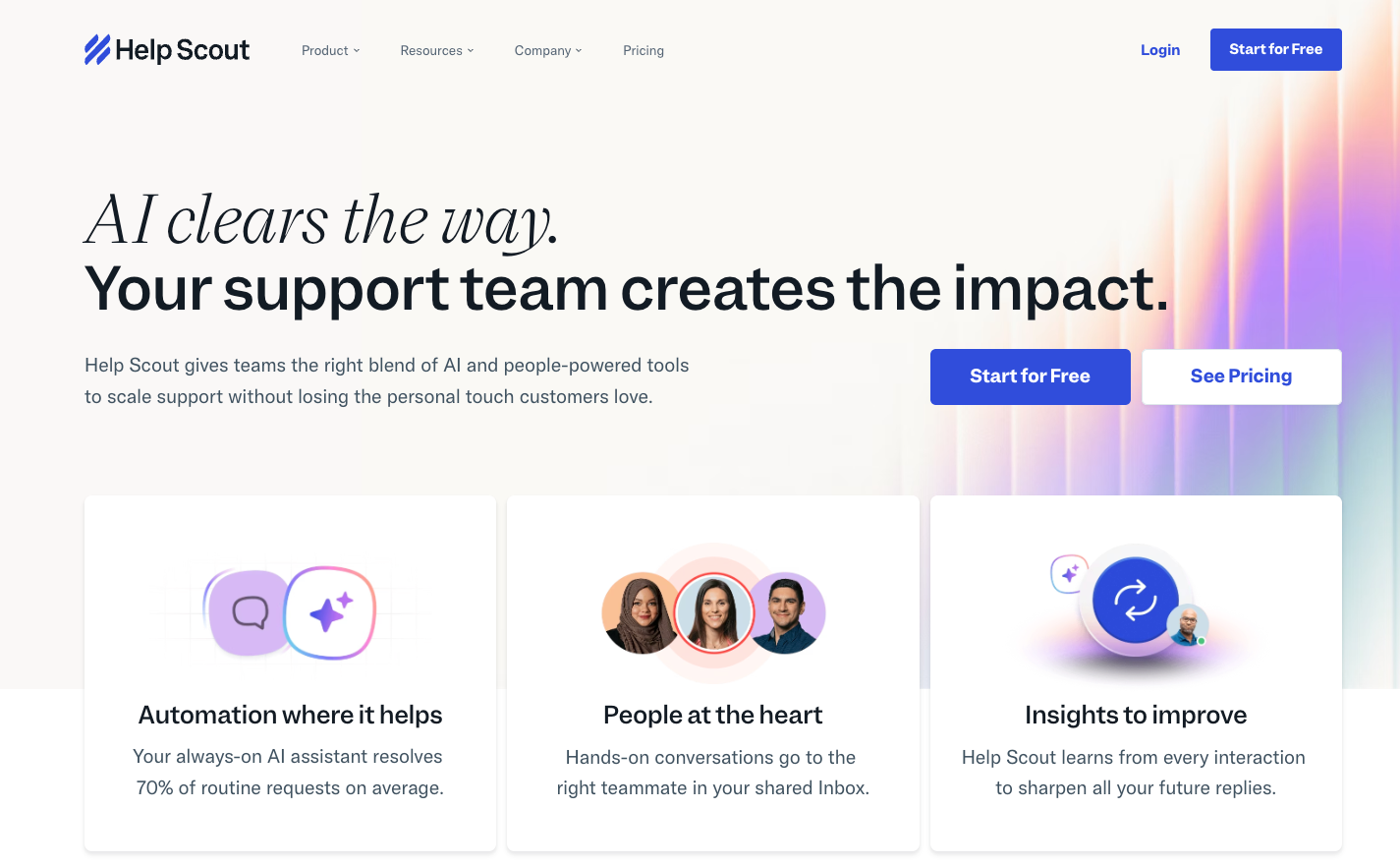
Help Scout is an enterprise help desk solution built around a shared inbox, live chat widget, knowledge base, and automation. It’s designed to help support teams manage customer conversations across email, chat, and other channels while maintaining a personal touch.
- Best for: Customer service teams needing a simple, email-first help desk
- Key features: Shared inbox for consolidating emails, chats, and messages from different channels for easier team collaboration; knowledge base and self-service portals to help reduce incoming ticket volume; workflow automation and saved replies for common queries; live chat and in-app messaging for real-time support beyond email; customer profiles and conversation history to help agents respond to each request with full context; custom reports and analytics
- Pros: The platform helps keep customer support personal and human-centric, easy to use and get started with
- Cons: Less ideal for internal IT or heavily structured service management needs
- Plans/pricing:
- Free (free): Up to five users
- Standard ($25 per user per month, billed annually)
- Plus ($45 per user per month, billed annually)
- Pro ($75 per user per month, billed annually)
How to choose the best enterprise help desk software
Enterprise help desk tools have the same core functionality as standard help desk software. For example, they both capture incoming support tickets, route them to the right teams, and help agents resolve issues efficiently. But the difference is in the scale and complexity they support.
The best ticketing systems for enterprise support multiple departments, thousands of users, strict SLAs, deep automations, and strong governance — all while integrating with the systems that keep your business running. They can handle high volumes of data and better automate customer requests to save time and resources. As you evaluate enterprise help desk tools, here are some guidelines to keep in mind.
1. Assess your internal service needs
Before even comparing tools, define who the help desk will serve and the types of requests your team needs to manage. Ask yourself:
- Is the help desk supporting internal employees, external customers, or both?
- What kind of requests come in most often — IT issues, account access, HR tickets, equipment provisioning, etc.?
- Which workflows need to be standardized or automated?
- Are different departments sharing the help desk, or will they need separate portals?
When you’re clear on these, it’s much easier to narrow things down to the AI help desk platforms that align with the way your organization truly operates.
2. Prioritize scalability, automation, and integration
Choose a platform that can grow with your organization and eliminate manual, repetitive work.
- Ensure it can handle higher ticket volume during peak seasons without slowing down.
- Look for automation features like ticket routing, approvals, escalations, and SLA management.
- Confirm the enterprise support software integrates with the systems your teams already use.
- Avoid tools that create siloed data or force teams to switch platforms just to get work done.
The right platform should support your long-term growth, not require a full rebuild as your business evolves.
3. Evaluate security, governance, and compliance
Make sure the help desk platform can protect sensitive data and meet your organization’s regulatory requirements.
- Look for strong access controls, role-based permissions, and audit logs.
- Confirm that data is encrypted in transit and at rest.
- Check whether the vendor offers local data residency to meet localization guidelines.
- Ensure support for compliance standards like GDPR, SOC 2, and HIPAA, or ITIL-aligned service governance.
A secure, compliant foundation is non-negotiable for enterprise-grade support.
4. Evaluate visibility and reporting capabilities
Beyond closing tickets, the best enterprise support software gives you insights to continuously improve service delivery. Look for help desk platforms that offer
- Ticket trends to identify recurring issues
- SLA monitoring
- Agent performance reports and satisfaction metrics
- Real-time dashboards and customizable reports
5. Ask the right questions before committing
Evaluate each platform’s fit with questions like:
- Can it support our volume and growth projections over the foreseeable future?
- Does it integrate with our existing systems?
- Can we configure workflows without constant developer support?
- Can it support multiple teams, not just IT?
- What does onboarding and training look like?
Once you’ve evaluated your needs, the next step is to choose a platform that’s flexible enough to support your current workflow and scale with you. And that’s where Jotform Enterprise comes in.
Transform your help desk with Jotform Enterprise
Jotform Enterprise gives teams a unified, flexible ticketing system to capture requests, automate workflows, manage approvals, and collaborate across departments — all without a complex setup or rigid IT constraints.
By combining automation with agentic AI, Jotform Enterprise helps support teams provide consistent, personalized customer service while addressing their own internal workflow challenges.
Here’s how Jotform Enterprise’s features support every layer of your help desk operation:
- AI and forms: Collect data, submit tickets, and accelerate resolution.
- Workflow and automation: Streamline triaging, approvals, escalations, and task management.
- Apps and portals: Give your employees and customers branded, mobile-ready service experiences.
- Collaboration: Work seamlessly with shared workspaces, role-based tools, and centralized dashboards.
- Enterprise capabilities: Access unlimited users, multi-user permissions, advanced controls, and compliance-ready infrastructure.
- Security: Benefit from encryption, data residency, and SSO.
- Integrations: Connect systems through APIs, webhooks, and built-in enterprise connectors.
If your support team is distributed or juggling many departments, traditional help desk tools will fall short. They’re rigid, hard to scale, and struggle to adapt to the way modern teams work. Jotform Enterprise, on the other hand, gives you a future-ready help desk that you can shape around your processes and data to deliver faster, smarter support.
To learn more about how Jotform Enterprise can help your team support people better, reach out to one of our sales representatives.
Frequently asked questions
There’s no single “most popular” tool for every organization because needs vary. However, Jotform Enterprise is widely used by teams that want a customizable, automation-ready platform without the complexity. It supports large organizations with powerful forms, workflows, portals, and secure data management.
An enterprise ticketing system is a central platform that helps organizations manage and resolve support requests from employees and customers. It typically includes features like AI-assisted routing, workflow automation, reporting and analytics, self-service, omnichannel capabilities, integrations, and strong security controls to support large-scale operations.
This article is for enterprise IT leaders, customer support managers, and operations teams seeking scalable, secure help desk software to automate workflows, improve service quality, and support growth.

































































Send Comment: