
Salesforce is known for its user-friendly collaboration and document-sharing capabilities. Integrating Salesforce electronic signature software into the platform makes collaborating on and executing key documents even easier.
Explore the top 10 Salesforce e-signature solutions that support automation and streamline the way you execute documents.
What is a Salesforce electronic signature?
An electronic signature, or e-signature, is a digital representation of a person’s approval or agreement of the contents of a document. E-signatures are applied electronically and don’t require signatories to be physically present.
Salesforce electronic signature tools create a faster and more efficient document workflow. Users can manage the entire signing process directly from the CRM platform.
Traditionally, users would have to export a document to a separate e-signature software, send it to the signatories, and re-upload it to Salesforce. Instead, the entire process is self-contained.
Here are some common use cases for e-signatures within Salesforce:
- Contract signing: Send contracts to clients for electronic signing directly from Salesforce to reduce turnaround times.
- Approvals: Send internal documents that require multiple approvals, which improves efficiency and transparency.
- Client documentation: Obtain signatures on forms such as nondisclosure agreements and service agreements.
Incorporating e-signature capabilities into Salesforce can boost productivity and ensure compliance with legal standards. Top e-signature tools also provide a seamless experience for your employees and clients. To learn more about Salesforce and the role that e-signature tools play, check out our “What is Salesforce” guide.
How does electronic signature work with Salesforce?
The benefits of Salesforce are undeniable. It’s a highly customizable platform that promotes real-time collaboration and data-driven decision-making. You can get even more out of your Salesforce instance by adding a CRM electronic signature to the mix.
There are two primary options when implementing e-signatures within Salesforce: custom development or a third-party app. Here’s a look at each approach so you can decide which method is the best fit for your business:
Using custom code
Salesforce provides an environment to develop your own features and tools. If you have in-house Salesforce developers and they have the bandwidth to take on a new project, you can build your very own e-signature tool for free.
Your developers can deploy Salesforce Lightning Web Components to build interfaces that capture electronic signatures.
The development process would look something like this:
- Design a user interface that allows users to input their signature electronically.
- Integrate the tool with Salesforce to ensure the captured signature is linked to the appropriate record.
- Conduct thorough testing to confirm functionality across devices before deploying the solution.
This method can be cost-effective if you have in-house developer talent. However, ongoing maintenance falls on your team, which can become burdensome over time.
Using third-party platforms without writing code
The Salesforce AppExchange provides a variety of e-signature applications offering plug-and-play functionality. Built to integrate with Salesforce without the need for custom coding, these apps range from simple e-signature tools to all-in-one document creation and execution solutions.
Implementing a Salesforce electronic signature application into your existing platform is quick and easy. Here is a step-by-step breakdown:
- Search for e-signature tools on AppExchange.
- Review each platform and identify the solution that best fits your company’s needs.
- Follow the provider’s installation tips to integrate the app into your Salesforce environment.
- Configure the app according to your organization’s requirements.
When comparing third-party apps, pay careful attention to the pricing and capabilities of each one. There are free e-signature tools available, but they typically include fewer features and limits on how many documents you can sign each month. Take advantage of free trials or demos to determine which app best fits for your business.
The best electronic signature tools for Salesforce
AppExchange is the best place to find Salesforce-compatible signature software. However, AppExchange has more than 9,000 different Salesforce integrations and applications. While it’s great to have plenty of options, sorting through all of these apps to find the best digital signature tools can be tough.
The good news is that you don’t have to. Our guide includes the 10 best Salesforce e-signature solutions on AppExchange. Here are the electronic contract-signing tools you need to check out.
1. Jotform
- Best for: Building custom forms and automating workflows
- Top features: Audit trails, ability to automatically attach signed documents to Salesforce records
- Pros: Affordable pricing, easy-to-use interface, simple integration process, customizable forms, seamless Salesforce syncing
- Cons: Low form limit with free version
- Pricing: Free version available, with paid plans starting at $34 per month (billed annually)
- G2 rating: 4.5/5
Jotform for Salesforce on AppExchange is one of the best e-signature apps on the market. It saves you time by collecting signatures online and automatically syncing signed documents to your Salesforce records. With Jotform Sign integration, you can instantly send important signed documents and client data to your Salesforce platform.
Jotform Sign also integrates with Salesforce Dynamic Prefill. Use this capability to pre-populate forms using the latest client data from your Salesforce records.
With Jotform, you can create audit trails for every signature and give your team the power to deliver a seamless client experience. The platform is highly rated by review platforms like G2 and receives stellar feedback from its expansive user base. It was also named a Winter 2025 Leader by G2.
Try Jotform Sign for free and automate your workflows.
2. Conga Sign
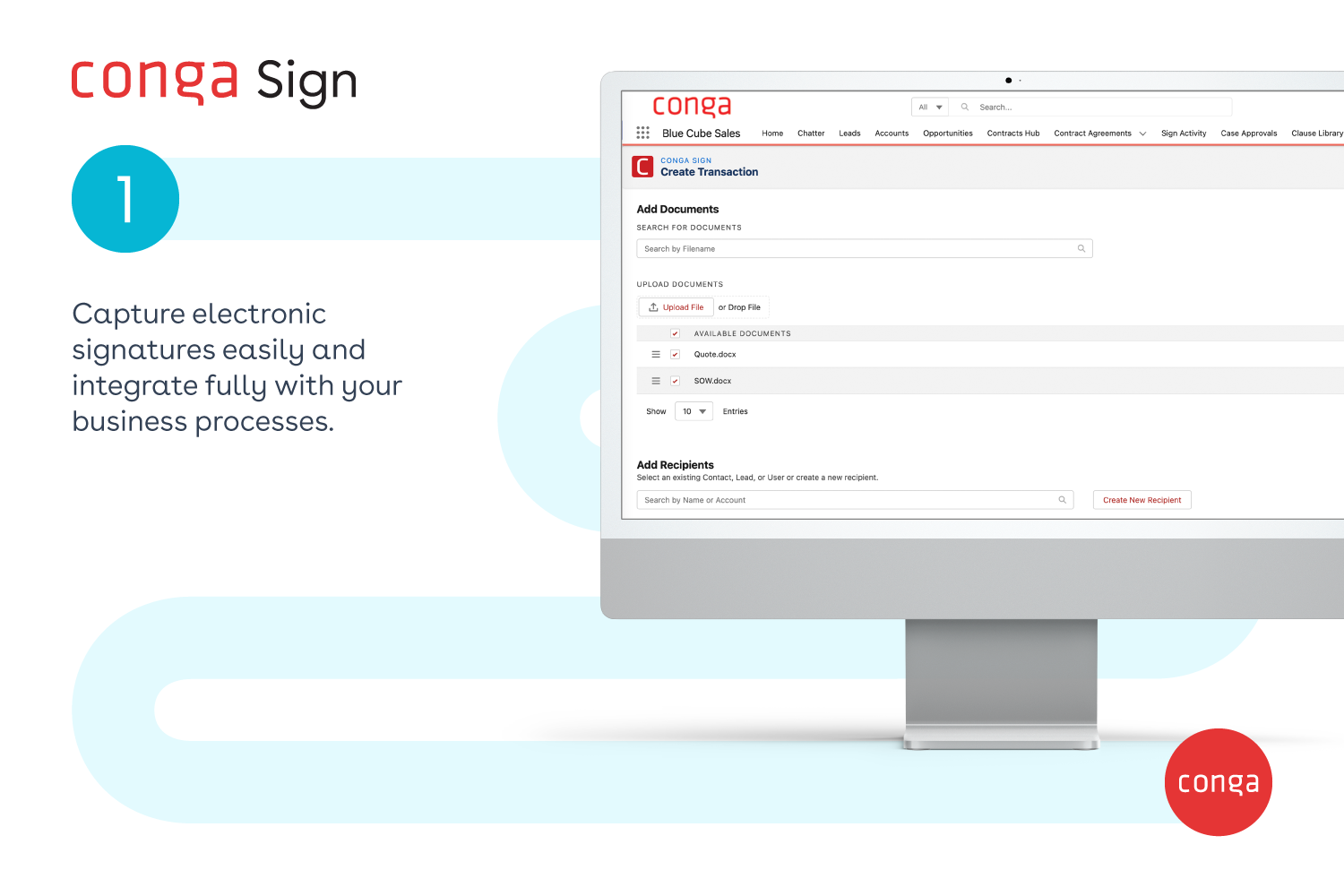
- Best for: Businesses needing a seamless e-signature solution
- Top features: Native Salesforce integration, document storage
- Pros: Robust security, compliance features, customizable workflows
- Cons: Requires additional Conga product subscriptions for full functionality
- Pricing: Contact for pricing
- G2 rating: 4.3/5
Conga Sign offers a seamless e-signature integration within Salesforce. It can streamline your document workflows and help provide a better customer experience. The forms are customizable, and Conga tracks signature status in real time.
However, Conga Sign is part of a larger product ecosystem. To access all of its features, you will have to purchase additional subscriptions starting with the core Conga software. Pricing is not publicly available and requires contacting the developer directly.
3. Docusign
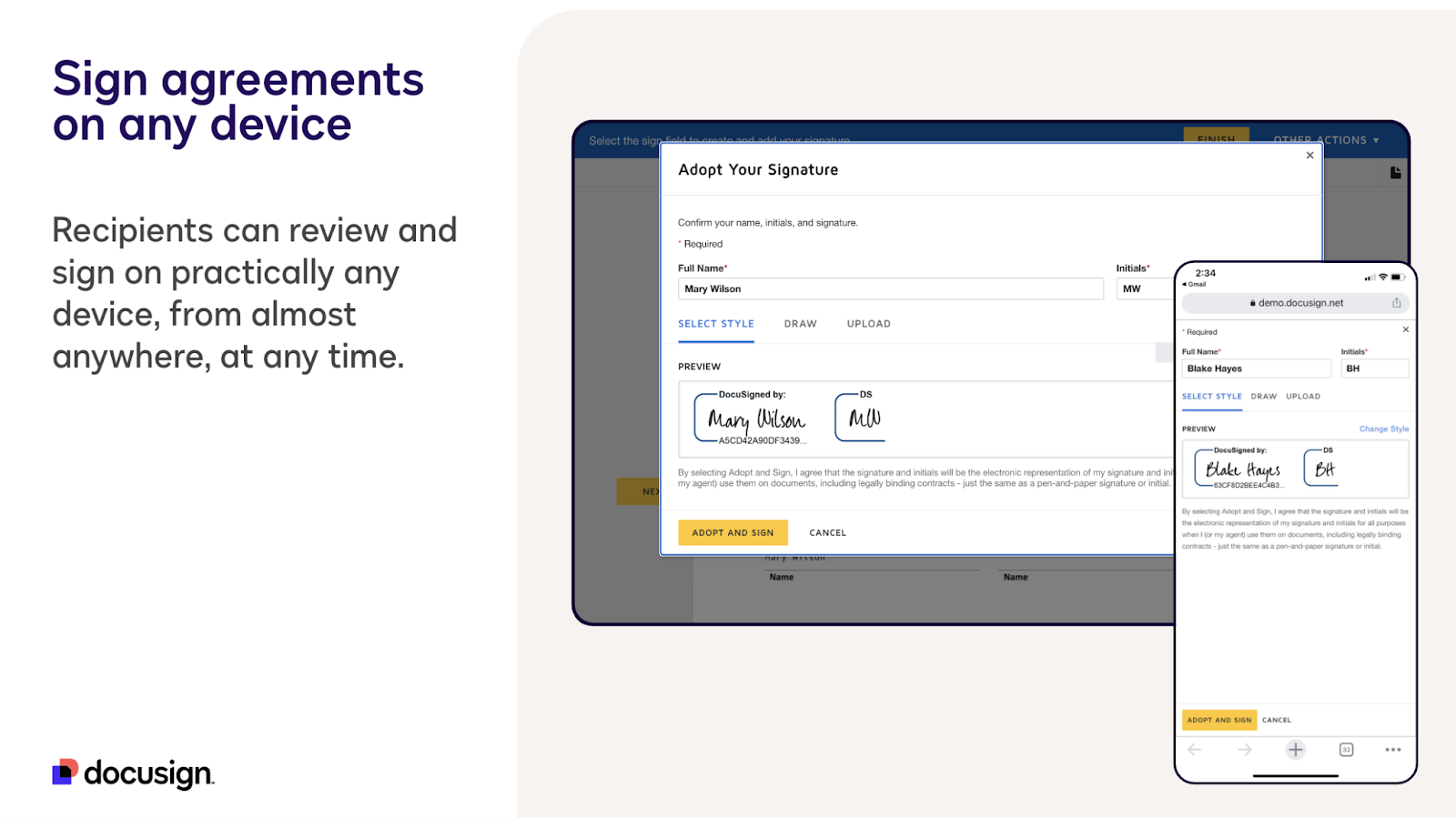
- Best for: Businesses already using Docusign
- Top features: Real-time status tracking
- Pros: User-friendly, widely used program, strong compliance standards
- Cons: Higher pricing compared to some competitors, advanced features requiring higher-tier plans, glitchy mobile forms
- Pricing: $30 per user per month
- G2 rating: 4.5/5
Docusign is one of the most well-known e-signature tools. It works well on a variety of devices and operating systems. If your team is already familiar with it, the integrated Salesforce app may be a great fit for your business.
While Docusign does offer mobile accessibility, the mobile forms can sometimes be a bit clunky or glitchy. Docusign is suitable for businesses of all sizes. It is competitively priced but does not offer as many features as some similarly priced apps like Jotform.
4. Adobe Sign
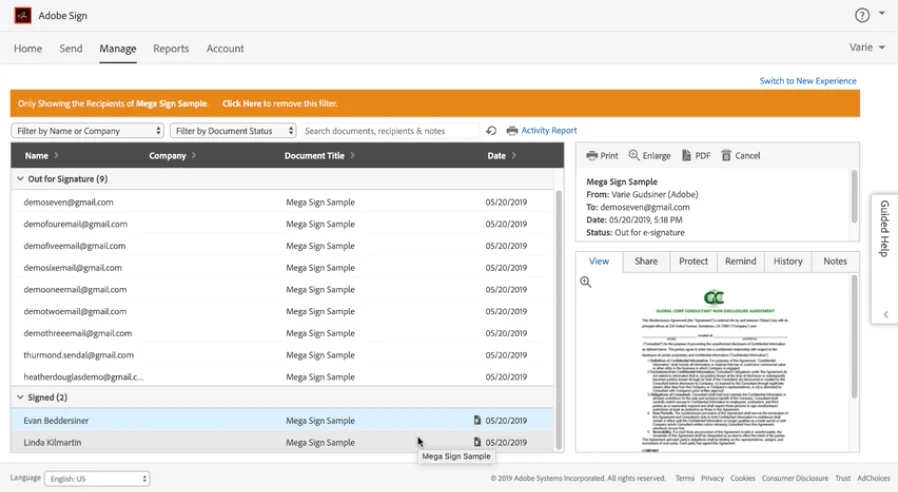
- Best for: Organizations needing integration with Adobe and Salesforce
- Top features: Integration with Adobe tools, mobile signing
- Pros: Strong brand reputation, reliable security protocols, customizable templates
- Cons: Can be expensive, certain advanced features that require additional training
- Pricing: 30-day free trial, with plans starting at $34 per user per month
- G2 rating: 4.4/5
Adobe Sign integrates with Salesforce to provide a comprehensive e-signature solution. The software is a great option if your company already uses other Adobe products. The interface will feel familiar to your team, as it features a similar setup to other apps in the Adobe ecosystem.
However, if your team does not use Adobe, Sign can have a steep learning curve. Additionally, investing in Adobe Sign can be somewhat expensive, especially if you add other Adobe tools to your workflow.
5. PandaDoc
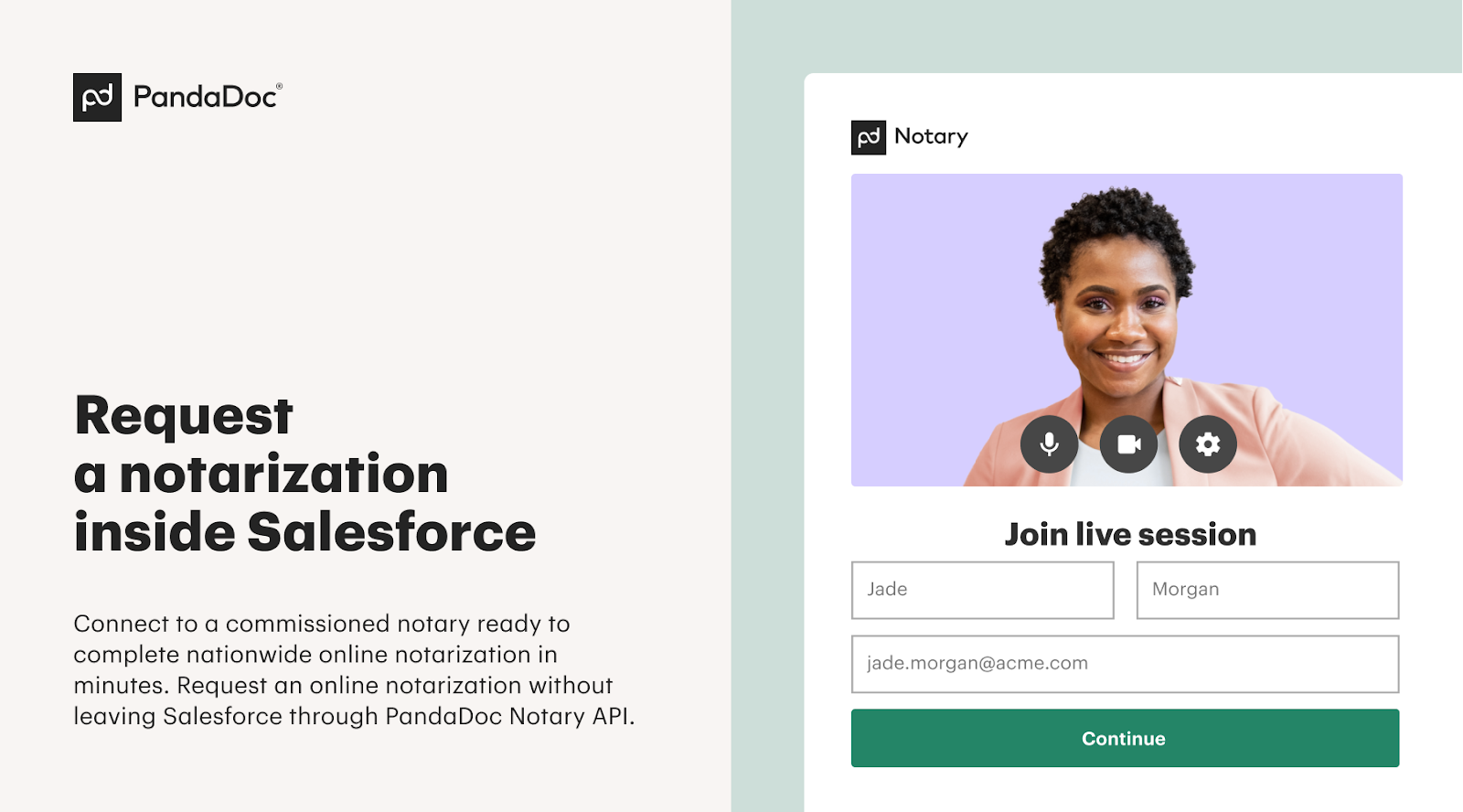
- Best for: Sales teams requiring documentation automation
- Top features: Document generation, real-time status tracking, analytics tools
- Pros: User-friendly interface, customizable templates
- Cons: Some advanced features that are locked behind higher-tier plans
- Pricing: $20 per user per month
- G2 rating: 4.7/5
PandaDoc offers an all-in-one document automation platform with e-signature capabilities. Some of the software’s other notable features include document generation, real-time signature status tracking, and customizable templates. It’s a good option for sales teams looking to streamline proposal and contract workflows.
PandaDoc also offers HIPAA-compliant documents, but this feature is only available on higher-tier plans. Overall, PandaDoc is a well-rounded platform, but some of the advanced features require an upgraded subscription.
6. Formstack for Salesforce
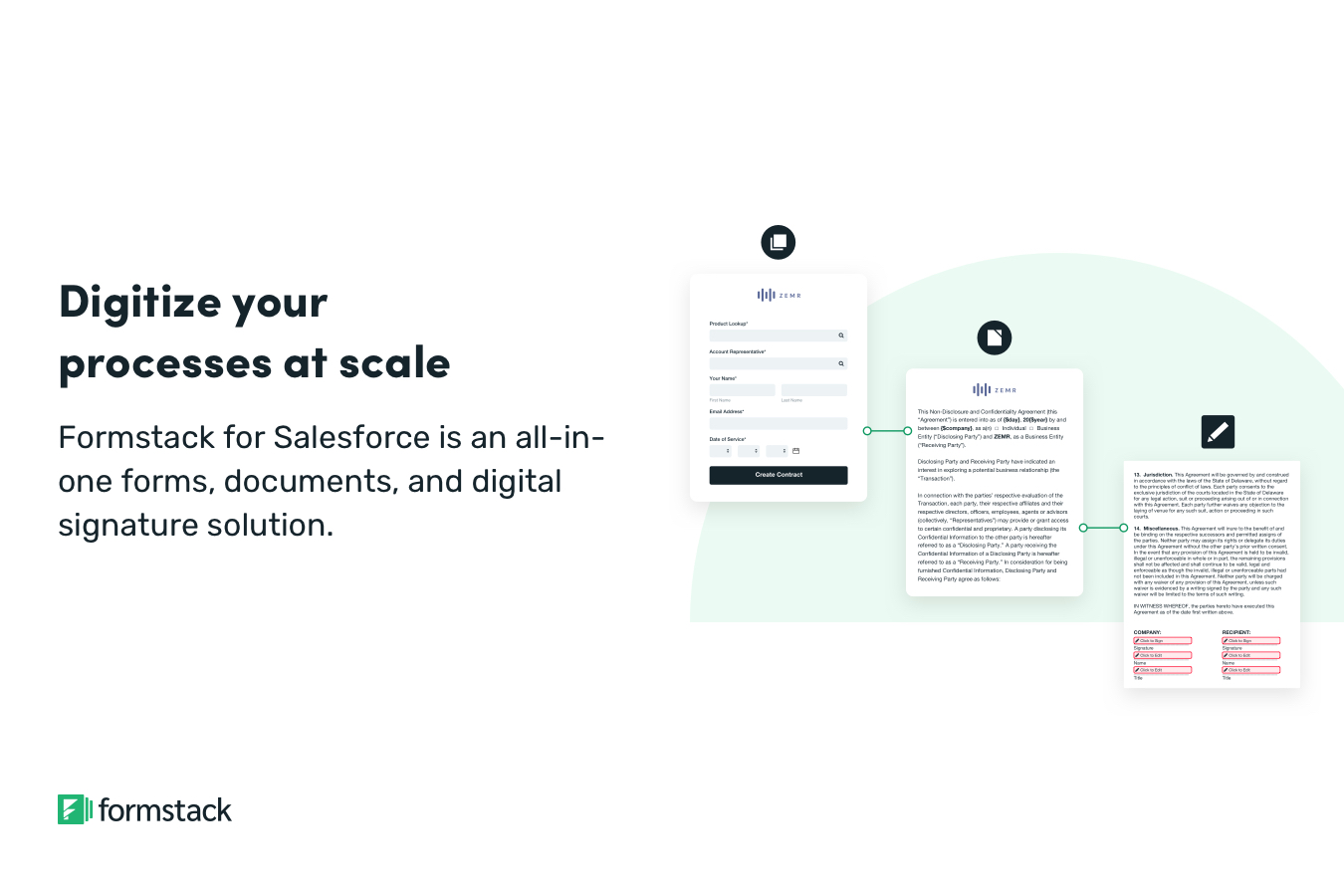
- Best for: Businesses needing robust data management tools
- Top features: Drag-and-drop form builder, prefilled forms with Salesforce data
- Pros: Lots of features and strong data management capabilities
- Cons: High price point, steep learning curve
- Pricing: $400 per company per month, plus $199 per company per month for document automation features
- G2 rating: 4.3/5
Formstack provides a native Salesforce app for creating your own forms with integrated e-signature functionality. The drag-and-drop form builder saves time when creating your own documents, but the platform itself does involve a steep learning curve.
The biggest drawback of Formstack is the price. It has a lot to offer, but it can be cost-prohibitive for small businesses. The standard version of the Formstack native form builder costs $400 per company per month. If you want to unlock the platform’s automated document generation capabilities, you’ll have to pay an additional $199 per month.
Jotform has many of the same features (and more) as Formstack, at a much better price. Jotform offers a freemium version and has paid plans starting at just $39 per user per month, with the top plan costing just $59 per user per month. There aren’t any hidden add-on fees, either. The price is the price.
7. Simple Signature
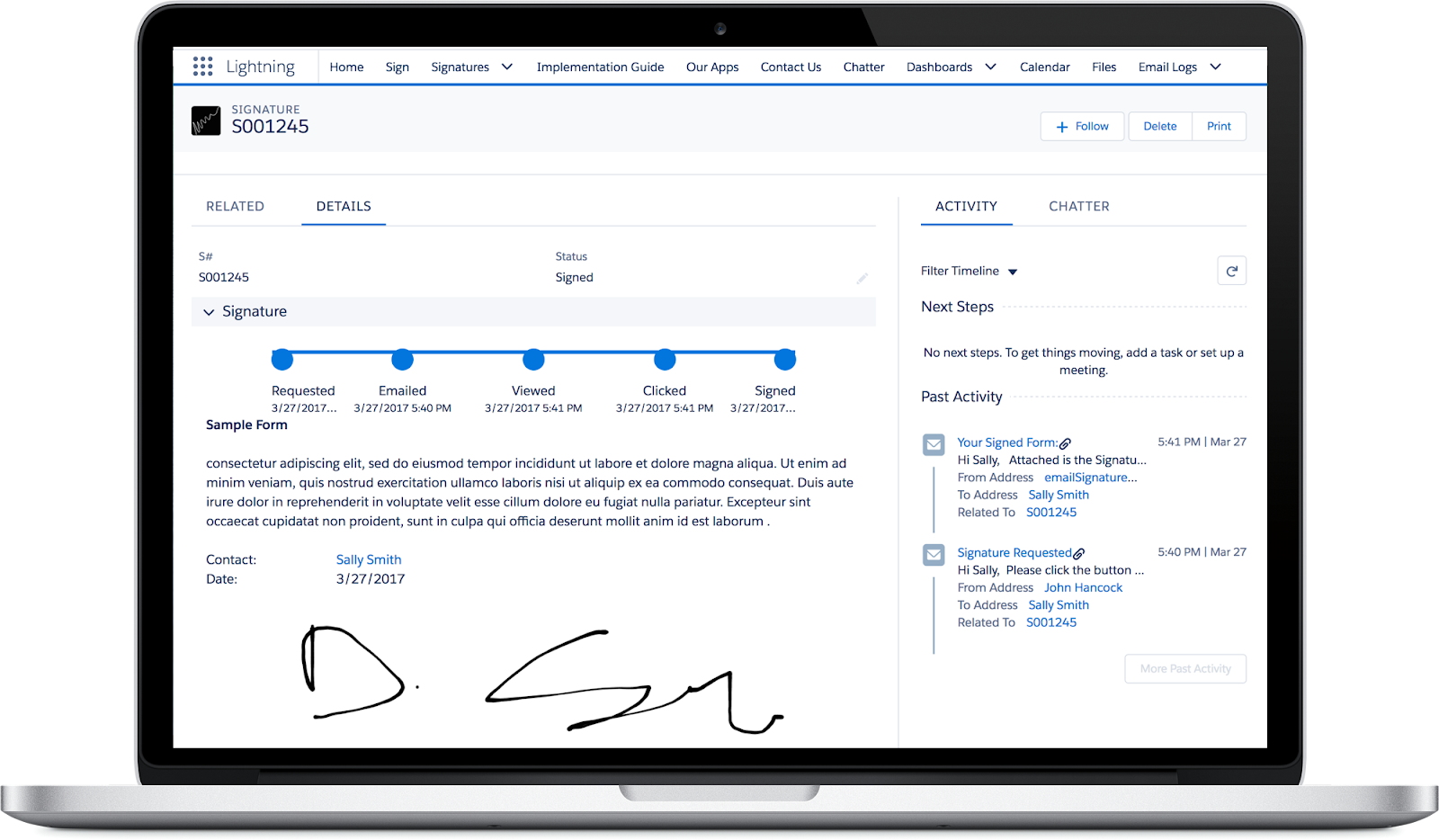
- Best for: Companies seeking a no-nonsense e-signature tool
- Top features: Document tracking
- Pros: Affordable, simple to use, easy setup
- Cons: Limited features and customization options
- Pricing: Always free
- G2 rating: 5/5
Simple Signature lives up to its name by providing a simple e-signature app that you can implement and use almost immediately. You can send documents for signature directly from Salesforce records.
That’s about where the feature list ends. Simple Signature doesn’t offer document creation or customization options and has limited auto-populate capabilities. On the bright side, it is free to use. Your business might want to consider Simple Signature as a temporary e-signature tool while it adopts a long-term solution.
8. SignNow from airSlate
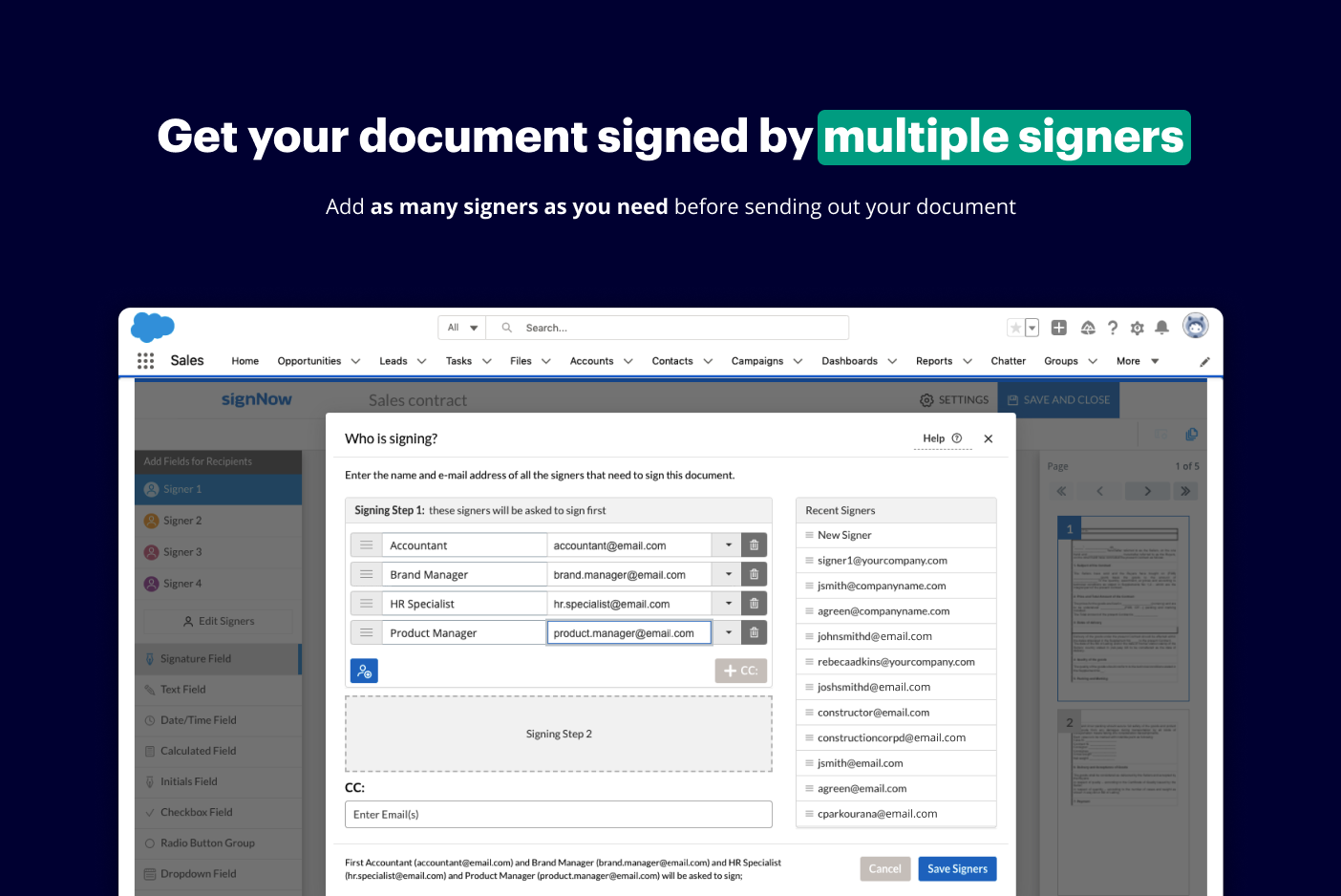
- Best for: Companies seeking a mobile-friendly option
- Top features: Bulk sending, mobile signing
- Pros: Competitive pricing, great mobile signing experience
- Cons: Limited integration options compared to some competitors, advanced features requiring higher-tier plans
- Pricing: $30 per company per month
- G2 rating: N/A
SignNow from airSlate offers a user-friendly e-signature platform that works flawlessly on mobile devices. You can send signature requests to multiple people at once using the tool’s bulk send feature. The app also has some advanced security options, which can be invaluable if you work in a tightly regulated industry.
The downside to SignNow is that you’ll need other airSlate apps to unlock more advanced features. The PDF editor and workflow automation tools are each separate subscriptions.
9. Titan Forms
- Best for: Companies seeking a comprehensive form builder
- Top features: Real-time data syncing, full form customization
- Pros: Simple no-code integration setup, versatile form-building
- Cons: Higher price compared to basic form builders, overwhelming feature set for some users
- Pricing: Contact for pricing
- G2 rating: N/A
Titan Forms provides a no-code platform for creating dynamic forms with integrated e-signature capabilities and real-time Salesforce synchronization. The app includes a drag-and-drop form builder, custom branding, and conditional logic settings that can facilitate automation at scale.
Titan Forms is packed with tools. There are two caveats, though. The company doesn’t provide upfront pricing, which means you’ll have to contact Titan for a custom quote. Additionally, learning how to use all of those tools effectively will take some time.
10. Opero Signature
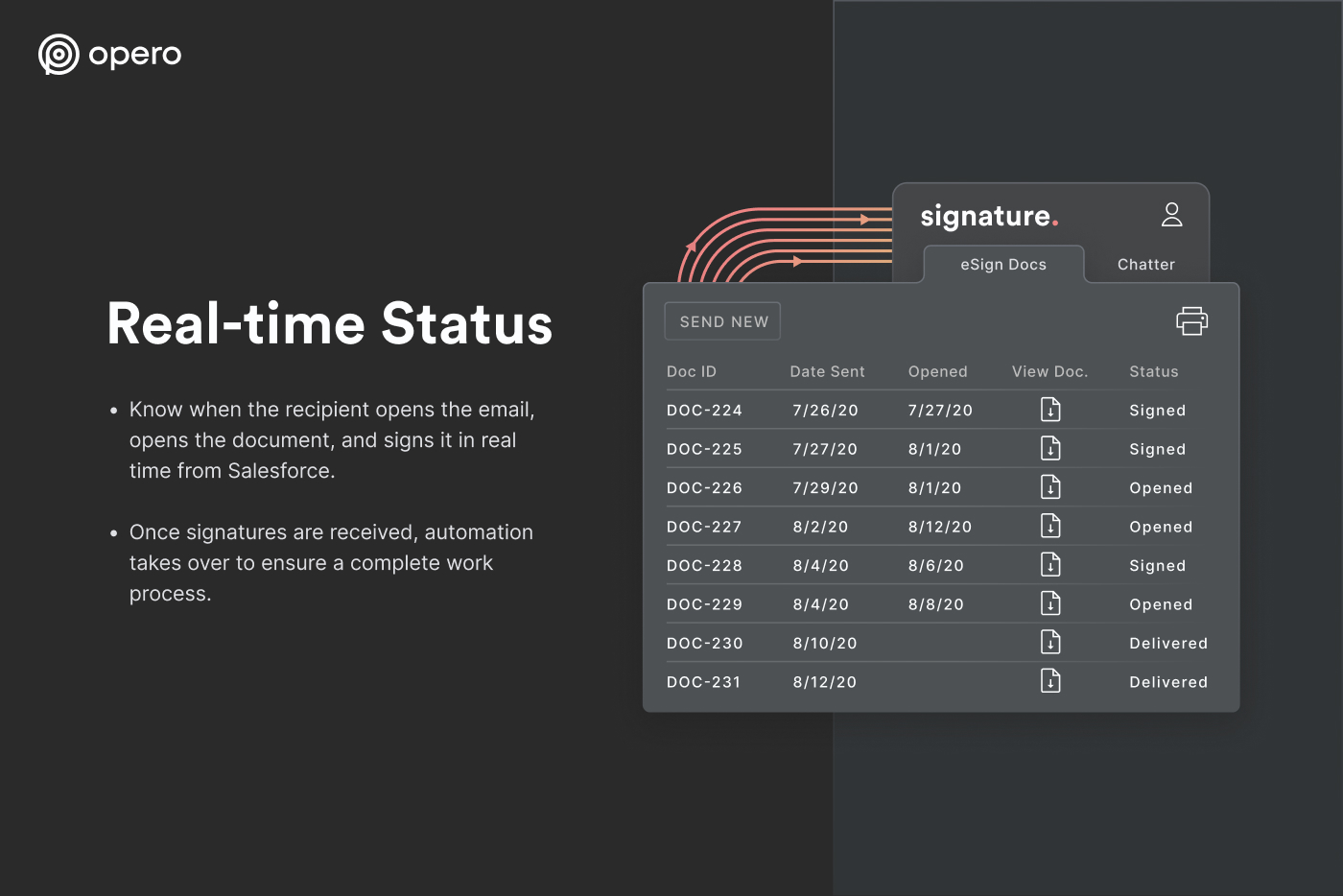
- Best for: Small teams looking for a mid-tier e-sign app
- Top features: Salesforce integration, Google Docs collaboration
- Pros: Easy integration process, simple interface
- Cons: Limited functionality outside of Google Docs and Salesforce, may not support complex signing workflows
- Pricing: Free 15-day trial, $7 per user per month (three-user minimum)
- G2 rating: 4/5
Opero Signature is a good mid-tier e-signature app. It offers more features than free software but still won’t break the bank. You can get started for just $7 per user per month but must enroll at least three users.
The non-branded signing process delivers a simple and clean experience for customers. It’s best if you want a user-friendly e-signature app but require a few more features than apps like Simple Signature.
Which Salesforce electronic signature solution is right for you?
There are plenty of great Salesforce electronic signature platforms on AppExchange. However, Jotform stands out as one of the most versatile and user-friendly. With Jotform, you can accelerate your document workflows and access our drag-and-drop form builder. Create custom forms in minutes and pre-populate them with up-to-date client information from your Salesforce records.
Want to learn more about how to maximize the benefits of your Salesforce platform? Check out our guide on Salesforce basics for some actionable tips that you can incorporate into your day-to-day workflows.
By combining Salesforce best practices with a top electronic signature and form creation app like Jotform, you can collaborate like never before.
Try Jotform today.
This guide is for Salesforce admins, RevOps/sales ops leaders, legal ops, and IT teams at SMBs and enterprises who want to execute contracts, approvals, and client forms directly inside CRM.























































































Send Comment: