
Top 13 enterprise project management software
Enterprise project management software is a must-have for growing organizations that manage complex projects: It solves siloed communication, resource bottlenecks, inconsistent workflows, and poor operational adoption across regions.
As a project manager for over a decade, I’ve tried most enterprise project management tools. To help you decide the right software for you, I’ve broken down each tool, sharing key features, pros, cons, and different plans and pricing options, along with my tips on evaluating tools for scalability.
What is enterprise project management software?
Enterprise project management software is any scalable, centralized platform that helps large organizations to plan, coordinate, and manage complex, multi-team projects with the visibility, governance, and automation necessary to deliver work at scale.
Large organizations use enterprise project management solutions to
- Project management office (PMO) oversight
- Coordinate work across multiple teams or regions
- Track resources, capacity, and budgets across large, complex project portfolios
Key factors in selecting an enterprise PM software
Selecting the right enterprise project management software starts with understanding which capabilities will have the greatest impact on scale, alignment, and portfolio visibility.
Not every enterprise organization has the same brief when it comes to selecting an enterprise PM software, but the factors below should help you:
- Portfolio-level visibility: Ensure the tool offers cross-project tracking, prioritization, and resource allocation across all active and planned initiatives.
- Strategic alignment: Look for features that link projects to business objectives, OKRs, or strategic roadmaps.
- Resource management: The platform should allow capacity planning, workload balancing, and skills-based task assignments.
- Financial oversight: Budget tracking, forecasting, and ROI measurement are essential for enterprise-level investment visibility.
- Governance and workflows: Choose software that supports stage gates, custom approval chains, and standardized methodologies (like Agile, Waterfall, or hybrid).
13 best enterprise project management software
| Tool | Best For | Key Features | Pricing |
|---|---|---|---|
 Jotform Enterprise |
Scalable, no-code platform with hundreds of integrations |
|
|
 Asana |
Intuitive and fast setup without heavy customization |
|
|
 ClickUp |
Customization for those who can handle the complexity that comes with it |
|
|
 Monday.com |
Visual project tracking with strong cross-department workflows |
|
|
 Nifty |
Automated milestone tracking |
|
|
 Microsoft Planner |
Organizations already embedded in the Microsoft ecosystem |
|
|
 Basecamp |
Simple, team-friendly project coordination without complexity |
|
|
 Zoho Projects |
Affordable project management solution within the Zoho ecosystem |
|
|
 Teamwork |
Agencies and professional service teams |
|
|
 Smartsheet |
Affordable multipurpose solution |
|
|
 Miro |
Visual collaboration, brainstorming, and cross-team planning |
|
|
 Wrike |
AI integrations that enhance project workflows |
|
|
 Airtable |
Database-style systems to support and extend project management workflows |
|
|
1. Jotform Enterprise
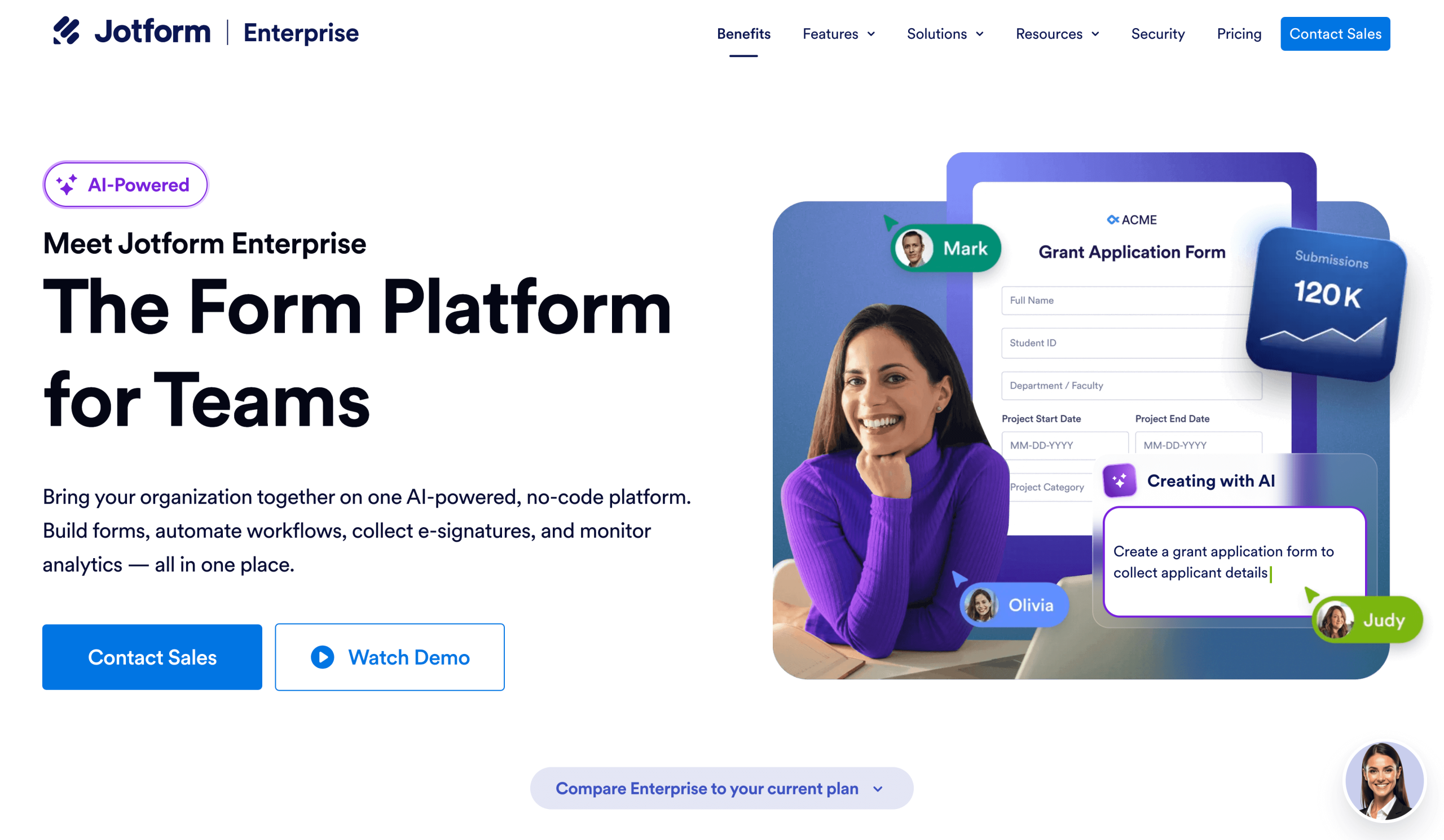
Jotform Enterprise is the answer to many problems that enterprise organizations experience. You can bring your organization together onto a single white-label platform offering forms for data collection on any device, automated workflows, document management with e-signature function, and more. It’s no-code, and you can monitor analytics and performance from your enterprise dashboard.
Jotform also integrates with over 700 tools, and there are APIs, webhooks, and hundreds of connectors — whatever your tech stack, Jotform can work with it.


- Best for:
- Enterprise organizations that need a scalable, no-code platform with hundreds of integrations
- Key features:
- Enterprise security: Enterprise-grade security featuring encryption, compliance frameworks, data residency, and SSO to protect sensitive information across all operations.
- Enterprise capabilities: Scalable enterprise functions including unlimited usage, multiuser access, advanced controls, and compliance-ready infrastructure (i.e., HIPAA). If you have any issues with Jotform Enterprise’s features, then you can expect expert guidance, hands-on implementation, and personalized support to ensure smooth deployment and long-term success.
- Team collaboration: Shared workspaces and role-based tools that allow teams to co-create, manage, and optimize forms, workflows, and apps in real time.
- Pros:
- AI and Automation: AI-powered tools that streamline creation, optimization, and management of forms, workflows, and customer interactions through intelligent assistants and automated processes.
- Workflows and Automation: End-to-end workflow automation on Jotform Enterprise that transforms manual processes into seamless, efficient, and fully digital experiences without requiring any coding.
- Cons:
- Some features are included in higher-priced packages, but you need to discuss your needs with the Jotform Enterprise team to confirm what you need and what you can live without, so they can build a package that’s perfect for you.
- Plans/Pricing:
- Pricing is customized. Get in touch with Jotform Enterprise to discuss your needs.
2. Asana
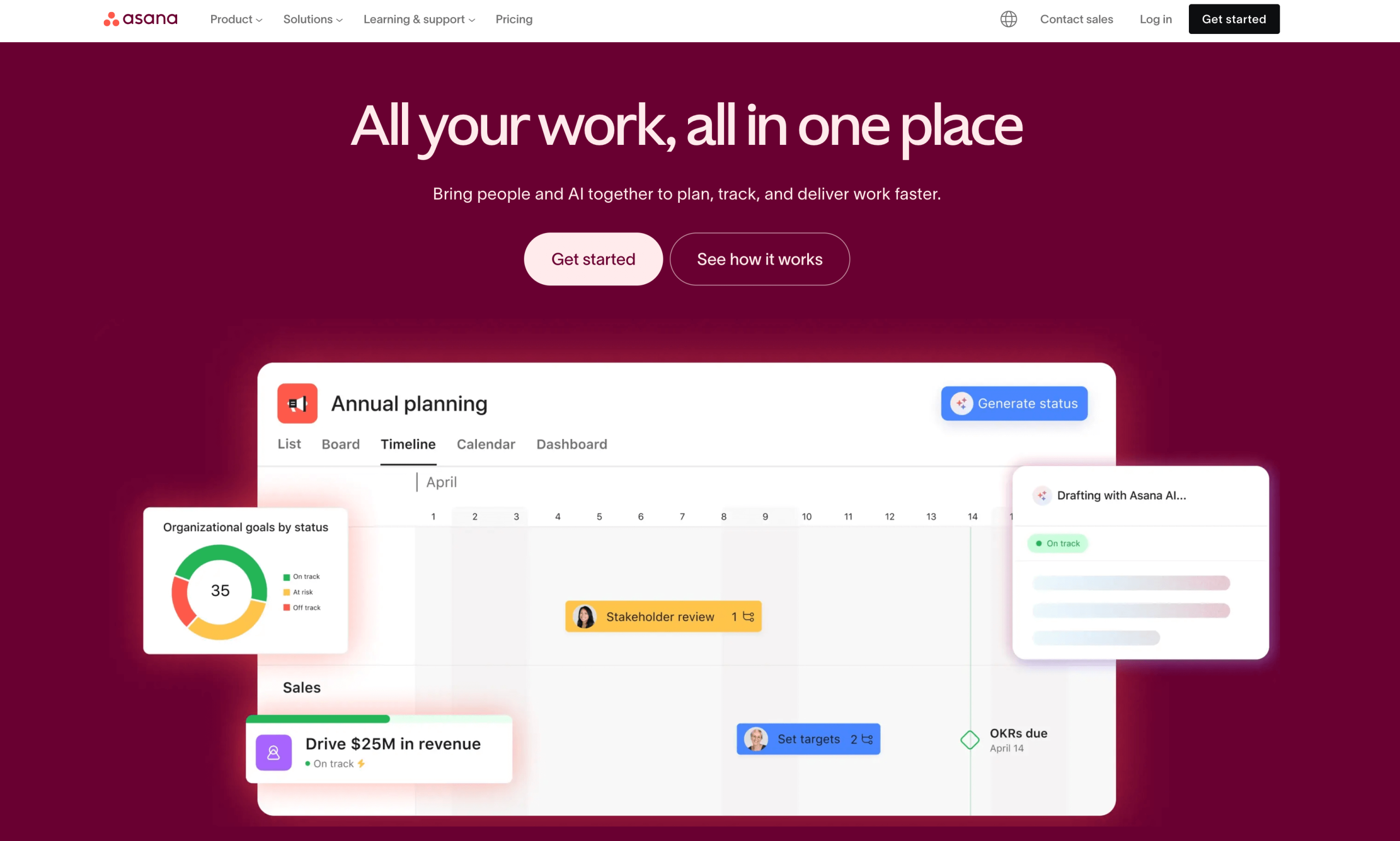
Asana is a user-friendly and intuitive project management platform. It offers quick adoption and a straightforward structure so you can manage multiple projects with ease. Enterprise teams can organize tasks, track progress, and coordinate work without complex configuration. With portfolios, workload management, and cross-project reporting, it supports large organizations that prioritize ease of use over deep customization.
- Best for:
- Enterprise organizations that want an intuitive and fast setup without a lot of customization
- Key features:
- Portfolio and workload views for high-level oversight and resource balancing across multiple projects.
- Rules-based automation that reduces manual task updates and streamlines repeatable workflows.
- Robust collaboration tools like comments, file sharing, and shared project spaces to keep teams aligned.
- Pros:
- Exceptionally easy to adopt, even for large teams with varied skill levels.
- Clean, intuitive interface that keeps task and project management simple and predictable.
- Cons:
- Limited customization compared to other project and portfolio management software, such as ClickUp.
- Plans/Pricing:
- You can start for free and then contact Asana for custom pricing on the Enterprisepackage.
3. ClickUp
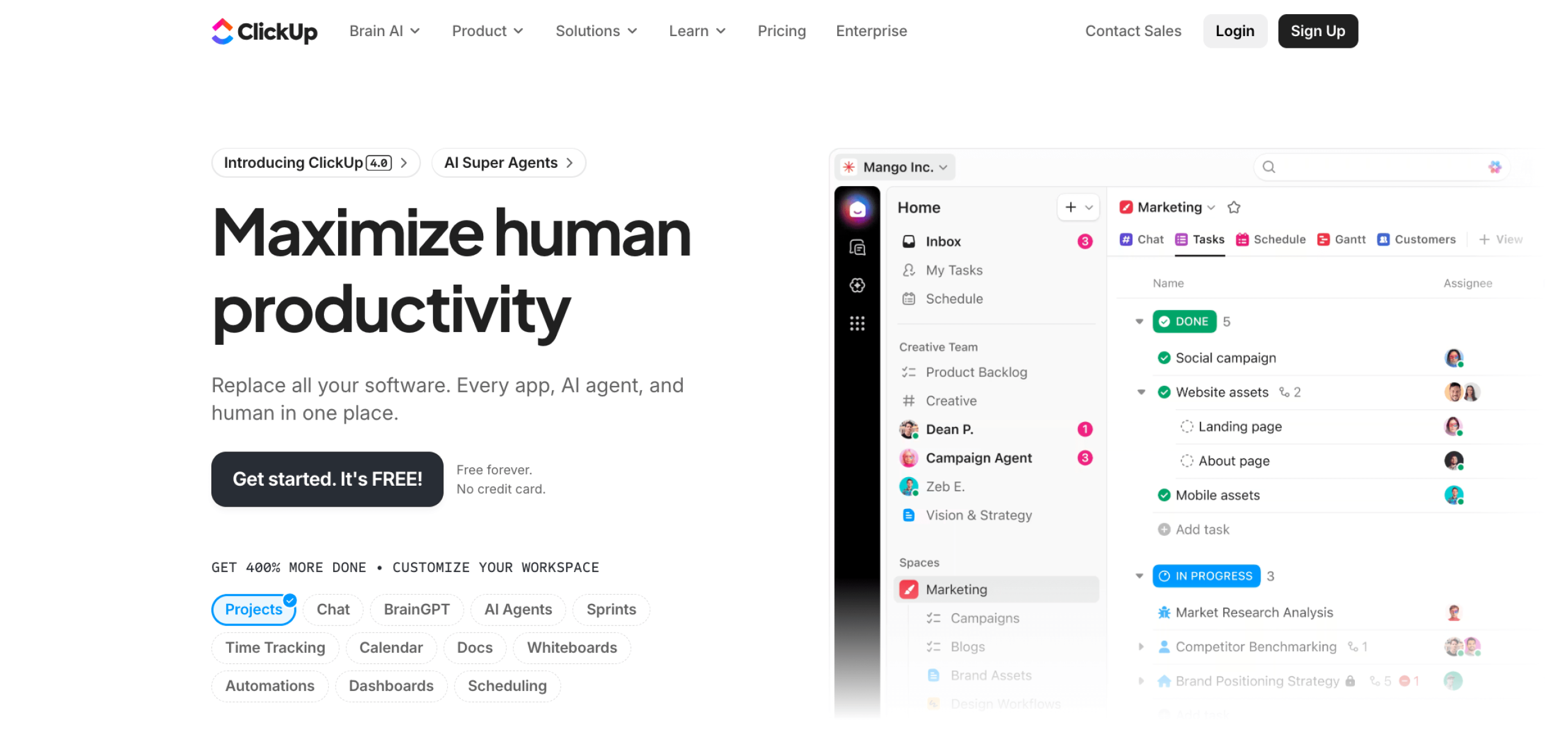
ClickUp offers highly customizable workflows, views, and automations to the point it can be overwhelming. It offers an extensive feature set, including docs, tasks, goals, whiteboards, dashboards, and more. Plus, its pricing is competitive compared to Asana.
- Best for:
- Organizations that want customization and can handle the complexity that comes with it
- Key features:
- High customization across tasks, project views, custom fields, and workflow rules to match any operational model.
- Built-in docs, dashboards, and whiteboards for consolidating planning, collaboration, and execution in one platform.
- Advanced automations, even on cheaper plans, that streamline repetitive actions and maintain consistency across teams or projects.
- Pros:
- Highly flexible, enabling enterprises to tailor the platform to complex or niche workflows.
- All-in-one toolkit, reducing the need for multiple separate projects or knowledge-management tools.
- Cons:
- High-customization options come with risks. There’s always a risk ClickUp will become overengineered, different teams build custom workflows, and teams start to work in siloes. To benefit from ClickUp’s flexibility, your teams must manage the required setup and governance.
- Plans/Pricing:
- You can start with ClickUp for free, or inquire about custom pricing on the Enterpriseplan.
4. Monday
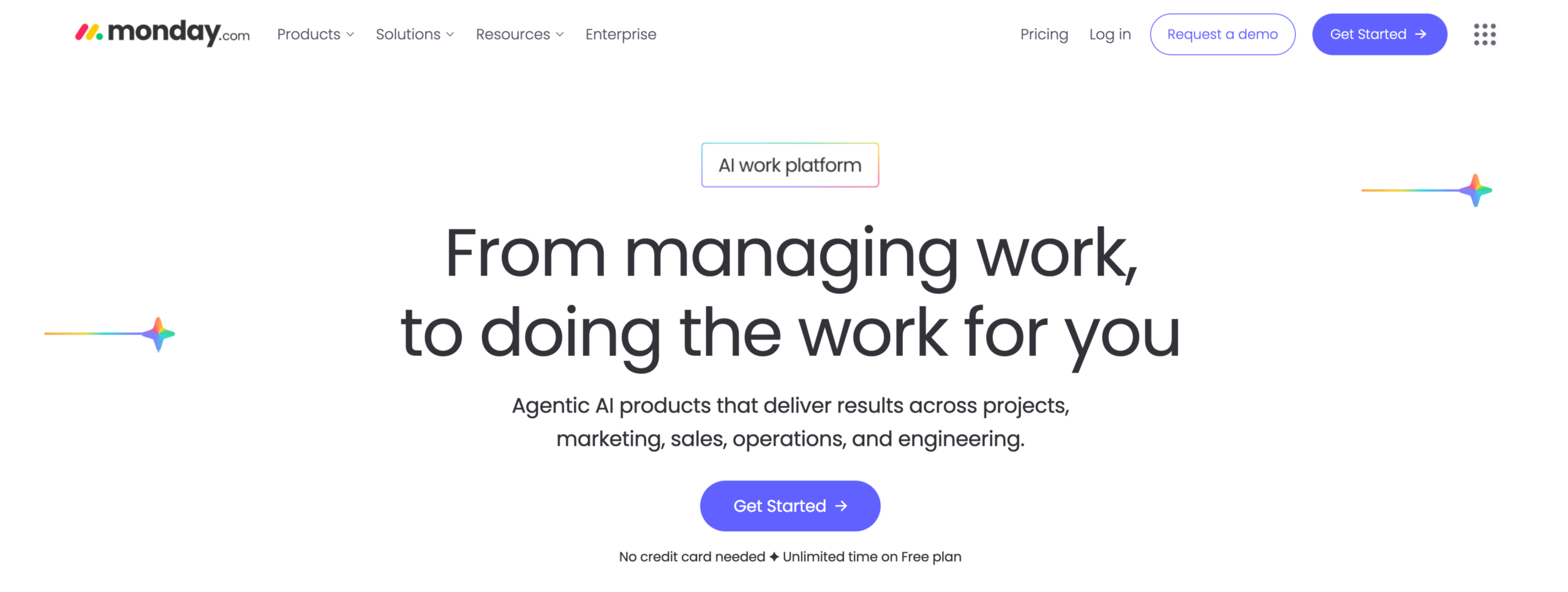
Monday is a visual project management platform designed to help enterprise teams streamline cross-departmental workflows and monitor project progress at a glance. I’ve used Monday with enterprise clients, and it manages content production workflows at scale. The colors make categorization and status updates easy to follow. Like Asana, it’s easy to use and intuitive.
- Best for:
- Teams needing visual project tracking with strong cross-department workflows
- Key features:
- Customizable boards and dashboards for planning, tracking, and reporting across large portfolios.
- Automations and integrations that reduce manual work and unify data across tools.
- Multiple project views (Gantt, Kanban, timeline, workload) to support different team needs.
- Pros:
- Easy to adopt, offering an intuitive interface with visual layouts that help teams ramp up quickly.
- Highly flexible, supporting a wide range of workflows across marketing, operations, product, and PMO teams.
- Scalable solution. Monday offers a customer relationship management (CRM) system: Dev to manage development workflows and Service to manage and automate service operations. You can manage more of your business within the Monday ecosystem for an additional cost if you want.
- Cons:
- Advanced features become costly, especially for large organizations needing premium functionality across multiple teams. Monday’s pricing is quite complex, and costs add up fast.
- Plans/Pricing:
- For work management only, you can start using Monday.com for free. Packages per 10 seats, billed annually, are as follows:
- Basic: $90 per month
- Standard: $120 per month
- Pro: $190 per month
- Enterprise: Contact Monday for pricing
- For work management only, you can start using Monday.com for free. Packages per 10 seats, billed annually, are as follows:
5. Nifty
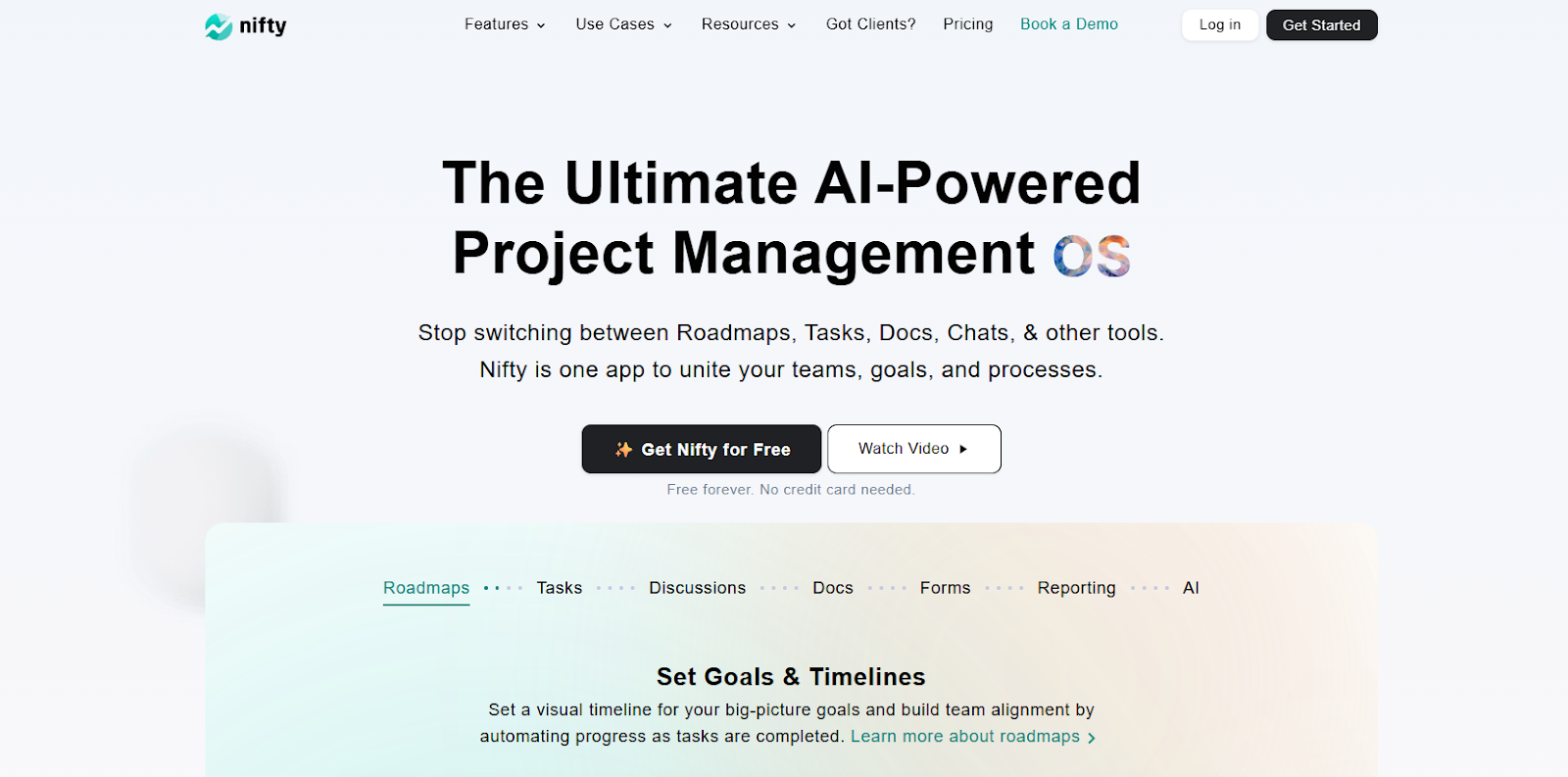
Nifty is the all-in-one project management hub designed to bridge the gap between high-level roadmaps and daily tasks. For enterprise teams, Nifty acts as a single source of truth by combining project milestones, multi-team portfolios, and real-time chat into one window. It moves beyond simple task tracking by automating progress reporting, so leadership always has a bird’s-eye view of project health without manual updates.
- Best for:
- Automated milestone tracking
- Key features:
- Real-time progress tracking that updates as tasks are completed.
- A centralized dashboard to manage hundreds of projects and team workloads simultaneously.
- Built-in team chat, document sharing, and file proofing to eliminate app-hopping.
- Custom SAML-based SSO, IP restrictions, and dedicated success managers for scaling teams.
- Flexible views, including Gantt, Kanban, and List to suit different departmental needs.
- Pros:
- Nifty replaces 4-5 different tools (like Slack, Jira, and Trello) with a single, high-performance workspace that actually scales.
- Cons:
- The “Unlimited” plan is a high-value flat fee, which might be overkill for teams with fewer than 10 members.
- Plans/Pricing:
- Nifty offers a free forever plan for small teams; the paid plan starts from $7 per user per month.
6. Microsoft Planner
Microsoft Planner is a longstanding enterprise project management solution. Microsoft Planner excels in environments that require detailed planning, resource scheduling, and formal project methodologies such as Waterfall or hybrid frameworks.
Its tight integration with Microsoft’s productivity suite enables teams using Microsoft tools to have smoother collaboration, centralized reporting, and streamlined governance across large teams.
- Best for:
- Organizations already embedded in the Microsoft ecosystem
- Key features:
- Advanced Gantt charts and scheduling tools that support complex project timelines and dependency management.
- Resource and portfolio management for balancing workloads, forecasting utilization, and prioritizing enterprise initiatives.
- Native Microsoft integrations, including Teams, SharePoint, and Power BI, for enhanced reporting and collaboration.
- Pros:
- Highly robust for structured project planning, offering powerful tools for scheduling, baselining, and tracking.
- Seamlessly integrates with Microsoft 365, creating a unified environment for communication, reporting, and documentation.
- Cons:
- Outdated user experience, with a more traditional Microsoft interface that feels less visual and intuitive compared to modern platforms like Monday.com, Jotform Enterprise, or Asana.
- Plans/Pricing:
- If you’re already paying for Microsoft 365, then Projects is included. If you want to buy a package, then you have three options:
- Planner Plan 1: $10 per user per month
- Planner and Project Plan 3: $30 per user per month
- Planner and Project Plan 5: $55 per user per month
- If you’re already paying for Microsoft 365, then Projects is included. If you want to buy a package, then you have three options:
7. Basecamp
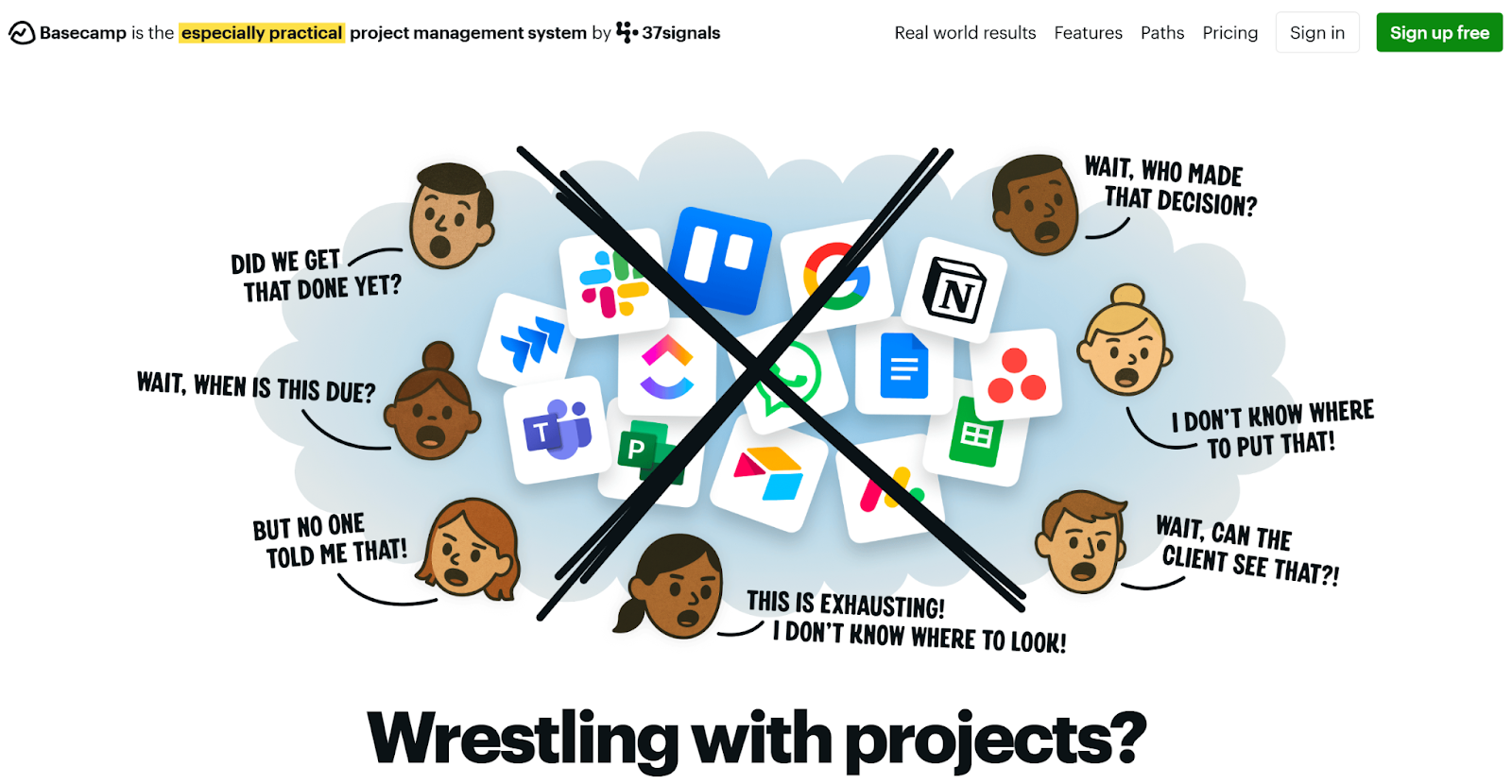
Basecamp is a straightforward project coordination tool designed for teams that prioritize simplicity over advanced project management capabilities. I’ve seen it with a client, and it does have a clean interface that brings together to-dos, messages, schedules, and file sharing. It makes it easy for large groups to communicate without getting bogged down in complex workflows.
- Best for:
- Organizations that want simple, team-friendly project coordination without complexity
- Key features:
- Centralized communication and task tracking through message boards, to-dos, and shared schedules.
- Docs and files management for organizing project assets in one accessible location.
- Automatic check-ins to replace status meetings and keep teams aligned asynchronously.
- Pros:
- Extremely easy to use, with virtually no onboarding required for large or distributed teams.
Great for communication-heavy teams, reducing the need for endless emails, chats, and meetings.
- Extremely easy to use, with virtually no onboarding required for large or distributed teams.
- Cons:
- Lacks functions that some enterprise solutions have, including advanced reporting, resource management, portfolio oversight, and workflow automation.
- Plans/Pricing:
- Try for free; then you’ll need the Pro Unlimited package for $299 per month.
8. Zoho Projects
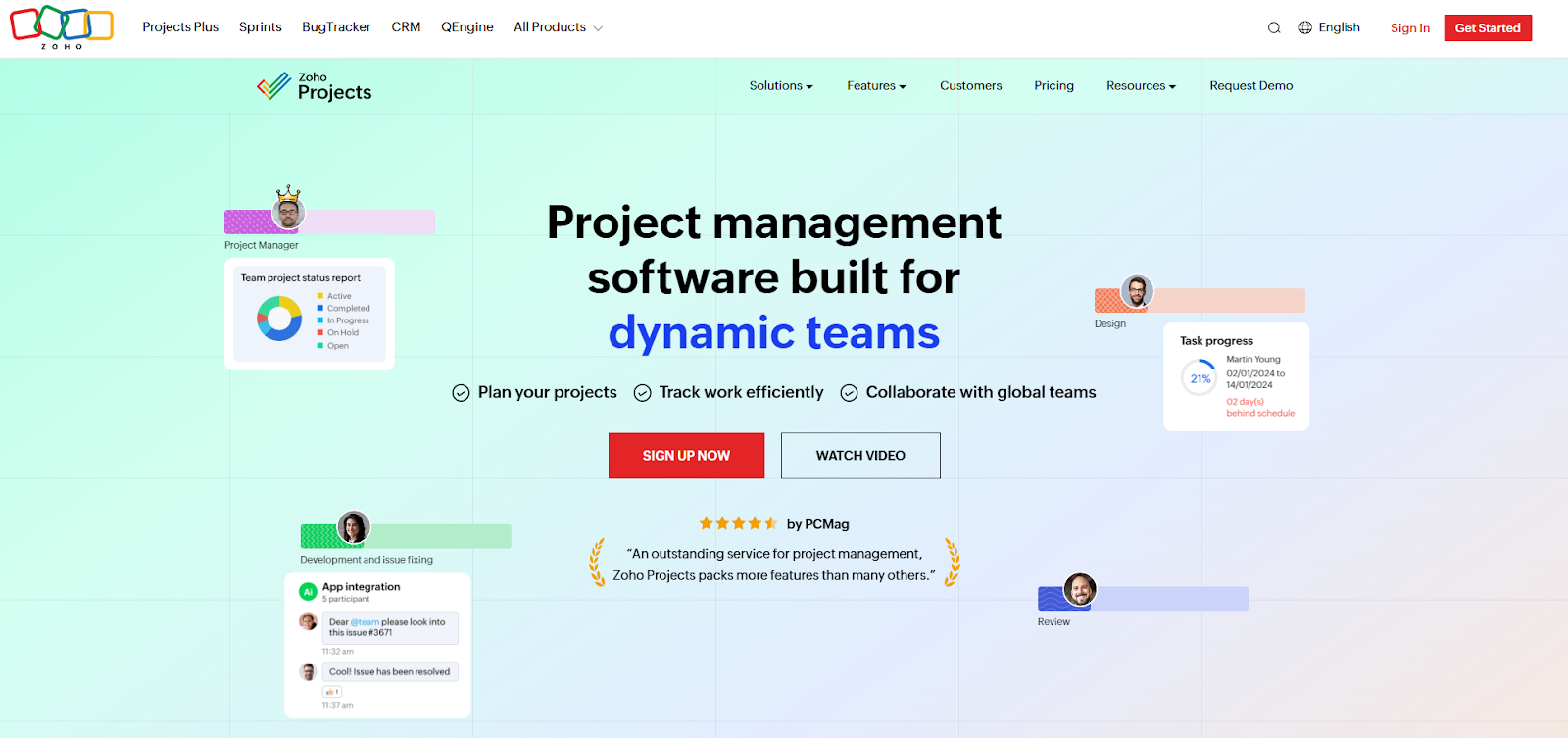
Zoho Projects is a flexible project management tool ideal for organizations that want strong function at a more accessible price point. It’s part of the larger Zoho suite, making it ideal for people already within that system because it integrates with tools like Zoho CRM, Zoho Books, and Zoho People.
- Best for:
- Enterprise organizations seeking an affordable project management solution within the Zoho ecosystem
- Key features:
- Customizable workflows and task automations to streamline repeatable processes and improve consistency.
- Gantt charts, time tracking, and task dependencies to support structured project planning and scheduling.
- Native integrations across the Zoho ecosystem, strengthening collaboration, reporting, and data flow across departments.
- Pros:
- Highly cost-effective, offering strong project management features at a significantly lower price than most enterprise tools.
- Flexible and customizable, allowing teams to tailor views, workflows, and processes to their operational needs.
- Cons:
- May lack advanced capabilities, such as complex resource management, deep portfolio insights, or large-scale governance controls.
- Less than 50 integrations in total, compared to Jotform Enterprise, which has over 700 integrations.
- Plans/Pricing:
- Start using Zoho projects for free, or choose the Enterprisepackage for$9 per month, billed annually.
9. Teamwork
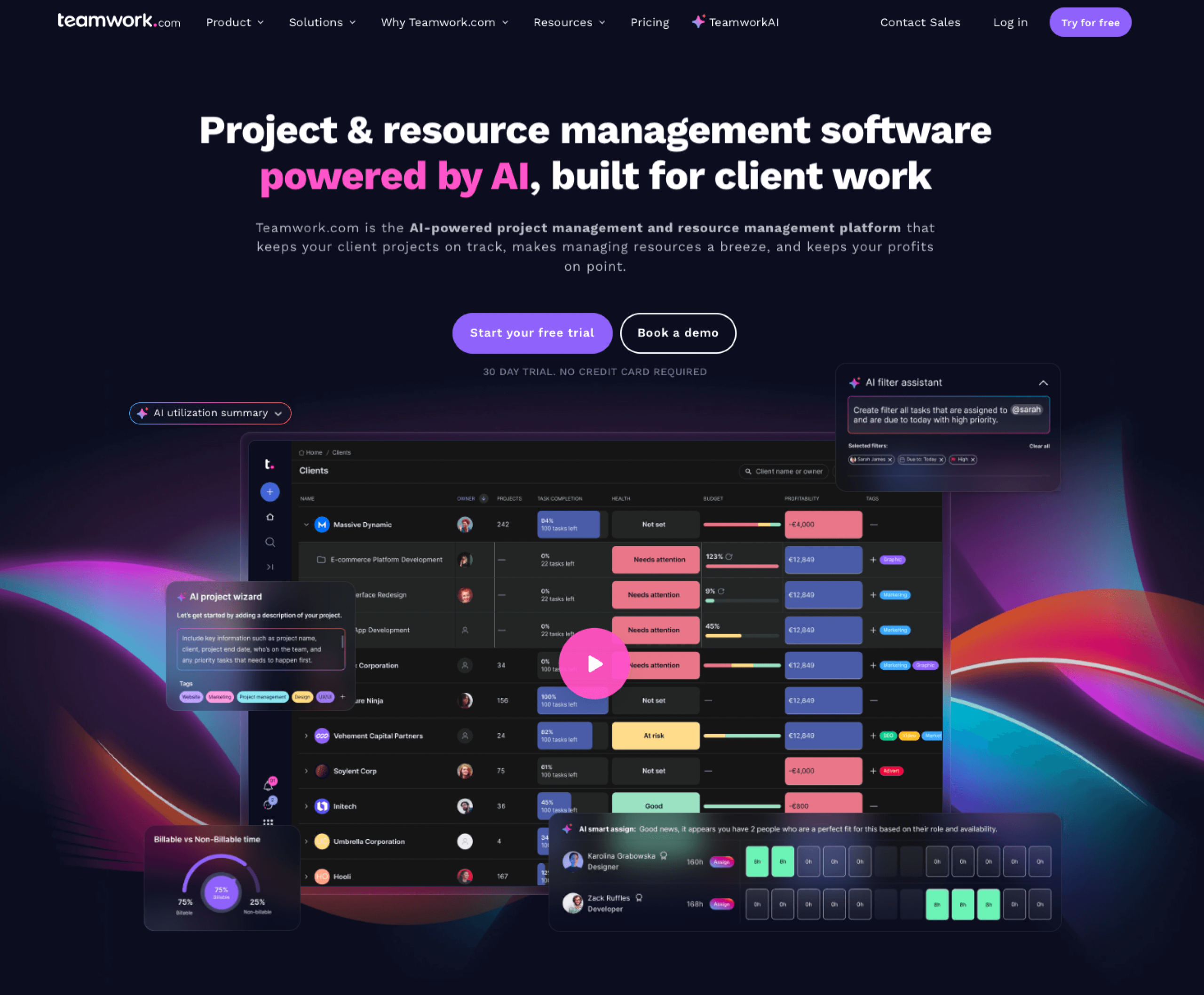
Teamwork is a project management platform designed specifically for agencies, professional services teams, and client-focused organizations. It excels in environments where managing workloads, tracking billable hours, and delivering projects predictably are top priorities. Its resource planning, time tracking, budgeting tools, and client-access features make it easy to run complex service engagements at scale.
- Best for:
- Agencies and professional service teams
- Key features:
- Resource and capacity management to allocate workloads, prevent burnout, and optimize use across teams.
- Time tracking, budgeting, and invoicing tools that support full project lifecycle management for client engagements.
- Client access features that allow external stakeholders to view progress, collaborate, and approve work securely.
- Pros:
- Purpose-built for agencies, offering the financial and operational tools needed to manage client projects end-to-end.
- Strong visibility and accountability, thanks to detailed reporting, time logs, and resource insights.
- Cons:
- Less flexible for non-service teams, with features geared primarily toward agencies rather than broad enterprise use cases.
- Not as customizable as platforms like ClickUp or Wrike.
- Plans/Pricing:
- Start for free, or try the Scalepackage at custom pricing.
10. Smartsheet
Smartsheet offers enterprise-grade project management, including solutions for operations management, portfolio management, marketing management, and more.
- Best for:
- Teams looking for an affordable multipurpose solution
- Key features:
- Multiple project videos, including grids, Gantt charts, card views, and custom formulas.
- Portfolio and resource management for strategic planning, capacity oversight, and prioritization.
- Automation and dashboards that streamline processes and provide real-time, executive-level insights.
- Pros:
- Highly adaptable, making it suitable for operational teams, PMOs, and organizations transitioning from spreadsheets.
Strong reporting and automation, supporting complex enterprise workflows and decision-making. - AI features to help you complete tasks within Smartsheet, gain AI project insights, create automations using natural language, and more.
- Highly adaptable, making it suitable for operational teams, PMOs, and organizations transitioning from spreadsheets.
- Cons:
- There’s no offline mode, and users report that as sheets and data scale, Smartsheet slows down.
- Plans/Pricing:
- Pro: $9 per month
- Business: $19 per month
- Enterprise: Custom pricing
- Advanced Work Management: Custom pricing
11. Miro
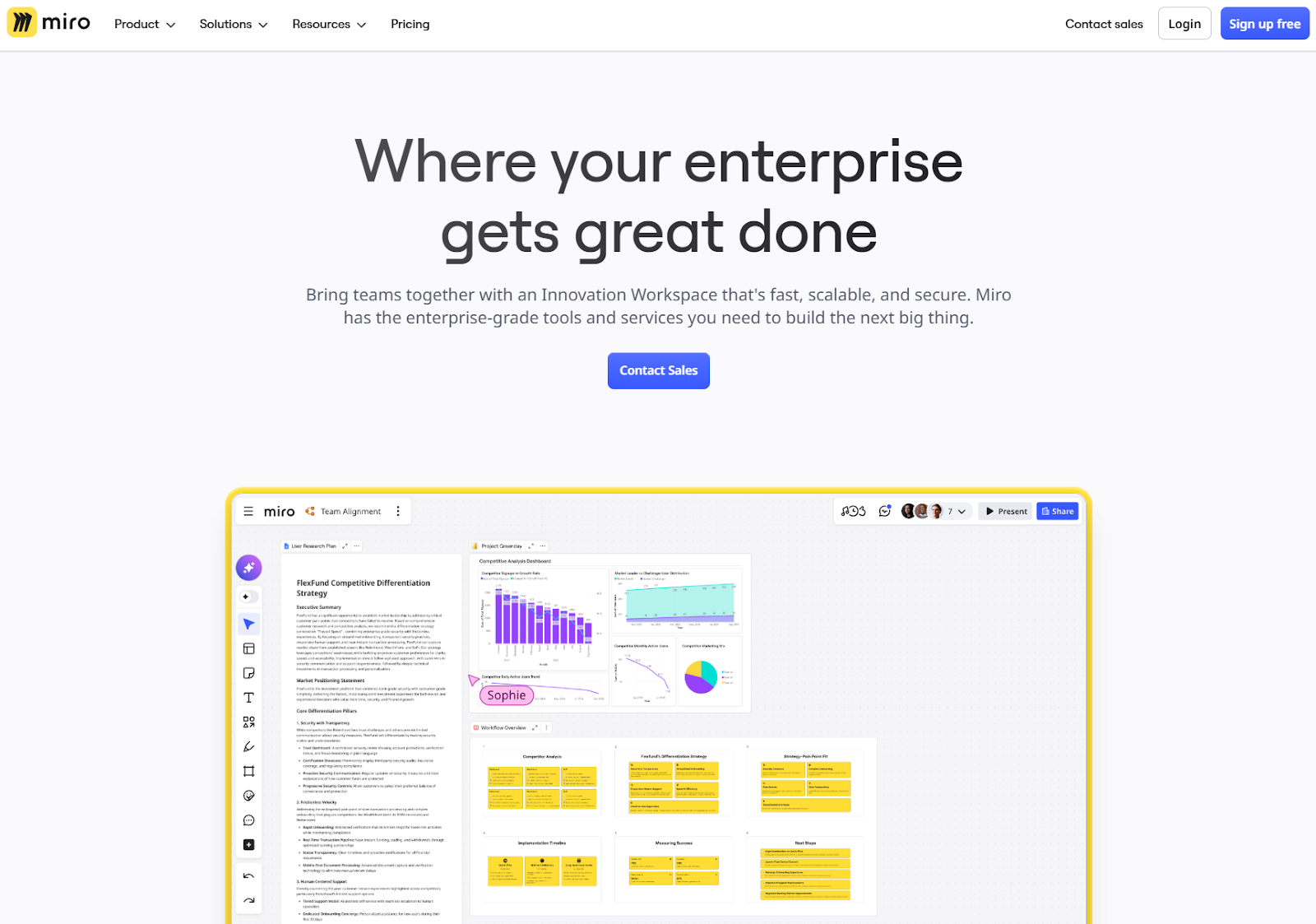
Miro is a digital whiteboard platform designed for teams that need to ideate, plan, and collaborate visually across regions or departments. It isn’t a full project management system, but it works exceptionally well alongside enterprise PM tools to support discovery, roadmapping, sprint planning, and cross-functional workshops. Miro’s templates, infinite canvas, and real-time collaboration features make it ideal for hybrid teams and innovation-focused work.
- Best for:
- Those who love visual collaboration, brainstorming, and cross-team planning
- Key features:
- Infinite visual canvas for mapping workflows, user journeys, roadmaps, and brainstorming sessions.
- Real-time collaboration with comments, sticky notes, timers, and facilitation tools for distributed teams.
- Integrations with PM platforms like Jotform, Asana, and Monday.com to turn ideas into actionable work.
- Pros:
- Excellent for early-stage planning and cross-team alignment, enhancing clarity before work enters a PM system.
- Highly engaging, promoting collaboration, creativity, and participation across hybrid or global teams.
- Cons:
- Not suitable for execution, lacking the structure needed for formal project management, resource planning, or governance.
- Plans/Pricing:
- Start for free, or try the Enterprisepackage at custom pricing.
12. Wrike
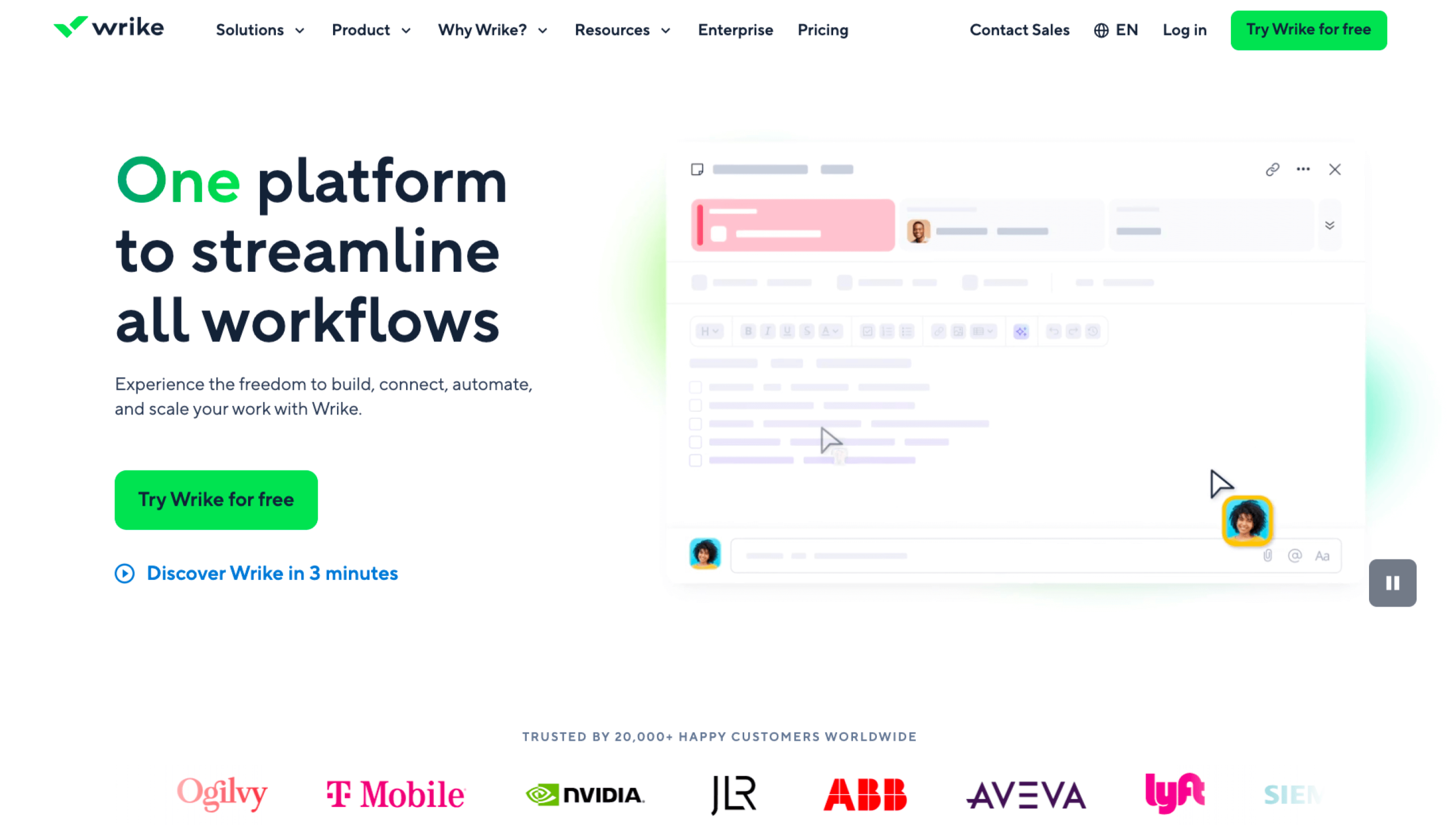
Wrike is designed for organizations that require detailed project control, strong governance, and real-time visibility across multiple teams. It integrates with your favorite AI tool, like Claude or Perplexity.
- Best for:
- AI integrations that enhance project workflows
- Key features:
- Work Intelligence™ automation for predicting risks, highlighting bottlenecks, and accelerating decision-making across project portfolios.
- Advanced workflow and permission controls that support PMO governance, departmental structures, and complex approval chains.
- Real-time dashboards and analytics for tracking progress, resources, and portfolio health at scale.
- Pros:
- Excellent for large, complex environments, offering granular controls, deep customization, and strong enterprise governance.
- Highly collaborative, with shared workspaces, live editing, and cross-team visibility to keep everyone aligned.
- Cons:
- Can feel overwhelming initially, especially for teams preferring simpler or more intuitive interfaces out of the box.
- Plans/Pricing:
- Start using Write for free; then packages, billed annually, are:
- Enterprise: Custom pricing
- Pinnacle: Custom pricing
- Start using Write for free; then packages, billed annually, are:
13. Airtable
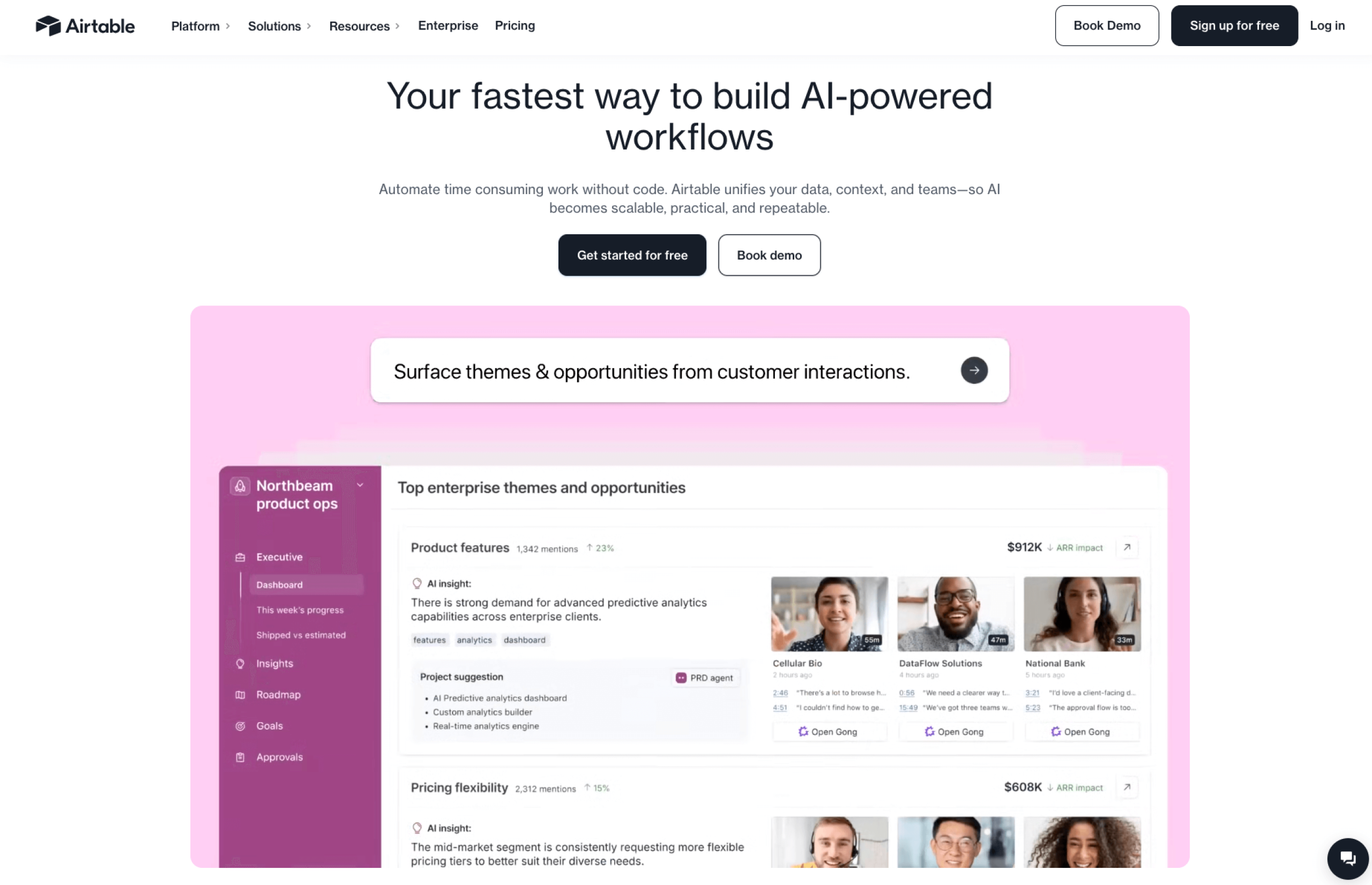
Airtable is a database platform that can be used as a project management system, but it is best used as an enhancement to enterprise project management tools. Its strength lies in structuring complex datasets, creating custom project trackers, and centralizing information teams need to refer to across systems.
Use Airtable as a complement to other project management systems, such as Jotform Enterprise. For example, the integration lets teams automatically route form submissions, resource data, requests, or project inputs directly into Airtable bases. This creates a reliable single source of truth and removes manual entry across PM workflows.
- Best for:
- Database-style systems to support and extend project management workflows
- Key features:
- Flexible database-style tables with custom fields, relationships, and formulas for building tailored project-support systems.
- Automation and integration capabilities, including strong syncing with Jotform Enterprise for seamless data collection and workflow handoffs.
- Multiple views (grid, gallery, kanban, Gantt) that help teams visualize and organize supporting project information.
- Pros:
- Extremely customizable, making it ideal for modeling complex operational processes or reference data that supports PM tools.
- Strong integrations that enable automated data flows between Jotform Enterprise and project management platforms.
- Cons:
- Not a full project management solution, requiring connection to a primary PM platform for scheduling, planning, and portfolio-level oversight.
- Plans/Pricing:
- Start for free, then try the Enterprisepackage at custom pricing.
How to choose the best enterprise project management software
Start by identifying the core problems your organization needs to solve. The best project management software for you should address as many problems as possible. The goal is to have fewer tools — and if you need more, make sure your project management software integrates with them.
- Prioritize scalability and governance: Choose platforms with clear permissions, role-based access, advanced controls, and cross-project oversight to keep large teams aligned.
- Match capabilities to your organizational structure: Select tools that support how your teams work — cross-functional, regional, PMO-led, or hybrid — without forcing rigid processes.
- Focus on workflow automation and integrations: Automations reduce manual tasks, while integrations keep data flowing smoothly across departments and systems.
- Avoid tools that can’t scale with complexity: Ensure the platform offers portfolio visibility, resource management, custom workflows, and strong security to support long-term growth.
Pro Tip
If there are non-negotiables, such as budget, start there. Shortlist the software that meets the non-negotiables and save time in your search.
Leverage Jotform Enterprise to enhance your project management process
Jotform Enterprise strengthens project management ecosystems by
- Streamlining data collection
- Automating approvals
- Reducing manual workloads
Its no-code workflows, shared workspaces, and advanced permissions make cross-department collaboration seamless, while its enterprise-grade security ensures sensitive project data is protected at every stage.
With powerful integrations and flexible customization, Jotform Enterprise integrates seamlessly with existing systems without disrupting established processes.
Pro Tip
Get started with Jotform Enterprise by contacting our sales team to learn how you can bring your organization together on a single AI-powered, no-code platform.
Frequently asked questions about enterprise project management software
The most used project management software are Asana, Monday.com, Trello, Wrike, and ClickUp.
Enterprise project management software is a scalable platform that large organizations use to plan, track, and manage complex, multi-team projects. It typically includes portfolio management, resource planning, cross-project visibility, advanced permissions, workflow automation, and integration capabilities needed to coordinate work at scale.
Big corporations often use enterprise-ready platforms such as Jotform Enterprise, Asana, Monday.com, Jira, Wrike, Smartsheet, Microsoft Planner, and Teamwork. Many combine multiple tools, which is why integrations are essential.
This article is for enterprise project managers, PMO leaders, operations executives, and anyone who wants to evaluate and implement scalable project and portfolio management tools that drive strategic alignment, resource efficiency, and streamlined cross-functional collaboration.


































































Send Comment: